
QR Barcode Scanner 2025 - QR code scanner & generator
Elevate efficiency with seamless scanning & creating of QR codes, perfect for fast, reliable mobile interactions.

- 6.6 Version
- 2.2 Score
- 823K+ Downloads
- In-app purchases License
- 3+ Content Rating

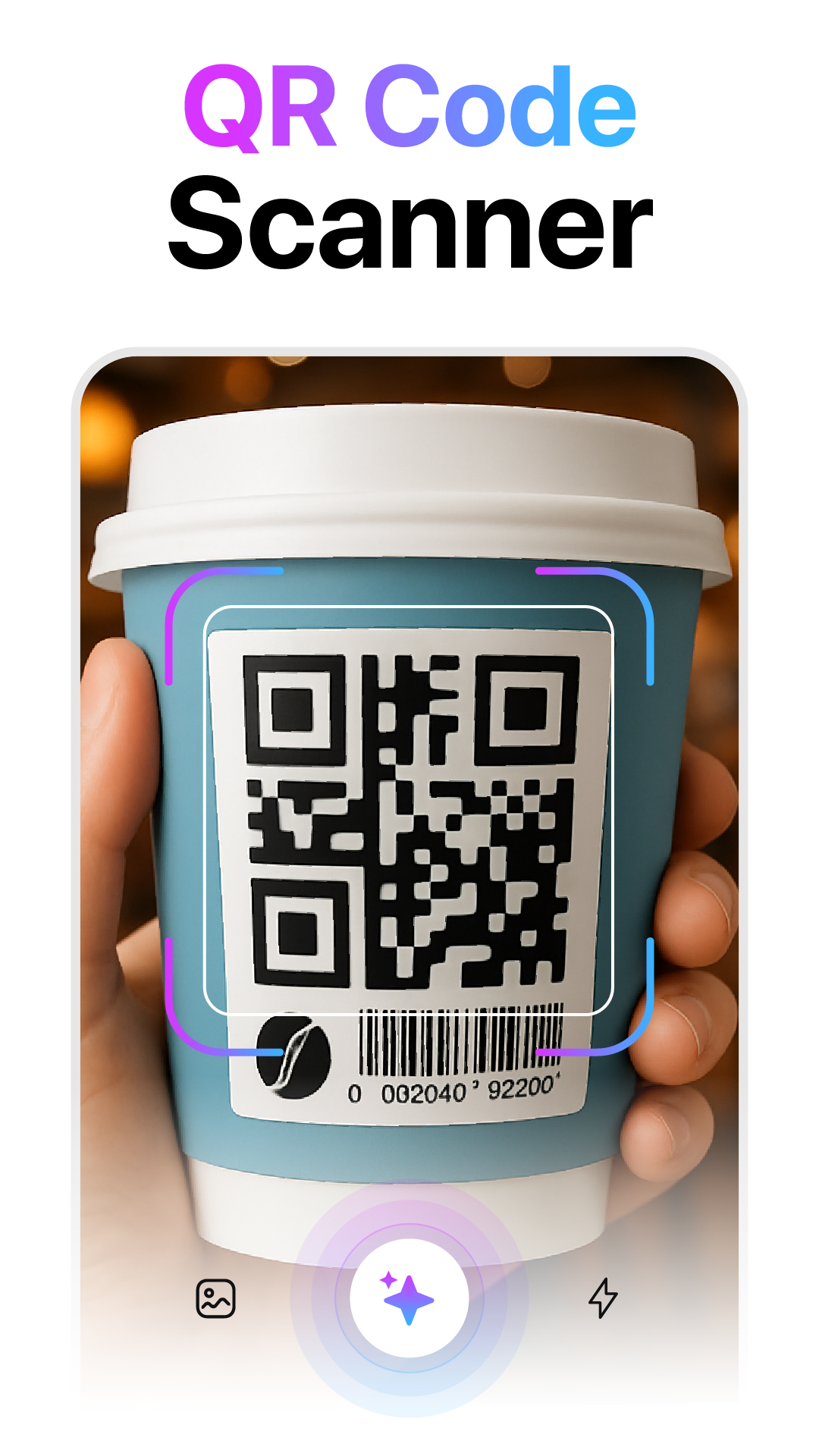
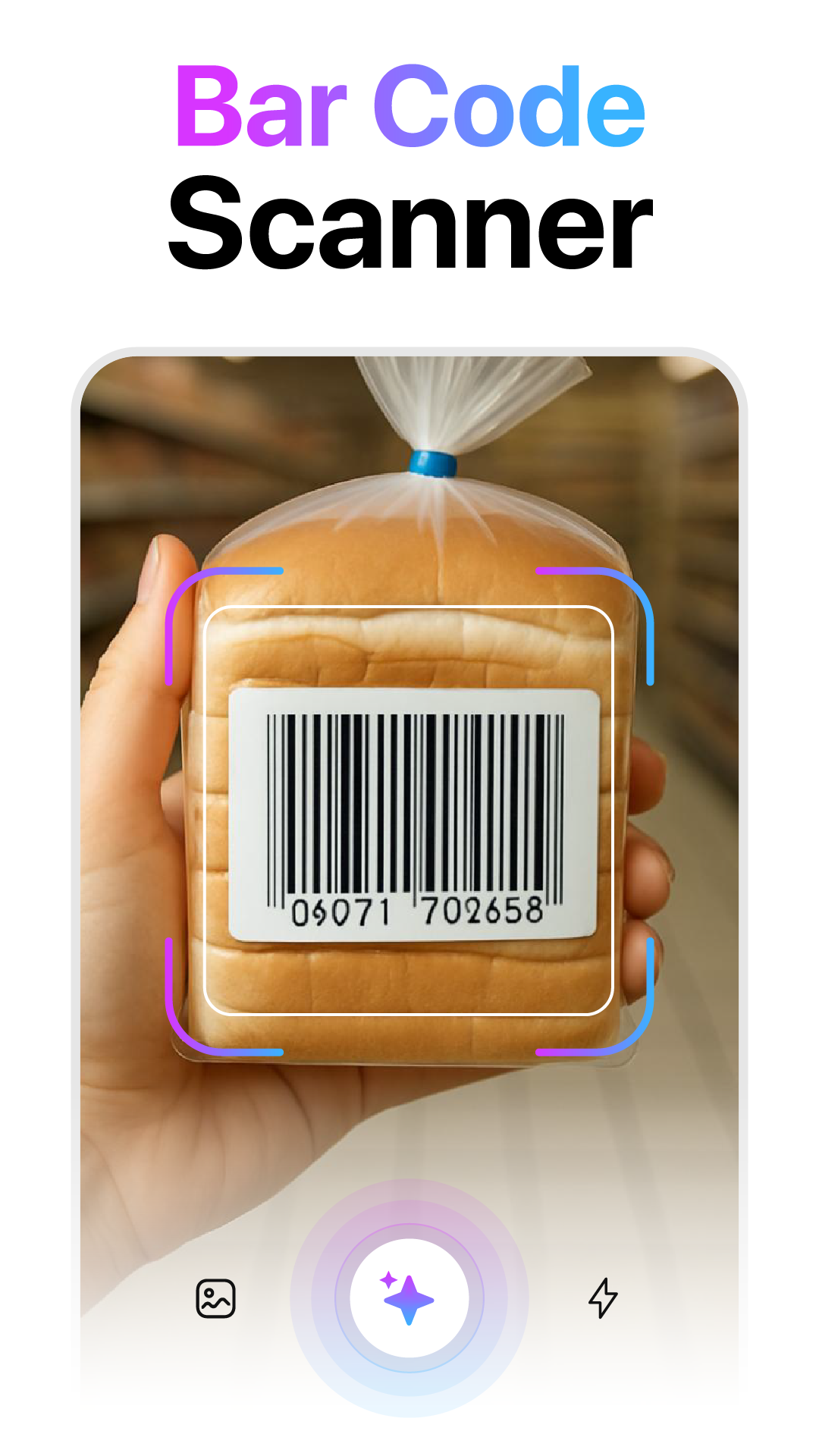
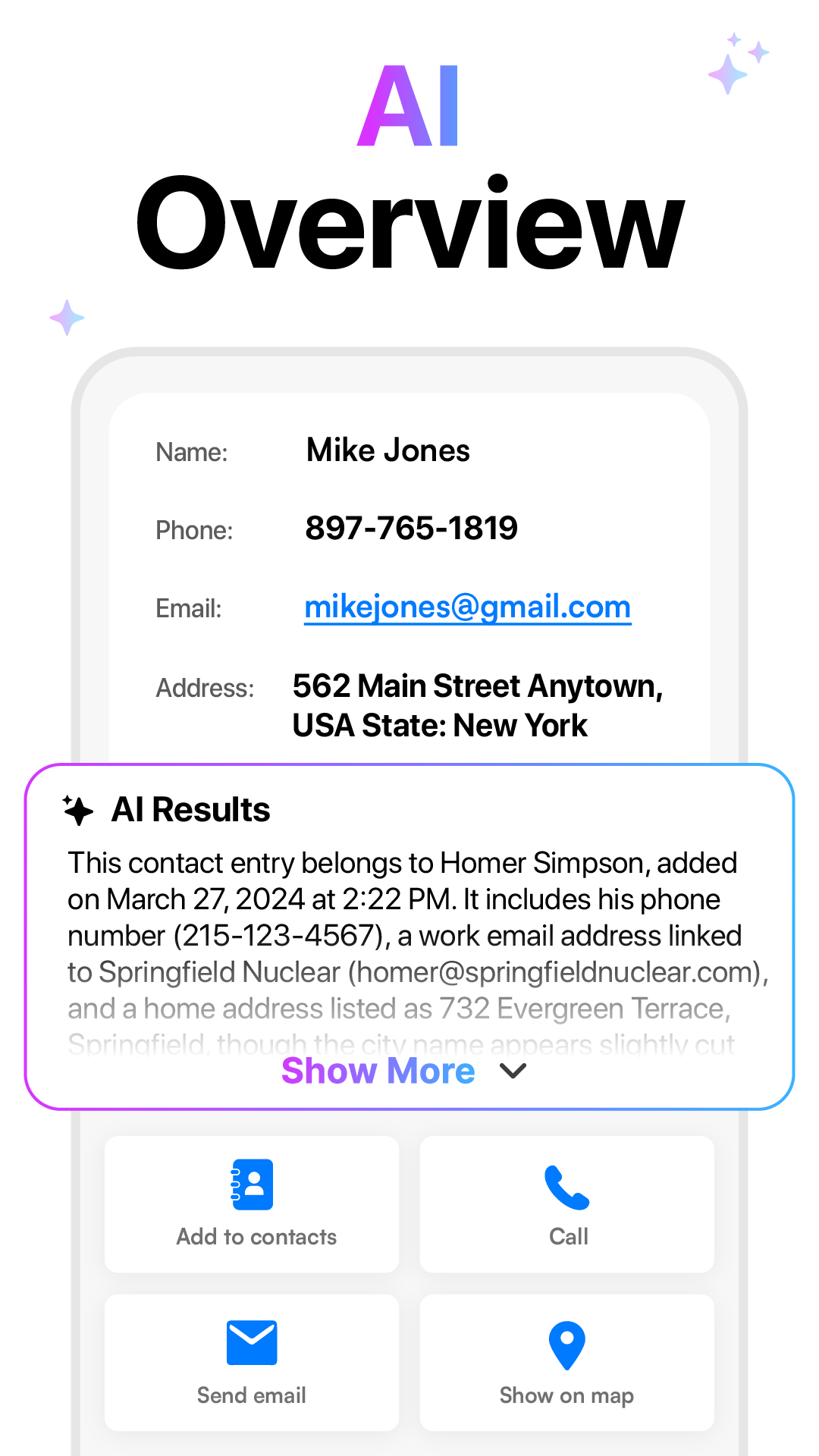
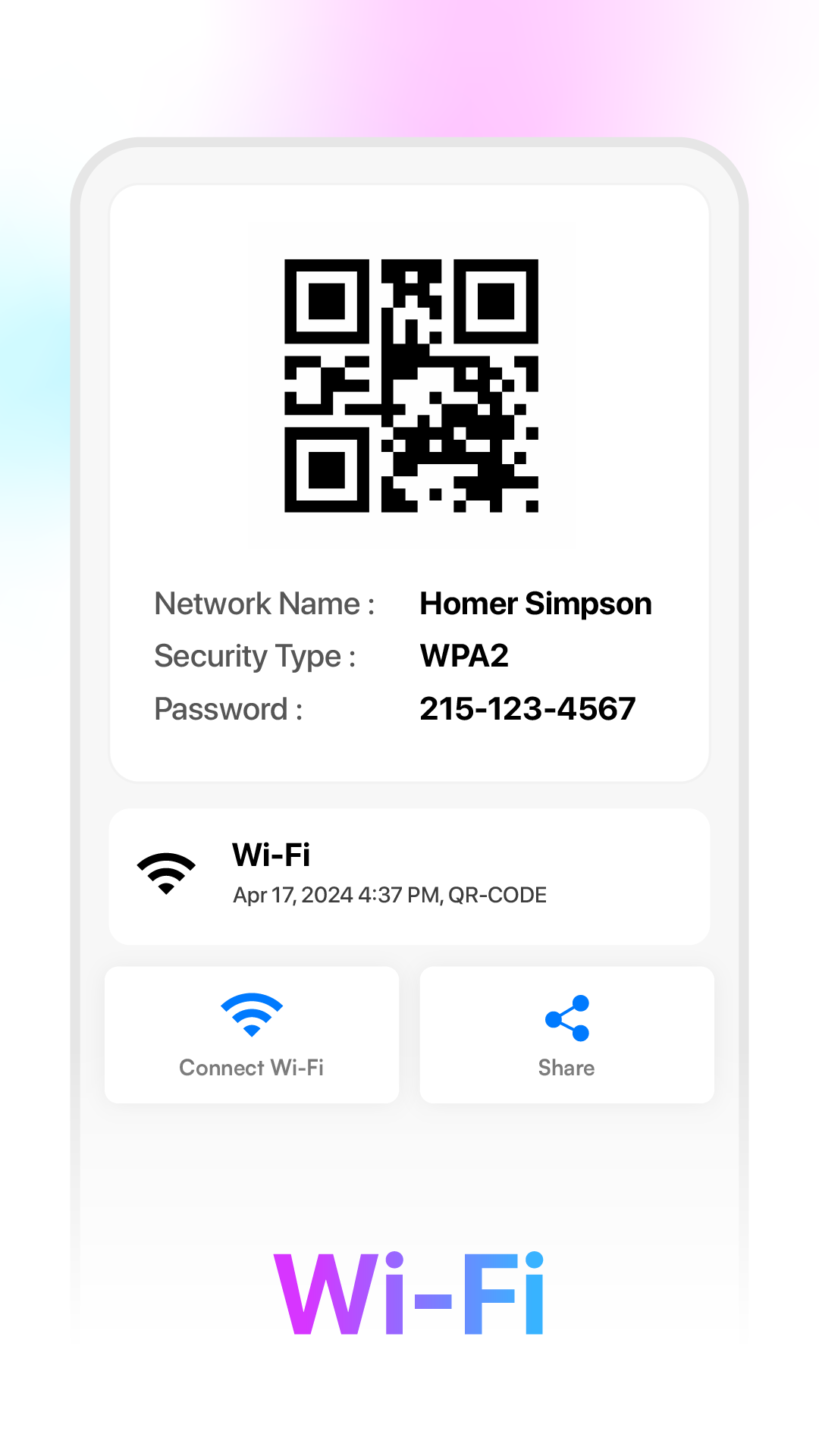
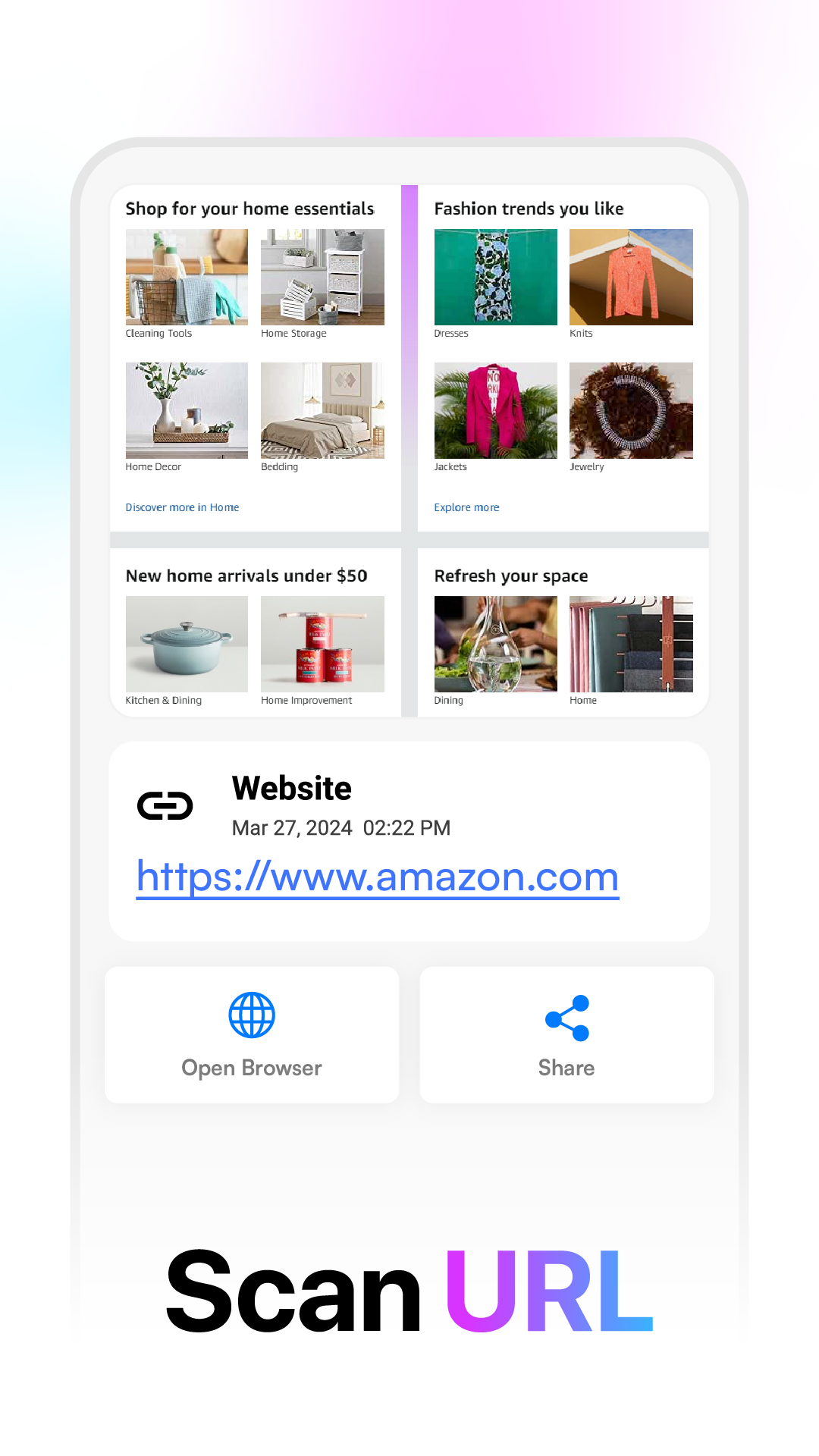
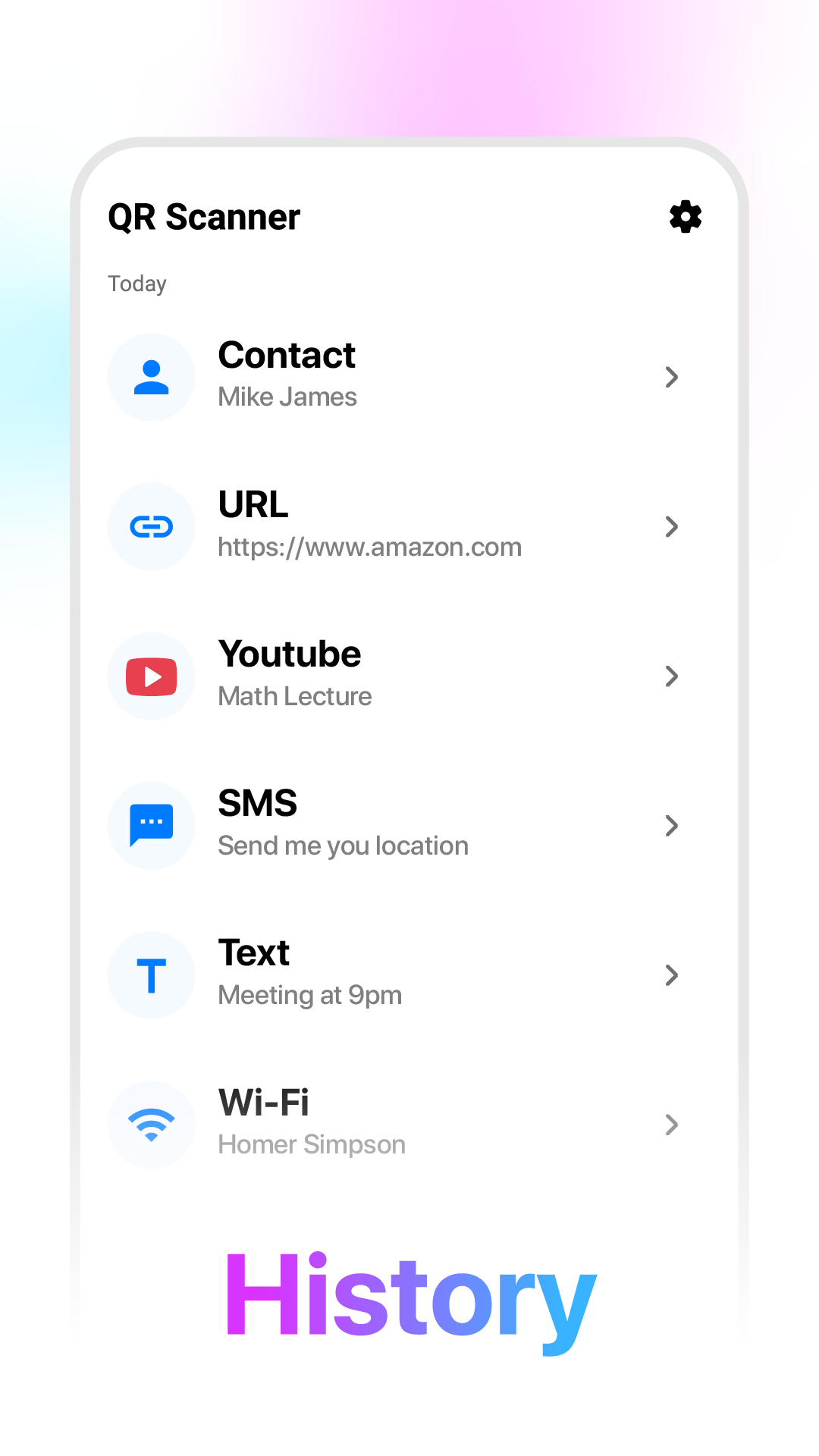
Experience the most effective solution for QR code scanning with the advanced Barcode Scanner and QR Code Reader application.

Enhance your mobile interactions with this robust tool that merges functionality and style for an exceptional scanning experience.
Key Features:
1.Comprehensive QR Code and Barcode Scanning
Effortlessly scan various types of QR codes and barcodes using the integrated scanner. Just direct your device’s camera towards the code, and our QR scanner app will quickly decode the embedded information. Whether the data is a website URL, contact info, or other content, the scanner guarantees speedy and precise results. Additionally, zooming capabilities improve the scanning process.
2.Rapid QR Code Creation
Take advantage of the capability to quickly produce QR codes while on the move. Encode information such as text, phone numbers, and URLs in a unique QR format. The QR Code Generator streamlines the creation process, allowing you to craft custom QR codes easily based on the provided data. You can save and share these codes with ease.
3.Offline QR Code Scanning
Enjoy the flexibility of offline operation. Retrieve scanned and created QR codes without needing an internet connection. Our Barcode Generator app allows scanning and creation of QR codes even when you’re not online.
4.Keep Track of Scan History
Effectively monitor your scanning activities with the history feature. Access previous scans and compile histories with simplicity. Frequently utilized QR codes can be marked as favorites for quick retrieval, transforming the app into your bespoke QR code repository.
5.Intuitive User Interface
Crafted for users of all backgrounds, our QR scanner app features an intuitive interface. Whether you are a technology enthusiast or a casual user, scanning QR codes and generating new ones with the Barcode Generator app is effortless. It functions both as a QR code creator and scanner, offering a smooth experience for everyone.
6.Convenient Sharing Functions
Enhance sharing of QR codes with the app’s integrated sharing options. Quickly capture a QR code and create a new one, then export them as image files suitable for offline accessibility or printing. The QR Code Generator app ensures effective sharing and distribution of QR codes.
Elevate your experience of scanning and generating QR codes with the QR Code Scanner App today. Unlock a plethora of features like scan history tracking, QR code generation, and dependable QR code scanning, all encapsulated in an intuitive and stylish design. Explore the future of QR code interactions now.
Instructions
- **Scan QR Codes and Barcodes**: Open the app and point your device's camera at the QR code or barcode you want to scan. The app will automatically identify, scan, and decode it. If you're working in a dimly lit environment, you can use the app's built-in flashlight for better scanning.
- **Create QR Code**: Find the QR code creation option in the app. There's usually a "Generate QR Code" or similar button. Tap it and enter the information you want to encode into the QR code, such as text, a phone number, or a URL. Once you've entered the information, the app will automatically generate a corresponding QR code. You can save it as an image file or share it directly with others.
- **View Scan History**: The app automatically records all the QR codes and barcodes you've scanned. You can view this history in the "History" or "Scan History" options in the app. You can also mark frequently used QR codes as favorites for quick access.
- **Share QR code**: If you want to share a QR code, you can click the Share button after scanning and choose how you want to share it, such as sending it to others via SMS, email, social media, etc., or save it as an image for offline use or printing.
App Review
This QR code and barcode scanning and generation tool offers a smooth and practical user experience, with comprehensive yet easy-to-use core functions. It supports rapid recognition of various QR codes and barcodes, allows scanning in low-light conditions with the aid of a flashlight, and can complete scanning and generation operations offline, completely independent of network connectivity. Users can generate custom QR codes from text, URLs, phone numbers, and other information with a single click, and can also save the generated codes as images or share them directly, meeting diverse usage needs. Furthermore, the app includes a scan history and favorites function, allowing users to mark frequently used codes for easy retrieval later. The simple and intuitive interface design is also user-friendly for beginners. Overall, it's a highly efficient tool that balances functionality and convenience.
Related Questions and Answers
- **How do I scan a QR code or barcode? **
- **Answer**: Open the Barcode Scanner and QR Code Reader app and point your device's camera at the QR code or barcode you want to scan. The app will automatically identify, scan, and decode it. If the lighting is dim, you can use the app's flashlight feature.
- **Can I scan a QR code or barcode in an image? **
- **Answer**: Yes. The app allows you to scan images containing QR codes or barcodes from your gallery.
- **How do I create a QR code? **
- **Answer**: Find the QR code creation option in the app and select the type of information you want to encode, such as text, phone number, or URL. After entering the relevant information, the app will generate the corresponding QR code. Users can also customize the QR code to their needs, such as choosing different colors and designs.
- **Does it require an internet connection to use? **
- **Answer**: No. The app supports offline operation, allowing users to scan and create QR codes even without an internet connection.
- **How do I view my scan history? **
- **Answer**: The app has a history feature. Users can find it within the app to view a record of previously scanned QR codes and barcodes. Frequently used QR codes can also be marked as favorites for quick access.
- Version6.6
- UpdateOct 16, 2026
- DeveloperSolution10
- CategoryTools
- Requires AndroidAndroid 7.0+
- Downloads823K+
- Package Namejp.qrcode.scanner.reader
- Signaturea547a303723e224201b30b8f5443f00e
- Available on
- ReportFlag as inappropriate














Fast and accurate scanning
Rich and practical features
Simple and easy-to-use interface
Offline support
Serious advertising issues
Scan results display quickly
Occasional mis-scans