
X Launcher - Model x launcher - Customizable launcher styles
Transform your device's look with unique styles, themes, wallpapers & powerful customization options for a personalized experience.

- 9.7 Version
- 2.6 Score
- 1M+ Downloads
- In-app purchases License
- 3+ Content Rating

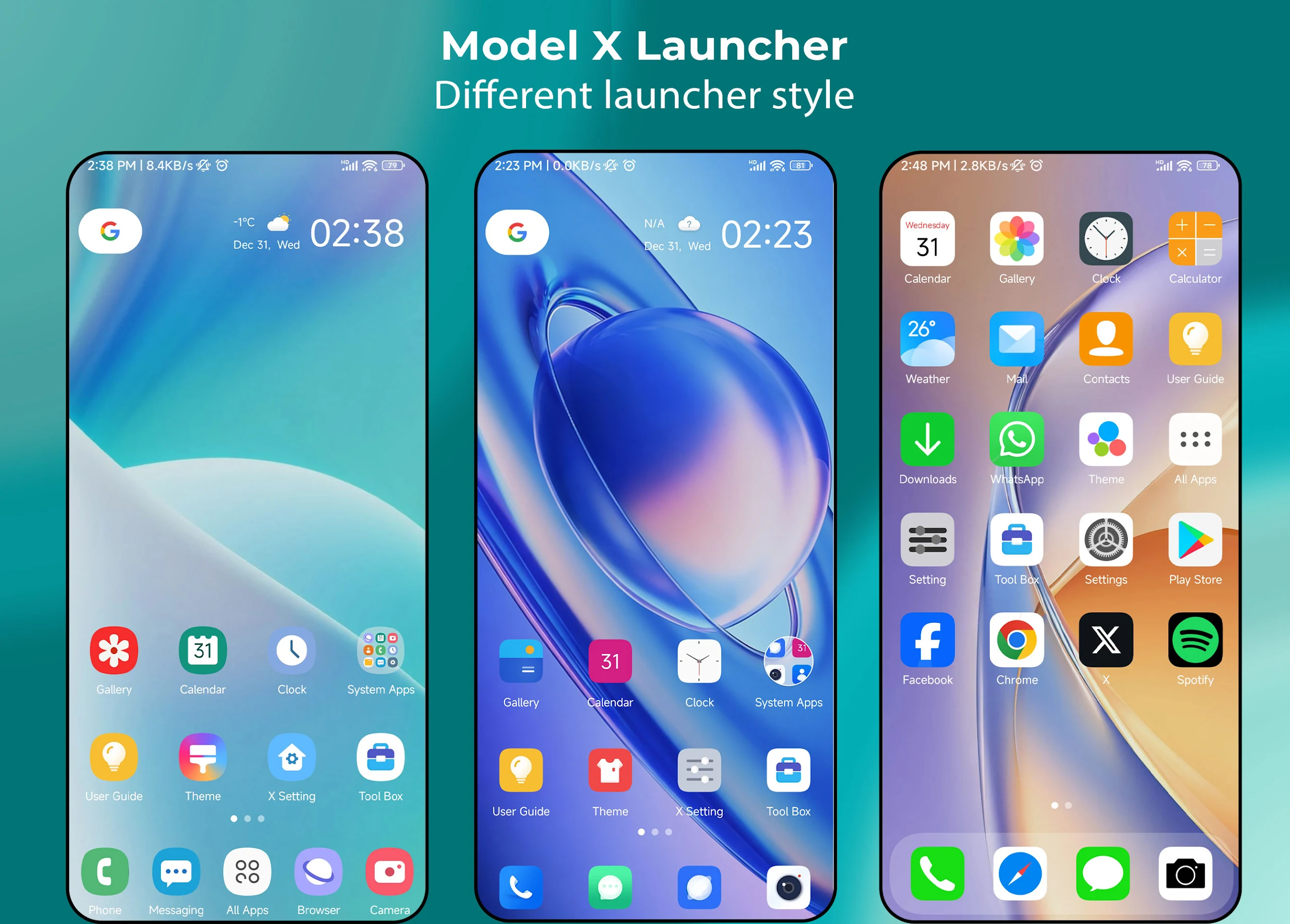
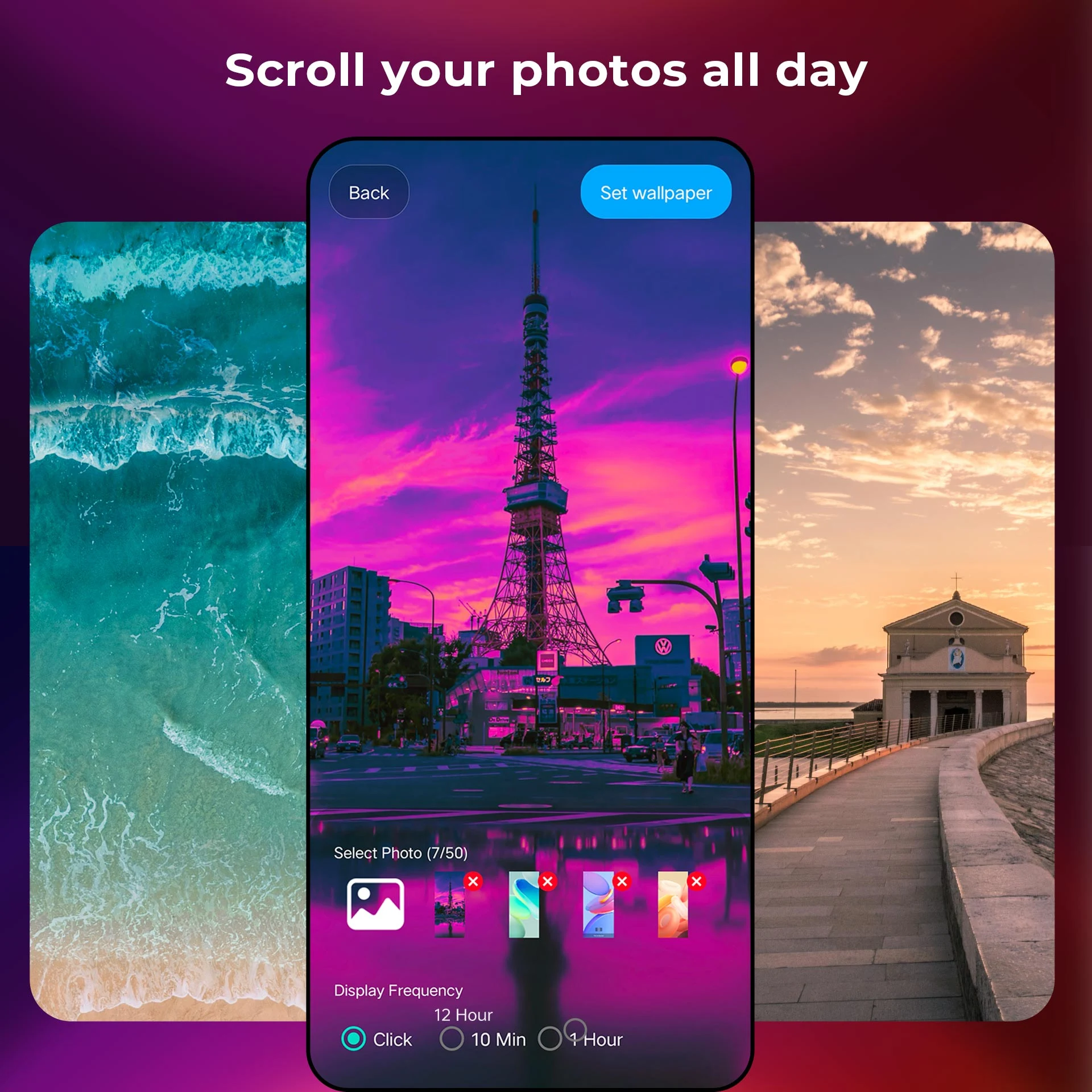
X Launcher is a user-friendly, powerful, and distinctly different launcher that allows you to customize it to resemble the styles of Galaxy S9/S10/S20, iPhone iOS 13/14, or a circular launcher.
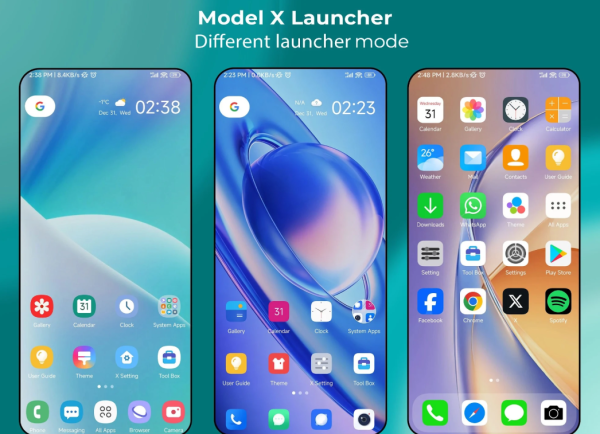
Simply select your preferred style in the settings! Isn’t that exciting?
🔥 Features of X Launcher:
+ X Launcher stands out in the Play Store with its ability to transform into various styles like Galaxy S9/S10/S20, iPhone, iOS 13/14, circular launcher, and more.
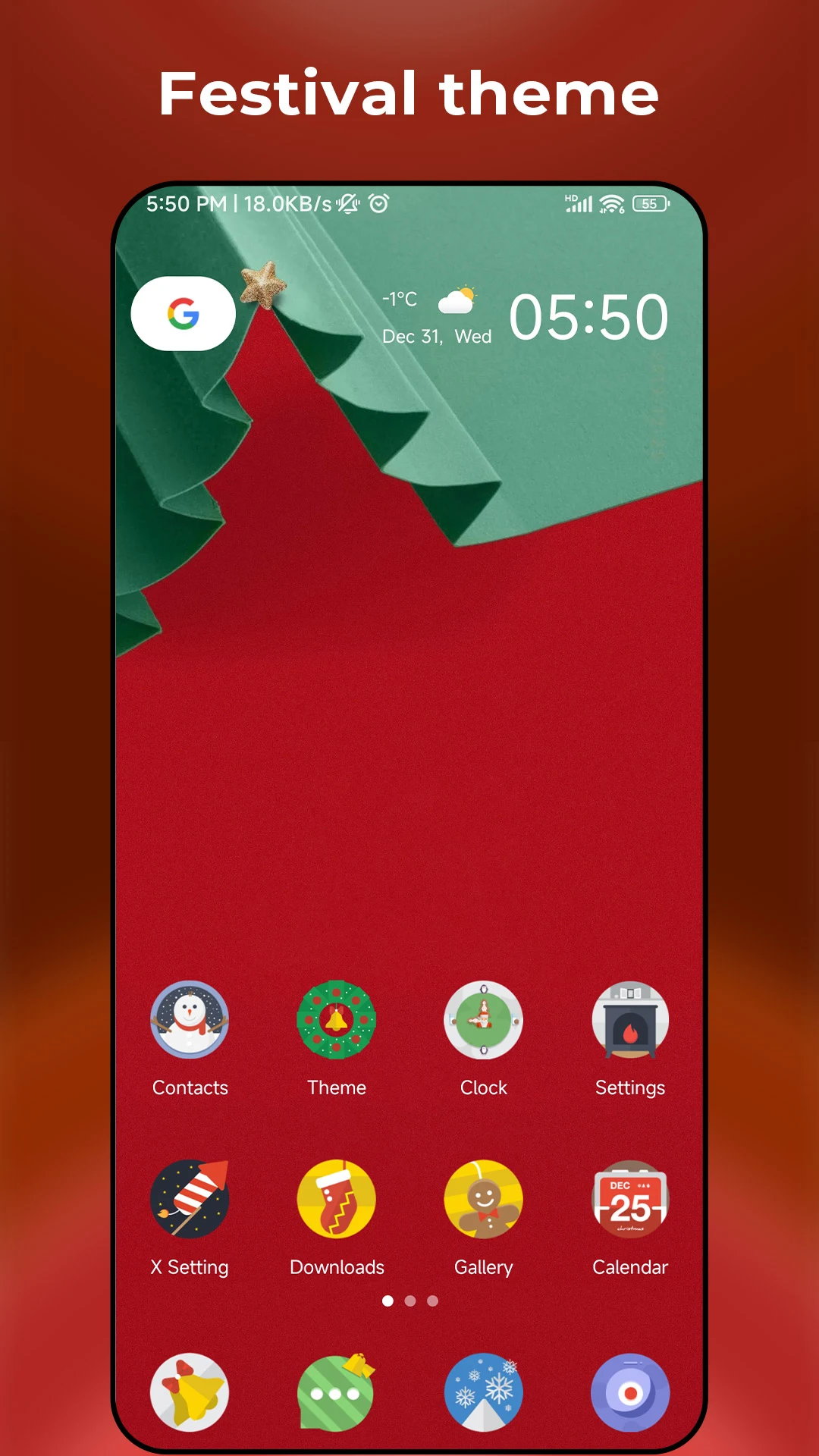
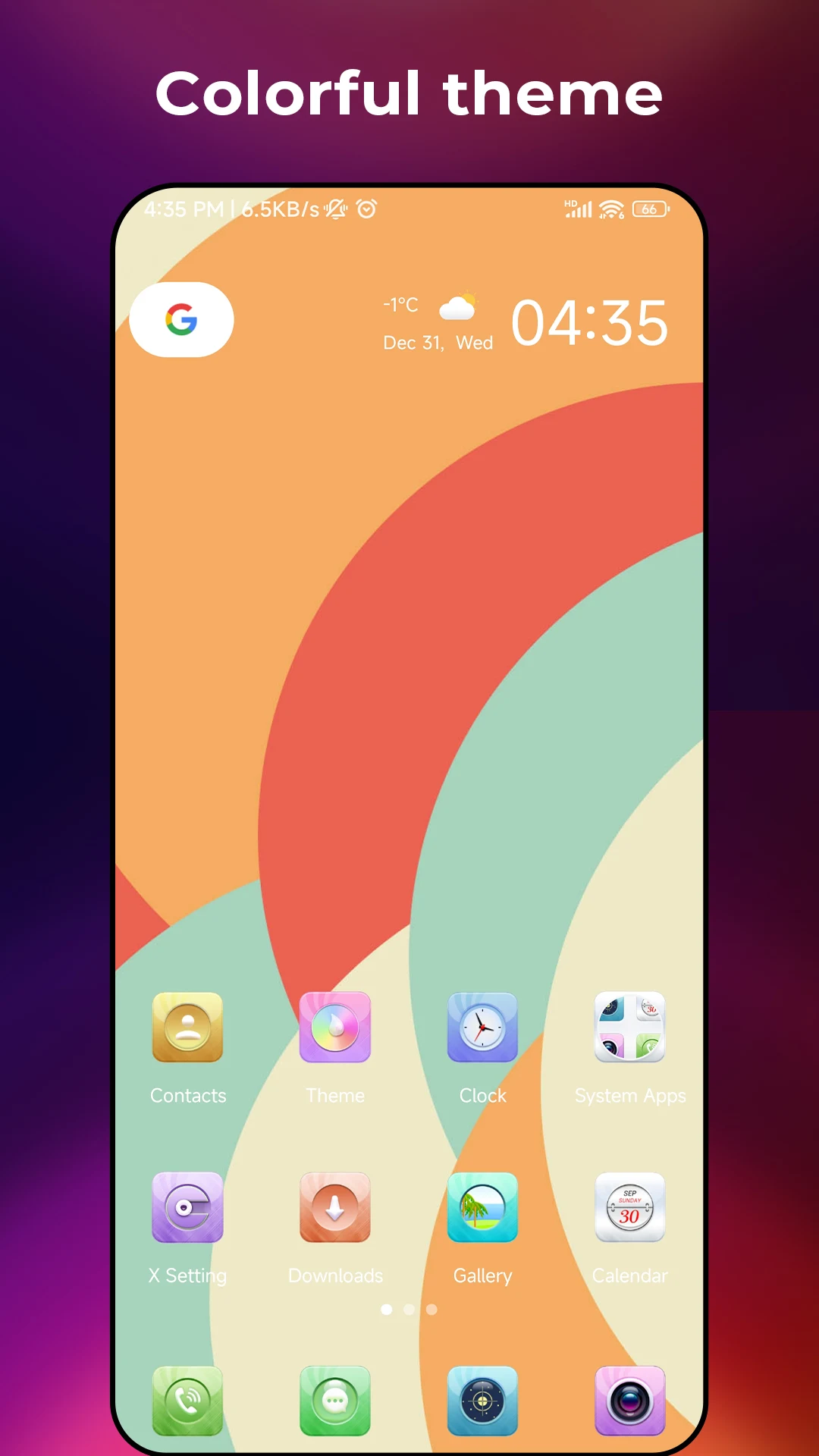
+ There are numerous trendy themes available, along with a theme store for easy browsing.
+ This launcher supports all third-party icon packs from the Play Store.
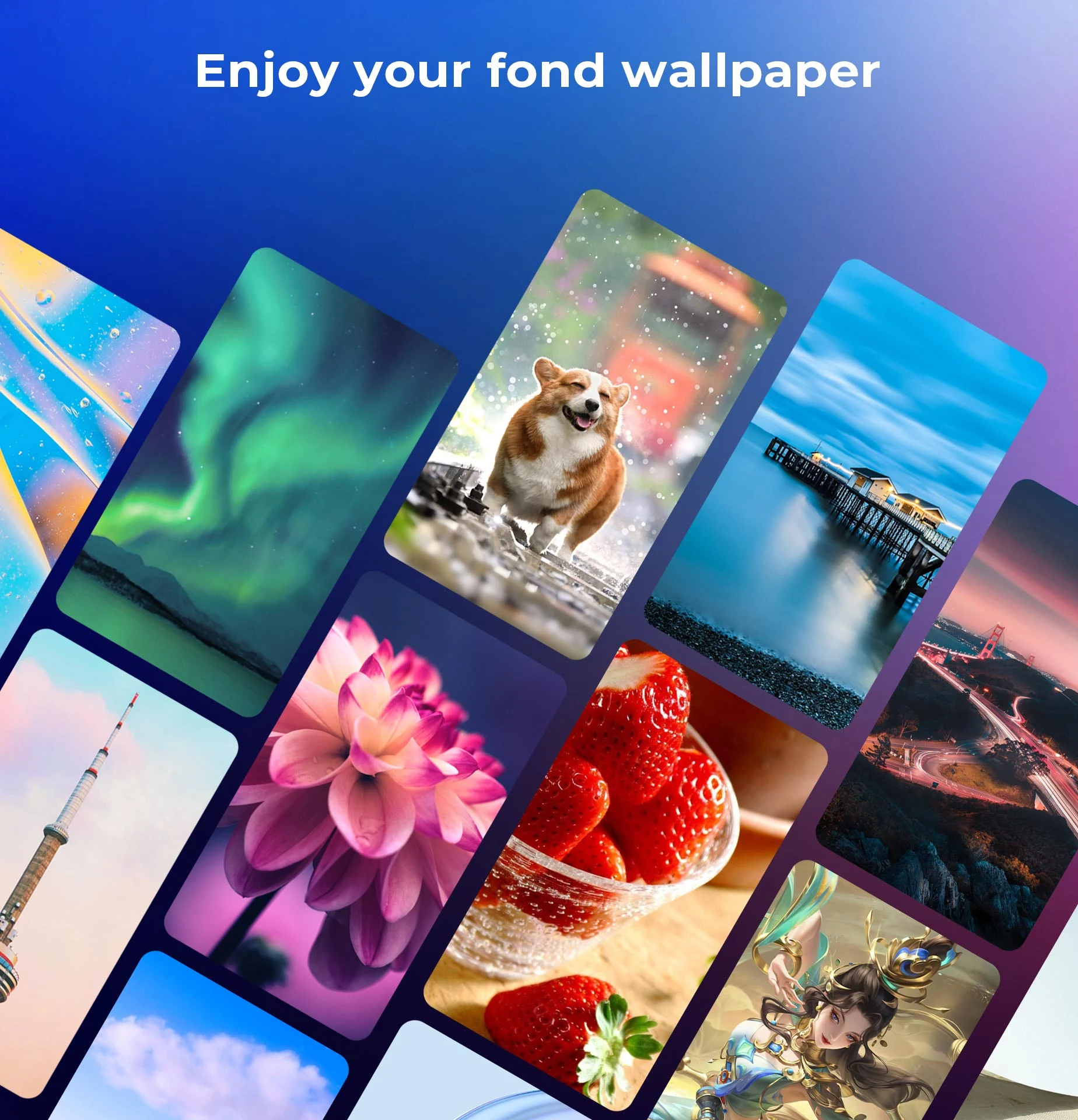
+ You can find many stunning online wallpapers within the app.
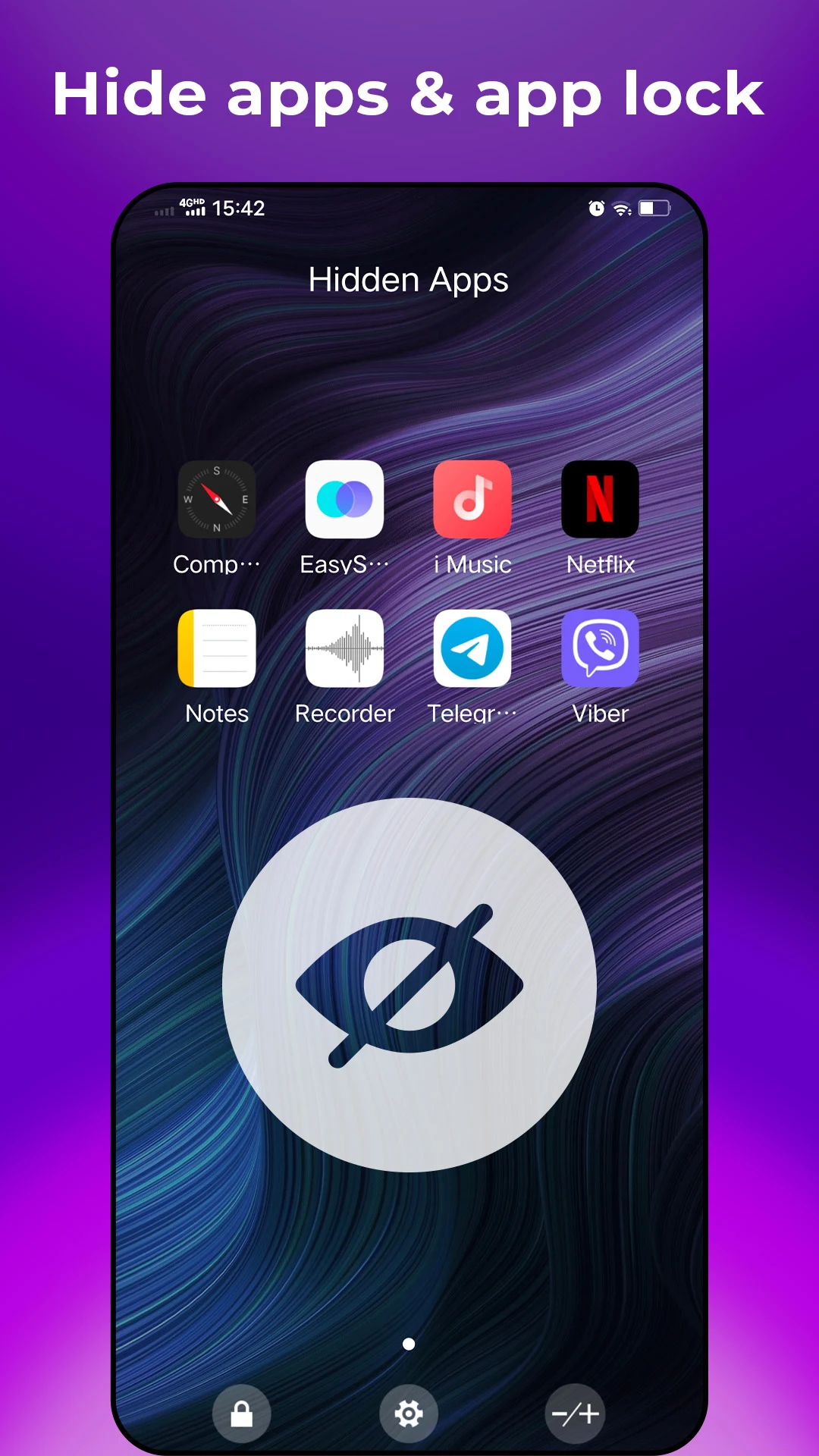
+ Options to hide apps and lock those that are hidden.
+ Offers an unread counter (notification feature).
+ Includes several practical gestures.
+ Icon gestures are also supported.
+ Features to protect your eyes.
+ A privacy folder is included.
+ App locking capabilities are provided.
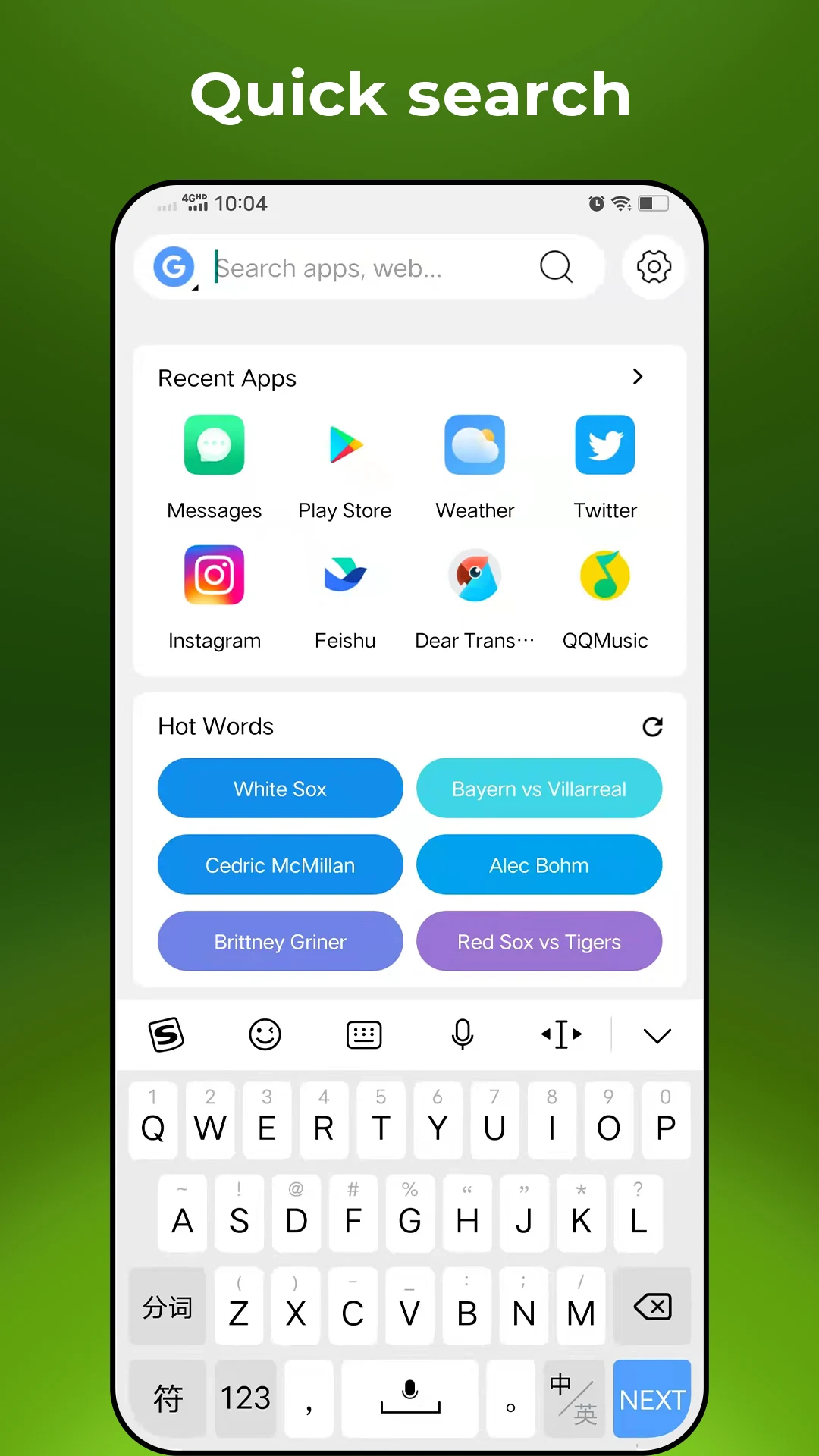
+ T9 search functionality.
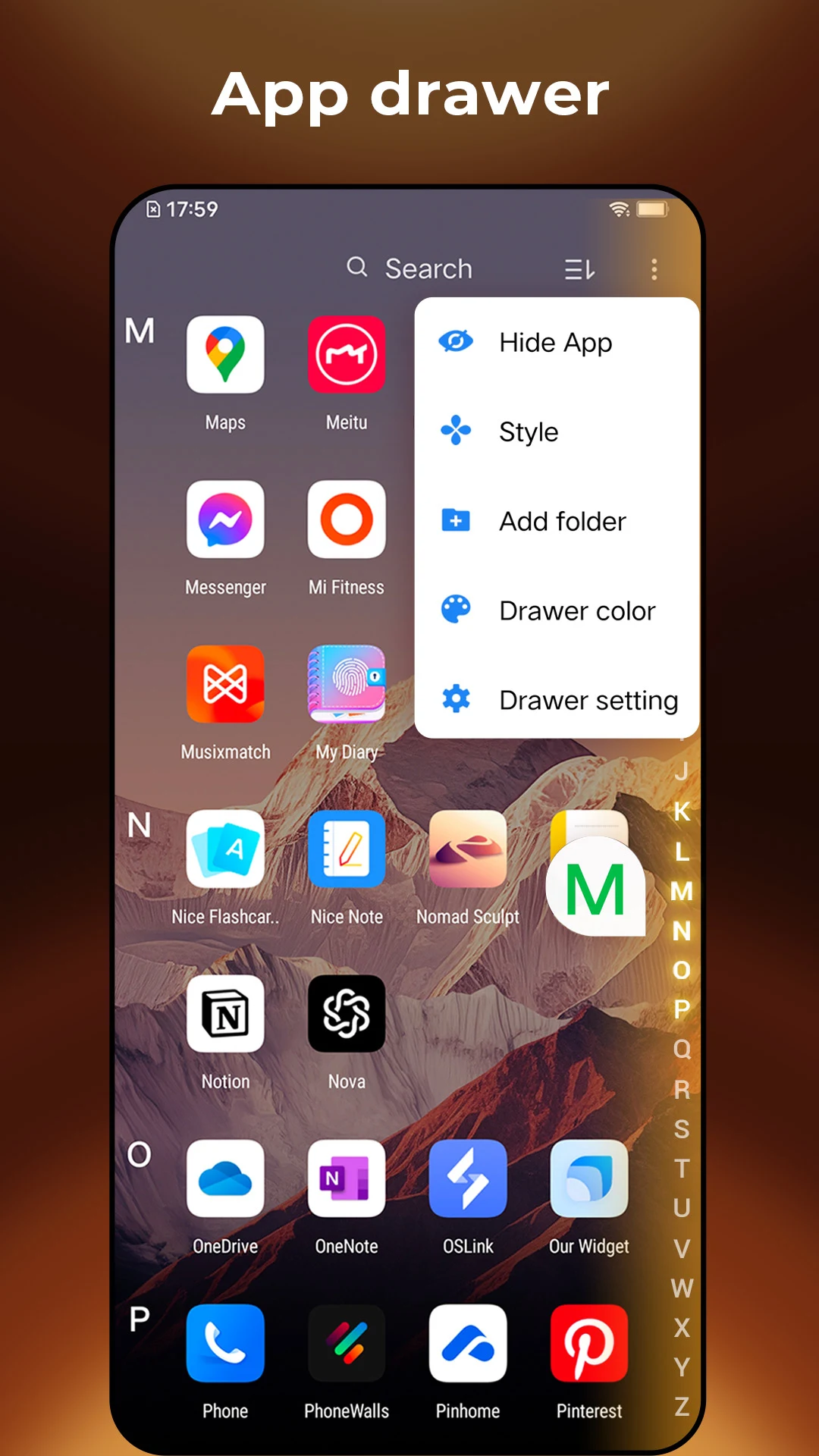
+ Applications can be organized by category.
+ A weather information widget is available.
+ Option to lock the desktop layout.
+ You can choose the grid size for the launcher’s desktop.
+ There are customizable options for the drawer grid size.
+ Background options for the dock can be changed.
+ Desktop transition animations are included.
+ Choose between light, dark, or blurred backgrounds for the drawer.
+ The drawer can be edited to rearrange icons.
+ X Launcher offers multiple dock pages.
+ It allows folder creation in the app drawer.
+ Users can switch between color modes (light/dark/automatic).
User Experience
1. Easy to Use, No Learning Threshold
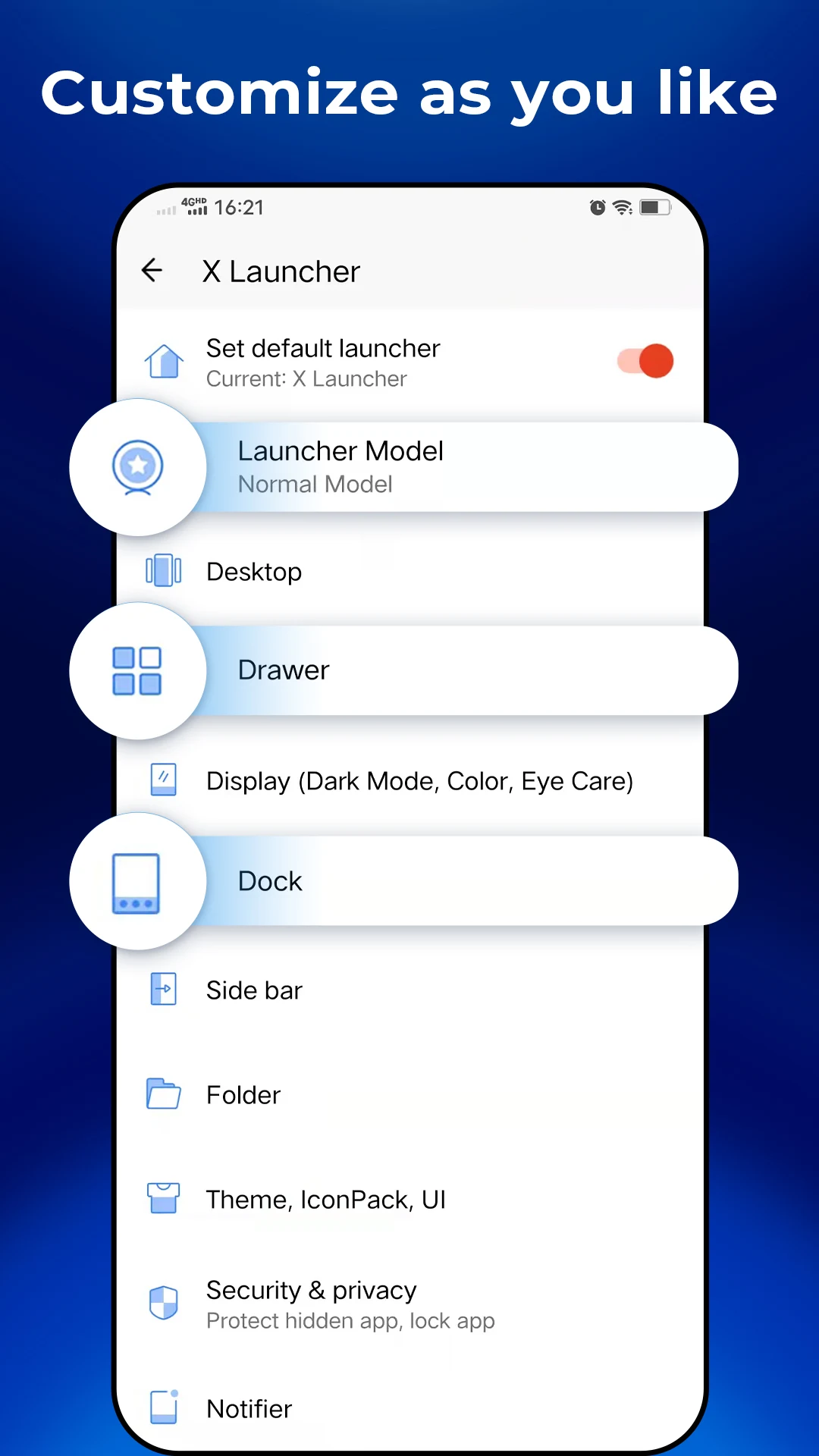
When using X Launcher for the first time, its interface is intuitive and clear. Core functions (such as style switching and theme settings) are prominently displayed, making it easy to get started without complicated operations. For example, if you want to simulate an iPhone desktop, simply go to "Settings > Desktop Style" and select "iOS 13/14" with one click. The desktop icons and layout will instantly switch, making it easy even for users unfamiliar with phone settings.
2. Flexible Customization to Meet Different Preferences
Whether you prefer a minimalist or personalized style, you can adjust the features to suit your needs. For those who prefer a clean desktop, you can organize apps by category and lock the desktop layout to avoid icon clutter. For those who pursue visual quality, you can use third-party icon packs, set a blurred drawer background, and add transition animations to make desktop operations more formal. For those who value practicality, you can customize gestures (such as double-clicking the lock screen and swiping up to open search) to reduce steps and improve efficiency.
3. Thoughtful Features, Exceptional Detail
- **Intuitive Privacy Protection**: Hiding and locking sensitive apps is simple, and hidden apps are hidden from the desktop, requiring a password or gesture to access. This ensures security without disrupting daily use.
- **Practical Features**: T9 Search allows you to quickly locate apps, eliminating the need to search through numerous icons. A clear display of unread message counts lets you see new notifications without even opening an app. Eye Comfort Mode automatically adjusts screen brightness and color temperature, making it easier on the eyes during extended browsing.
Core Use Cases
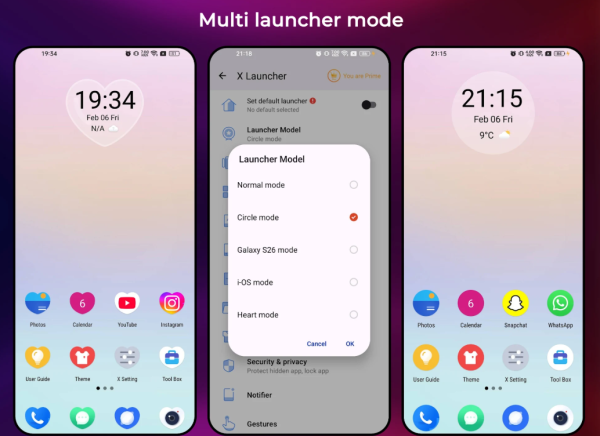
1. "Change Style" Needs: Simulating Different OS Desktops
**Scenario 1: Want to Experience Different OS Desktops Without Changing Phones**
For example, Android users may be curious about the iPhone's desktop layout, or prefer the minimalist style of Samsung flagships. Without rooting or reinstalling their phones, X Launcher lets you switch between different styles with a single click, allowing you to experience the desktop logic of different operating systems and satisfy your curiosity.
**Scenario 2: Multi-device users seek consistent operation**
If you use both an Android phone and an iPhone, you can set your Android phone's X Launcher to iOS-style. This will keep your desktop icons and operating habits consistent with your iPhone, eliminating the need to re-adapt when switching devices and reducing user experience.
2. Privacy Protection: Addressing Privacy Needs in Multiple Scenarios
**Scenario 1: Occasionally lending your phone to others**
If you're worried about others seeing private apps (such as diary and financial apps), you can use the "Hide App + Lock" feature to hide them from others. If you're concerned about payment apps being accidentally accessed, you can also lock individual apps, requiring verification before opening them.
**Scenario 2: Preventing "niche" apps from appearing on the desktop**
Some apps that you rarely use but can't uninstall (such as system tools and temporary apps) can be placed in private folders or hidden, leaving only frequently used apps on the desktop for a cleaner look.
3. Efficiency Improvement: Adapting to Daily Usage Habits
- **Scenario 1: Too Many Apps, Difficult to Find**
When you have dozens or even hundreds of apps installed on your phone, use T9 search (enter the first letter to quickly locate them) and organize them by category (such as "Office" or "Entertainment"). No need to dig through the app drawer, you can open the app you need in seconds. This is ideal for office workers, students, and other frequent phone users.
- **Scenario 2: One-Handed Operation**
Customizable gestures (such as swiping up from the bottom to open the frequently used apps bar) and multiple dock pages can be set up. Frequently used apps like WeChat, phone calls, and browsers can be placed in the dock for quick access with one hand, making it ideal for commuting or walking.
4. Vision and Health: Adapting to Different Usage Environments
**Scenario 1: Nighttime Use**
Enabling Dark Mode and Eye Comfort Mode creates a softer screen light, reducing eye irritation and preventing the discomfort of glare when looking at your phone at night.
**Scenario 2: Pursuing a "High-Looking Desktop"**
Young users who appreciate personalization can create a unique "high-looking desktop" by combining trendy themes and niche icon packs, setting a wallpaper that matches the color scheme of the icons. This allows users to create a unique "high-looking desktop" for social sharing (such as sharing desktop screenshots) or personal aesthetic needs.
👍 X Launcher (Model X Launcher) is a unique, user-friendly, and powerful launcher. If you enjoy using X Launcher, please consider leaving a rating; it’s greatly appreciated!
Q&A
1. **Q: Can this launcher switch to other system desktop styles?**
A: Yes, you can switch between styles for Galaxy S series, iOS 13/14, etc. with one click. It also supports circular desktop styles.
2. **Q: Can I hide or lock private apps?**
A: Yes, hidden apps disappear from the desktop, and you can lock hidden apps and private folders to protect your privacy.
3. **Q: Are there any practical efficiency features?**
A: It has T9 search for quick app finding, app categorization, custom gestures, and a multi-page Dock to improve operational efficiency.
4. **Q: Does it support personalization?**
A: It supports third-party icon packs, a vast library of themes and online wallpapers, and allows customization of desktop grids, drawer backgrounds, and transition animations.
5. **Q: Are there any eye protection features?**
A: It has an eye protection mode and automatic brightness switching. It reduces screen brightness and color temperature at night to relieve eye fatigue.
6. **Q: Is it difficult to use?**
A: No, the interface is intuitive, core functions can be set with one click, and even beginners can quickly master various desktop styles.
- Version9.7
- UpdateOct 16, 2026
- DeveloperModel X Apps
- CategoryTools
- Requires AndroidAndroid 4.2+
- Downloads1M+
- Package Namecom.model.x.launcher
- Signature53bb442b8f2c3e0620e1d66a62b09d63
- Available on
- ReportFlag as inappropriate
-
NameSizeDownload
-
30.95 MB
-
32.14 MB
-
26.00 MB














Customizable desktop grid layout
Effective app lock features
Gesture controls for quick access
Smooth performance without lag
Aesthetic themes and UI designs
Strong community support and feedback
Options to hide apps for privacy
Free version with essential functionalities
Unique icon pack compatibility
Excessive and intrusive ads
Poor customer support from developers
Frequent app crashes or freezing
Issues with upgrading to premium version
Inability to download additional themes
Icons losing clarity when resized
Navigation problems with app drawer
Device slowdown after installation
Bugs affecting functionality and usability