
Photo & PDF Translator App - Translate files instantly
Break language barriers effortlessly with quick & accurate translations of documents, images, and more anytime, anywhere.
- 1.0.40 Version
- 1.0 Score
- 240K+ Downloads
- In-app purchases License
- 3+ Content Rating

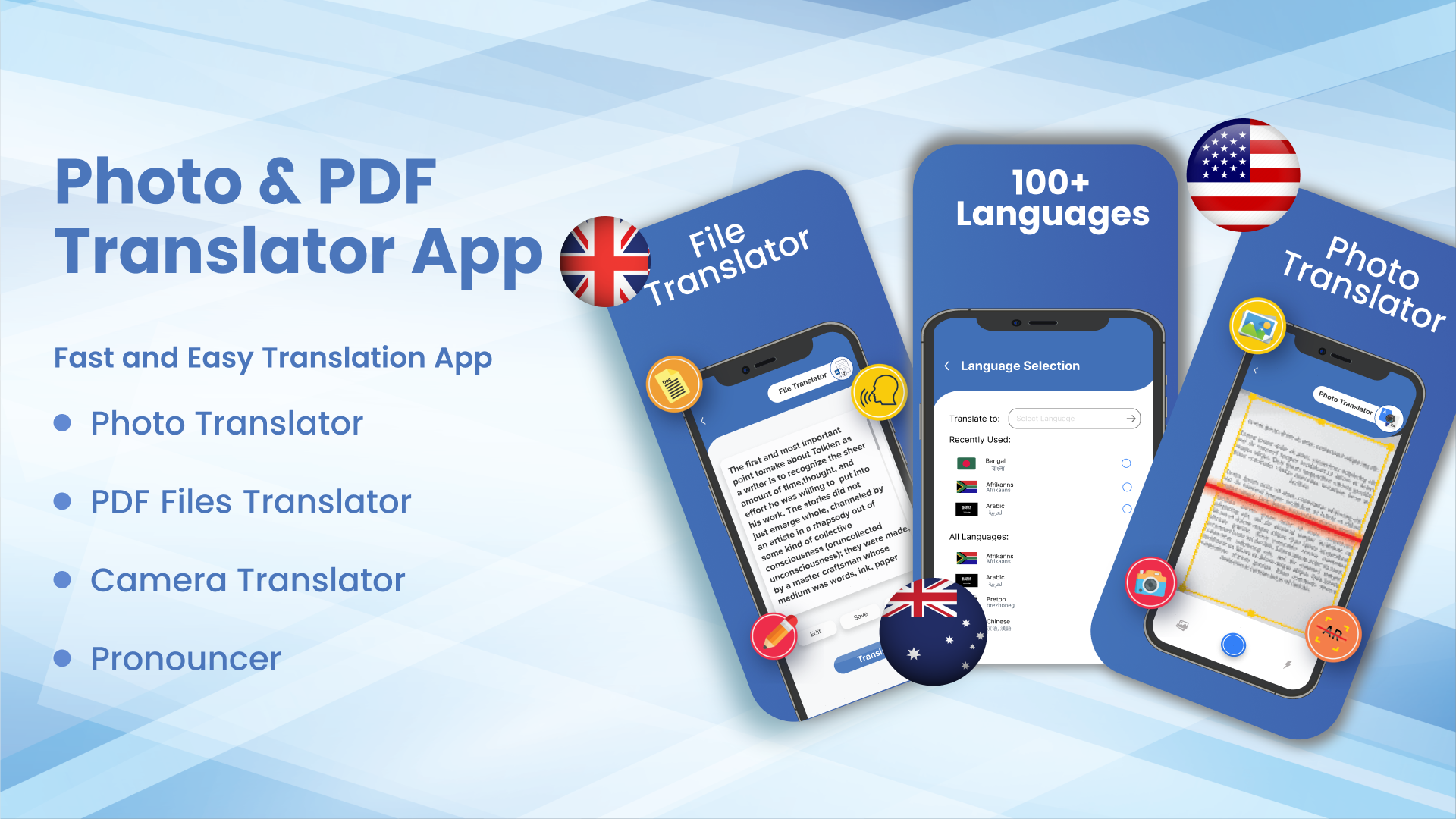
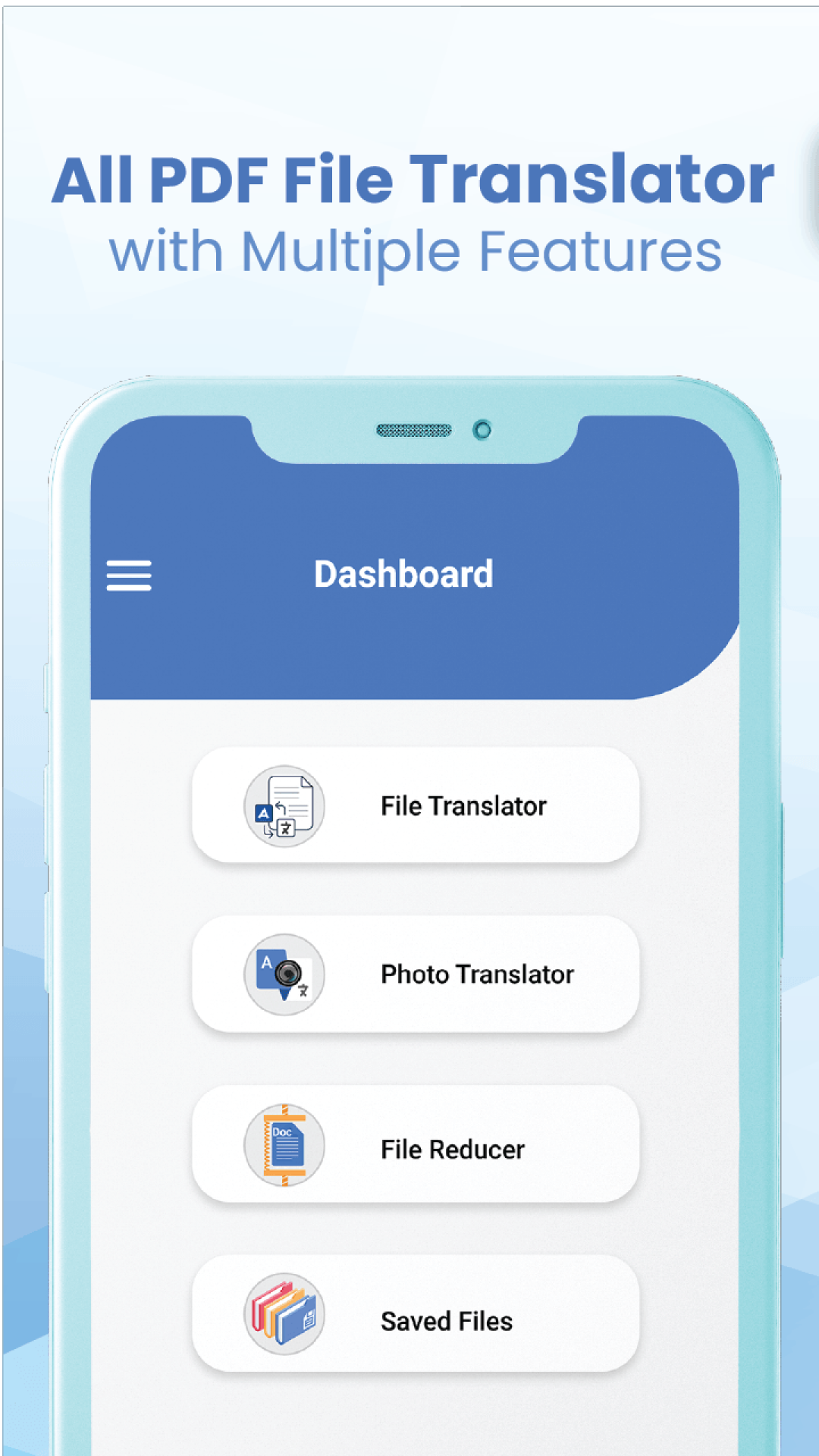
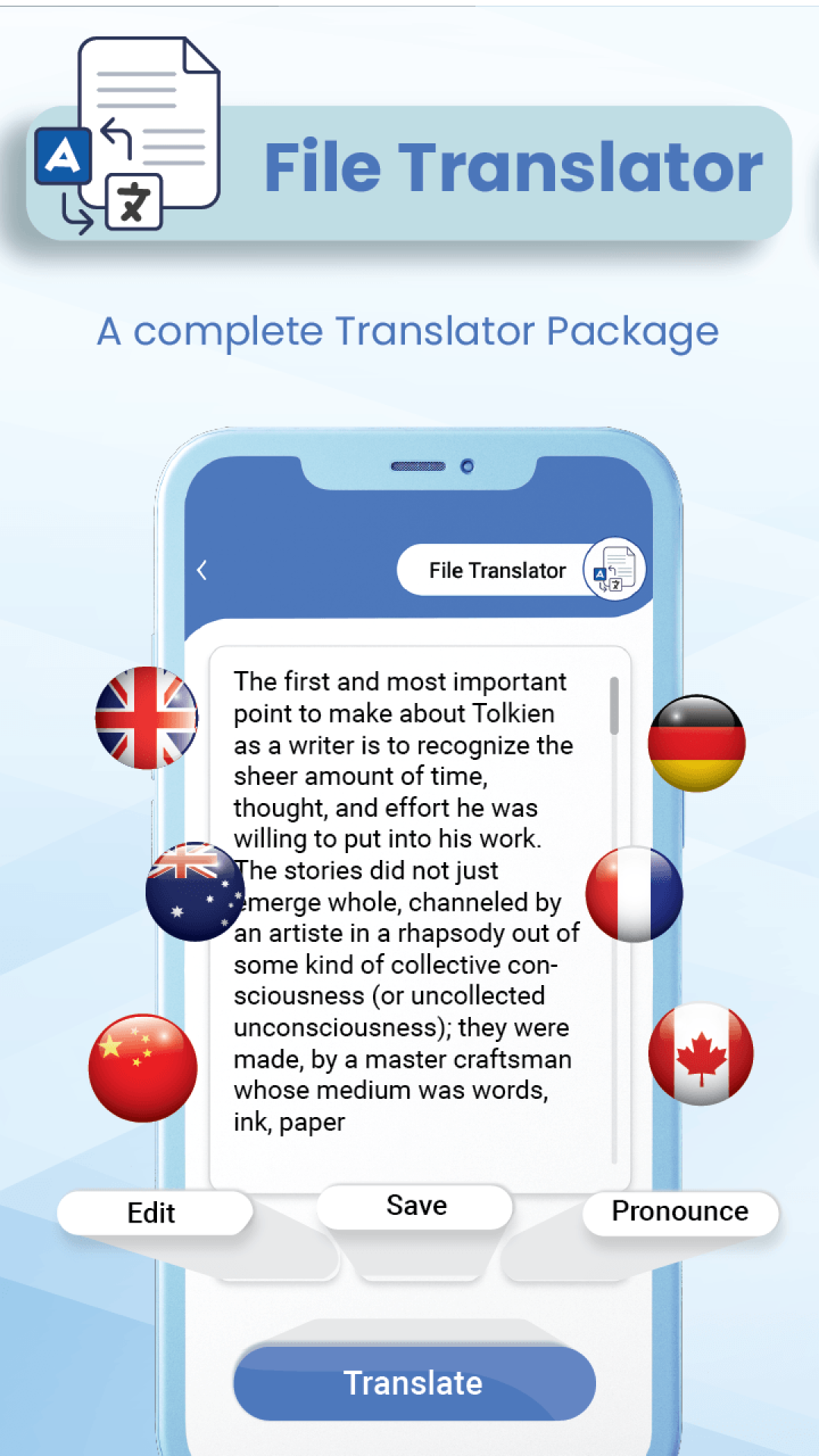
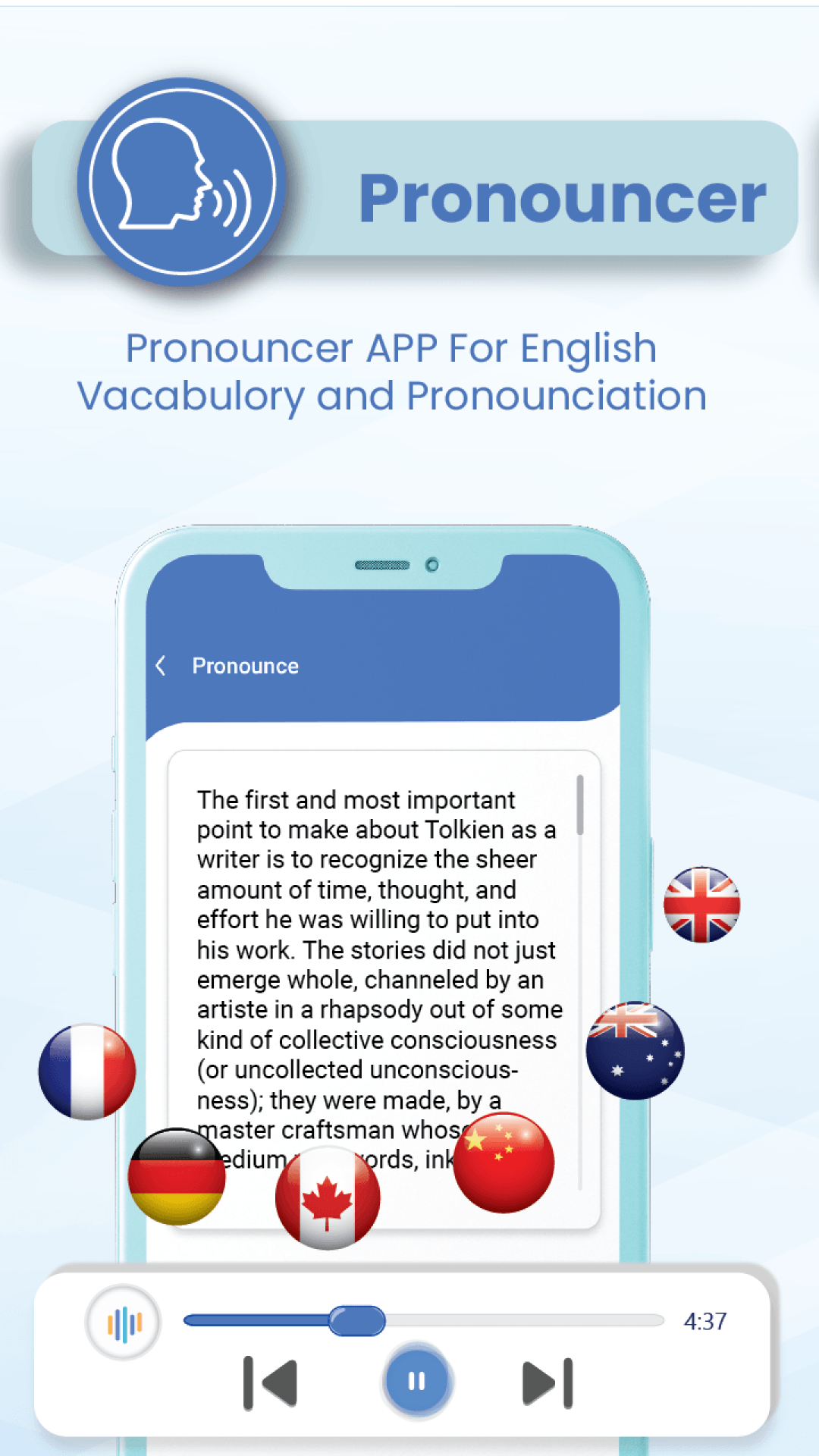
Unleash the Power of Words:
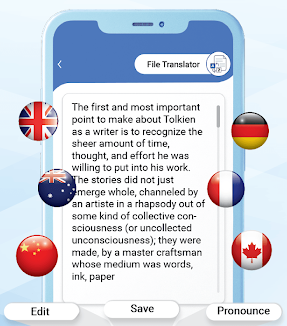
Effortlessly translate any document, anywhere with the PDF & File Translator App. Are you exhausted by language obstacles that hinder your efficiency and global reach?
Introducing PDF & File Translator App:
Your ultimate answer for simple, precise, and quick file translation in multiple languages, available anytime and anywhere.
Imagine this:
Easily convert documents, PDFs, and images with a single tap. Forget about cumbersome scanners or ineffective online tools. Communicate in various languages with AI-driven translations that are highly accurate and finely tuned. Avoid embarrassing mistakes and awkward miscommunications. Operate smoothly across international borders with comprehensive language support tailored for all your business requirements. Whether it’s contracts or presentations, confidently manage any document.
Travel effortlessly around the world and connect cultures with immediate translations for maps, menus, and travel guides. Consider it your personal multilingual assistant!
PDF & File Translator App is more than just a translator – it's your portal to global communication. Here's why you'll have a lot to love:
Lightning-Fast Translations:
No more waiting around for translations. Our advanced AI engine provides results in mere moments.
Unparalleled Accuracy:
Eliminate mistranslations and awkward wording. We utilize cutting-edge AI technology to guarantee impeccable outcomes.
Effortless Workflow:
Just upload your document, select your desired language, and receive your translation instantly. No complicated setup or training is necessary.
Wide Format Support:
Convert PDFs, Word files, images, and beyond. We cater to all your document needs.
Offline functionality:
Remain productive even without an internet connection. Download language packs and translate while on the move.
Secure and Private:
Your information is our priority. We employ leading security protocols to safeguard your sensitive data.
PDF & File Translator App is the perfect tool for:
Business Professionals:
Finalize global agreements, manage diverse teams, and present confidently.
Travelers:
Discover new places without the barriers of language. Easily translate menus, maps, and travel materials.
Students:
Excel in your assignments and research through reliable document translations.
Anyone who wants to communicate globally:
Overcome language difficulties and connect with individuals from around the globe.
Don’t let language limitations hinder you. Get the PDF & File Translator App now and unlock the full potential of global communication!
How to Use:
Basic Document Translation: Download, install, and open the app. After granting file access and camera permissions, go to the "Document Translation" section to upload PDF, Word, or image files. The app will automatically recognize the source language. Manually select the target language and click "Translate" to quickly get the result. After translation, you can export the translation back to the original format or as a PDF, save it locally, or share it.
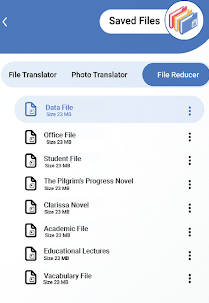
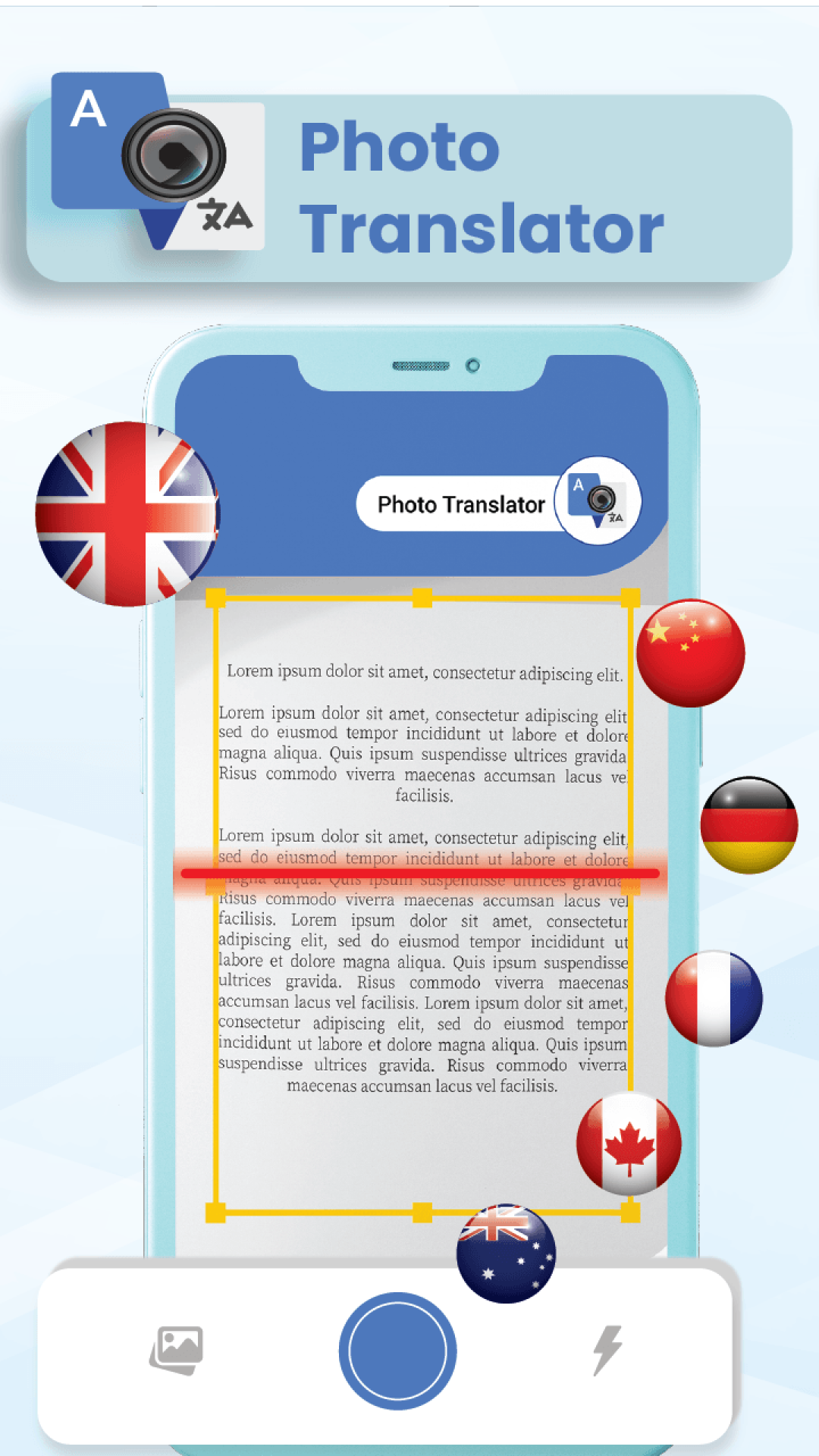
Instant Image/Camera Translation: Switch to the "Camera Translation" function. You can directly take a picture of text such as menus and maps, or upload local images. After selecting the area to be translated, the app will automatically recognize and provide the translation. You can also copy the translation and save screenshots.
Offline Translation: When you have internet access, go to the app's "Settings" and find the "Language Packs" option. Download the required language pairs. After disconnecting from the internet, you can still translate documents and images within the downloaded language packs. This is suitable for business trips and travel.
FAQs:
Q: What file types can the PDF & File Translator app translate?
A: It supports a wide range of formats, including PDFs, Word documents, and images. It covers nearly all common document types used in daily work, study, or travel.
Q: Can it be used without an internet connection? For example, what if I need to translate a document while on a business trip or traveling and don't have an internet connection?
A: It can be used offline. By downloading language packs in advance, it can translate even without an internet connection, making it ideal for travel or when the network is unstable.
Q: How accurate is the translation? I'm worried about misunderstandings caused by incorrect translations of business documents.
A: It has a very high accuracy rate. It uses cutting-edge AI technology, which can reduce mistranslations and awkward expressions. It can be used with confidence for business documents like contracts and presentations, reducing the risk of miscommunication.
Q: Is it complicated to use? Does it take a long time to learn how to use it?
A: The app is very easy to use, with no complicated setup required. Just upload your file, select the target language, and you'll get the translation results with one click. Even beginners can quickly get started without a learning curve.
Q: Who is it suitable for? Is it suitable for students or frequent business travelers?
A: It's suitable for a wide range of people. Business people can use it for international contracts and team communications; travelers can translate menus and maps; and students can translate homework and research materials. It's suitable for any cross-language document translation needs.
Q: Is sensitive information in the file secure? Will it be leaked?
A: It is. The app uses mainstream security protocols to protect data and prioritizes user privacy. There's no need to worry about sensitive content (such as business contract information) being leaked.
Q: Is there a free version? Does it meet basic translation needs?
A: There is a free version. You can experience the app's core translation features. For simple, everyday documents (such as student assignments and travel photo translation), the free version is generally sufficient.
- Version1.0.40
- UpdateNov 02, 2026
- DeveloperiGlobe Code Store
- CategoryBusiness
- Requires AndroidAndroid 7.0+
- Downloads240K+
- Package Namecom.filemanager.free.and.easily.file.translatorpdftranslator.pictures.by.camera.document.language.translator.minisoft
- Signatureb186ab4352af5f71d30cffda143bd032
- ReportFlag as inappropriate
-
NameSizeDownload
-
62.09 MB
-
62.08 MB
-
62.08 MB


















User-friendly interface.
Supports various file types for translation.
Fast processing time.
Good security measures for file handling.
Offers translations in multiple languages (to some extent).
Easy to navigate app design.
Potential for premium features.
Excessive advertisements disrupting usage.
Poor translation quality, often inaccurate.
Limited language support (especially for regional languages).
Issues with file compatibility and permissions.
Only translates a small portion of the PDF.
App crashes or fails to start after payment.
Confusing user instructions.
Not worth the premium cost for given features.