
Mobile Security Camera (FTP) - Cloud Security & Baby Monitor
Transform your device into a cost-effective security camera & baby monitor with advanced features & cloud storage.
- 5.1 Version
- 3.0 Score
- 286K+ Downloads
- In-app purchases License
- 3+ Content Rating

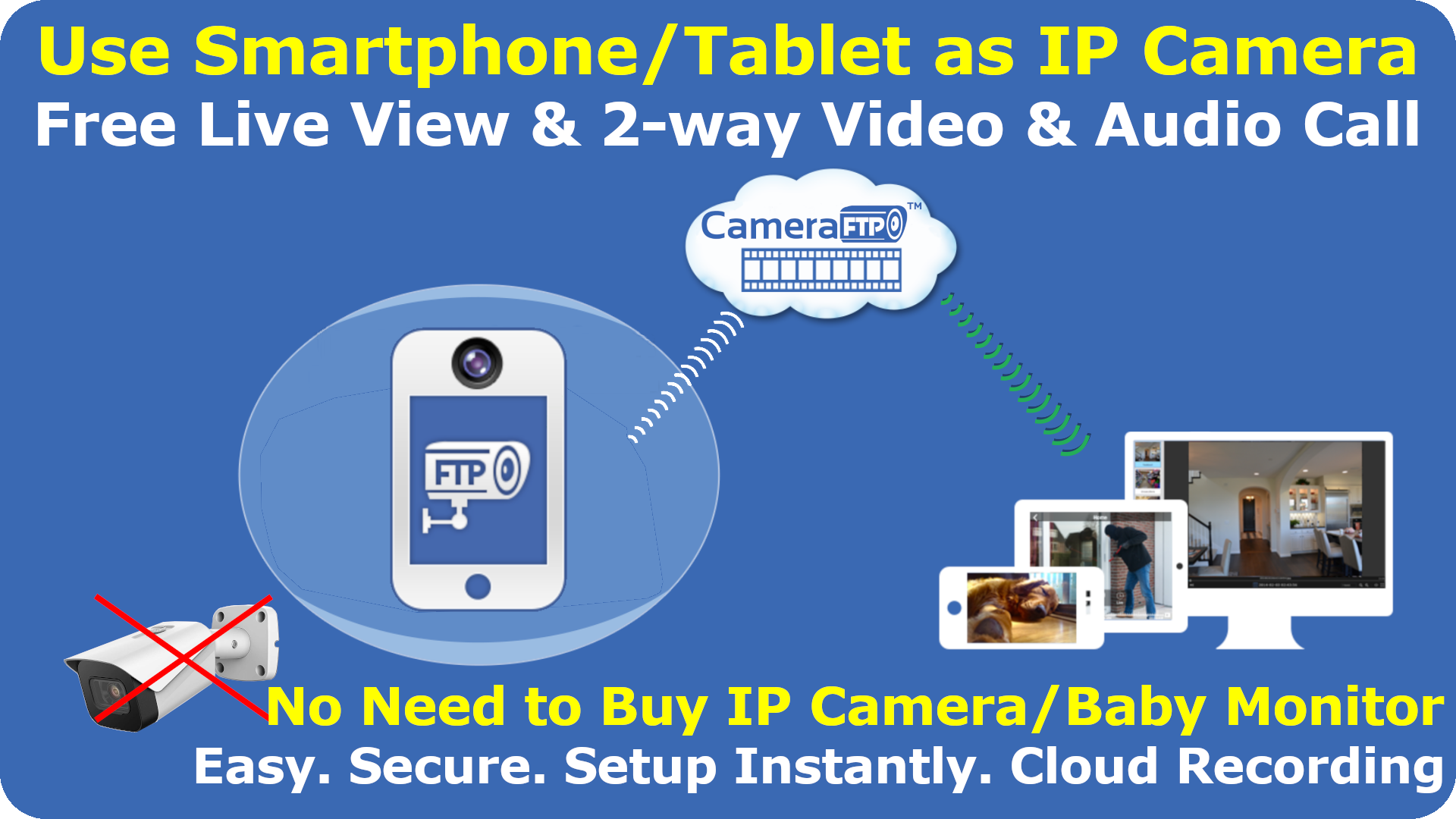
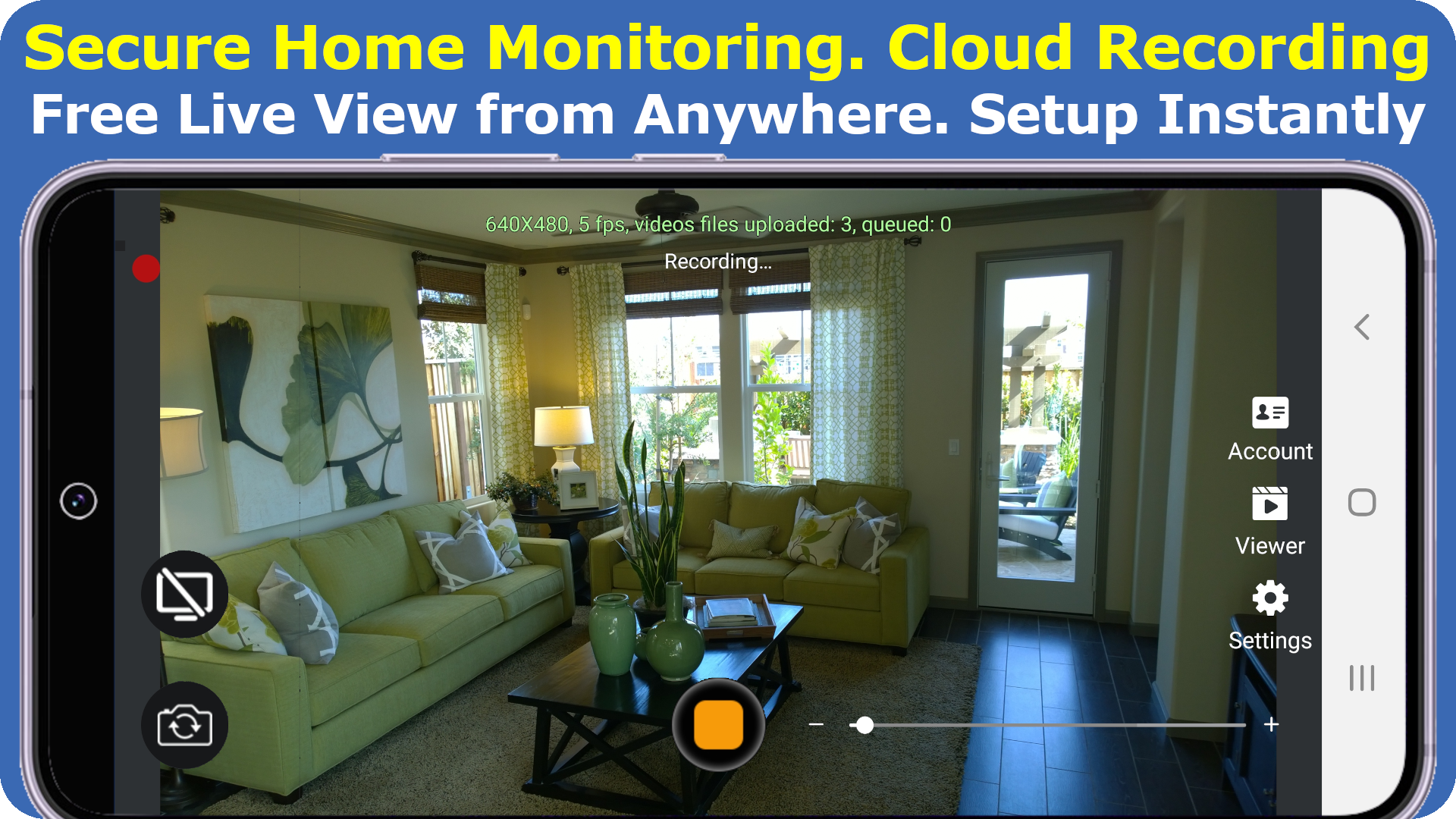
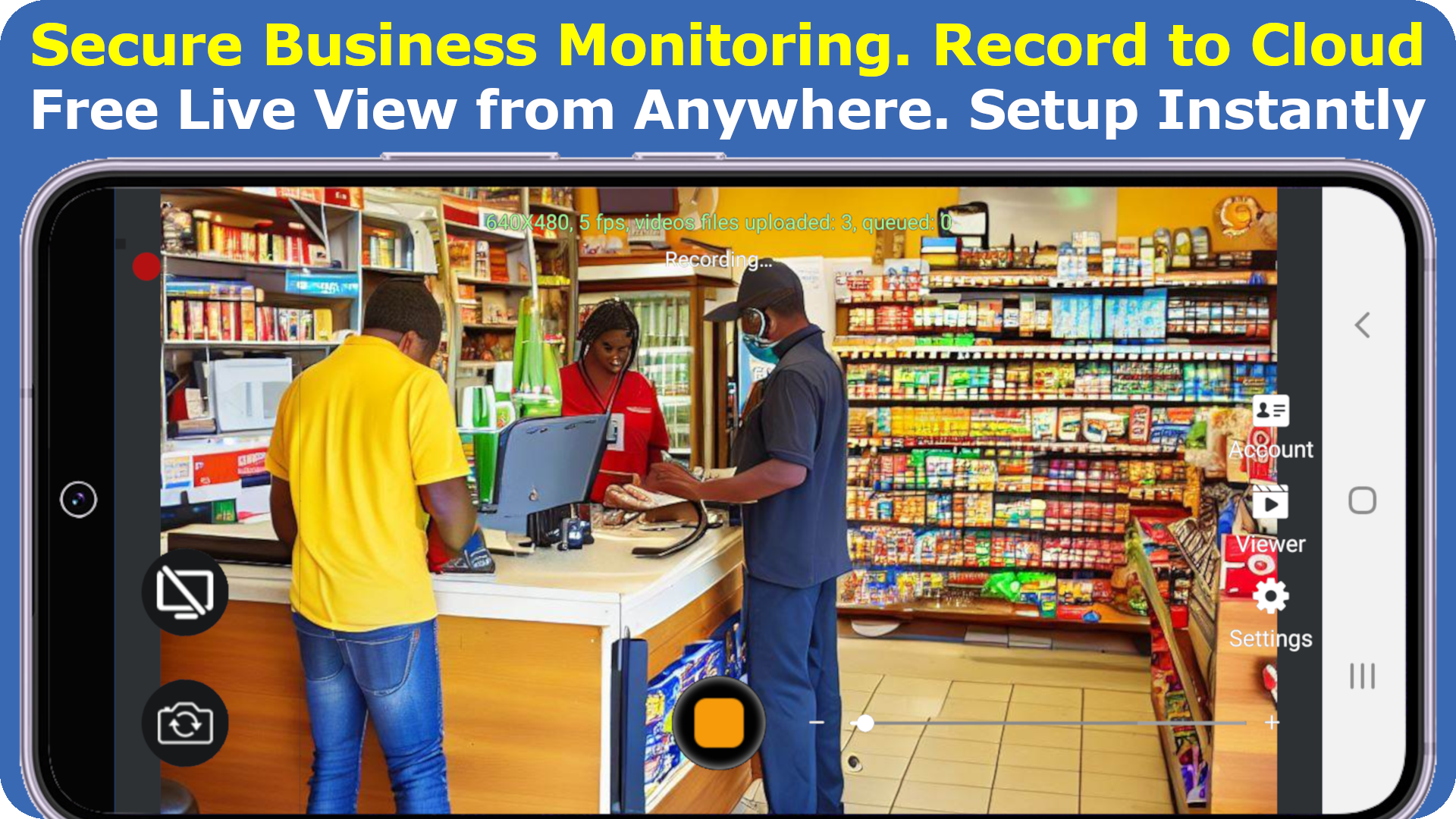
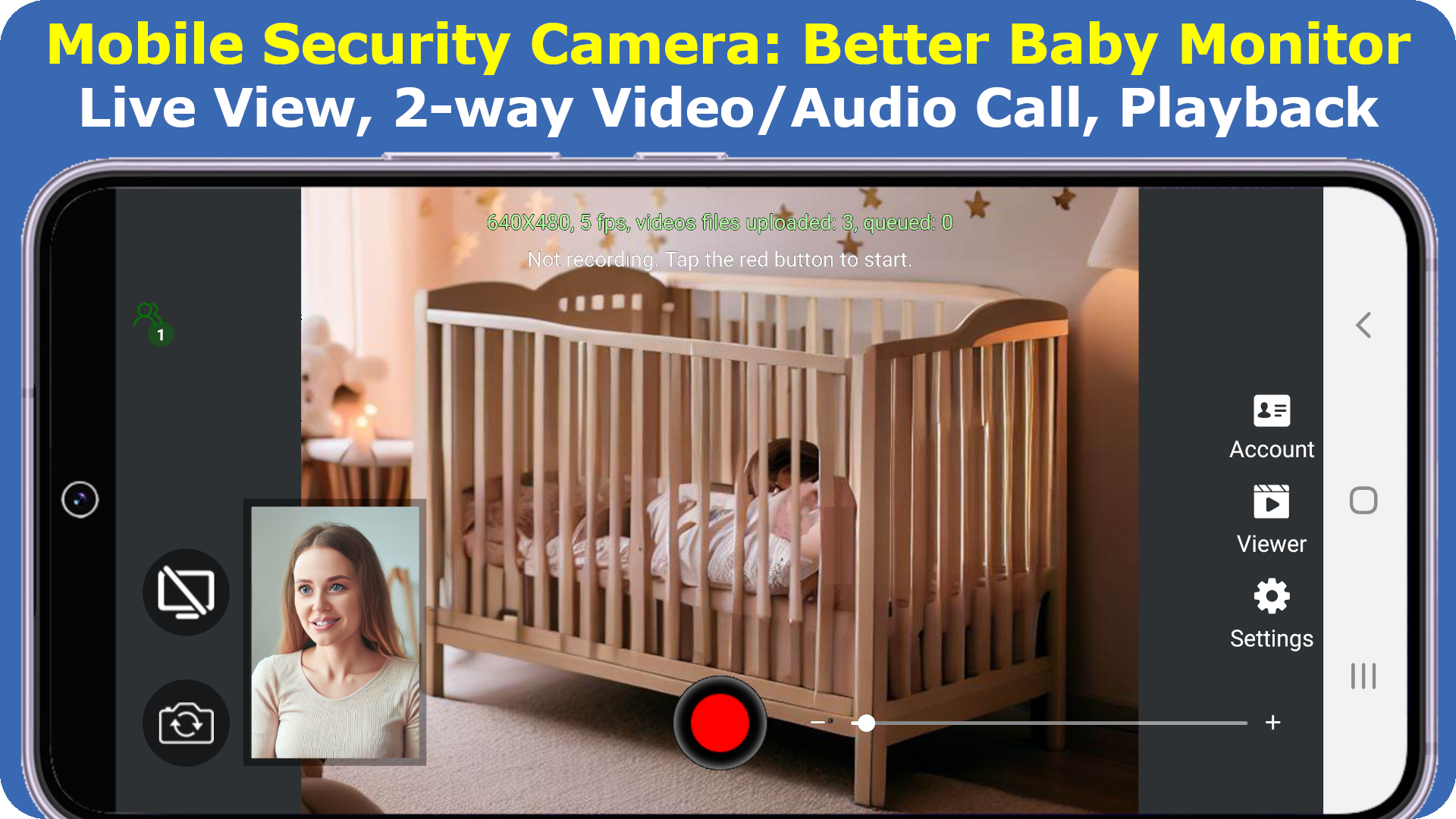
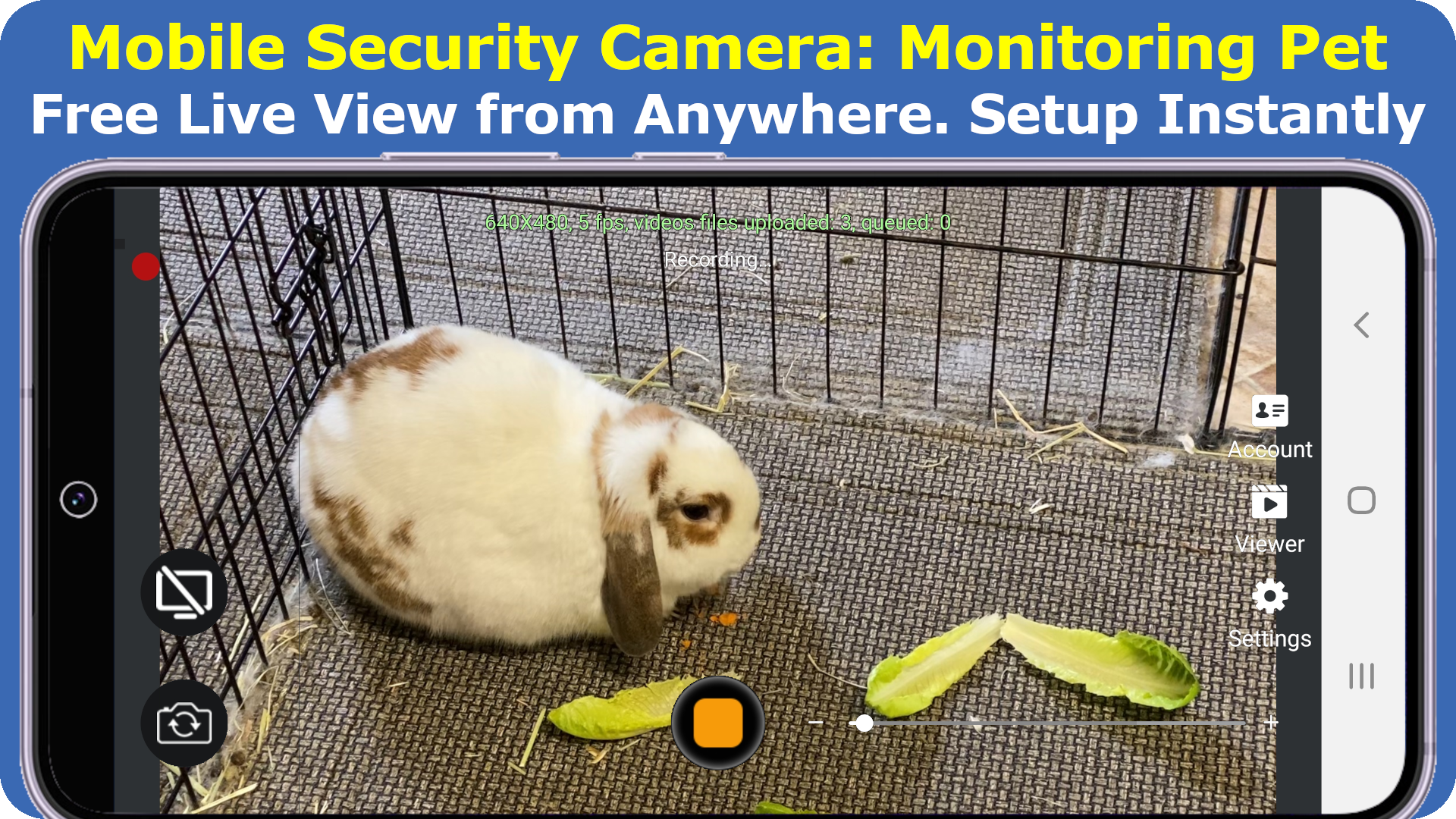
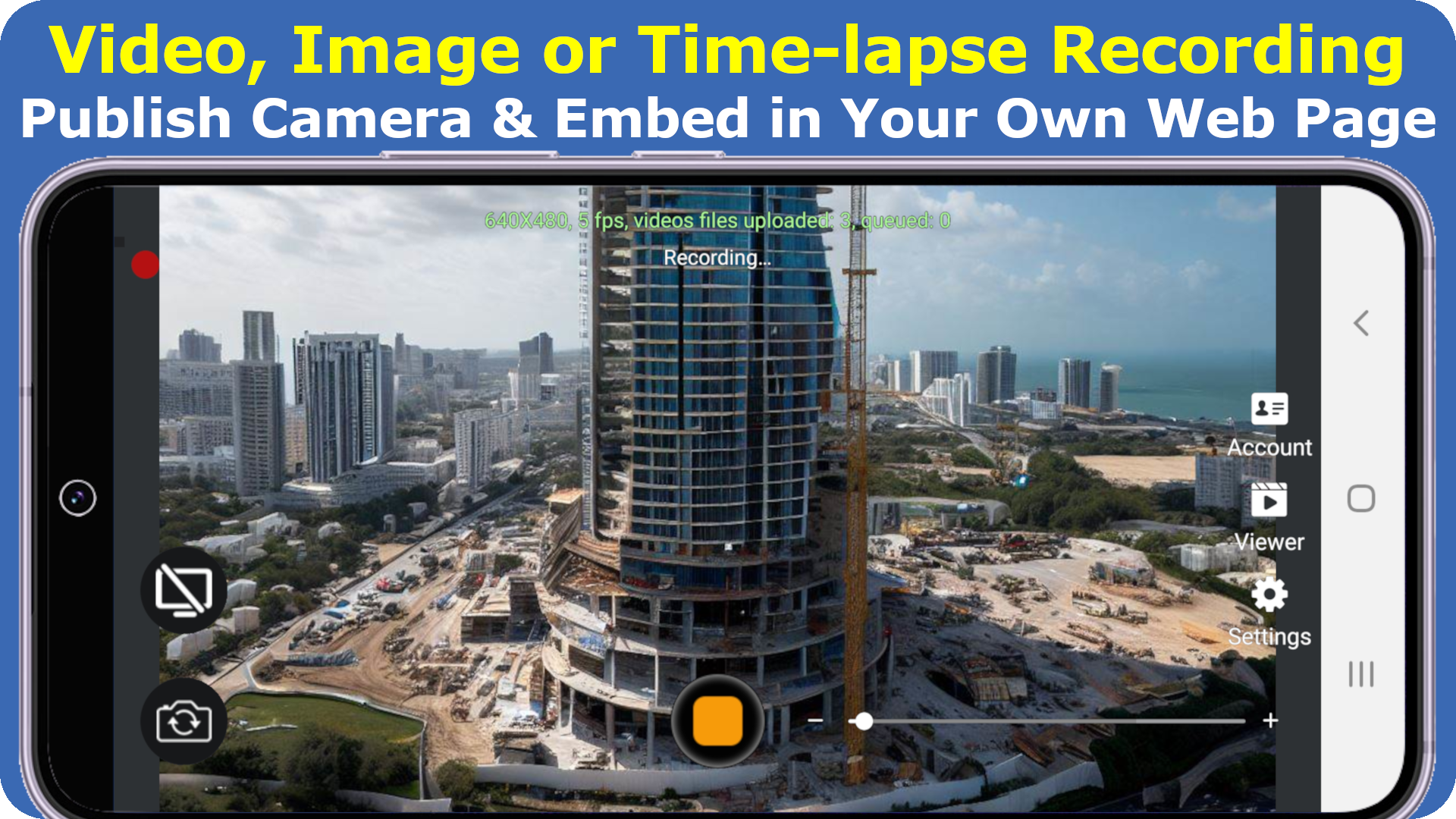
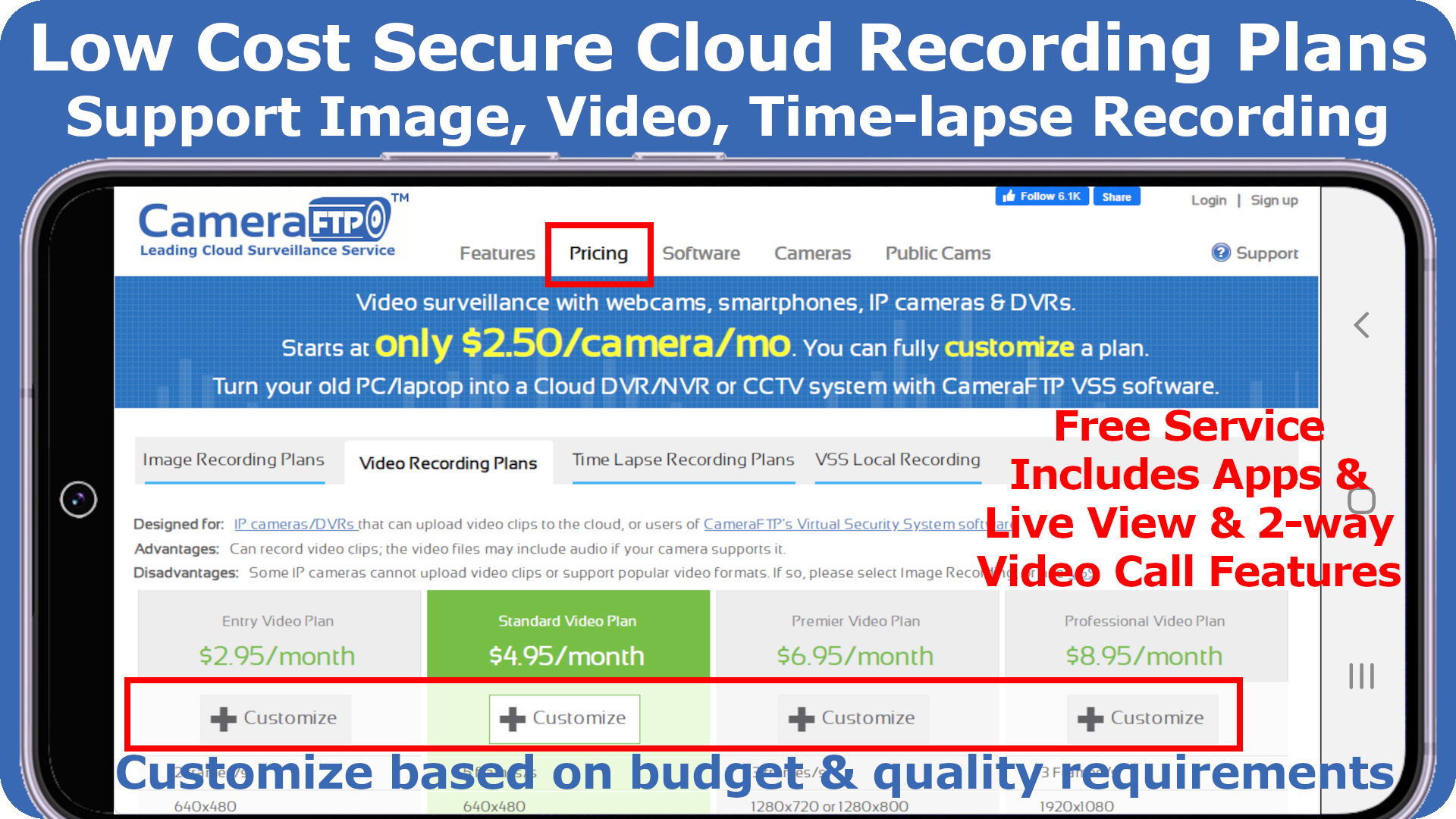
The CameraFTP Mobile Security Camera is a complimentary application that allows your smartphone or tablet to function as a Cloud Security Camera or Baby Monitor.
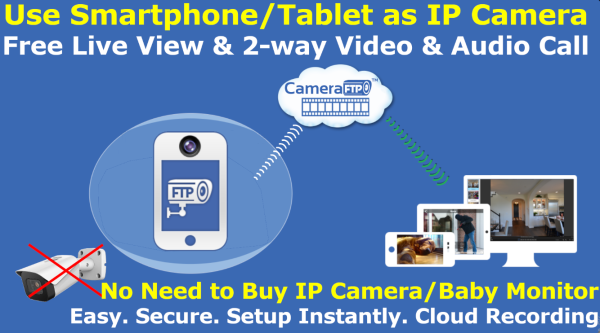
This can help you avoid the expense of purchasing an IP camera or Baby Monitor. While some features and cloud storage are available for free, users can opt for a cost-effective cloud recording service plan if desired.
The Mobile Security Camera provides more advanced capabilities than conventional IP cameras or baby monitors.
Features:
*It includes options for video recording, image capture, and time-lapse recording; it also facilitates both motion-triggered and continuous recording. Additionally, live viewing and two-way video and audio calls can be accessed from any location. The recorded videos are stored in the cloud, offering a level of security superior to local recordings, as intruders cannot erase this footage.
*You can check your camera feed from anywhere using a web browser or the CameraFTP Viewer App. It enables two-way video and audio communication, which typical IP cameras, NVRs, or Baby/Pet Monitors do not support.
*The service provides optimized cloud storage specifically designed for IP security cameras. If your cameras are set up according to your chosen plan, your storage usage will be well managed without concerns.
*Most IP cameras are compatible with FTP. You can either use a standard IP camera or repurpose a smartphone, tablet, or webcam as a security device.
- If you possess an older smartphone or tablet, consider transforming it into a security camera or Baby Monitor. Whether for home security, business safety, or monitoring those you care about, the service is user-friendly, secure, convenient, and reasonably priced.
*Starting at just $1.50 per camera per month, the offerings surpass traditional security services in terms of functionality and quality. Features include ongoing cloud surveillance, DVR data backup, time-lapse recording, camera publishing and live streaming, monitoring screen usage across devices, and facilitating two-way video and audio interactions, as well as the ability to embed cameras on company web pages.
CameraFTP operates under DriveHQ.com, a prominent provider of Cloud IT services. Based in Silicon Valley, DriveHQ has been operational since 2003 and boasts over 3 million registered users.
User Guide:
1. **Quick Start (3 Steps)**
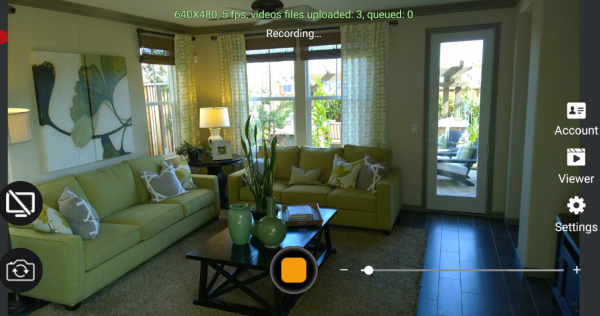
- **Adapting Old Devices:** Install the app on your idle phone/tablet. No complicated configuration is required; it instantly transforms into a security camera/baby monitor.
- **Account Activation:** Register an account (existing DriveHQ users can log in directly). New users enjoy a 3-day free trial of cloud recording.
- **Live Viewing:** Download the CameraFTP Viewer app on another device or log in via the web to remotely view live footage.
2. **Core Function Operation**
- **Recording Modes:** Choose from continuous recording, motion-detection recording, or time-lapse recording as needed. Photo taking is also supported.
- **Two-Way Interaction:** Initiate two-way audio and video calls on the Viewer device. Works across multiple devices.
- **Storage Options:** Free accounts enjoy 1GB of storage/bandwidth. Paid plans (starting from $1.50/camera/month) unlock unlimited storage and advanced features.
FAQs:
1. **Q**: How many account types does this app offer? What's the key difference between free and paid accounts?
**A**: The app offers three account types: Free, True (still free), and paid. The key differences lie in the scope of service and resource quotas: Both Free and True accounts offer a limited 1GB of storage and monthly bandwidth, suitable for personal use only. Free accounts don't support publishing. Paid accounts offer unlimited storage and bandwidth, support advanced features like custom logos, multi-user management, and corporate email, making them more suitable for business scenarios. The lowest monthly plan is $29.9.
2. **Q**: How do I get started with its cloud recording service? Is there a trial period?
**A**: First, you need to register an account on the official website. Existing DriveHQ users can log in directly with their existing credentials. New users can enjoy a three-day free trial. After the trial, you must subscribe to a paid plan to continue using the cloud recording service. Paid plans start at $1.50 per camera per month.
3. **Q**: Does converting an old phone into a security camera require any additional configuration?
**A**: No additional complex configuration is required. Simply install the CameraFTP mobile security camera app on an old smartphone or tablet to transform it into a security camera or baby monitor. There's no need to manually set up FTP server information, making it easy to use.
4. **Q**: What devices can use the two-way audio and video call feature?
**A**: This feature works across devices. Users can use a web browser or the CameraFTP Viewer app to conduct real-time two-way audio and video calls with smartphones, tablets, and other devices that have the mobile security camera app installed. This is a feature not often found in traditional IP cameras.
5. **Q**: What third-party IP cameras are supported? How do I connect them?
**A**: Most IP cameras that support FTP, SMTP, or RTSP streaming are compatible, such as the TP-Link Tapo series. To connect, you must first confirm and enable the RTSP function in the camera management app to obtain the streaming address. Then, install the CameraFTP VSS software on your computer and add the camera to the software to enable dual cloud and local recording.
- Version5.1
- UpdateOct 29, 2026
- DeveloperDriveHQ.com & CameraFTP.com Cloud Services
- CategoryBusiness
- Requires AndroidAndroid 5.0+
- Downloads286K+
- Package Namedhq.CloudCamera
- Signature4850b69a97f91a59227097fa76d9dec5
- Available on
- ReportFlag as inappropriate
-
NameSizeDownload
-
34.49 MB
-
27.41 MB
-
26.57 MB











User-friendly setup process
Real-time monitoring capabilities
Good security features and notifications
Easy access to recorded events
Honest billing practices with non-recurring charges
Customizable recording settings
Effective for transaction tracking in certain apps
Frequent hacking risks connected with the app
Difficulty in deleting accounts without contacting support
Confusing user interface and inconsistent navigation
Limited functionality in free version and short trial period
Issues with motion activation sensitivity
Poor customer support and communication
High costs associated with ongoing usage
Inability to store images on personal servers