
Offline Translator: Transee - Offline translation & voice recognition
Experience seamless communication with offline translation, voice recognition, & real-time language support at your fingertips.
- 1.10.7 Version
- 3.1 Score
- 697K+ Downloads
- In-app purchases License
- 3+ Content Rating

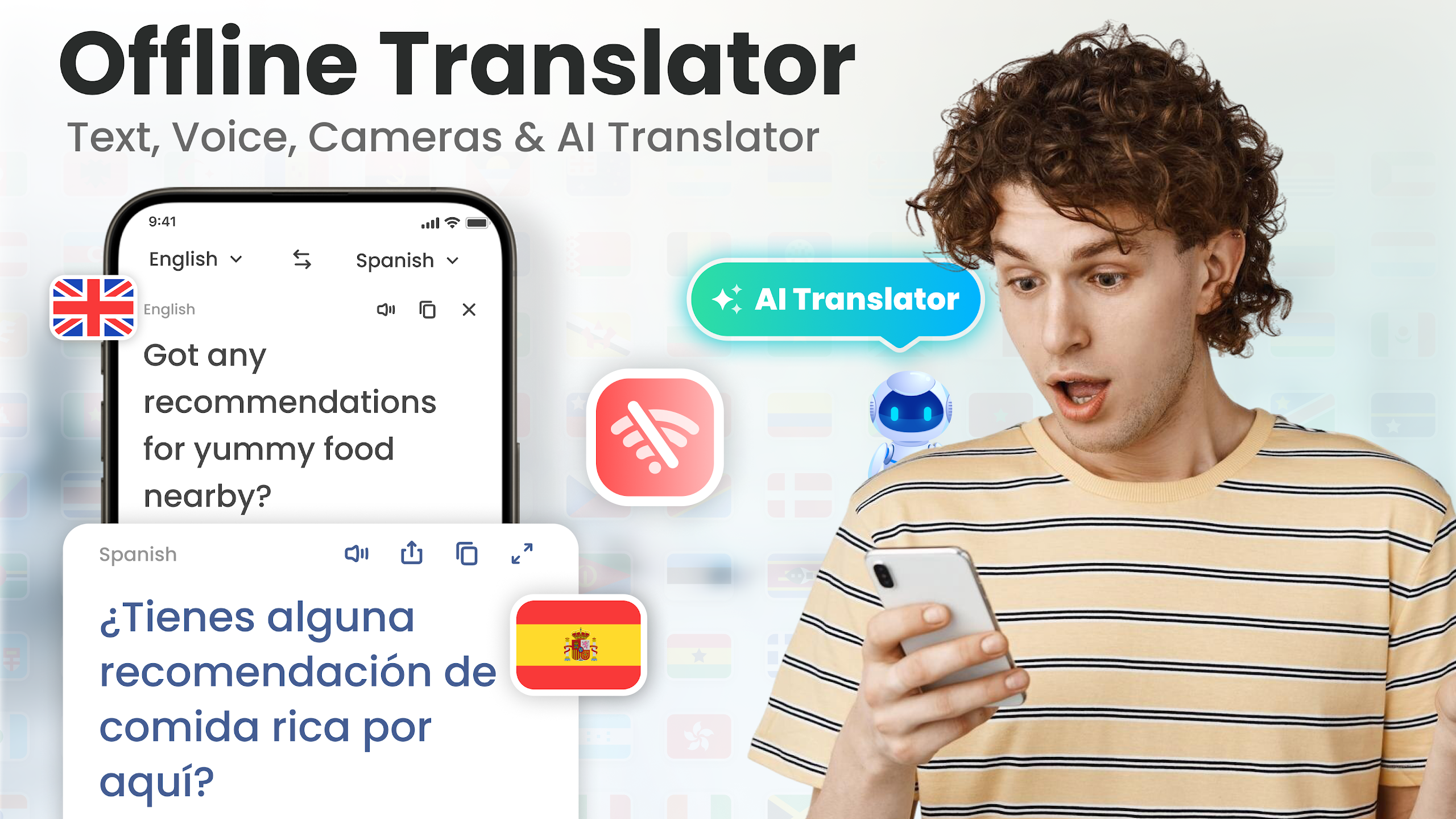
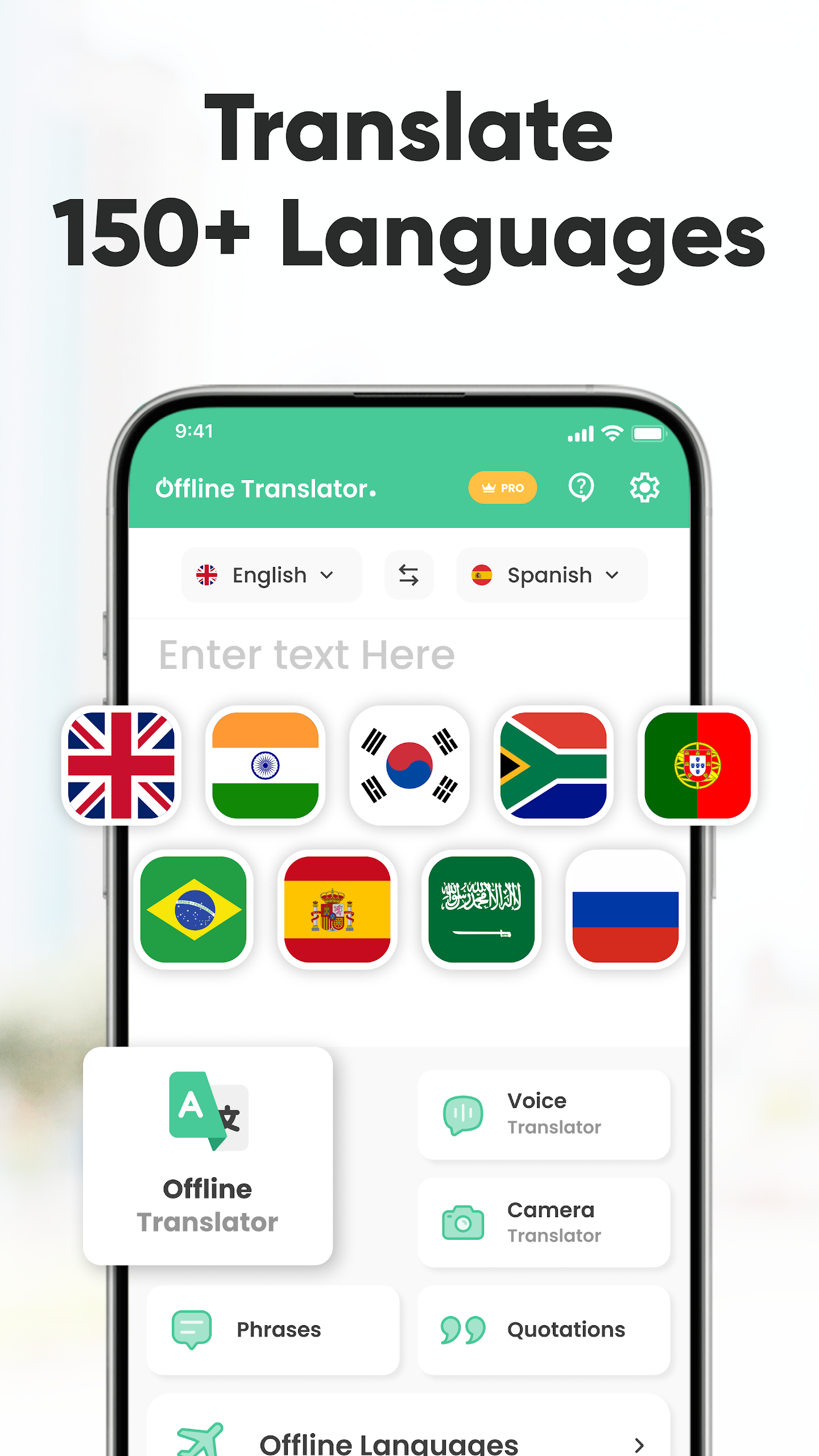
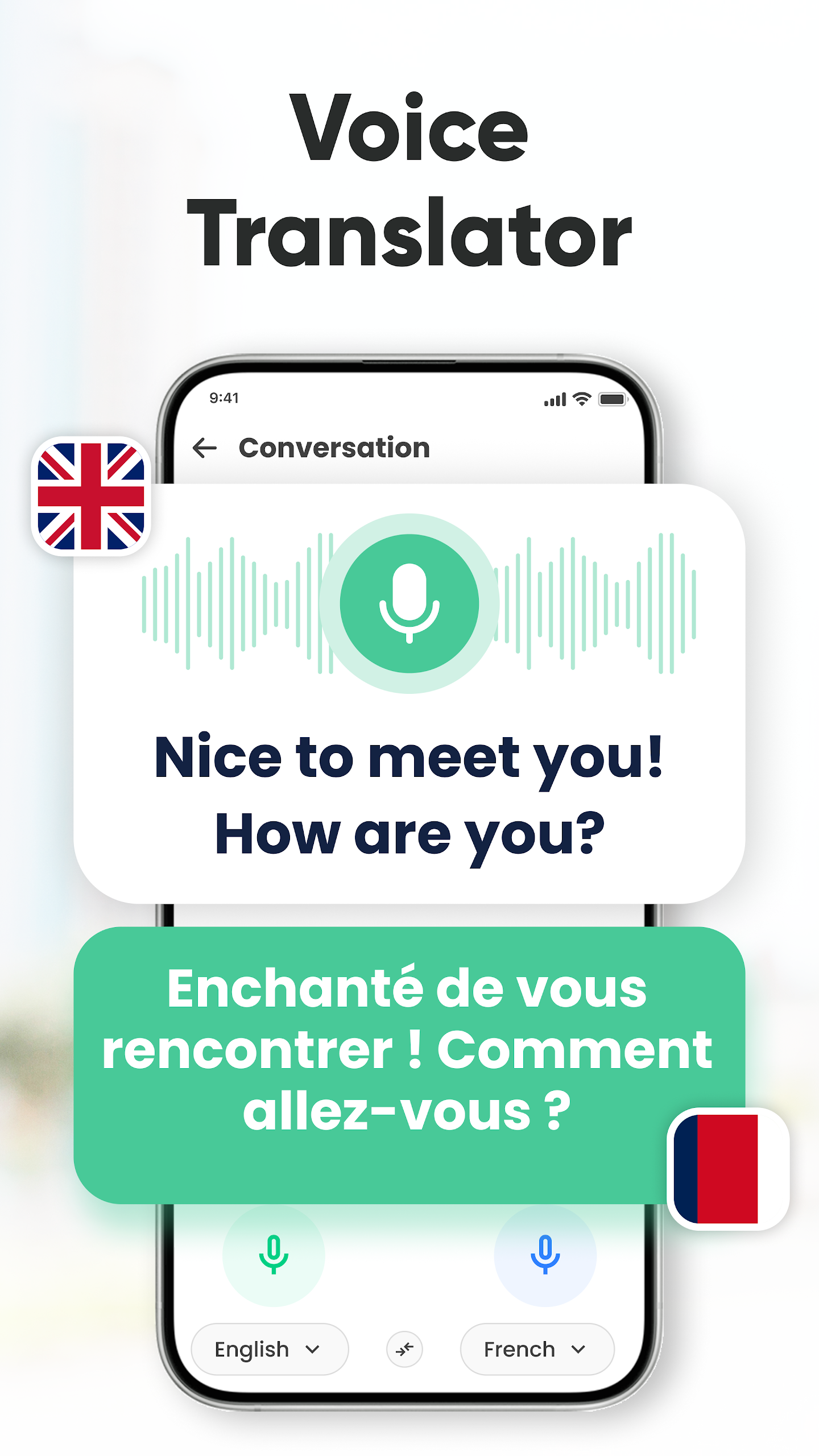
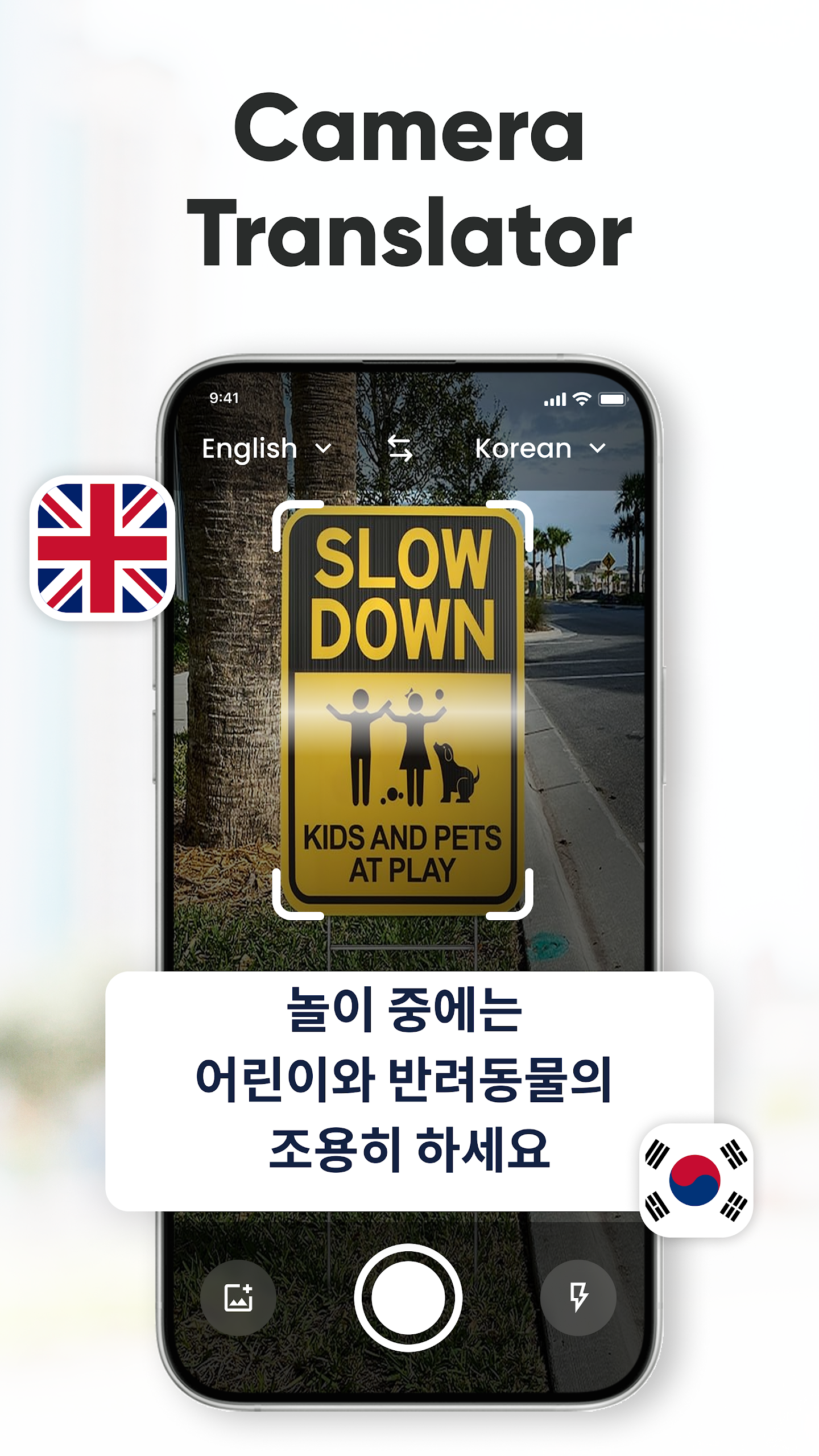
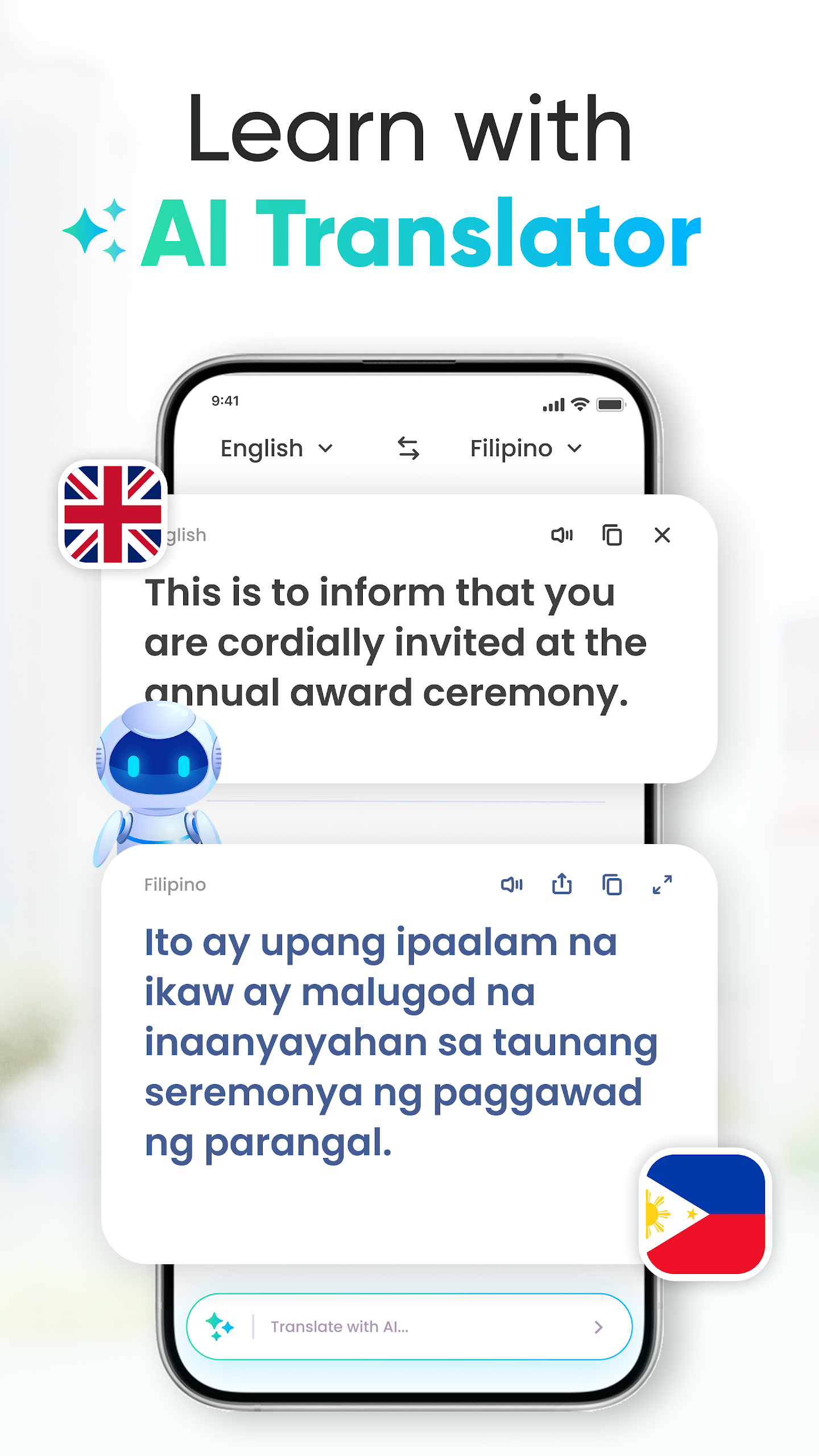
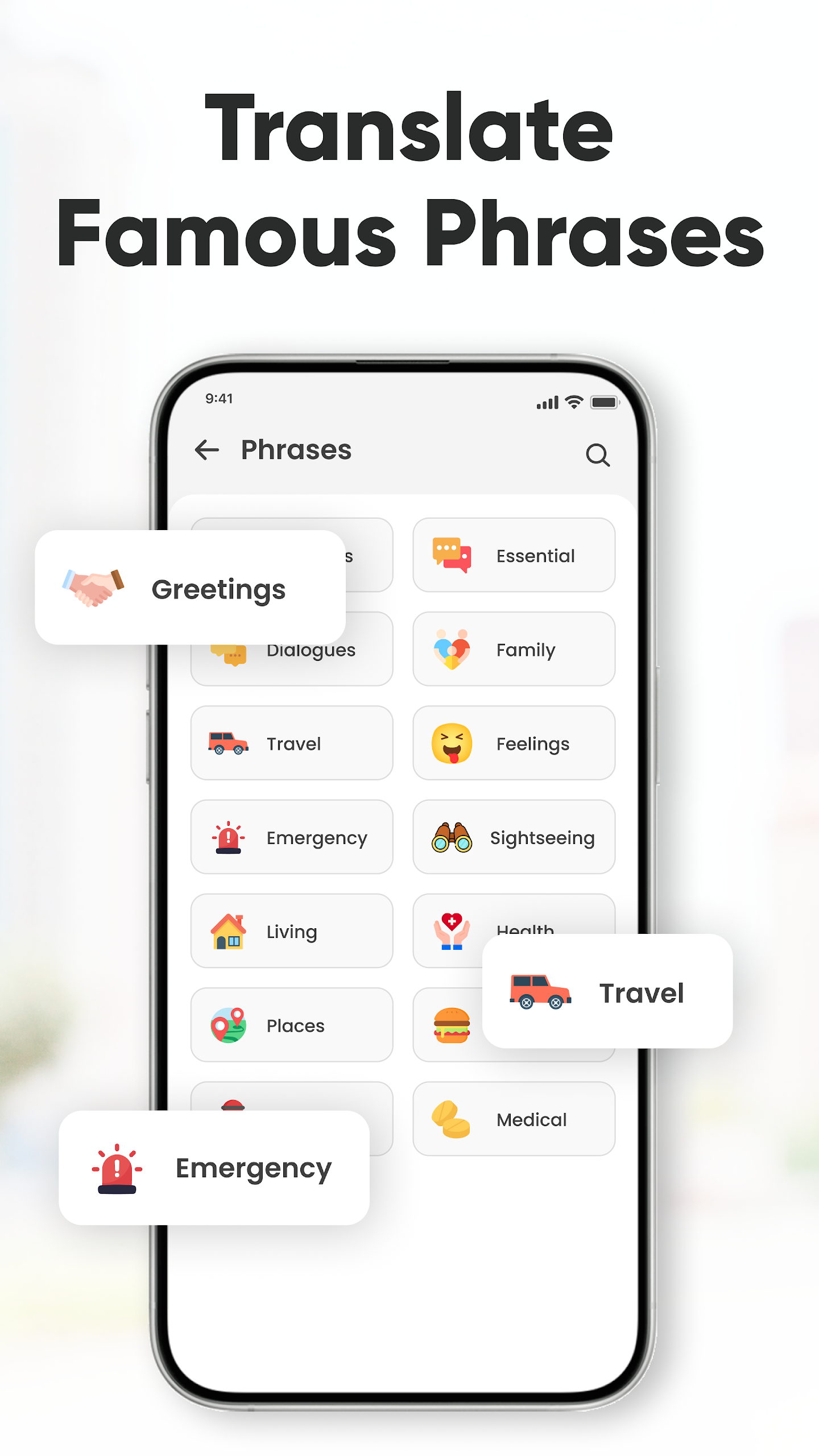
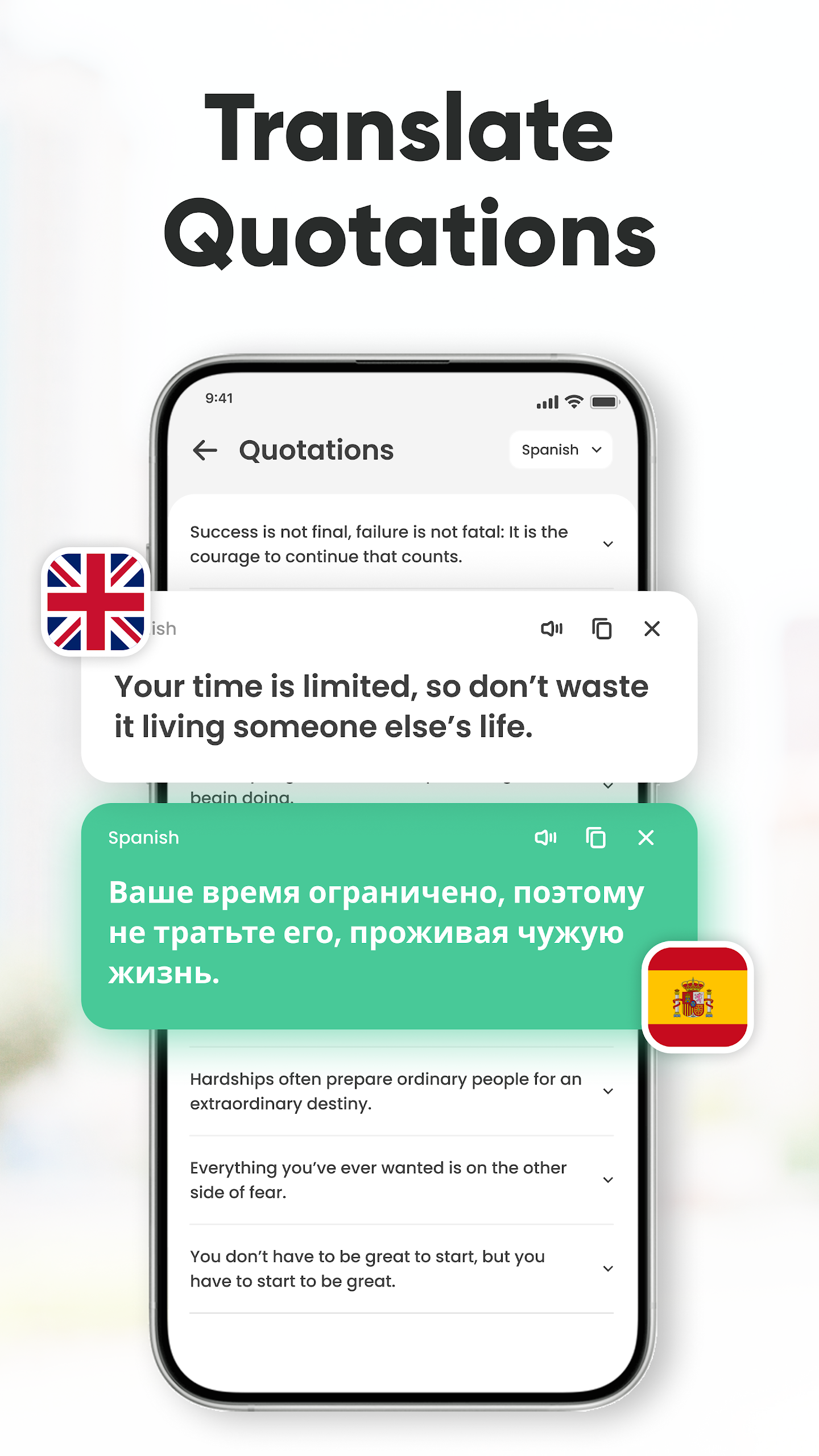
Welcome to our Offline Translator Application. This app can function in both online and offline modes.
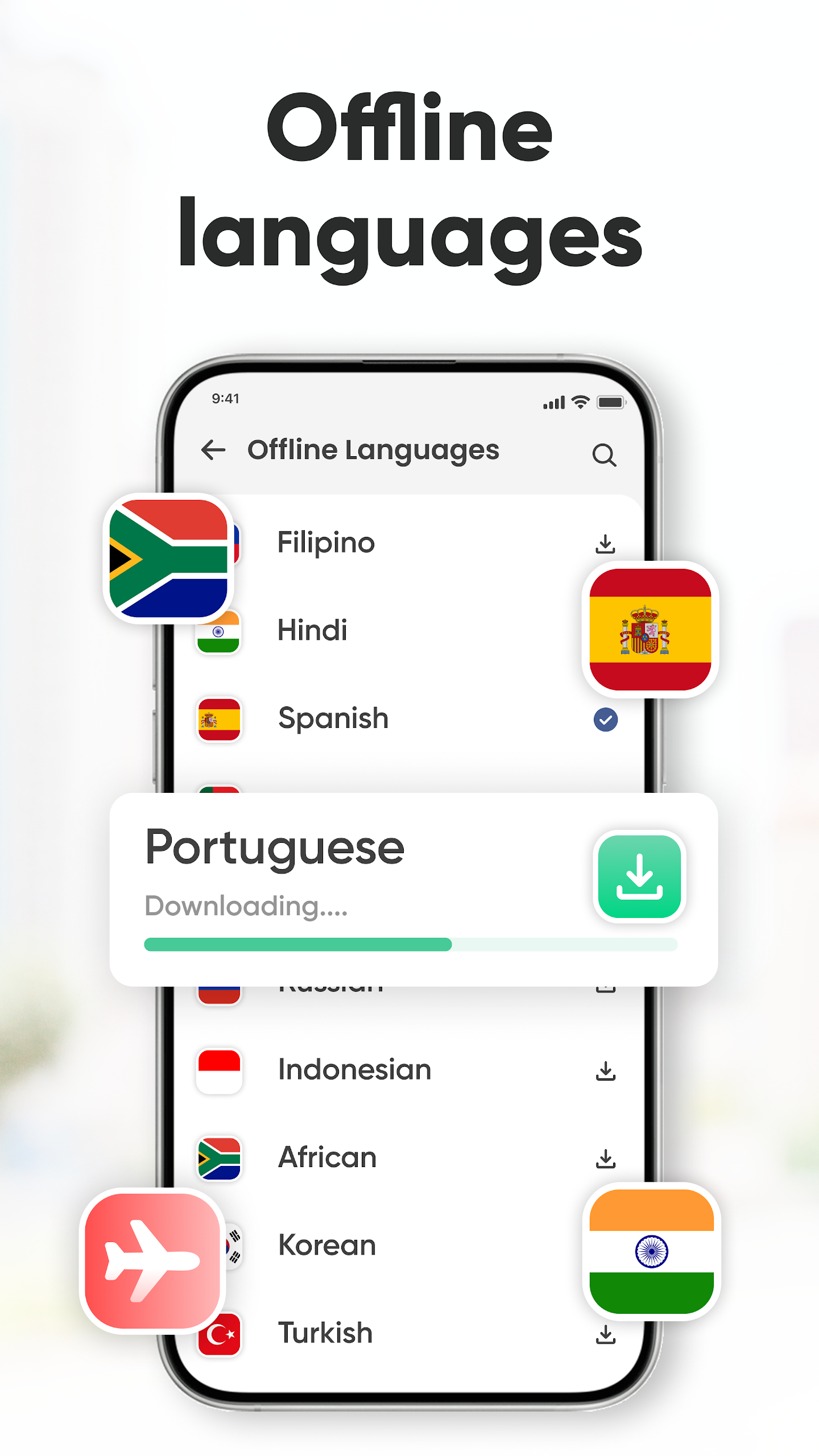
If you're uncertain about being online later, you can download the language pack you wish to translate beforehand and utilize the app offline when necessary. Quite straightforward, isn’t it?
This language translation application provides support for over 50 languages in offline mode. While online, it expands this support to more than 100 languages.
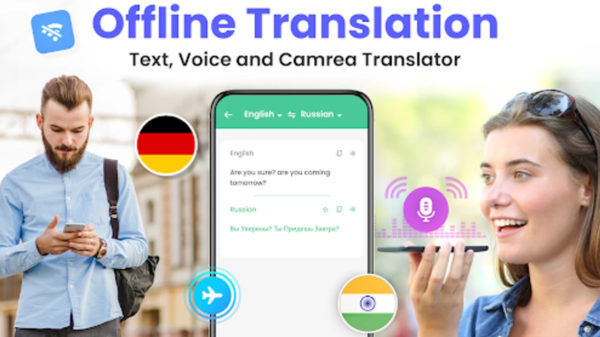
This Offline Language Translator is designed to assist you in translating words and sentences promptly, conveniently, and effortlessly. Additionally, it features voice recognition for quick text input and allows you to hear the translated text through its voice broadcasting functionality. It's completely free and can be used for offline translations even without an internet connection.
Languages available for offline translation include:
Afrikaans, Albanian, Arabic, Belarusian, Bengali, Bulgarian, Catalan, Chinese (Simplified), Chinese (Traditional), Croatian, Czech, Danish, Dutch, Estonian, Finnish, French, Galician, Georgian, German, Greek, Gujarati, Haitian Creole, Hebrew, Hindi, Hungarian, Icelandic, Indonesian, Irish, Italian, Japanese, Kannada, Korean, Latvian, Lithuanian, Macedonian, Malay, Maltese, Marathi, Norwegian, Persian, Polish, Portuguese, Romanian, Russian, Slovak, Slovenian, Spanish, Swahili, Swedish, Tagalog (Filipino), Tamil, Telugu, Thai, Turkish, Ukrainian, Urdu, Vietnamese, Welsh.
Features of the Offline Language Translator:
- Offline translation support for 60 languages.
- Voice recognition capabilities for all languages and voice broadcast available for 107 languages (including both speech recognition and text-to-speech).
Important Information:
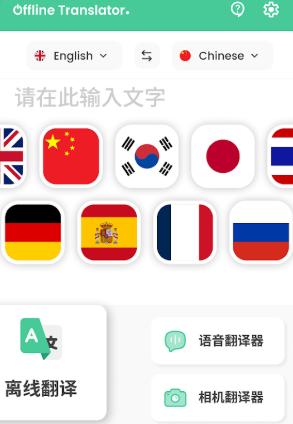
- To utilize offline translation, ensure you have downloaded the respective language data model. The voice translation and conversation features will require an internet connection.
- This application is compatible with Android versions 6 and higher and does not request any sensitive permissions.
Give the offline translation feature of this app a try; it will serve as an excellent offline translator for your needs.
How to Use:
1. **Download Offline Language Packs in Advance (for Offline Use)**
Open the app while connected to the internet, find the language pack download section, select the desired language (supports 60 offline languages), and click download. Wi-Fi download is recommended to avoid consuming mobile data.
2. **Basic Text Translation**
Select the source and target languages, and simply enter the text for quick translation. Offline mode only supports text translation for downloaded language packs; online mode unlocks translation for 100+ languages.
3. **Voice Translation (Internet Required)**
Maintain an internet connection, tap the microphone icon, and clearly speak the content to be translated. The app will quickly generate a translation through voice recognition and also supports voice playback of translations for 107 languages.
4. **Notes for Daily Use**
This app only supports Android 6.0 and above and does not require sensitive permissions. Offline mode has no voice function, only text translation. It is recommended for use when traveling abroad or in scenarios without internet access.
Related Questions and Answers:
1. **Q**: Does this translation app support offline use? What are the requirements for offline use?
**A**: Yes, it has both online and offline modes. Offline use requires downloading the corresponding language pack in advance, and only basic translation features are available offline. Voice translation and conversation features still require an internet connection.
2. **Q**: How many languages does the app support in both online and offline modes?
**A**: Offline mode supports over 50 languages (the official feature description lists 60, but actual availability is subject to change); online mode supports over 100 languages.
3. **Q**: What are the core features of the app?
**A**: Core features include quick word and sentence translation, voice recognition input (available in all languages), and voice translation results (supported in 107 languages). It is completely free to use and does not require sensitive permissions.
4. **Q**: What are the device requirements for using this app?
**A**: Currently, it's only compatible with Android devices running Android version 6.0 or higher. It doesn't request sensitive permissions during installation and use, ensuring high security.
5. **Q**: Can I use the voice translation feature in offline mode?
**A**: No. Voice translation and conversation are online-only features and require an internet connection. Offline mode only supports basic text translation.
- Version1.10.7
- UpdateOct 30, 2026
- DeveloperDeveloperSol
- CategoryTools
- Requires AndroidAndroid 6+
- Downloads697K+
- Package Namecom.developersol.offline.translator.all.languagetranslator
- Signature09a4e9b338e0d0bb12563d10aad50693
- Available on
- ReportFlag as inappropriate
-
NameSizeDownload
-
69.63 MB
-
69.52 MB
-
65.93 MB














Convenient for communication without a translator
Offline functionality available
Supports multiple languages once packs are downloaded
No data collection or sharing reported
Simple and fast to use
Helps improve language comprehension and writing skills
Less intrusive ads than some competitors
Recognized for accurate translations in many cases
User-friendly interface with additional features such as voice translation
Cannot download languages without WiFi or proper internet connection
Frequent ads interrupting the translation process
Lacks speech-to-text translation while offline
Occasional wrong translations or grammar errors
Specific languages, like Urdu, having download issues
Full-screen ads on launch affecting user experience
Some users report app failing to work as intended over time
Limited capabilities compared to alternatives like Google Translate
Text box search function not operational in some cases