
Minimal Analog Watch Face - Stylish analog watch face
Elevate your Wear OS experience with customizable colors, vital stats, & intuitive features for daily convenience!
- 1.24.01.1608 Version
- 1.5 Score
- 207K+ Downloads
- In-app purchases License
- 3+ Content Rating

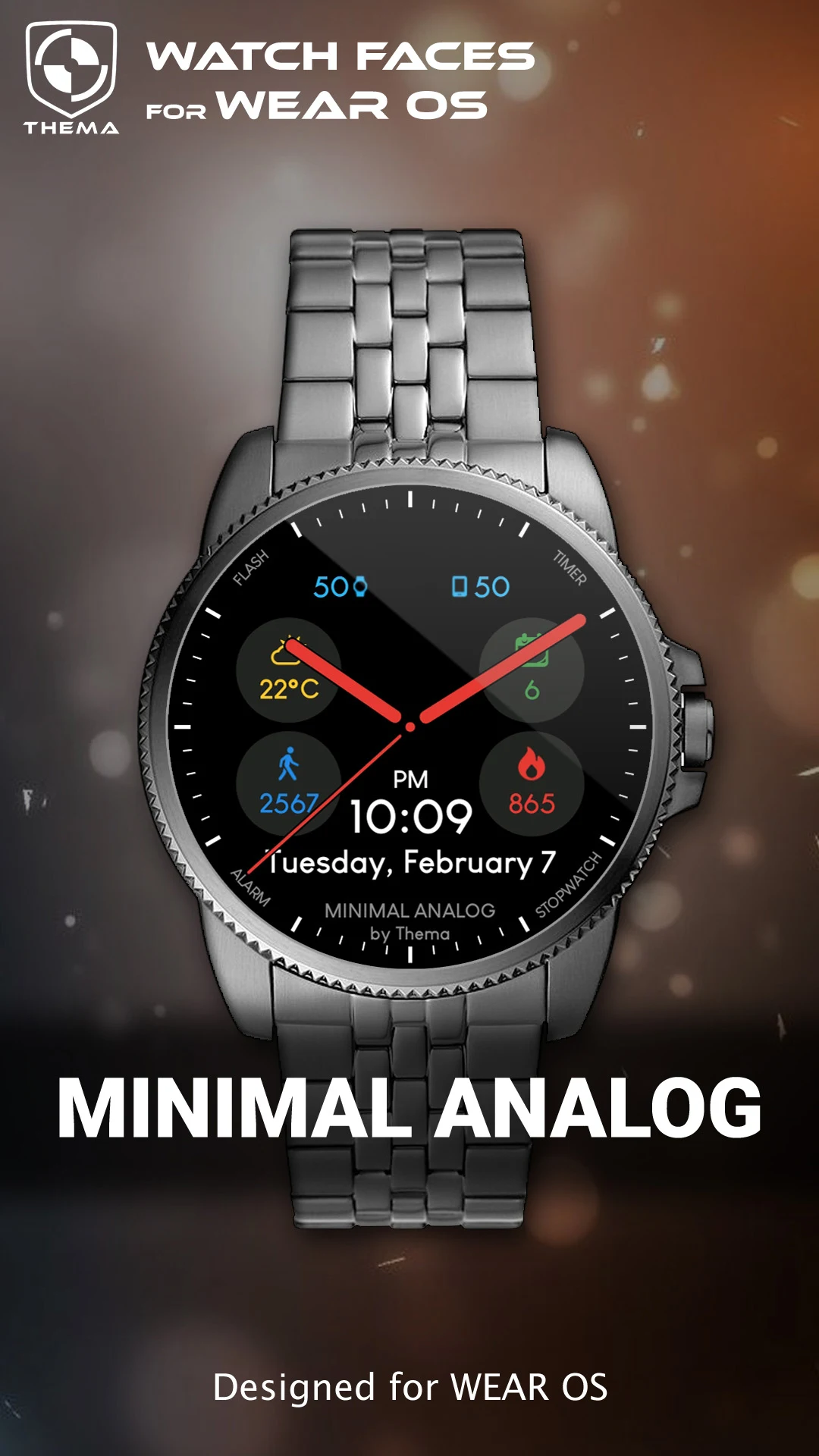
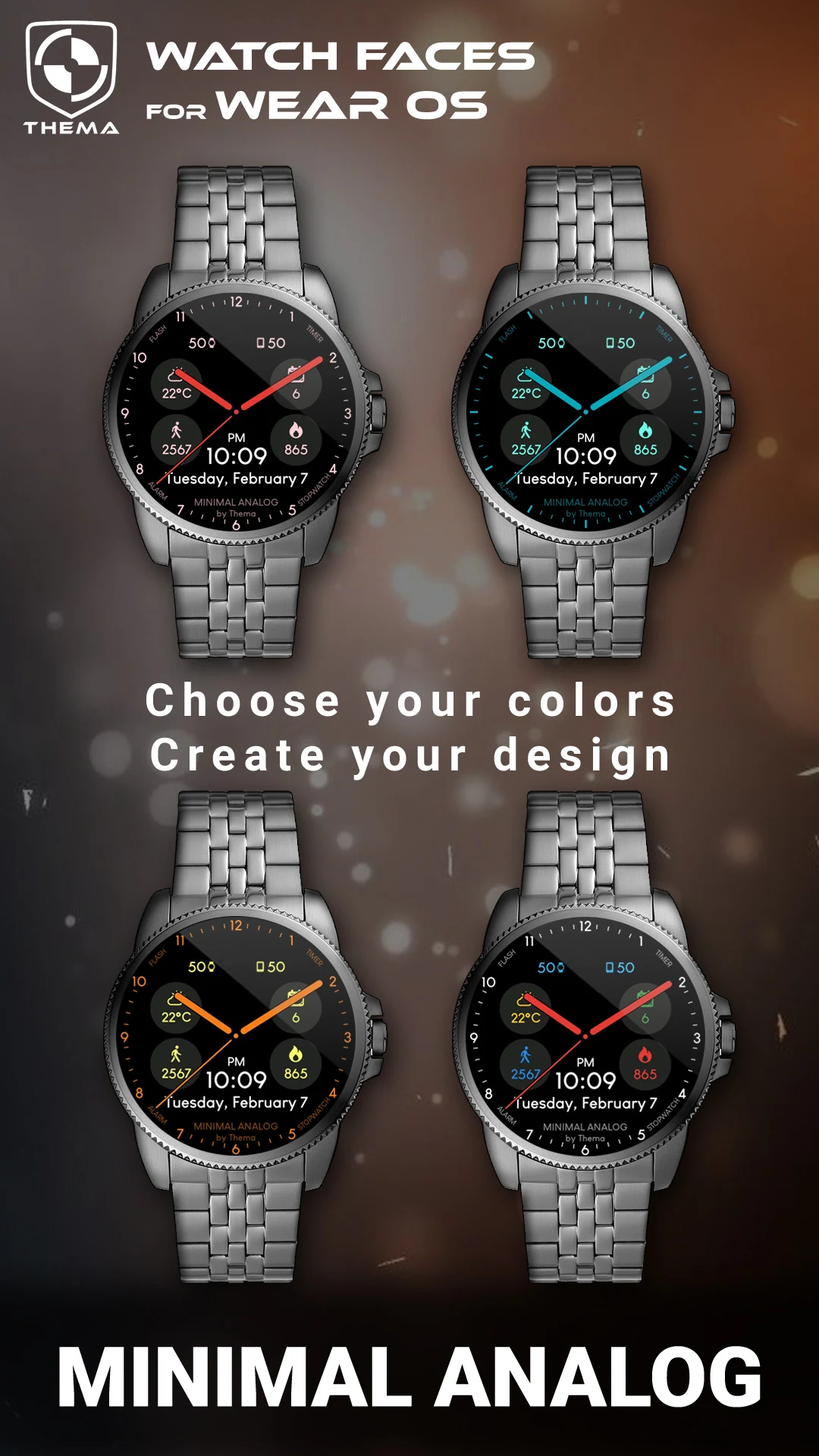
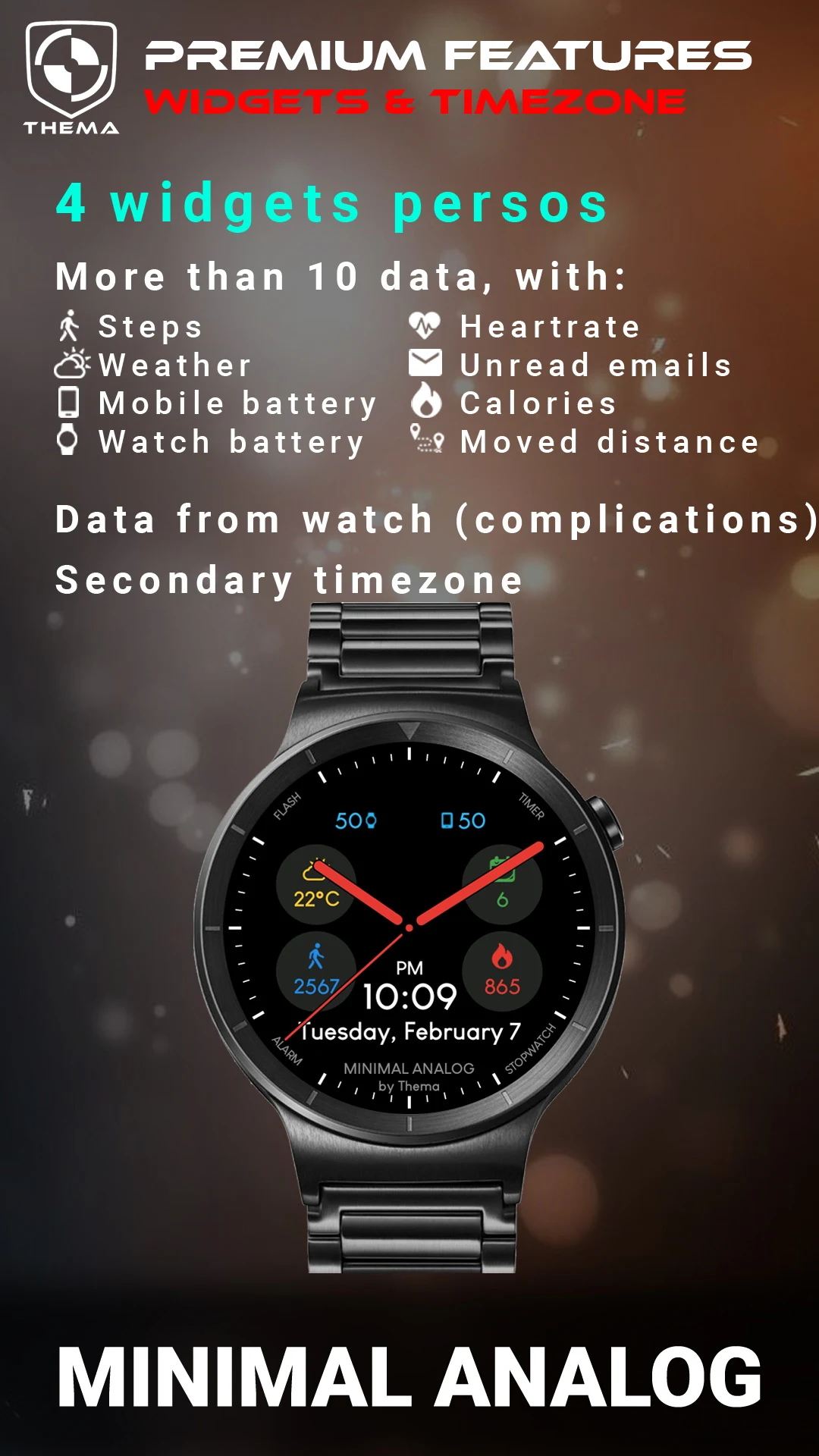
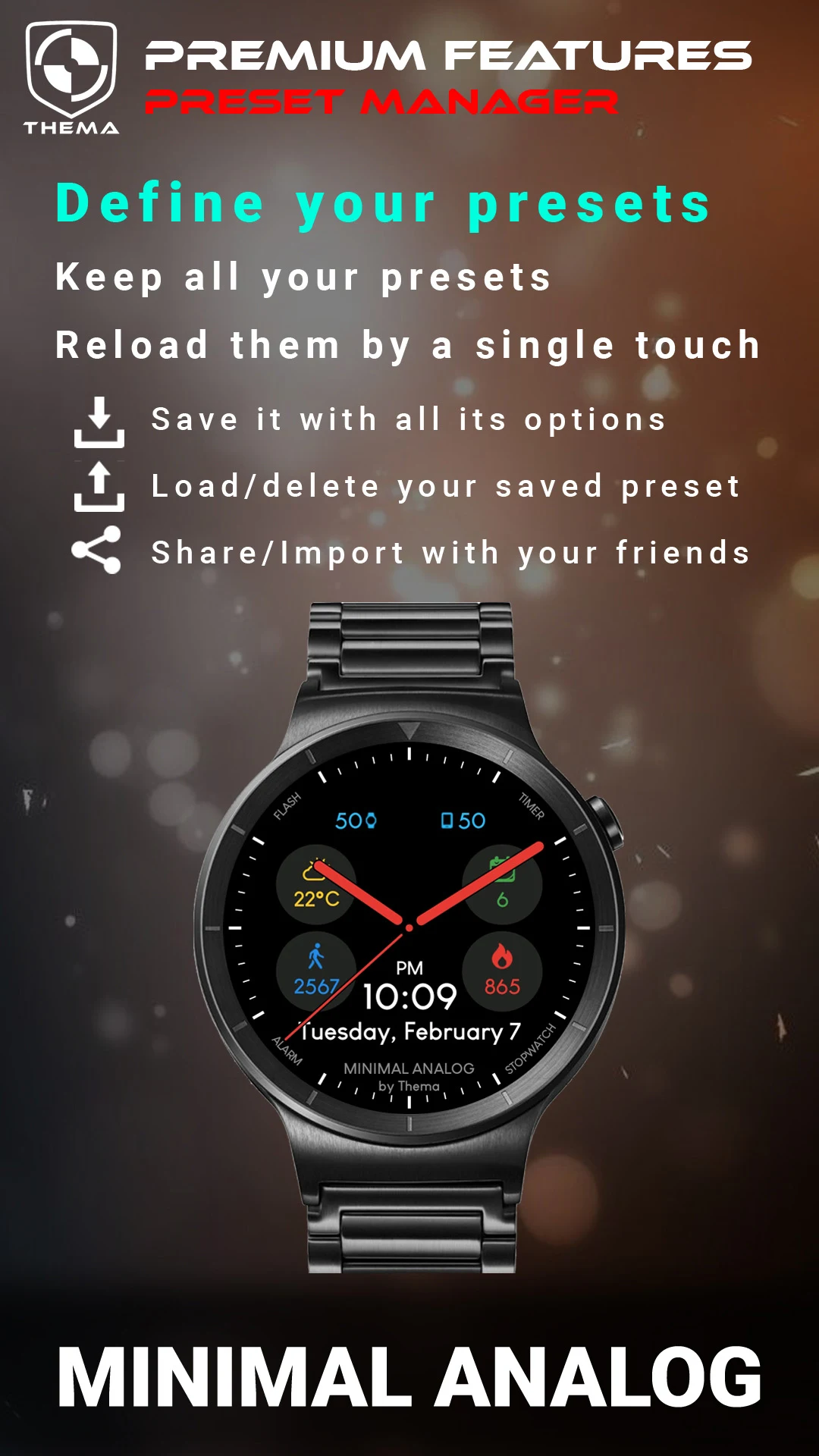
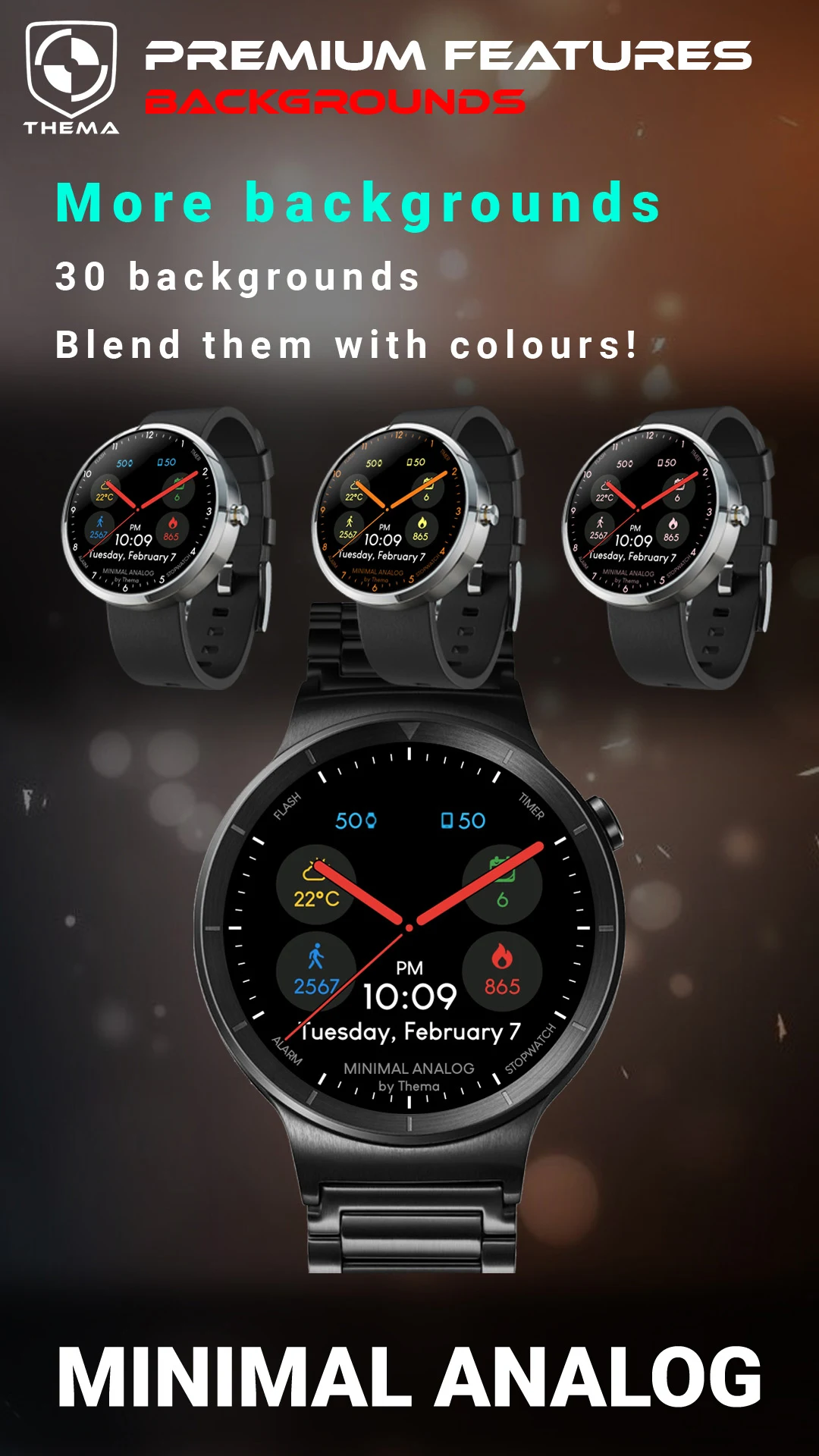
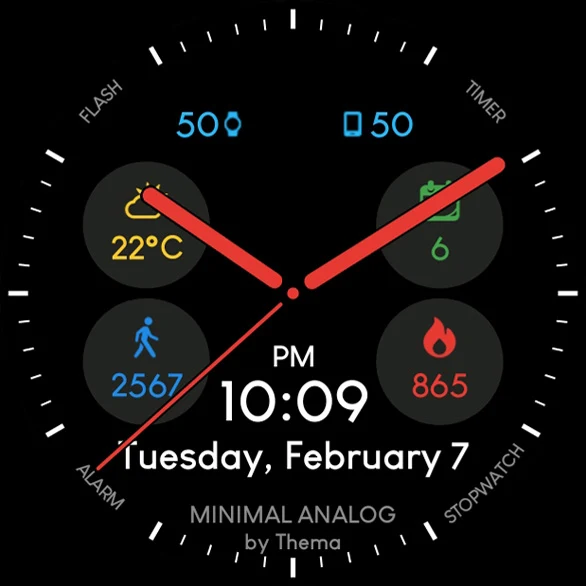
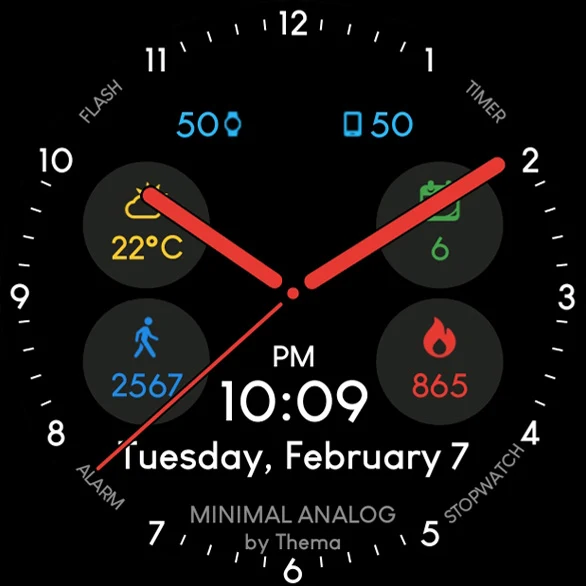
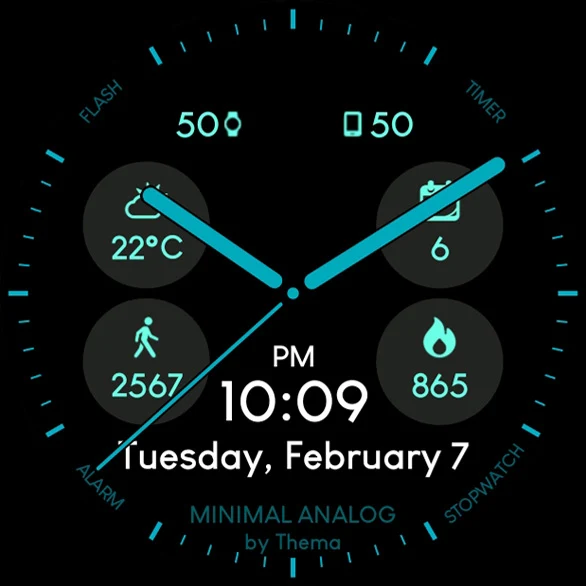
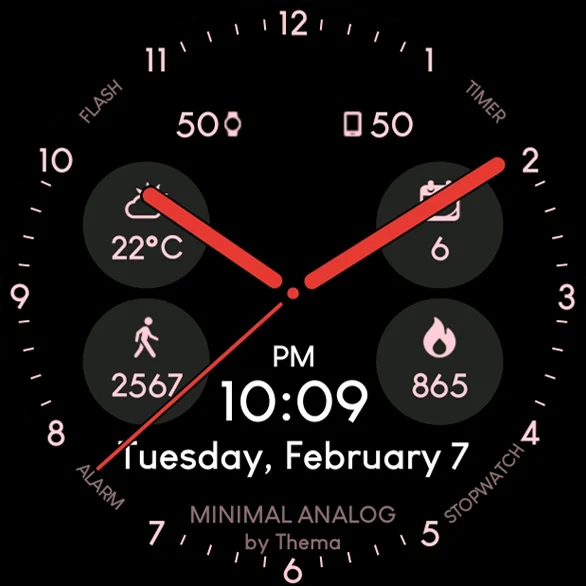
Introducing the Minimal Analog Watch Face for Wear OS!
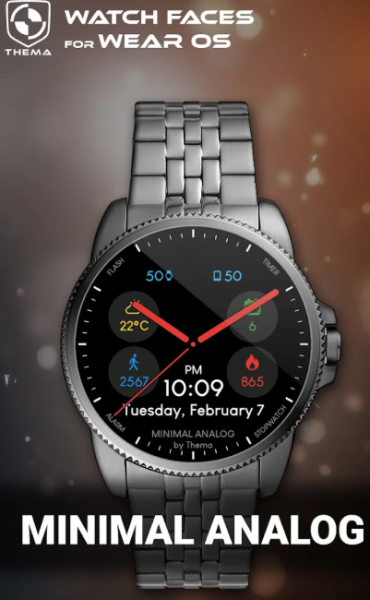
★ Highlights of Minimal Analog Watch Face ★
- Customize design colors
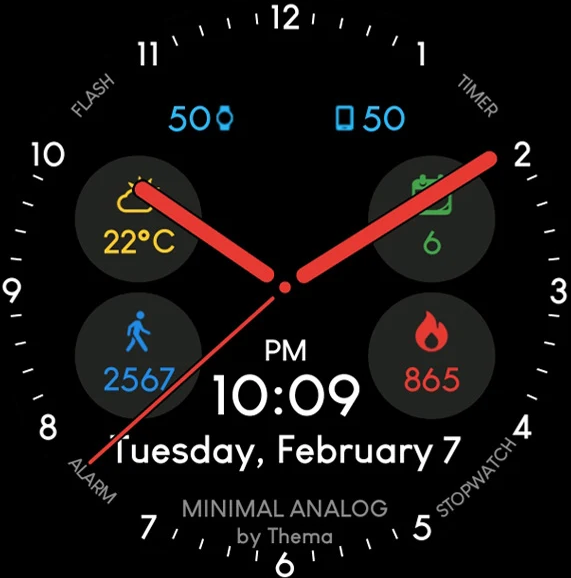
- Display Day & Month
- Monitor watch battery status
- Check mobile battery status (requires companion app)
- Access weather information (requires companion app)
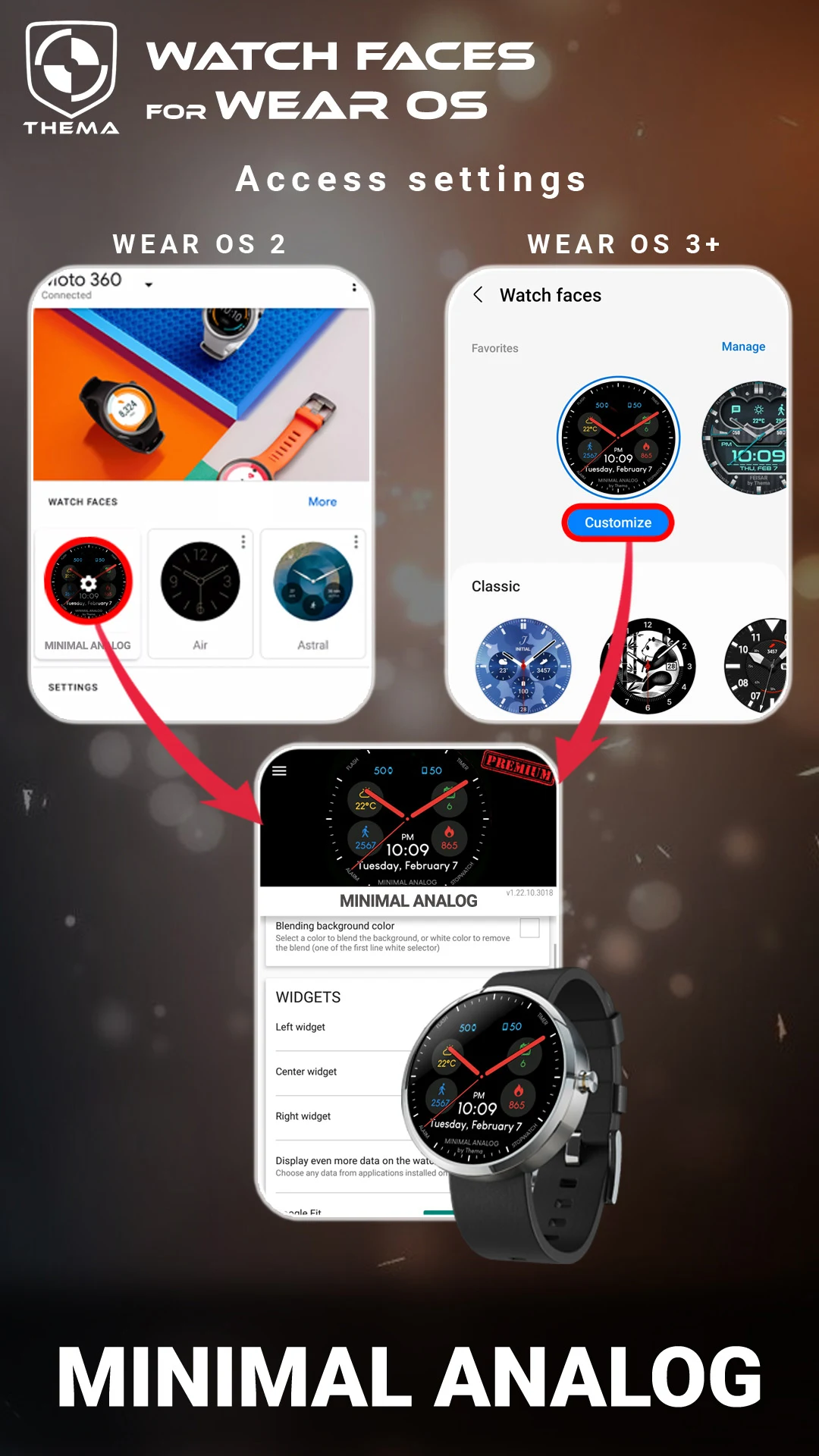
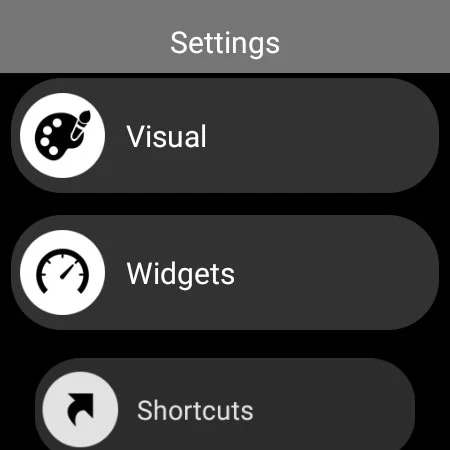
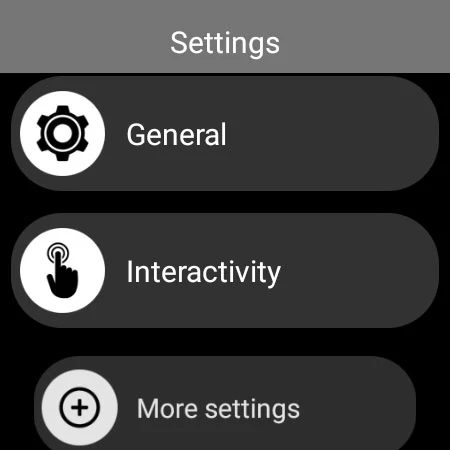
The configuration options for the watch face can be found in the "Wear OS" application on your mobile device.
Simply tap the gear icon above the watch face preview to access the settings screen!
★ FREE Features ★
🔸Compatible with Wear OS 2.X / 3.X / 4.X
- Customize design colors on both watch and mobile
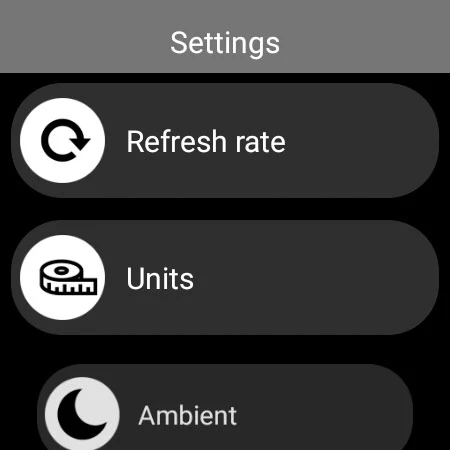
- Set heartbeat frequency refresh rate
- Define weather update frequency
- Choose preferred weather unit
- Toggle between 12-hour or 24-hour format
- Set interactive mode duration
- Select ambient mode settings, including black & white or low luminosity options
- Option to show leading zero in hours
- Option to display brand name
🔸Compatible with Wear OS 6.X
- Customize design colors
- Choose date format
- Decide whether to show the watch face name
- Decide whether to show brand name
- Choose whether to display shortcuts
- Option to show watch/mobile battery indicators
- ...and much more
★ PREMIUM Features ★
🔸Compatible with Wear OS 2.X / 3.X / 4.X
- Personalize title from "MINIMAL ANALOG"
- Switch between eco, simple black & white, and full ambient modes
- Add a secondary timezone for digital display
- Customize data indicators:
+ Change up to four positions' indicators
+ Select from eight indicators (e.g., Daily step count, Heartbeat frequency, Unread Emails from Gmail, etc.)
+ Complications (Wear 2.0 & 3.0)
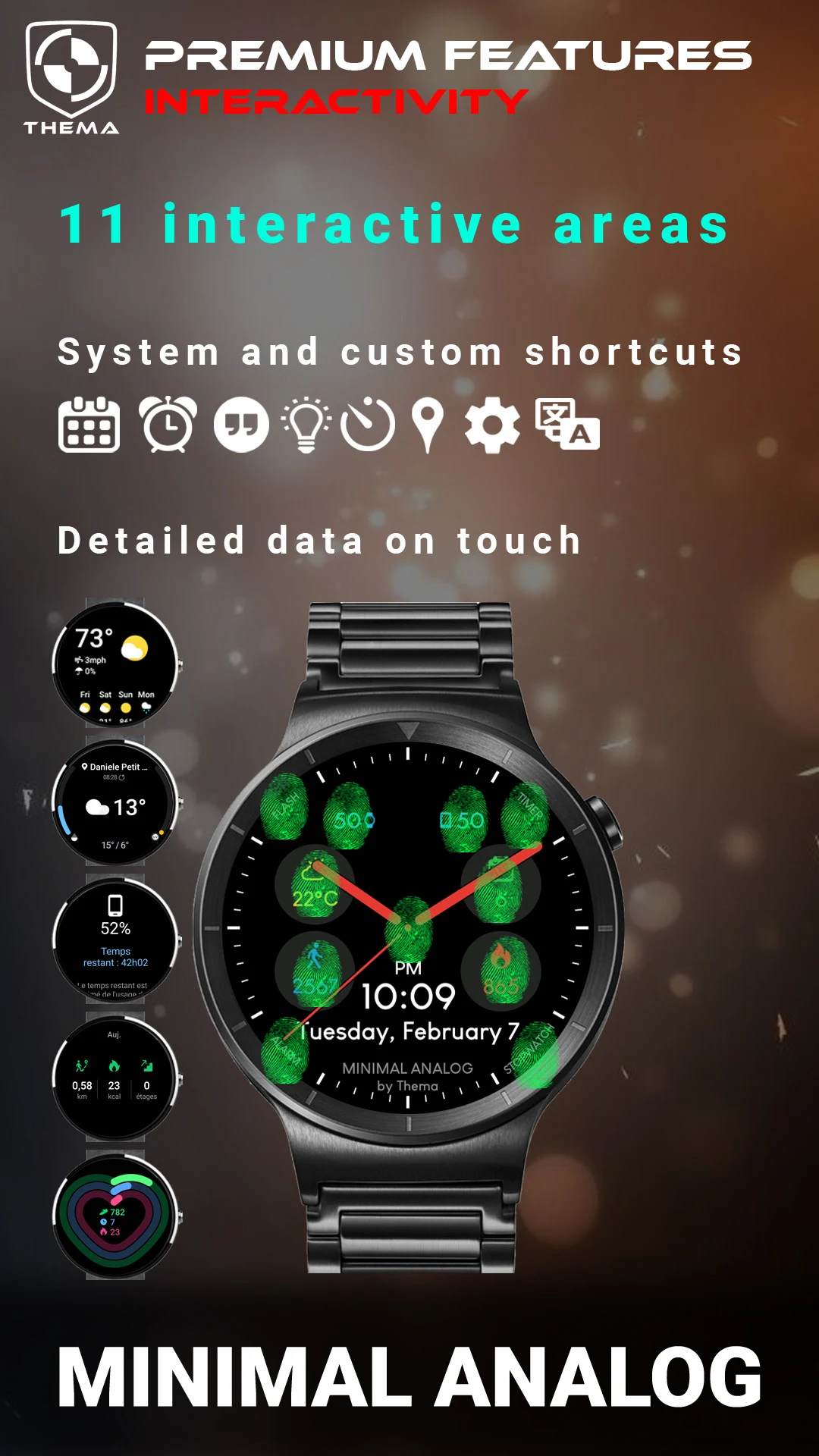
- Interaction features:
+ Access detailed data by tapping a widget
+ Switch displayed data by tapping a widget
+ Modify shortcuts in four designated positions
+ Choose shortcuts from installed applications on your watch!
+ Select whether to display interactive areas
🔸Compatible with Wear OS 6.X
- Personalize tick indicators
- Customize complication data:
+ Set desired data on widgets
+ Tap widgets to initiate activity if available
- Interactivity features:
+ Access detailed data by tapping a widget
+ Modify shortcuts: select from installed applications on your watch!
★ Additional Features via Companion App ★
- Notifications for new watch face designs
- Access support resources
★ Installation Instructions ★
🔸For Wear OS 2.X / 3.X / 4.X
A notification will appear on your watch as soon as the app is installed on your mobile device. Just click it to start the installation of the watch face.
If the notification doesn't show up, you can also install the watch face through the Google Play Store available on your watch: just search by the watch face name.
🔸For Wear OS 6.X
Install the companion app to manage your watch face; the free version installs automatically. Then use the "MANAGE" option in the top right corner of the watch face to update or enhance your watch face.
★ Explore More Watch Faces ★
Check out my collection of watch faces for Wear OS on the Play Store.
Target Audience:
1. **Wear OS Device Users:** Especially smartwatch owners using versions 2.X/3.X/4.X and 6.X, this is the core user group for this watch face.
2. **Users Who Value a Minimalist Watch Face Design:** Those who prefer a minimalist style and desire a clean, functional watch face with customizable colors and other aesthetic settings.
3. **Users Who Prioritize Convenient Access to Practical Functions:** Users who need to quickly view information such as date, battery (watch/phone), weather, steps, and heart rate on their watch face and pursue an efficient lifestyle.
4. **Users Willing to Pay for Advanced Features:** Those who want advanced features such as multiple time zones, customizable data metrics, and interactive shortcuts, and are willing to pay for a personalized experience.
5. **Digital Enthusiasts Who Enjoy Personalization:** Digital enthusiasts who are passionate about adjusting watch face display formats, shortcuts, environment modes, and other details, seeking a personalized user experience.
FAQs:
1. **Q: Which Wear OS versions does this simple analog watch face support? **
A: It supports Wear OS 2.X, 3.X, 4.X, and 6.X. The free and premium features for different versions vary slightly. For example, the free features in version 6.X include date format selection and shortcut key display.
2. **Q: How do I check my phone's battery status and weather? Is there any additional work required? **
A: You need to install and connect the companion app on your phone; otherwise, you won't be able to access these two pieces of information. Once connected, the watch face will automatically display your phone's battery and weather data.
3. **Q: Where can I adjust the watch face's settings, such as color and time format? **
A: You can do this primarily in the Wear OS app on your phone. Find the gear icon above the watch face preview and tap it to enter the settings interface. Some basic settings (such as color) can also be adjusted directly on the watch.
4. **Q: What are the key features of the Premium feature? Are features like multiple time zones and data display available? **
A: Yes. Advanced features allow you to customize the "MINIMAL ANALOG" title, add a secondary time zone, customize data indicators in four locations (such as steps, heart rate, and unread emails), and tap on components to view detailed data or switch app shortcuts.
5. **Q: After installing a watch face on Wear OS 6.X, how can I upgrade or manage it? **
A: First, install the companion app on your phone (the free version will automatically install). Then, on the watch face interface, tap "MANAGE" in the top right corner to access upgrades, feature enhancements, or adjust settings.
6. **Q: What if I don't receive a notification to install the watch face after installing the app on my phone? **
A: You can search for the watch face name in the Google Play Store on your watch and manually install it without relying on phone notifications.
- Version1.24.01.1608
- UpdateNov 02, 2026
- Developerthema
- CategoryPersonalization
- Requires AndroidAndroid 4.4+
- Downloads207K+
- Package Namefr.thema.wear.watch.minimalanalog
- Signature7f750e08bd29f0660ab7743e6dc5dd34
- Available on
- ReportFlag as inappropriate
-
NameSizeDownload
-
18.20 MB
-
15.35 MB
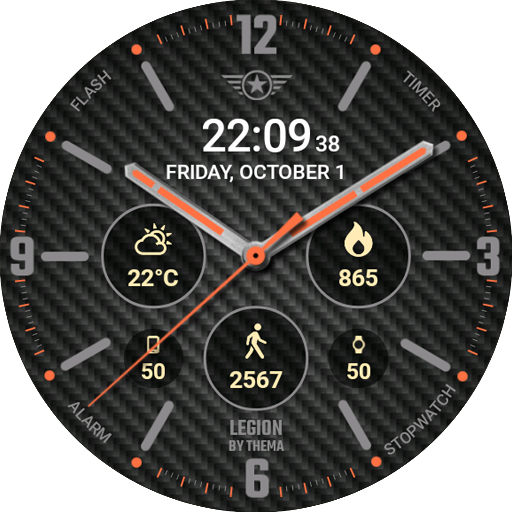
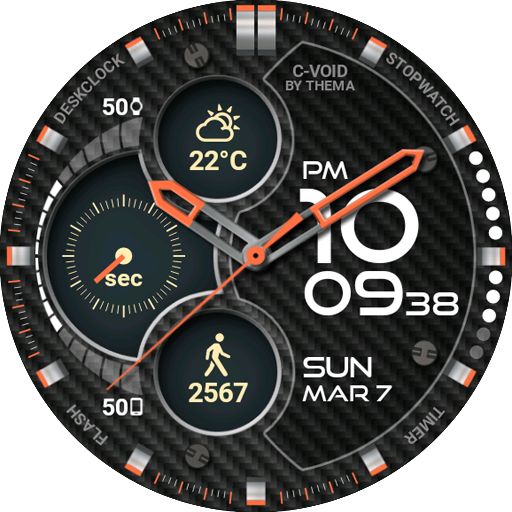
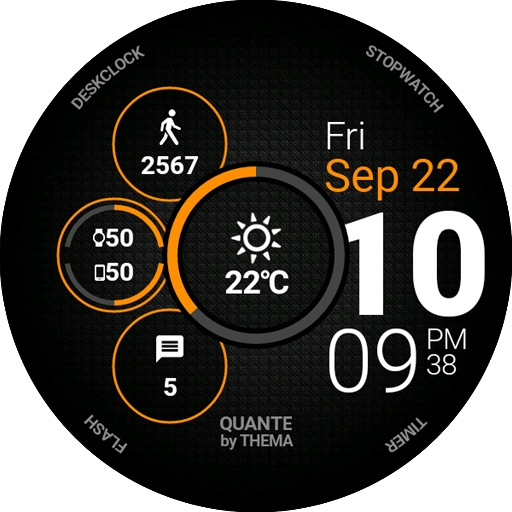
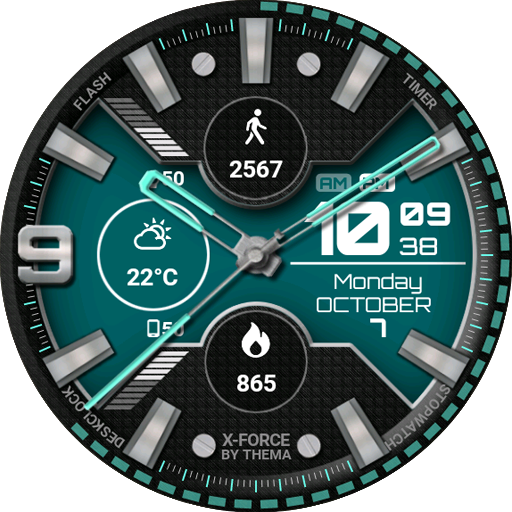
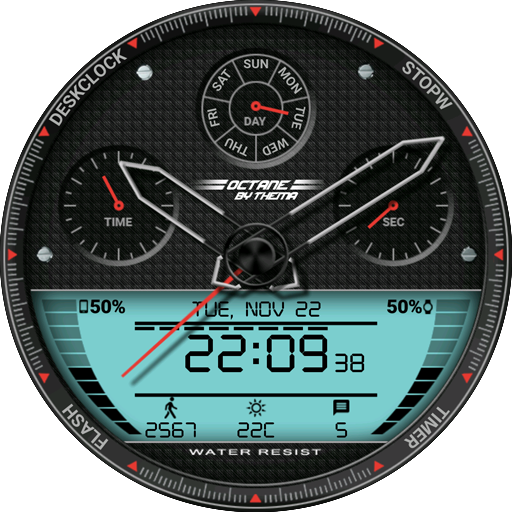












Clean and clear display
Customizable with multiple shortcut options
Integration of watch and phone battery levels
Supports both analog and digital displays
Responsive developer support
Options for removing widget backgrounds
Ability to show additional time zones
Minimalistic yet functional design
Complications may freeze or not work properly
Battery drain issues with certain configurations
Difficulty syncing with Samsung Health
Premium updates are required for full features
Configuration settings can be confusing
Limited options for hands' transparency and customization
Some features require third-party app integration
Issues with widgets not displaying correctly after updates