
Evander Watch Face - Smartwatch customization & interactivity
Elevate your smartwatch experience with interactive designs, extensive settings & seamless functionality on Android devices.
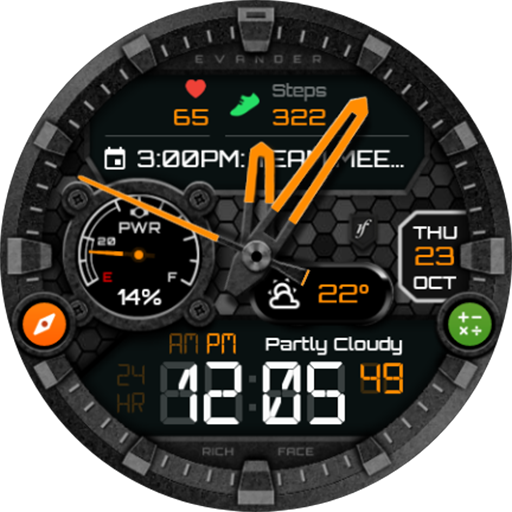
- 1.3.4 Version
- 1.4 Score
- 233K+ Downloads
- In-app purchases License
- 3+ Content Rating

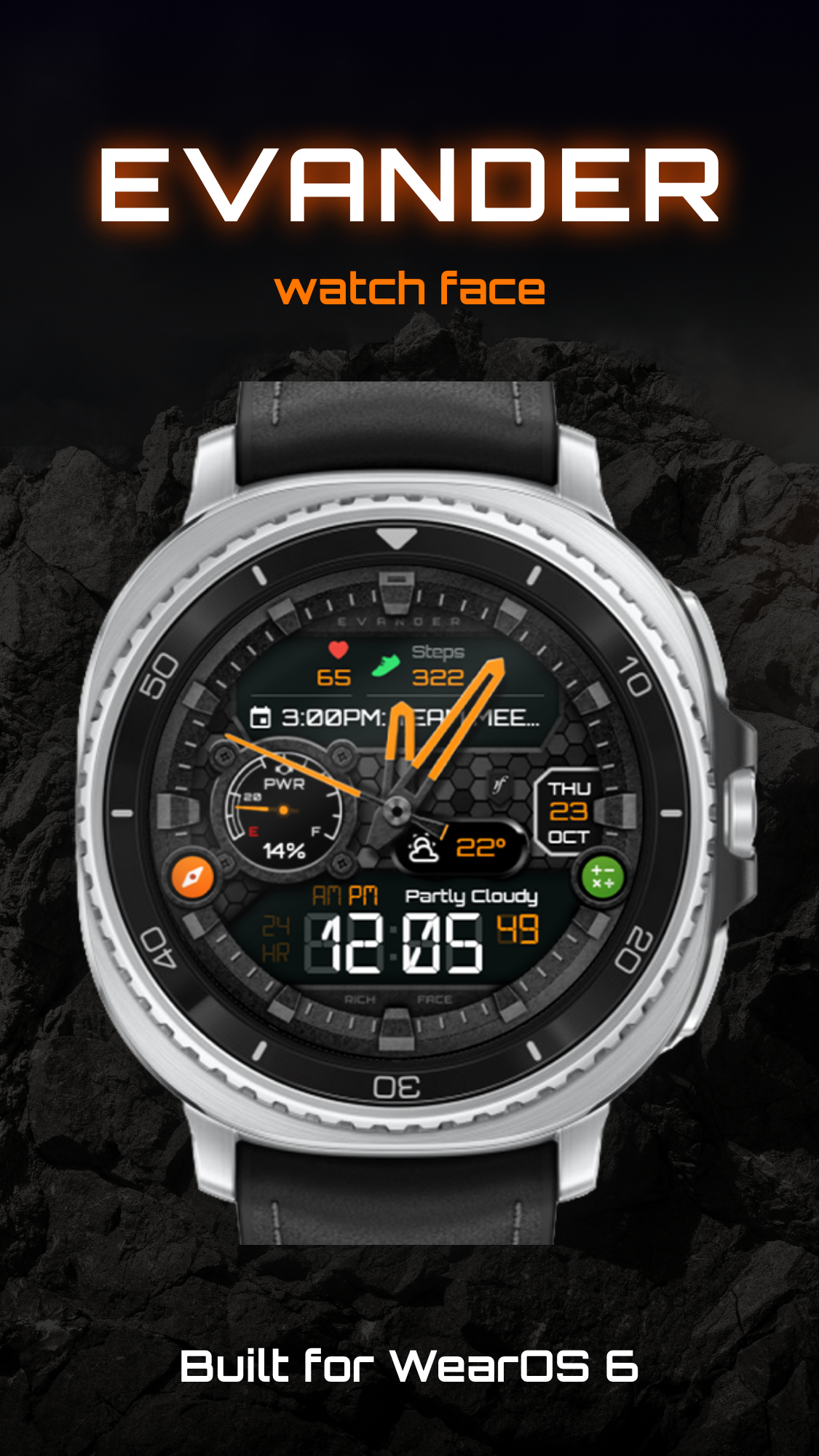
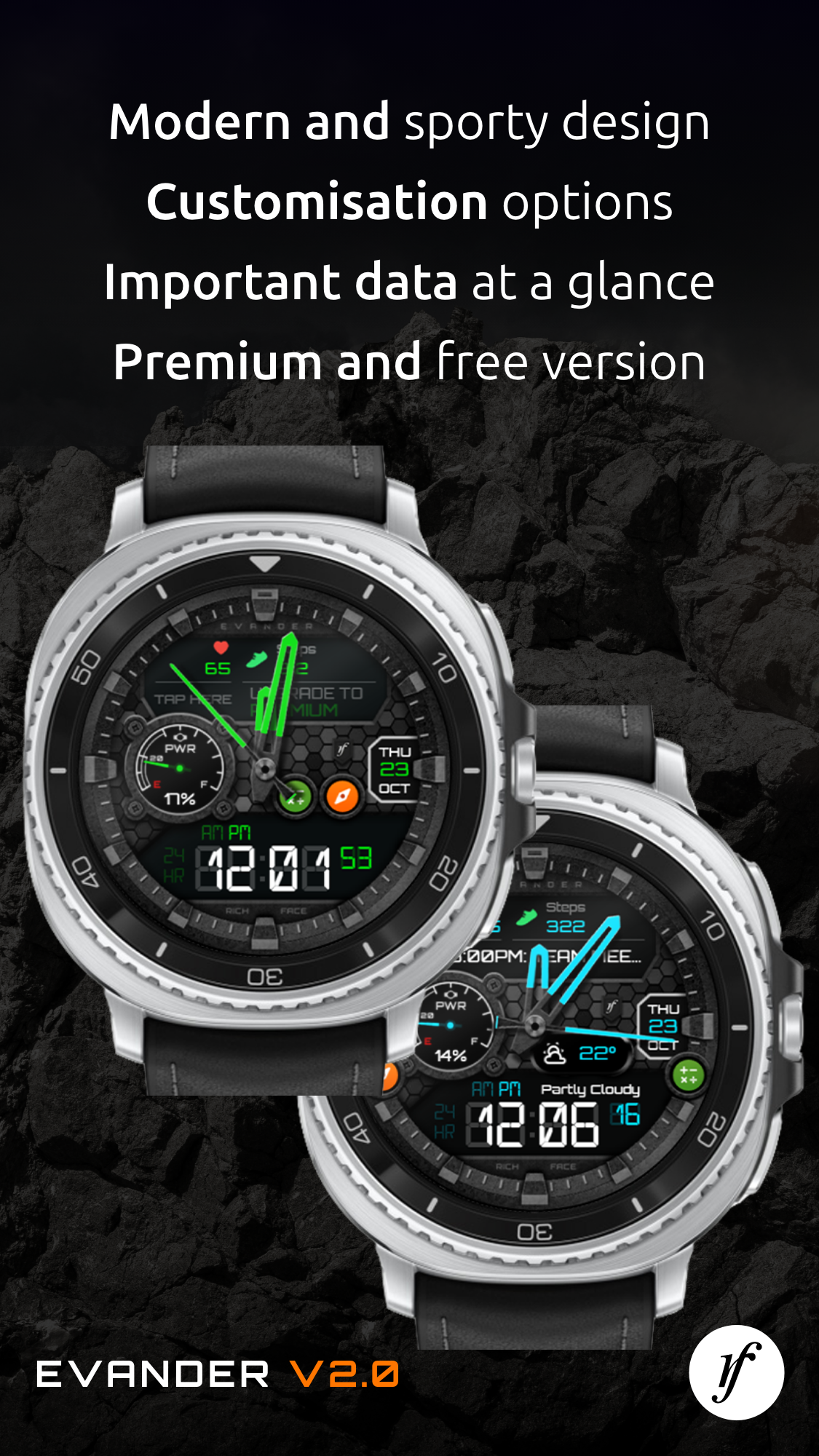
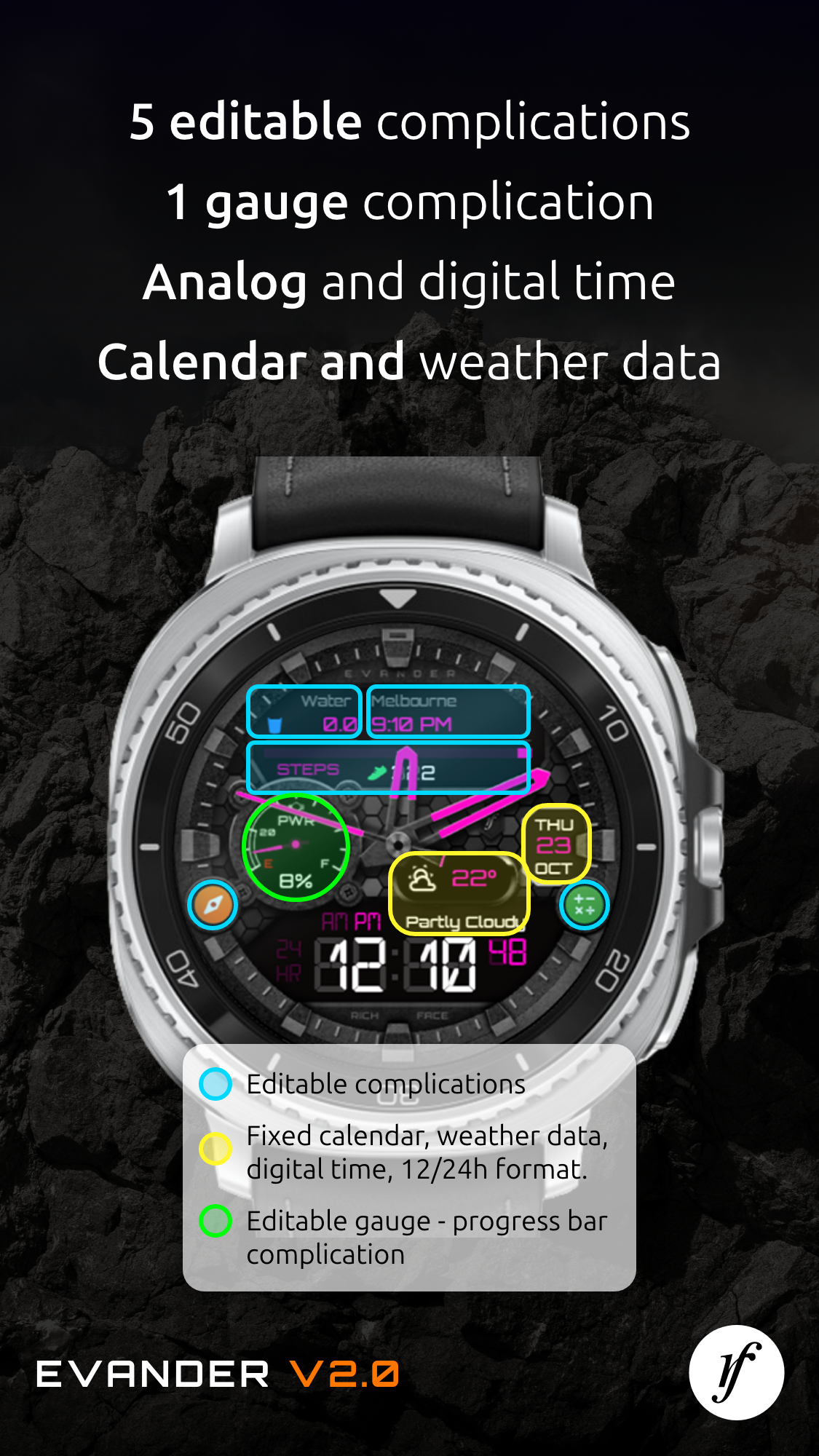
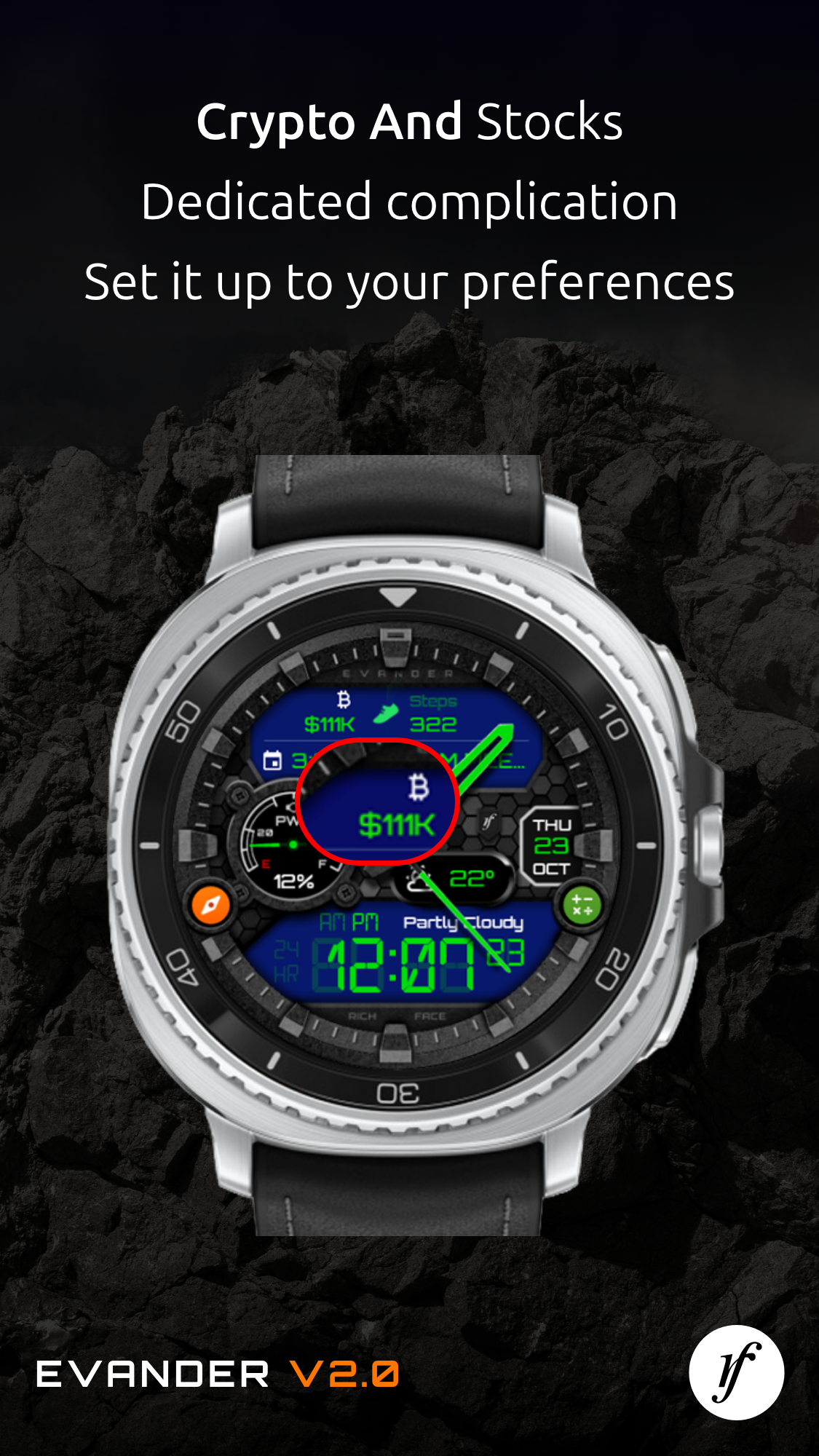
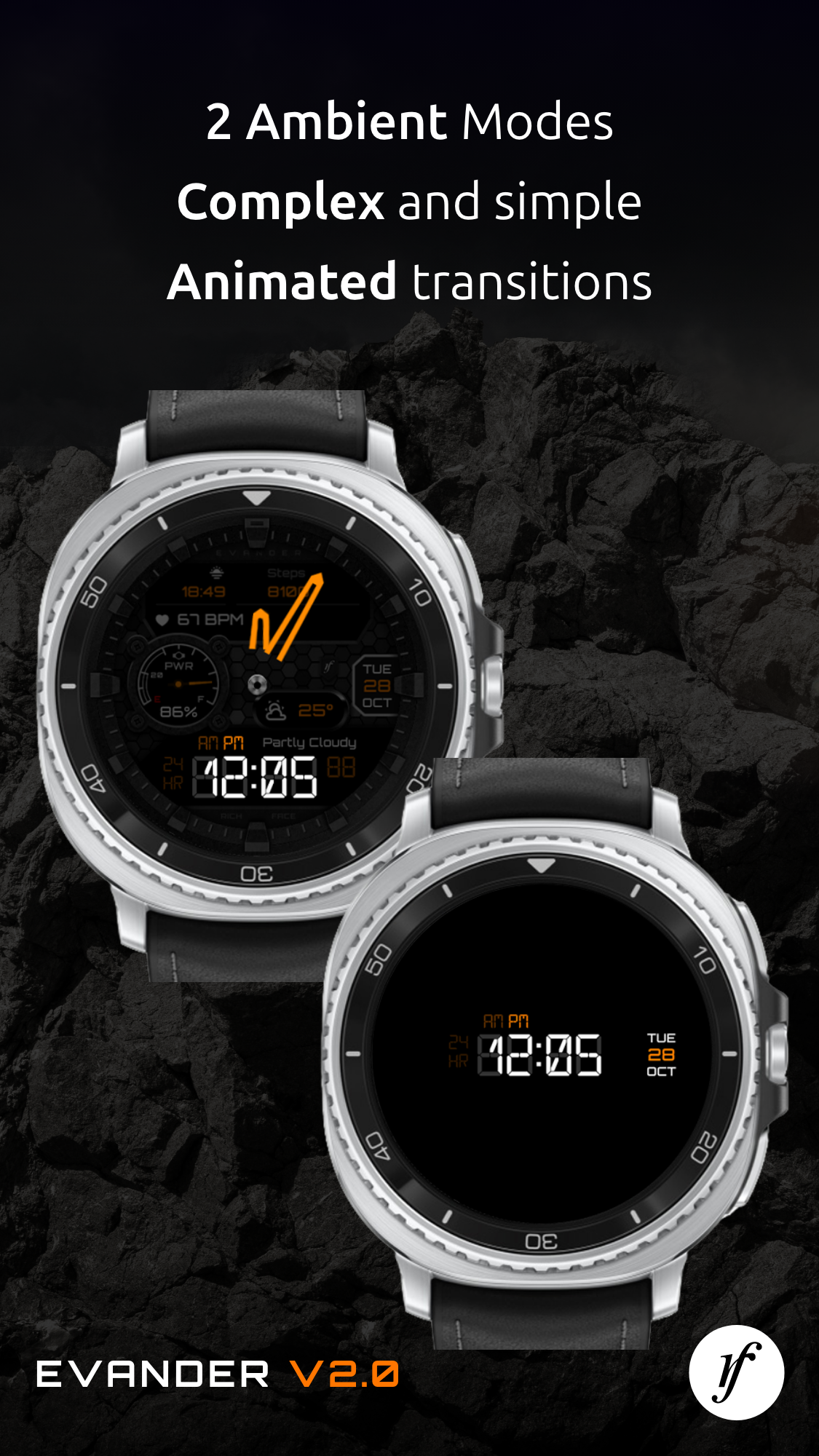
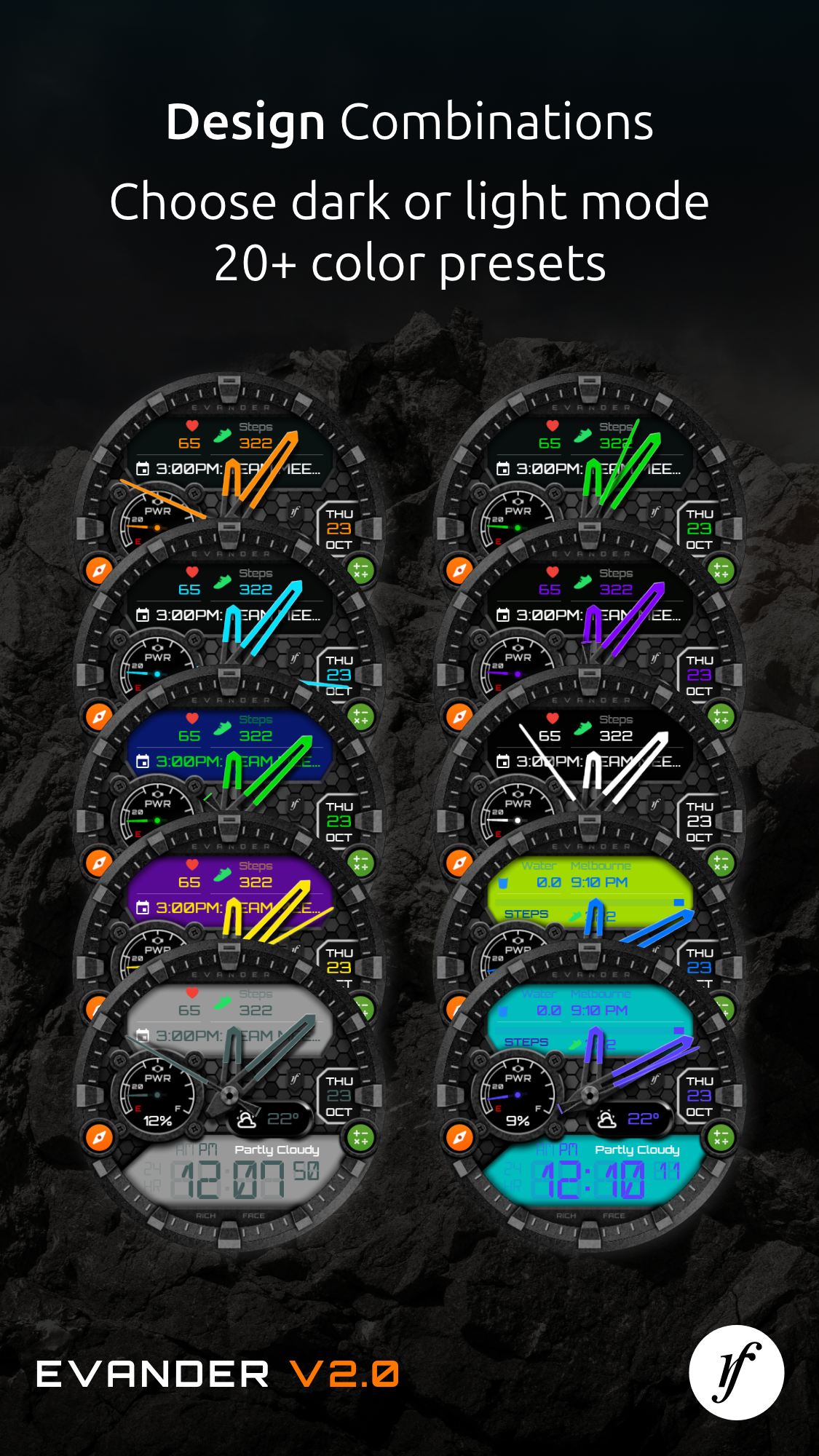
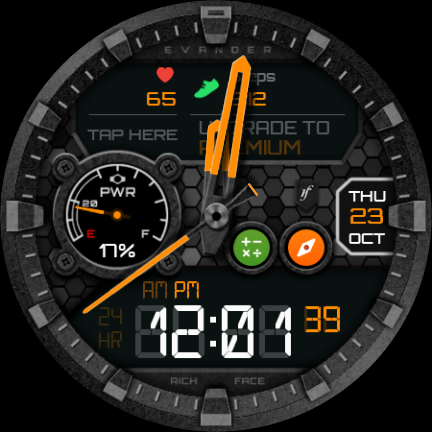
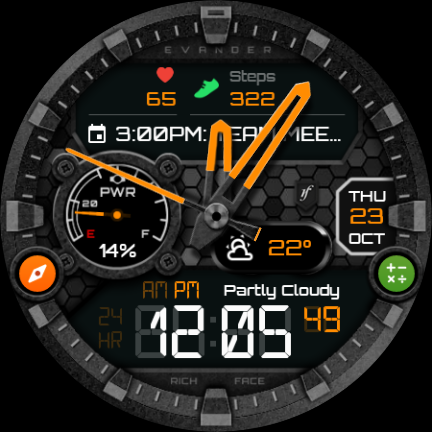
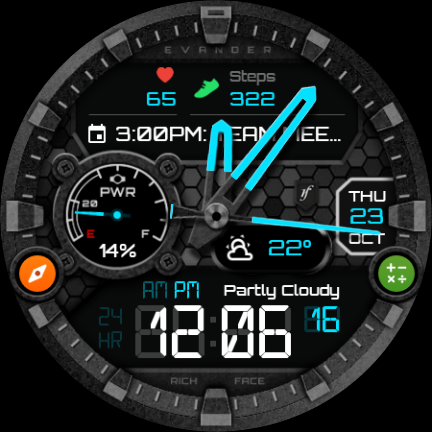
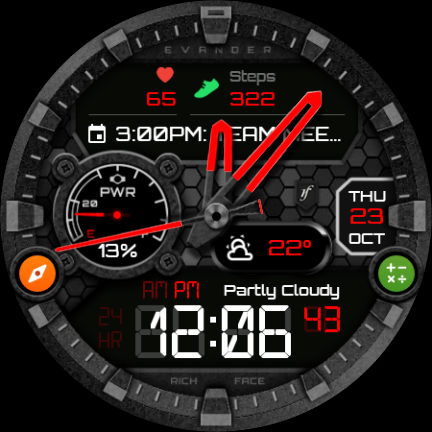
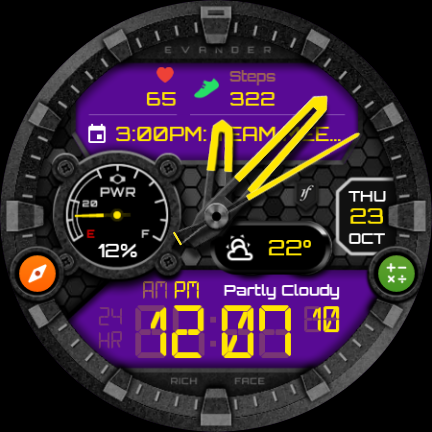
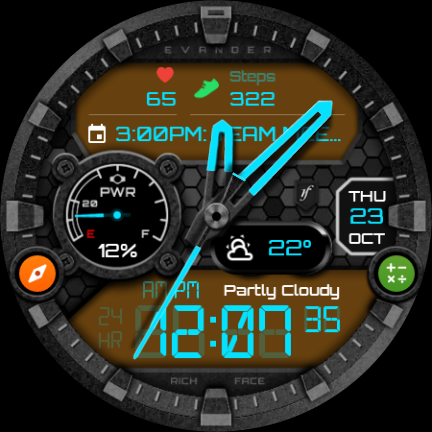
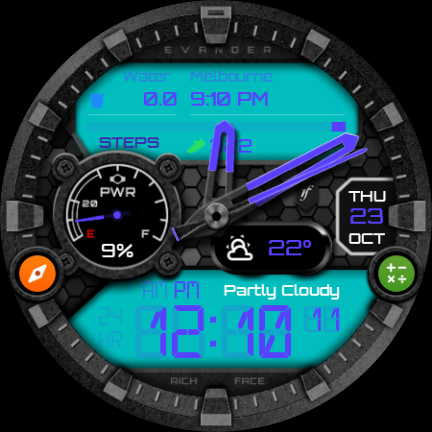
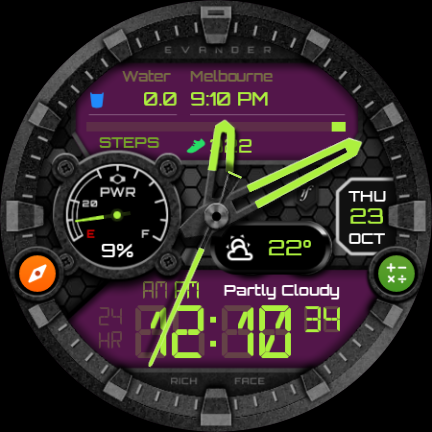
★ The Evander Watch Face is fully compatible with Wear OS.
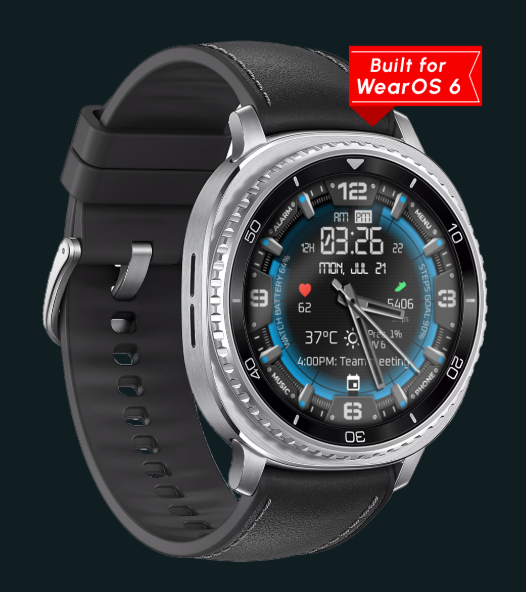
★★★ FEATURES ★★★
- Introducing the new Evander Watch Face for Wear OS, packed with interactive digital features.
- This watch face offers a wide range of customizable settings both on the watch itself and through the companion app on your phone.
- It includes both free and premium functionalities, with certain premium features requiring unlocking for access.
★★★ IMPORTANT NOTICE: ★★★
The watch face operates as a standalone application; however, the phone battery complication necessitates a connection to the companion app on Android devices. Unfortunately, iPhone users are unable to access this information due to restrictions in iOS.
★★★ FREQUENTLY ASKED QUESTIONS ★★★
If you encounter any issues with the application, please reach out to us for assistance.
Please note that this watch face cannot be installed on smartwatches running TizenOS (such as Samsung Gear 2, 3, Galaxy Watch, etc.) or any other operating system apart from WearOS.
★ PERMISSION DETAILS
★★★ How to Use ★★★
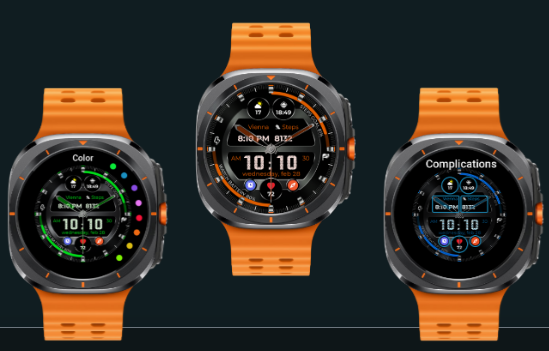
1. **Installation and Activation**
1. Wear OS watches only. Search for and download the watch face in the Wear OS app store on your watch or paired phone.
2. Long press the watch face, swipe to find it, and tap to activate.
2. **Custom Settings**
1. **Shortcut Function Settings**: Long press the watch face, tap the settings gear icon, select "Custom" → "Complications," choose the screen position, and then tap "External Complication," "General," and "App Shortcut." Finally, select the app you want to add.
2. **Style and Function Adjustments**: Free basic settings such as color and time format can be adjusted by long-pressing the watch face in settings. Android users can connect to the companion app to display phone battery level. To link health data such as steps, connect to Google Health within the app.
3. **Other Key Operations**
1. Paid features can be unlocked by following the in-app prompts.
2. Apple users cannot use the phone battery display function.
3. For any issues, contact the developer directly for assistance.
FAQs:
1. **Q: Which smartwatch systems does the Evander Watch Face support? **
A: It only supports Wear OS and cannot be installed on TizenOS (such as the Samsung Gear 2/3, Galaxy Watch, etc.) or other non-Wear OS smartwatches.
2. **Q: On which devices can I customize the settings of this watch face? **
A: There are two ways: one is to customize it directly on the Wear OS watch, and the other is to customize it through the companion app on your phone, which is more flexible.
3. **Q: Can iPhone users use this watch face? Are there any functional limitations? **
A: You can use basic functions, but there are limitations. Due to iOS system limitations, the "Battery Level Display" feature cannot be displayed on iPhones; this feature is only available to Android users after connecting to the companion app on their phones.
4. **Q: Are all the features of this watch face free? Are there any paid features? **
A: Not all are free. Includes both free and premium features. Some premium features require unlocking. Please refer to the in-app instructions for specific unlocking methods.
5. **Q: How can I resolve issues with the watch face? **
A: We recommend contacting the developer directly for assistance. Officials have not mentioned other automated troubleshooting methods. Proactively reporting issues is the primary solution.
6. **Q: Is it a standalone app? Why does the phone battery indicator require a connection to the companion app? **
A: The watch face itself is a standalone app, but the "phone battery indicator" feature is a connected feature. It requires the Android phone's companion app to obtain phone battery data, so it must be connected to the app. iPhones cannot provide this data due to system limitations.
- Version1.3.4
- UpdateNov 02, 2026
- DeveloperRichFace
- CategoryPersonalization
- Requires AndroidAndroid 6+
- Downloads233K+
- Package Namewatch.richface.androidwear.evander
- Signature1757be47385ff7457cadaf228332bd14
- Available on
- ReportFlag as inappropriate
-
NameSizeDownload
-
21.64 MB
-
21.27 MB













Aesthetic design and appearance
Functional features like timers and alarms
Premium version adds additional features
Potential for customization (if working)
Good responsiveness from developers
User-friendly interface on phone app (when functional)
Unique styles that appeal to users
Incompatibility with certain Samsung watches
Step counter and heart rate features often malfunction
Weather updates do not function correctly, requiring manual refresh
High cost associated with purchasing premium features
Difficult installation process and inconsistent performance
Limited color options and customization capabilities
Issues with syncing data from Google Fit
Poor customer support and communication from developers
Misleading descriptions leading to user frustration