
Color Call Theme & Caller ID - Call & customize calls
Transform your calling experience with vibrant themes, caller ID, spam blocking & easy dialing right at your fingertips!

- 1.0.7 Version
- 1.5 Score
- 163K+ Downloads
- In-app purchases License
- 3+ Content Rating

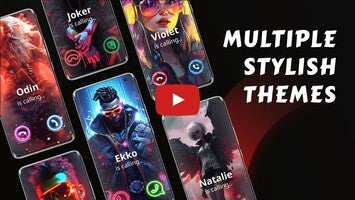
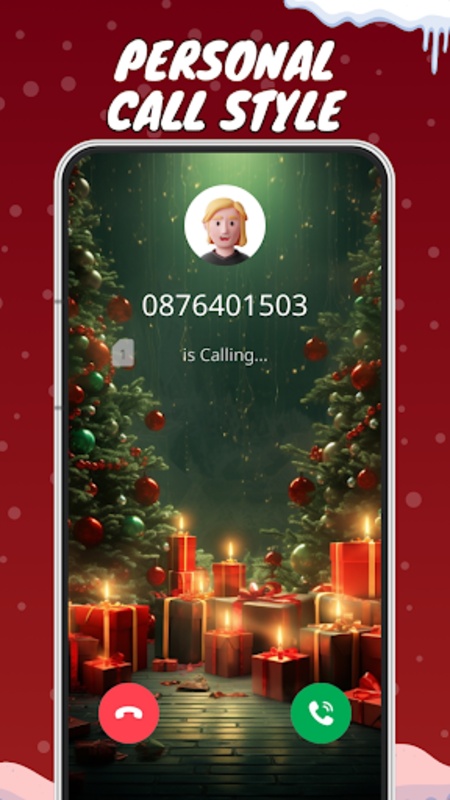
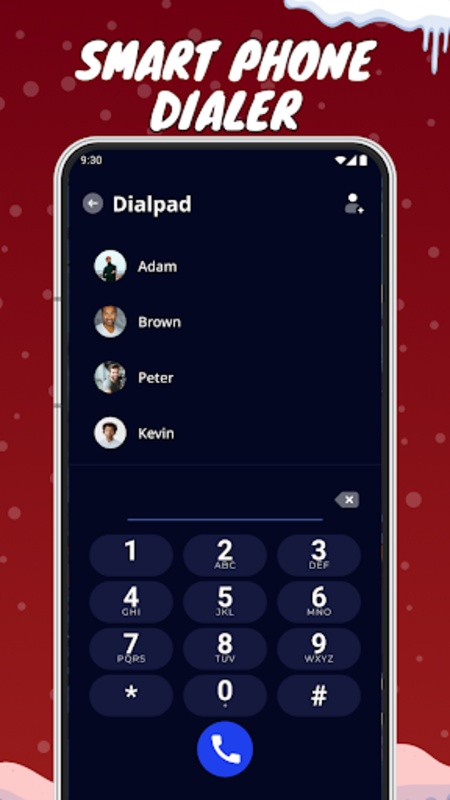
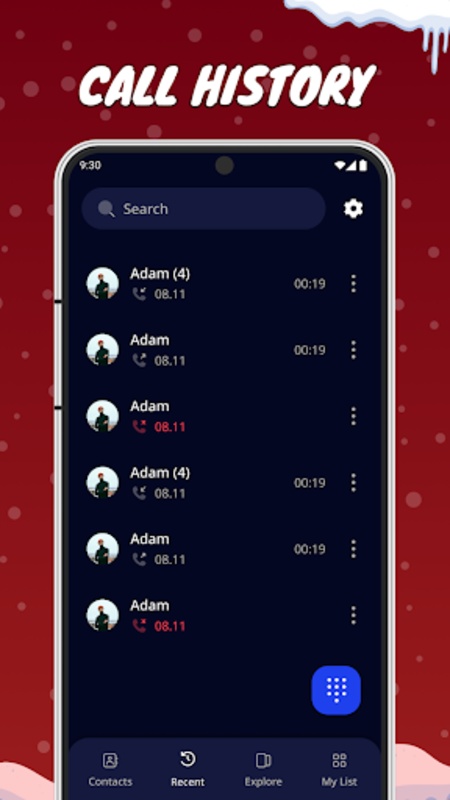
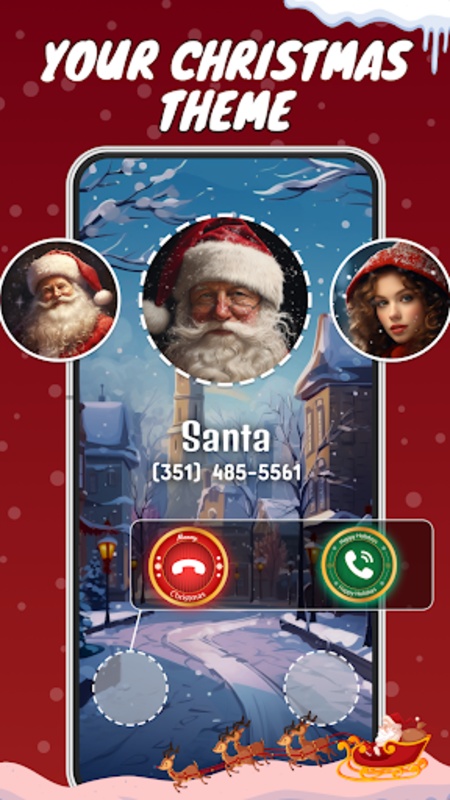
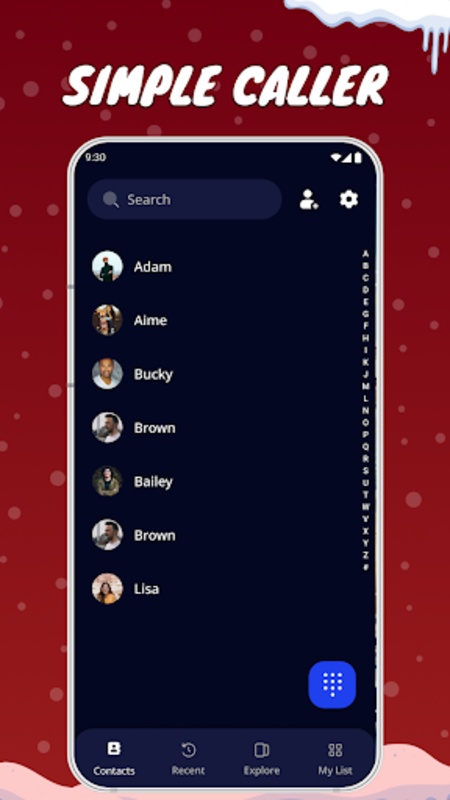
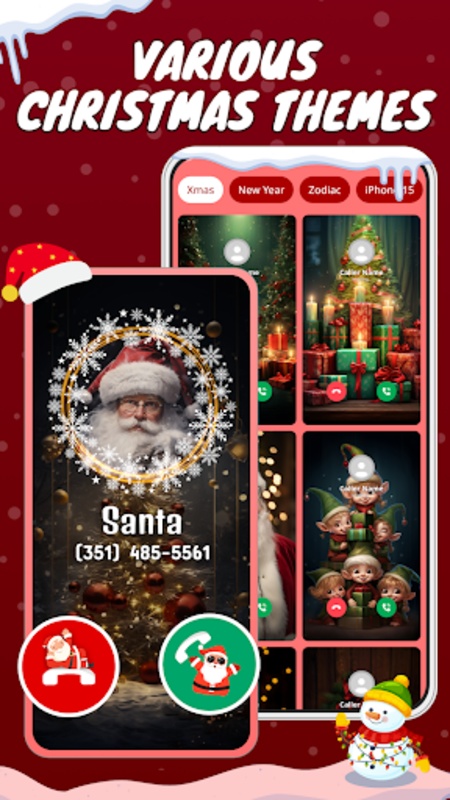
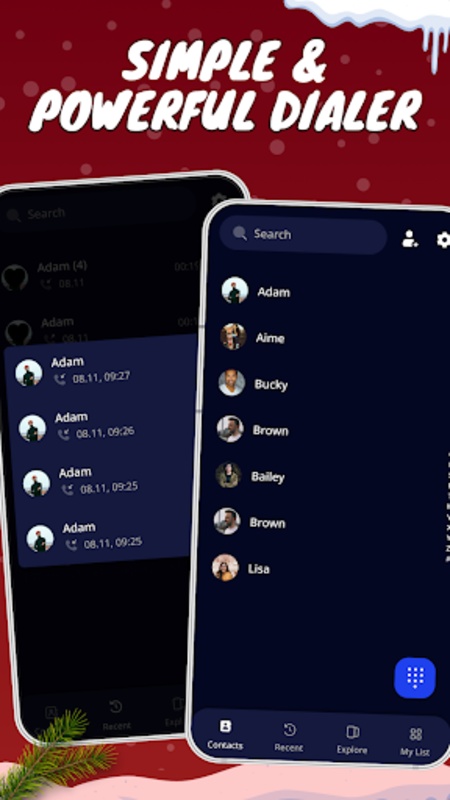
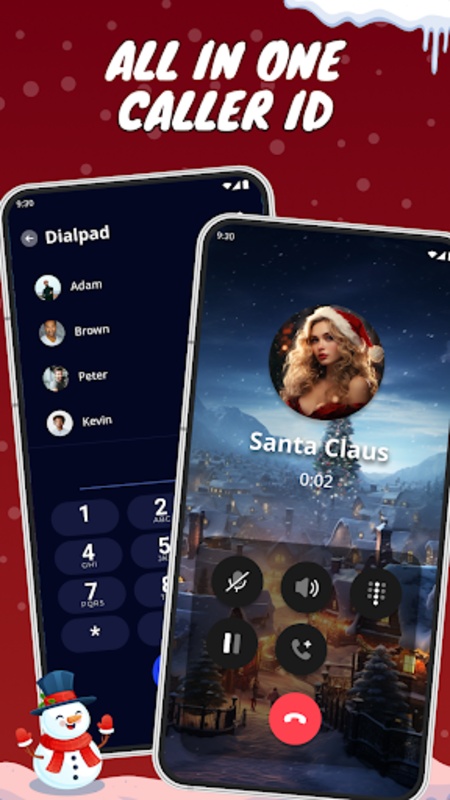
Make phone calls or connect with anyone in your contacts seamlessly using the CallColor - Dialer ID app!
This impressive dial pad allows for hassle-free dialing. It features everything you need, including default caller functionalities, contact management, recent call access, and call logs. With this app, managing your contacts and maintaining a record of calls is simple and efficient. It's designed with a material aesthetic and includes a dark theme by default, offering an excellent user experience for effortless operation.
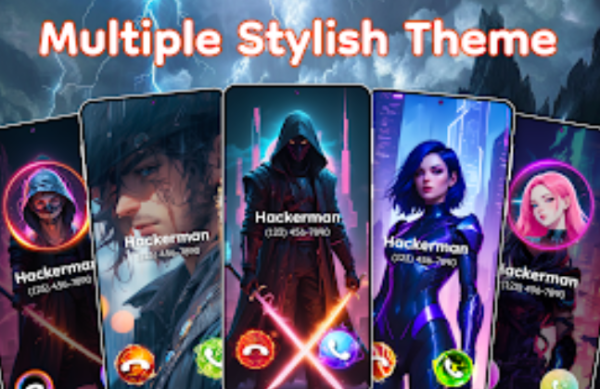
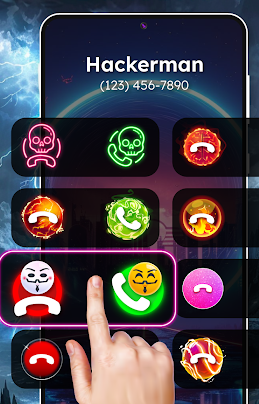
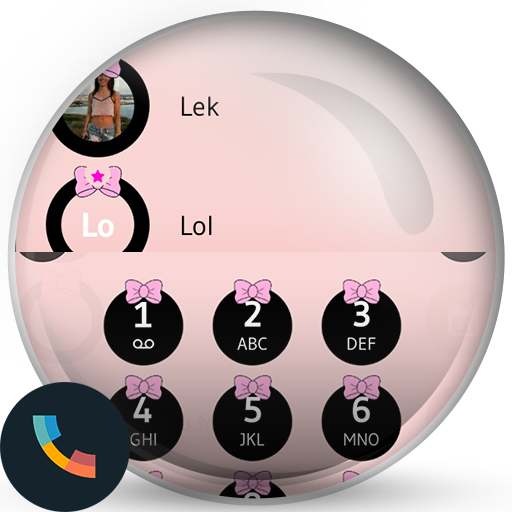
The Color Caller app provides options to modify the appearance of your incoming call screen with various themes. When your phone receives a call, the stylish caller interface will certainly make it stand out.
️🎉 Notable features of CallColor: Caller ID & Themes:
🌟 Make and receive calls while showing recent call history
🌟 Caller ID along with spam detection and blocking options
🌟 Access complete contact information and quickly dial numbers through search functionality
🌟 A simple yet elegant dialer that supports dual SIM setups.
🌟 Effortlessly personalize your call screen colors.
🌟 Enjoy numerous themes across different styles available free of charge.
🌟 Individually customize themes for each incoming call.
🌟 An assortment of beautiful avatars and buttons.
🌟 Rapid ringtone setting directly from your music collection.
❓ Why opt for the CallColor app?
⚡ A lightweight solution for managing your calls, regardless of your location.
⚡ Use the CallColor app as your standard dialer: Easily block unwanted numbers and tailor your call screens to match your personal preferences and style.
⚡ A variety of colorful themes: Choose from over 50 themes, including both images and videos, elevating your call screen’s appearance.
⚡ One-tap ringtone setting: The themed color screen lets you assign specific ringtones to individual contacts based on your choice, utilizing the best segments of your audio tracks.
This application needs to be set as the Default Call App to alter the call display interface and personalize the call screen. You can receive and initiate calls with your own customized call screen layout featuring images, sounds, avatars, as well as accept and reject buttons. Blocking phone numbers to prevent unwelcome calls is also straightforward.
Security:
Your privacy is a top priority for us. We do not gather or share any of your Personal Information. All required permissions are solely aimed at facilitating the application's functionality and ensuring its smooth operation.
- READ_PHONE_STATE, CALL_PHONE, ANSWER_PHONE_CALLS: These permissions allow the app to read the phone state and manage incoming calls to showcase its call screen.
- Set phone as default: Your consent is necessary for changing your device's standard call screen and accessing recent calls.
How to Use:
1. **Basic Settings**: After installation, grant call-related permissions and set it as the default phone application (otherwise, you cannot customize the incoming call interface).
2. **Call Management**: Use the dial pad to enter numbers or search for contacts to dial. Dual-SIM models can select the SIM card. View call logs, call back, or block numbers in "Recent Calls".
3. **Interface Customization**: Select free themes (including pictures/videos) in the "Themes" section, or create individual themes for individual contacts. Select clips from local music to use as ringtones, and adjust interface colors, buttons, and avatars.
4. **Bag Call Blocking**: Enable the blocking function to automatically identify spam calls, or manually add numbers to the blacklist.
FAQs:
1. **Q: What is CallColor primarily for? **
A: It's a call management app. Its core function is to replace your phone's default dialer. It supports making calls, managing contacts, and viewing call logs. It also allows you to customize the caller interface and block spam calls, focusing on a personalized calling experience.
2. **Q: Can I customize the caller interface? What are the customization options? **
A: Yes. It supports a variety of customizations, such as choosing from over 50 free themes (including image and video themes), setting individual themes for individual contacts, adding personalized avatars and buttons, and even selecting clips from your own music as ringtones.
3. **Q: Does it have to be set as the default call app to use it? **
A: You may not need the core functions (such as making calls and viewing contacts), but to modify the caller ID interface and use a customized call screen, you must set it as your phone's default call app. Otherwise, you won't be able to replace the default caller interface.
4. **Q: Can it block spam calls? How do I use this feature? **
A: Yes. The app has built-in spam call detection and blocking features. By enabling the relevant option in settings, it will automatically identify suspected spam calls and provide notifications. You can also manually add numbers to your blacklist to block unwanted calls.
5. **Q: Does it support dual-SIM phones? **
A: Yes. The dialer is compatible with dual-SIM phones. When using a dual-SIM phone, you can select the SIM card that makes the call normally, without affecting call management on both SIM cards.
- Version1.0.7
- UpdateNov 02, 2026
- DeveloperHK DEVERLOP: Personalize Your World
- CategoryPersonalization
- Requires AndroidAndroid 8.0+
- Downloads163K+
- Package Namecom.callerscreen.colorphone.themes.callflash
- Signatured44358ee75e37375f18d15235928227e
- ReportFlag as inappropriate
-
NameSizeDownload
-
29.80 MB
-
29.68 MB
-
29.85 MB






Highly customizable
Rich and practical features
User-friendly interface
Low resource usage
Ad issues
Lack of functional stability
Poor customer support