
Microsoft Edge Dev - Preview new features & improvements
Explore cutting-edge updates with real-time feedback. Join the Microsoft Edge Dev community on Android today!
- 141.0.3533.0 Version
- 4.5 Score
- 298K+ Downloads
- Free License
- 3+ Content Rating

Are you eager to be among the first to check out the latest features?
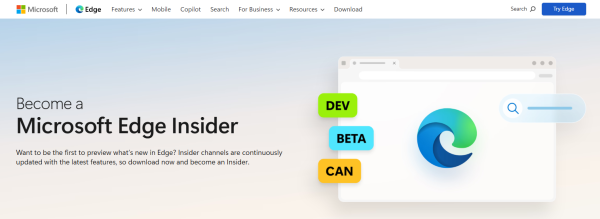
The Microsoft Edge preview channels are now accessible for mobile devices! Introducing the Microsoft Edge Dev channel specifically for Android. Our developer builds showcase the most recent enhancements from the past week. Your input is invaluable for our progress, so download it today and share your thoughts with us.
Core Features:
### 1. Frequent Feature Updates
As a key member of the Preview Channel, the Dev Channel receives significantly faster updates than the Stable Channel: **Weekly developer builds** are released, including the latest feature enhancements from the previous week, allowing users to access innovative features not yet officially released, such as AI feature upgrades and optimized interactive experiences, months in advance.
### 2. Built-in Cutting-Edge AI Capabilities
Leveraging advanced models from Microsoft and OpenAI, and integrated with the **Copilot Intelligent Assistant**, it enables AI empowerment in multiple scenarios:
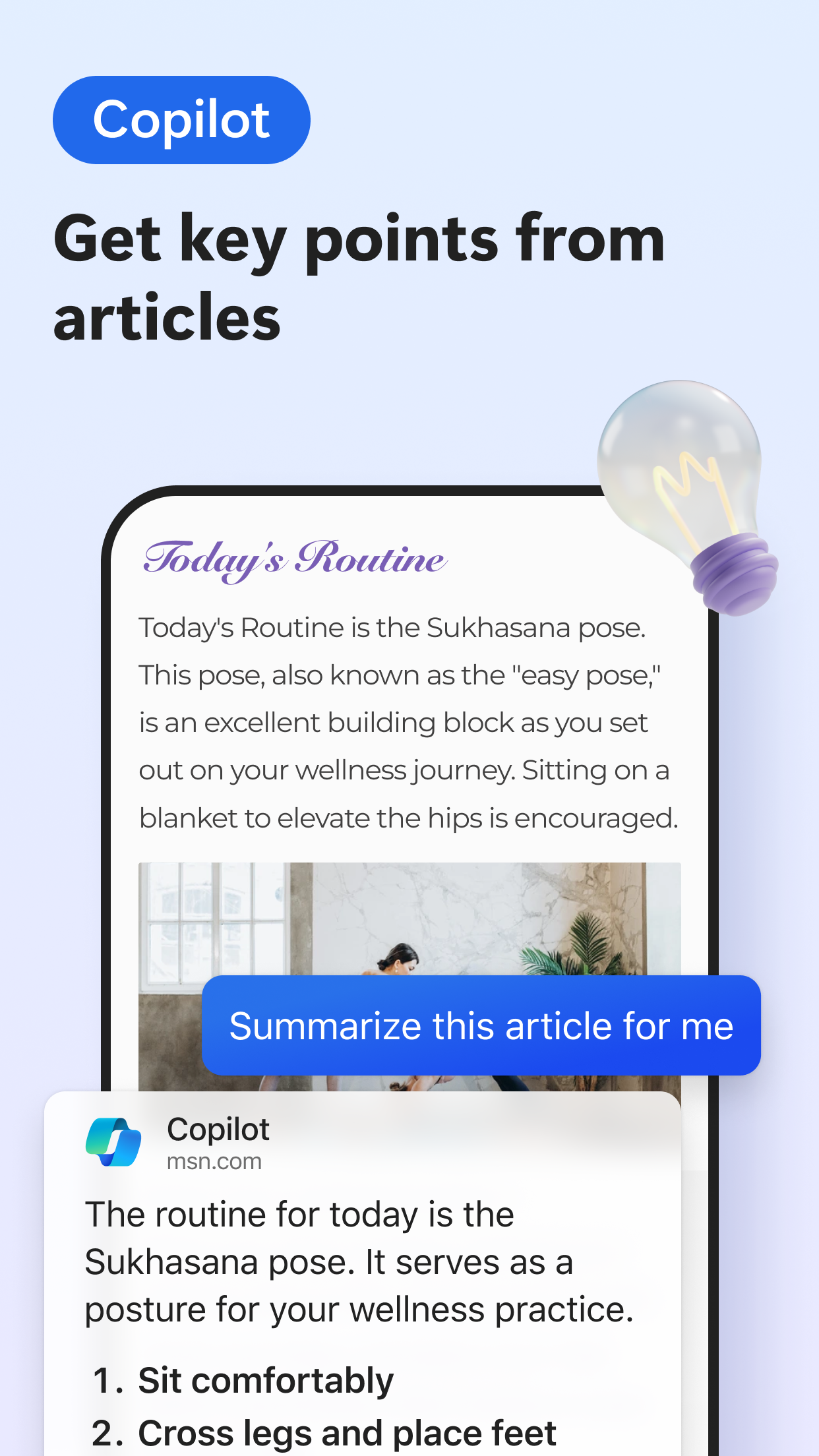
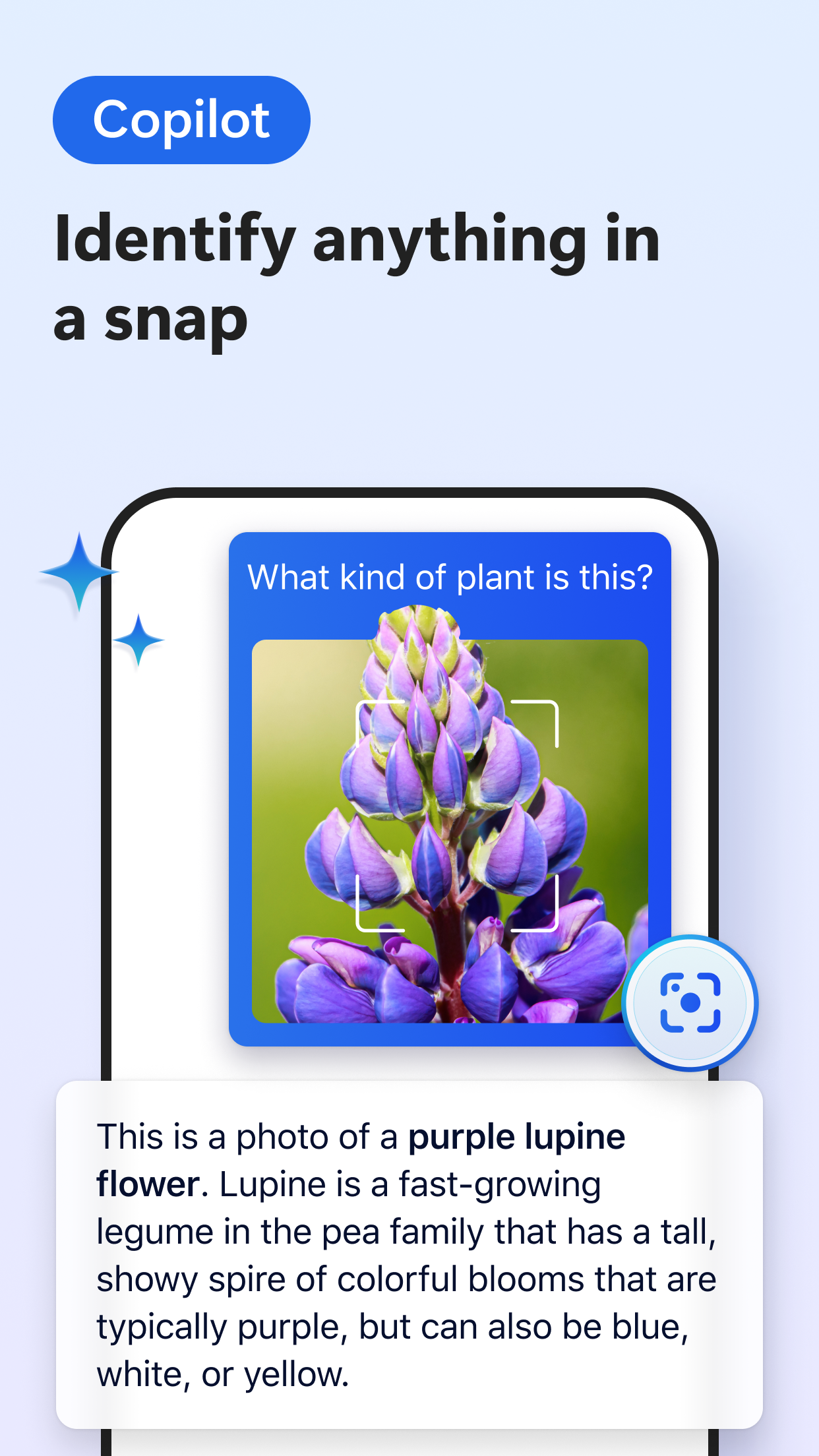
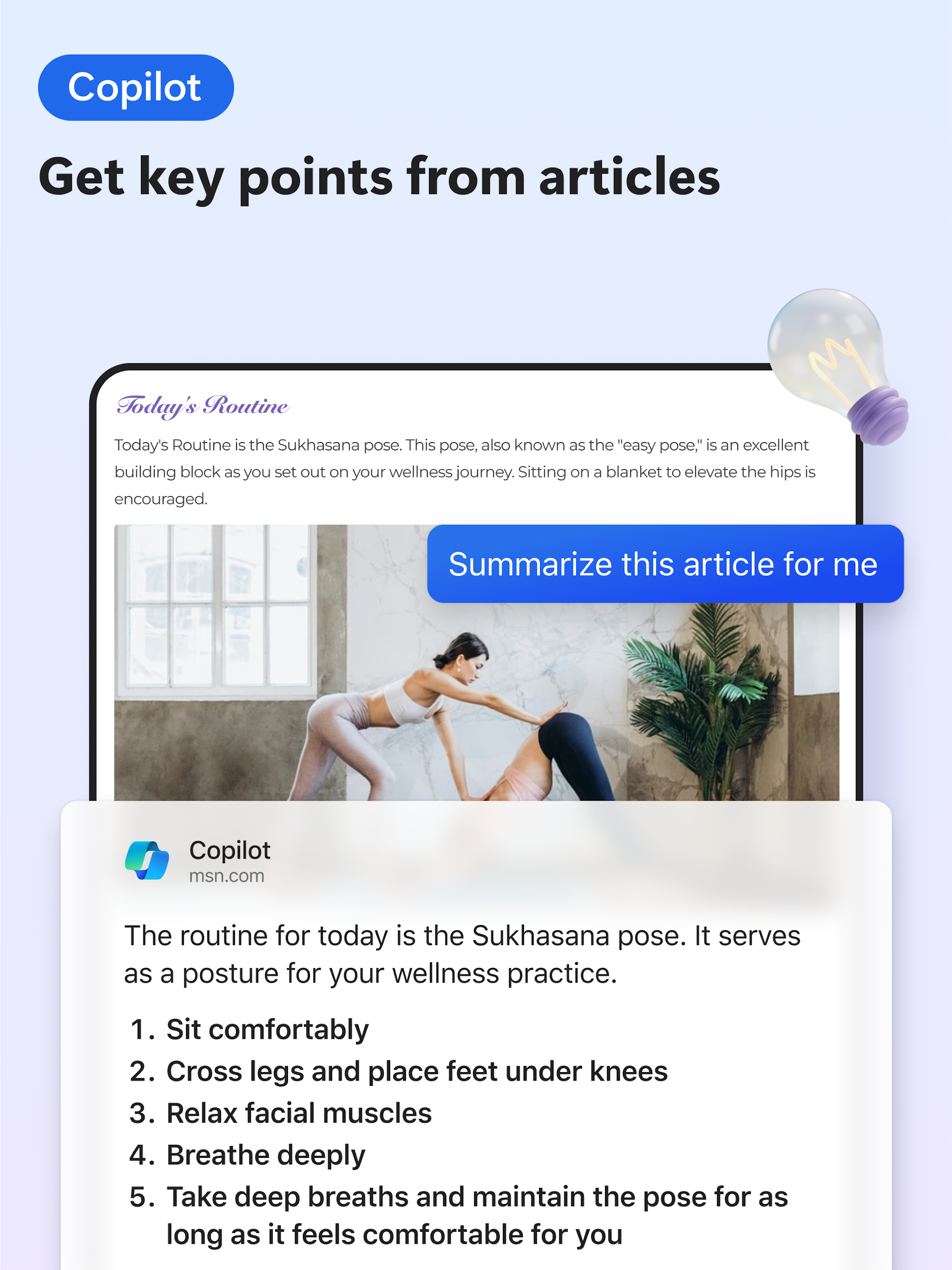
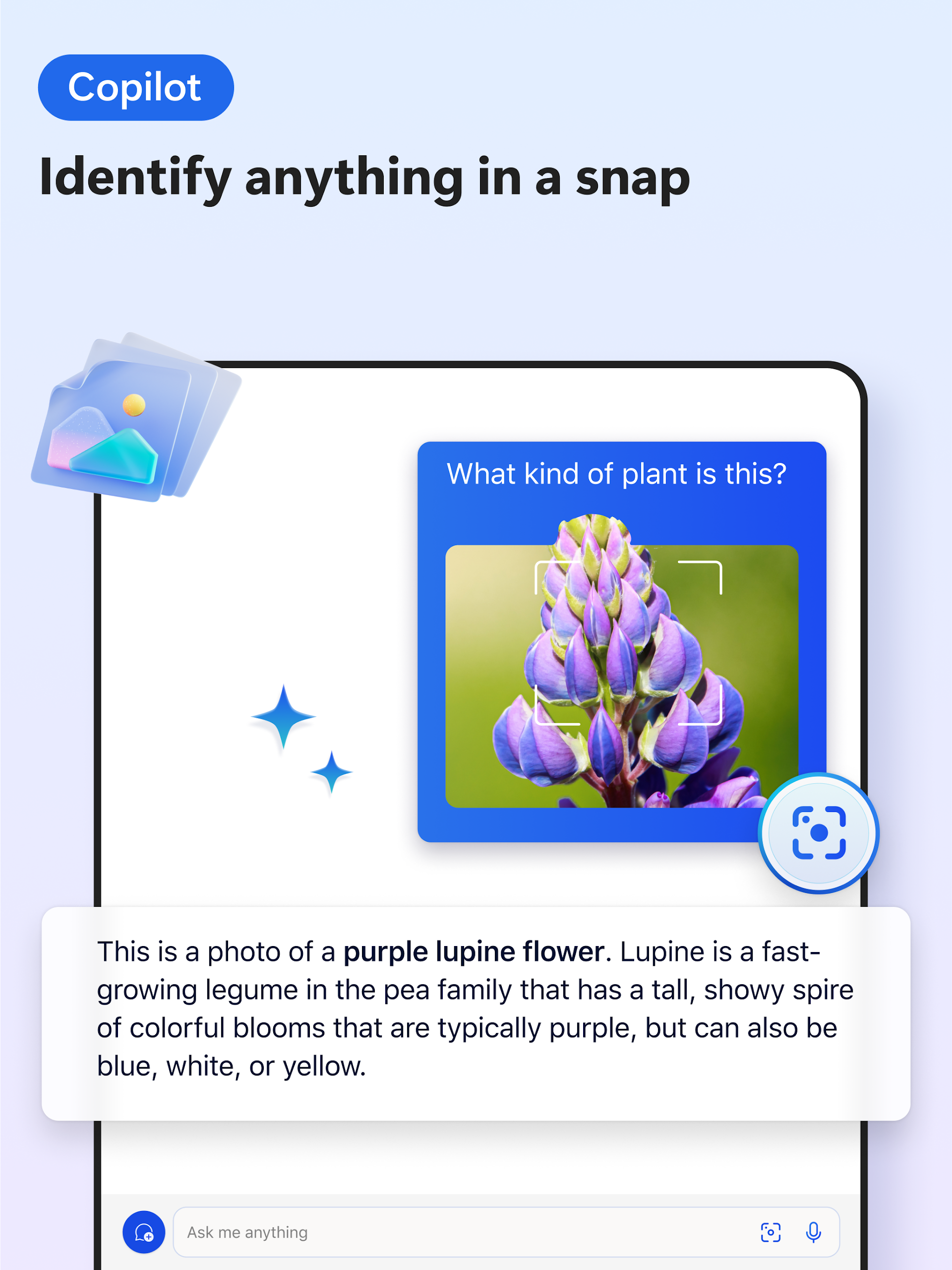
- Information Processing: Quickly summarize web pages, PDFs, and videos to generate clear insights with citations; support uploaded image search (AI Lens) to obtain visually relevant information and inspiration.
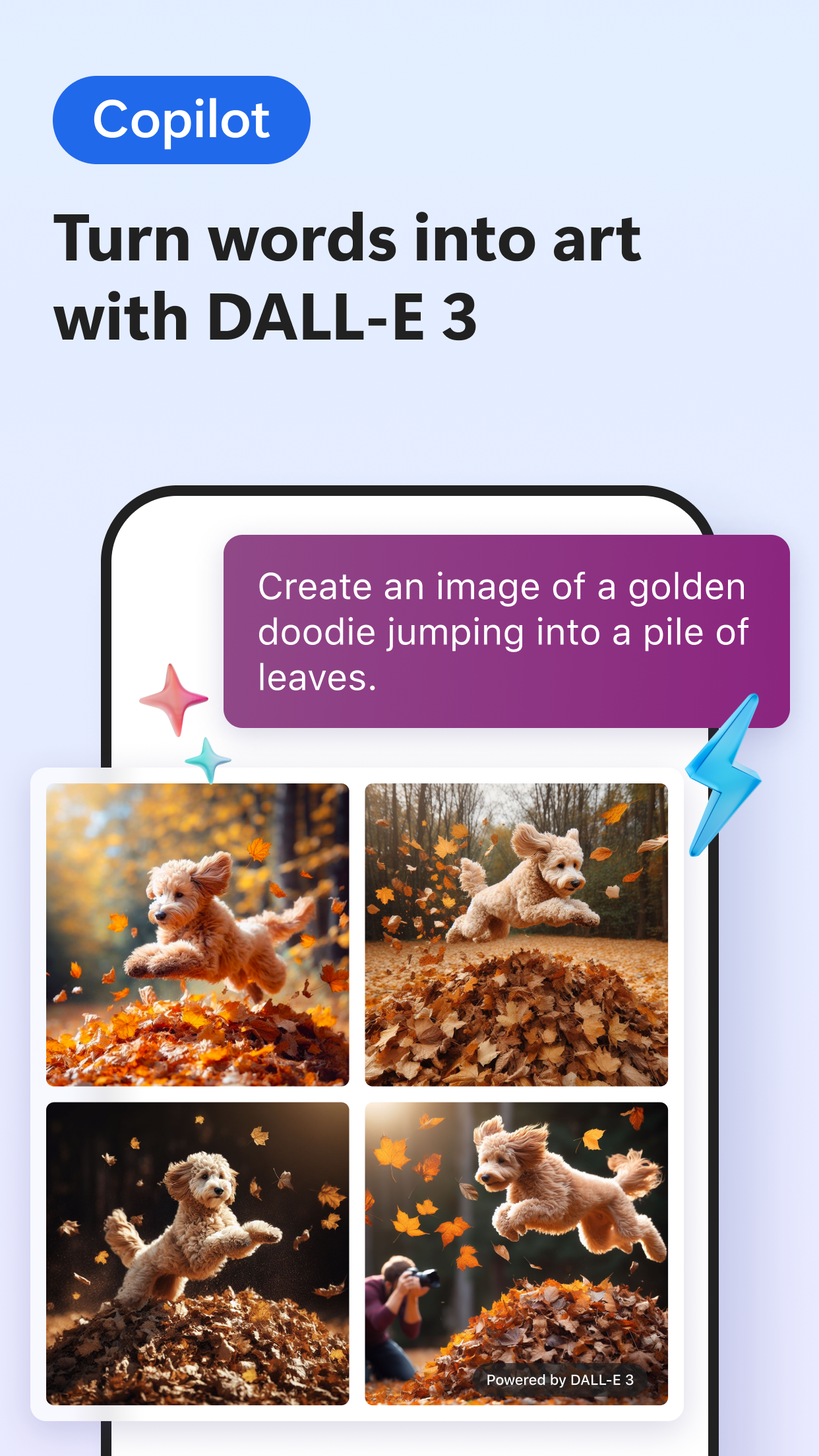
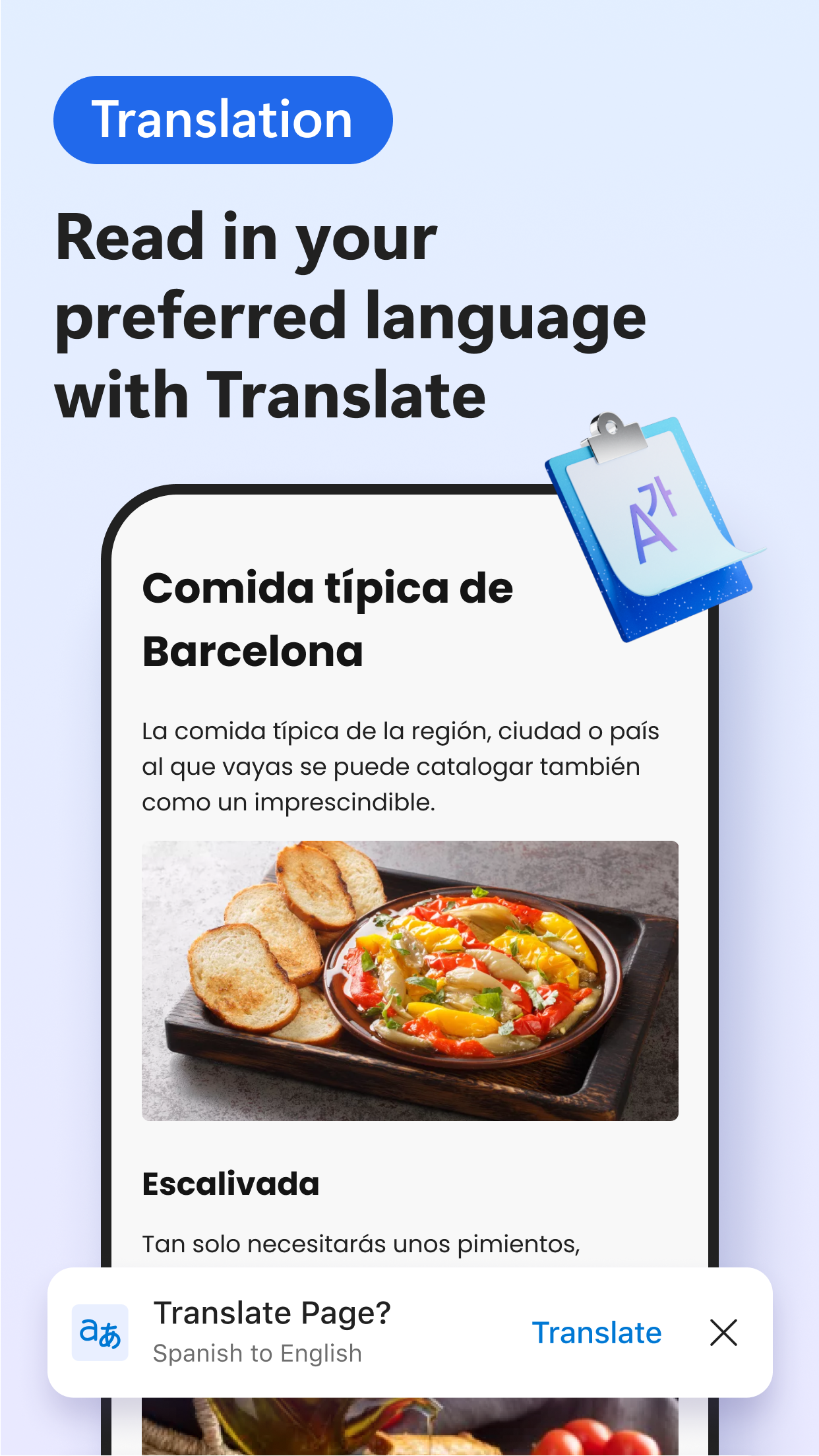
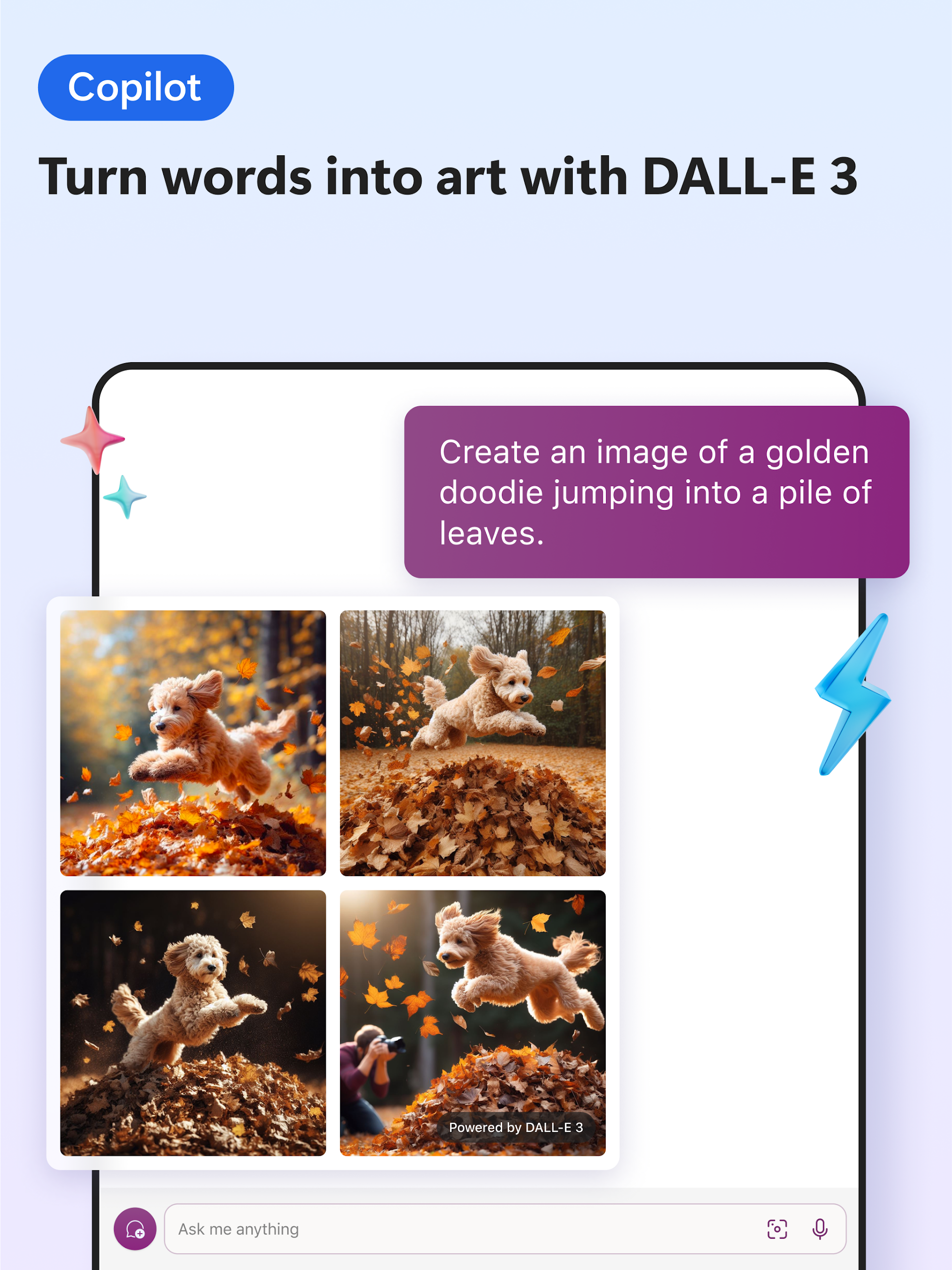
- Content Creation: Use voice interaction to brainstorm ideas and compose documents, generating images with DALL·E 3; provide multi-language translation and proofreading capabilities to facilitate content globalization.
- Convenient Operation: Supports voice command control for hands-free search, Q&A, and creation.
### 3. Balancing Personalization and Security
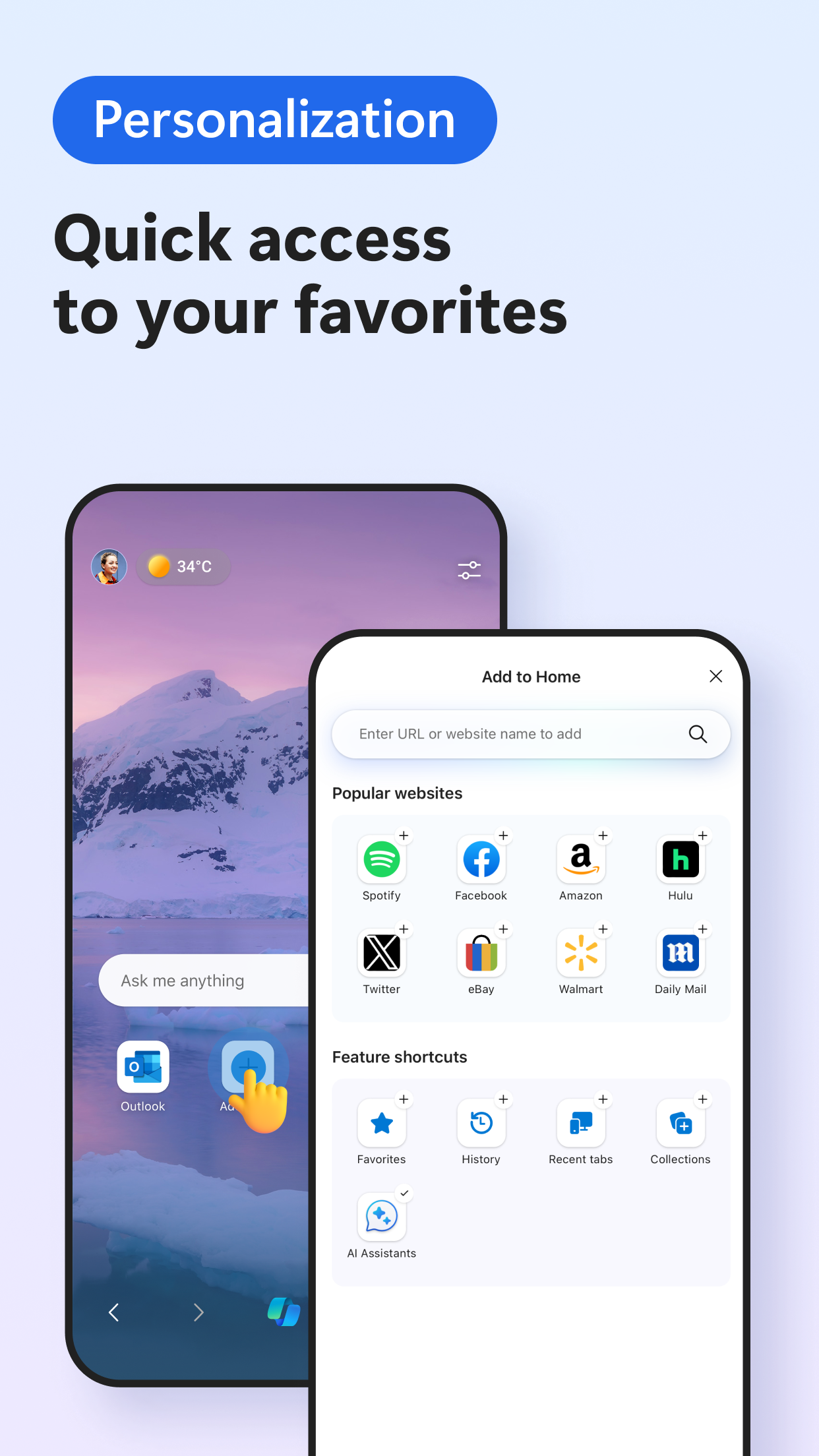
- Extension Support: Install extensions for cookie management, audio and video speed control, and web theme customization to create a personalized browsing environment.
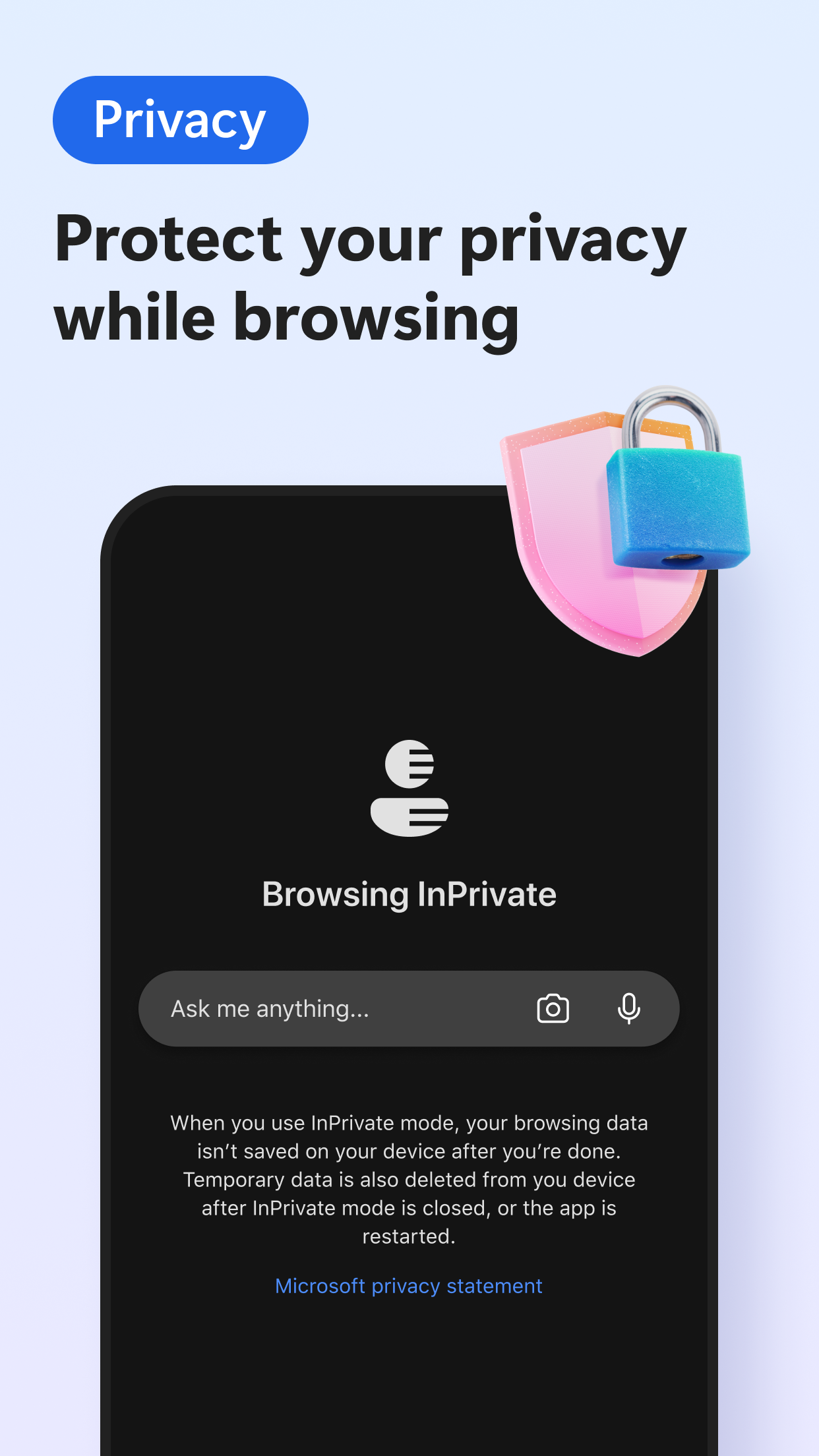
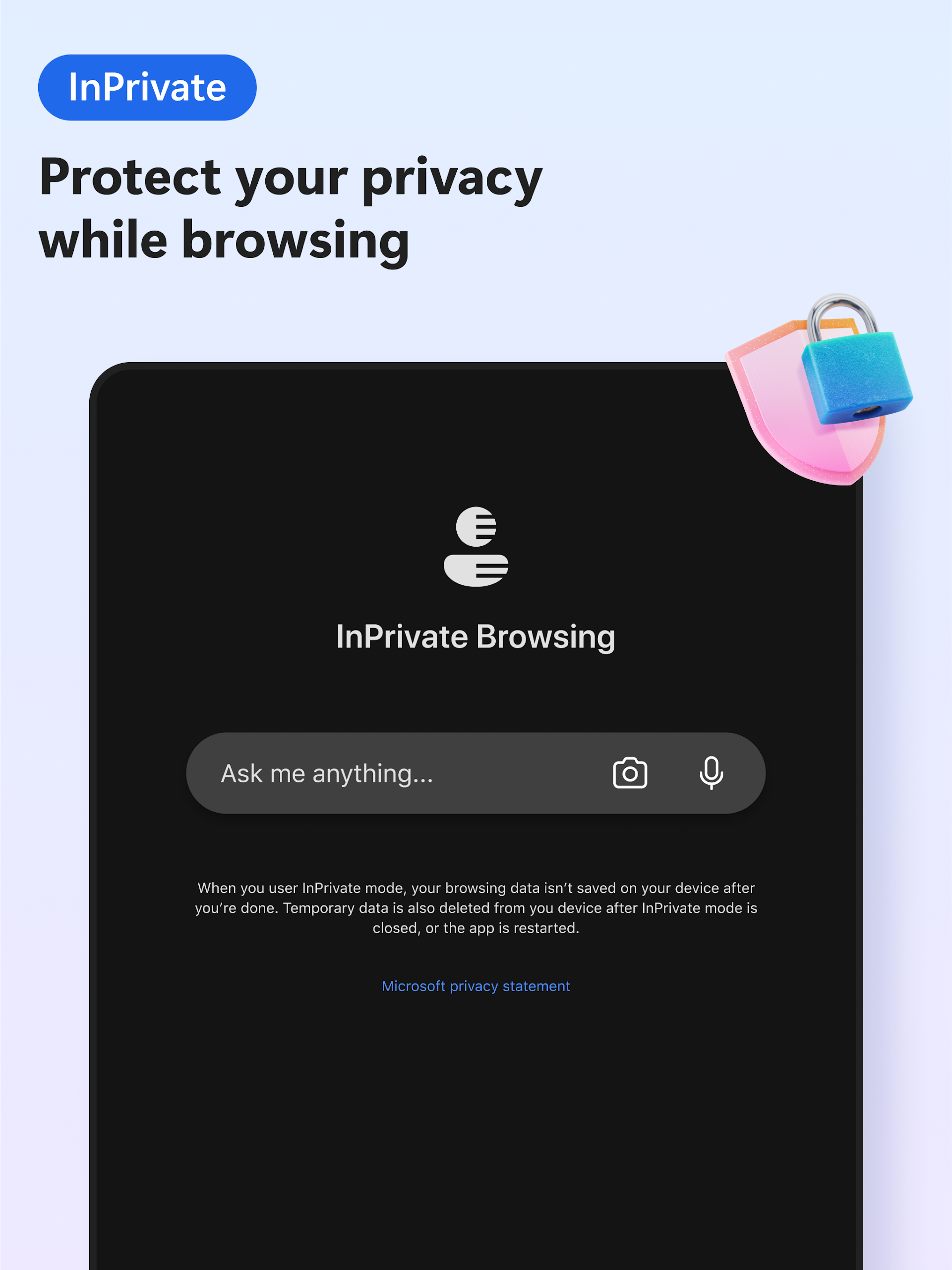
- Privacy Protection: Built-in tracking prevention, Microsoft Defender SmartScreen, and ad blocking; InPrivate Browsing mode doesn't save search history, and password monitoring provides early warning of dark web leaks.
User Value and Target Audience:
### 1. Core Value
- **First Trial**: Experience browser technology innovations first, such as AI feature iterations and extension ecosystem upgrades.
- **Product Co-creation**: User feedback is considered an important factor in official optimizations and can directly influence the final form of features.
### 2. Target Audience
- Tech enthusiasts and geeks: Enthusiasts for experiencing cutting-edge digital tools and willing to try unreleased features.
- Mobile office users: Improve browsing and work efficiency with Copilot's AI-powered summary and creation features. - Developers and product followers: They need to understand the browser function route in advance or prepare for adaptation development.
FAQs:
1. **Where can I download the Android version of Microsoft Edge Dev?**
- You can download it from the Google Play Store. Search for "Microsoft Edge Dev" in the store and follow the prompts to install.
2. **How often is the Android version of Microsoft Edge Dev updated?**
- It uses a weekly update mechanism. The released developer version includes the latest feature optimizations from the previous week, and the update speed is much faster than the stable version.
3. **What are the specific functions of the built-in Copilot intelligent assistant?**
- It has three core functions: In terms of information processing, it can quickly summarize web pages, PDFs, and video content, and supports uploading image searches; in terms of content creation, it can brainstorm and write documents through voice interaction, generate images with DALL·E 3, and also provides multilingual translation and proofreading services; in terms of operation, it supports voice command control, enabling hands-free search, Q&A, and creation.
4. **How many extensions does the Android version of Microsoft Edge Dev currently support, and what types do they cover?**
- Its plugin ecosystem continues to expand, supporting nearly 30 plugins now, covering practical types such as cookie management, audio/video speed adjustment, website theme customization, ad blocking, and bilingual translation, meeting users' personalized browsing needs.
5. **Can the Android version of Microsoft Edge Dev sync data with the desktop version?**
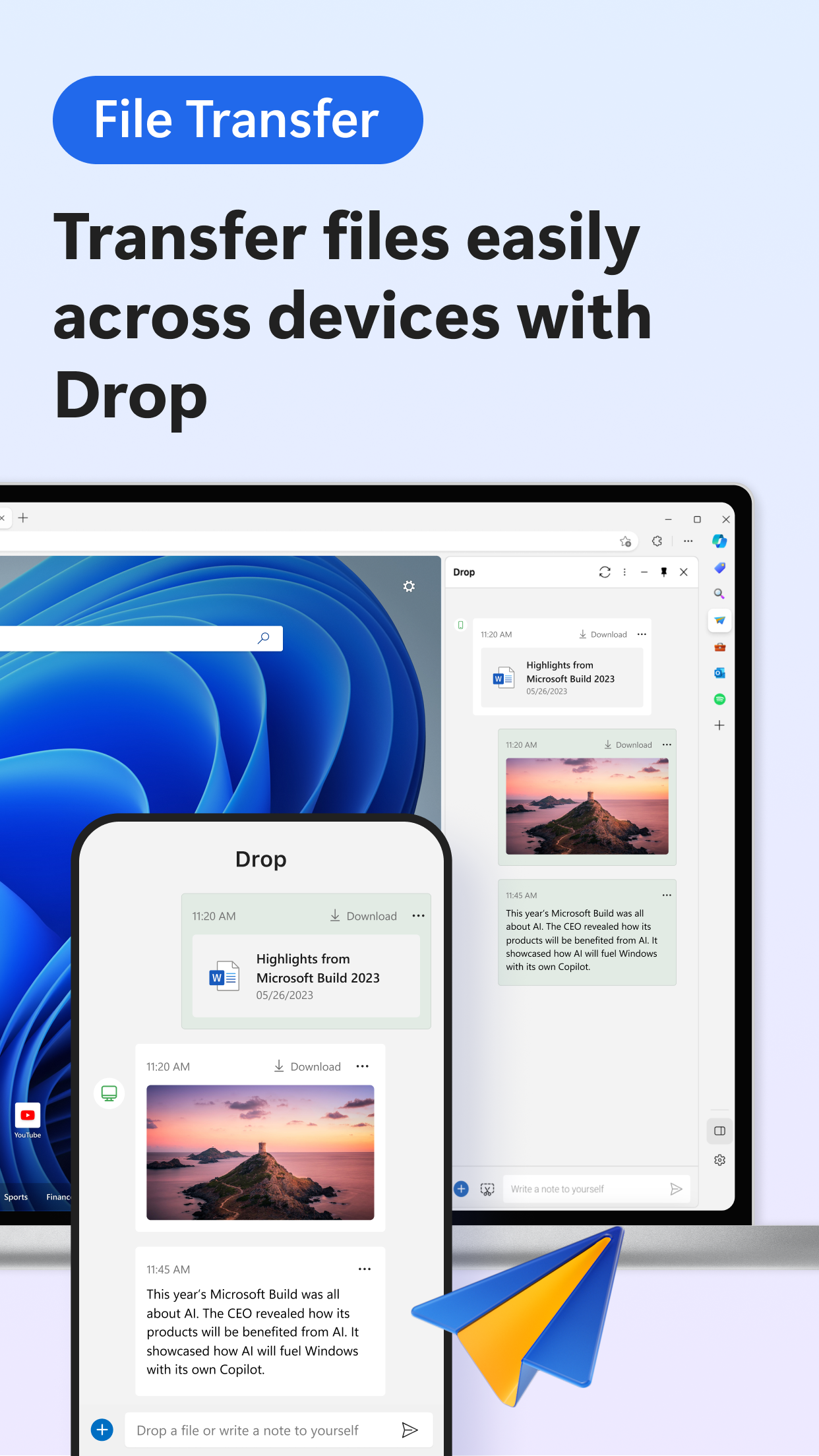
- Yes. Simply log in to the same Microsoft account on both your Android device and desktop browser to sync open tabs and browsing history between devices. You can also directly send web pages viewed on your phone to your desktop, with virtually no lag in the sync speed.
- Version141.0.3533.0
- UpdateOct 28, 2026
- DeveloperMicrosoft Corporation
- CategoryCommunication
- Requires AndroidAndroid 10+
- Downloads298K+
- Package Namecom.microsoft.emmx.dev
- Signaturea4325582c4273f105fdc1198117d7182
- Available on
- ReportFlag as inappropriate
-
NameSizeDownload
-
196.14 MB
-
196.29 MB
-
196.05 MB





















Faster and more accurate search results.
Built-in features reducing reliance on extensions.
Seamless integration with Windows and Microsoft services.
Direct access to new browsing innovations.
Stable performance in the latest builds.
Ability to sync across devices instantaneously.
An appealing and user-friendly interface design.
Options for customizable settings and features.
Enhanced security features compared to other browsers.
Frequent crashes affecting user experience.
Slow syncing process compared to PC version.
Limited extension support leading to frustration.
Issues with certain websites and functionalities.
High memory usage impacting performance on mobile.
Difficulty customizing menus and changing settings easily.
Problems maintaining Microsoft account login.
Incompatibility issues with specific apps (like LastPass).
Overbearing ads and suggested content disrupting browsing.