
LiveSafe - Emergency communication & safety
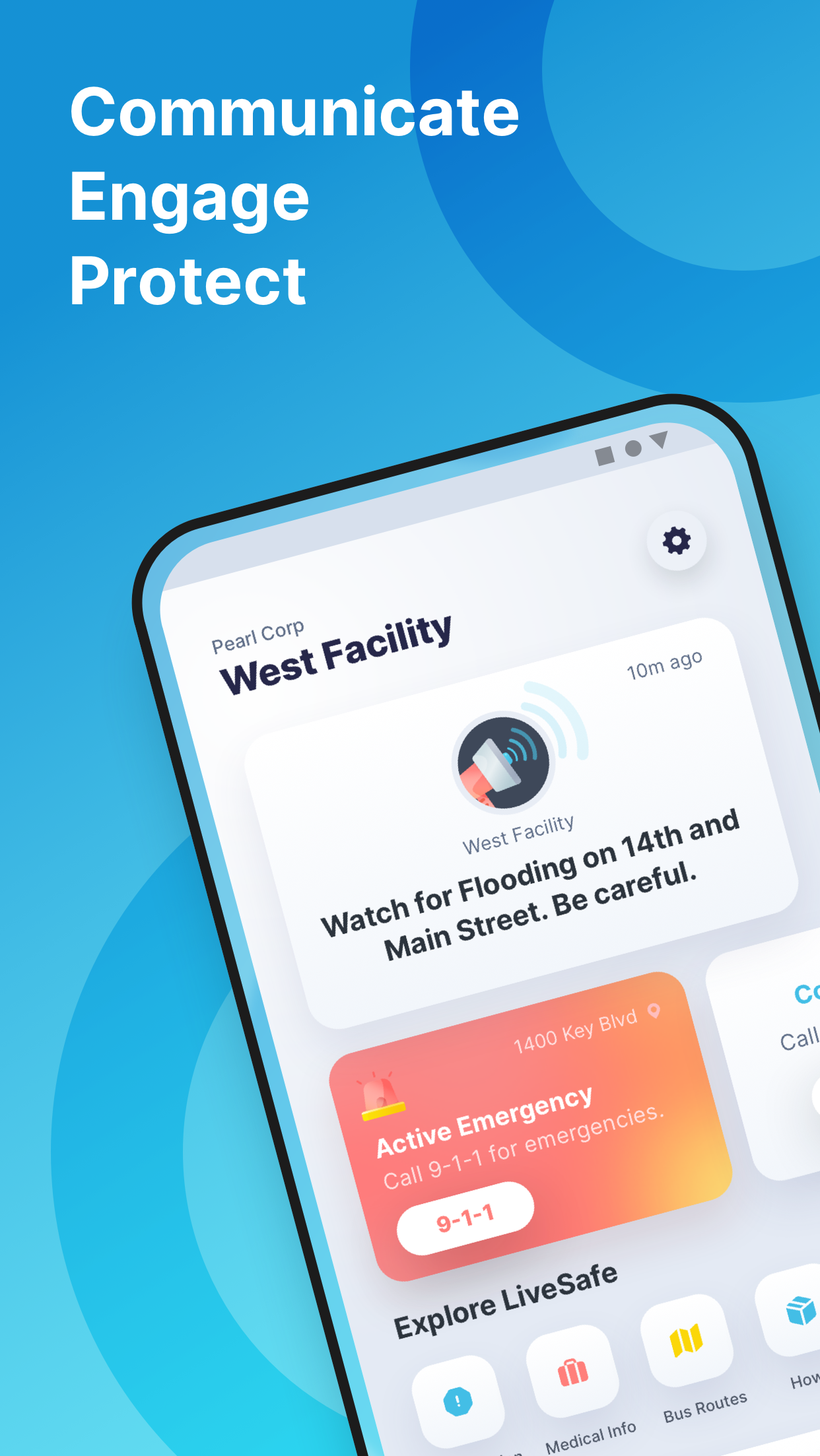
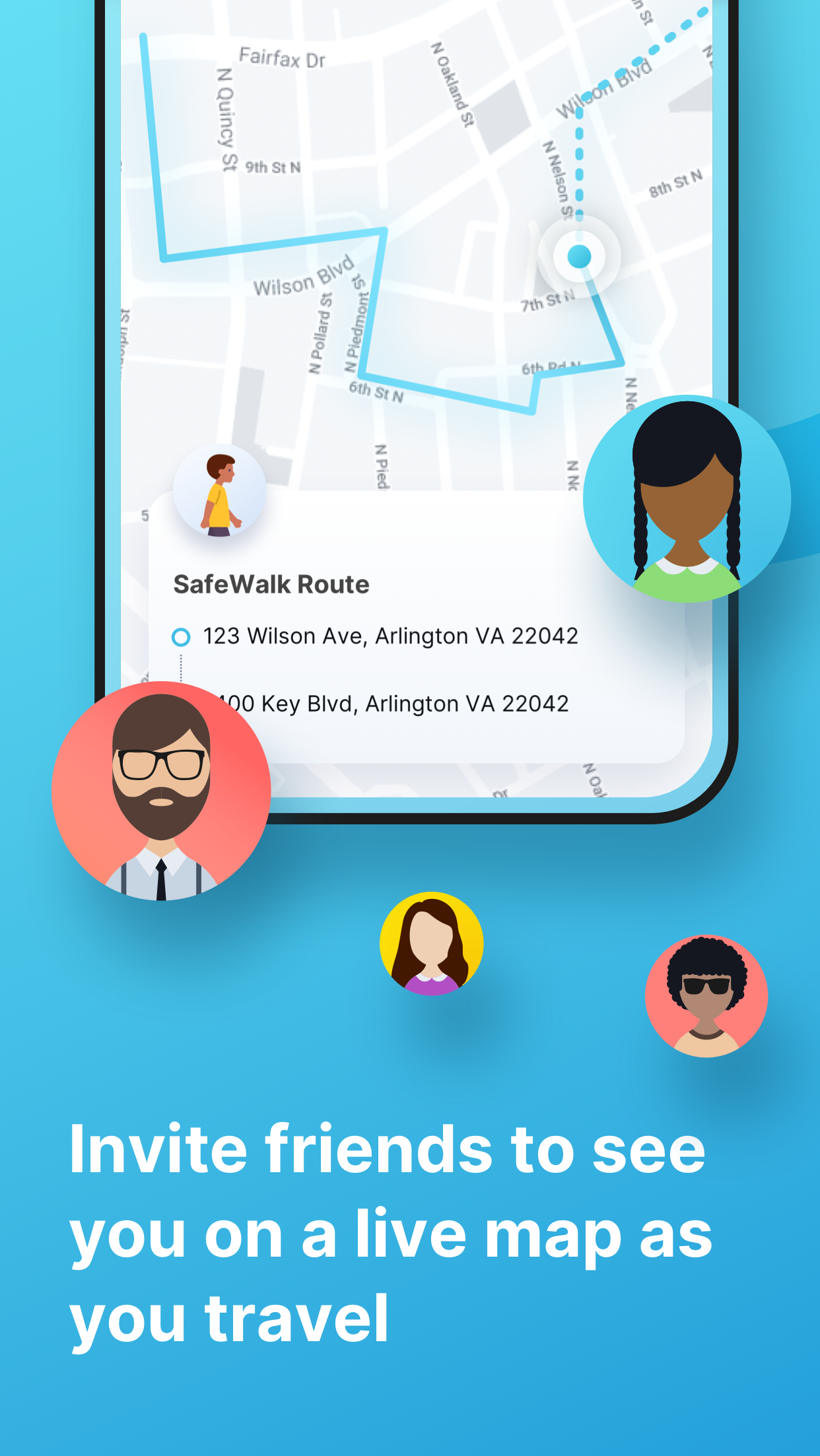
Stay connected with safety officials, share your location, & walk friends home safely with this powerful tool.

- 3.10.4 Version
- 2.7 Score
- 303K+ Downloads
- Free License
- 3+ Content Rating

Introduction:
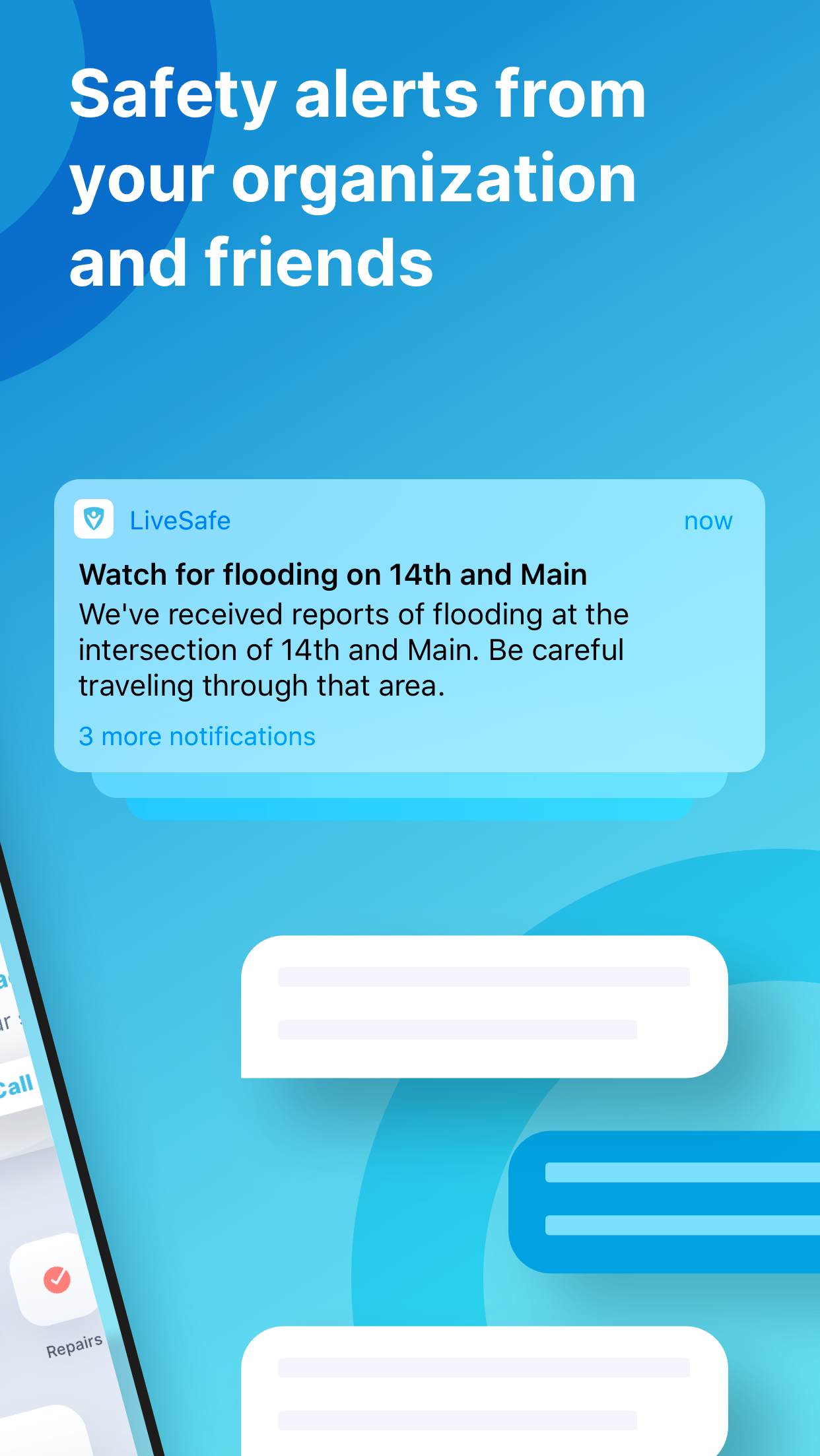
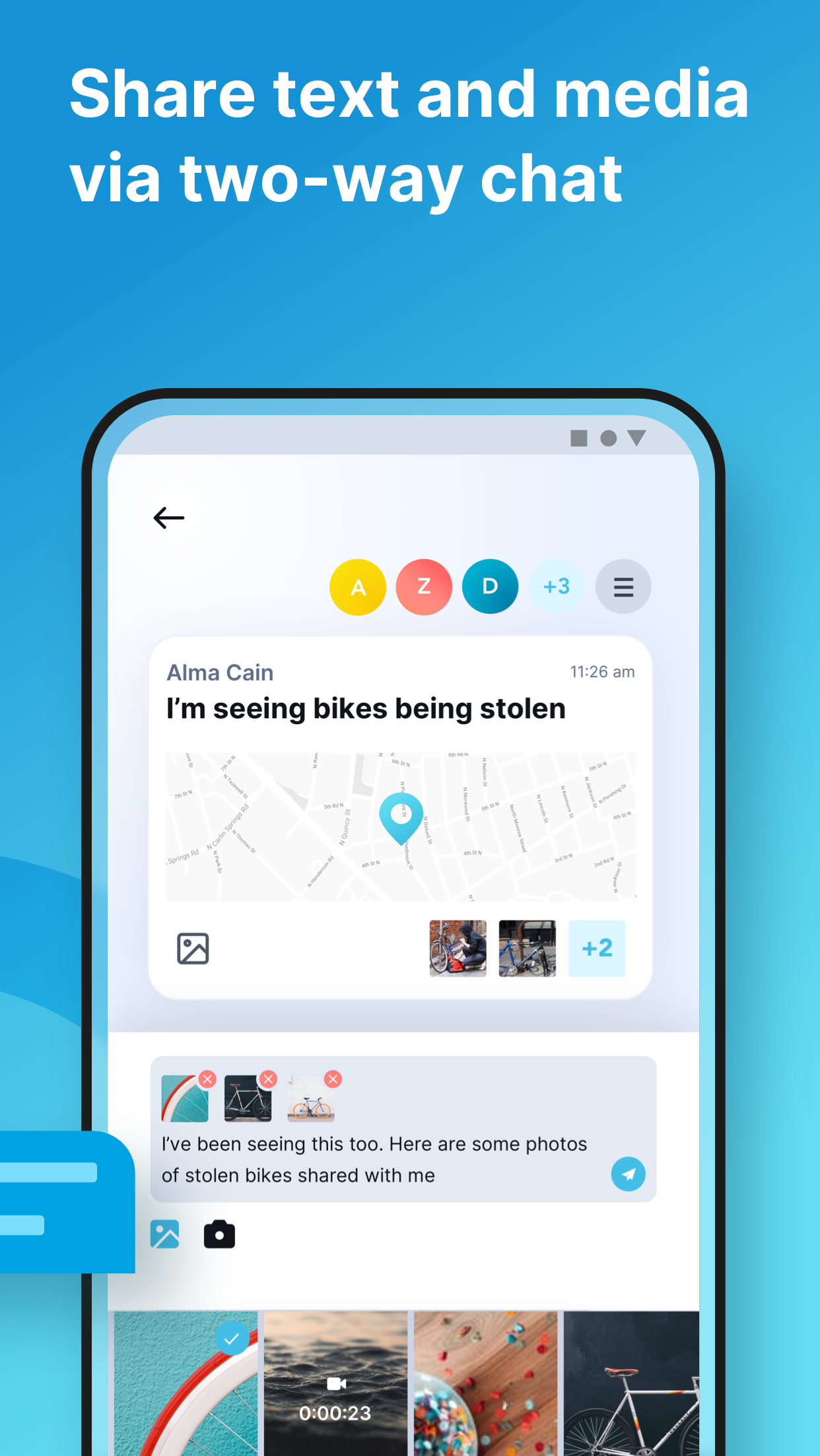
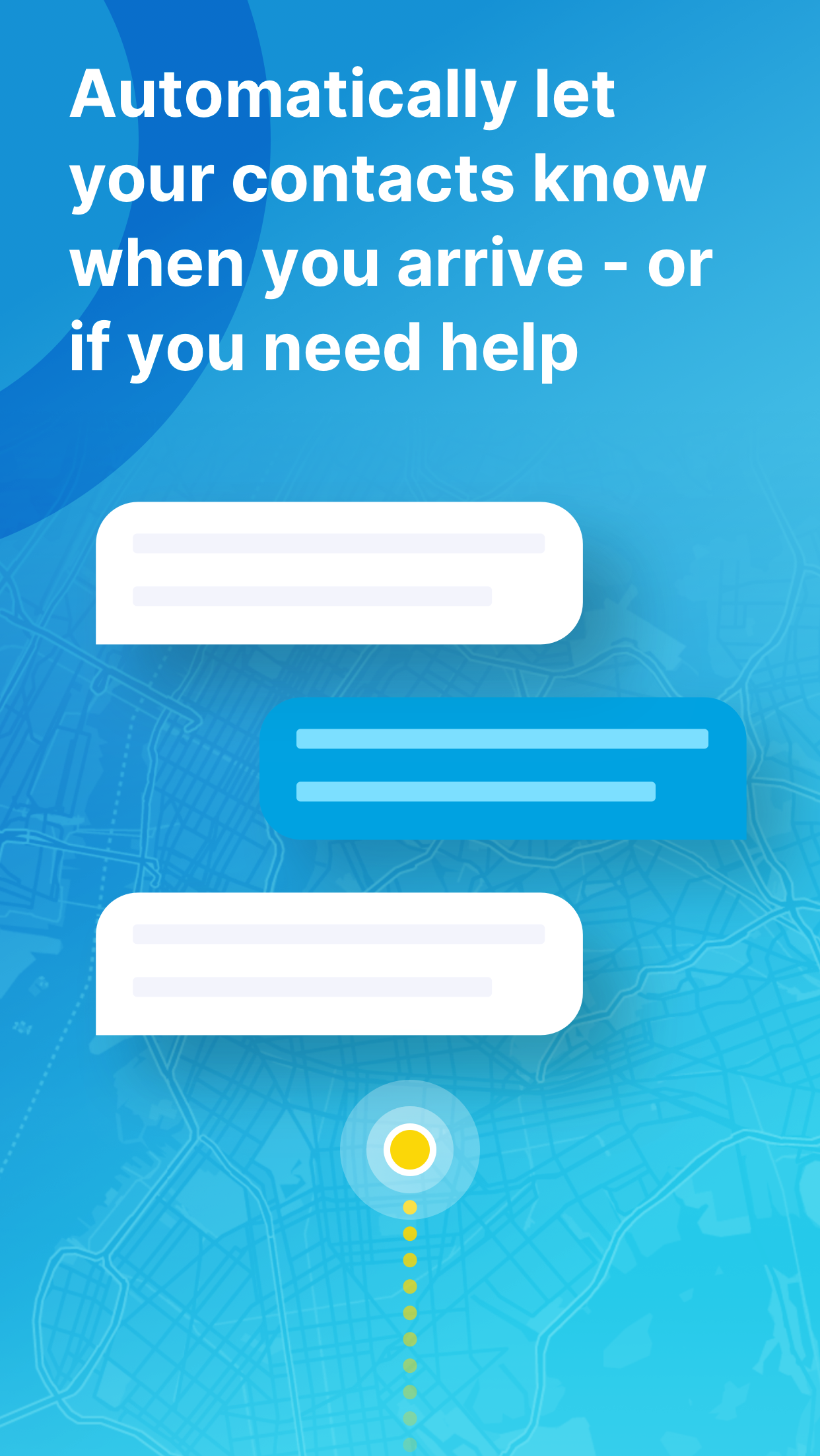
LiveSafe facilitates direct and discreet communication between users and safety officials at their school or workplace through text, images, video, and audio. Additionally, it offers a feature called SafeWalk that allows you to virtually escort friends and family home.
Functional Modules:
- Support/After Hours: Support and after-hours services, which may refer to customer support provided to users, including response to issues outside of normal business hours.
- Dashboard: The dashboard/console is typically the core interface of the platform, integrating key data, function access points, and other functions, allowing users to quickly understand the overall situation and operations.
- Mobile App: The mobile application of the platform, allowing users to access related functions on their mobile devices.
- AUM/HR Sync: Synchronization of AUM (possibly referring to assets under management) and HR (human resources), presumably enabling the coordinated update of asset management data and human resources data.
- Analytics: Analytical functions used to collect statistics, analyze data collected by the platform, and generate reports to provide a basis for decision-making.
- Training: The training module may provide relevant training resources, courses, or tools to help users familiarize themselves with the platform or improve their skills.
- Daily Health Questionnaire: The daily health questionnaire may be used to collect users' daily health information and is commonly used in platforms focusing on employee health or specific health management scenarios.
Here’s what else you can expect:
• Active location sharing during emergencies to ensure prompt assistance
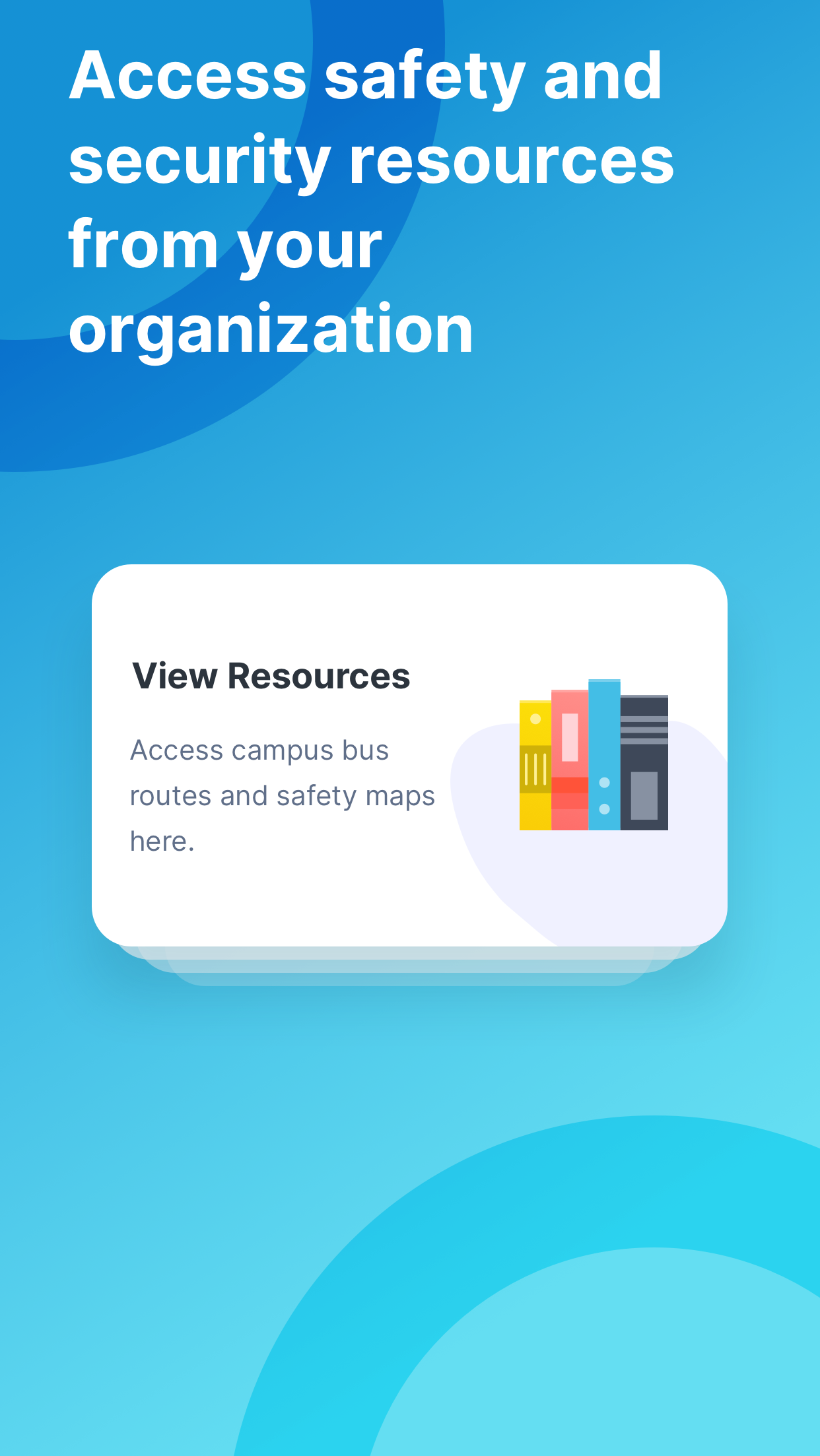
• Access to various safety resources and important phone numbers
• A safety map providing information on local incidents and key safety locations to keep you informed
IMPORTANT NOTICE:
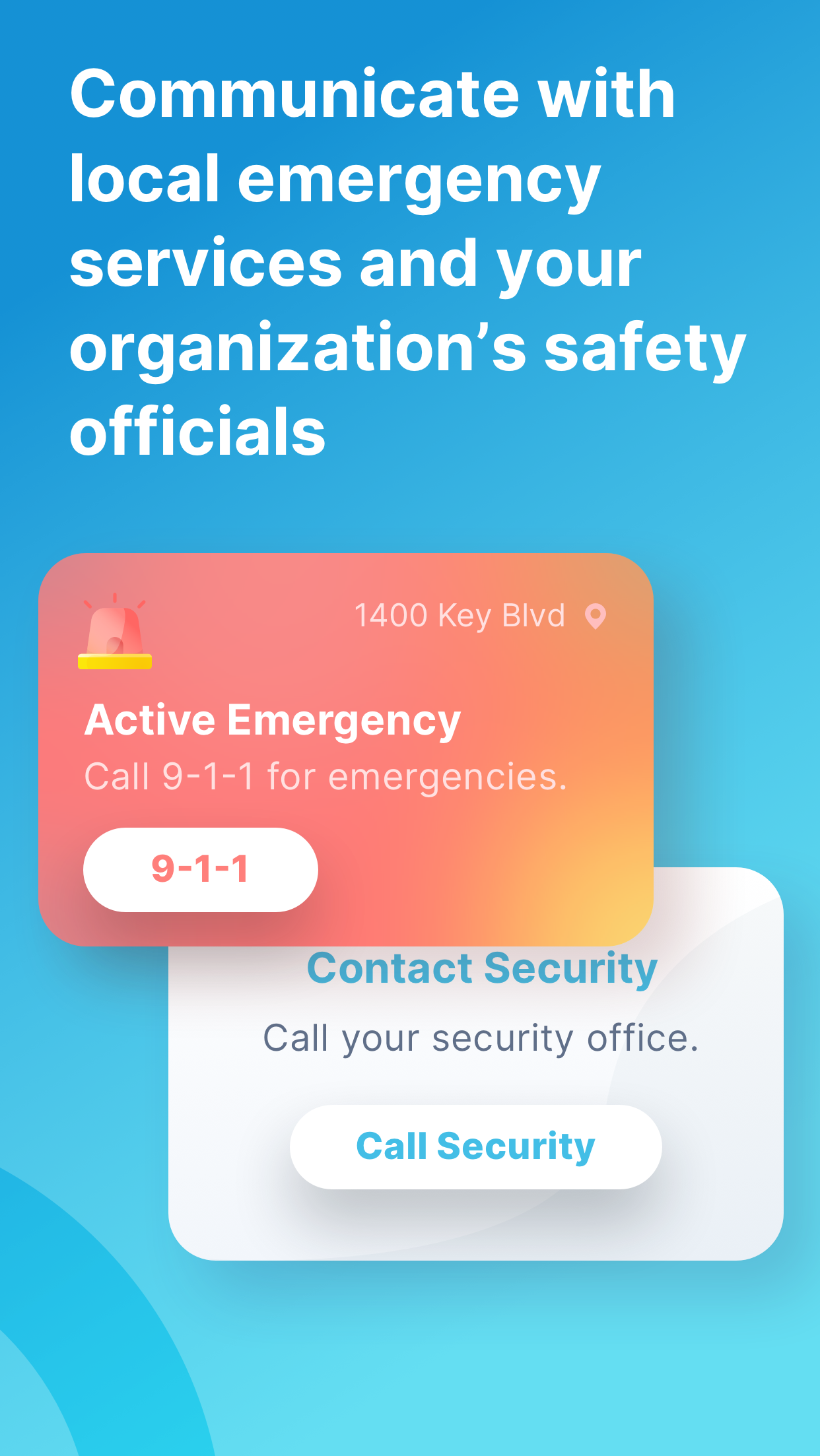
PLEASE DO NOT USE THIS APPLICATION FOR REPORTING IMMINENT EMERGENCIES IF YOUR LOCAL POLICE AGENCY IS NOT INCLUDED IN THE ORGANIZATIONS LIST WITHIN THE APP. Your reports will not reach law enforcement or emergency services until LiveSafe has coordinated with them for report delivery. In the case of an emergency, always call 911.
Prolonged GPS usage in the background may significantly reduce battery life.
Law enforcement agencies interested in receiving crime tips from their community in real-time via the LiveSafe Command Dashboard are encouraged to get in touch with LiveSafe for further information.
DISCLAIMER:
By downloading this application, you acknowledge and agree to the following terms: The LiveSafe app may not yet be linked to your local police, medical, or law enforcement agencies. As such, using this app may not provide assistance for any emergencies or crime reports unless your local authorities have integrated with LiveSafe. Please verify with your local authorities regarding their integration status. In any emergency situation, call 911.
The publisher of this application along with any affiliates, partners, agents, or employees of LiveSafe bear no liability or responsibility toward any individual or entity concerning any aspect of the application, including but not limited to downloading, usage, reporting crimes, and anticipated safety and security outcomes.
Frequently Asked Questions:
1. **What does LiveSafe do?**
**It allows you to anonymously/privately report safety information to school/workplace security personnel using text, images, videos, and voice messages; it also has a **SafeWalk escort function**, virtually escorting family and friends home.
2. **What are the main functional modules?**
**Supports services, console, mobile app, data synchronization, analytics reports, training, and daily health questionnaires.**
3. **What special functions are available in emergency situations?**
**In emergencies, it allows you to proactively share your location for quick rescue; you can also view safety resources, emergency phone numbers, and a safety map.**
4. **Can I use this app in life-threatening or emergency situations?**
**No.**
**In emergencies, you must dial 911 directly.**
**If your local police are not connected to this app, your report will not be processed promptly.**
- Version3.10.4
- UpdateSep 30, 2026
- DeveloperLiveSafe Android
- CategoryCommunication
- Requires AndroidAndroid 7.0+
- Downloads303K+
- Package Namecom.livesafe.activities
- Signaturea9d2b33d93edcc71575555dbdc0cc941
- Available on
- ReportFlag as inappropriate













Convenient communication for urgent situations
Allows anonymous reporting to authorities
Simple interface for non-tech users
Effective in contacting campus safety discreetly
Enhances personal safety during commutes
Helpful for reporting suspicious activities quickly
Ability to send pictures or texts without alerting suspects
Useful dispatch tool for emergency services
High battery consumption
Cumbersome login and authentication process
Frequent crashes and failures to open
Lack of effective notifications
Complicated registration and profile management
Poor user experience and navigation
Unresponsive customer support and error messages
Updates have introduced additional issues