
Image to Text - Text Scanner - Image & text conversion
Transform images into editable text with speed & accuracy—experience seamless document management today!

- 2.3.1 Version
- 2.7 Score
- 406K+ Downloads
- In-app purchases License
- 3+ Content Rating

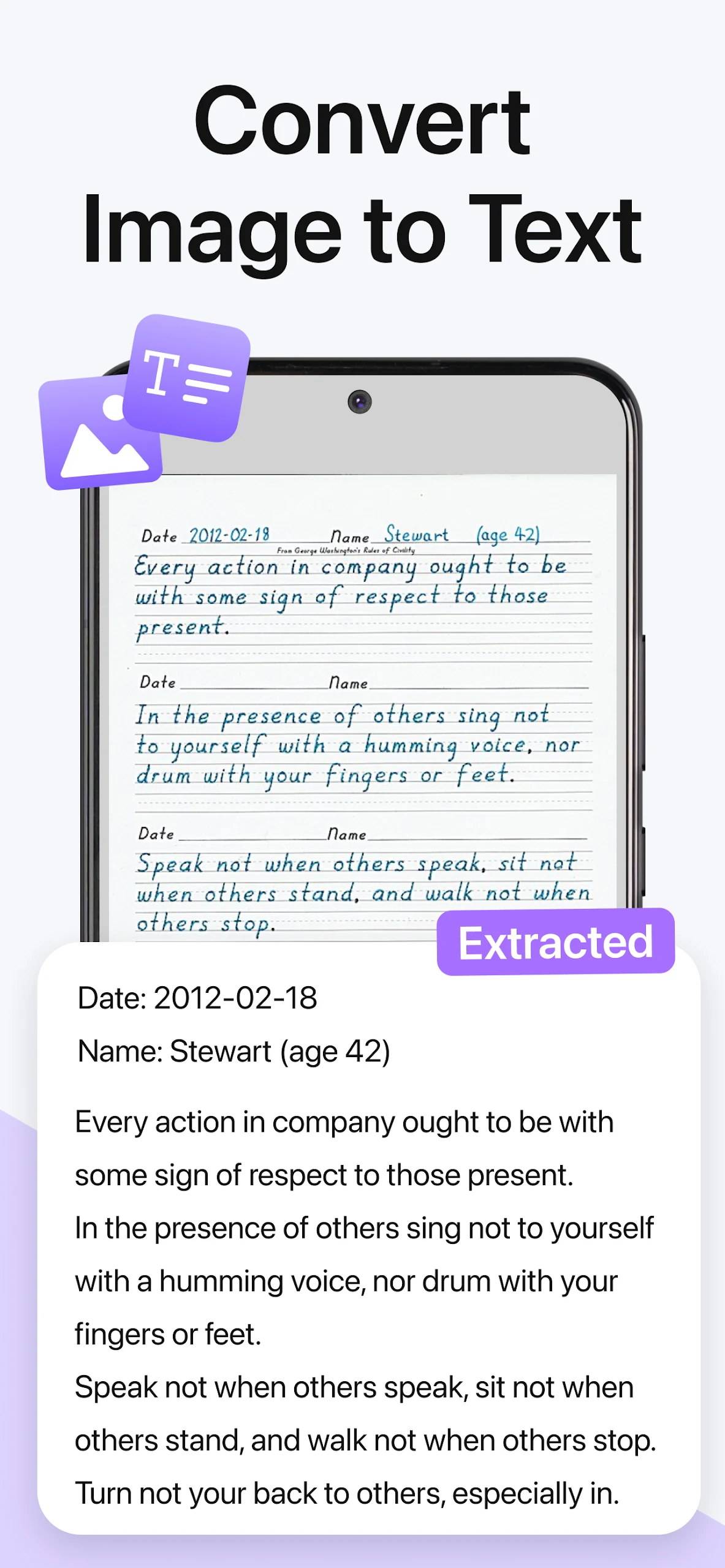
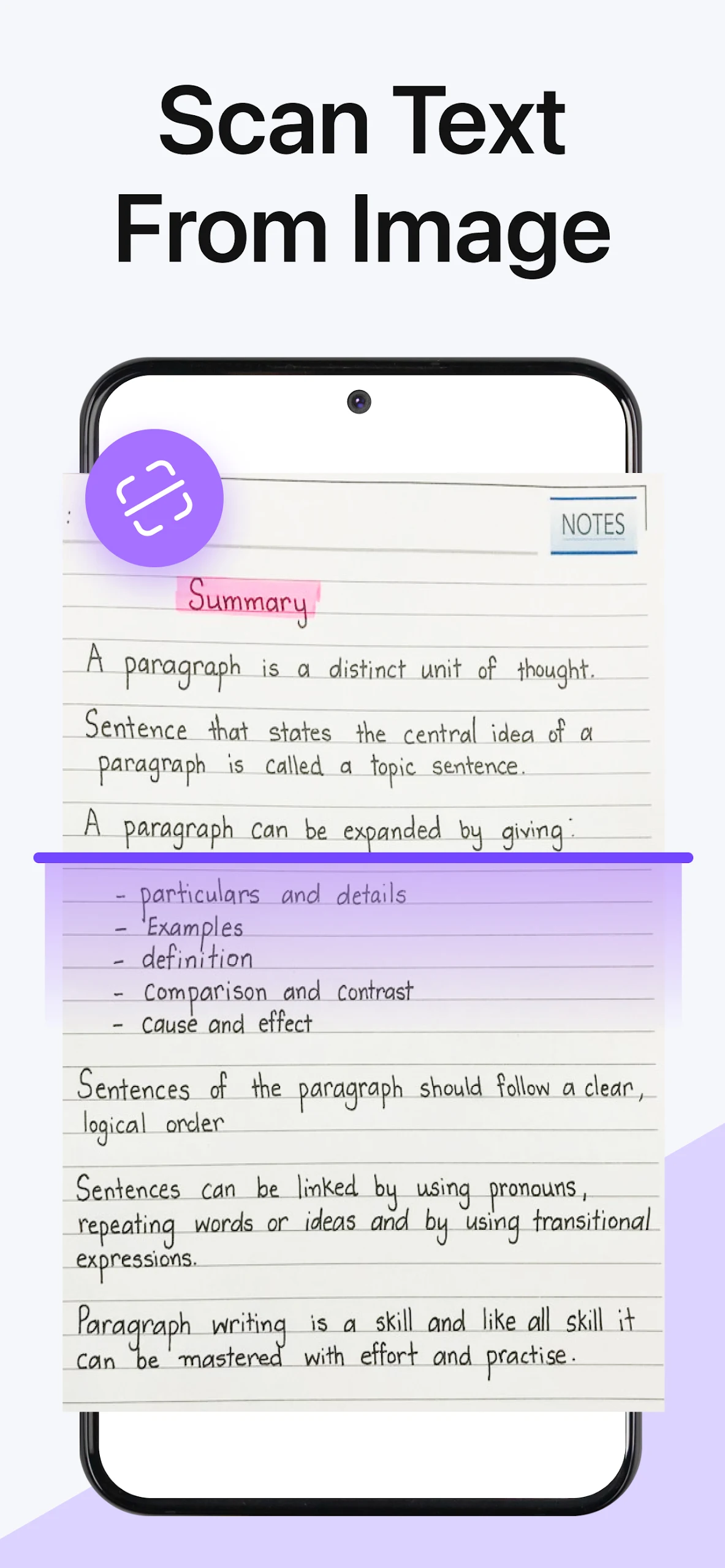
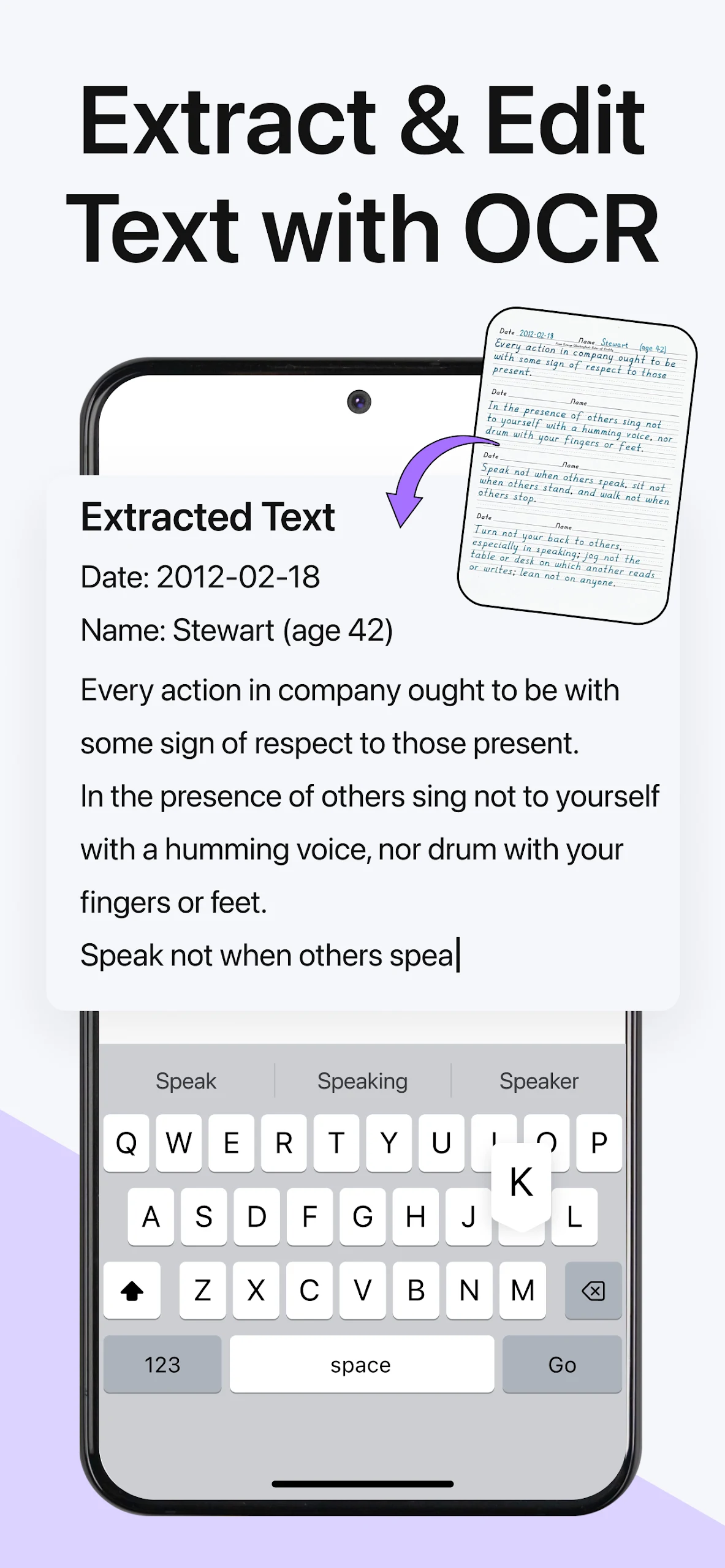
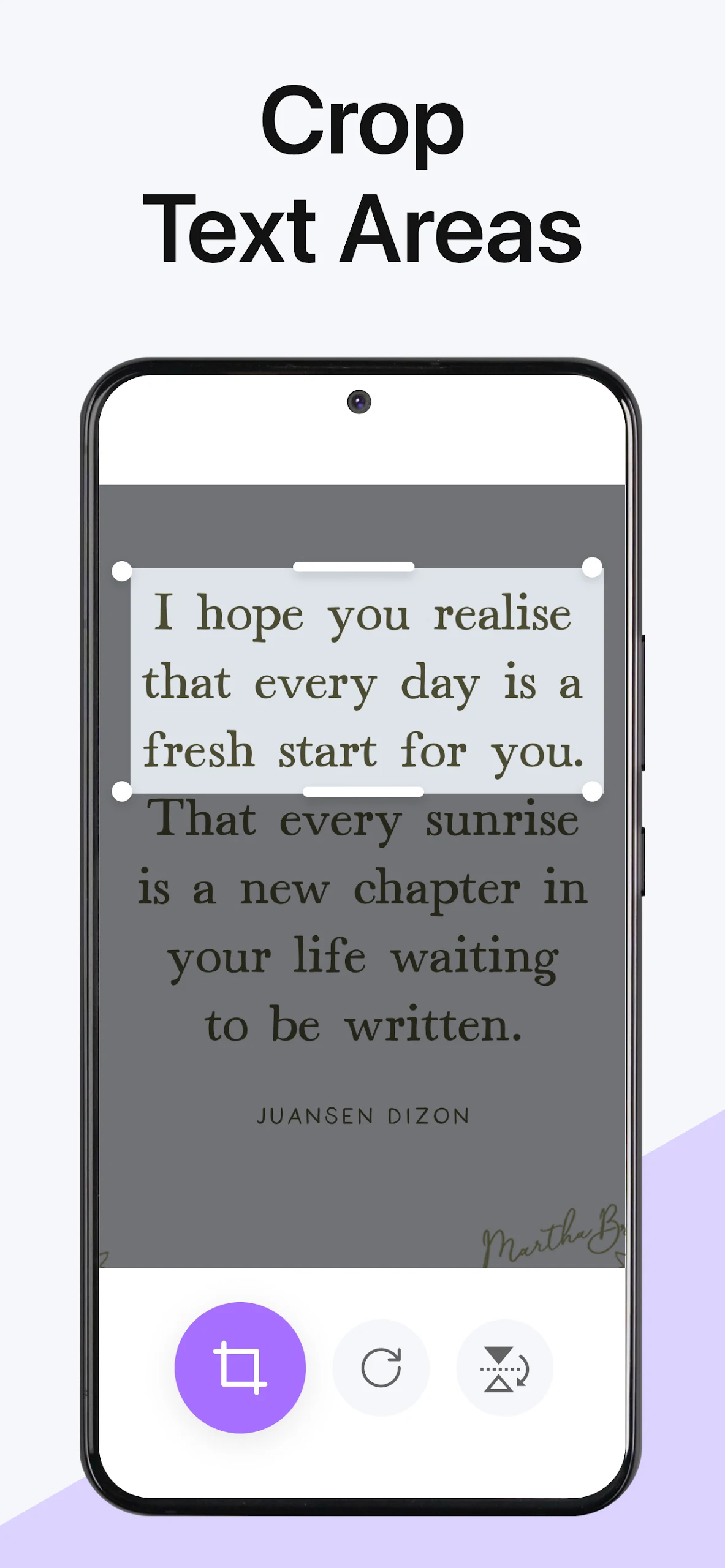
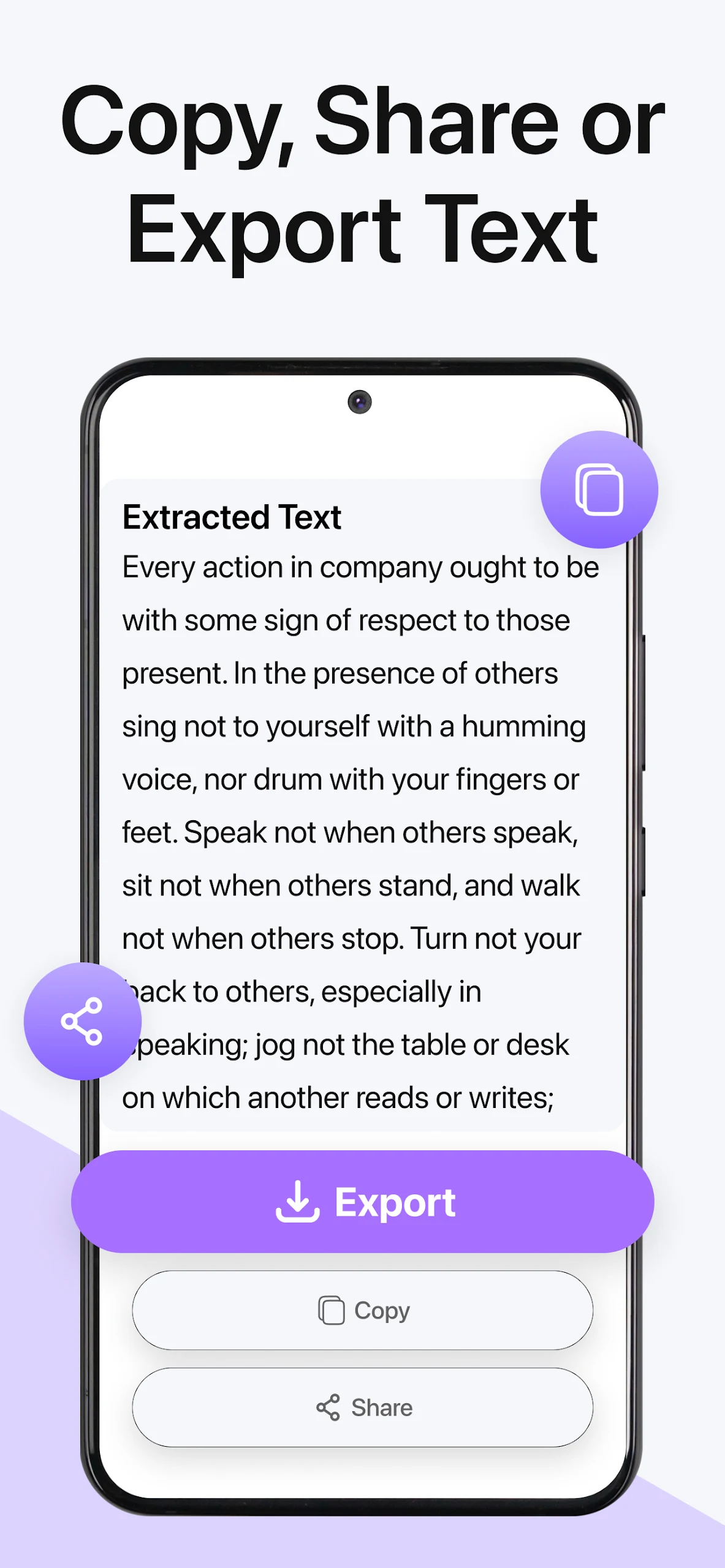
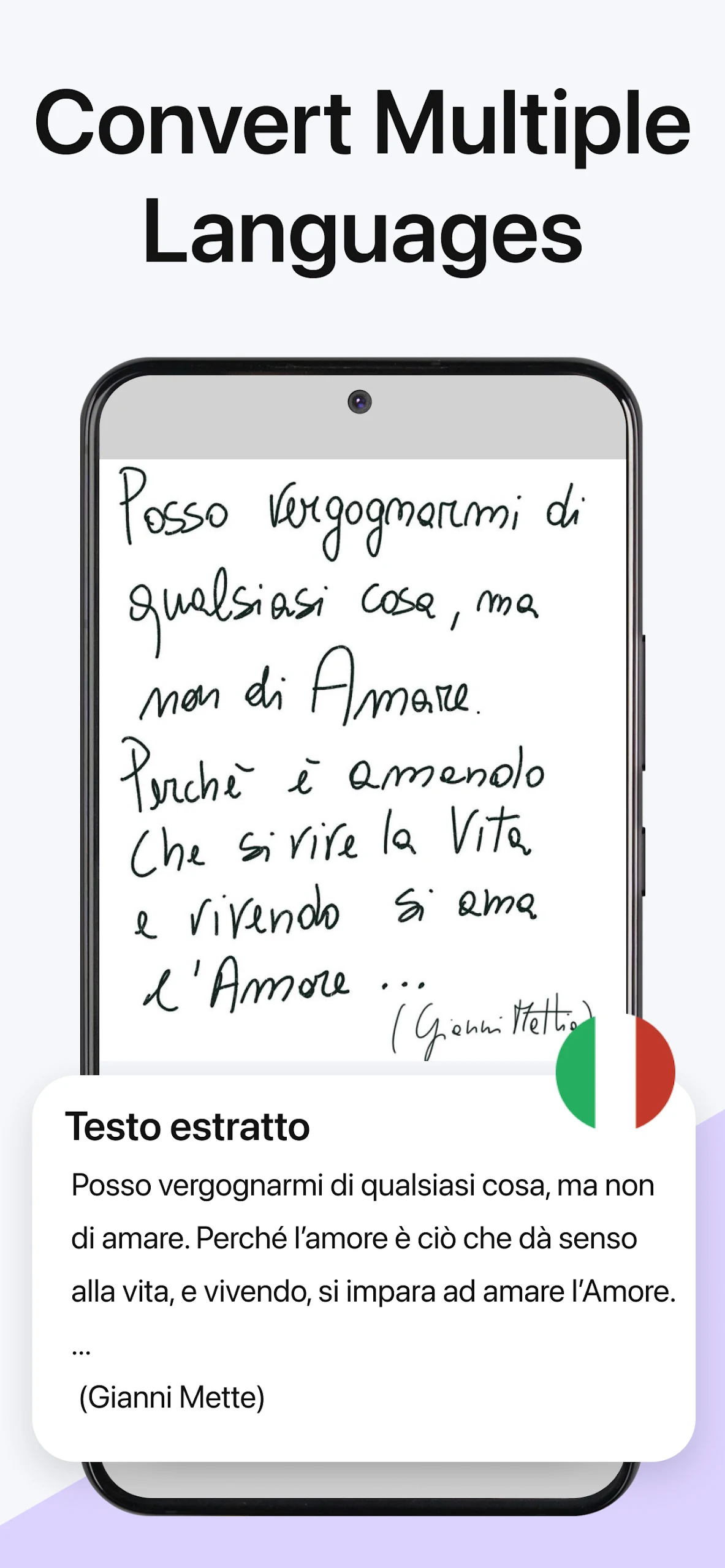
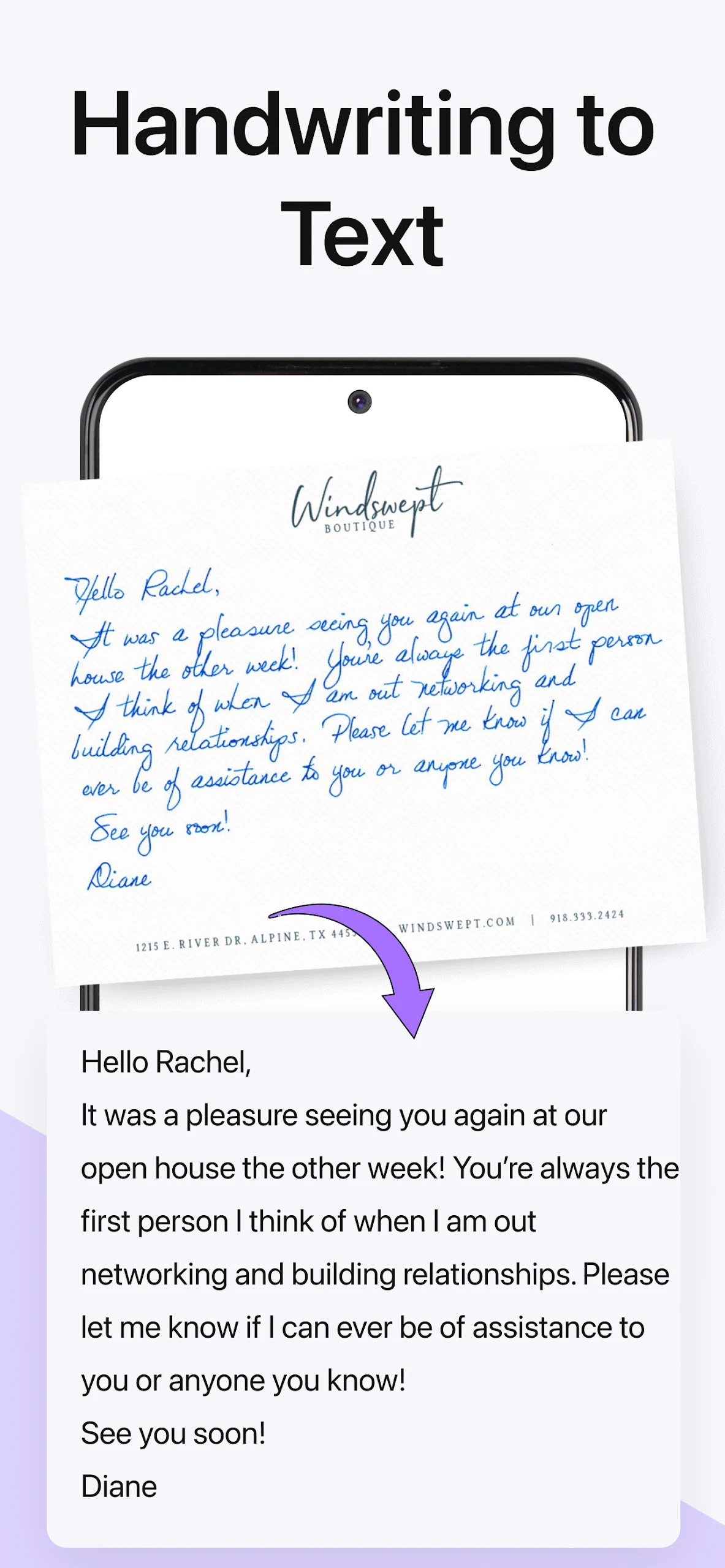
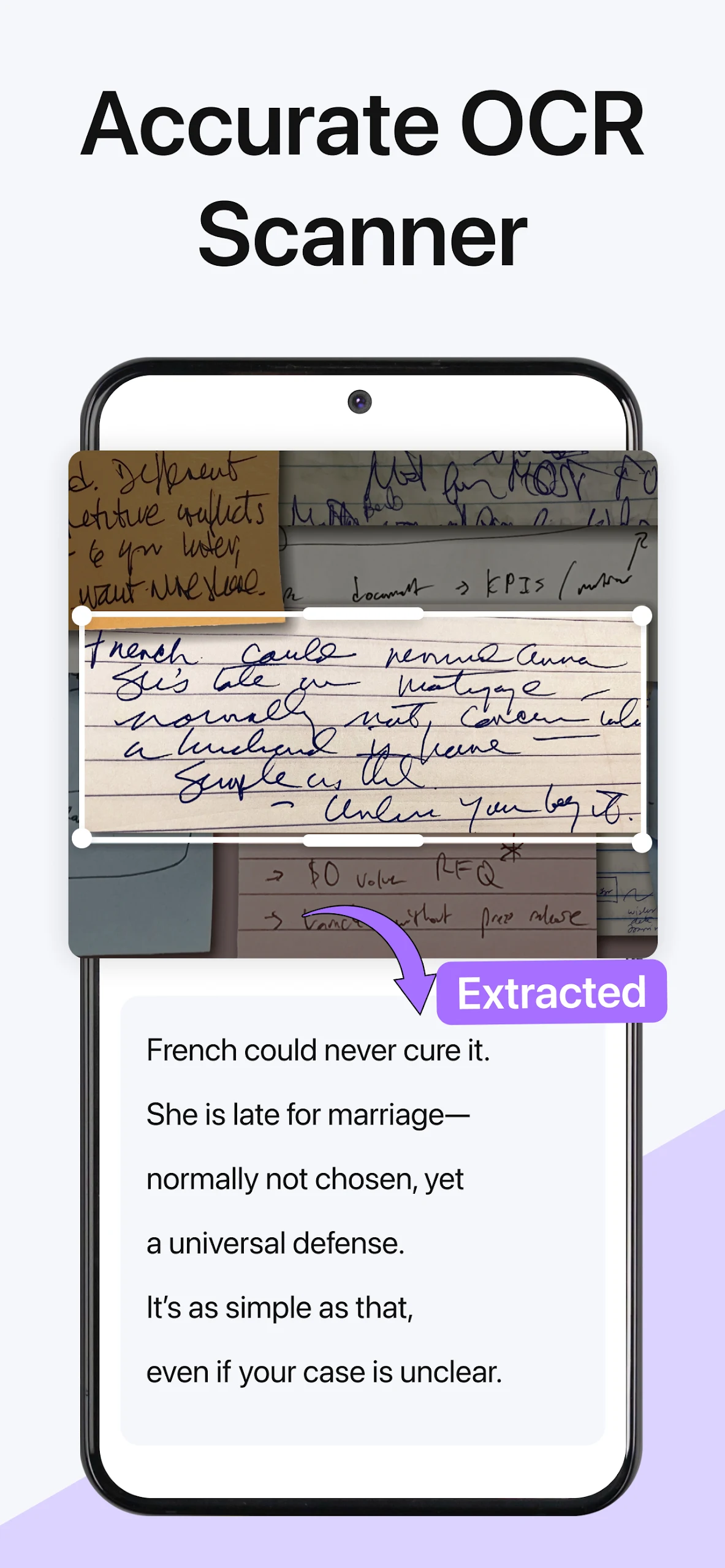
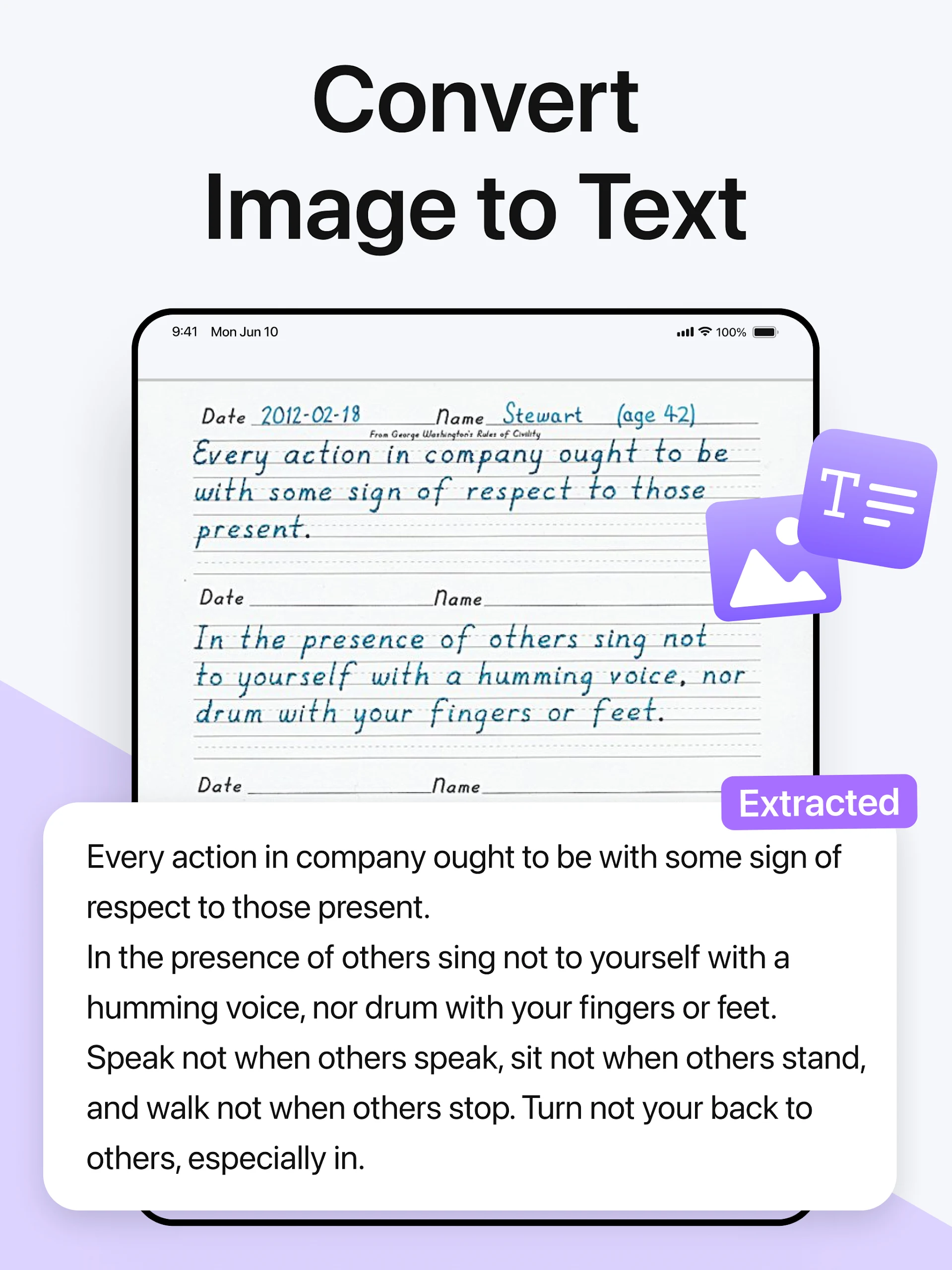
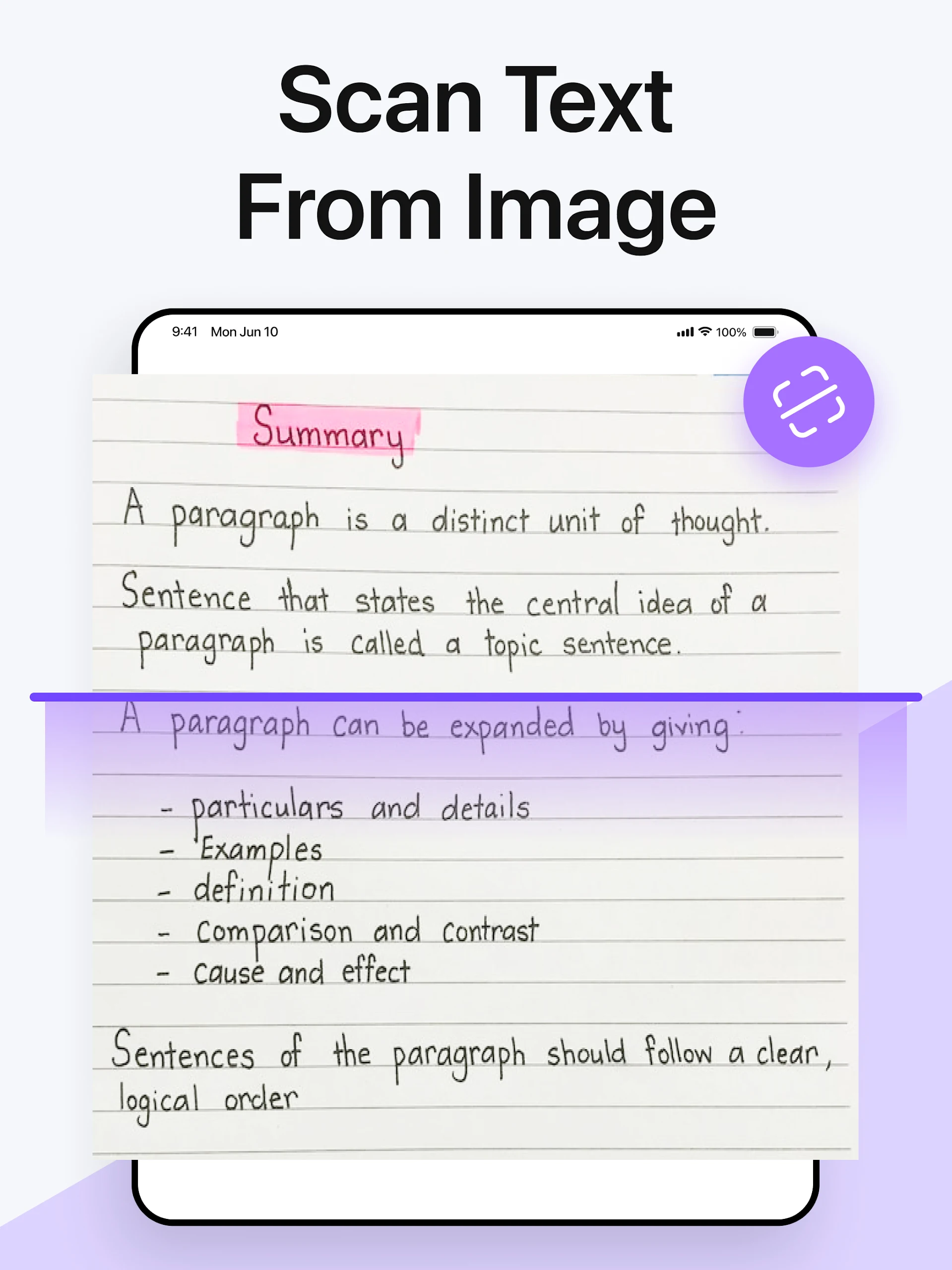
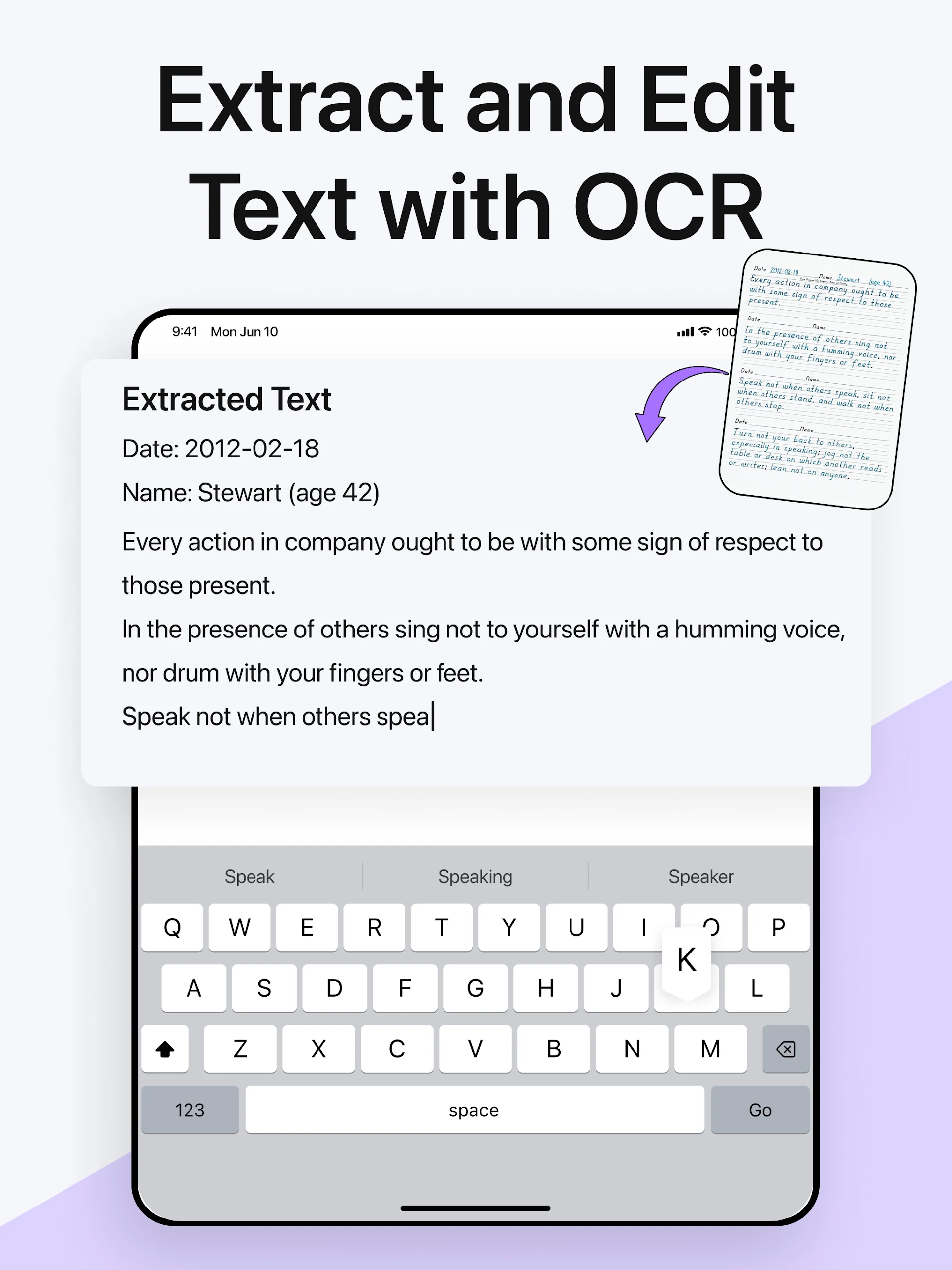
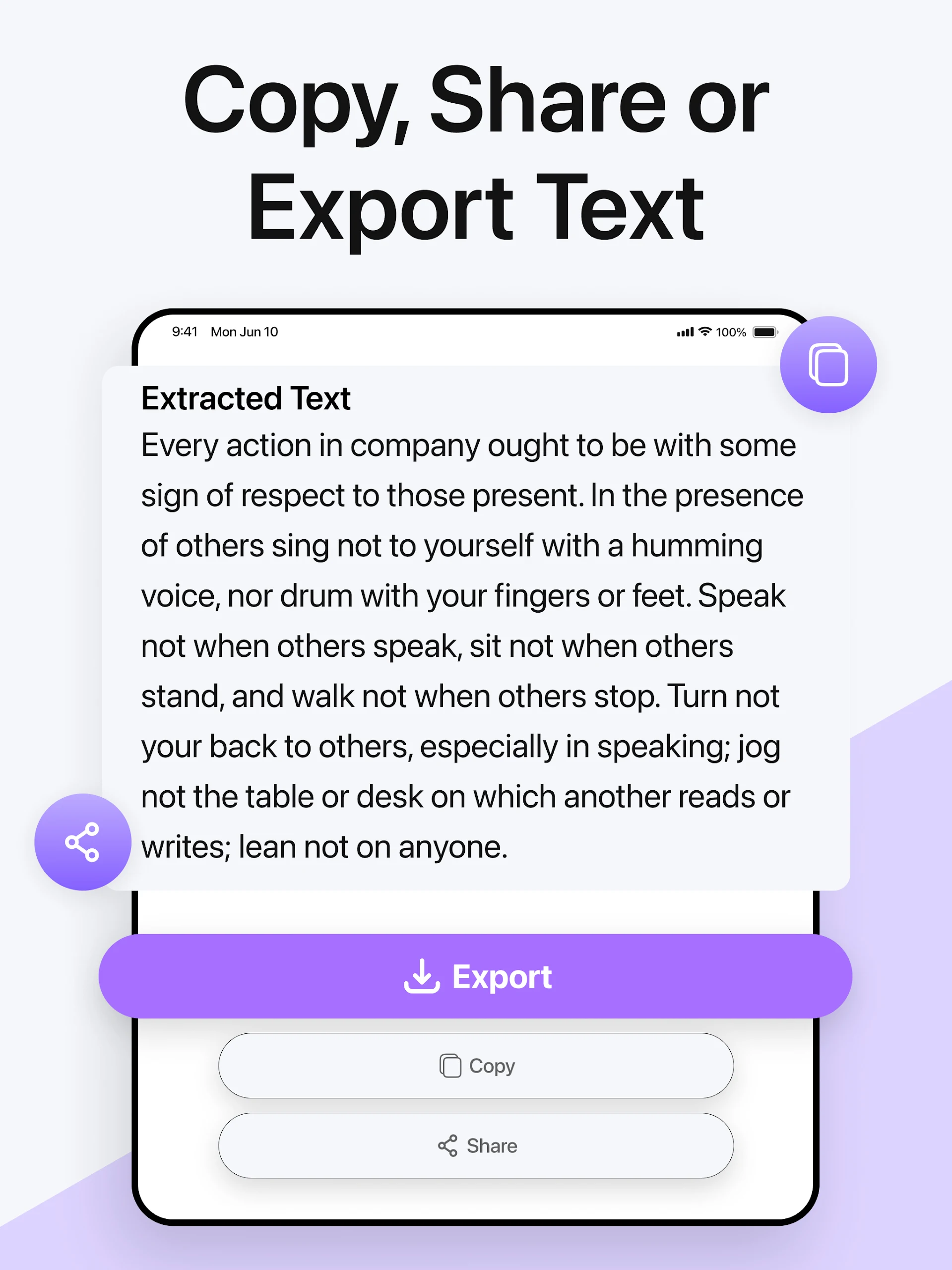
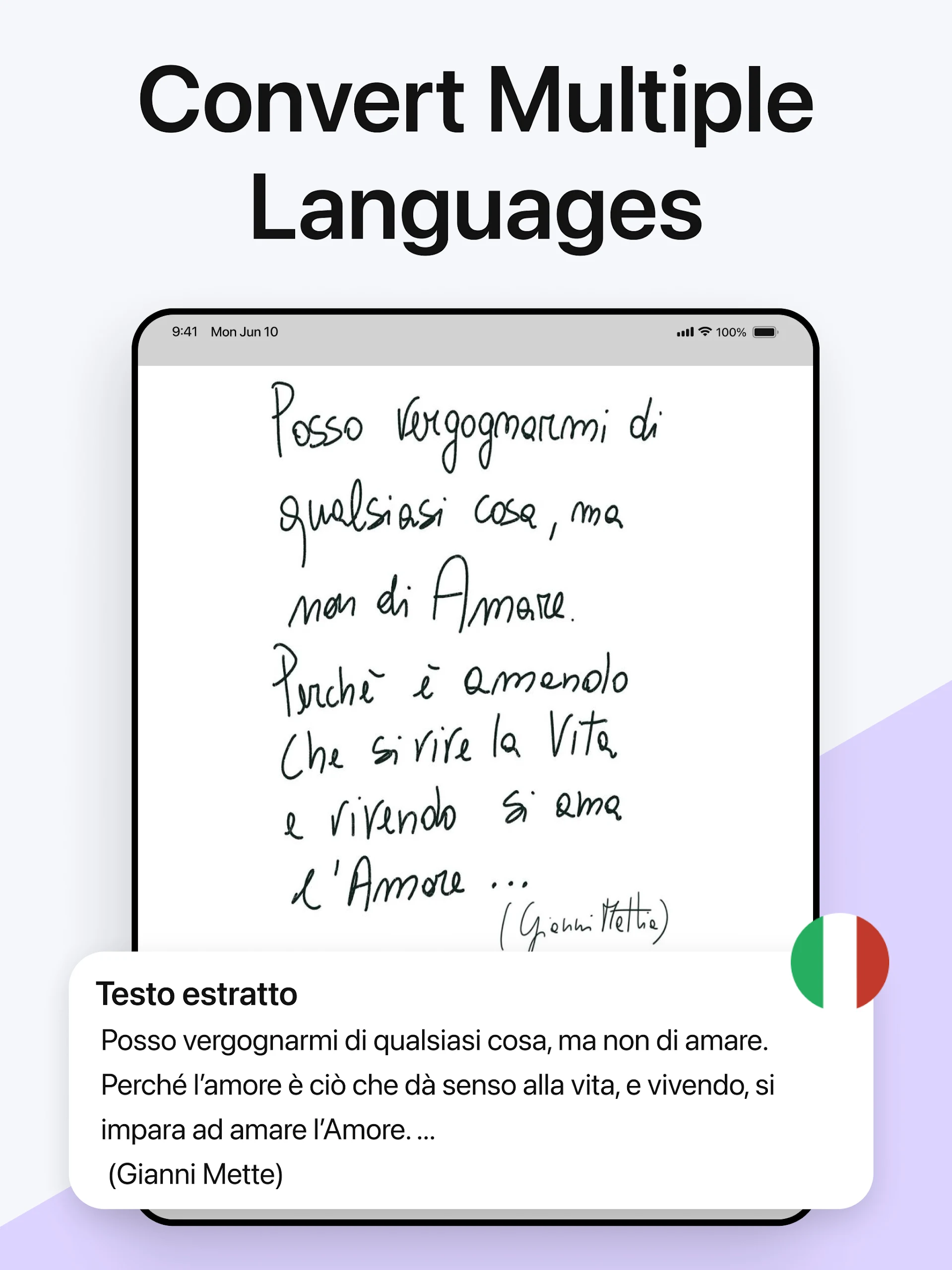
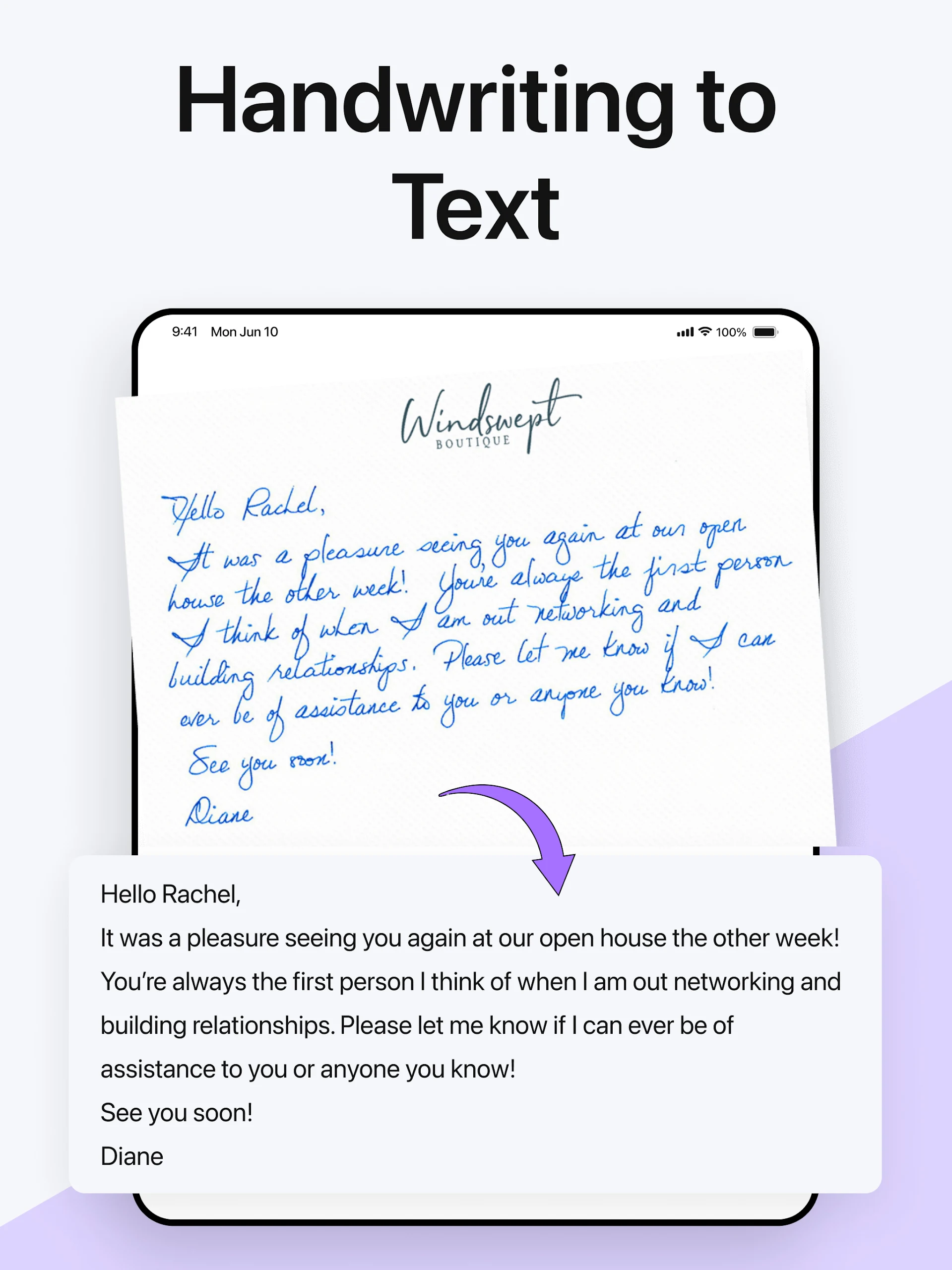
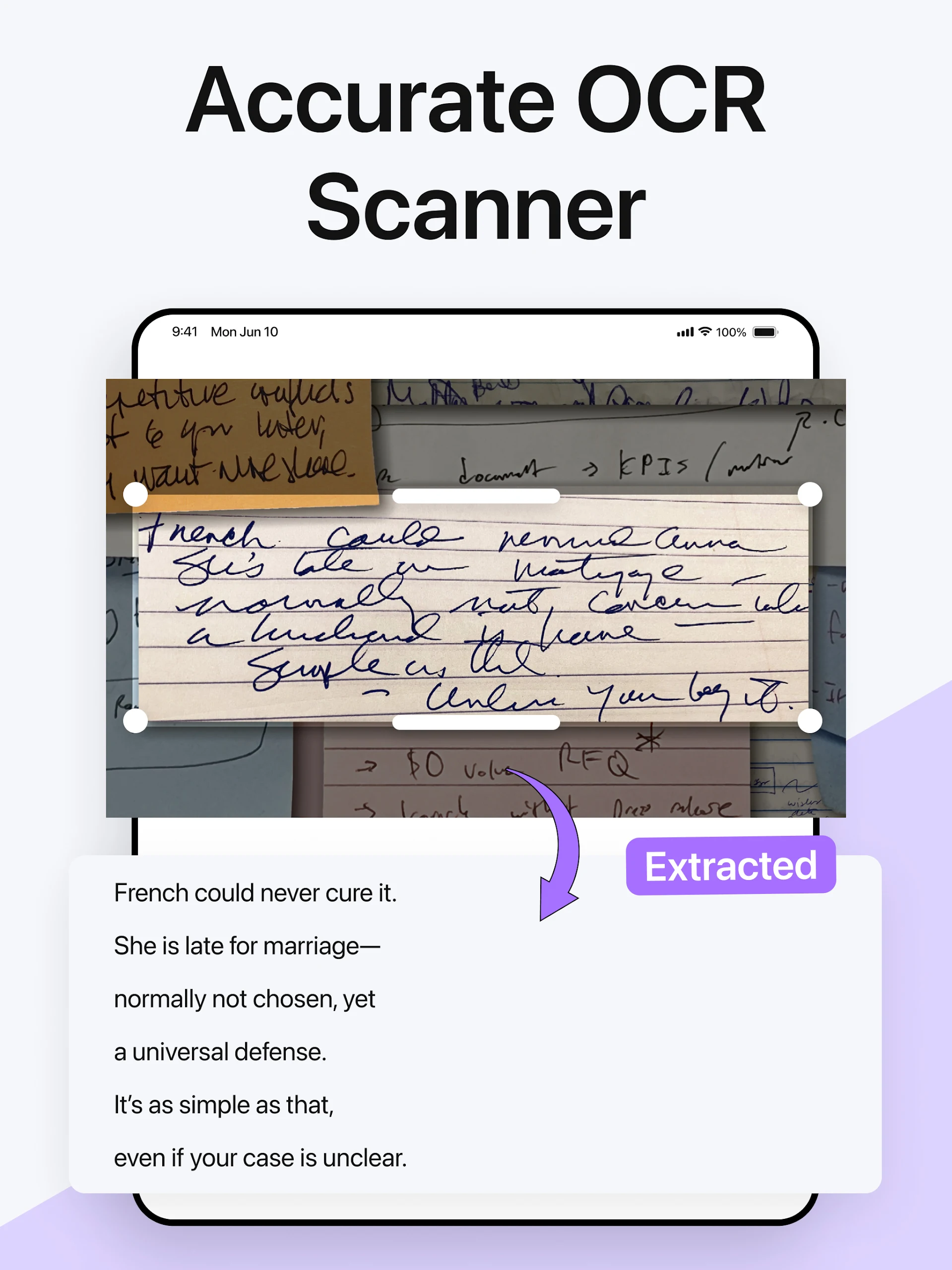
Image to Text Converter - Text Scanner
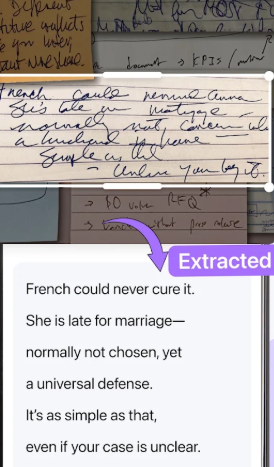
Presenting the application for converting images to text:
This app is designed to transform photos and images into editable text. Utilizing cutting-edge Optical Character Recognition (OCR) technology, it identifies text within the uploaded image and converts it into a format that users can edit, share, or download.
The image to text scanner app serves as a practical tool for individuals seeking to turn images or documents into text that can be easily edited and searched.
How to Operate the Text Scanner App:
- To extract text using our image conversion app, simply adhere to these straightforward steps:
- Take a photo using your smartphone's camera or select an image from your gallery. You also have the option to upload images through a link.
- Press the “Submit File” button, and the app will promptly convert your image into text.
- You can then Download, Copy, or Share the extracted text from the image.
Highlights of the Photo to Text Scanner App
Here are several beneficial features provided by our image-to-text scanning application:
1.Swift and Precise Text Extraction:
Our photo to text conversion app employs advanced technology, enabling fast and accurate scanning of text without omitting any characters or words.
2.Various Export Alternatives:
The scanner app offers multiple ways to export the output. You can choose to Copy, Download, or Share the text.
3.Support for Multiple Languages:
This app allows text extraction across various languages, eliminating language barriers.
4.Recognition of Handwriting:
The text scanner utilizes modern OCR technology to identify different handwriting styles, accurately converting handwritten notes into digital text.
5.Audio Playback of Scanned Text:
The app includes a feature that enables users to listen to the text extracted from images.
6.Diverse Conversion Types:
Our picture to text converter supports various types of conversions, including PDF to text, PDF to Word, and JPG to Word.
7.History Tracking:
The app keeps a record of your conversion history, allowing easy access to results at a later time.
Reasons to Choose Our Image to Text Converter App
Here are several compelling reasons to opt for our photo to text converter application:
You can upload a limitless number of images for scanning.
The app successfully extracts all types of text.
We prioritize 100% safety and security of your data.
The app allows extracting text from both images and PDFs.
It’s free to use and operates as a fast text extractor.
We developed our image to text converter to simplify the process of converting images into text. The app is available for all users without requiring registration or payments. Our goal is to provide an outstanding experience for text and file conversion from images.
Target Audience:
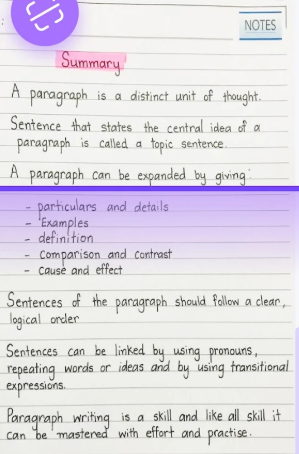
1. Students and working professionals who need to extract text from paper documents and images and convert it to an editable format.
2. People who want to quickly digitize **handwritten notes and manuscripts** for easy organization and archiving.
3. Office workers who frequently process PDF and JPG files and need to extract text from them.
4. People with multilingual text extraction needs who don't want to manually type and translate.
5. Users who want to batch scan and extract text for free without registration and need to retain conversion records.
FAQs:
Q:How can I convert JPG to Text?
A:You can use a JPG to text converter to convert JPG to Text. With just a single click, you can quickly convert images into text with great accuracy.
Q:How do I convert scanned handwriting to text?
A:To convert your scanned handwriting to text, upload your images into our Image to text converter tool and press the convert button. You can copy your notes in soft format or save as a document.
Q:How to Copy Text from PDF Images?
A:You can copy text from PDF images by using our image OCR tool. Simply upload the PDF images from your device and start the process. If you need to convert an entire PDF document, you can use our PDF to text converter.
Q:How to scan text from image?
A:Our text extractor allows you to scan text from an image. Upload your image to the tool and click "Submit." Upon the process completion, copy the text to your clipboard or download a TXT file.
Q:What are the best ways for text extraction from images?
A:The best way to extract text from images is by using online OCR technology. Our text extractor tool uses this technology to get text from images in one click.
- Version2.3.1
- UpdateOct 26, 2026
- DeveloperMoEssa Apps
- CategoryTools
- Requires AndroidAndroid 6+
- Downloads406K+
- Package Namecom.enzipe.imagetotext
- Signature70c82f5e351d3cf88a93e30eeafb93d6
- Available on
- ReportFlag as inappropriate
-
NameSizeDownload
-
111.69 MB
-
112.71 MB
-
107.88 MB










Low barrier to entry
Highly practical functionality
Flexible and efficient output
Guaranteed data security
Recognition accuracy is limited.
Advanced features may be missing.
Depends on image quality.