
iDrip - Video to Photo Exporter
Unlock moments from your videos easily & save them as stunning images with simple taps. Try it now!

- 1.2 Version
- 2.0 Score
- 169K+ Downloads
- Free License
- 3+ Content Rating

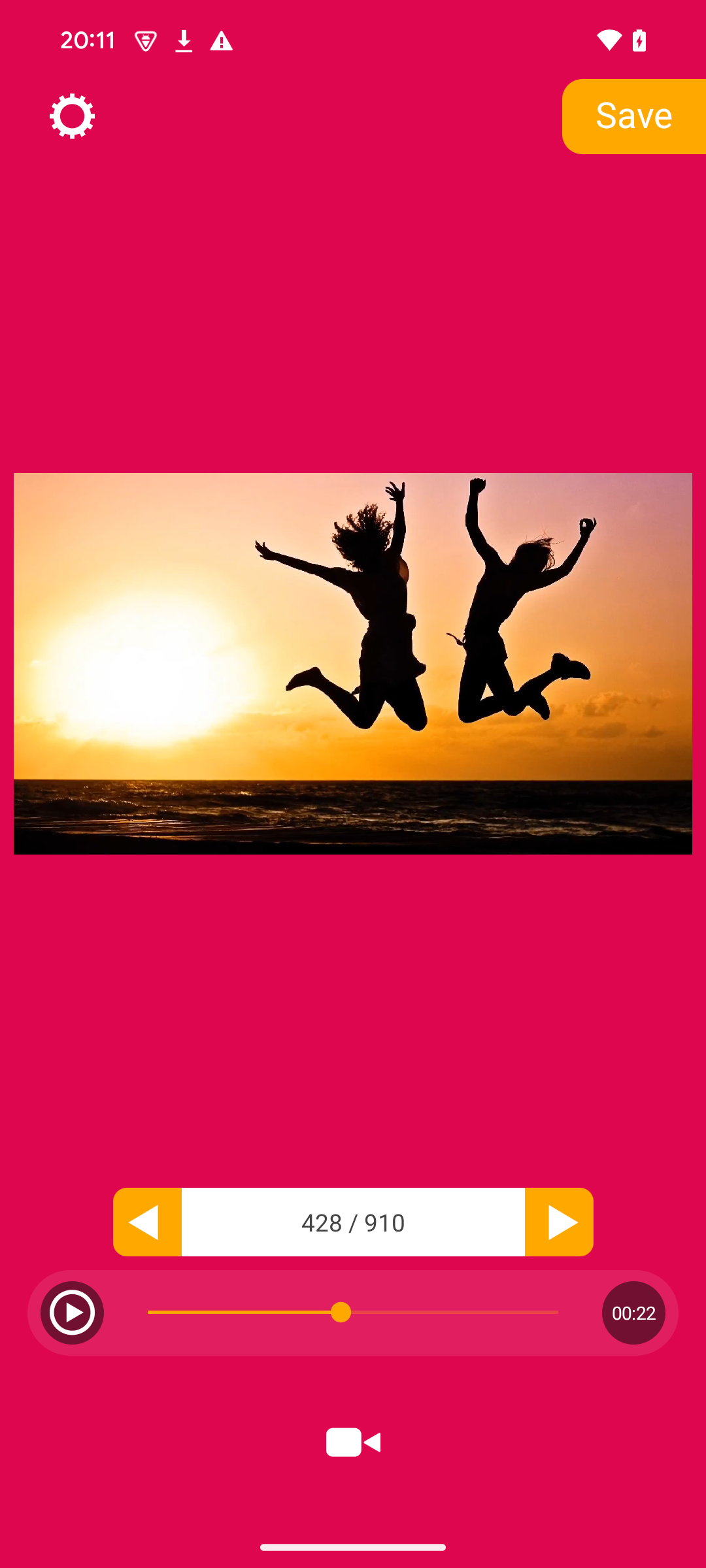
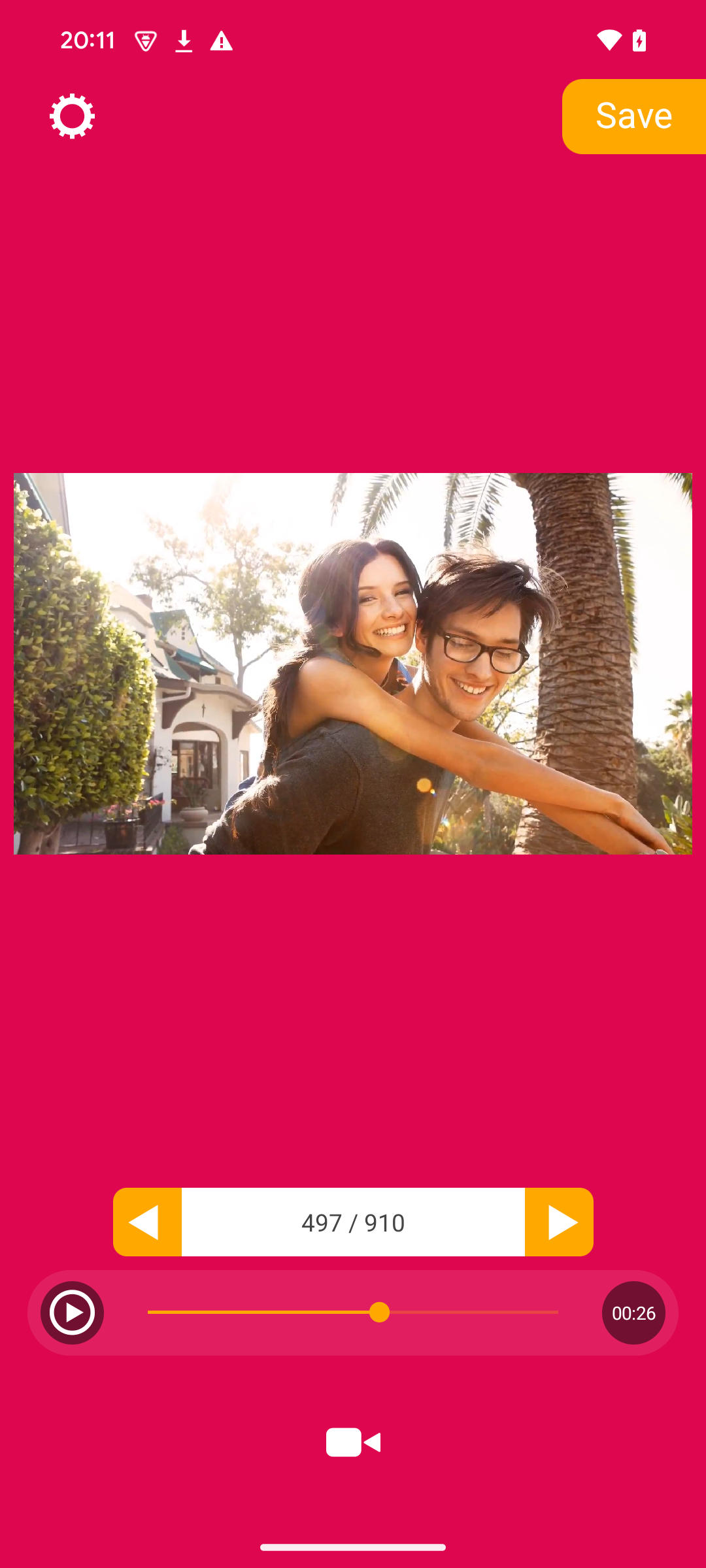
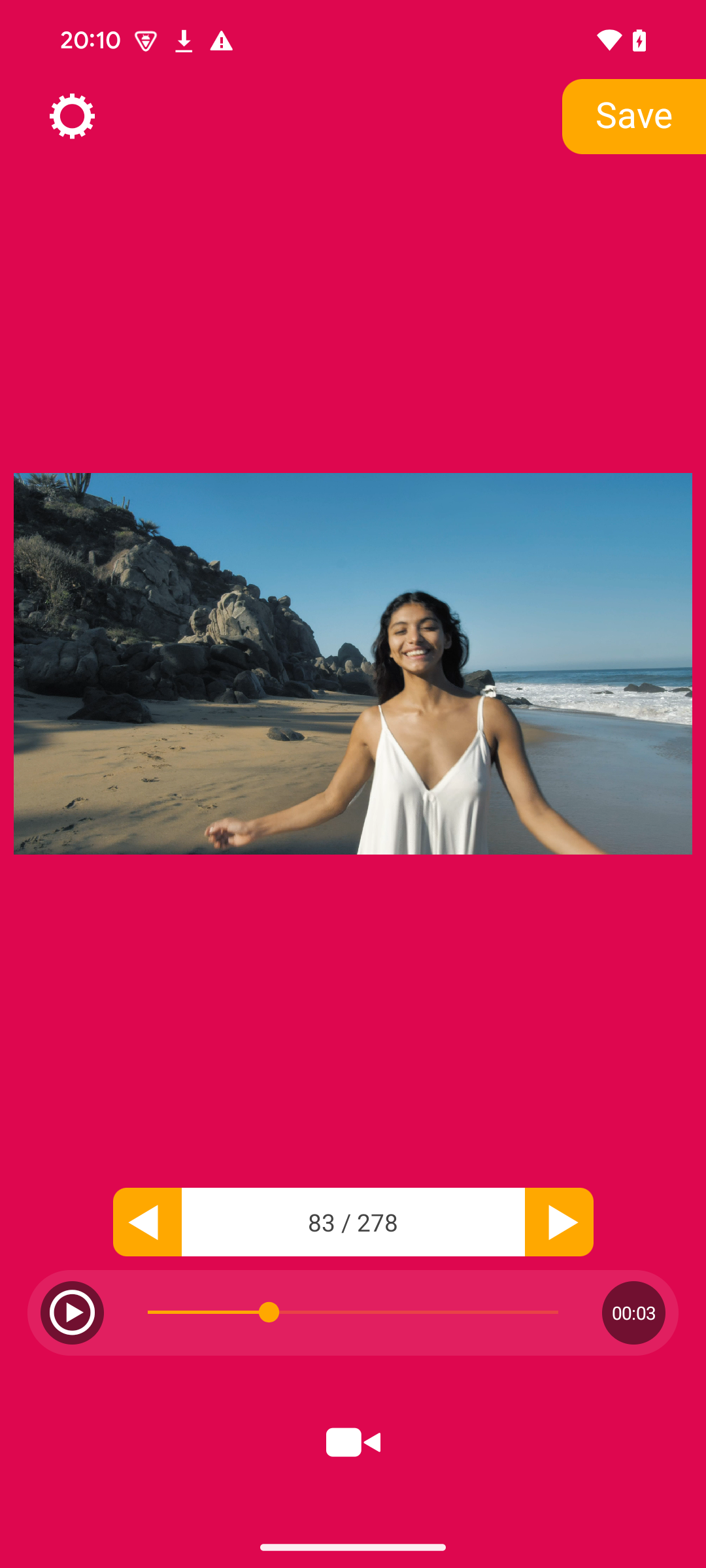
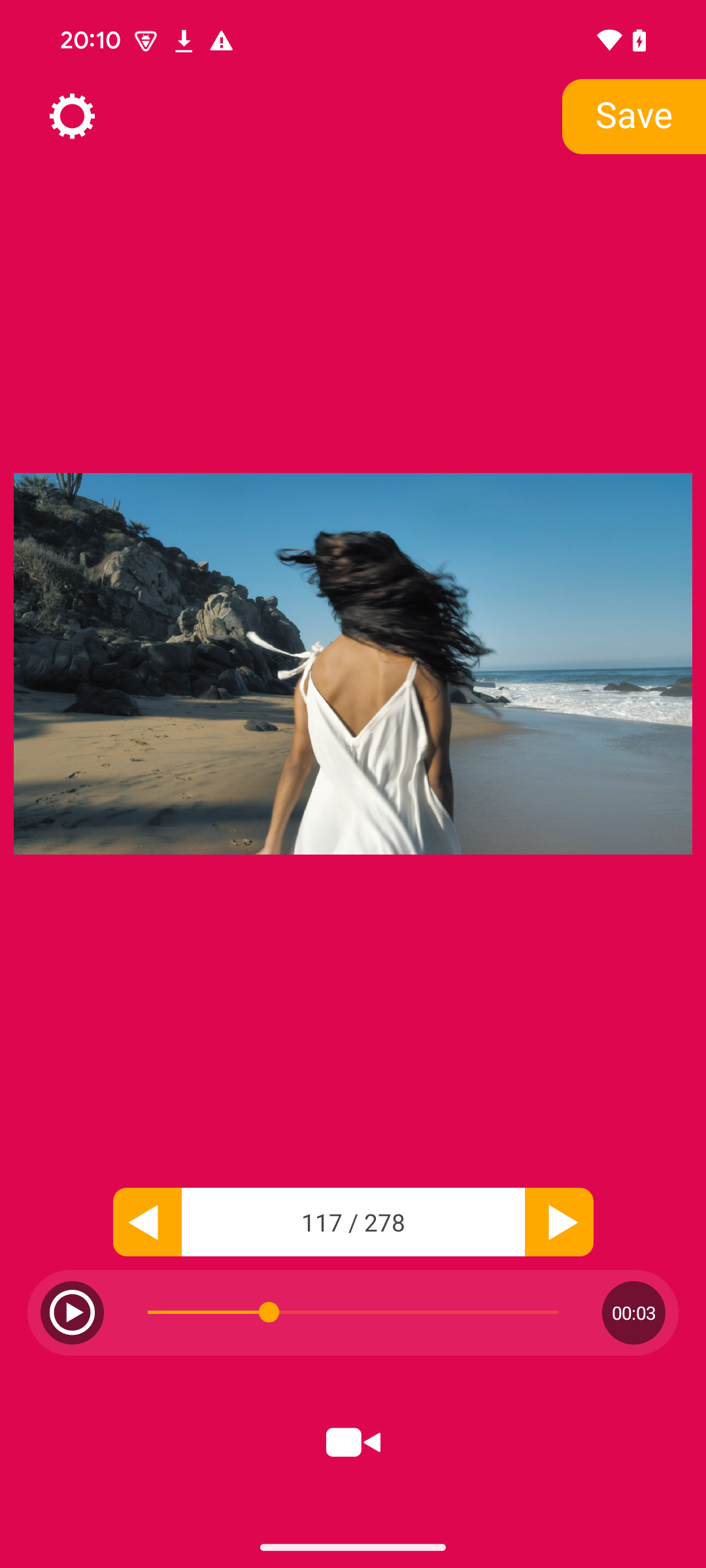
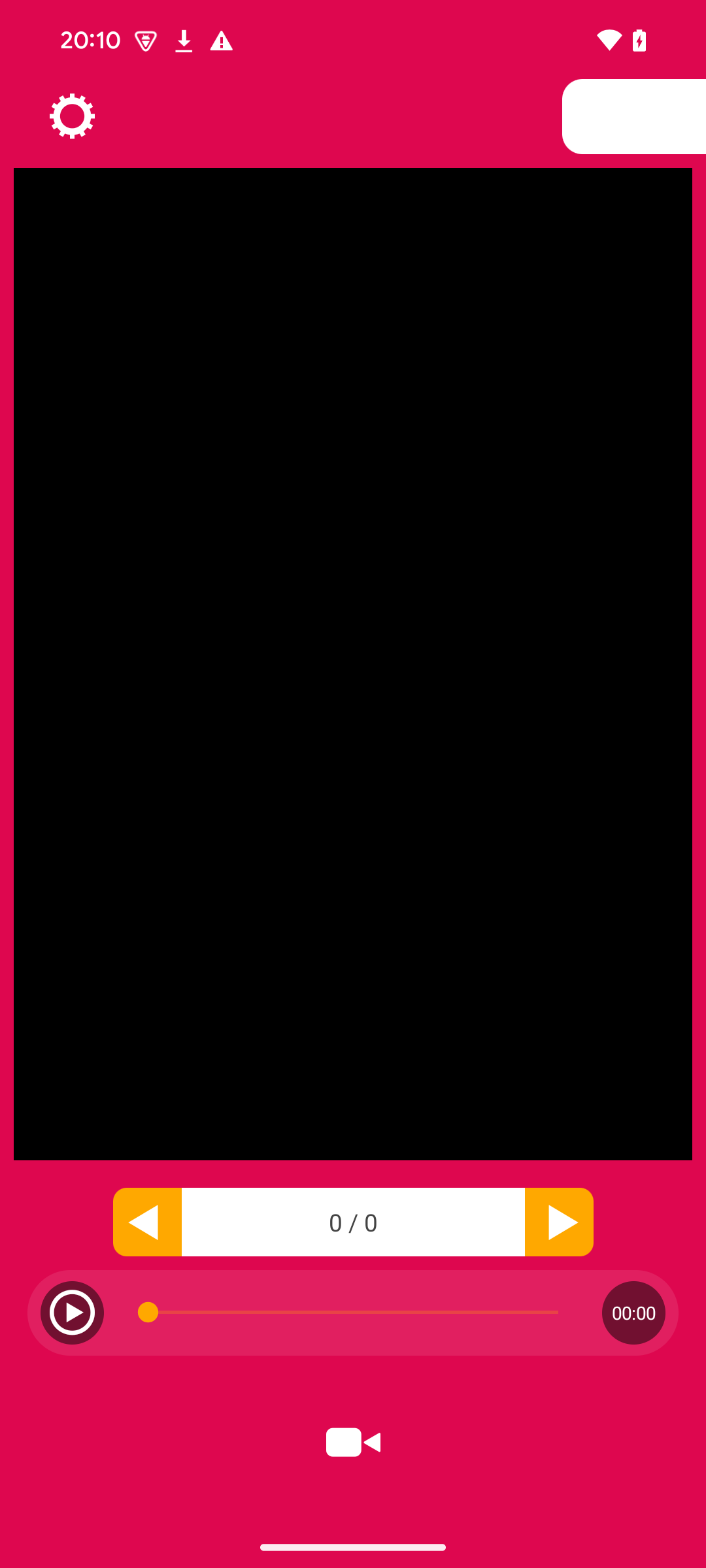
iDrip — Extract Photos from Video Frames by Reafo Co., Ltd.
iDrip is a focused "video-to-photo" app from Reafo Co., Ltd. that does one job very well: open a video, scrub to the exact frame you want, and save it as a still image to your Camera Roll or local storage. No timelines, no heavy editing suite — just pick, seek, tap, and export.

It ships on two tracks:
iOS / iPadOS — "iDrip – Video To Photo" by REAFO CO., LTD.: richer export controls, metadata preservation, JPG/HEIC, compression adjustment, crop/flip/rotate, and HDR still export.
Android — "iDrip" (io.reafo.app.idrip) by Reafo Co., Ltd.: lightweight frame grabber for saving video frames locally, ad-supported.
What iDrip does:
Select a video from your device library
Scrub or step through frames to find the exact moment
Save the current frame as a still image in one tap
On iOS: preserve photo metadata and choose which metadata items to keep
On iOS iDrip Plus: export as JPG/HEIC and adjust compression level
On iOS: crop, flip, or rotate before saving; save HDR video frames as HDR images
On Android: export frames to local storage with a minimal, lightweight flow
Works for Live Photo frame grabs, sports moments, screenshots from recordings, or reference stills
How to Use iDrip — From First Frame to Clean Export:
1. Install the right build
iPhone / iPad: App Store → iDrip – Video To Photo by REAFO CO., LTD.
Android: Google Play → iDrip by Reafo Co., Ltd. (io.reafo.app.idrip)
Avoid repackaged APKs — the Android build declares media-read/write and ad-ID permissions, so stick to the official store.
2. Core workflow (both platforms)
Open iDrip and pick the video you want to sample.
Drag the seek bar slowly, or step frame-by-frame, to land on the sharpest moment.
Tap Save — the frame goes to Camera Roll (iOS) or local storage (Android).
On iOS, review export format and metadata options before saving important shots.
3. Better results in iDrip
Avoid motion blur: pause on a frame where the camera and subject are still — step backward/forward to compare adjacent frames.
iOS power moves: turn on metadata preservation for archived stills; use JPG/HEIC + compression control when file size matters; crop/rotate before export instead of re-editing later.
HDR content: on supported iOS devices, export HDR frames as HDR images instead of letting them flatten.
Ads on free tier: both platforms are ad-supported; iOS users can enable the optional iDrip Plus no-ads subscription, while Android users should expect ad behavior from the verified manifest.
iDrip FAQ — Formats, Subscriptions, Permissions & Fixes:
What is iDrip best for?
iDrip is best for grabbing a single clean still from a video — a perfect pose, a funny moment, a product shot from a clip, or one frame of a Live Photo. It is not a full video editor.
Which platforms does iDrip support?
iOS/iPadOS and Android both have official builds by Reafo / REAFO CO., LTD. Feature depth is higher on iOS; the Android app stays minimal and lightweight.
Does iDrip keep photo metadata?
On iOS, yes — the latest updates added metadata preservation and let you choose which metadata items to keep when exporting. Android listing data does not confirm the same level of metadata control.
How do I remove ads in iDrip?
On iOS, iDrip Plus is an optional subscription (1-month / 3-month / 12-month) that removes ads. The app stays free with ads if you don't subscribe. Android users should check the in-app settings; no one-time purchase is confirmed from the verified listings.
iDrip on Android won't load my video — what now?
This matches a real user-review complaint. Try:
Reopen iDrip and re-select the video
Make sure storage/media permissions are granted in Android settings
Update to the latest Play Store version (2.6 as of the Chrome-Stats snapshot)
Restart the device; if it persists, contact the developer email shown on the Play Store page
Is iDrip safe?
The Android manifest declaresREAD_MEDIA_VIDEO, storage read/write, and ad IDs; Google Play's data-safety panel states data is encrypted in transit and no data is shared with third parties per the developer's declaration. Review permissions before granting, and avoid sideloaded copies.
- Version1.2
- UpdateOct 28, 2026
- DeveloperReafo Co., Ltd.
- CategoryVideo Players
- Requires AndroidAndroid 7.0+
- Downloads169K+
- Package Nameio.reafo.app.idrip
- Signatured25787d5eb07fd210c098ca5ee73acc2
- Available on
- ReportFlag as inappropriate











Extremely simple, one-task-focused flow
iOS export options are genuinely useful: JPG/HEIC, compression, metadata control
Crop, flip, rotate, and HDR image export on iOS
Lightweight Android app — around 6.7 MB per the Chrome-Stats snapshot
Free to start on both platforms
Great for Live Photo frame grabs, sports stills, and quick reference images
Long-lived app — iOS version has been maintained since 2015
Ads can be intrusive on the free tier, especially after saving frames
Android users have reported videos failing to load for extraction
Some Android reviews mention permission prompts not appearing correctly
No confirmed one-time "pro" purchase — iOS uses an optional subscription for no ads
Frame accuracy glitches appear in older user reports ("saves the previous frame")
Android listing is lighter on advanced export features than iOS
Ratings differ by platform/tracker — don't promise one universal score