
VR Player | VR app | 360 Video - VR video player app
Dive into immersive 3D & 360° videos with a user-friendly VR player, perfect for all virtual reality lovers!
- 1.1.3 Version
- 1.3 Score
- 346K+ Downloads
- In-app purchases License
- 3+ Content Rating

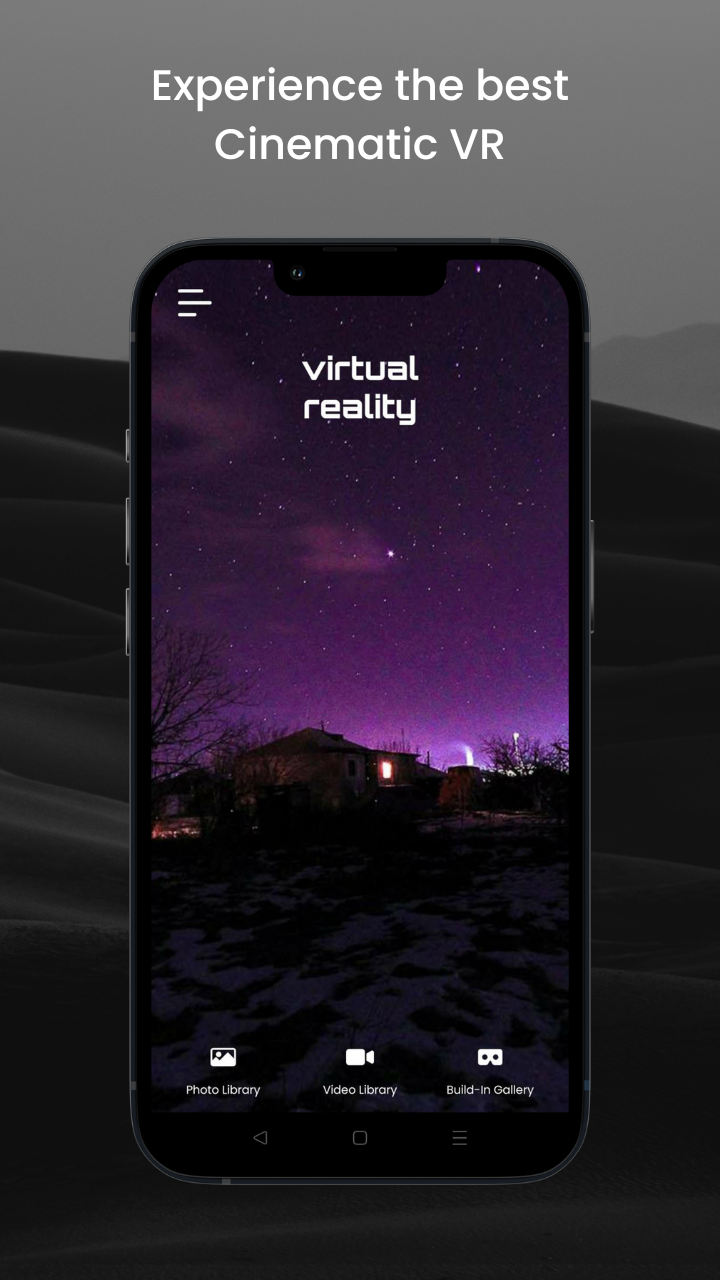
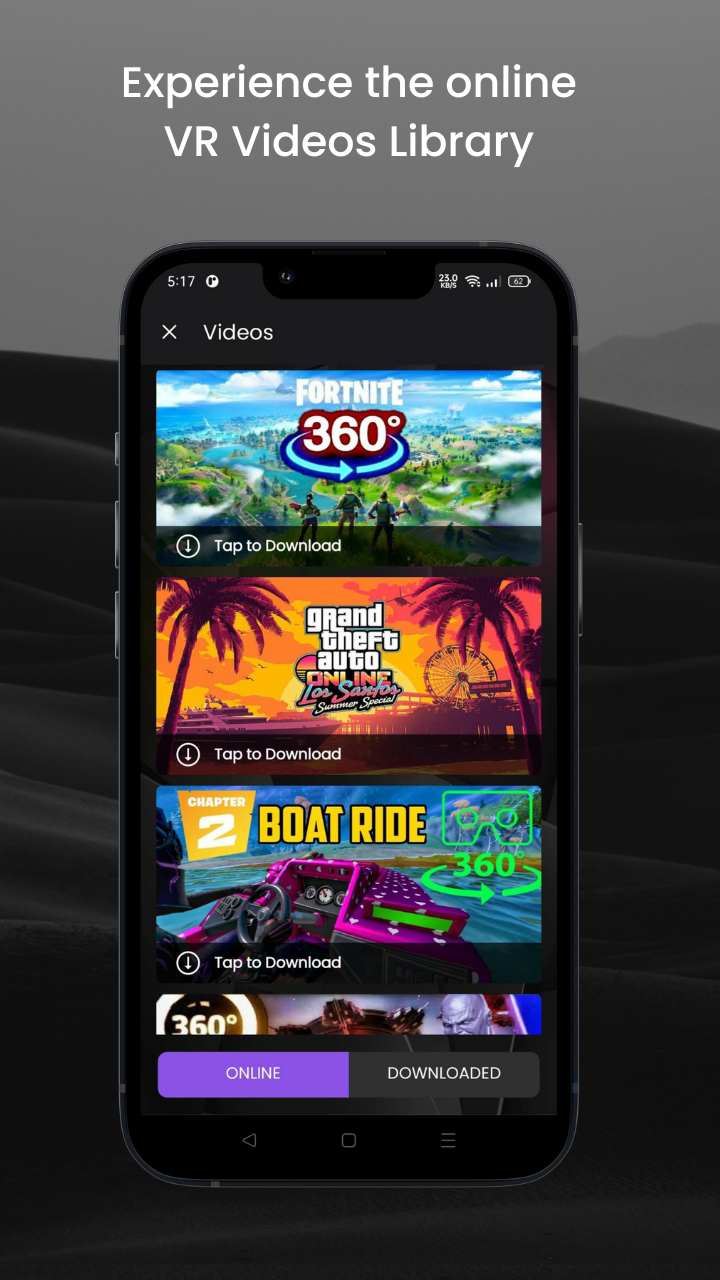
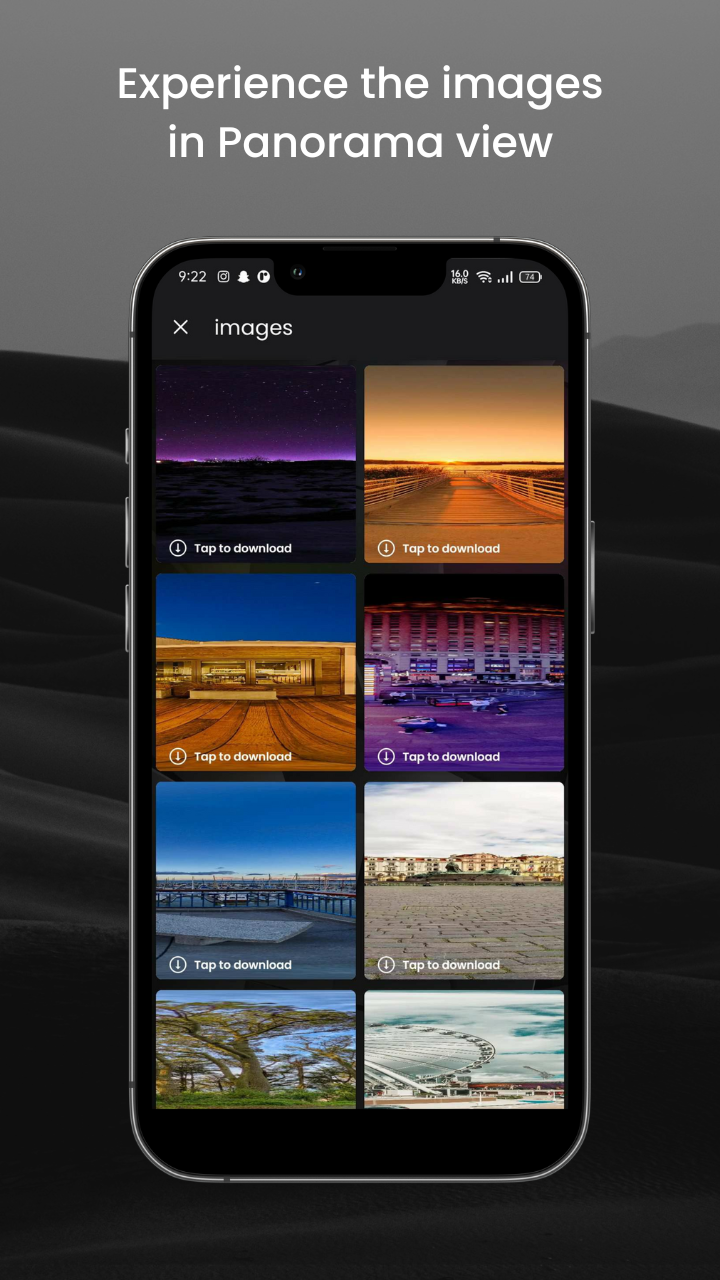
About the app
The VR Player | VR app | 360 Video is the premier application for all your virtual reality video requirements. Utilizing cutting-edge technology, this app provides an exceptional experience for those wishing to indulge in VR films and videos presented in breathtaking 360 degrees, 3D, and high-definition quality.
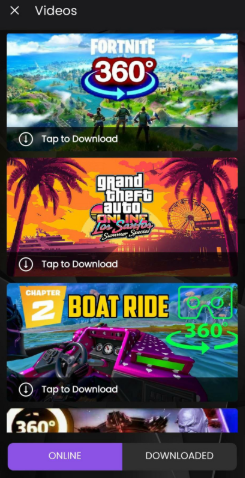
Whether you are a seasoned VR aficionado or just starting out in the realm of virtual reality, the VR player app offers everything necessary for viewing and relishing your cherished VR videos. With its intuitive interface, accessing our extensive collection of VR films and videos is incredibly straightforward.
This application is crafted to be compatible with a wide range of popular 3D movies and clips. Simply download our VR app and you can enjoy any image or footage in 3D. Moreover, our app is entirely free, allowing you to dive into the VR universe without the need for costly headsets.
Searching for a particular kind of VR content? We've got you covered. Our app is packed with a multitude of VR films and videos, including 360-degree experiences, 3D virtual reality content, and much more. With our 360-video player, you'll be immersed in the action, experiencing the video from every perspective.
Features of VR Player | VR app | 360 Video
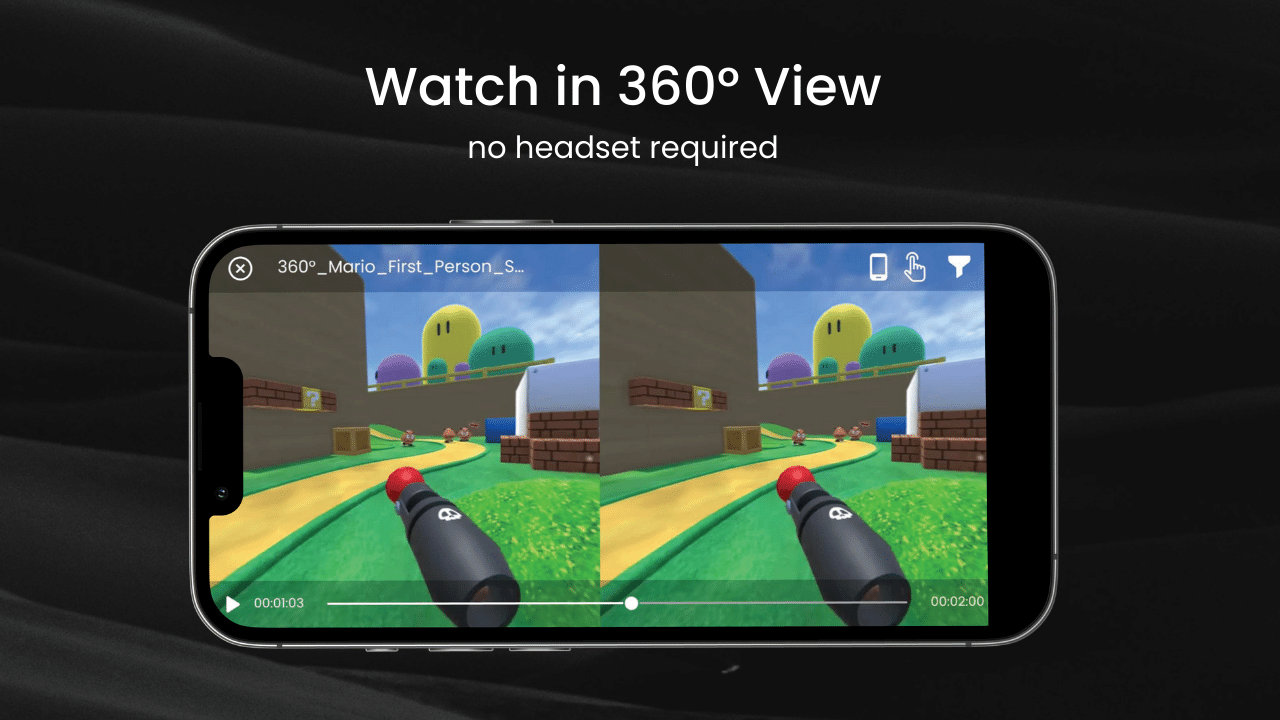
📹 The VR player supports 3D videos & 360 video playback, enabling motion (Gyro sensor rotation), touch controls, or both simultaneously.
📹 The app includes a 3D Stereo format (side-by-side and over-under).
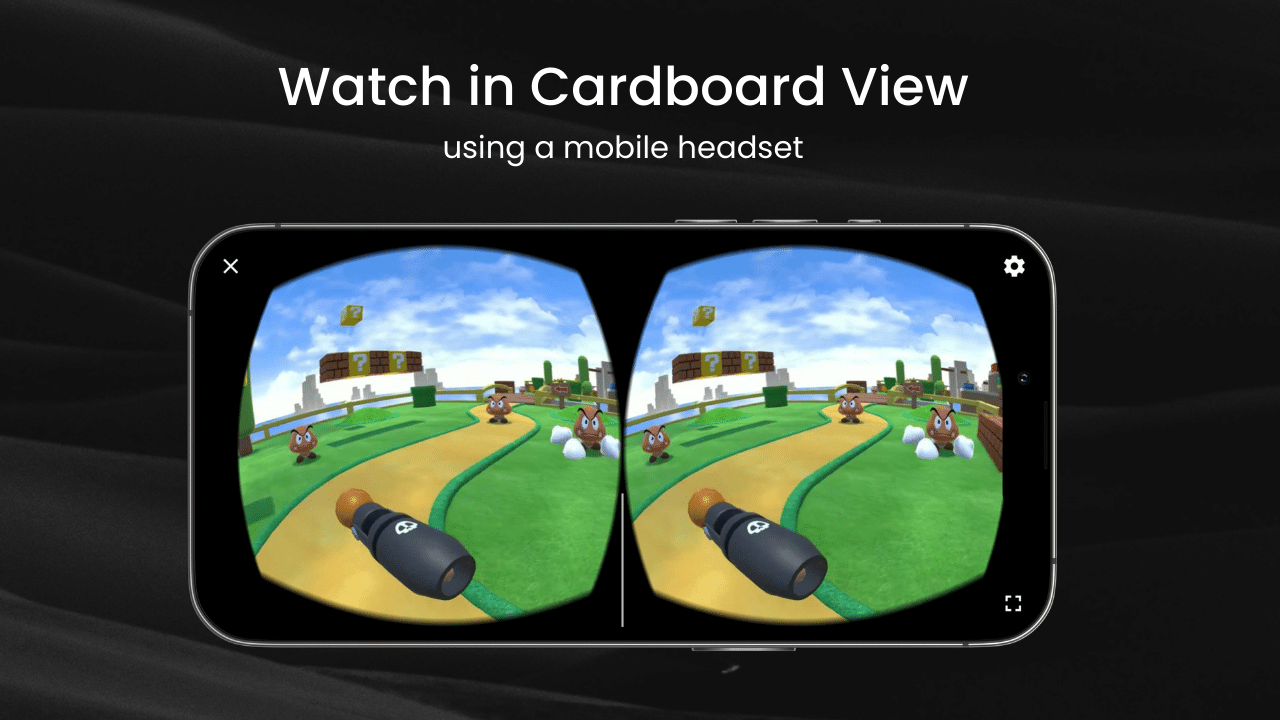
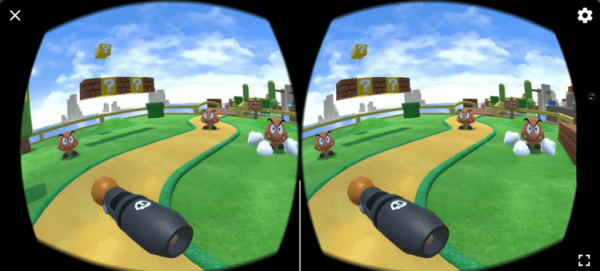
📹 It is compatible with Google Cardboard and other head-mounted displays.
📹 This free VR player also features a Cinematic mode (curved or flat screen).
📹 The 360 video player can display fish-eye view formats.
📹 This 3D movie player can access 360° images and films from local storage.
📹 The VR Player supports a full-screen wide view.
📹 Switching from wide screen to cardboard mode can be done effortlessly with one click.
📹 The demo video and images provided showcase the functionality of the VR player.
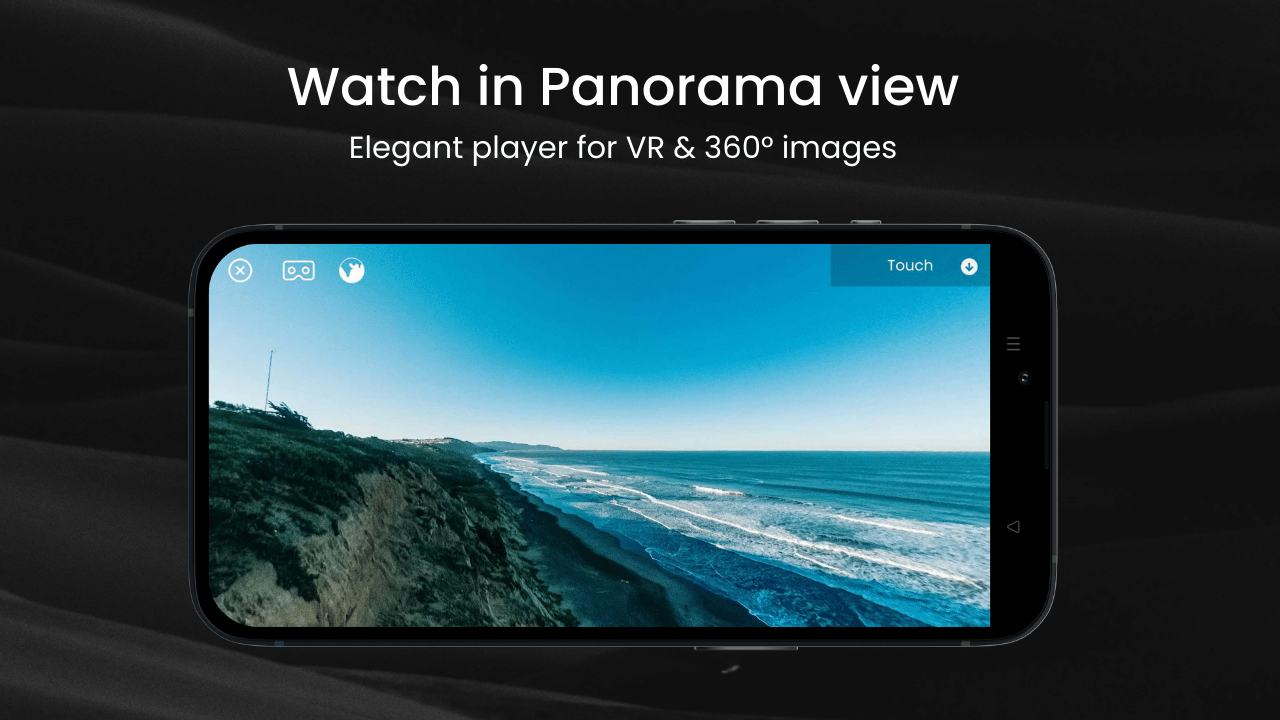
📹 The offline VR 360 video player supports 4k, 3D, 180°, 360°, and panorama images and videos, serving as a complete VR viewer.
📹 VR Player | VR app | 360 Video features a smart view and is user-friendly.
How to Use
- **Open and Select a Video**: Install and open the VR Player | VR App | 360 Video app. You'll typically find options like "Album" or "Local Storage" on the app's main interface. Tap this to select the 3D video, 360-degree video, or image you want to watch.
- **Adjust Playback Angle**: During playback, you can adjust the viewing angle using the gyroscope sensor by rotating your phone to change the viewing angle, or by touching the screen and dragging the image to adjust to your desired angle.
- **Switch Playback Mode**: The app supports multiple playback modes. You can switch modes by tapping the corresponding button within the app, usually located below or above the playback interface. If using Google Cardboard or other head-mounted displays, place your phone in the device and switch to the appropriate mode to begin the immersive experience.
- **Use Quick Controls**: If using a Bluetooth keyboard, USB keyboard, or game controller, you can also use specific buttons to control playback. For example, when using a keyboard, the "1" key can switch between 360°/180° video, the "2" key can switch between VR mode, the "3" key can change between 2D/3D mode, etc.; when using a game controller, the "X" key can be used for play and pause, etc.
But the capabilities of our app extend beyond just video playback. We've added innovative functions to enhance your VR experience, including a VR cinema mode that transforms your phone into a virtual movie headset. This allows you to watch virtual reality videos on your phone whenever you wish. For users seeking additional control, we've introduced various customization options, such as the VR player pro mode, which lets you adjust settings like brightness, contrast, and saturation for the optimal viewing experience tailored to your preferences.
This VR video player app is perfect for anyone wanting to immerse themselves in detailed 360-degree views of VR videos and films. Our app serves as the ultimate gateway into virtual reality on your mobile device, with a vast array of content available.
So why hesitate? Download the VR Player | VR app | 360 Video app now and embark on your exploration of the VR world like never before.
Target Audience
1. VR Enthusiasts:Users who want to immerse themselves in 360° panoramic and 3D videos.
2. Beginners:Newcomers to VR content using their mobile phones without high-end headsets.
3. Local Content Users:People who need to play 4K, 180°/360° VR videos and panoramic images stored on their phones.
4. Users Needing Convenient Controls:Users who prefer touchscreen, gyroscope, or gamepad/keyboard shortcuts.
FAQs
1. **Q: What should I do if the video is blurry and unclear during playback? **
A: The video may be of low resolution. Try switching to a higher-resolution VR video source. If the video source is fine, go to the app's settings, find the "Image Quality" or "Resolution" options, and adjust them to a higher resolution compatible with your device. Also, if you're using a headset, check that the headset is worn correctly and the lenses are clean. If so, clean them and ensure proper light penetration to improve image clarity.
2. **Q: I can't find the 3D stereoscopic format switch within the app. What should I do? **
A: While playing a video, tap the screen to bring up the playback control bar. There's usually a "Menu" or "More" button in the corner of the control bar. Tap it and look for the "3D Format" option in the pop-up menu. You'll find options for 3D stereoscopic formats like "side-by-side" and "over-under." If you still can't find it, go to the app's settings and search under "Display" or "Playback Settings."
3. **Q: When using the gyroscope to control the view, the screen rotation is not responsive. How can I fix this? **
A: First, check whether the gyroscope function is enabled in your phone's settings. If it is, go to the VR Player app settings, find "Gyroscope Settings" or "Sensor Settings," and try calibrating the gyroscope. Follow the prompts and slowly rotate your phone to complete the calibration. If it's still not responsive, it may be due to interference from other background apps. Close unnecessary background apps to free up system resources, then reopen the app to use the gyroscope.
4. **Q: The app suddenly crashed. What is the cause, and how can I fix it? **
A: The app version may be outdated and have a compatibility issue. Go to the App Store, search for VR Player, and click "Update" to upgrade to the latest version. If it is already the latest version, your phone may be low on memory. Close other memory-intensive background apps and clear your phone's cache to free up space for the app. If the problem persists, try uninstalling the app and reinstalling it, making sure your network is stable during installation.
5. **Q: I want to play locally stored VR videos. How can I do this? **
A: Open the VR Player app. On the main screen or playback screen, look for "Local Files," "My Files," or a similarly labeled button to access the file browsing interface. Find the folder where your VR videos are stored in your phone's storage directory, select the video you want to play, and click to begin playback. If you can't find the local file access, check the app settings for an option like "Add Local Videos" or "Link Local Storage" and follow the prompts.
- Version1.1.3
- UpdateOct 16, 2026
- DeveloperWe Tech Guys
- CategoryVideo Players
- Requires AndroidAndroid 5.0+
- Downloads346K+
- Package Namecom.vrplayer.vrvideoplayer
- Signaturebf4ea13e094ba303b6ca3a3f2818841f
- Available on
- ReportFlag as inappropriate














Immersive 360-degree video experience
User-friendly interface
Supports various VR formats
Fast and smooth playback
Compatible with most VR headsets
Allows for local and online streaming
Free to download and use
Powerful panoramic viewing features
Convenient for both newcomers and VR enthusiasts
Inability to play certain video formats (like 180 video)
Files difficult to browse or locate within app
Frequent advertisements, including push notifications
Potential hidden paywalls for content access
Poor video quality reported by some users
Limited control over zoom functions
Compatibility issues with specific headsets
Frustrating user experience due to lagging and bugs
Needs improvements in navigation and interface layout