
Video Pe Naam Likhe - Name & message on videos
Transform your videos with names & messages, using stylish fonts & fun stickers for every occasion.

- 1.3 Version
- 2.0 Score
- 236K+ Downloads
- In-app purchases License
- 3+ Content Rating

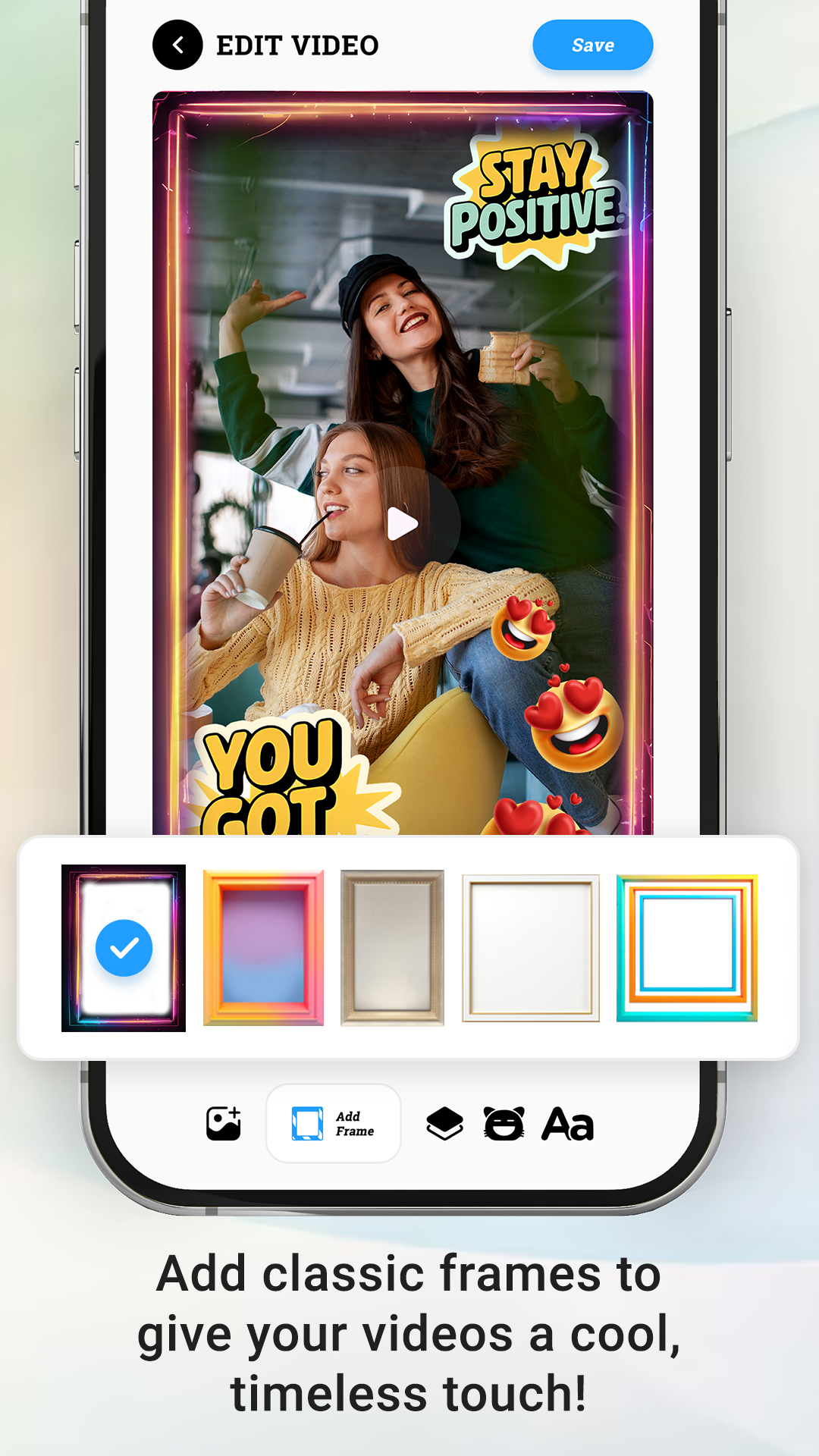
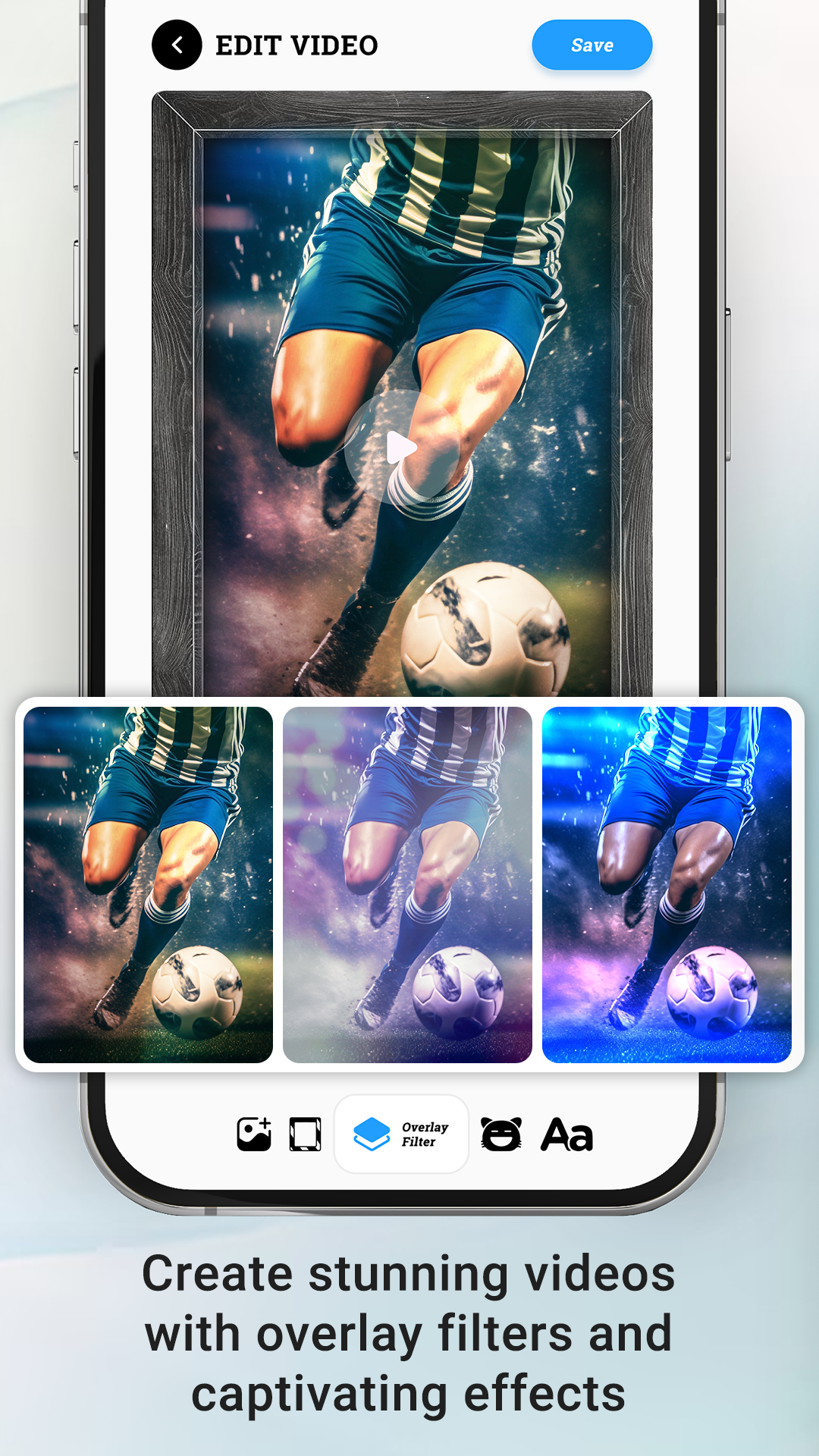
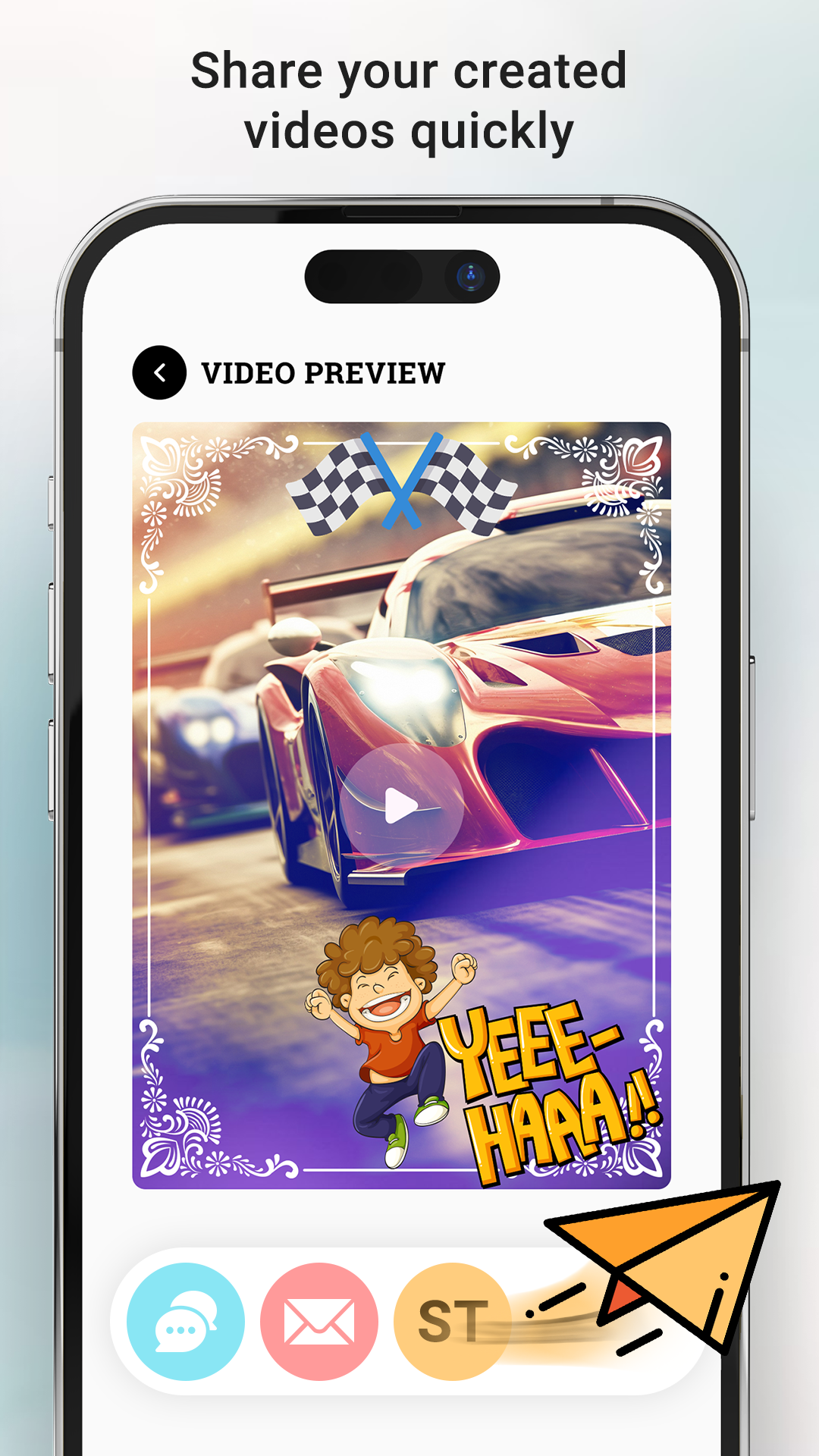
Video Pe Naam Likhye is a unique app that allows you to write the name of your girlfriend, yourself, or anyone else on any video.
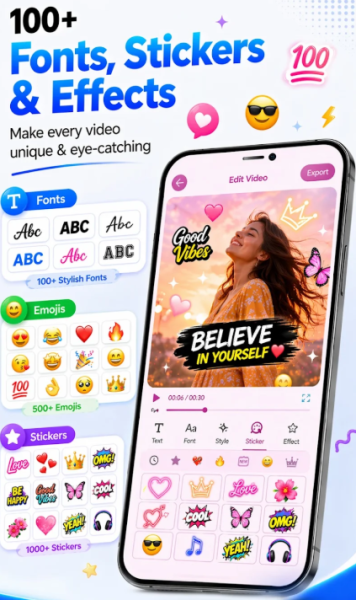
The app offers stylish fonts, enabling you to create an impressive video featuring personalized names.
You can also add logos to your videos using this app.
Main Features
- Choose a video from your mobile phone’s gallery.
- Write a name, message, or anything else you desire on the video.
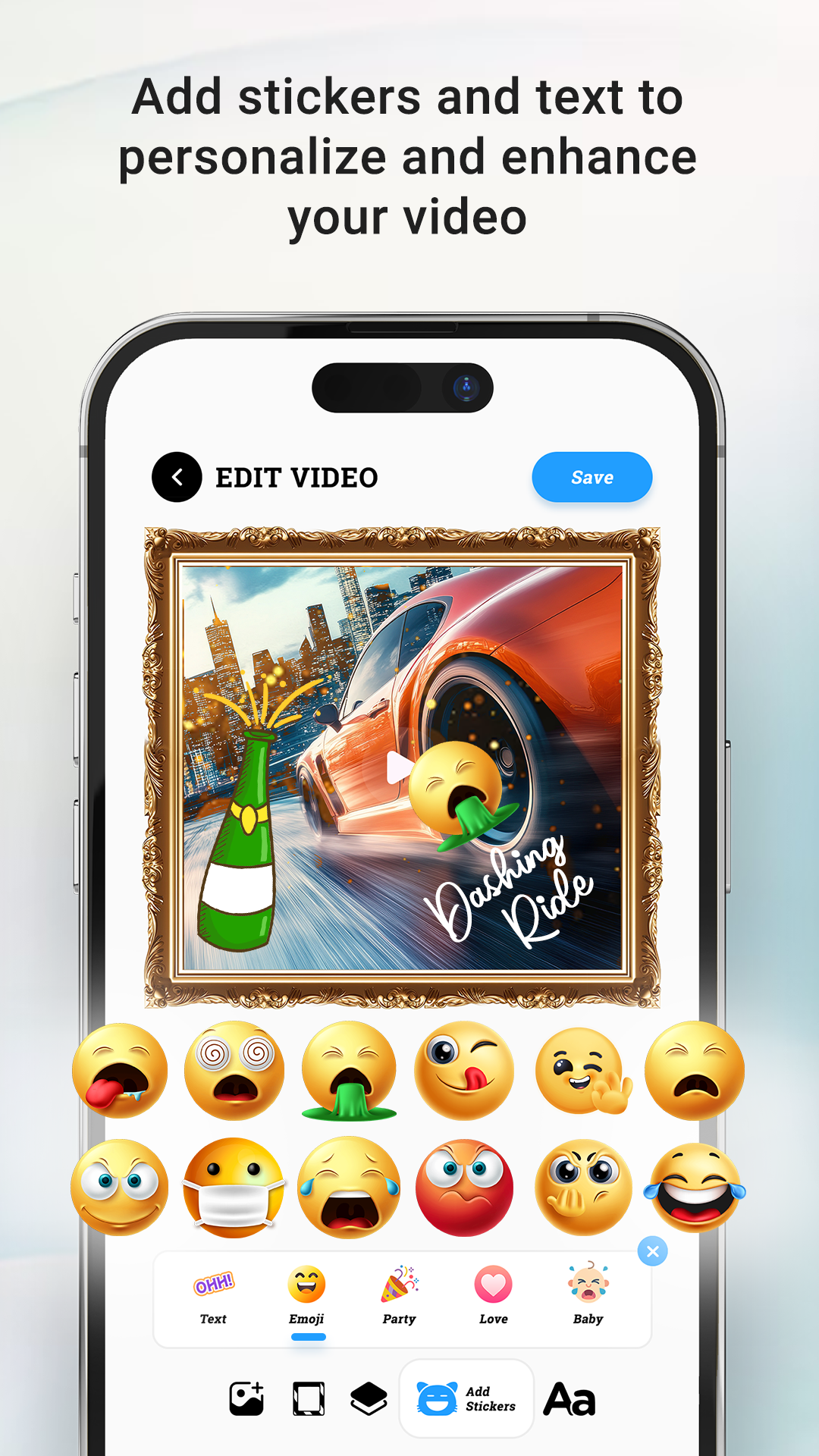
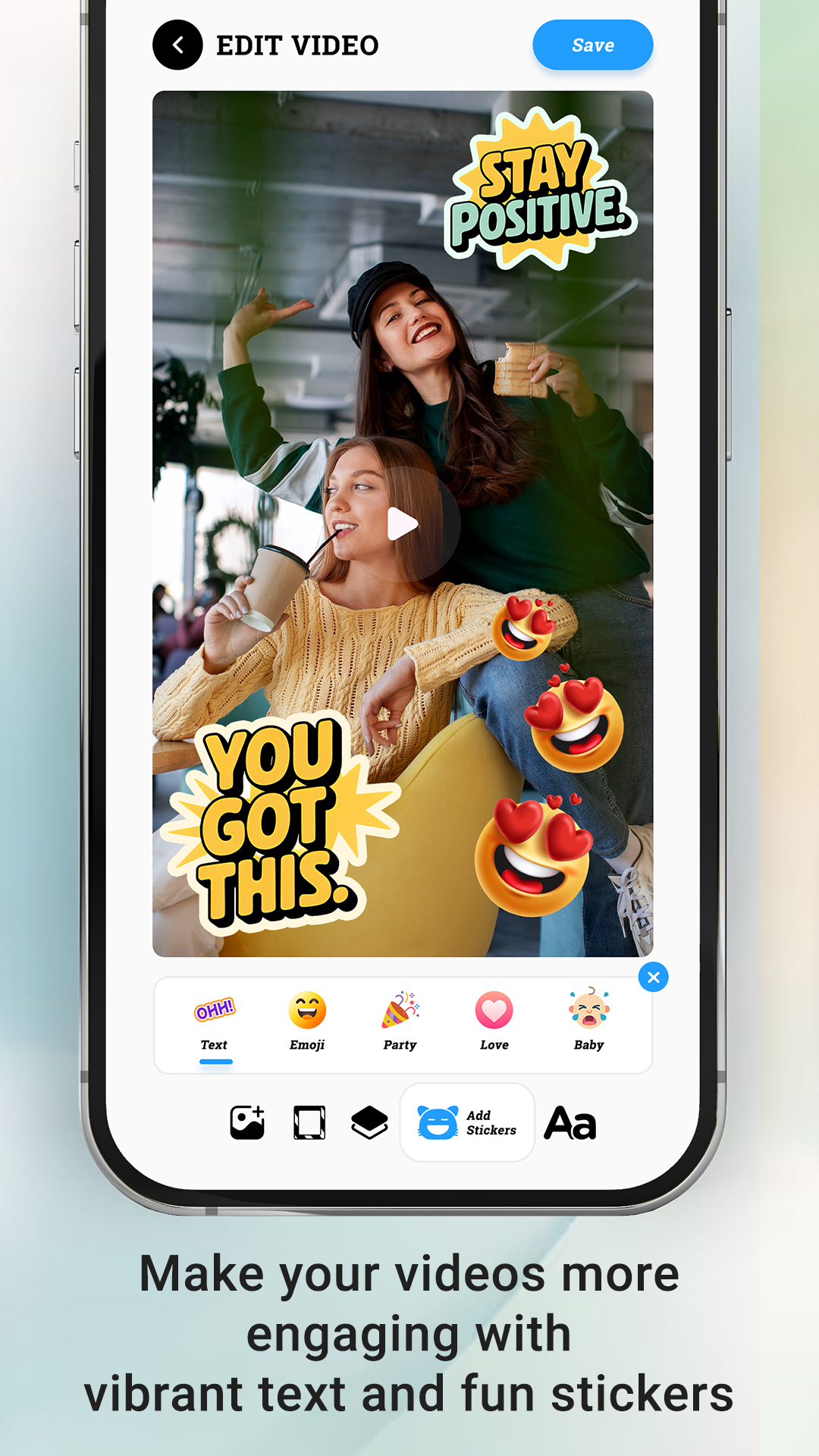
- Incorporate stickers into the video to convey your mood, love, and thoughts.
- Zoom in/out or flip stickers, and adjust their positions as needed on the video.
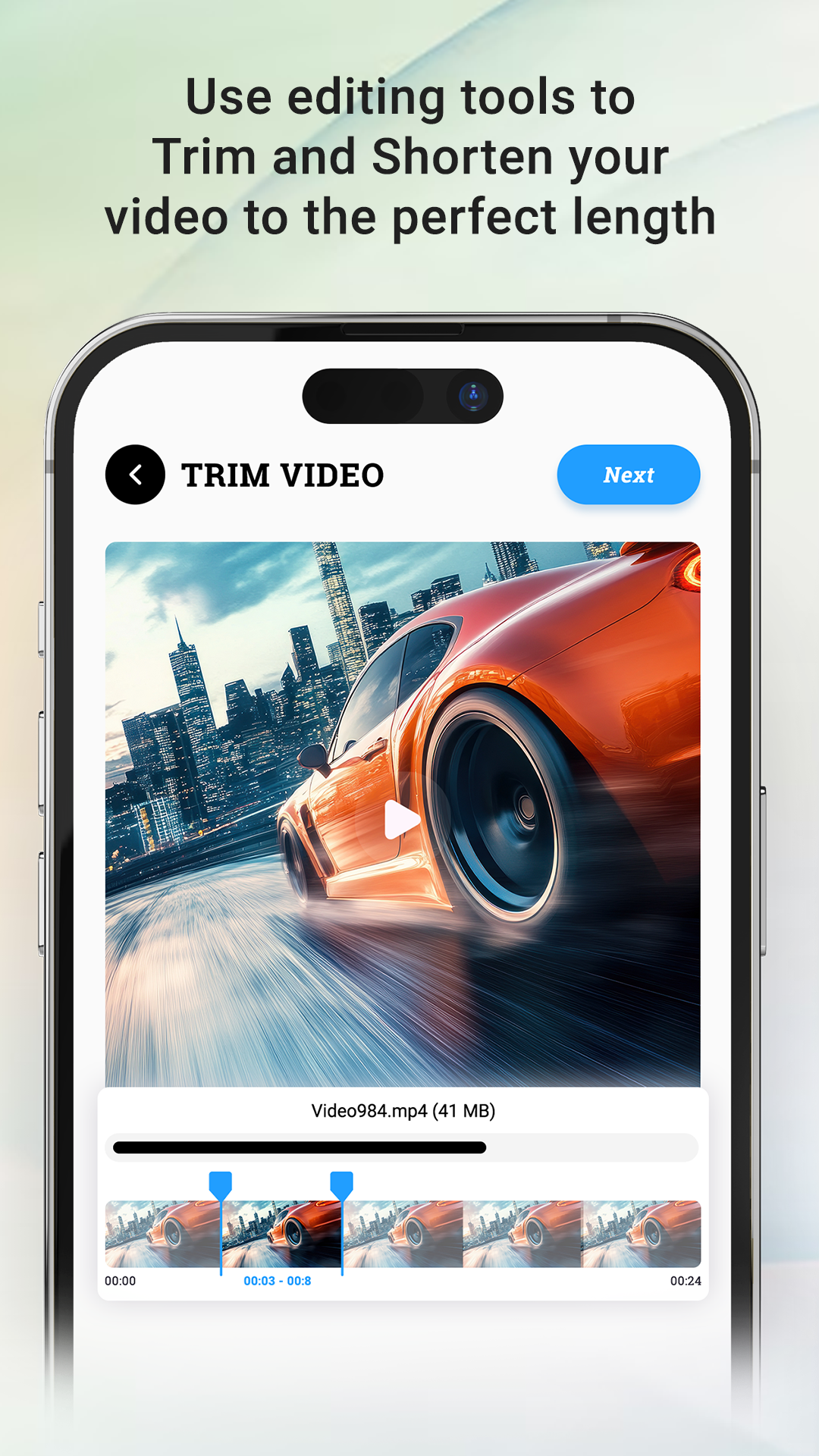
- Utilize an easy video trimming feature to cut sections of the video.
- Share your creations with loved ones, friends, and family on social media.
- User-friendly interface for effortless navigation.
- An excellent assortment of stickers to help express your feelings effectively.
Instructions
1. **Download and Install**:
Search for "Video Pe Naam Likhye" in the App Store. Once you find the app, download and install it on your phone.
2. **Select Video**:
Open the app and select the video you want to edit from your phone's gallery.
3. **Add Text**:
Tap a button like "Add Text" and use your phone's keyboard to enter your name, message, or other content to add to your video. You can also choose a different font, adjust the size, and color of the text to make it fit the style of your video.
4. **Add Stickers**:
Tap "Add Stickers" and choose from a wide selection of stickers to add to your video. You can zoom, rotate, and delete stickers with a single finger. You can also adjust the position of stickers to express your mood, love, or thoughts.
5. **Trim Video**:
To trim a video, find the video trim button, drag the marker on the video progress bar, select the video segment you want to keep, and then tap Confirm Trim.
6. **Save and Share**:
Once you've completed all your edits, tap the Save button. The app will automatically save your edited video to the specified folder. You can also tap the Share button to share your video on social media and share your creation with friends and family.
Use Video Pe Naam Likhye to profess your love. Send a beautiful message to your friends by writing on videos. Capture your memories by adding names to old videos.
Q&A
1. What are the core functions of this app?
It allows you to add text and stickers to any video, supports video trimming, and lets you personalize your videos with beautiful fonts.
2. Is it easy to use?
Yes, it's simple. After downloading and opening, select a video, add text/stickers with one click, trim, and save when finished. The interface is user-friendly.
3. Can the text and stickers be customized?
Yes, you can change the font, size, and color of text; stickers can be scaled, rotated, and repositioned as needed.
4. What editing operations are supported?
Adding text to videos, decorating with stickers, and trimming clips. After editing, you can save or share directly.
5. How can I process the edited video?
It's automatically saved to a specified folder, or you can share it to social media platforms with one click to send to friends and family.
- Version1.3
- UpdateOct 14, 2026
- DeveloperDilip Master Apps
- CategoryVideo Players
- Requires AndroidAndroid 4.1+
- Downloads236K+
- Package Namecom.dm.apps.videopenaamlikhe
- Signature74b18a862c07f7a60b9fb7b2f5c3635b
- Available on
- ReportFlag as inappropriate













Rich in features
Easy to use
Can meet your personal needs
Free to use, no watermarks
There may be ad issues, impacting the user experience.
The software may be unstable.
Some advanced editing features are missing.