
Video Splitter - Video splitting & sharing
Effortlessly chop videos into parts & share directly on social media, keeping your content engaging & accessible.

- 1.9 Version
- 2.8 Score
- 2M+ Downloads
- In-app purchases License
- 3+ Content Rating

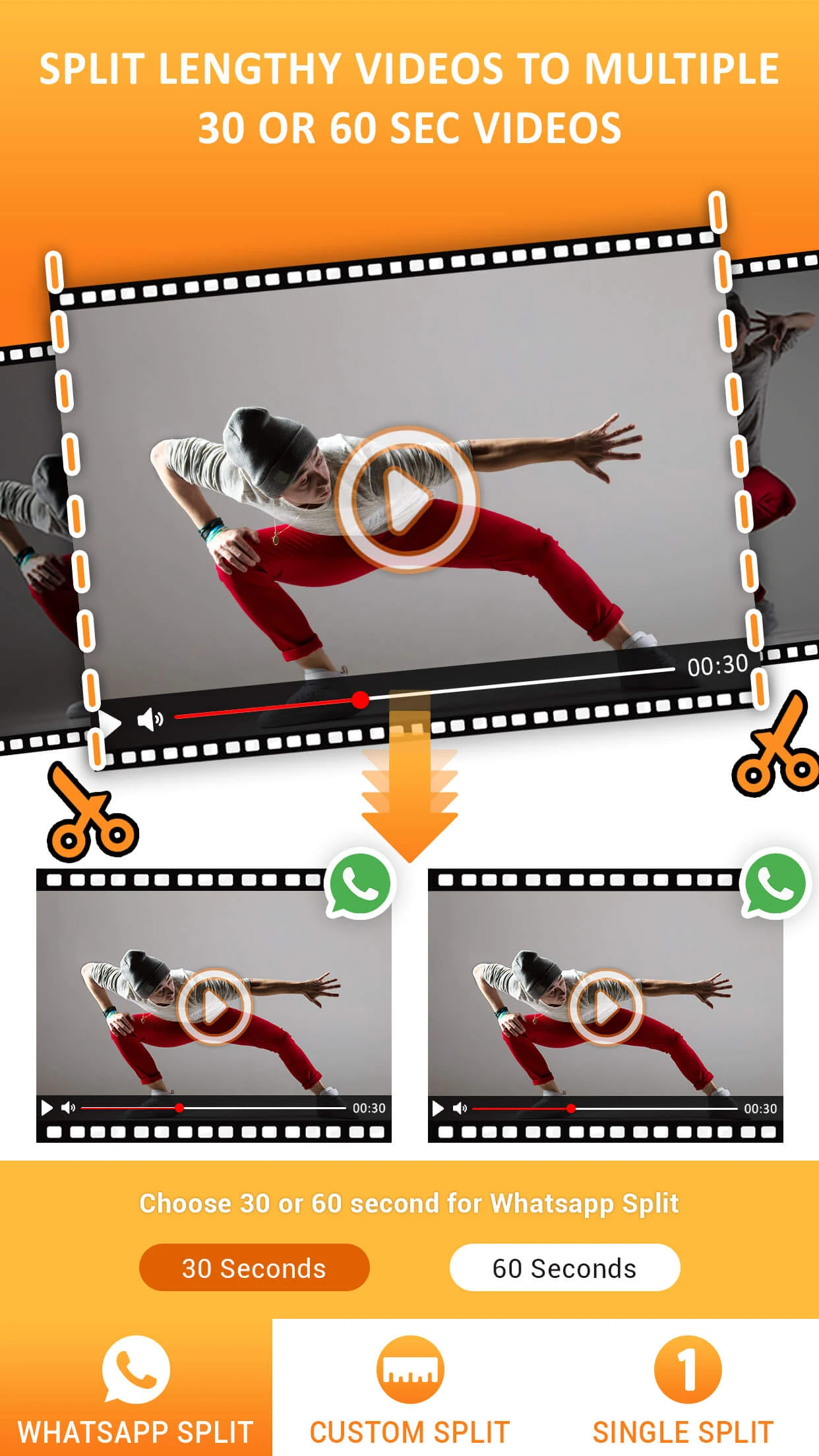
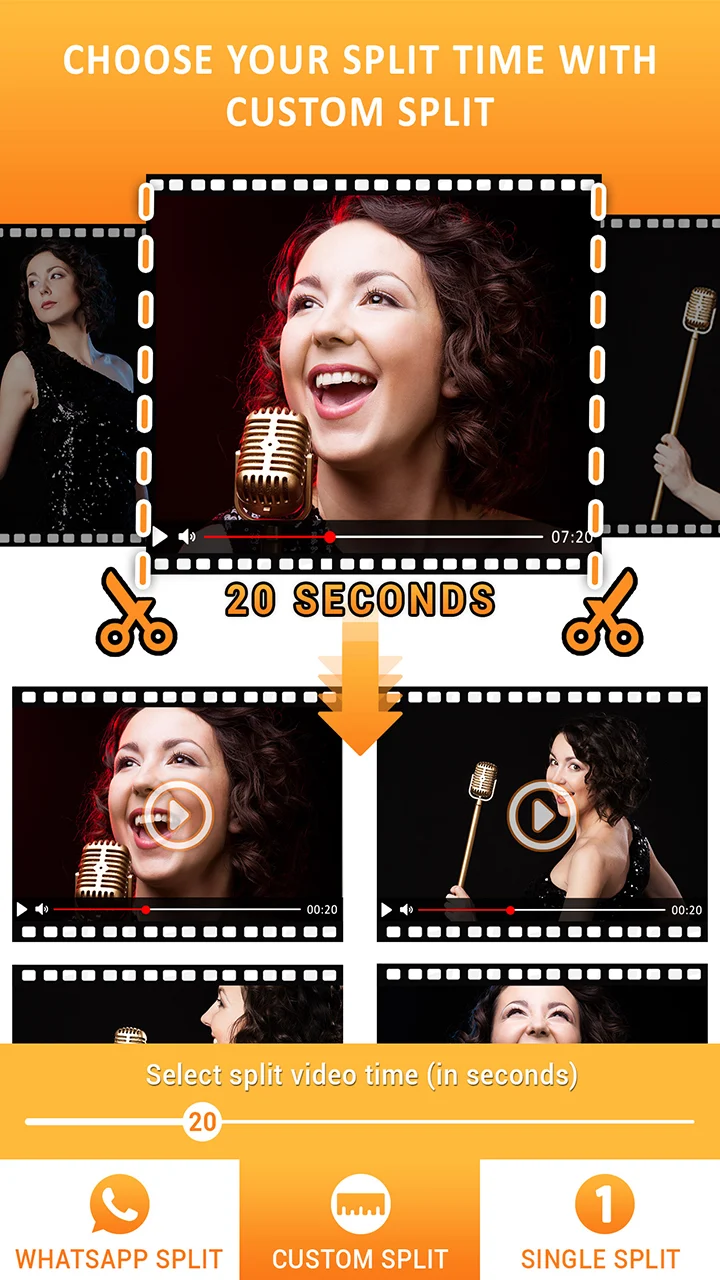
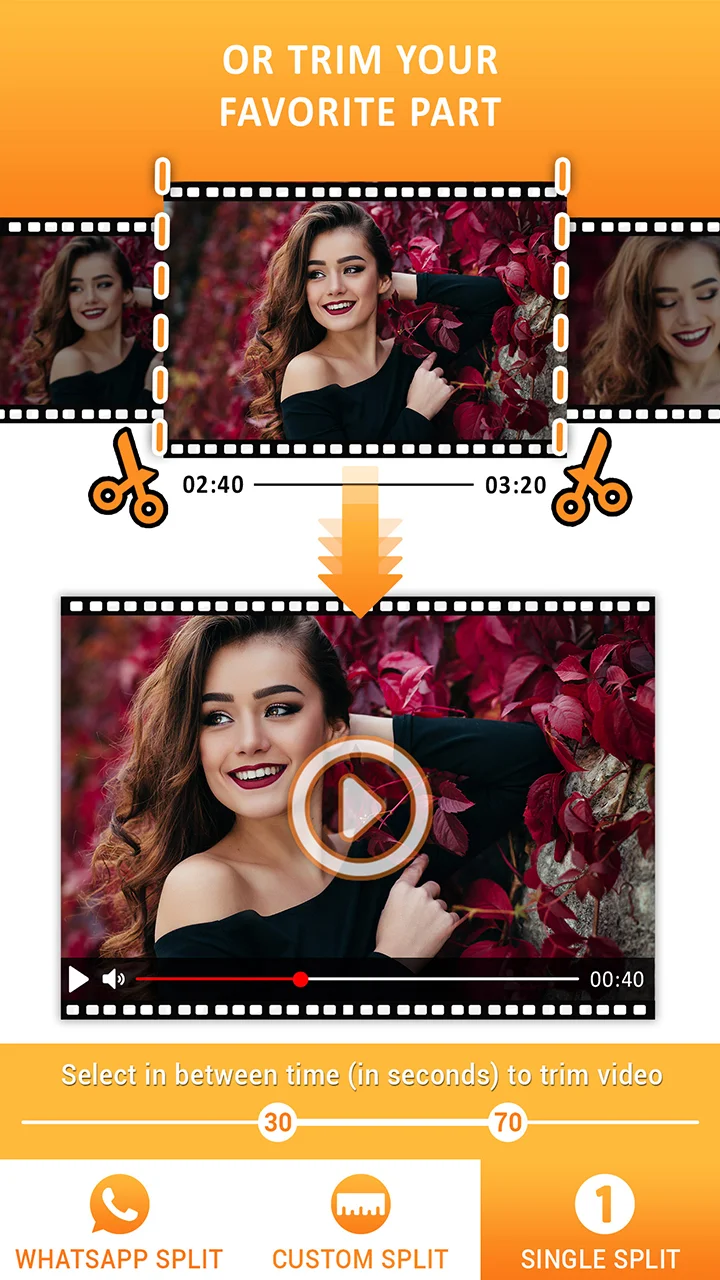

Divide your lengthy videos into segments of 30 seconds, 60 seconds, or any custom length for sharing your complete stories.
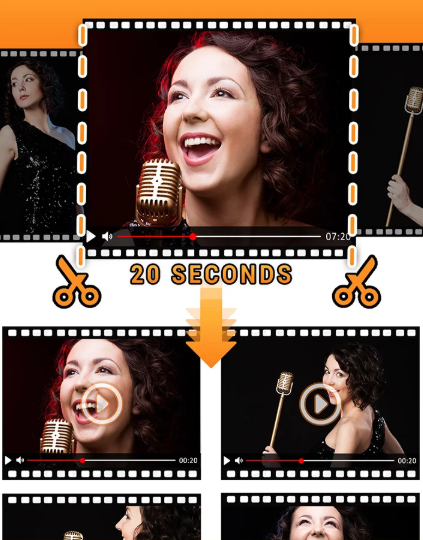
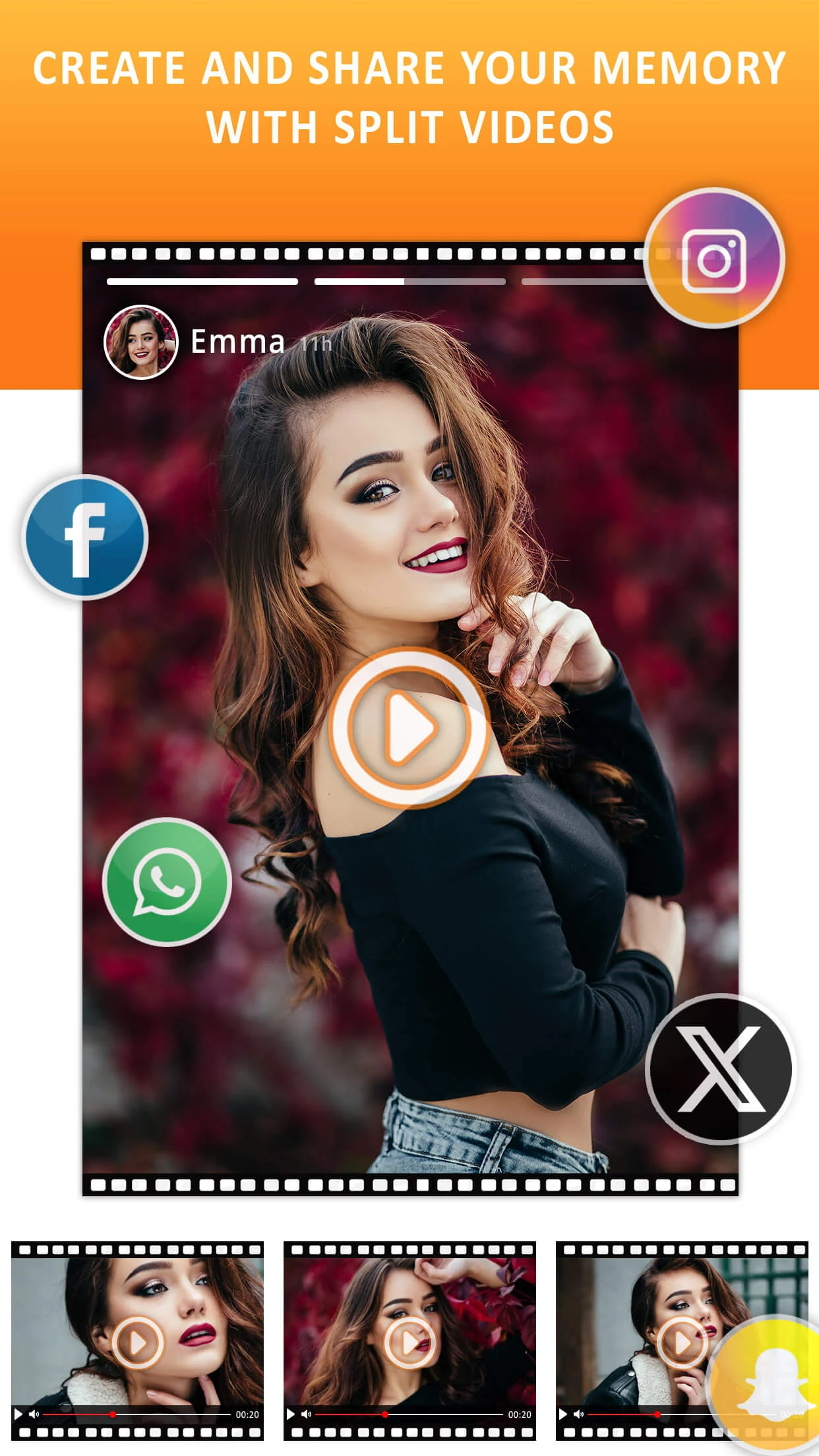
There's no need to rely on various applications to split your videos for posting updates. With Video Splitter, you can effortlessly partition your videos and directly share them on your social media platforms.
Video Splitter Features:
1.30, 60 Second Division
- Automatically cut your video into segments of either 30 or 60 seconds.
2.Custom Division
- Tailor the time duration according to your preferences for each video segment.
3.Individual Cut
- Choose specific start and end times to trim your video.
Additional Features:
★ Functions offline, conserving data usage.
★ Preserves the original quality of videos.
★ Stores files directly in your device's memory (Gallery).
Benefits:
★ A single application to manage video status across all social media networks.
★ Perfect for distributing large videos in smaller clips across social platforms.
★ Preview the final video results within the app.
★ Outputs are free of watermarks.
★ Unlimited duration for video splitting.
★ Share one or multiple videos directly from the application.
How to Use Video Splitter:
1.Select the option to Split Video.
2.Pick videos from your chosen gallery.
3.Opt for your desired splitting method:
30 or 60 Second Split: Automatically divides your video into either 30 or 60-second parts.
Custom Split: Specify the duration (in seconds) for each video segment.
Individual Cut: Define the start and end times (in seconds) for trimming the video.
4.Save the divided video.
5.Wait for the process to finish or opt for "Notify Me When Completed" to receive alerts.
6.Utilize the notification system to monitor the progress of your video processing.
If you find it challenging to split videos for posts on social media, Video Splitter is the ideal solution for you. It offers a quick and simple way to send large videos to social networks. GIVE IT A TRY NOW!
Core Scenarios
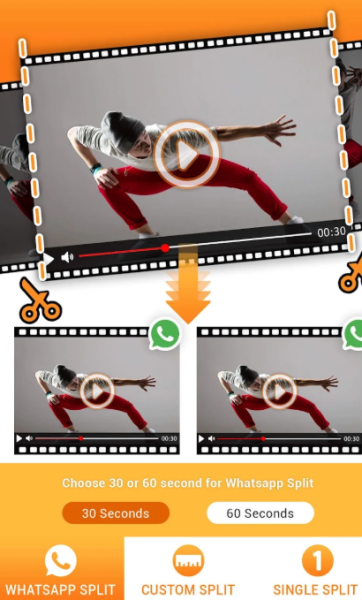
1. Social Short Video Posting: Cut videos to 30/60 seconds or custom length, and upload them directly to the platform without watermarks.
2. Batch Material Processing: Select multiple videos and split them uniformly, suitable for efficient production by self-media.
3. Offline Editing: Works without internet access, retains original image quality, and saves clips to your phone's photo album.
4. Precise Trimming: Customize start and end times to extract key video segments.
FAQs
1. **Q: If I use this app to split a very long video (e.g., an hour), will the exported clips become blurry? **
A: No. The app has a "Preserve Original Video Quality" feature. Whether you're splitting a one-hour video or a shorter one, the exported clips will maintain the same clarity as the original video, eliminating the need to worry about quality loss.
2. **Q: I want to split a video into 45-second segments. Which splitting method should I choose? **
A: Simply choose "Custom Division." Once in this mode, simply enter "45" in the duration settings. The app will automatically divide the video into segments corresponding to 45-second lengths, eliminating the need to manually adjust the duration of each segment.
3. **Q: If I exit the app while splitting a video without checking the progress, will all my previous work be wasted? **
A: No. You can view the progress of the splitting process in the "Notification System" after reopening the app. If the process is still in progress, the current progress will be displayed. If the process is complete, you will receive a completion notification. You can then find the split clips in your device's photo album.
4. **Q: Can I select multiple videos at once and split them into the same duration? **
A: Yes. In step 2, "Select videos from the camera roll," tap and hold multiple videos to select them, then choose your desired split method (e.g., split them all into 30-second segments). The app will batch process them, eliminating the need to manually split each video individually. It's very convenient.
5. **Q: Where are the split videos automatically saved? How can I quickly find them when I need them? **
A: Split videos are saved directly to your device's camera roll. If you have a lot of files in your camera roll, you can open the app and navigate directly to the saved location in the "Completed" or "History" sections (display may vary slightly between devices), eliminating the need to search through your camera roll.
- Version1.9
- UpdateOct 16, 2026
- Developerphotoshop mobile apps
- CategoryVideo Players
- Requires AndroidAndroid 5.0+
- Downloads2M+
- Package Namecom.psma.videosplitter
- Signaturecd6e997ae0f37ee54504188204e87d93
- Available on
- ReportFlag as inappropriate
-
NameSizeDownload
-
48.83 MB
-
39.94 MB
-
35.43 MB

















Easy to use interface
Accurate video splitting for social media
Retains original video quality
Supports custom split durations
Useful for posting on WhatsApp and Instagram
Fast processing of videos
Allows automatic saving of all split parts
Helpful for sharing longer videos in smaller clips
Provides seamless integration with social media apps
Increases file size after splitting
Issues with maintaining video order after splitting
Includes unwanted promotional text in split videos
Long processing time for video splits
Ads can be intrusive
Limited features for manual input
Difficulty in selecting and managing video files
Problems with audio sync after splitting
Lack of customization options for video selection and naming