
iDraw - Artistic creation & editing
Unleash your creativity with powerful digital drawing tools on iDraw
- 1.17.0 Version
- 1.2 Score
- 5M+ Downloads
- Free License
- 3+ Content Rating



iDraw
App Overview
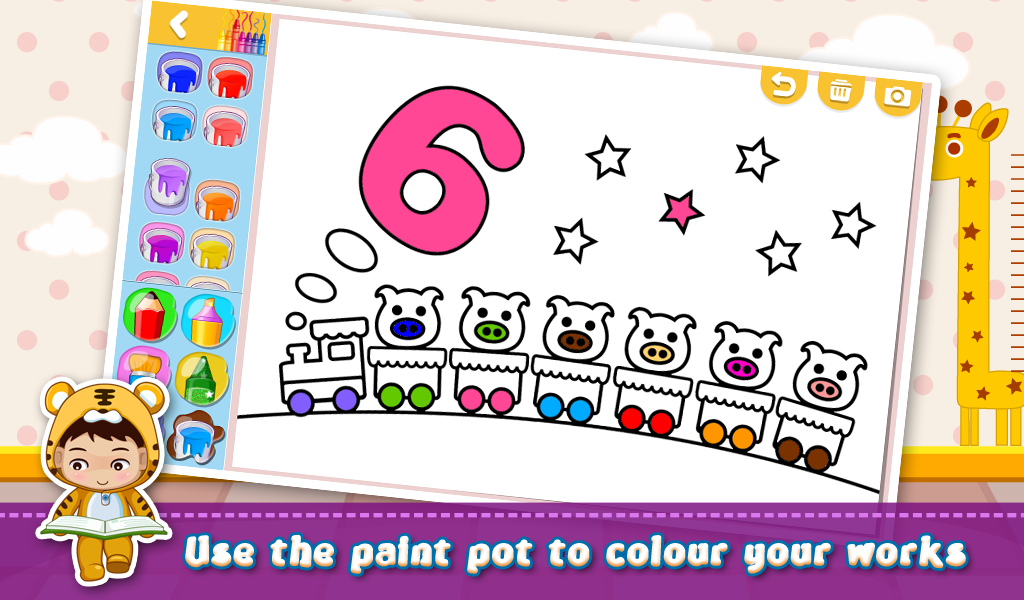
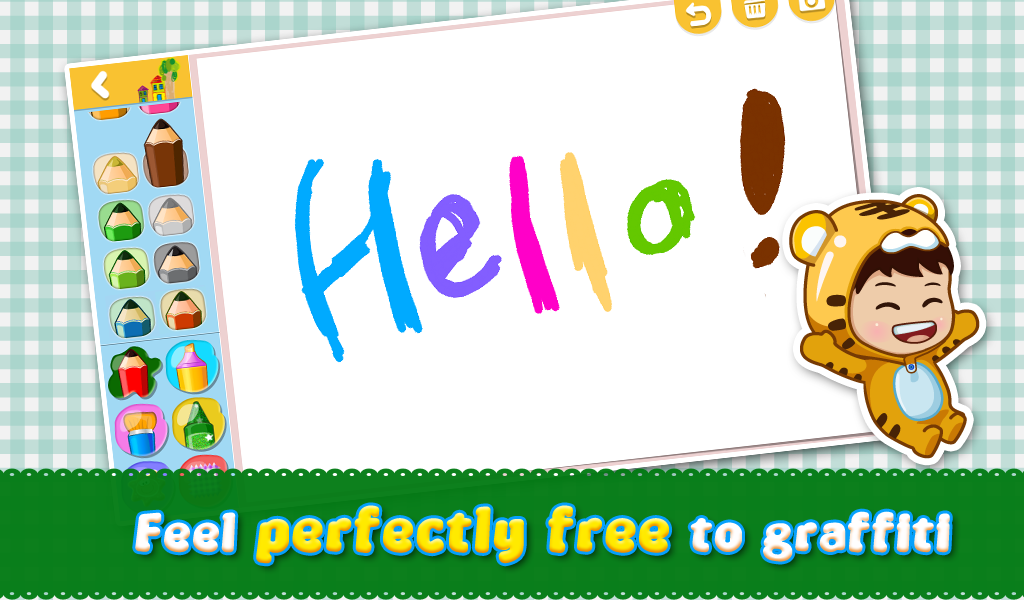
iDraw is a children's drawing app developed by iWawa. It allows children to create digital pictures using different brushes, stickers, and backgrounds. They can experiment with various drawing styles, add decorative elements, and turn their ideas into original artwork.
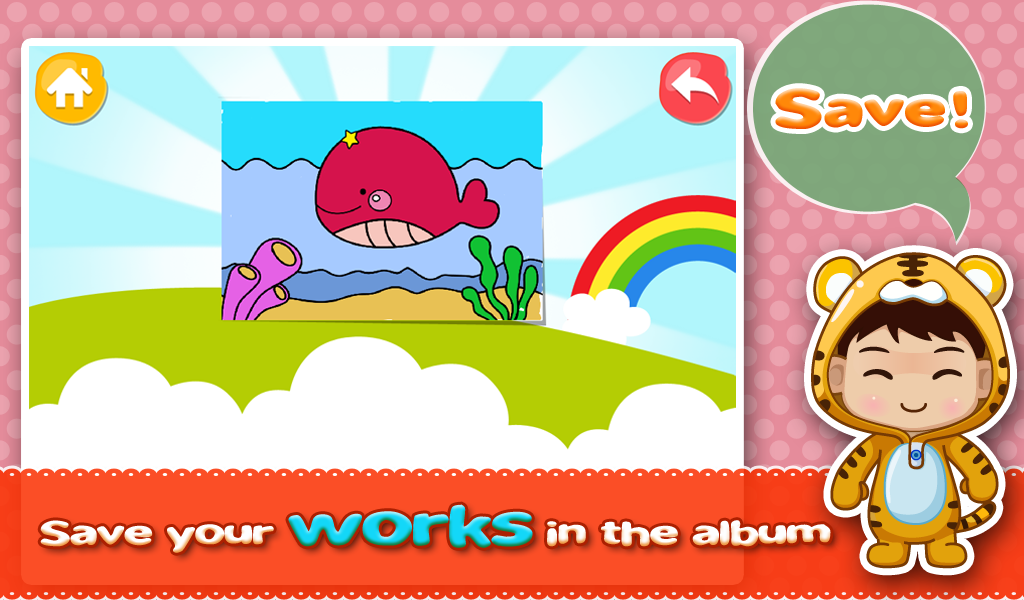
The app features colorful cartoon graphics and straightforward controls designed for younger users. Children can draw directly on the screen, customize their pictures with different visual elements, and save completed artwork in the app's collection for later viewing.
Key Features
Child-Friendly Design: Colorful cartoon graphics and simple controls make the drawing interface accessible to young children.
Multiple Brush Options: Different brushes offer varied strokes and line styles for creating pictures.
Decorative Stickers: A selection of stickers allows children to add details and decorations to their artwork.
Background Selection: Different backgrounds provide alternative settings for drawings.
Saved Artwork: Completed pictures can be stored in the app's artwork section and viewed again later.
Image Enlargement: Visual elements can be enlarged for a closer look.
How to Use iDraw
Open iDraw and enter the drawing area.
Select a brush and start drawing on the screen.
Add stickers to decorate the picture.
Choose a background to change the appearance of the artwork.
Save the finished picture and access it later from the artwork section.
FAQs
1. Is iDraw suitable for young children?
Yes. iDraw is designed for children and features a colorful interface, simple controls, and accessible drawing tools.
2. Can children use different brushes?
Yes. The app includes multiple brush options with different stroke and line styles.
3. Can children add stickers to their drawings?
Yes. They can decorate their pictures with stickers and choose different backgrounds.
4. Can saved drawings be viewed again?
Yes. Completed pictures are stored in the app's artwork section for later viewing.
5. Is iDraw free to download?
Yes. iDraw is available as a free Android app.
- Version1.17.0
- UpdateNov 11, 2026
- DeveloperiWawa
- CategoryArt & Design
- Requires AndroidAndroid 5.0+
- Downloads5M+
- Package Namecom.sencatech.iwawa.iwawadraw
- Signature587fe5ce773f5e49fd7585a715d2f073
- Available on
- ReportFlag as inappropriate
-
NameSizeDownload
-
26.68 MB
-
51.75 MB
-
50.62 MB















Diverse backgrounds
Cartoon style is easy to guide children
Too many ads