
Pic Collage Maker & Editor - Photo collage creation & editing
Unleash your creativity with endless templates & custom layouts for stunning collages at your fingertips.
- 1.1.2 Version
- 1.4 Score
- 147K+ Downloads
- In-app purchases License
- 3+ Content Rating

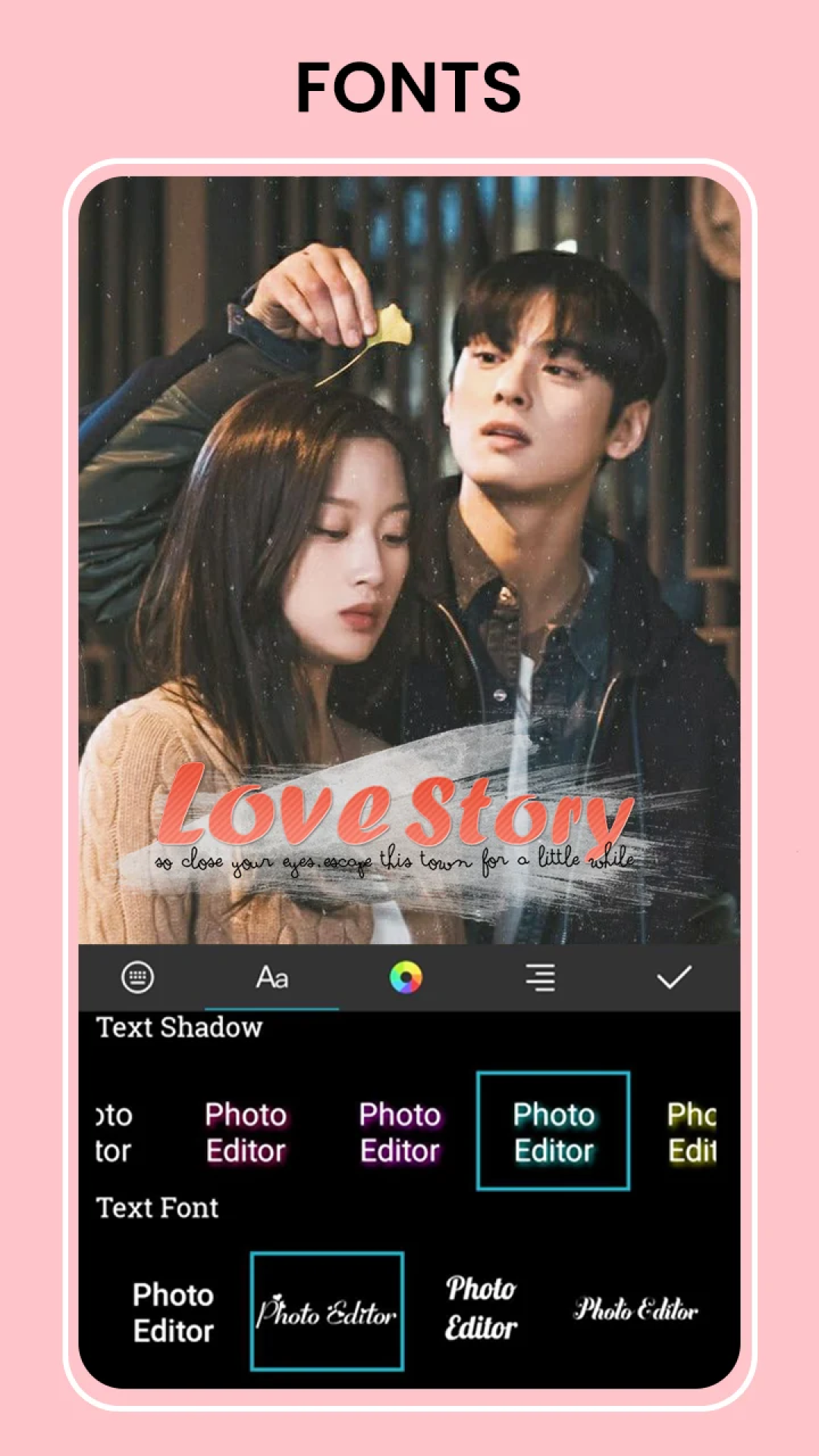
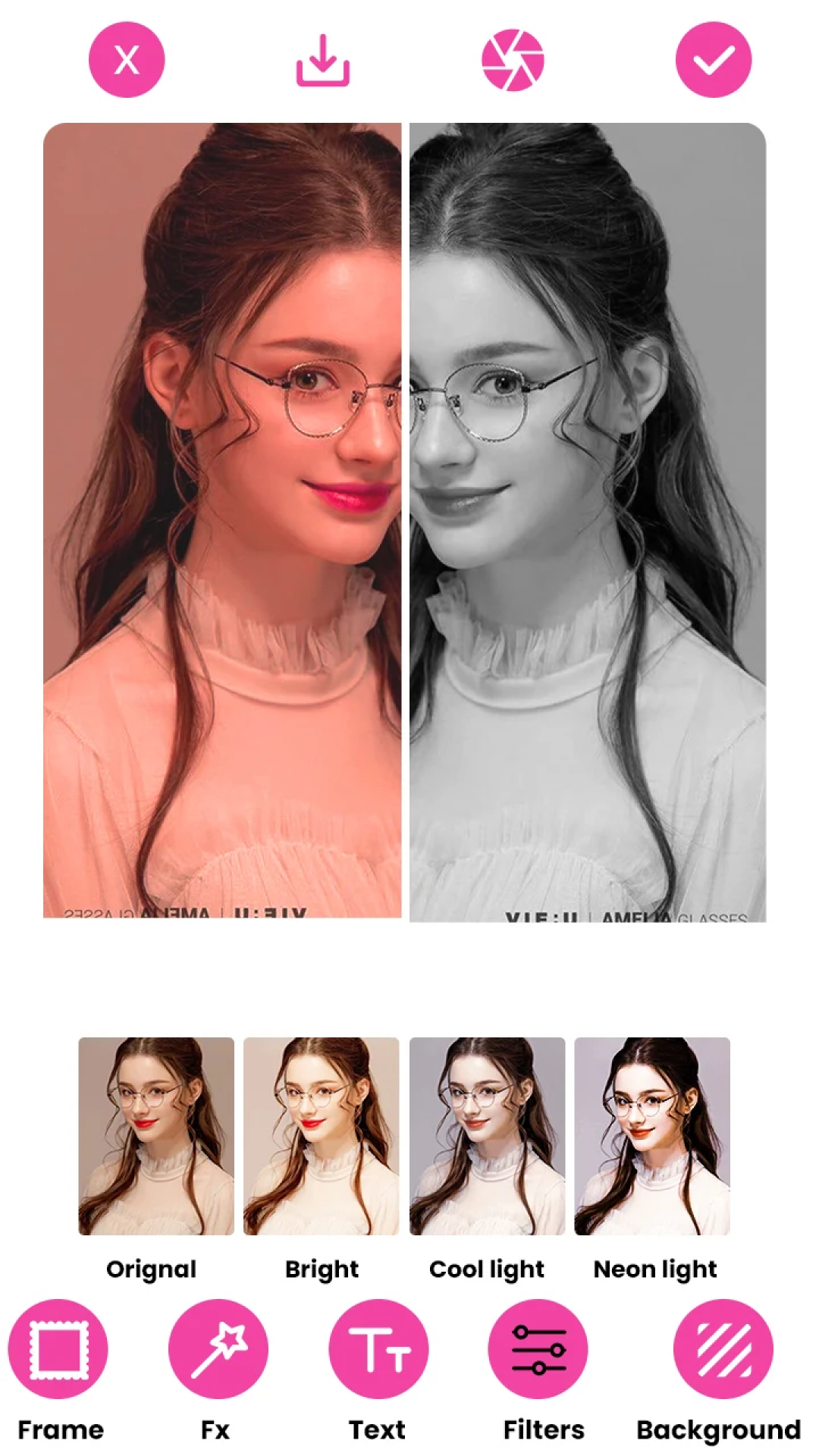
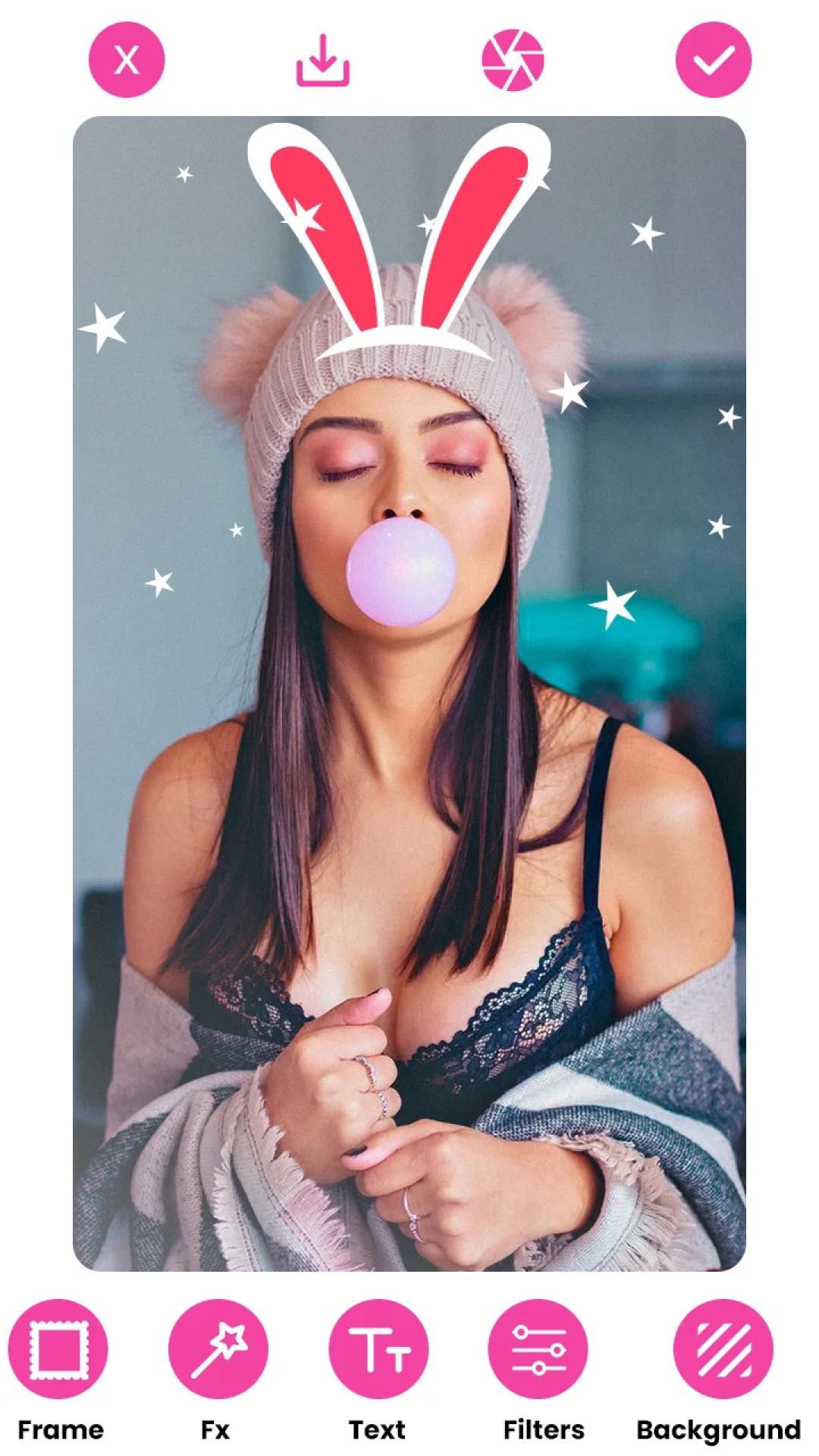
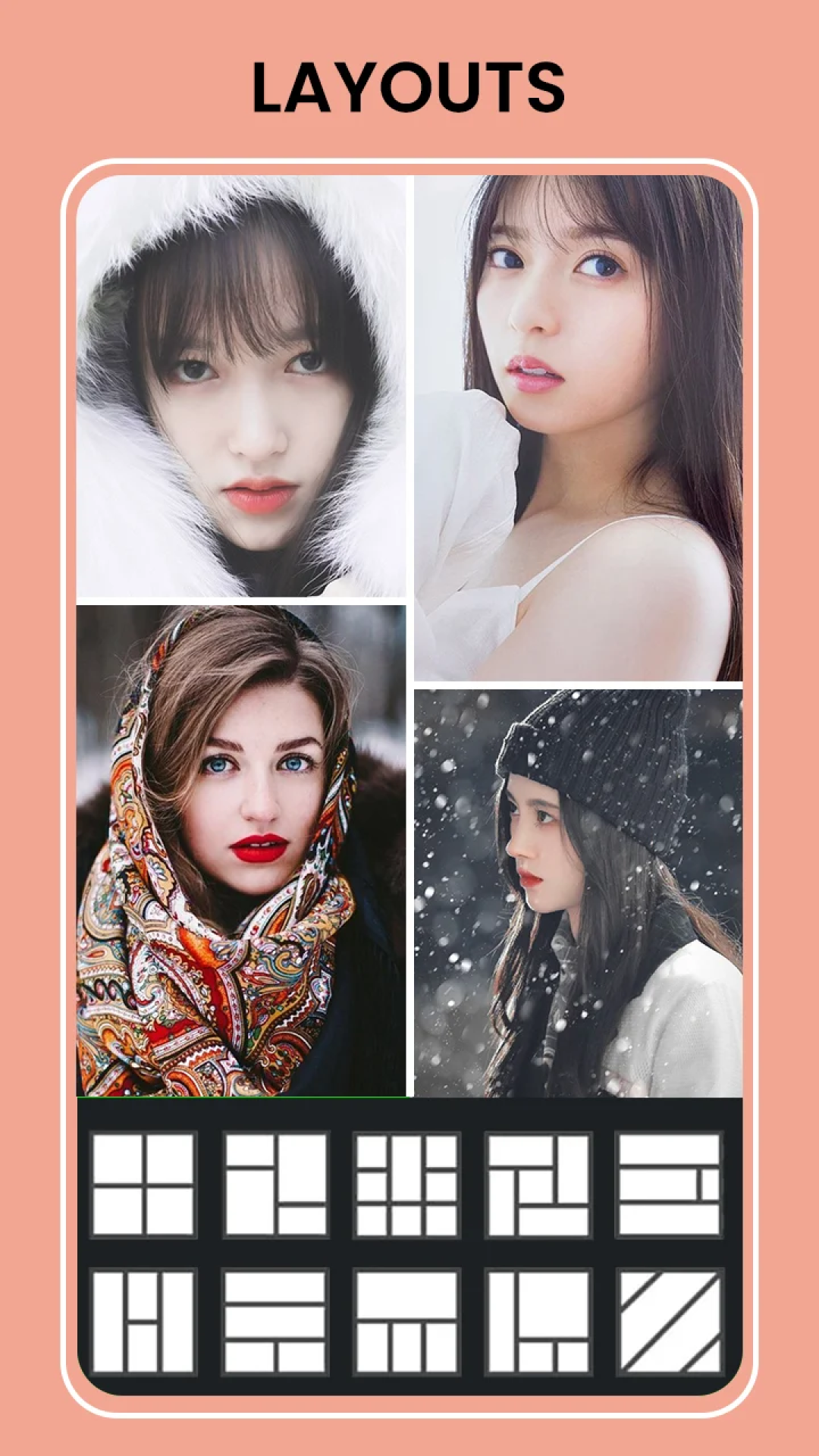
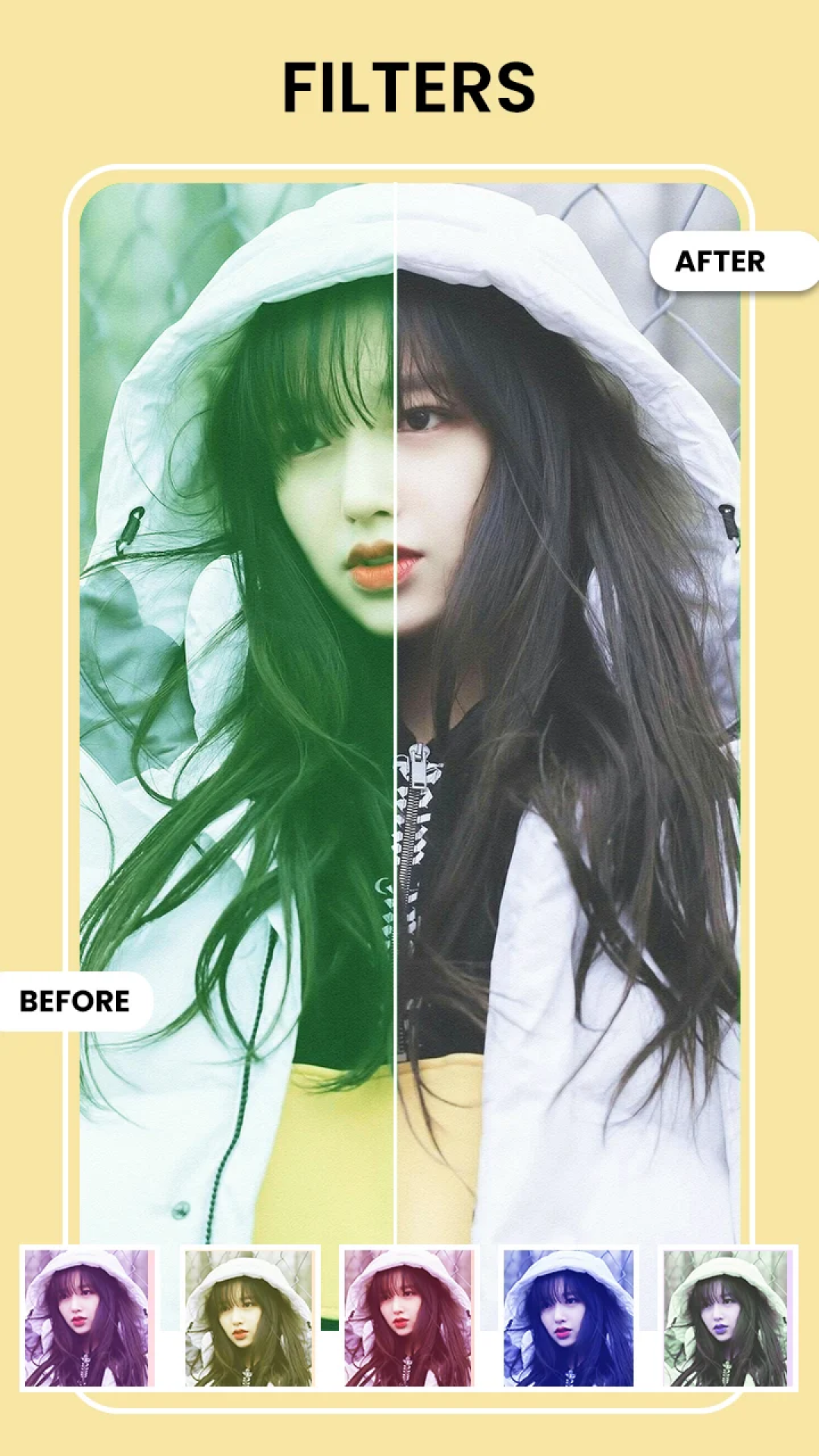
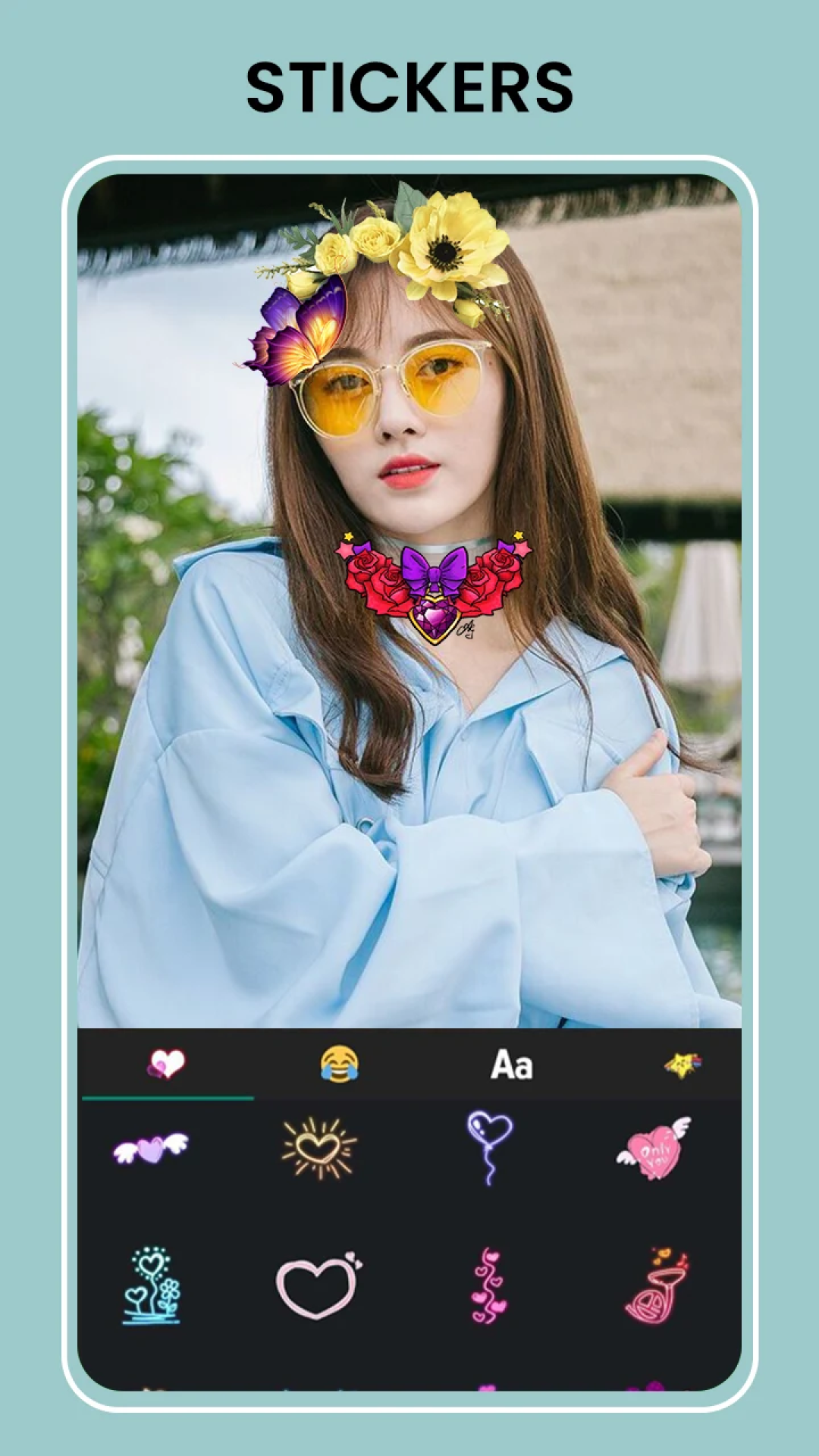
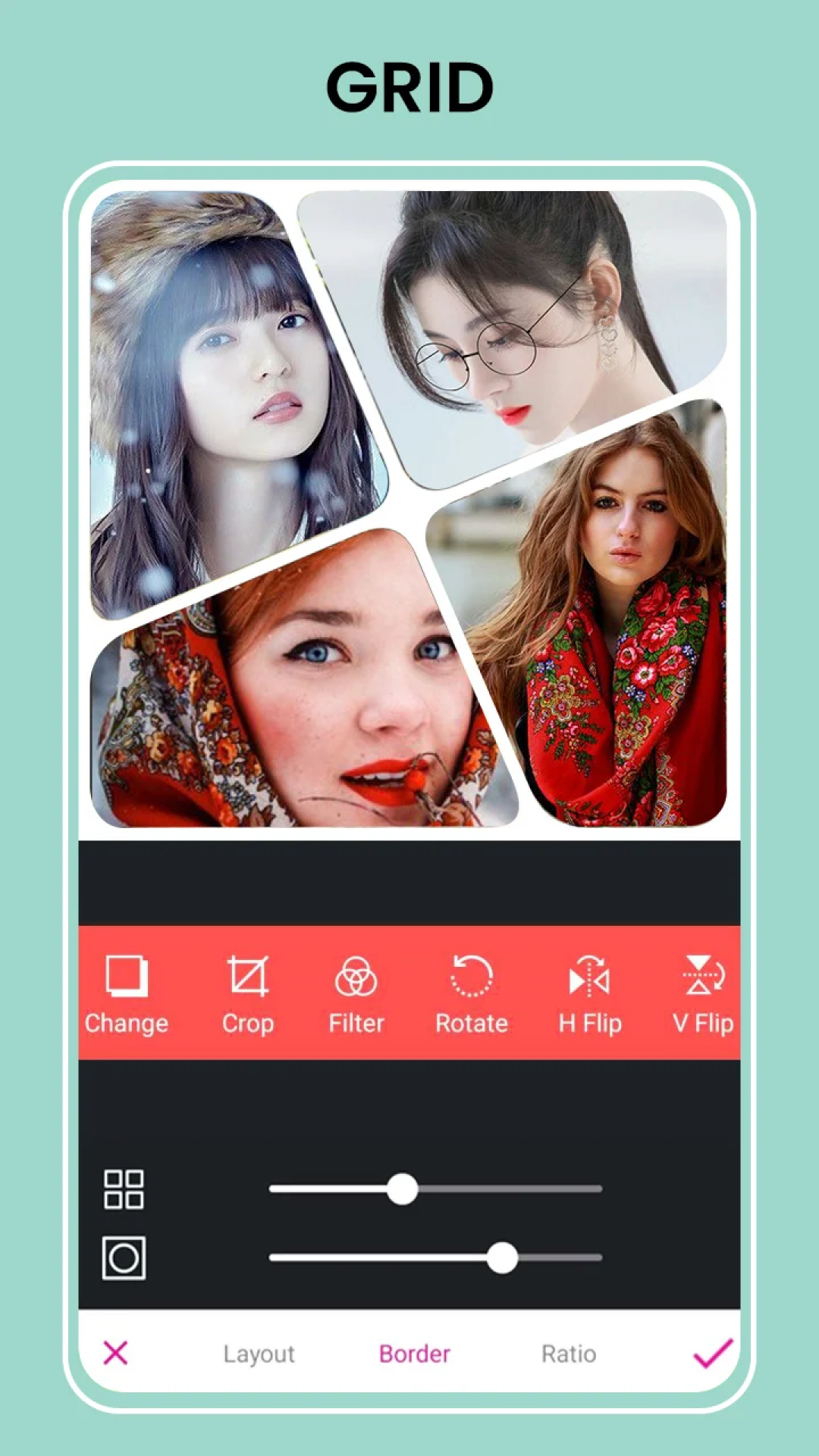
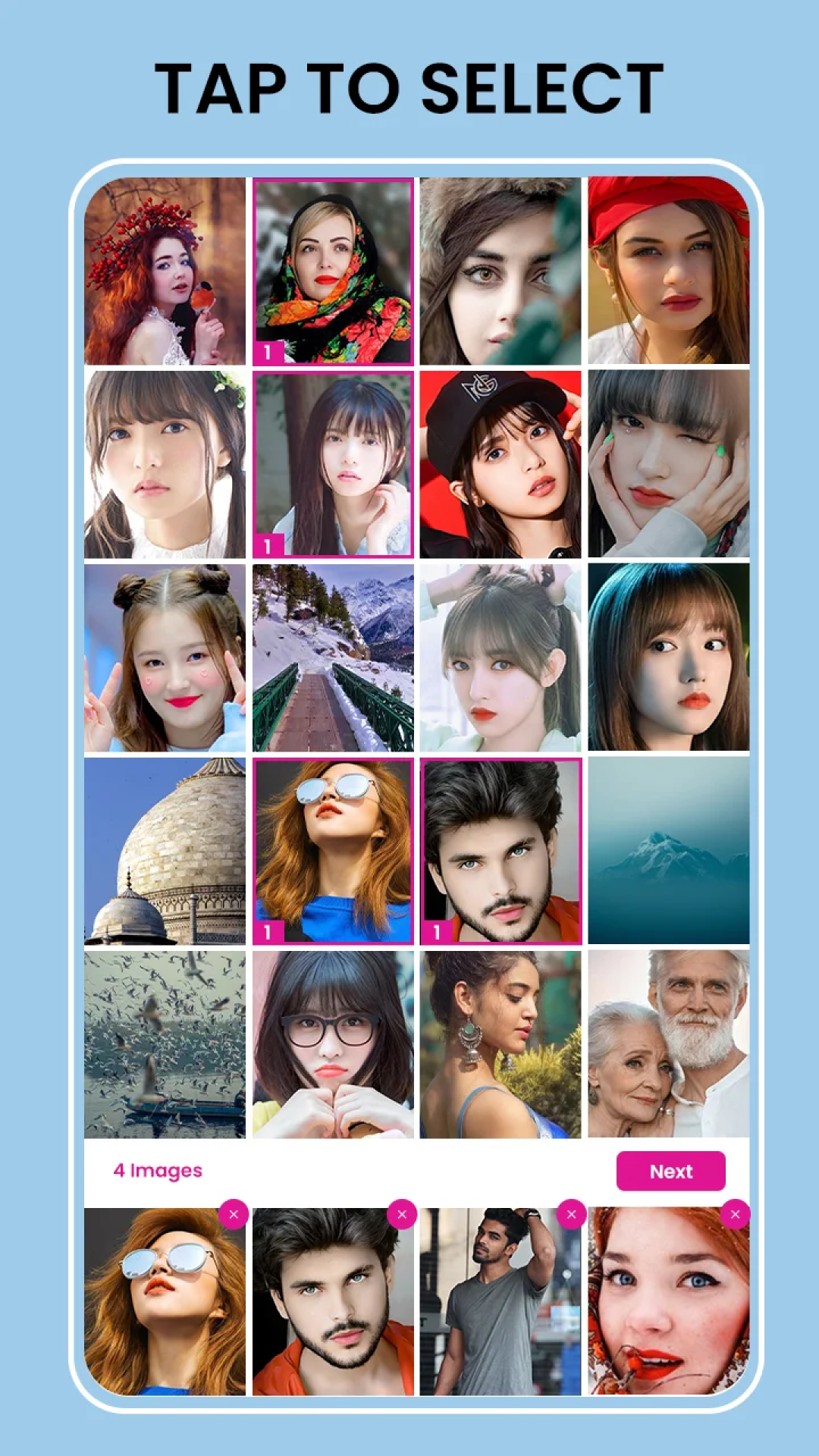
Photo Collage Creator: Layout Designs - Ignite Your Imagination!
Transform your photos into stunning collages with the ultimate Pic Collage Creator: Layout Designs application! Designed for artistic expression, this app merges robust functionality in a picture grid creator, delivering an intuitive interface that unlocks limitless options for photo editing and collage crafting.
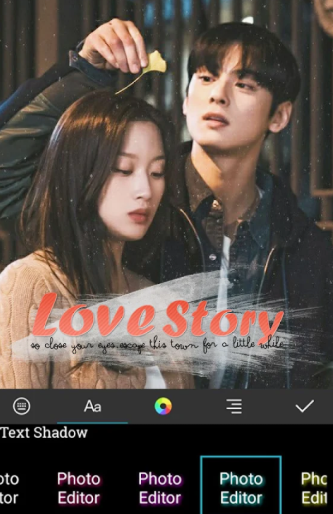
Photo Layouts is ready to assist you in creating like a professional.
📄 Noteworthy Features of Photo Collage Creator: 📄
📸 Pic Collage Creator: Layout Designs boasting over 500 templates and grid styles;
📸 Photo Grid Collage Creator: Merge images to produce distinctive designs;
📸 Customizable Photo Frame Grid Creator featuring countless themes;
📸 Apply Various Filters to Pictures to enhance effects;
📸 Photo Split Picture Frames for intricate, multi-image compositions;
📸 User-friendly Photo Collage Producing tool for quick, aesthetically pleasing collages;
📸 Picture Collage Designer offering detailed control over layouts and effects.
Functions:
Craft Remarkable Collages with Photo Frame Grid Creator!
Photo Layouts offer the simplest way to create visually appealing collages. From multi-image grids to individual-frame arrangements, the Photo Grid Collage Creator: Merge Images app puts endless creative possibilities at your fingertips. With the Photo Grid Creator: Filters for Images, amplify each of your photos by applying beautiful filters and effects to your cherished memories.
Pic Collage Creator - Layout Designs: This image editing app packs numerous features to make your pictures stand out.
Photo Grid: Merge Images - Trendy Grids and Layouts: 🎨
With the Photo Grid Collage Creator: Merge Images feature, select from a variety of grid formats and dimensions to match any theme. Produce captivating, multi-image grids or organize images in custom layouts to narrate your personal story. The Photo Frame Grid Creator allows you to pick from a wide range of frames to elevate your photos. Simultaneously, the Picture Collage Designer gives you precise layout control, ensuring your images are beautifully framed.
Photo Split Picture Frames - Sophisticated Editing Tools: ✂️
Edit, resize, and modify each photo using the advanced tools of the Photo Collage Creator. Effortlessly apply filters from the Photo Collage Creator: Filters for Images to introduce warmth, brightness, or retro effects to your collages. Alter colors and brightness, add borders, or include text and stickers for a personalized touch. The Photo Split Picture Frames option allows you to craft elaborate split-frame designs, perfect for showcasing your favorite memories.
Photo Collage Creator - Distinct Frames and Styles: 🖼️
The Photo Frame Grid Creator offers an extensive array of frames, guaranteeing that each image receives the right border to make it shine. Add stylish, playful, or vibrant frames to enhance the appearance of your photos. The app's Picture Collage Designer also enables you to try out different designs, ensuring that your collage always represents your unique style.
Unlock the Art of Collage with Pic Collage Creator! Immerse yourself in the realm of creative image editing with Photo Layouts! Catering to all skill levels, this Photo Collage Creator: Filters for Images app provides everything necessary to design, edit, and disseminate stunning collages. Unleash your creativity and revamp your images today!
Instructions:
1. **Select a Template**: Open the app and choose from over 500 templates/grids based on the number of photos and style.
2. **Add Photos**: Tap a blank area and select an image from your phone's camera roll to add it directly to the template.
3. **Adjust Details**: Drag and drop photos to adjust their position, pinch to zoom, and rotate to fit the layout. For a more polished look, add filters and change frames.
4. **Add Personalization (Optional)**: Use "Split Frames" to create complex layouts, add text, or add stickers.
5. **Save/Share**: When you're done, save your creation to your camera roll or share it directly to social media platforms.
App Experience:
This is an intuitive collage-making app suitable for users of all skill levels. It features over 500 built-in templates and grid styles, covering various themes, frames, and columnar designs. It supports importing photos from your album or adding materials directly. You can adjust the layout by dragging, pinching, zooming, and rotating. You can also personalize your photos with free filters, borders, text, and stickers. Some advanced effects require watching ads or paying to unlock.
You can crop photos to optimize composition and add up to 10 or more images to create complex collages. The default quality of the finished product meets social sharing needs, and you can also choose a high-definition save mode (some require watching ads). Save to your album or share to social media platforms with one click. Easily transform scattered photos into well-designed collage works and inspire creative expression.
Related Questions and Answers:
1. **Q:** Are the 500+ templates categorized by scene (e.g., travel, birthday)?
A: While not explicitly stated, these types of collage apps usually categorize templates by scene (travel, family, holidays, etc.) or style (minimalist, retro, cute) for easy filtering. Look for the category tags at the top or side after entering the template page.
2. **Q:** Can I crop the added photos? Or can I only scale and rotate them?
A: Basic scaling and rotation are supported. In most cases, cropping is also possible—after selecting a photo, a "crop" icon (like scissors or a square) will appear on the interface. You can manually adjust the cropping area to better fit the photo to the template.
3. **Q:** Do filters and borders require payment to unlock?
A: Most filters and borders in the core functions are free. Some more sophisticated "premium" options (such as limited-edition theme borders and special effects filters) may require watching ads or paying to unlock, but this does not affect daily collage use.
4. **Q:** Will the image quality be compressed after saving the finished collage?
A: The default saved image quality is sufficient for social sharing. Some apps offer a "High-Definition Save" option in "Settings" (this may require watching an ad). If you are concerned about compression, you can choose to save in high-definition mode.
5. **Q:** How many photos can I add to the collage at once?
A: It depends on the template layout. Simple grids (such as 2-grid or 4-grid) can add 2-4 photos, while complex templates (such as multi-image collages or irregular layouts) can add up to 10 or more photos. You can check the photo count indicator on the preview image when selecting a template.
- Version1.1.2
- UpdateNov 03, 2026
- DeveloperGalaxy studio apps
- CategoryArt & Design
- Requires AndroidAndroid 6+
- Downloads147K+
- Package Namephotogrid.collagemaker.photoeditor.piccollage.frame.layout.squarefit
- Signature3c5af63fda7492e31c5cbc10c88b4f99
- Available on
- ReportFlag as inappropriate





















Rich templates and styles
Free and powerful features
Easy to use
High-resolution output
Ads present
Advanced features limited
Occasional performance issues