
AR Drawing: Sketch & Paint - AR art creation & more
Transform your world with AR sketches & paintings, blending creativity and reality like never before!
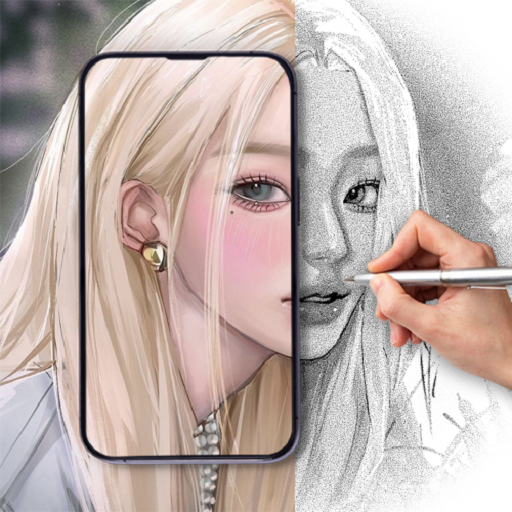
- 1.4 Version
- 1.1 Score
- 187K+ Downloads
- In-app purchases License
- 3+ Content Rating

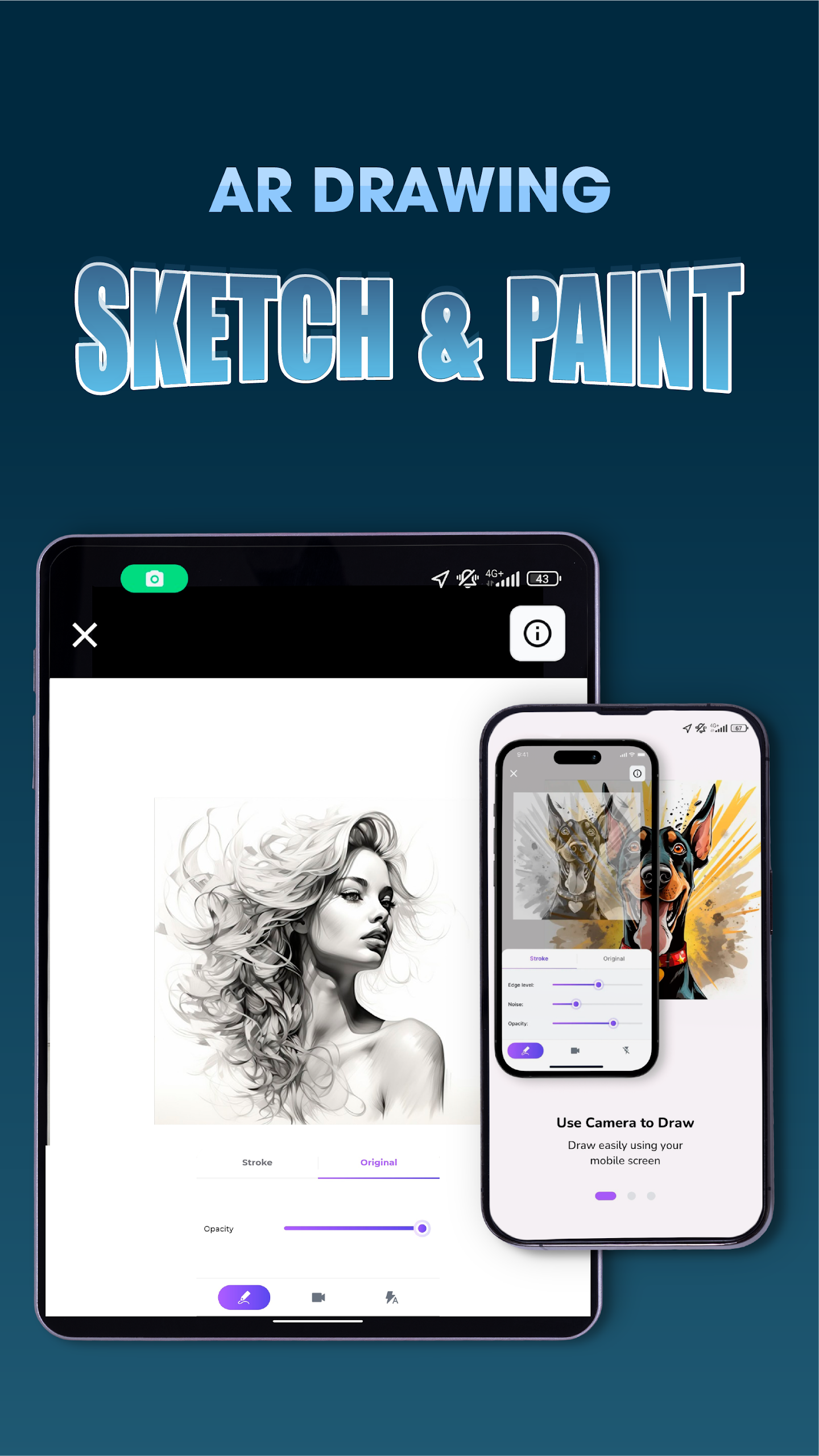
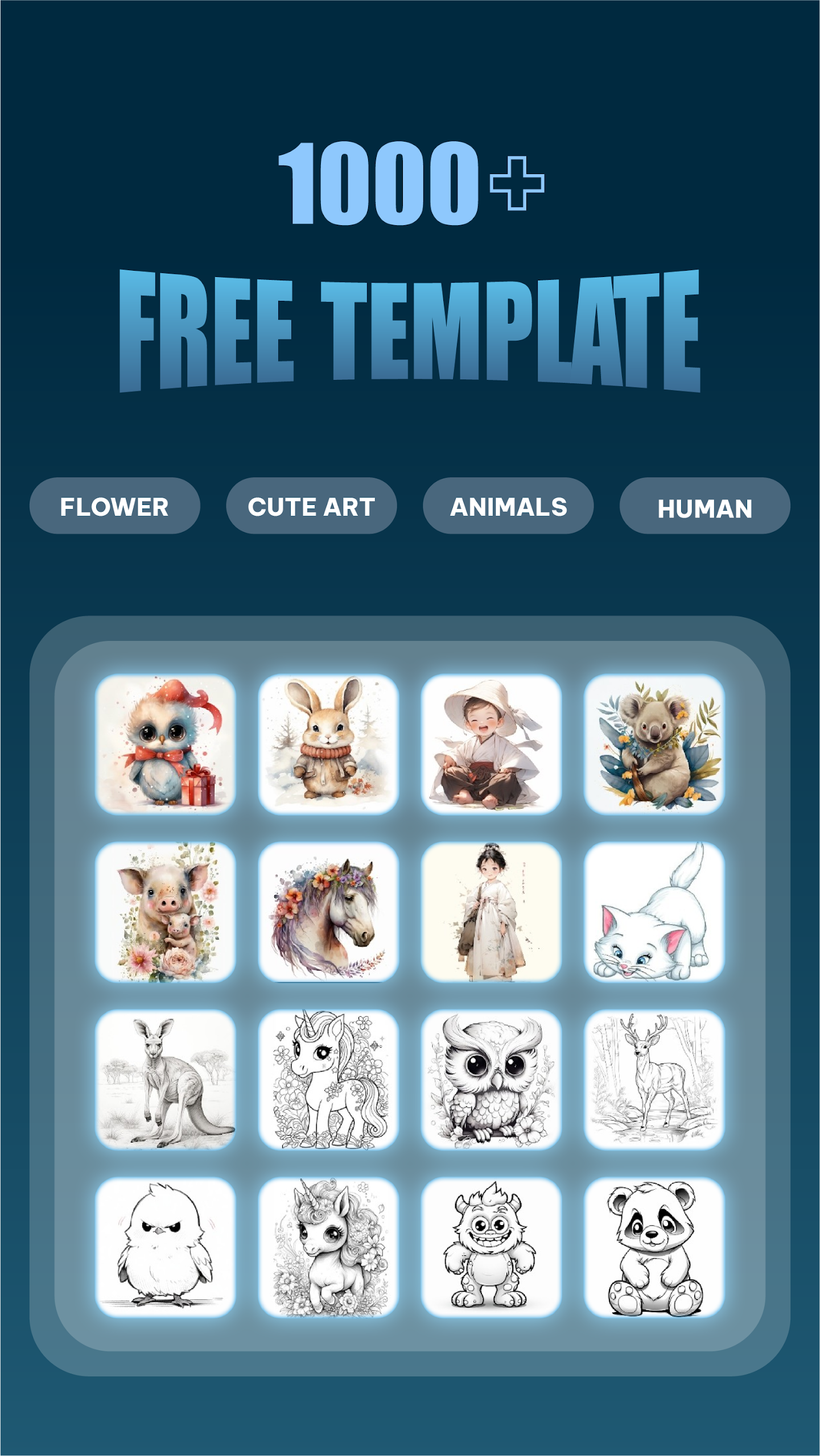
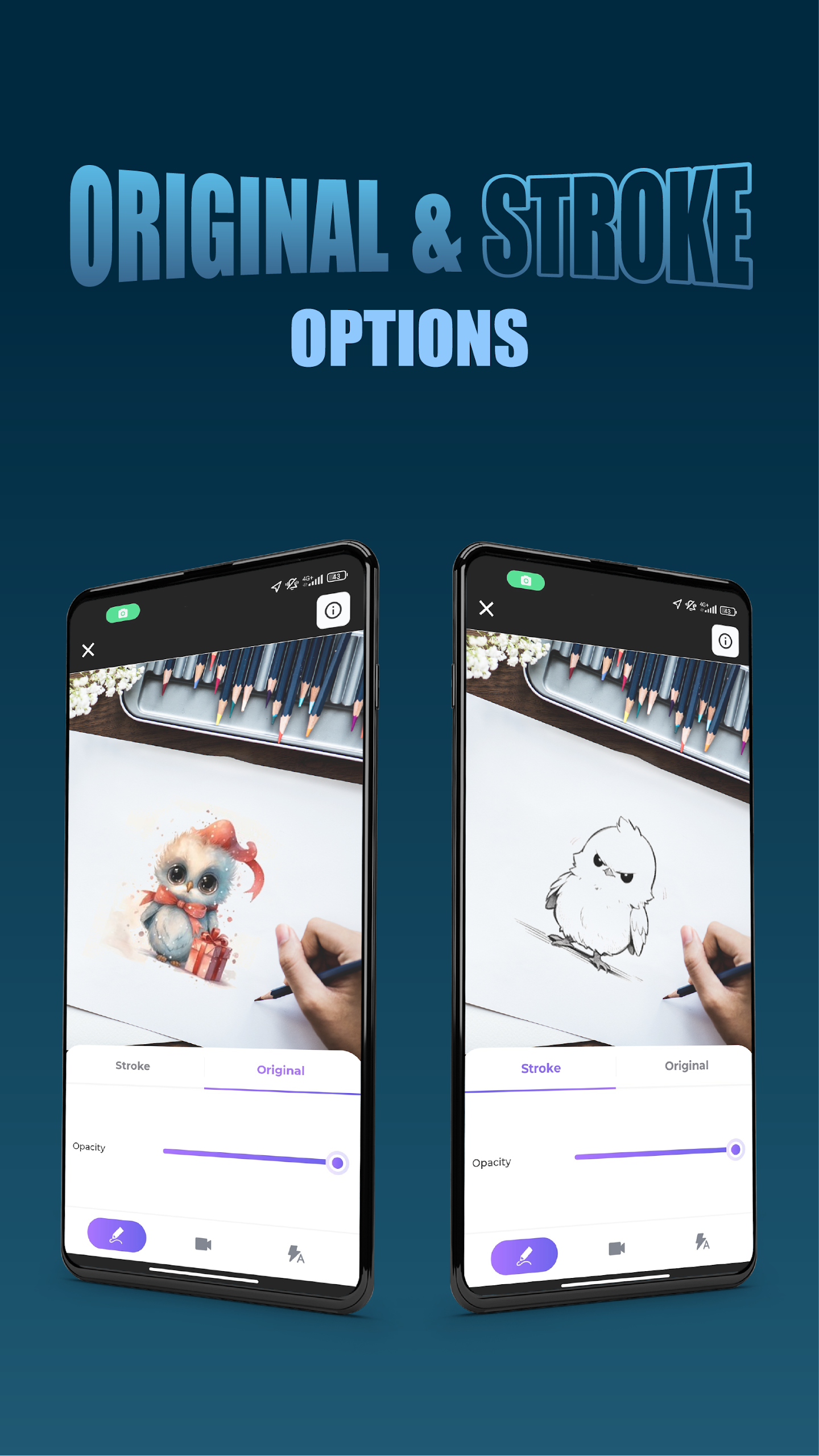
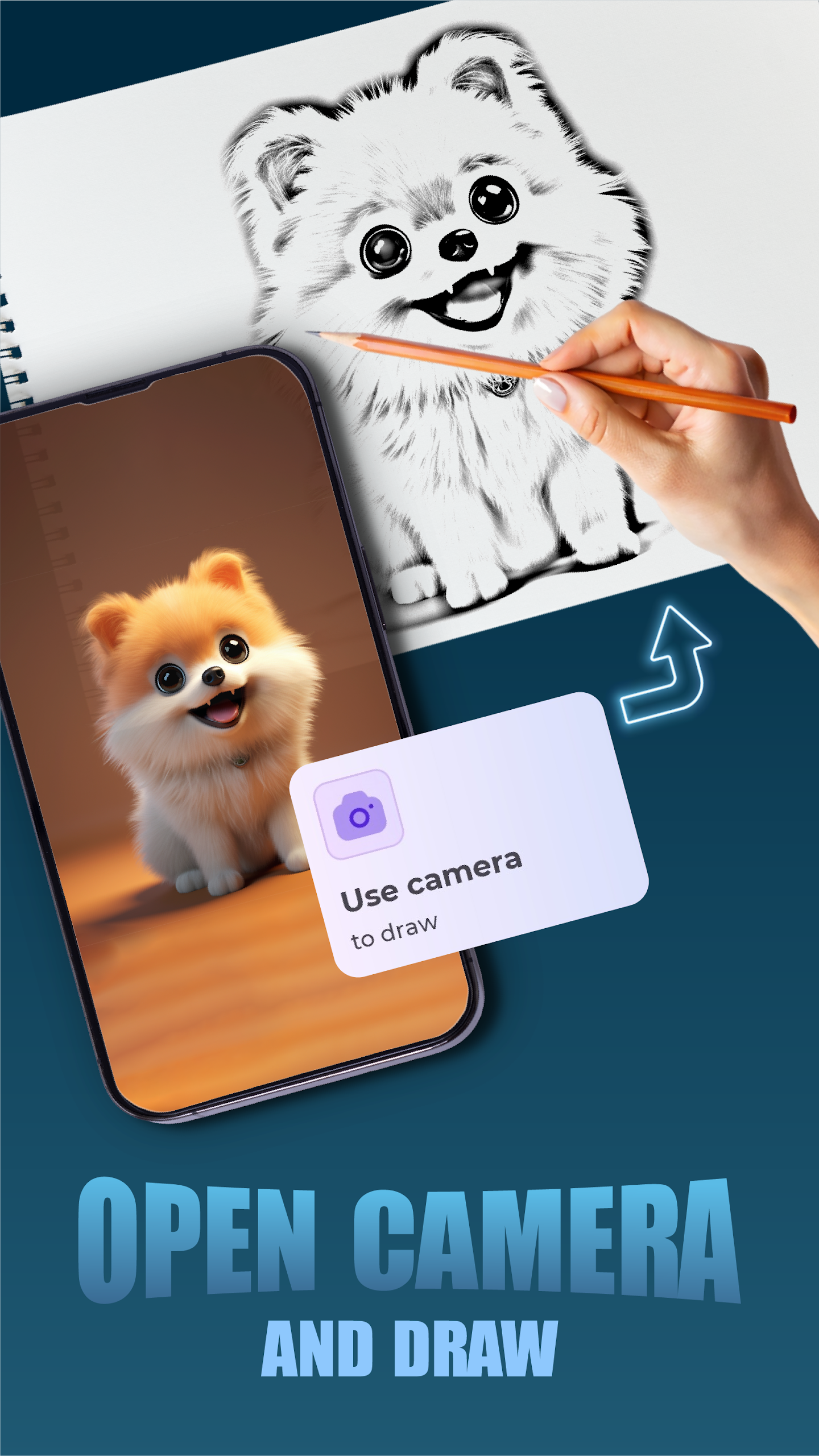
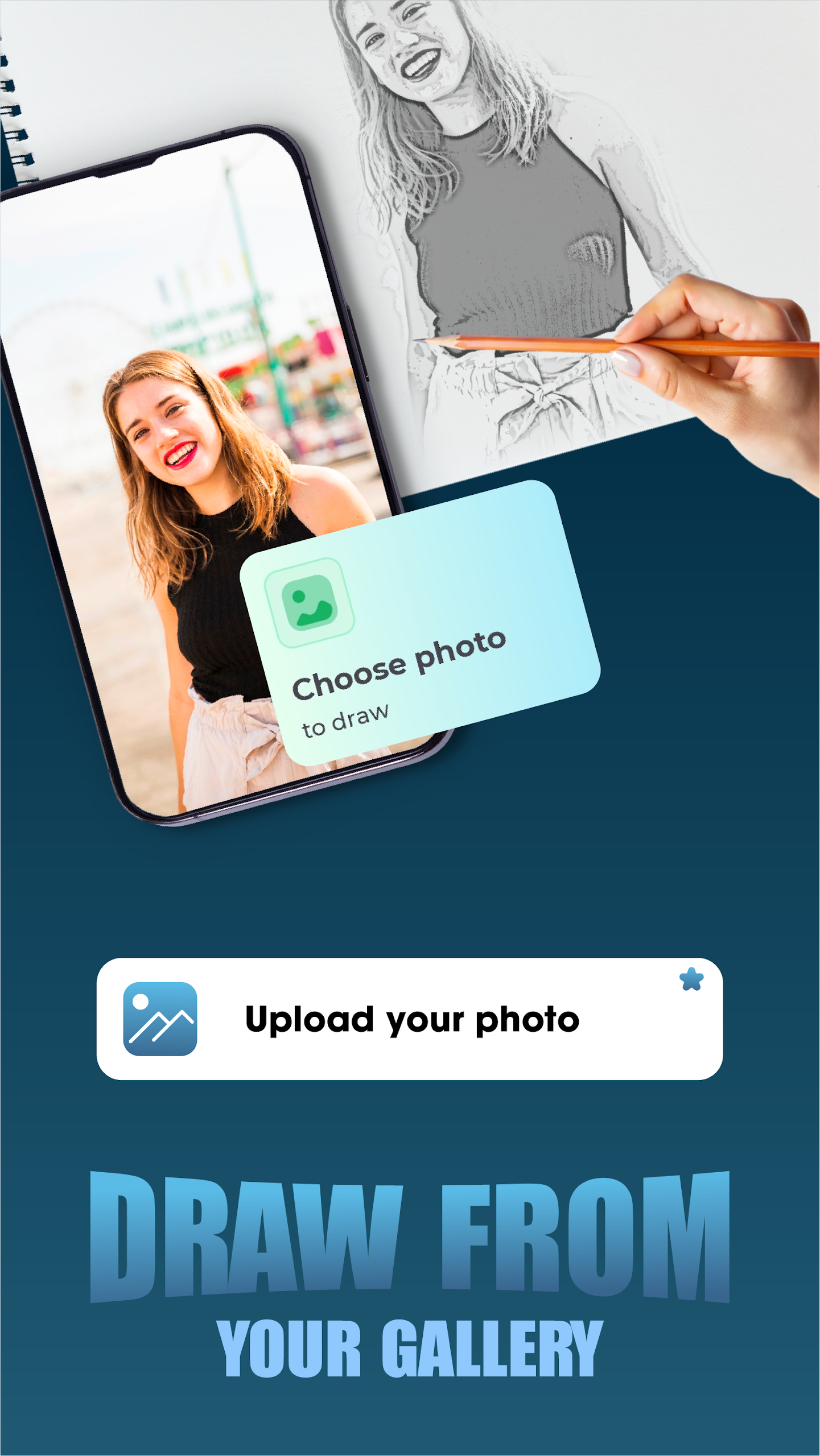
Unleash your artistic potential with AR Drawing: Sketch & Paint! This cutting-edge application bridges the gap between the physical and digital worlds, enabling you to craft breathtaking 3D sketches and vibrant paintings in augmented reality. Turn any environment into your own unique canvas and witness your creations bring themselves to life.
Highlighted Features of AR Drawing: Sketch & Paint:
_ Augmented Reality Sketching: Break free from traditional artistic boundaries. Create and illustrate in three dimensions, integrating your masterpieces seamlessly with your surroundings for an extraordinary creative experience. Perfect for artists, designers, and anyone seeking a new artistic angle.
_ Live AR Painting: Bring color to your surroundings with real-time painting capabilities. Our user-friendly interface provides a broad spectrum of colors and brushes, making it easy to produce striking AR artwork.
_ User-Centric Interface: This app caters to individuals of every skill level, ensuring a seamless experience from initial sketch to final artwork.
_ Learn and Evolve: Kickstart your journey into AR art with engaging tutorials. Grasp fundamental techniques and learn more advanced methods to enhance your artistic creations.
Why Choose AR Drawing: Sketch & Paint?
_ Stay at the cutting edge of augmented reality art.
_ Cultivate your creativity in a thrilling new format.
_ Ideal for artists of all levels, educators, and creative individuals.
_ Improve your spatial awareness and artistic abilities.
_ Your Space, Your Artistic Platform
With AR Drawing: Sketch & Paint, your artistic opportunities are limitless. Each part of your surroundings presents a chance for creative exploration. Are you prepared to transform the way you create and view art?
Embrace AR Drawing: Sketch & Paint today and embark on a remarkable adventure into the future of artistic expression.
Dive into Augmented Reality Art Now!
Operation Guide
1. Open the app. Beginners should first learn the tutorial to master canvas positioning and brush selection basics;
2. Select AR Sketch/Realistic Drawing mode, and use the rich selection of brushes and colors (custom color adjustment is supported) to create 3D artwork using the real environment as your canvas. Templates can be used for assistance;
3. Once your artwork is complete, save it as a high-resolution image/video and share it directly to social media platforms or publish it to the app's community;
4. If you encounter AR lag, close the app in the background or lower the image quality parameters in the settings.
FAQs
1. **Is this app user-friendly for beginners? **
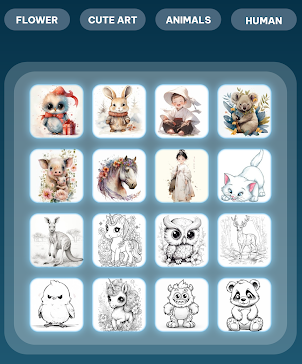
Very user-friendly. The app features a dedicated beginner tutorial that walks you through the basics of AR drawing, such as positioning the canvas in the real world and selecting a brush. A wide variety of templates are available for copying, covering a variety of genres, including animals, anime, and landscapes, lowering the barrier to entry. The simple and easy-to-understand interface makes it easy to get started, even without prior drawing experience, and gradually cultivate your interest and skills.
2. **What devices can I use with AR Drawing: Sketch & Paint? **
Most smartphones and tablets running iOS or Android are supported. For iOS, certain versions (usually a recent version) must be met to ensure stable AR functionality. Similarly, for Android devices, ensure the system version is compatible and the device's camera and other hardware are in good working order to experience the magic of AR drawing smoothly.
3. **Can I save and share my creations? **
Yes. After completing your creation, you can save your work as a high-quality image or video to your device's camera album. Sharing is also easy. You can directly share your creations to major social platforms like WeChat, Weibo, and Instagram, allowing you to share your creations with friends, family, and other art enthusiasts. You can also showcase your work in the in-app community for feedback and discussion.
4. **Are there a wide variety of in-app brushes and colors? **
Very rich. The diverse brush types include pencils, watercolor pens, oil brushes, and other brushes with varying textures, allowing you to simulate realistic painting effects. Regarding colors, a wide palette is available, ranging from common basic colors to various gradients and special colors. Custom color palettes are also supported, meeting the artist's diverse color needs and enabling diverse artistic expression.
5. **Will the AR feature experience lag? **
Generally, it won't. The app has been optimized to run AR smoothly on most compatible devices. However, on devices with lower performance, such as low memory or an older processor, lag may occur. In this case, you can close other background apps to free up memory, or adjust AR effect parameters such as image quality in the settings to improve smoothness.
- Version1.4
- UpdateOct 12, 2026
- DeveloperThe Office Tool Mobie
- CategoryArt & Design
- Requires AndroidAndroid 7.0+
- Downloads187K+
- Package Namecom.liontool.sketchpaint.ardrawing.pencil.trace
- Signature3c77859b997f6b12223d47a8c4061869
- ReportFlag as inappropriate









Novel creative format
Low barrier to entry
Rich tools
Easy sharing
Depends on device performance
Limited functionality
Scenario practicality needs improvement