
d3D Sculptor - 3D modeling - 3D sculpting & modeling
Unleash creativity with powerful tools for sculpting, texturing, & sharing your digital masterpieces seamlessly!
- 7.47 Version
- 3.8 Score
- 648K+ Downloads
- In-app purchases License
- 3+ Content Rating

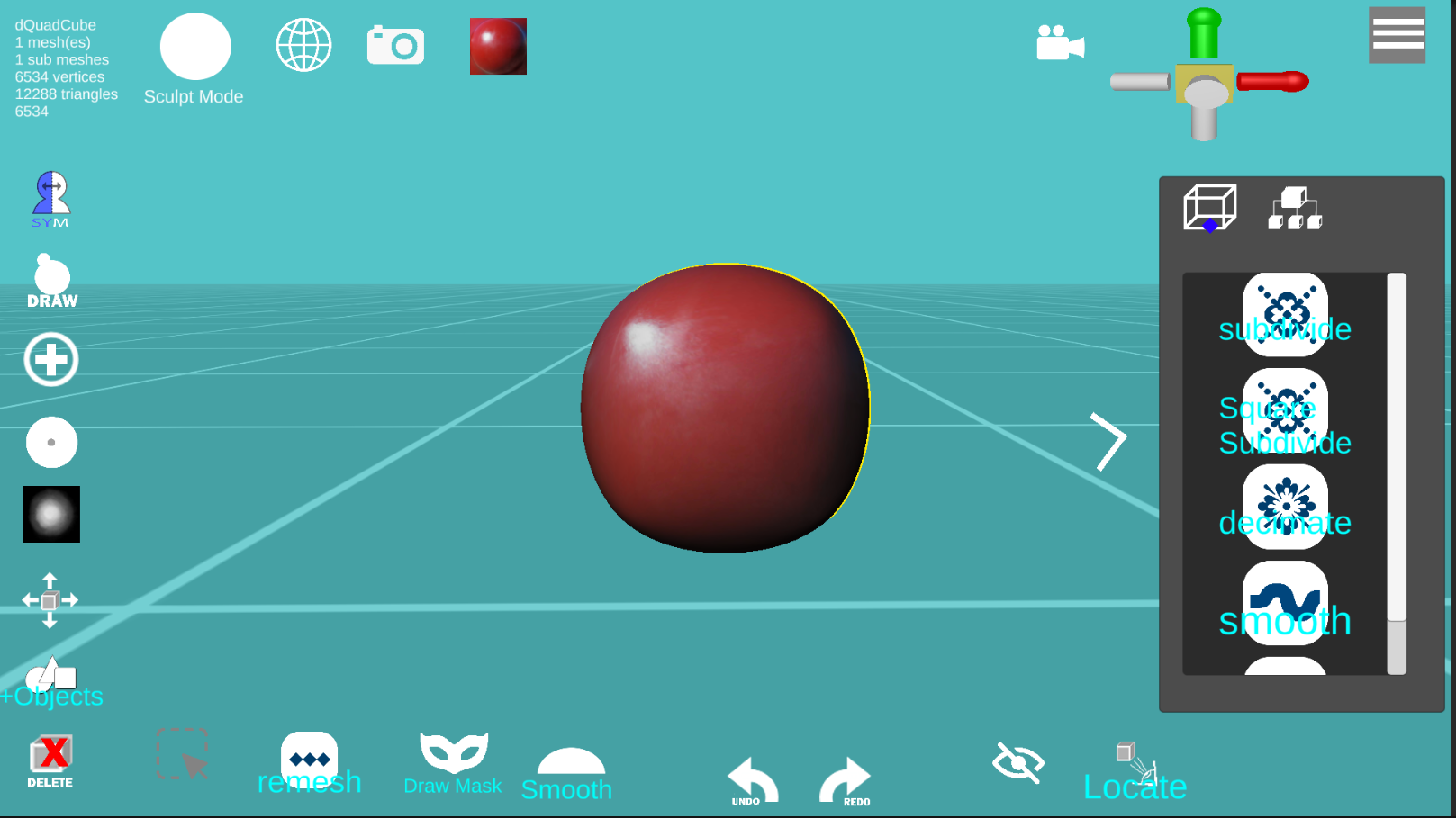
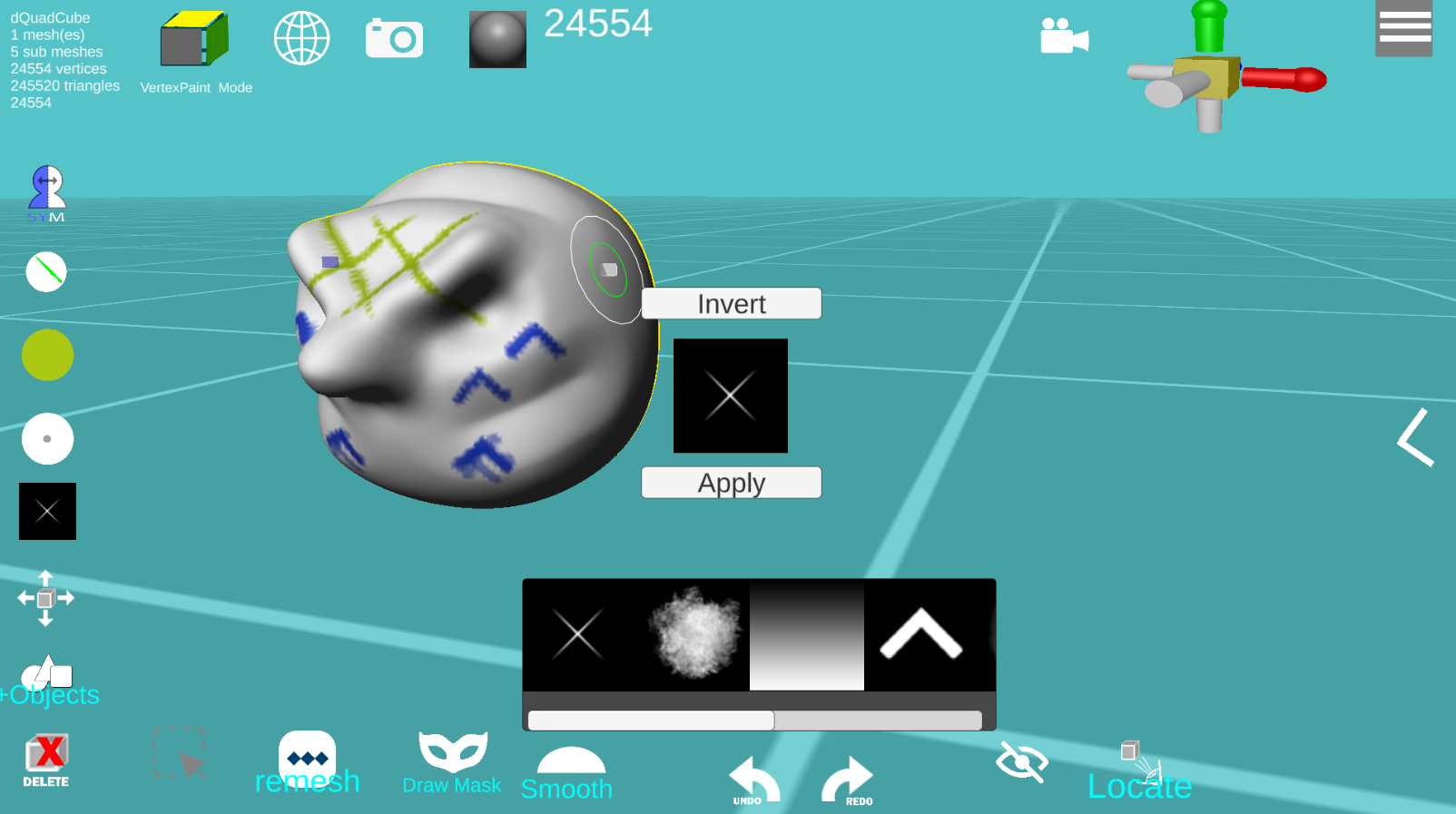
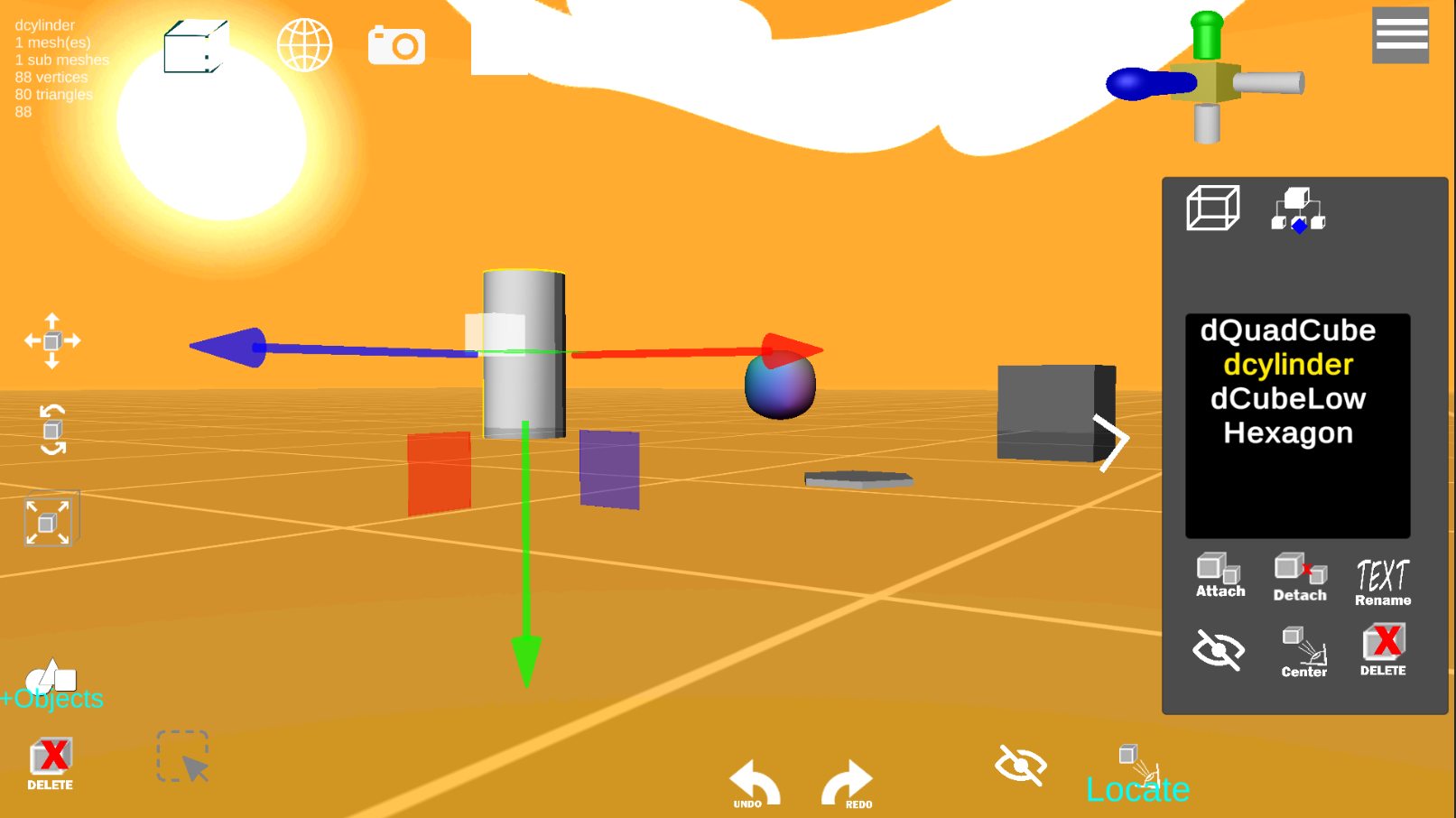
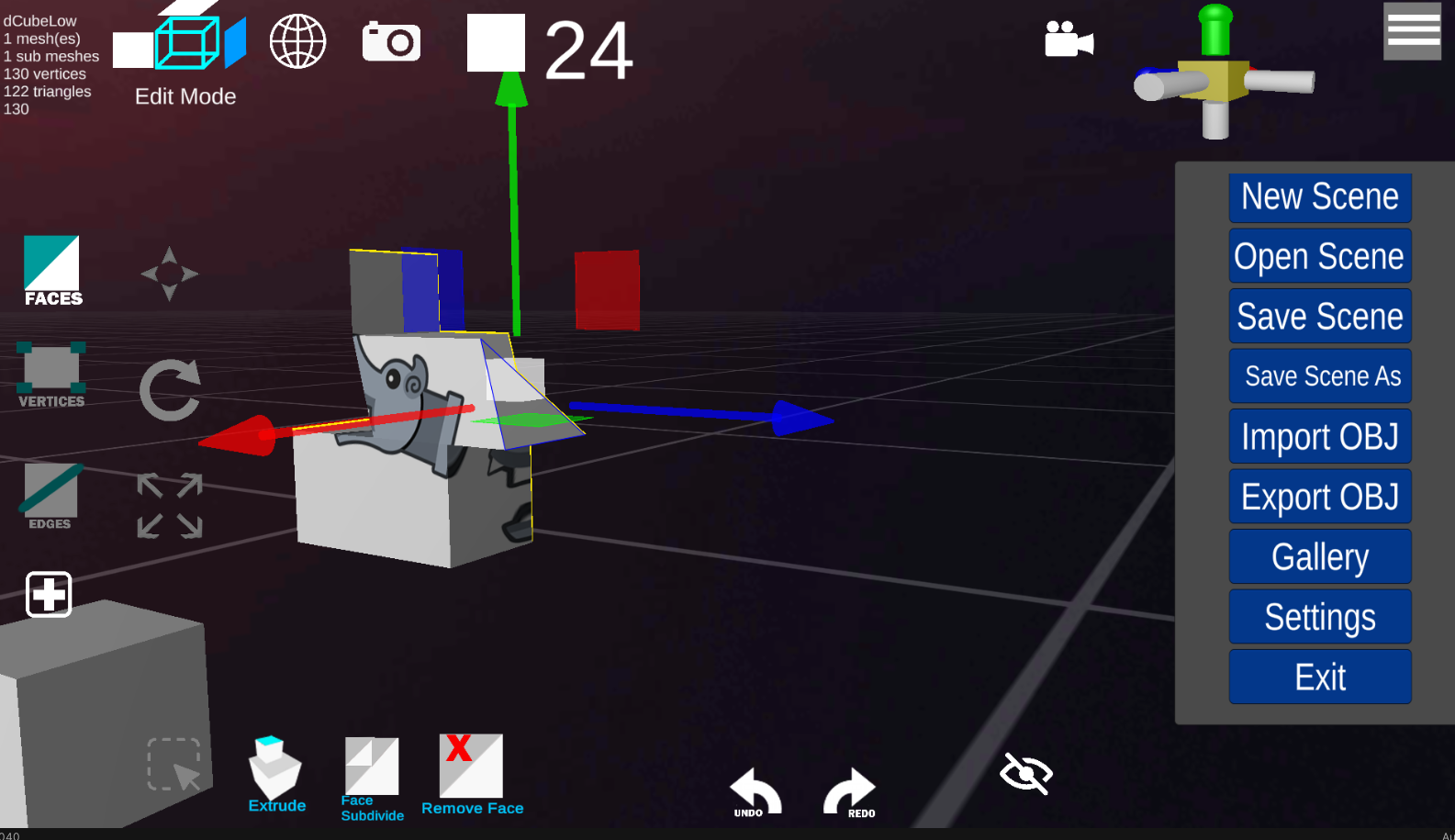
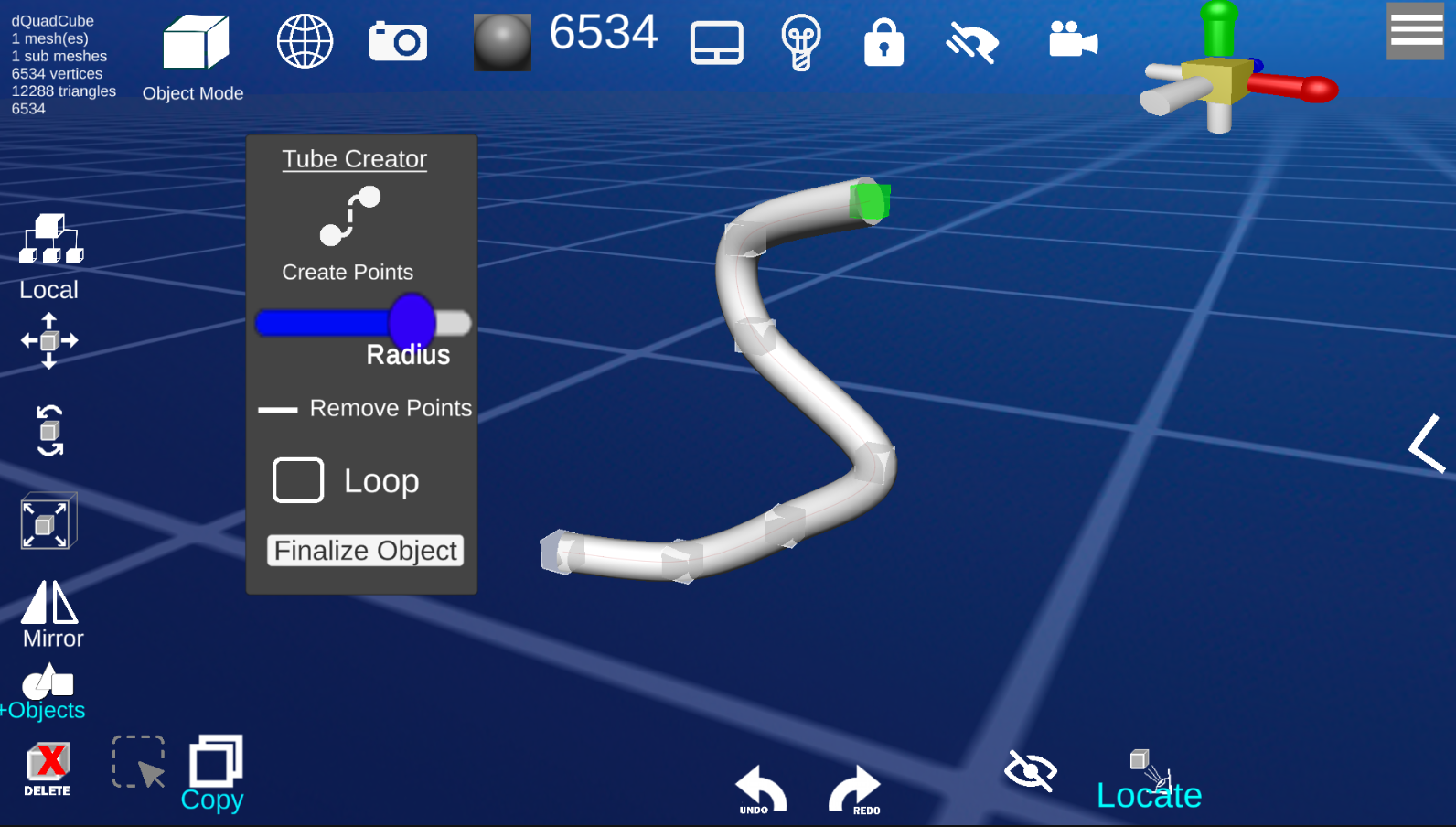
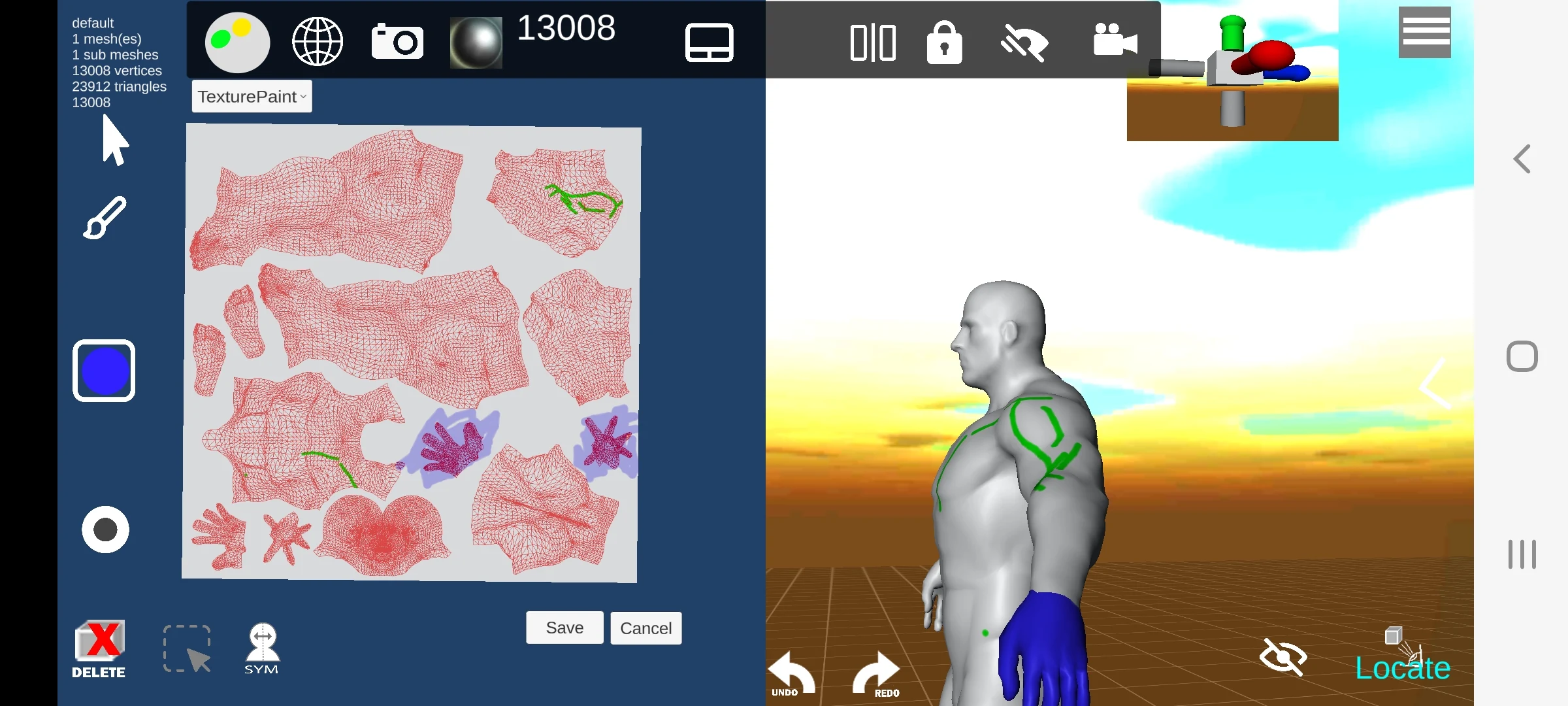
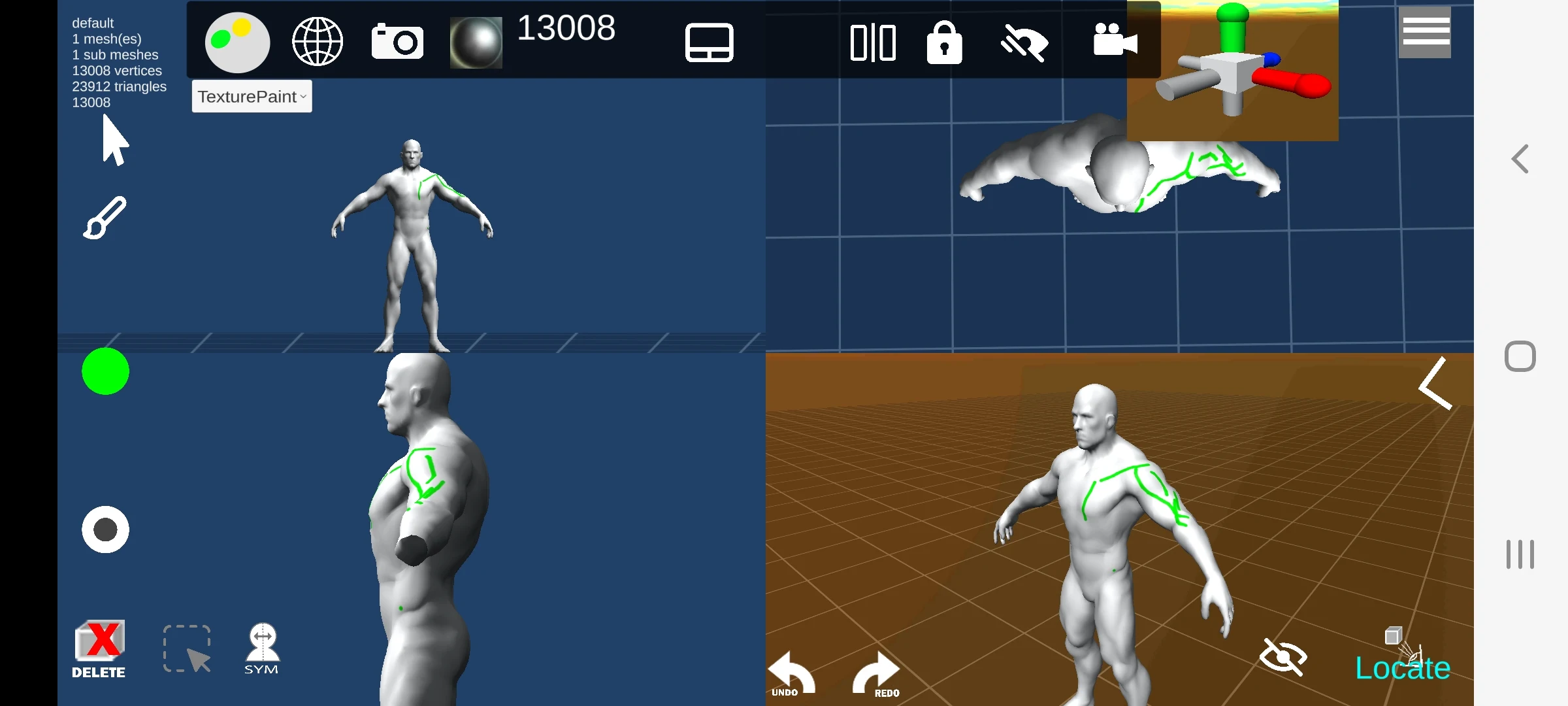
d3D Sculptor is a digital sculpting application that integrates 3D modeling, texturing, and painting capabilities.
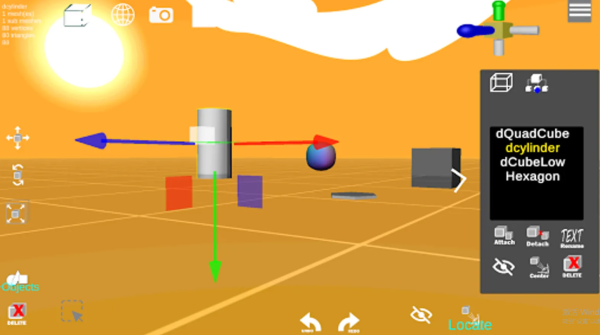
This tool allows users to manipulate digital objects as if they were crafting with a physical material like clay, enabling actions such as pushing, pulling, extruding, moving, rotating, and stretching. It also provides the ability to adjust UV coordinates—scaling, rotating, translating, and reverting them back to their initial state at any moment. Users can import OBJ files for additional detailing or texturing, export OBJ files, and employ their 3D models in various design software!
Features:
• Compatible with OBJ import and export formats
• Universal object support via OBJ
• Face extrusion and intrusion options
• Capability to modify vertices, faces, and edges
• Dynamic topology adjustments
• Sculpt using alpha textures
• Paint and texture functionality (including texture export)
• Ability to load custom MatCaps
• UV editing features
- Unwrap Modifier - AI-driven UV unwrapping
• Boolean functions
- Intersecting, subtracting, and union operations
• Subdivision tools by edge, center, or curve
• Option to decimate the model to lower the polygon count
• Mask drawing capability
• Showcase creations in the d3D Sculptor gallery
Free Version Limit:
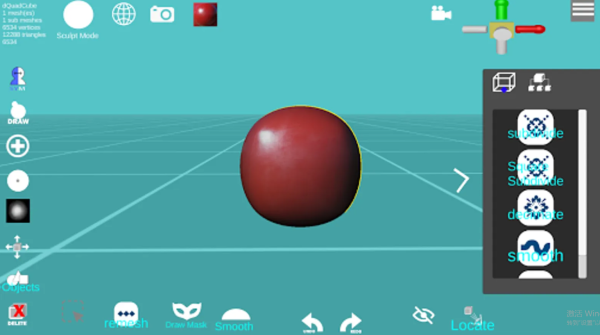
Unlimited exports for models containing up to 65,000 vertices
5-step undo and redo restriction
How to Use:
1. **Model Preparation**: Create a new sculpt or import an OBJ file;
2. **Sculpt Editing**: Shape the model using tools such as push/pull/extrude, edit vertices/faces/edges, combine the model using Boolean operations, and unwrap the UVs in AI;
3. **Coloring and Texture Application**: Color the model in painting mode, load MatCaps, and export the texture;
4. **Export and Share**: Export OBJ/STL (free version ≤ 65000 vertices) and publish to your gallery;
5. **Limitations**: The free version only allows 5 undo/redo steps, is available on iOS, and does not support styluses.
Related Questions and Answers:
- **What operating systems does d3D Sculptor support? **
- **Answer**: d3D Sculptor Pro runs on iOS.
- **What are the limitations of the free version of d3D Sculptor? **
- **Answer**: The free version of d3D Sculptor allows unlimited exports of models with up to 65,000 vertices, with a limit of 5 steps of undo and redo.
- **Does d3D Sculptor support a stylus? **
- **Answer**: d3D Sculptor does not support a stylus.
- **What file formats can d3D Sculptor export? **
- **Answer**: d3D Sculptor can export OBJ and STL files. OBJ is used for general scenes, while STL is primarily used for 3D printing.
- **Is the d3D Sculptor interface easy to use? **
- **Answer**: d3D Sculptor's interface is simple and clear, with a well-organized layout of functions. Even first-time 3D modeling users can quickly get started, reducing the learning curve.
- Version7.47
- UpdateOct 29, 2026
- DeveloperNaticis
- CategoryArt & Design
- Requires AndroidAndroid 7.0+
- Downloads648K+
- Package Namecom.naticis.d3D
- Signatureeebecb824a55926cd65e643c79541469
- Available on
- ReportFlag as inappropriate
-
NameSizeDownload
-
98.75 MB
-
80.11 MB
-
79.98 MB









User-friendly for beginners
Wide array of sculpting and modeling tools
Ability to import/export files for free
Good for creating basic 3D models
Smooth performance on compatible devices
Impressive features considering it's a mobile app
App crashes frequently
Laggy during complex operations
Difficult navigation and controls
Limited export capabilities unless paid
Confusing user interface
Inconsistent performance across devices
Bugs that impede functionality (e.g., color issues)
Lack of tutorials or guidance for new users