
AI Draw Sketch: Sketch & Paint - Sketch & Paint easily
Transform photos into stunning sketches effortlessly with tracing techniques & engaging lessons for all skill levels.
- 12.0 Version
- 2.0 Score
- 157K+ Downloads
- Free License
- 3+ Content Rating

Ai Draw Sketch: Sketch & Paint
1. Overview
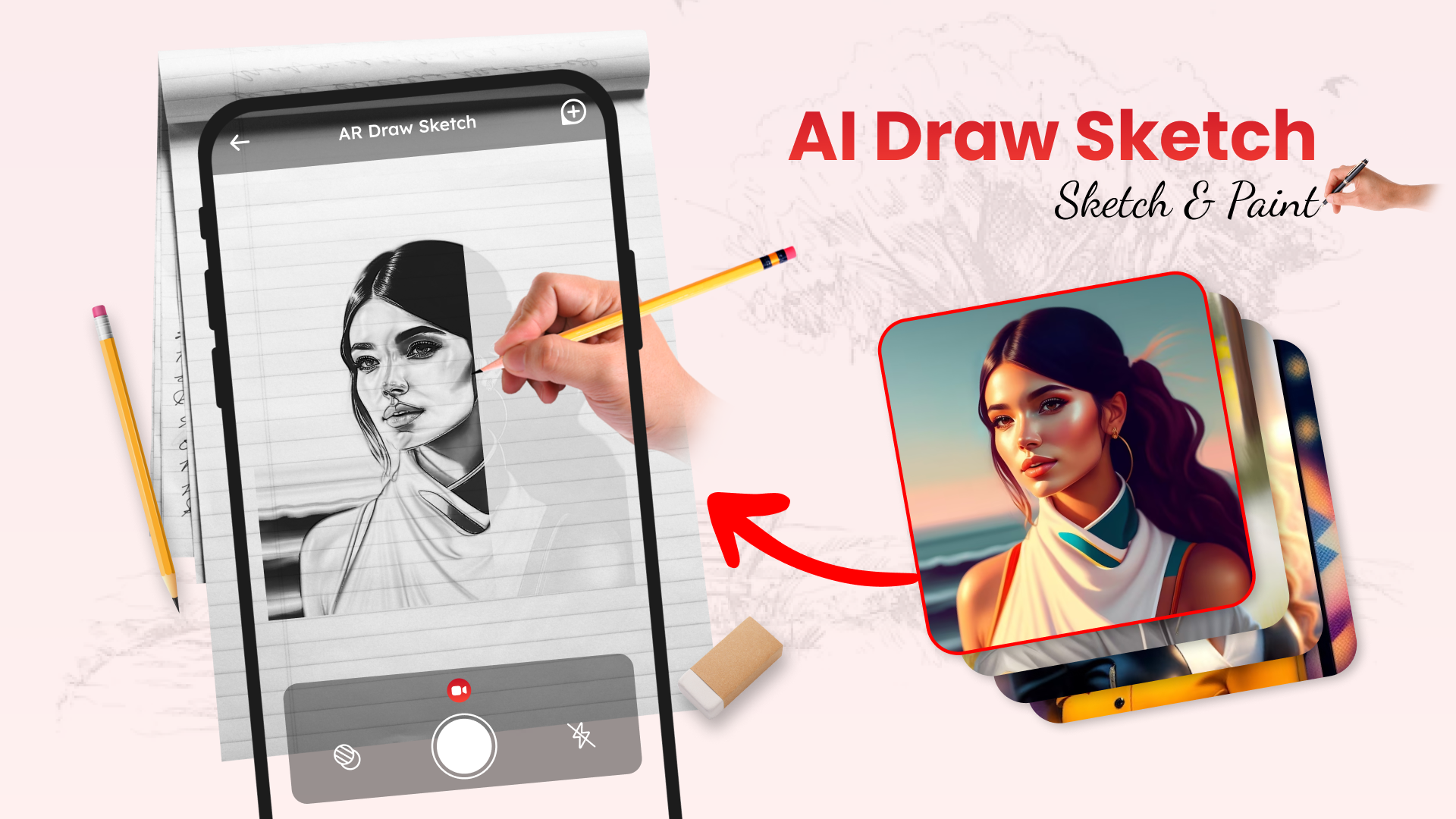
Ai Draw Sketch: Sketch & Paint is a drawing app that combines step-by-step tutorials, image tracing, and photo-to-sketch conversion. Its reference image library covers various subjects, providing examples for users to follow when practicing drawing.
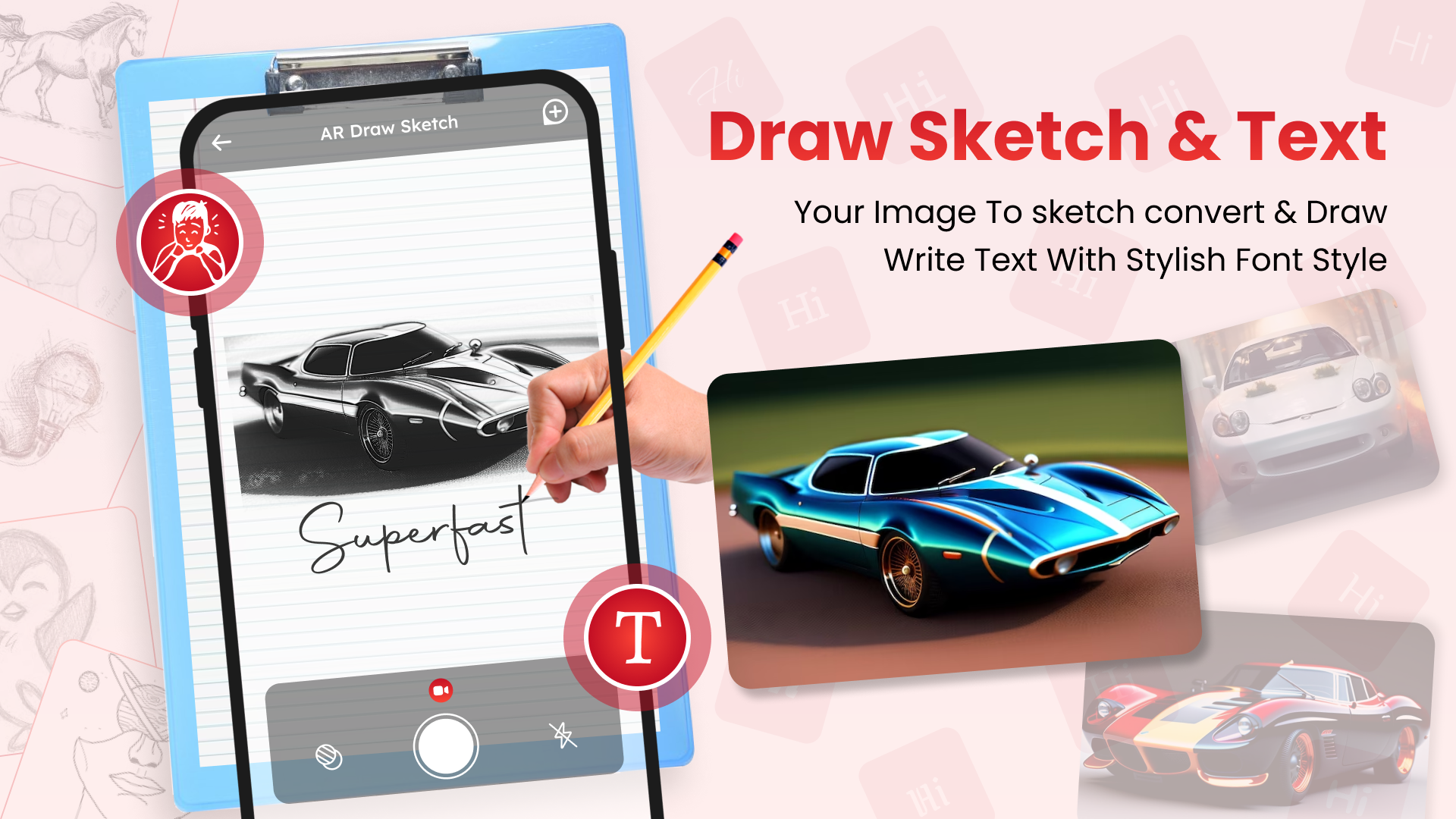
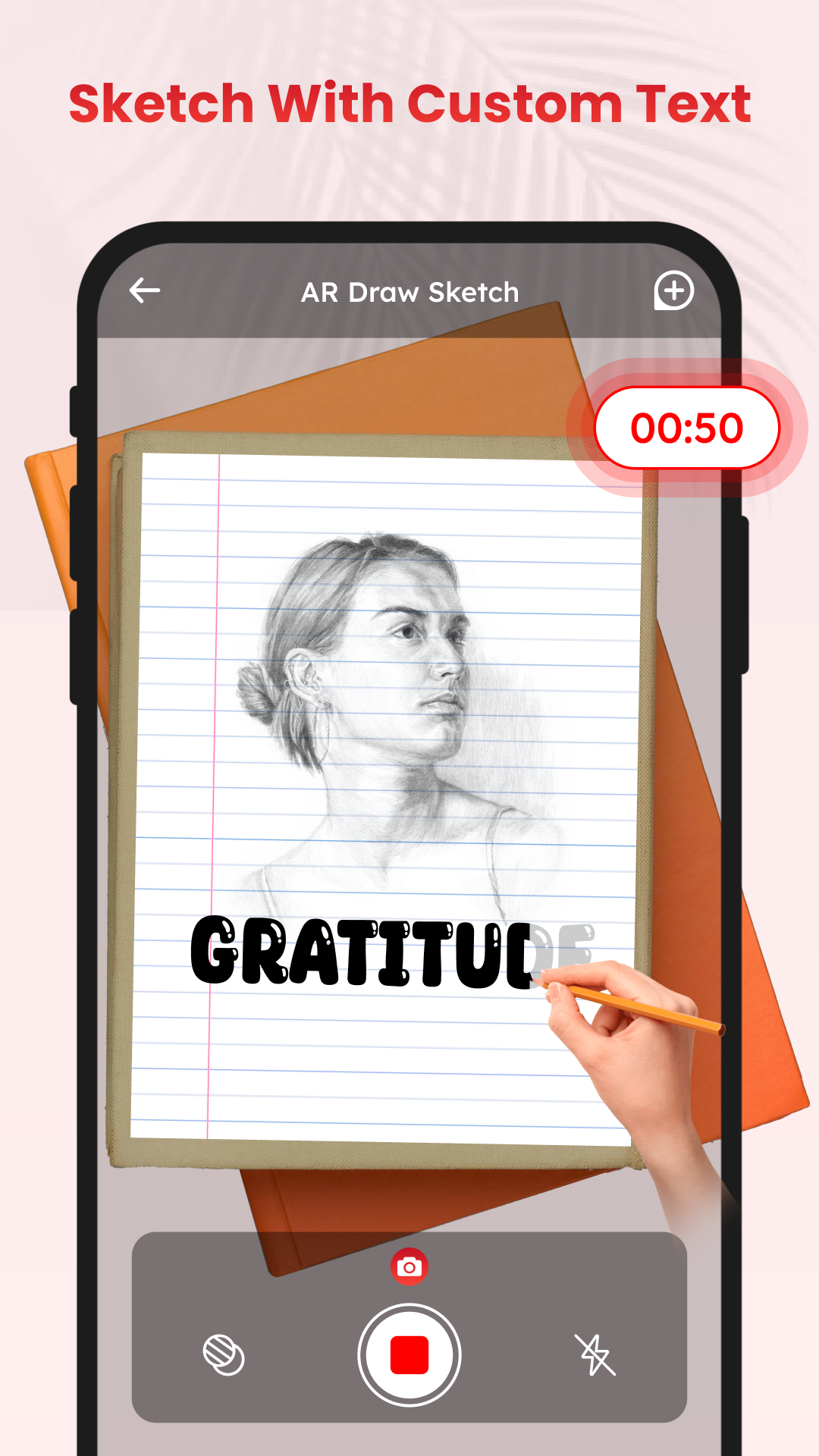
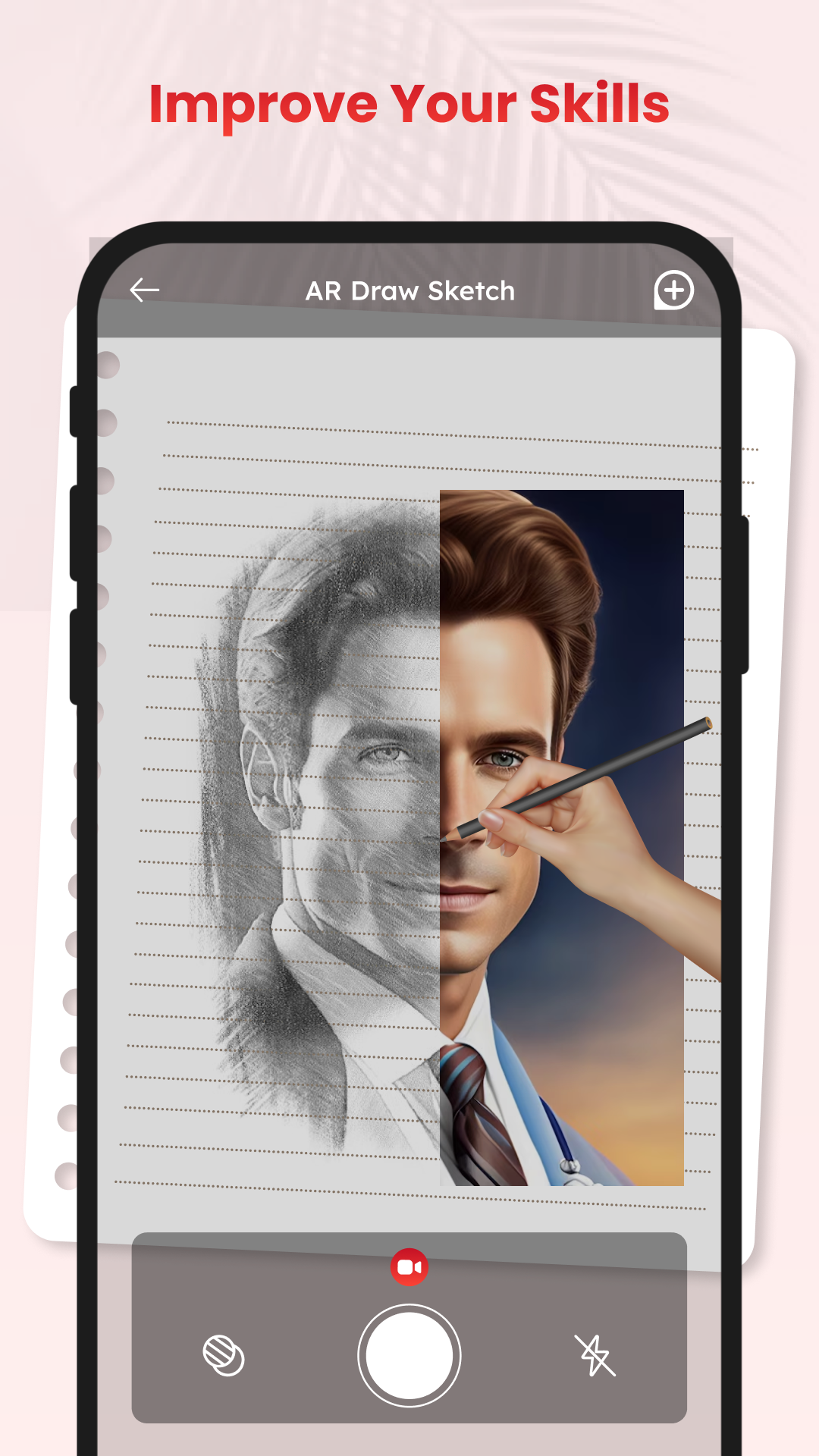
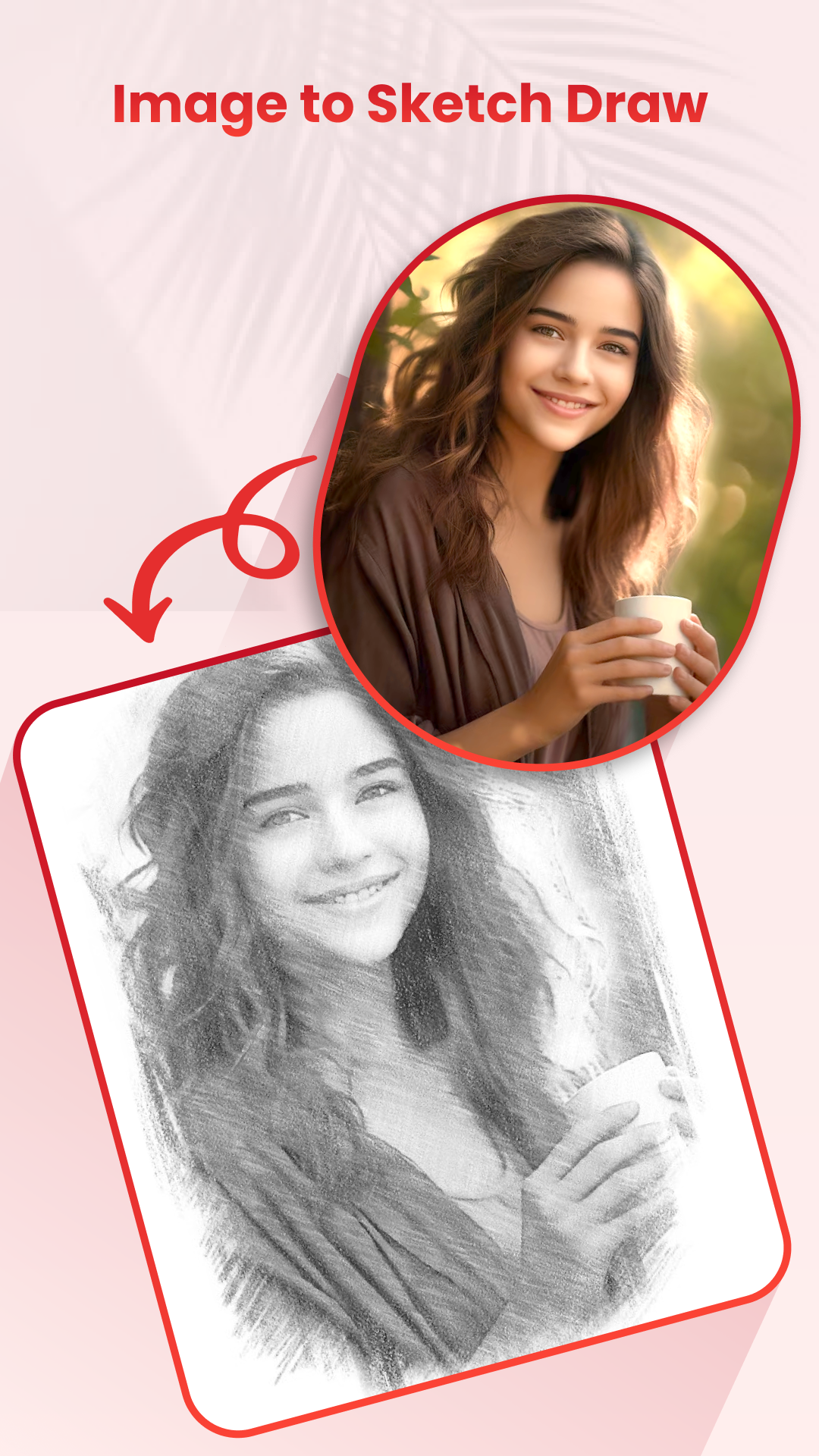
The app can convert photos from the device gallery into sketch-style outlines, which can be displayed on a phone or tablet as guides for drawing on paper. It also features decorative lettering styles, video demonstrations of drawing techniques, and a dedicated folder for storing completed artwork. Finished sketches can be shared with others.
2. Key Features
• Photo-to-Sketch Conversion: Turn personal photos into sketch-style outlines for drawing practice
• Reference Image Library: Browse drawing examples covering different subjects and styles
• Image Tracing: Use displayed outlines as guides to reproduce images on paper
• Decorative Lettering: Explore different text styles for lettering practice
• Video Tutorials: Watch demonstrations of drawing techniques and app tools
• Artwork Storage: Keep completed sketches in a dedicated folder
• Artwork Sharing: Share finished drawings with others
3. How to Use
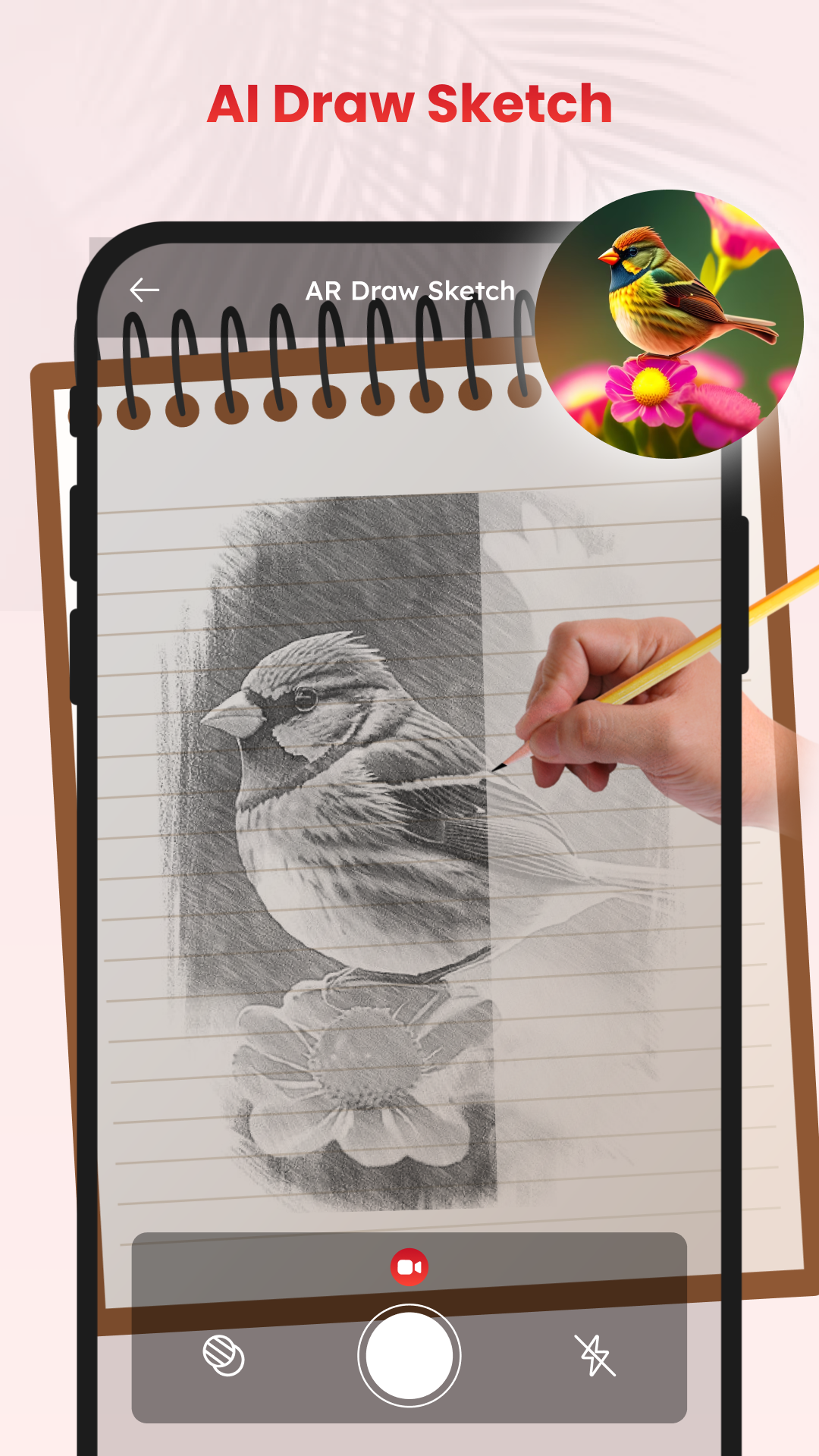
The tracing function allows you to use images displayed on your device screen as guides for drawing on paper.
1. Open the app and select an image from the built-in library or import a photo from your gallery.
2. If using a personal photo, apply the sketch conversion tool to generate an outline.
3. Place your phone or tablet on a stable surface or tripod with the screen facing upward.
4. Adjust the image position and brightness until the outlines are clearly visible.
5. Place a sheet of paper in front of the screen.
6. Follow the displayed outlines with a pencil or pen to reproduce the image.
7. Save the finished drawing in the artwork folder or share it with others.
4. App Experience
Ai Draw Sketch: Sketch & Paint focuses on guided drawing through visual references and tracing tools. Instead of relying entirely on freehand techniques, users can follow existing outlines to practice shapes and proportions.
The built-in image library offers ready-made drawing subjects, while photo conversion allows users to work with their own pictures. Decorative lettering provides an additional creative activity beyond sketching.
The tracing process depends on proper device positioning. A stable phone stand or tripod helps keep the image in place while drawing. Once completed, sketches can be stored in the artwork folder for later viewing or sharing.
5. Target Audience
• Drawing Beginners: Those learning to reproduce basic shapes and outlines
• Art Students: Users practicing drawing techniques with visual references
• Creative Hobbyists: People interested in sketching personal photos or decorative lettering
• Families: Parents and children looking for guided drawing activities
6. Frequently Asked Questions
Q1: Can I use Ai Draw Sketch: Sketch & Paint offline?
Some drawing and tracing functions may work offline, while downloading resources or accessing certain content may require an internet connection.
Q2: Can I turn my own photos into sketches?
Yes. Import a picture from your device gallery and use the photo conversion tool to generate a sketch-style outline.
Q3: Is Ai Draw Sketch: Sketch & Paint free?
The app offers basic drawing and tracing functions. Access to additional content or premium features may depend on the version.
Q4: Where are my completed drawings saved?
Completed sketches can be stored in the app's dedicated artwork folder.
Q5: Do I need a tripod for image tracing?
No. A tripod is optional. A phone stand or another stable surface can also keep your device in position while you draw.
Q6: Is the app suitable for beginners?
Yes. Reference images, tracing tools, and video tutorials provide visual guidance for users with little or no drawing experience.
- Version12.0
- UpdateNov 10, 2026
- DeveloperElvia Coleman
- CategoryArt & Design
- Requires AndroidAndroid 5.0+
- Downloads157K+
- Package Namecom.chielv.aidrawsketch.aipaint.drawingtoimages.sketchbook
- Signature5a61ab0ceb3797ebfa6ad0b514f80bcb
- Available on
- ReportFlag as inappropriate








Low learning curve
Practical and convenient functions
Offline usability
Advertising and paid content restrictions
Insufficient originality and individuality
Limited functionality in some areas