
German Turkish Translator - German & Turkish Translator
Easily translate between German & Turkish with this handy app, perfect for students, travelers & language learners!

- 24.1 Version
- 1.7 Score
- 159K+ Downloads
- Free License
- 3+ Content Rating

German Turkish Translator
1. Overview
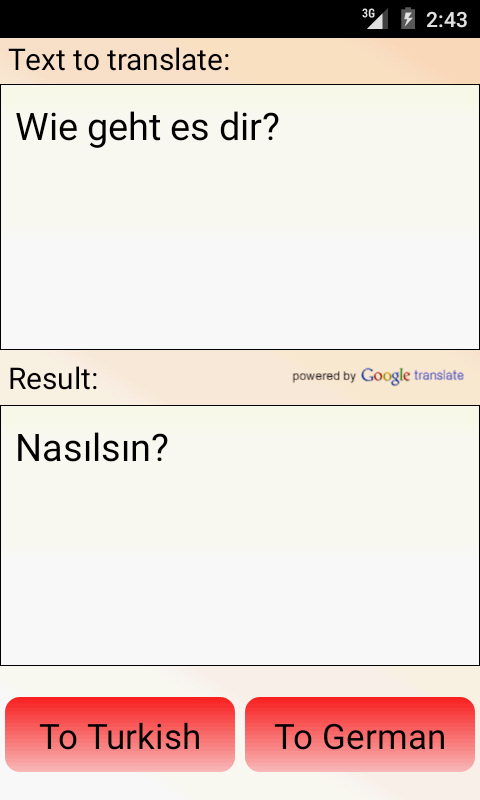
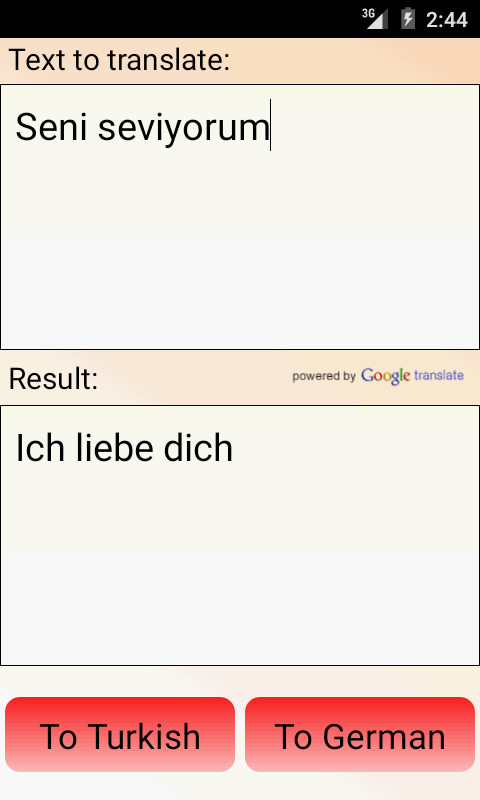
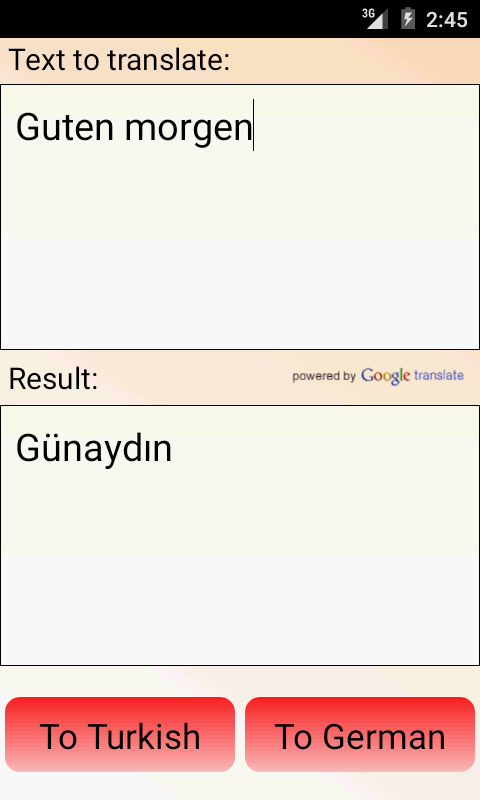
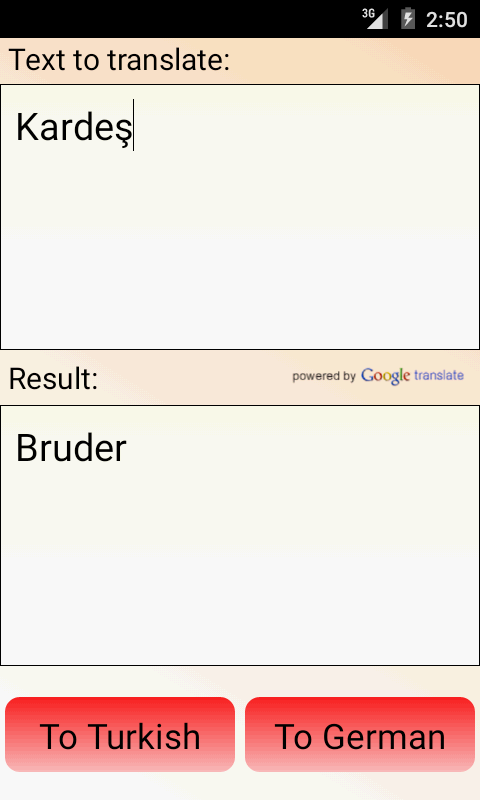
German Turkish Translator is a free translation app for converting words and text between German and Turkish. It combines two-way text translation with a built-in dictionary for individual word lookups, covering both general translation and vocabulary searches.
The dictionary includes instant search suggestions and fuzzy matching, which can identify similar entries when a word is incomplete or slightly misspelled. Individual words can also be played aloud to hear their pronunciation, although audio playback requires an internet connection.
Additional features include a favorites list, a history of the 50 most recent searches, and a daily word widget for Android home screens. Users can also download available language data through the settings for offline access to supported functions. No account or registration is required.
2. Key Features
Two-Way Translation: Translate words and longer text between German and Turkish.
Built-in Dictionary: Look up individual words and view their translations.
Instant Search Suggestions: Display matching vocabulary entries while typing.
Fuzzy Search: Find similar words when search terms are incomplete or misspelled.
Audio Pronunciation: Listen to individual words with an active internet connection.
Search History: Keep a record of the 50 most recent search terms.
Favorites List: Save frequently searched words for later reference.
Clipboard Copying: Copy translation results for use in other applications.
Daily Word Widget: Display a vocabulary item directly on the Android home screen.
Offline Language Data: Download available language packages for supported offline functions.
No Account Required: Use the main translation and dictionary tools without registration.
3. How to Use
Open German Turkish Translator. No account or sign-in is required.
Enter a German or Turkish word or text in the search field.
Select a suggested entry to view its translation.
If the spelling is uncertain, use fuzzy search to find similar dictionary entries.
Tap the audio option to hear an individual word's pronunciation. An internet connection is required.
Add frequently used words to your favorites or copy translation results to the clipboard.
Open the search history to revisit previous queries. Up to 50 recent searches are retained.
To use supported functions offline, open the settings and download the available language data. The daily word widget can also be added to your Android home screen.
4. User Experience
German Turkish Translator focuses on a single language pair, combining text translation and dictionary lookup in one application. This arrangement accommodates both sentence-level translation and individual vocabulary searches without requiring separate tools.
Its search functions are particularly relevant to dictionary use. Instant suggestions narrow down matching entries, while fuzzy matching accommodates incomplete or slightly incorrect spelling. Favorites and search history also serve different purposes: one stores selected vocabulary, while the other keeps a record of recent queries.
The daily word widget provides an additional way to review vocabulary outside the app. Offline language packages extend access to supported functions when an internet connection is unavailable, although audio pronunciation still requires connectivity.
5. Frequently Asked Questions
Q1: Can I use German Turkish Translator offline?
A: Yes. Download the available language data packages through the settings before going offline. Offline availability depends on the downloaded data.
Q2: Why is audio pronunciation not working?
A: Word pronunciation requires an active internet connection. Check your network connection and try playing the audio again.
Q3: Can the dictionary recognize misspelled words?
A: The fuzzy search function can suggest similar dictionary entries when a search term is incomplete or slightly misspelled.
Q4: Do I need to create an account?
A: No. The main translation and dictionary functions are available without registration or sign-in.
Q5: How do I save words for later review?
A: Add individual words to your favorites list. You can also copy translation results to the clipboard.
Q6: How many searches are stored in the history?
A: The search history retains the 50 most recent terms. Older entries are removed as new searches exceed this limit.
- Version24.1
- UpdateNov 10, 2026
- DeveloperGK Apps
- CategoryBooks & Reference
- Requires AndroidAndroid 4.4+
- Downloads159K+
- Package Namean.DeTuTrans
- Signaturec37c97dfe9c7b8831337352022cce43d
- Available on
- ReportFlag as inappropriate
-
NameSizeDownload
-
1.07 MB
-
1.63 MB
-
513.56 KB













Focusing on core needs
Easy to use
Practical accessibility features
Limited translation depth
Relatively simple functionality