
e-Kütüphane: Kitap Oku - Reading & Book Management
Dive into thousands of books, customize your reading journey, & keep favorites at your fingertips with this app!
- 1.0.5 Version
- 1.6 Score
- 216K+ Downloads
- In-app purchases License
- 3+ Content Rating

The Library
App Overview
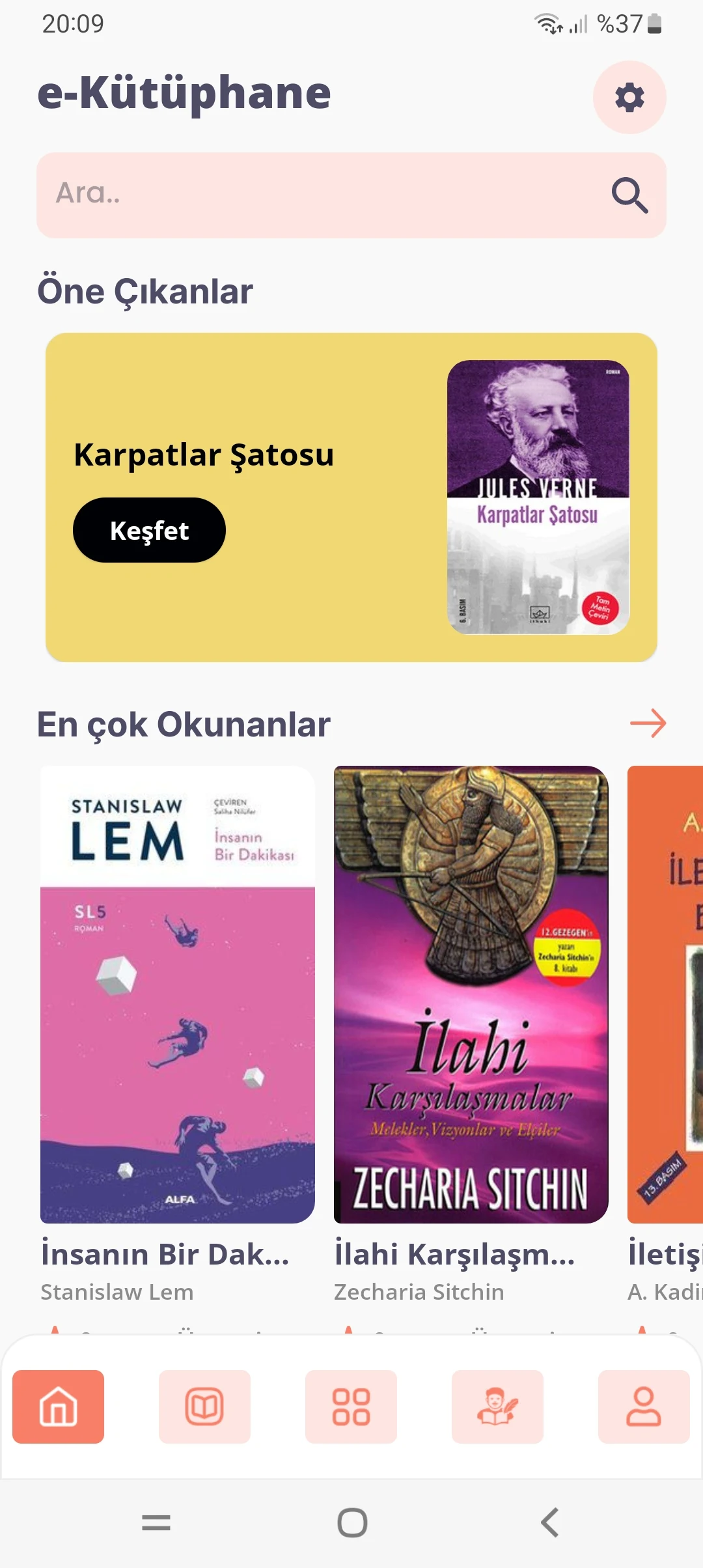
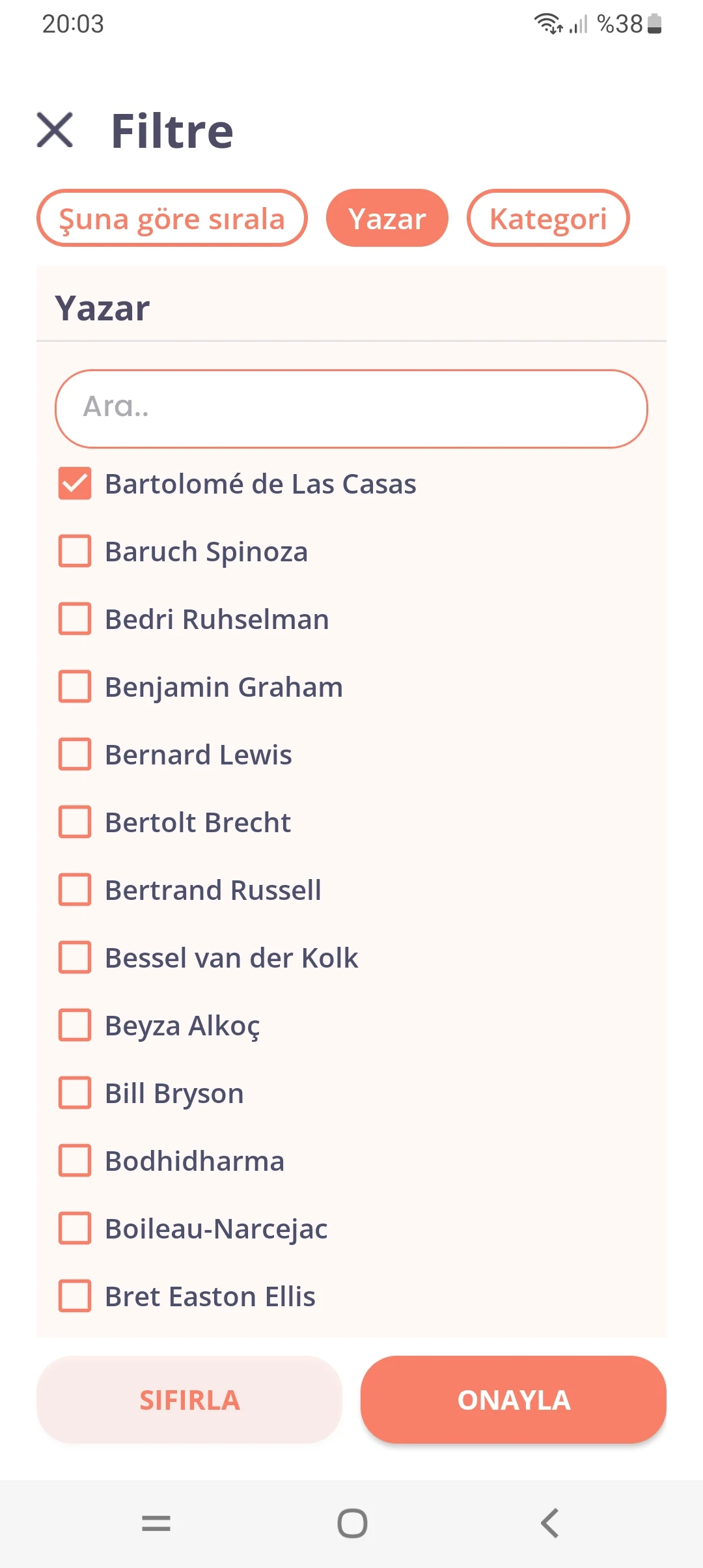
The Library is a mobile reading and book management app designed for people who enjoy reading and want to keep their books organized in one place. Depending on the version, users can browse available titles, download books for offline reading, and customize the display settings to suit their preferences.
The app also offers book organization tools for managing reading lists, saving favorite titles, and keeping track of reading progress. Some versions connect to library services, allowing members to access digital collections or use their library membership details through the app. With reading and collection management features available on mobile devices, The Library brings personal reading activities together in one place.
Key Features
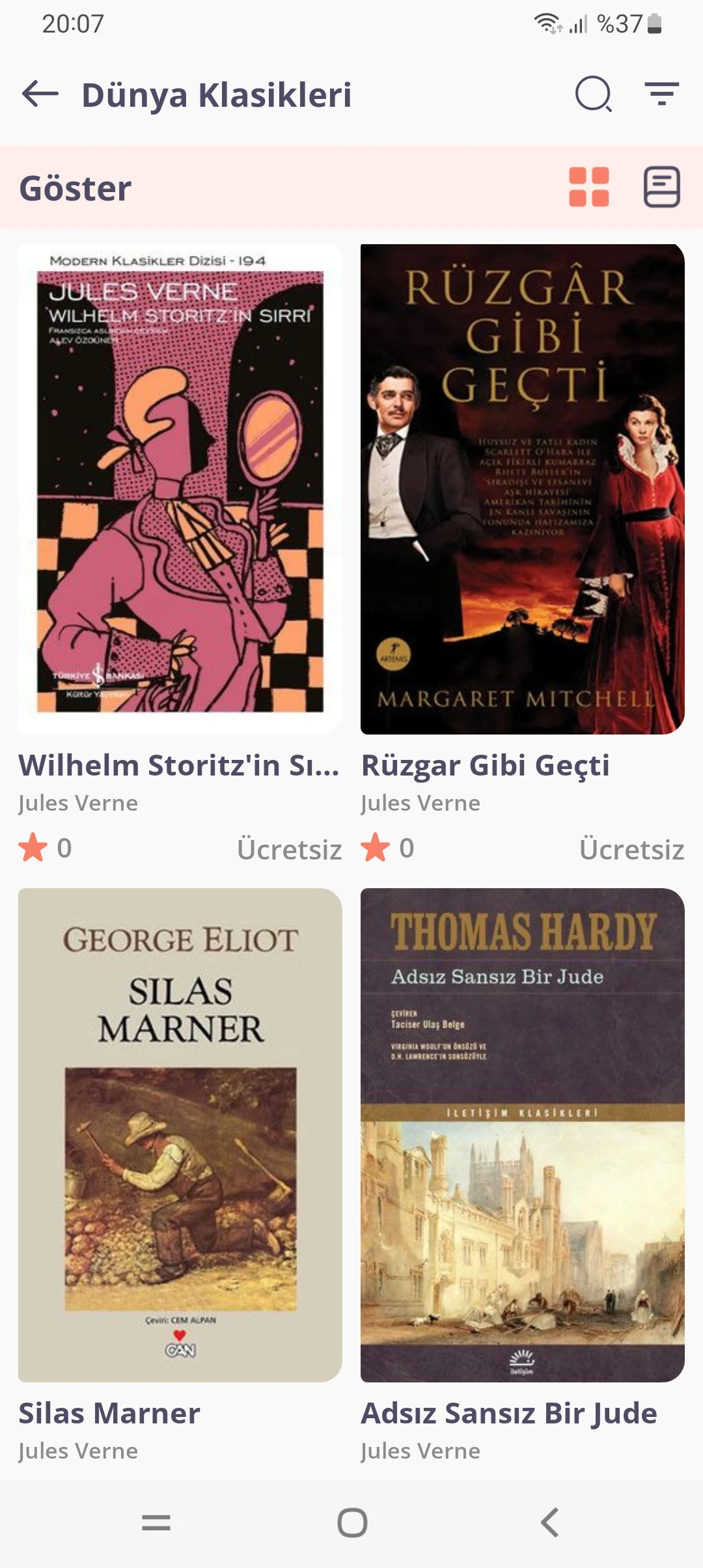
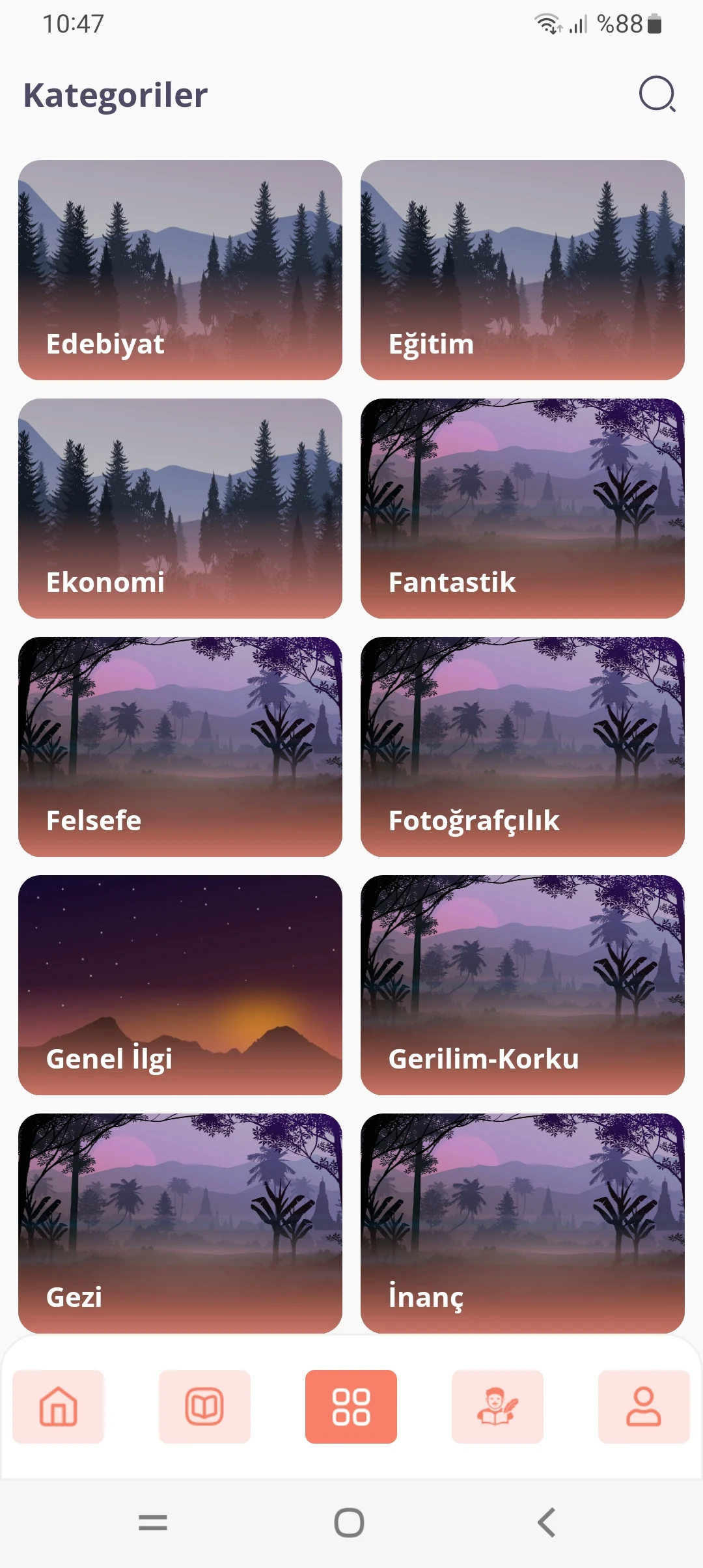
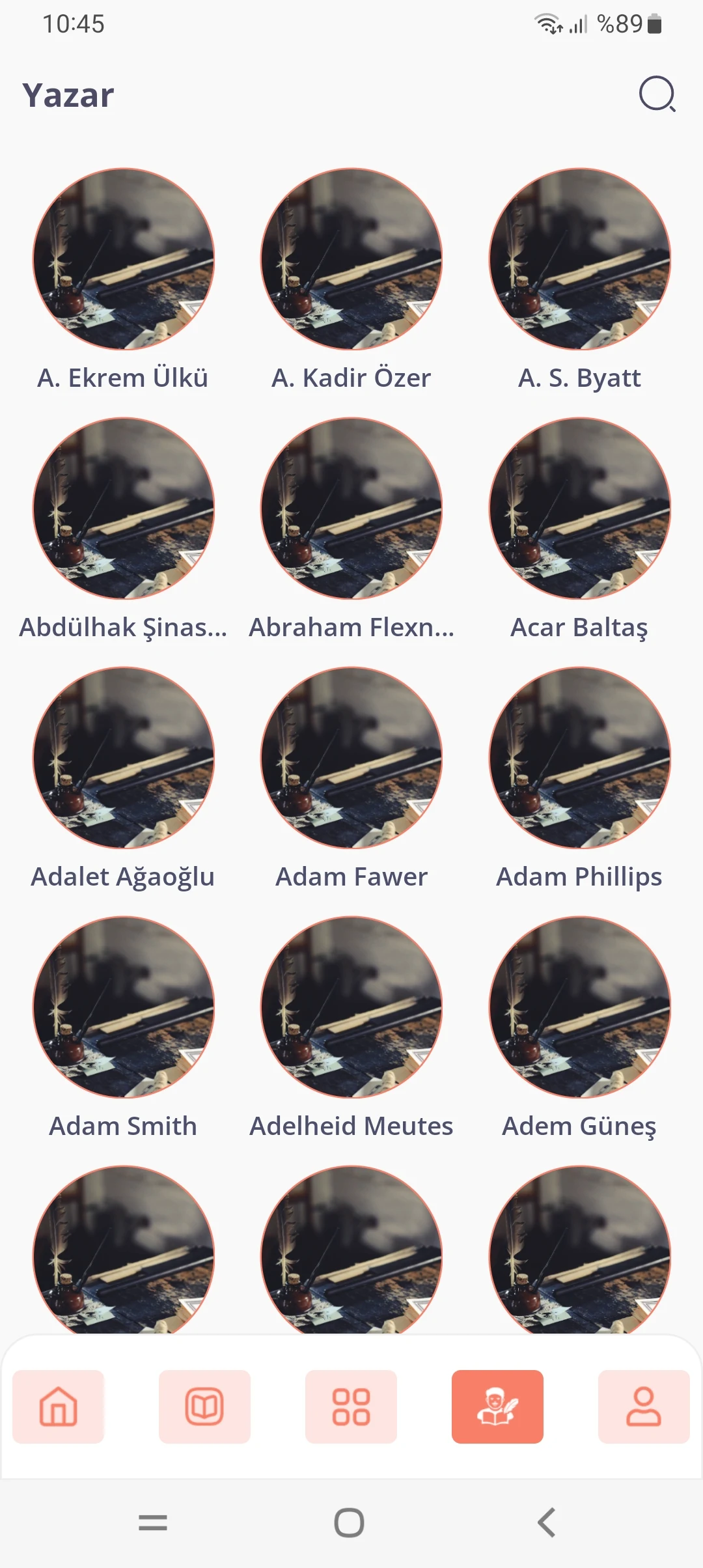
1. Digital Book Collection: Browse available books across different genres and subjects. Depending on the available catalog, the selection may include classic literature, popular titles, and other reading materials.
2. Offline Reading: Download supported books to your device and read them without an active internet connection. This is particularly useful when traveling or in places with limited network access.
3. Adjustable Reading Settings: Customize font size, screen brightness, and reading modes to make text more comfortable to read in different lighting conditions.
4. Personal Book Organization: Save favorite titles, create collections, and organize books by category. Some versions also allow users to add details of physical books to their personal library.
5. Library Account Integration: Supported versions can connect with library accounts or membership cards, giving users access to eligible digital borrowing services and other library-related functions.
How to Use
1. Install and Set Up: Download The Library from your mobile app store and open it. If the app is connected to a library service, sign in with your membership details or follow the registration instructions provided.
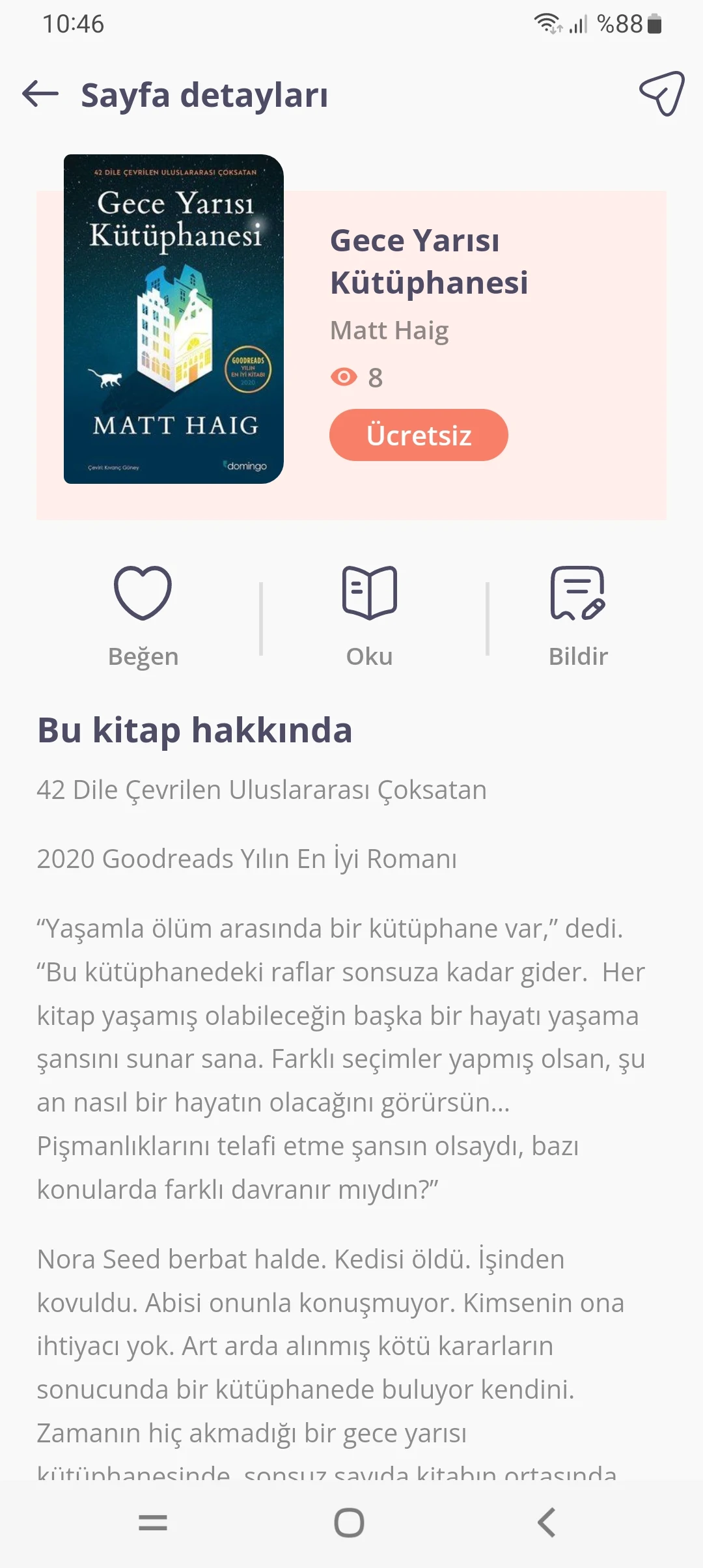
2. Browse and Select Books: Use the search function or browse available categories to find books. Open a title to view its details and check whether it can be borrowed, downloaded, or read directly in the app.
3. Adjust Reading Settings: Open a book and customize the font size, brightness, and available reading modes. Choose settings that suit your reading habits and surroundings.
4. Organize Your Collection: Add books to your favorites or create collections to keep different titles organized. If manual book entry is available, you can also add information about physical books to your personal collection.
5. Manage Your Reading Activity: Check your saved books and reading progress from the relevant sections of the app. If you borrow books through a connected library, keep an eye on their return dates and any renewal options.
Frequently Asked Questions
1. Is The Library free to use?
Basic reading and book management functions may be available for free. However, access to certain digital titles, library services, or advanced features depends on the app version and its service terms.
2. Can I read books without an internet connection?
Yes, if the app supports book downloads. Once a supported title has been downloaded, you can open it for offline reading. Books that require online access may not be available without a connection.
3. Can I add physical books to my collection?
Some versions include manual book entry. If available, you can enter details such as the title and author and add a cover image to keep track of books you own.
4. Can I export downloaded books to another reading app?
This depends on the app's export options and the permissions attached to each book. Some versions may allow local file access or exporting, while borrowed or protected titles may have restrictions.
5. How long can I keep borrowed books?
Digital loans are subject to the borrowing period set by the connected library. The loan duration and renewal options vary by library, so check the borrowing details in your account before the due date.
- Version1.0.5
- UpdateNov 11, 2026
- DeveloperJasper Developer - разработка приложений
- CategoryBooks & Reference
- Requires AndroidAndroid 5.0+
- Downloads216K+
- Package Namecom.studioixa.kitapoku
- Signature758156e4a71a7580012cfaabc858f6ff
- Available on
- ReportFlag as inappropriate
-
NameSizeDownload
-
52.48 MB
-
34.73 MB
-
32.47 MB









Resources are free and plentiful.
Flexible reading experience.
Practical management functions.
Borrowing has a time limit.
The user experience has room for improvement.