
ViTA Emulator for Android(R) - Game simulation & upscaling
Experience classic games like never before with stunning graphics & customizable settings for an immersive gameplay.
- 717 Version
- 1.6 Score
- 486K+ Downloads
- Free License
- 3+ Content Rating

App Overview
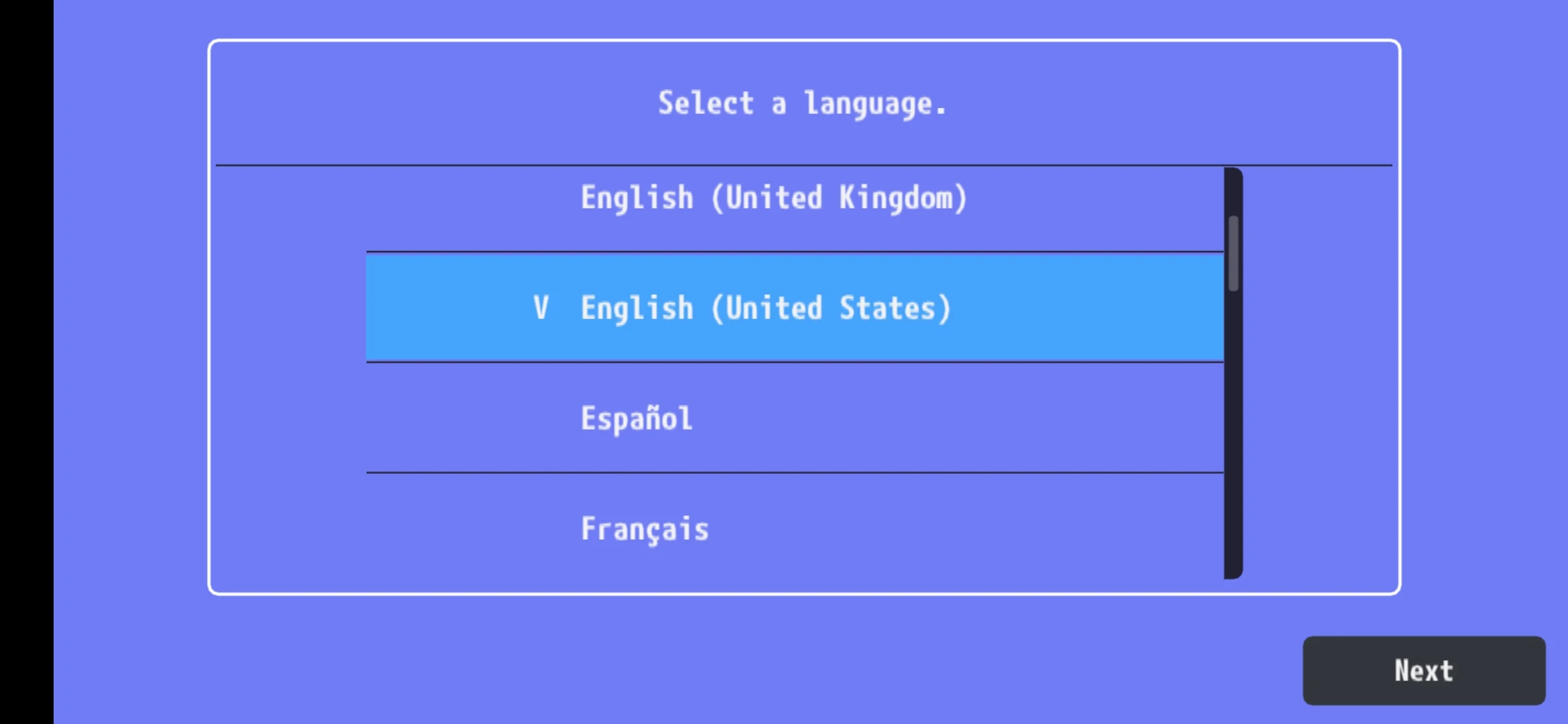
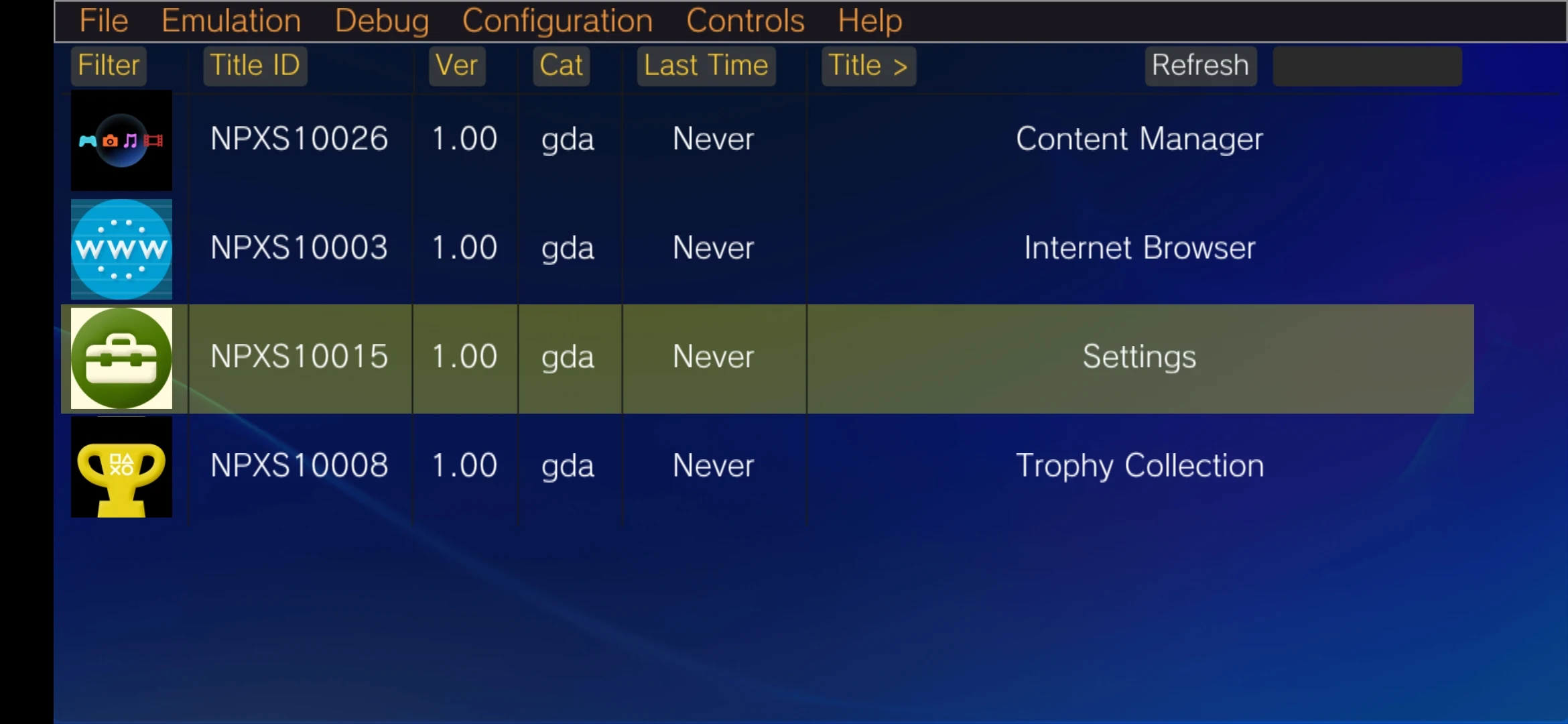
PS Vita Emulator is an Android emulation app designed to run compatible PlayStation Vita games on mobile devices. It allows players to play supported PS Vita titles on Android phones without using the original handheld console.
The emulator offers several graphics options, including OpenGL, Vulkan, and software rendering. It also features resolution upscaling to 1080p or higher, widescreen patches for compatible games, and save states for preserving gameplay progress between sessions.
Emulation performance depends on the game and the device's hardware. More demanding titles may require a powerful processor and GPU, while some games need individual graphics adjustments to run smoothly.
Key Features
Multiple Rendering Options: Choose between OpenGL, Vulkan, and software rendering to accommodate different devices and game requirements
Resolution Upscaling: Increase the internal resolution of supported games to 1080p or higher
Widescreen Patches: Adjust the display format of compatible games originally designed for narrower screens
Save States: Save the current emulation state and resume gameplay from the same point later
Game Compatibility: Run supported PlayStation Vita titles on Android devices
How to Use
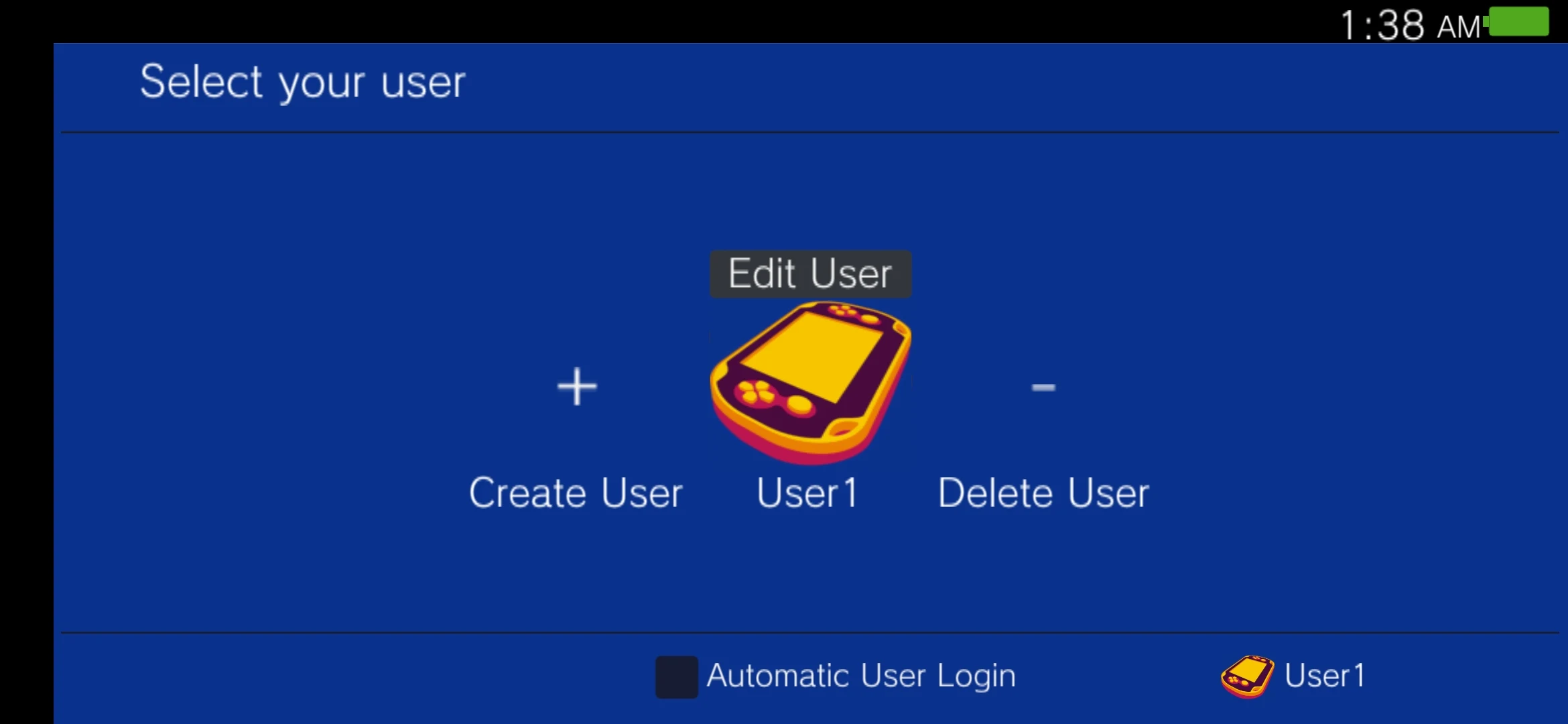
1. Complete Setup: Install and launch the emulator, then follow the initial setup instructions. Some versions may require storage permissions or additional system files.
2. Import Games: Select the folder containing your compatible PS Vita game files or use the emulator's import function. Available titles should appear in the game library.
3. Adjust Graphics Settings: Choose a rendering option and set the resolution according to your device's hardware. Enable widescreen patches for games that support them.
4. Launch a Game: Select a title from the library to start playing. If you encounter slow performance or graphical errors, try changing the rendering backend or lowering the resolution.
5. Manage Save Data: Use save states to preserve gameplay progress. Back up the relevant save files before moving your games or emulator data to another device.
Frequently Asked Questions
1. Can PS Vita Emulator run on low-end Android phones?
Performance depends on the game and device specifications. Less demanding titles may run on entry-level phones, but graphically intensive games can suffer from low frame rates, visual glitches, or crashes.
2. Is Vulkan better than OpenGL for PS Vita emulation?
Neither option is universally better. Vulkan may perform better on certain devices, while OpenGL can offer better compatibility with some games. The best choice depends on your hardware and the title being played.
3. Can I transfer saved games to another Android device?
Yes, if the emulator supports save-data transfers. Copy the relevant save files to the corresponding directory on the new device. The file locations and transfer procedure depend on the emulator version.
4. Does the emulator support all PS Vita games?
No. Game compatibility varies. Some titles may run properly, while others may experience startup failures, graphical issues, or incomplete emulation.
5. Do 1080p upscaling and widescreen patches work with every game?
No. Both features depend on individual game compatibility. Enabling unsupported modifications may cause display problems or reduce performance.
6. Are all emulator features free?
This depends on the specific release. Some versions may offer paid features or restrict certain settings. Refer to the relevant app listing for pricing and feature availability.
- Version717
- UpdateNov 11, 2026
- DeveloperLedgers Apps Dev.
- CategoryBooks & Reference
- Requires AndroidAndroid 5.0+
- Downloads486K+
- Package Namecom.psvita.vita3kemulator
- Signature83c87879d1f73358aa7675daaa0ea9f1
- Available on
- ReportFlag as inappropriate
-
NameSizeDownload
-
241.06 MB
-
241.06 MB










Nostalgic experience and practical features
Rich in features and configurations
Free, open source, and ad-free
Strict hardware requirements
Limited compatibility
No dedicated customer service