Finger Paint - Finger painting fun & creativity
Unleash creativity with vibrant colors & innovative tools for stunning finger paintings that you can share instantly!
- 3.0.0 Version
- 1.3 Score
- 143K+ Downloads
- In-app purchases License
- 3+ Content Rating

1. App Overview
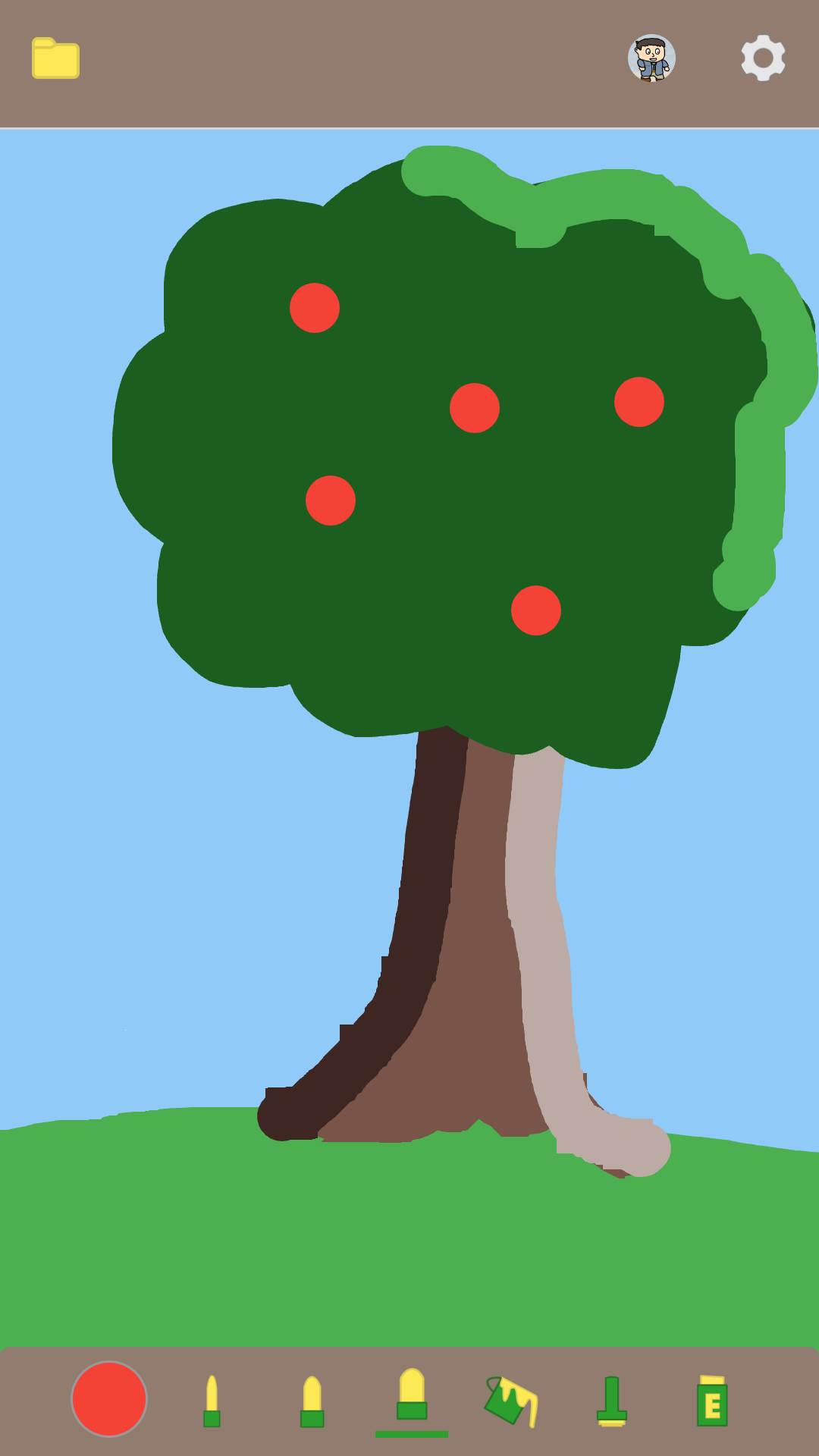
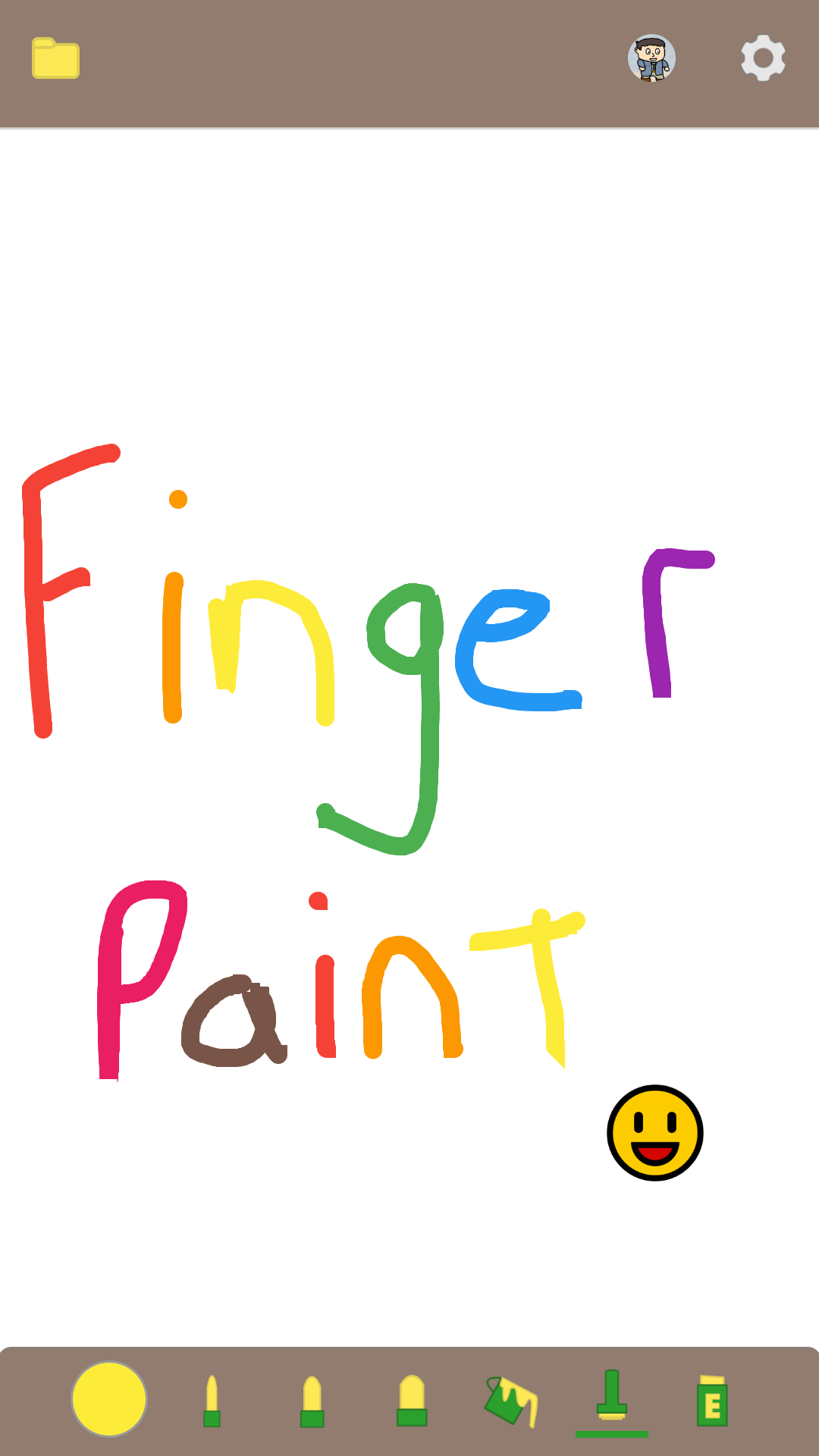
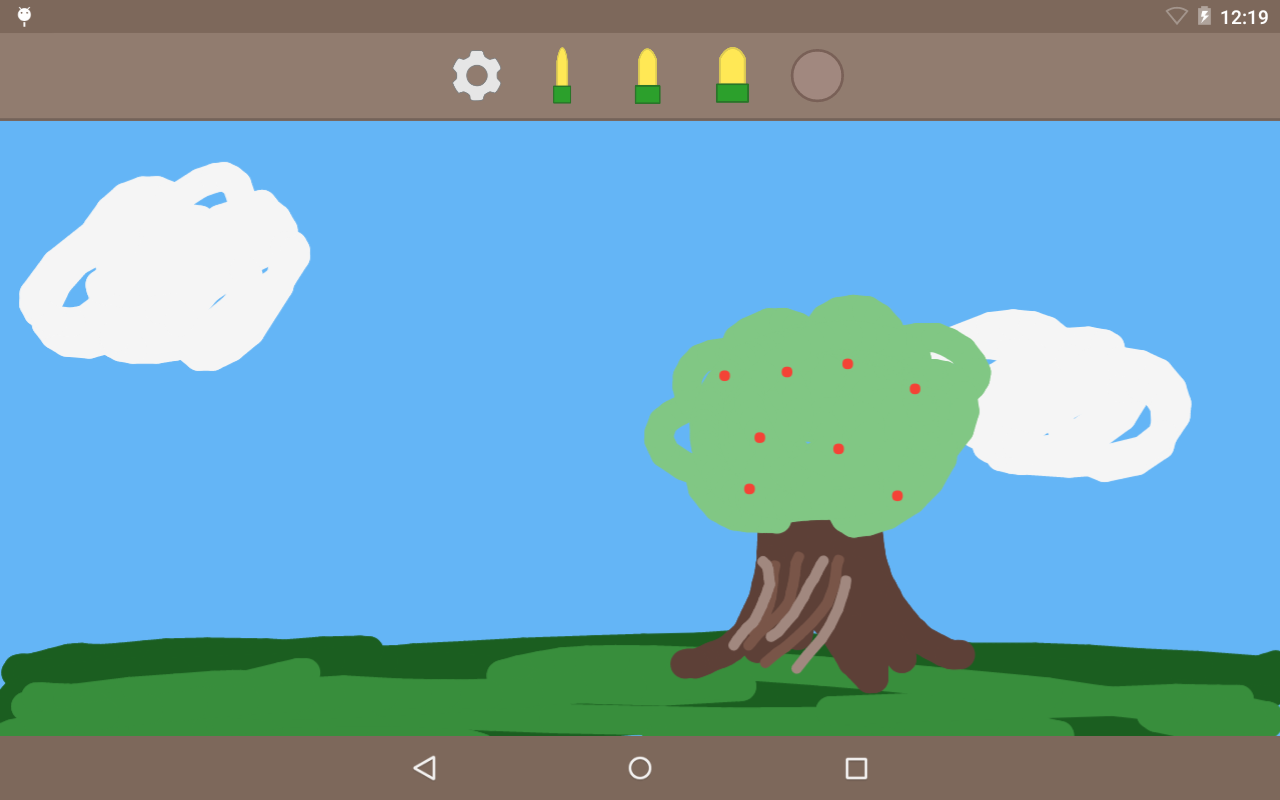
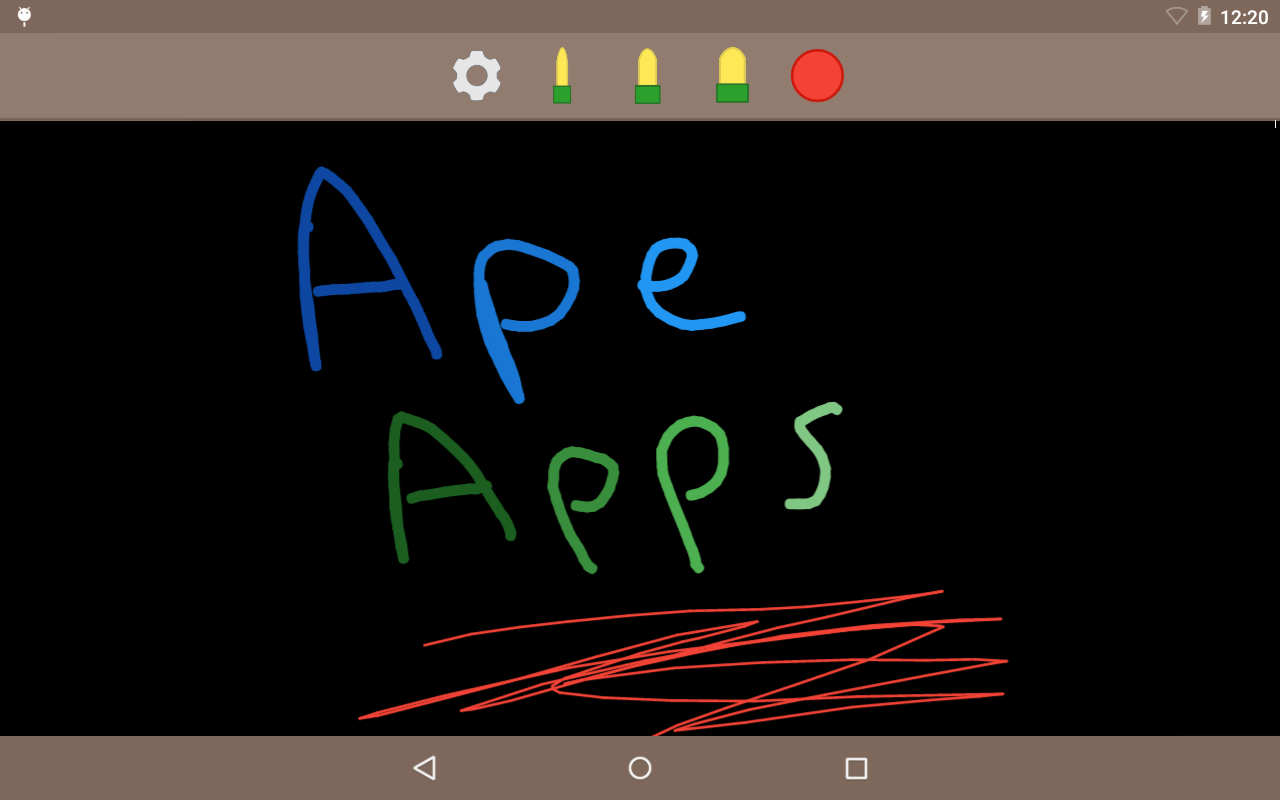
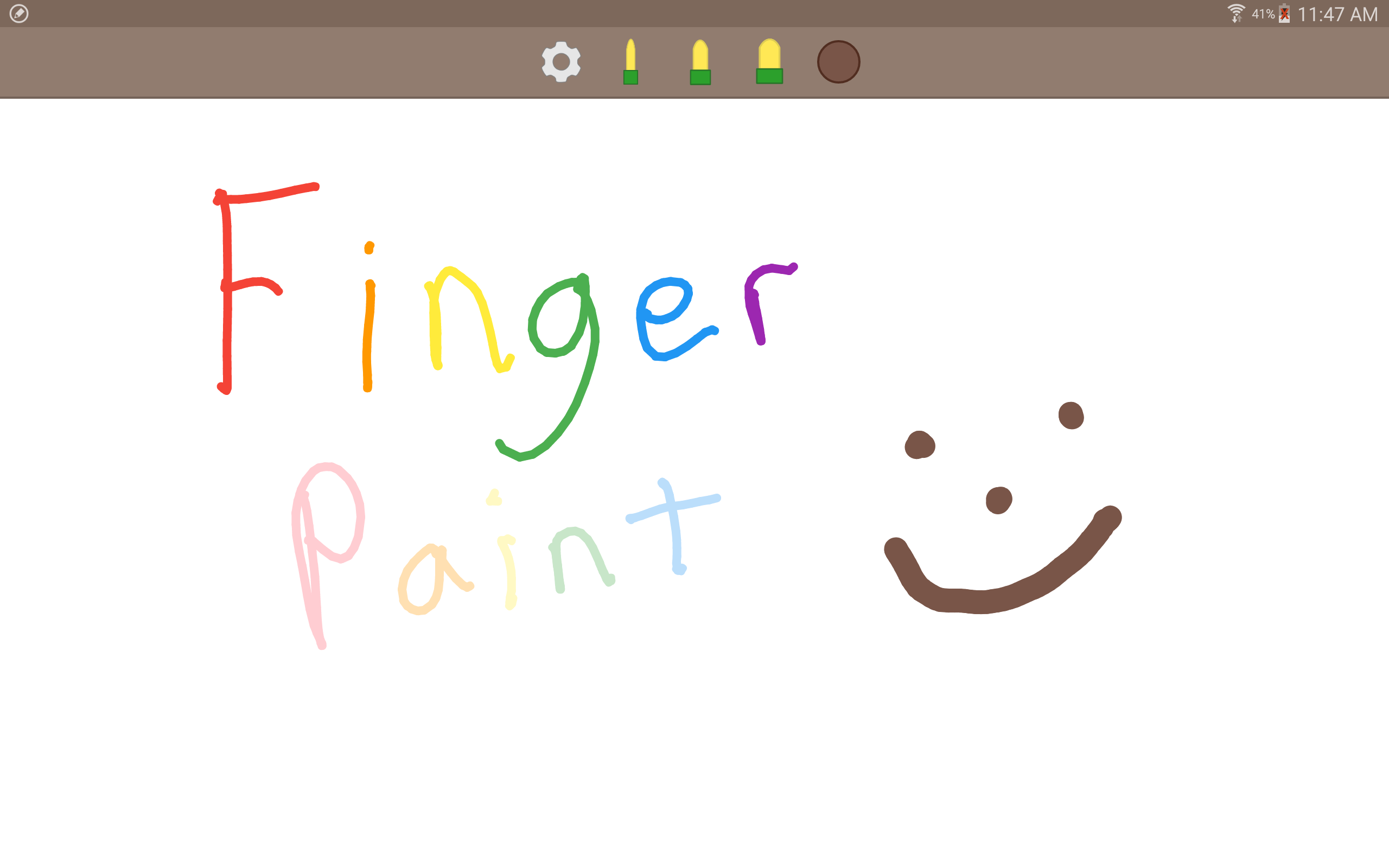
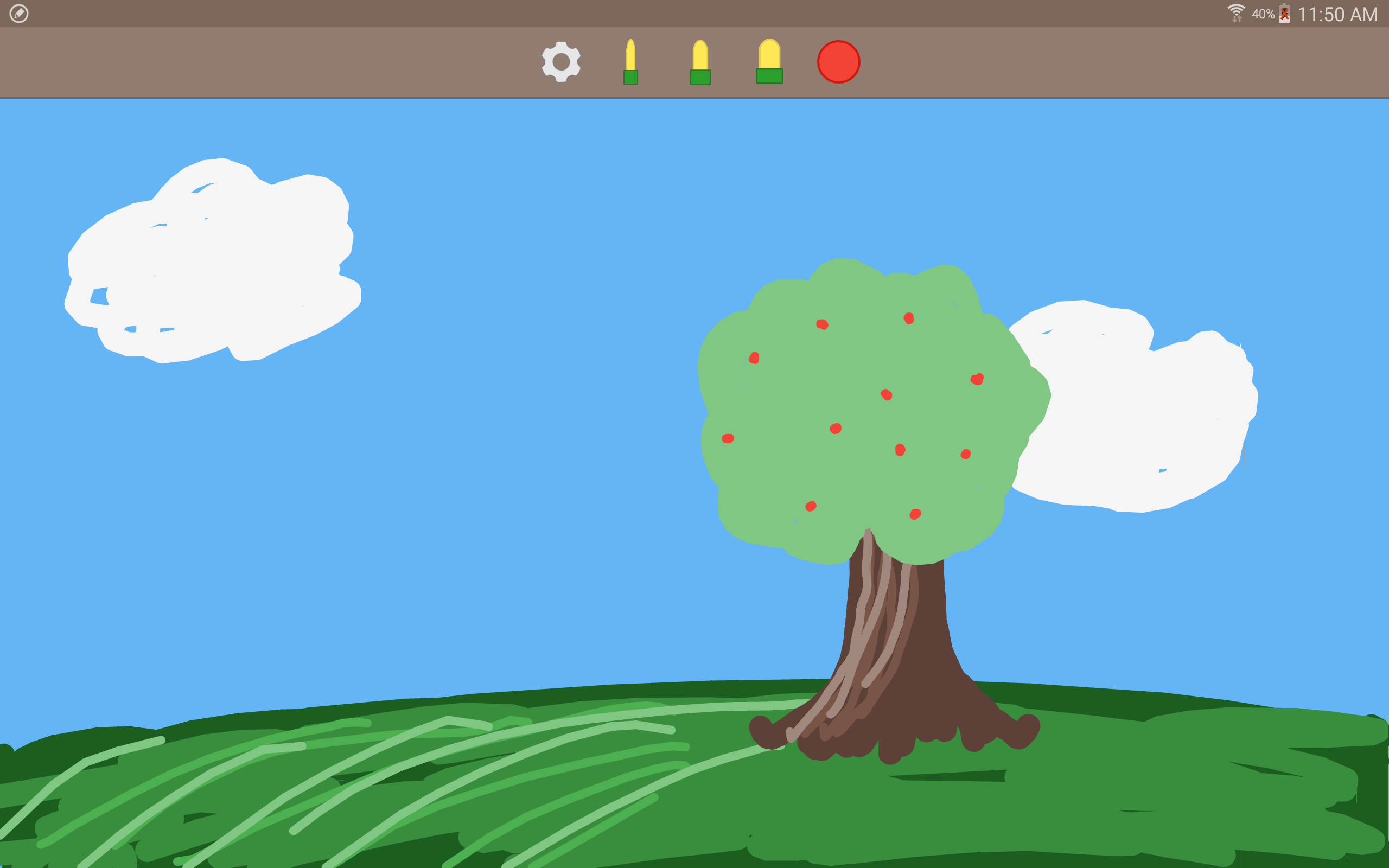
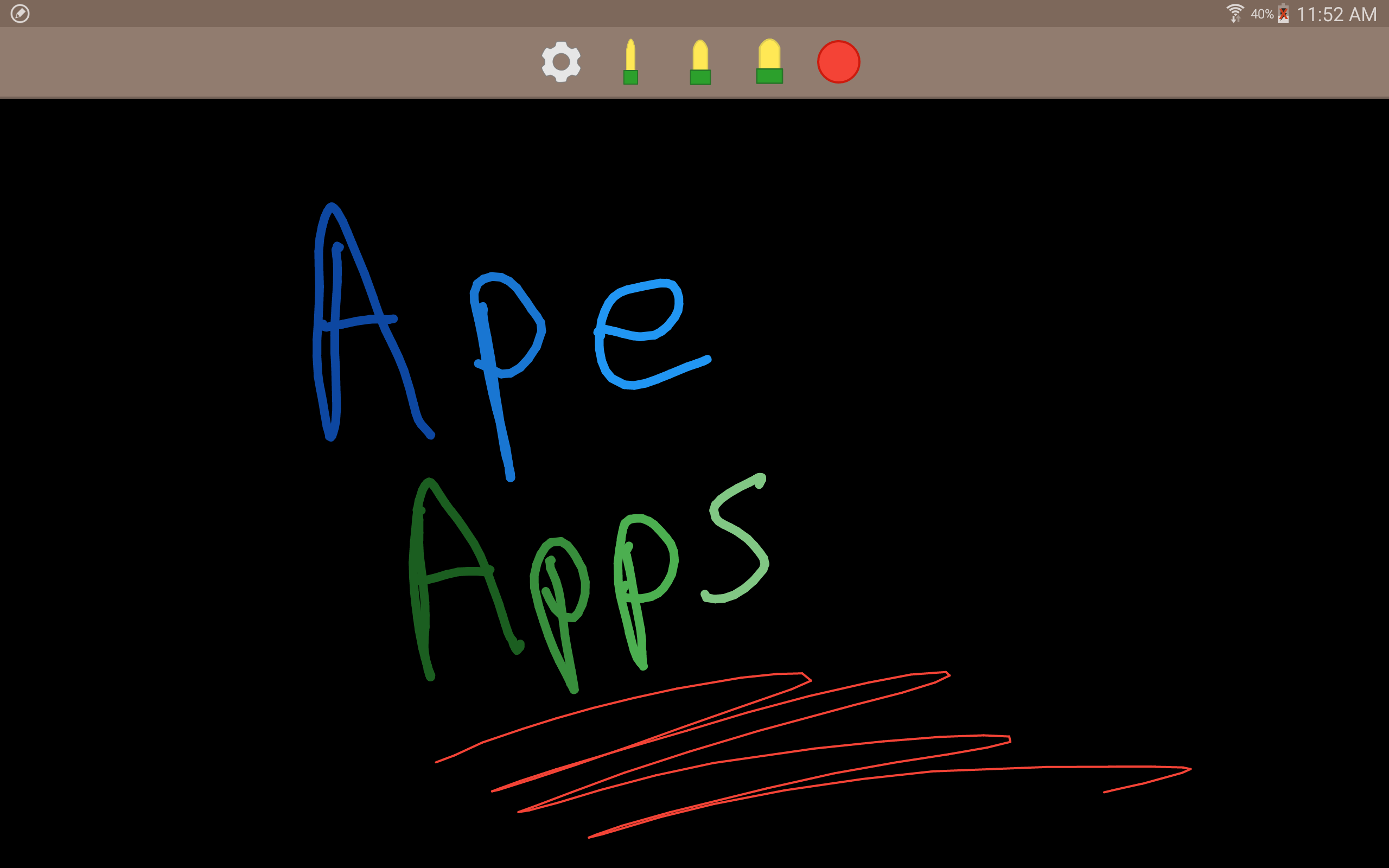
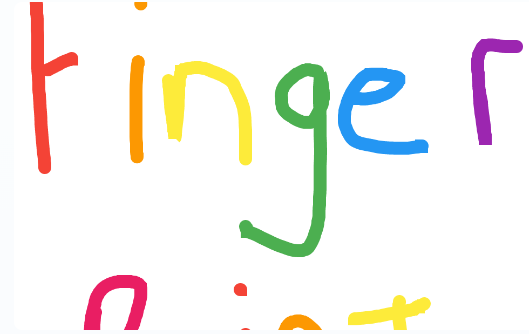
A blank canvas and a selection of colorful drawing tools are all that Finger Paint needs to get started. Developed by Brandon Stecklein under the Ape Apps name, this drawing app lets users create pictures directly on a touchscreen using their fingers or a compatible stylus.
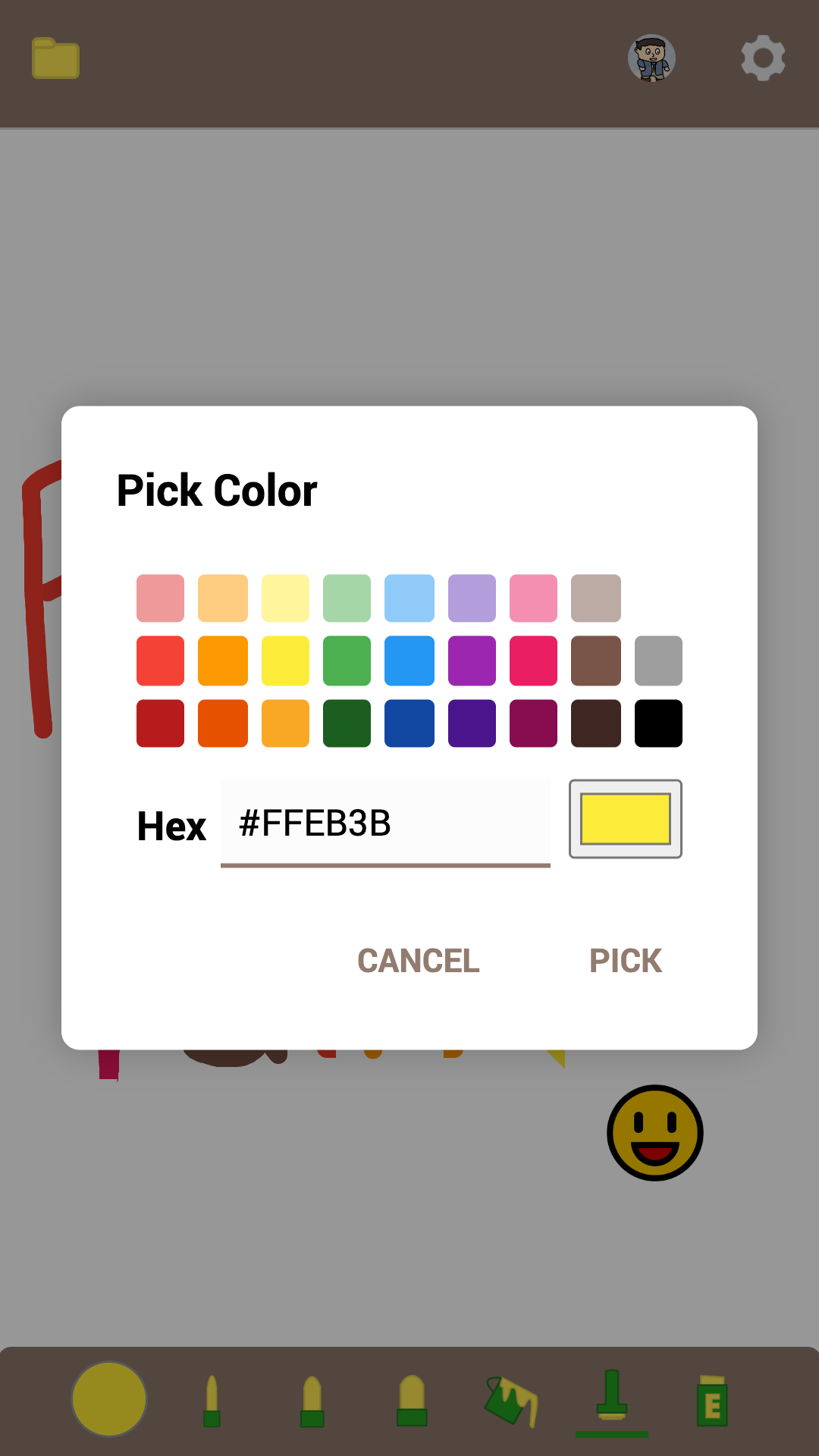
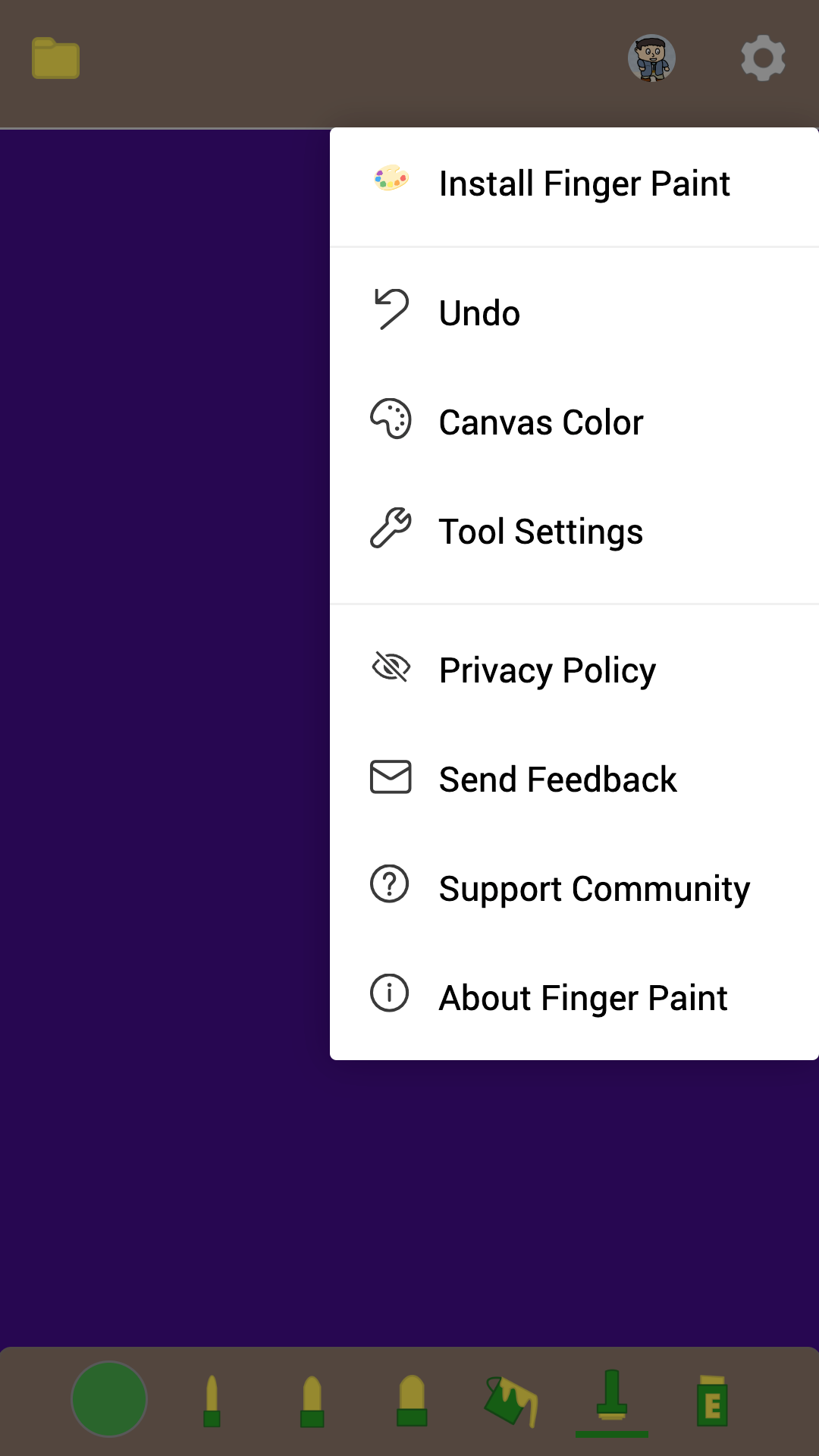
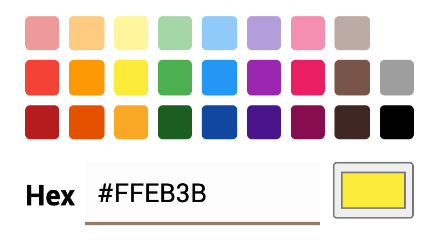
The canvas starts empty, with 42 colors available in the Android version and more than 40 listed for iOS. A tools menu provides three brush sizes—small, medium, and large—while the fill tool applies a selected color to an area of the drawing. There is also a Bomb tool that clears the entire canvas and replaces it with the chosen color, allowing users to begin a new picture without manually erasing the previous one.
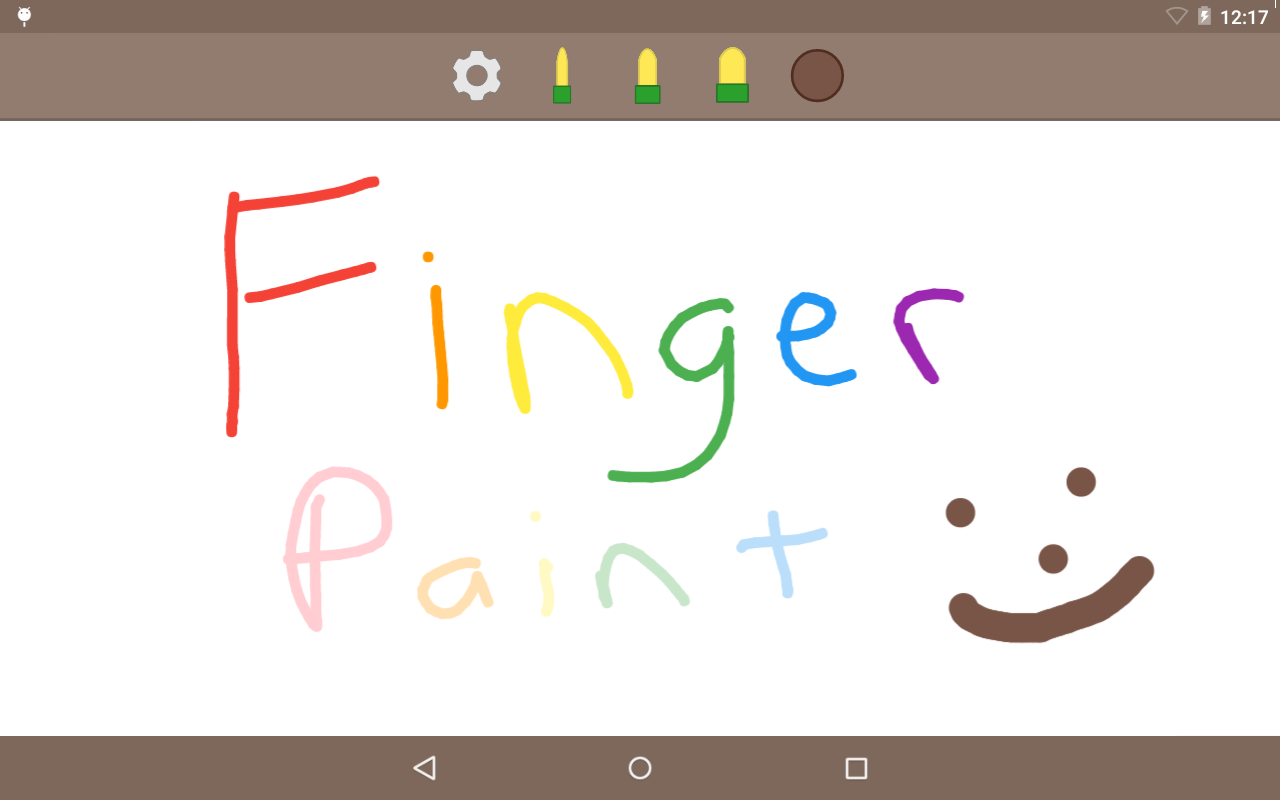
Completed drawings can be saved to the device's Gallery or Photos library and shared through social networks such as Facebook and Twitter. On supported Android devices, the app also recognizes pressure-sensitive pens, including the Samsung S Pen, and adjusts ink opacity according to pen pressure.
With its open canvas and straightforward set of painting tools, Finger Paint suits casual doodling, freehand artwork, and creative activities for both children and adults.
2. Key Features
Blank Drawing Canvas: Start with an empty workspace and create original pictures without following preset coloring pages.
Color Selection: Choose from 42 colors on Android or more than 40 colors on iOS.
Three Brush Sizes: Switch between small, medium, and large pen sizes to vary the width of drawing strokes.
Flood Fill Tool: Fill an area of the drawing with the currently selected color.
Bomb Tool: Replace the entire canvas with the selected color to clear the current picture.
Pressure-Sensitive Pen Support: Compatible Android pen input devices, including S Pen, can adjust ink opacity according to applied pressure.
Save and Share: Store finished drawings in the device's image library and share them through supported social apps.
3. Main Functions
Open a blank canvas and draw directly with a finger or supported stylus.
Select a color from the available palette before painting.
Open the pen tools menu and choose a small, medium, or large brush.
Use the flood fill tool to apply color to an area of the picture.
Apply the Bomb tool to clear the current drawing and fill the canvas with a selected color.
Save completed artwork to the device's Gallery on Android or Photos on iOS.
Share saved drawings through Facebook, Twitter, or other available sharing services.
On supported Android devices, draw with a pressure-sensitive pen and vary ink opacity through pen pressure.
4. Frequently Asked Questions
Q1. Is Finger Paint suitable for children?
Yes. The app is rated for young audiences on both Google Play and the Apple App Store, and its open-canvas drawing format is suitable for casual creative activities. Children should use mobile devices with appropriate adult supervision.
Q2. Does Finger Paint include ready-made coloring pages?
The main version of Finger Paint focuses on drawing on a blank canvas. It should not be confused with the separate Coloring Book app from Ape Apps, which includes pre-made coloring sheets.
Q3. Can I use a stylus instead of my finger?
Yes. The app supports pen input, and its Android version specifically lists pressure sensitivity support for compatible devices such as those using the Samsung S Pen.
Q4. Where are my drawings saved?
On Android, drawings can be saved to the device's Gallery. On iOS, they can be saved to Photos.
Q5. Can I share my finished drawings?
Yes. After saving a picture, you can share it through Facebook, Twitter, or other social applications available on your device.
Q6. Is Finger Paint free?
The app is free to download but contains ads and in-app purchases. The iOS listing specifically includes an advertising-removal purchase; available purchase options may differ by platform.
- Version3.0.0
- UpdateNov 26, 2026
- DeveloperBrandon Stecklein
- CategoryArt & Design
- Requires AndroidAndroid 5.0+
- Downloads143K+
- Package Namecom.ape.webapp.fingerpaint
- Signature6a01a160827374399697b9e8d5565e36
- Available on
- ReportFlag as inappropriate