AR Draw Sketch: Trace & Draw - AR drawing & painting
Unleash your creativity with augmented reality as you sketch & paint effortlessly, no matter your skill level!
- 1.5.7 Version
- 1.3 Score
- 259K+ Downloads
- In-app purchases License
- 3+ Content Rating

1. App Overview
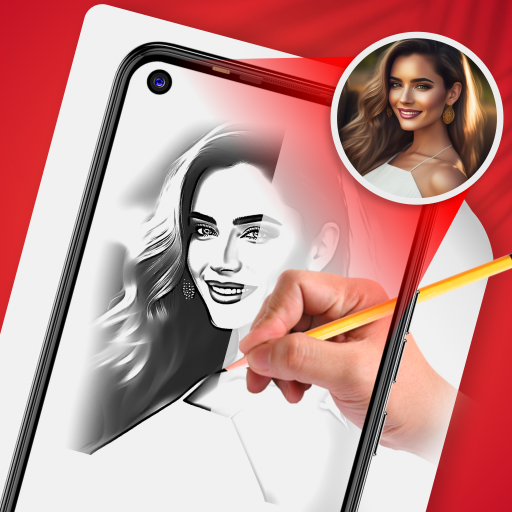
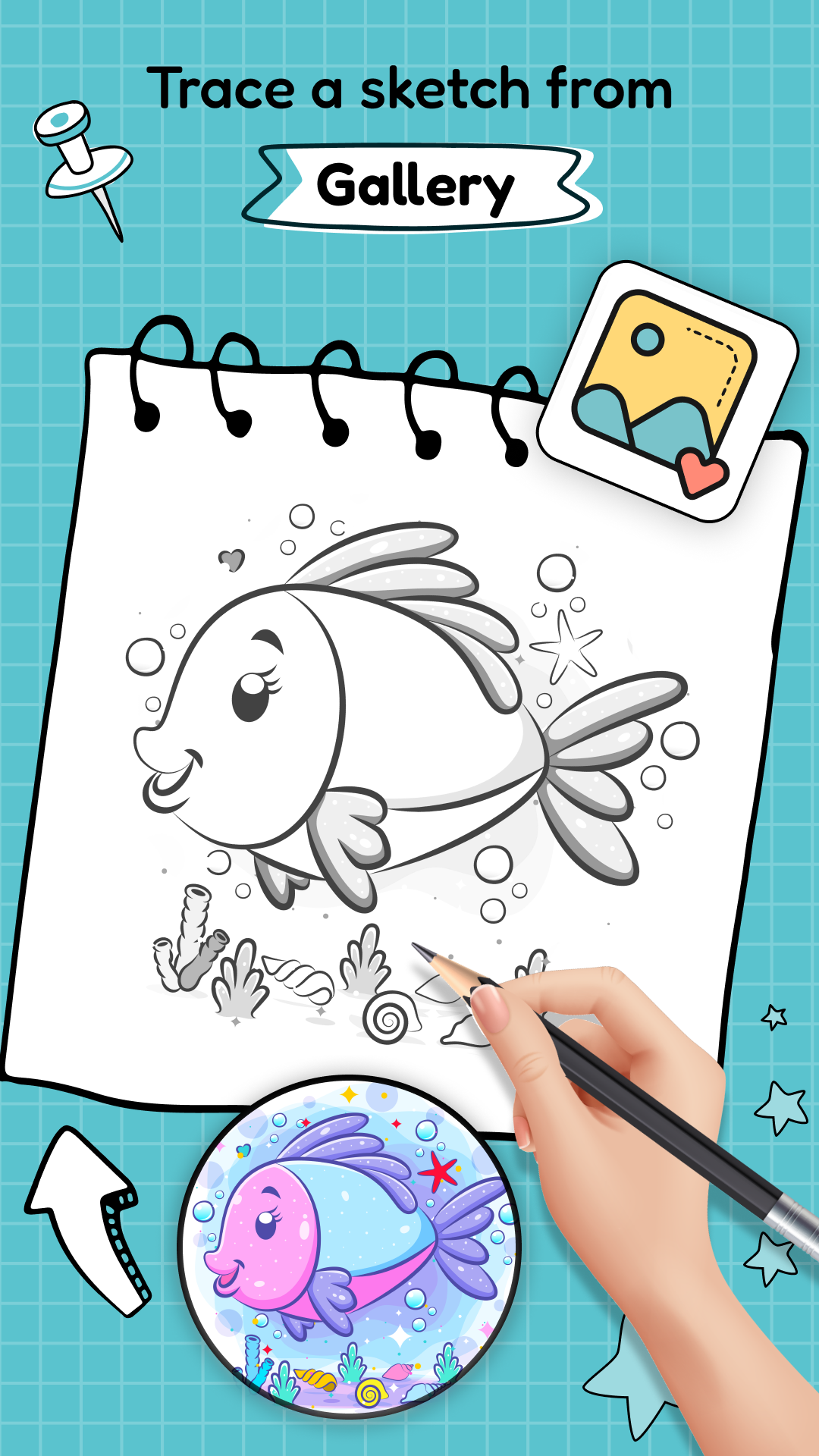
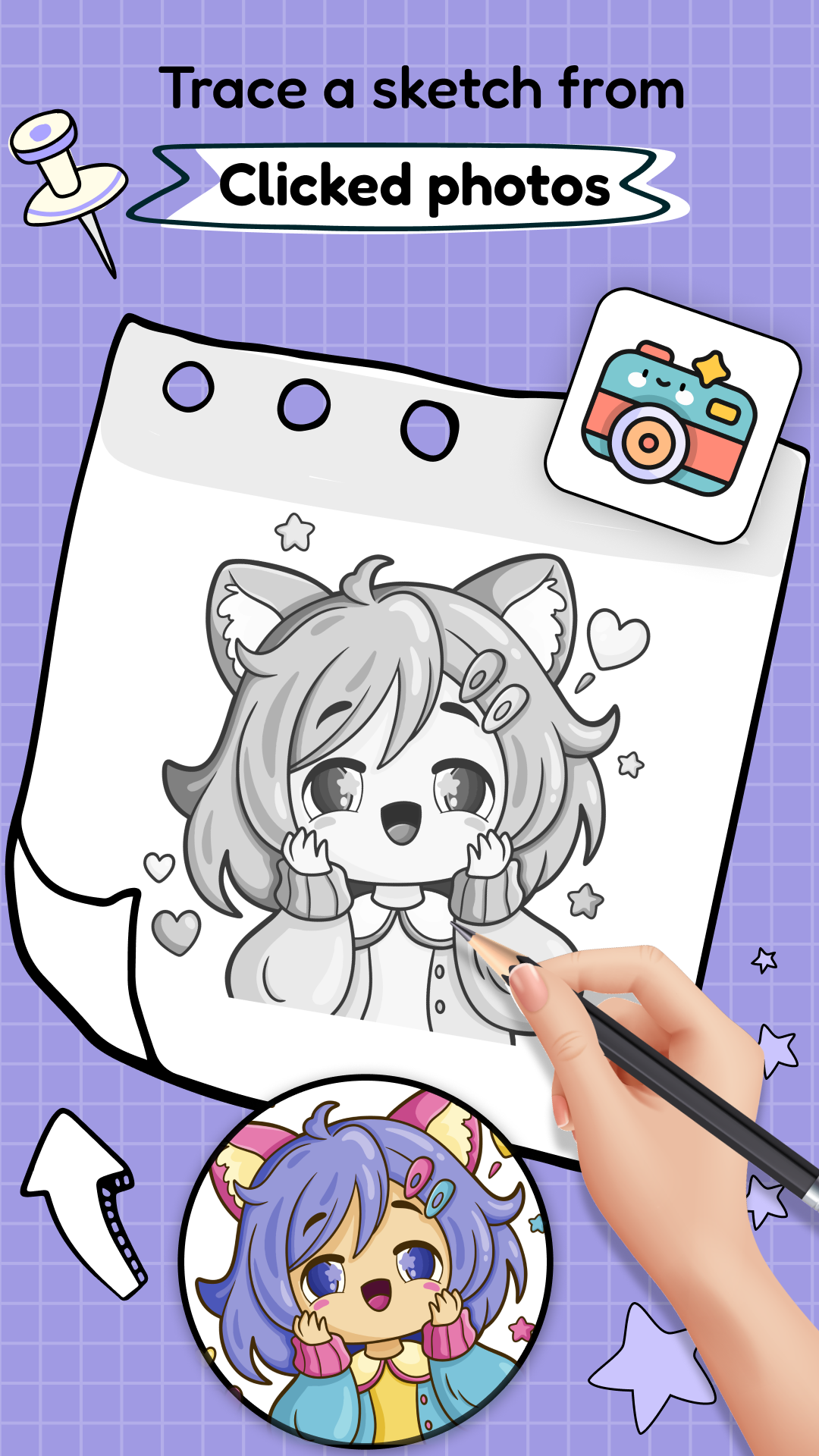
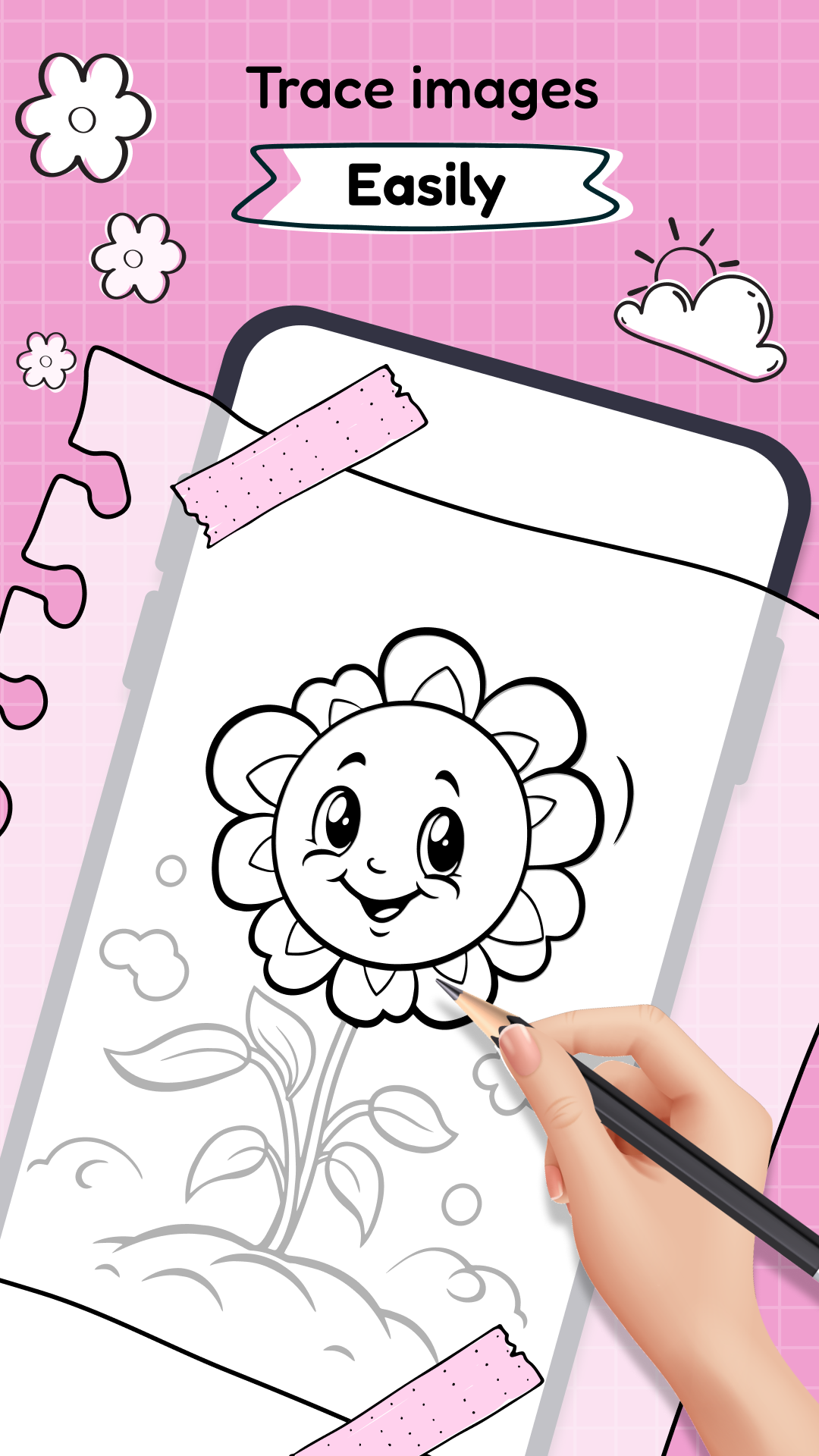
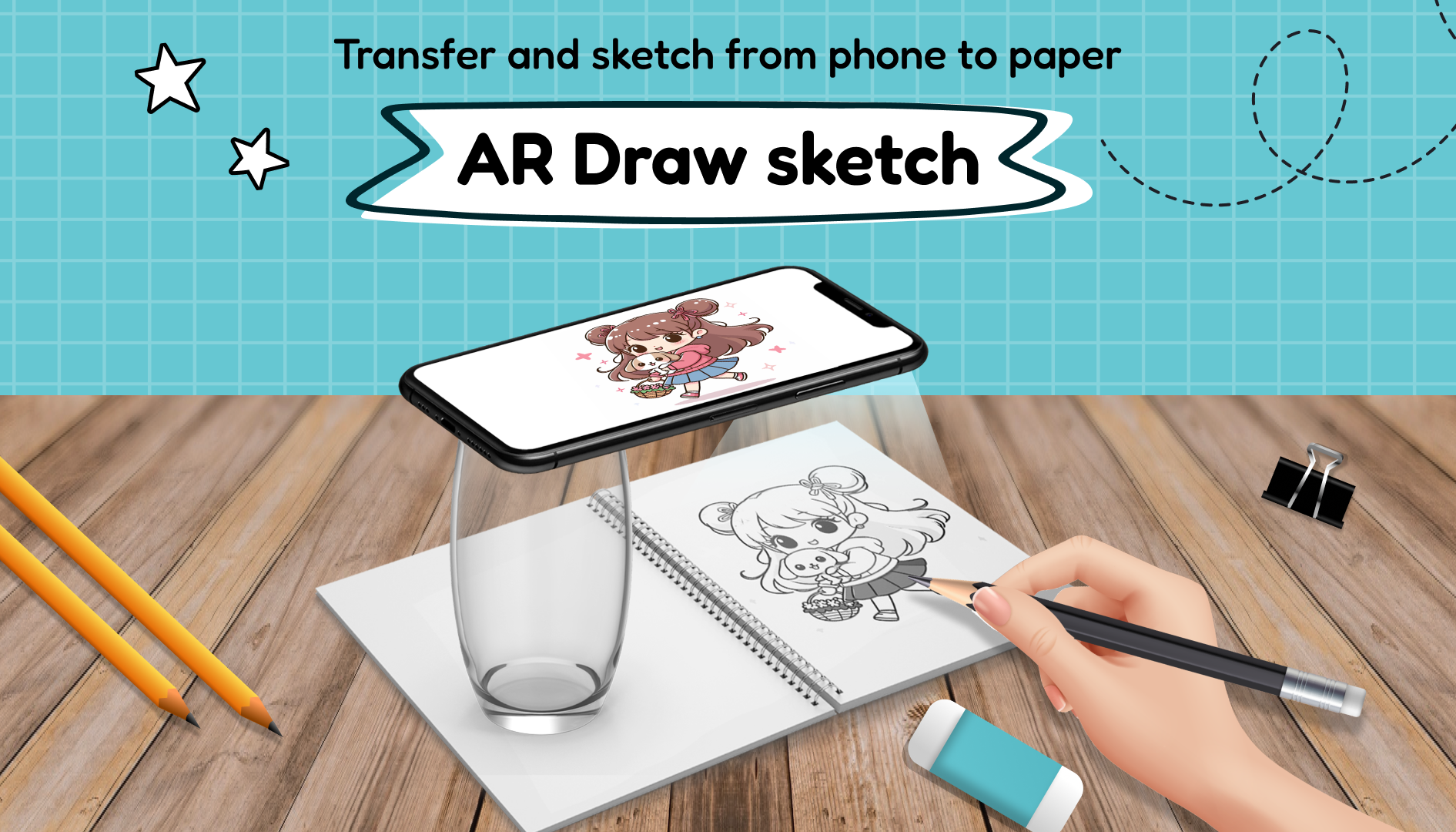
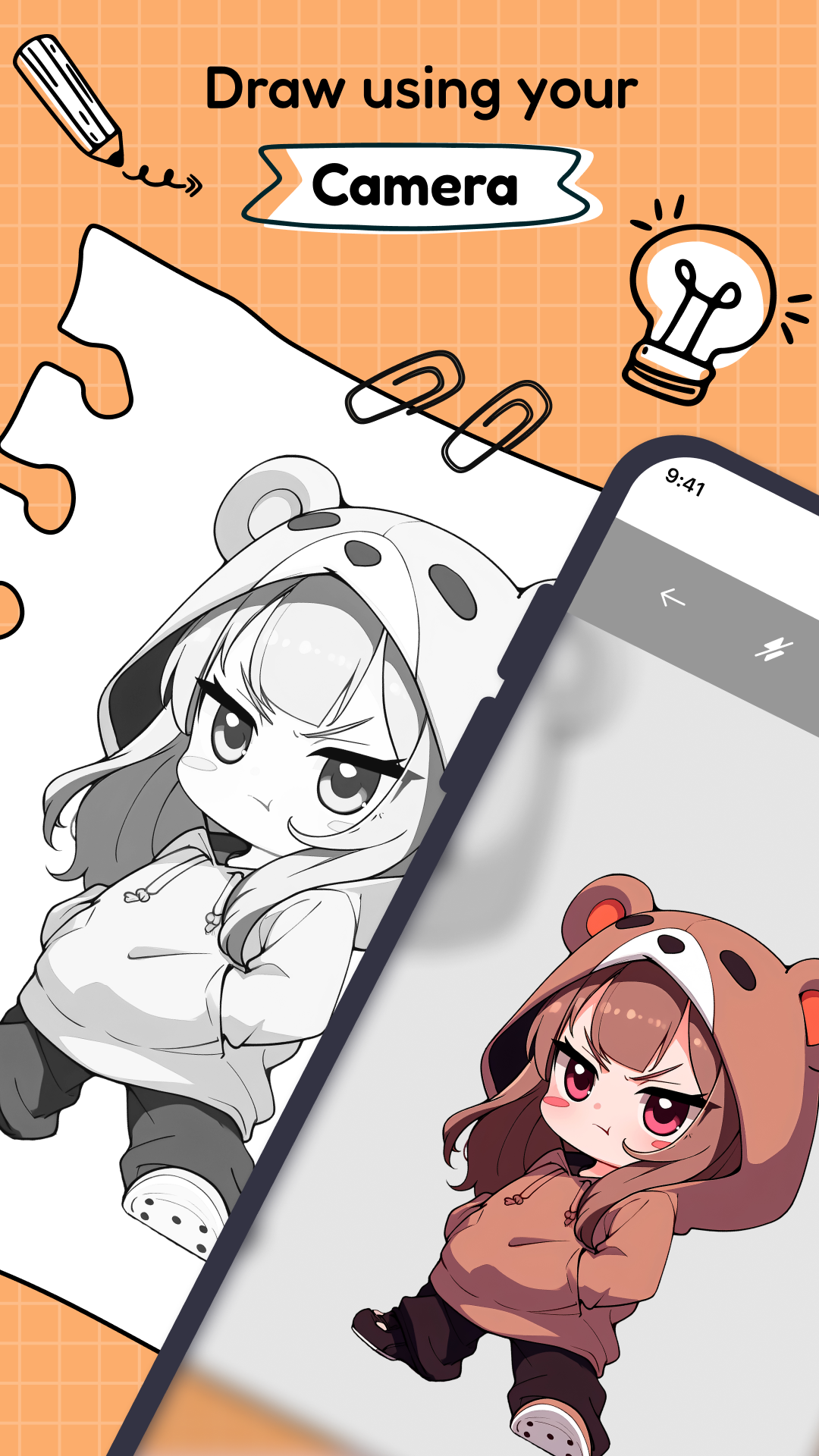
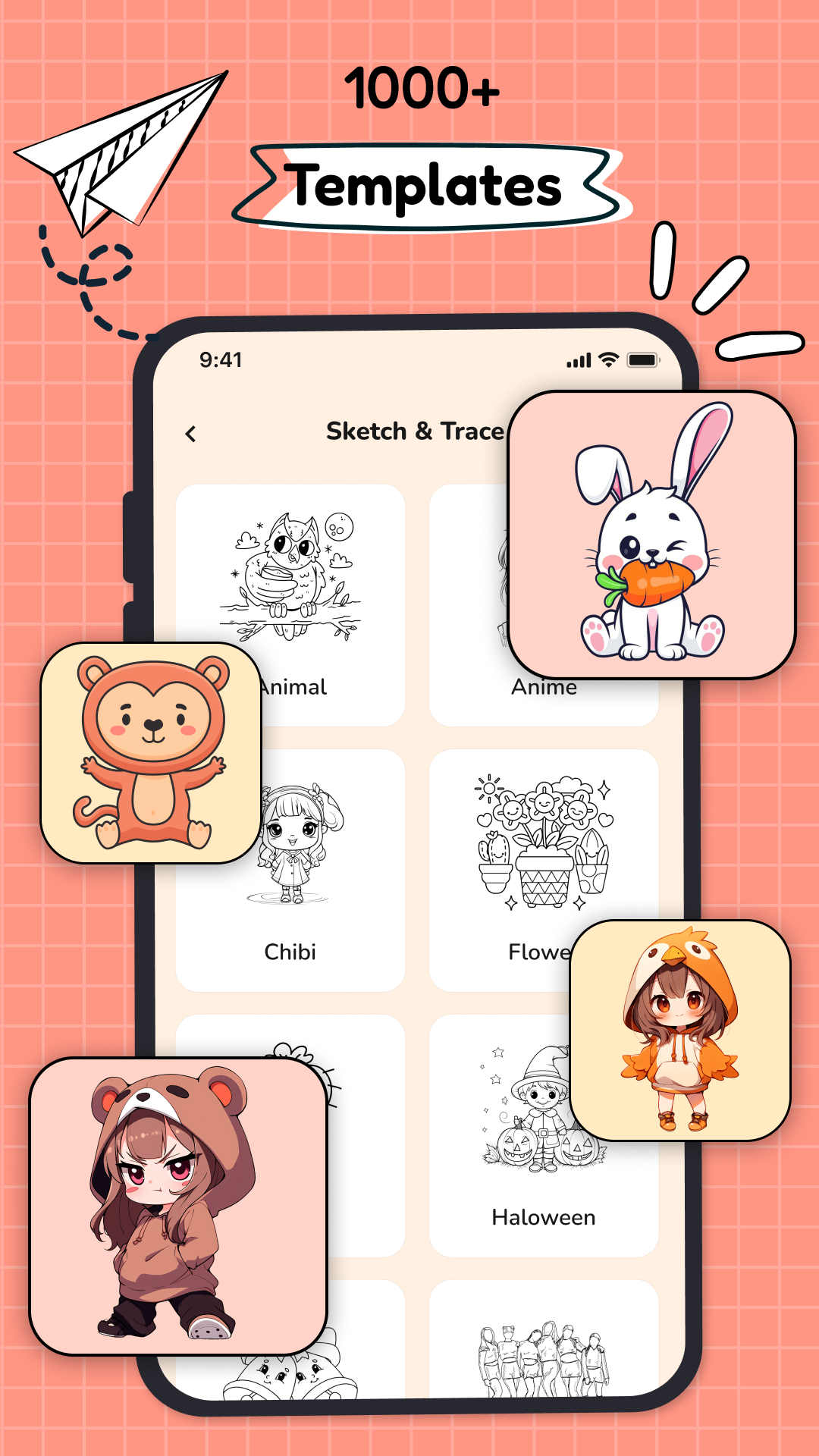
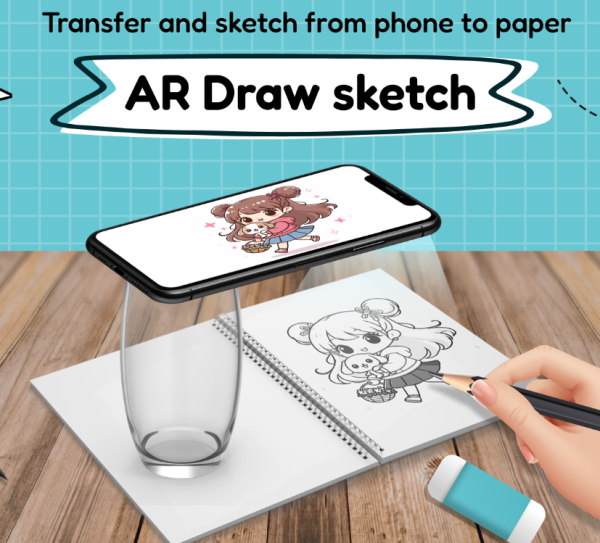
AR Draw Sketch: Trace & Draw is an augmented reality drawing app that uses a device's camera to display reference images over physical drawing surfaces. Users can select an image from the built-in library or import a personal photo, then position it within the camera view to use as a tracing guide. By following the displayed outlines, they can reproduce the image by hand on paper or other surfaces.
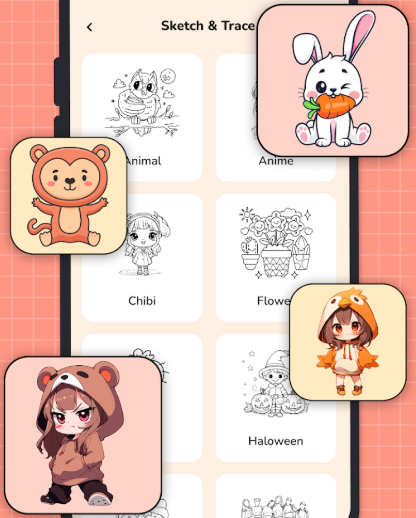
The built-in template library covers a range of subjects, including cartoons, animals, fruits, vegetables, vehicles, cute illustrations, and chibi characters. Personal photo imports provide additional reference options beyond the preset collection.
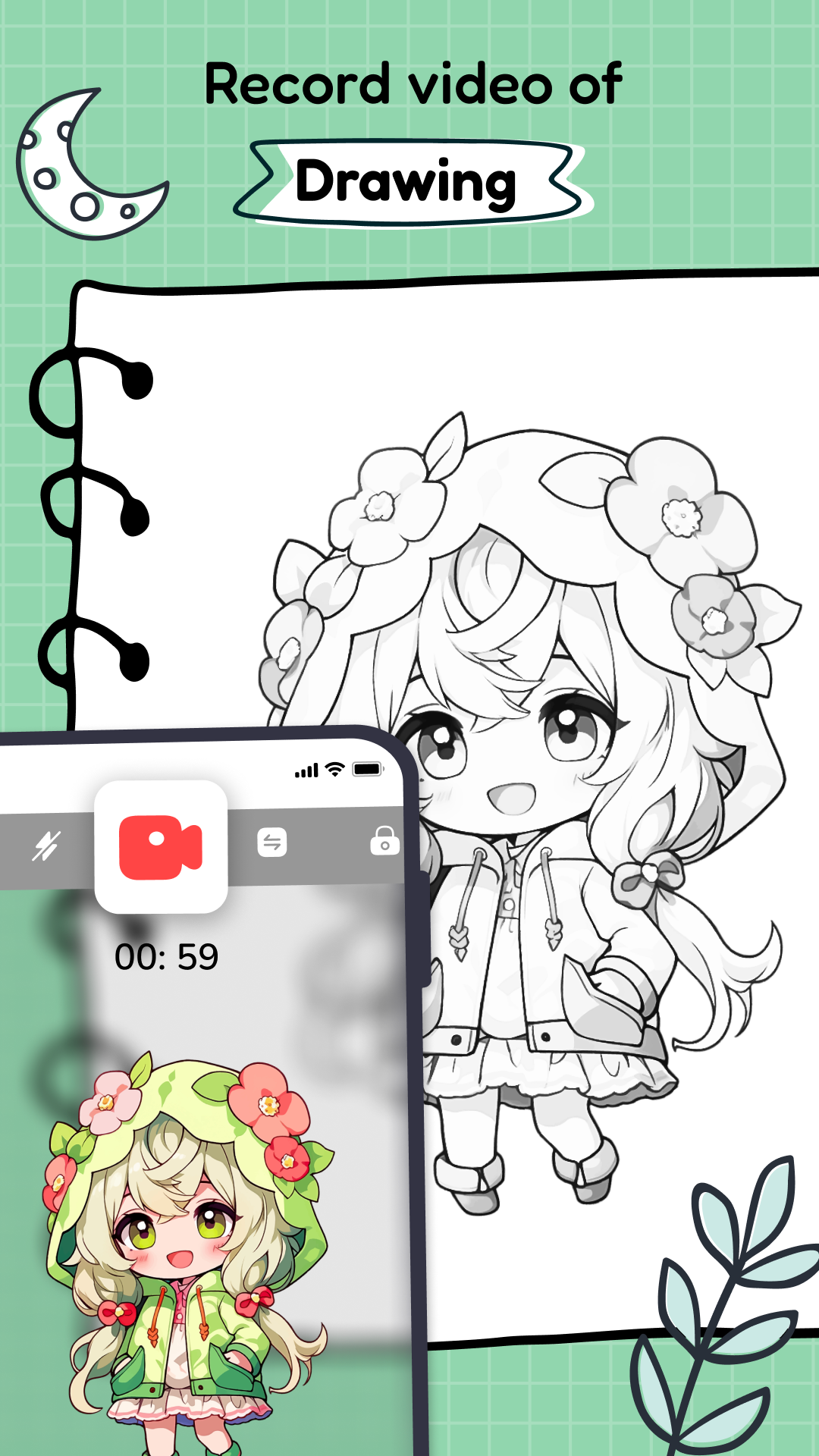
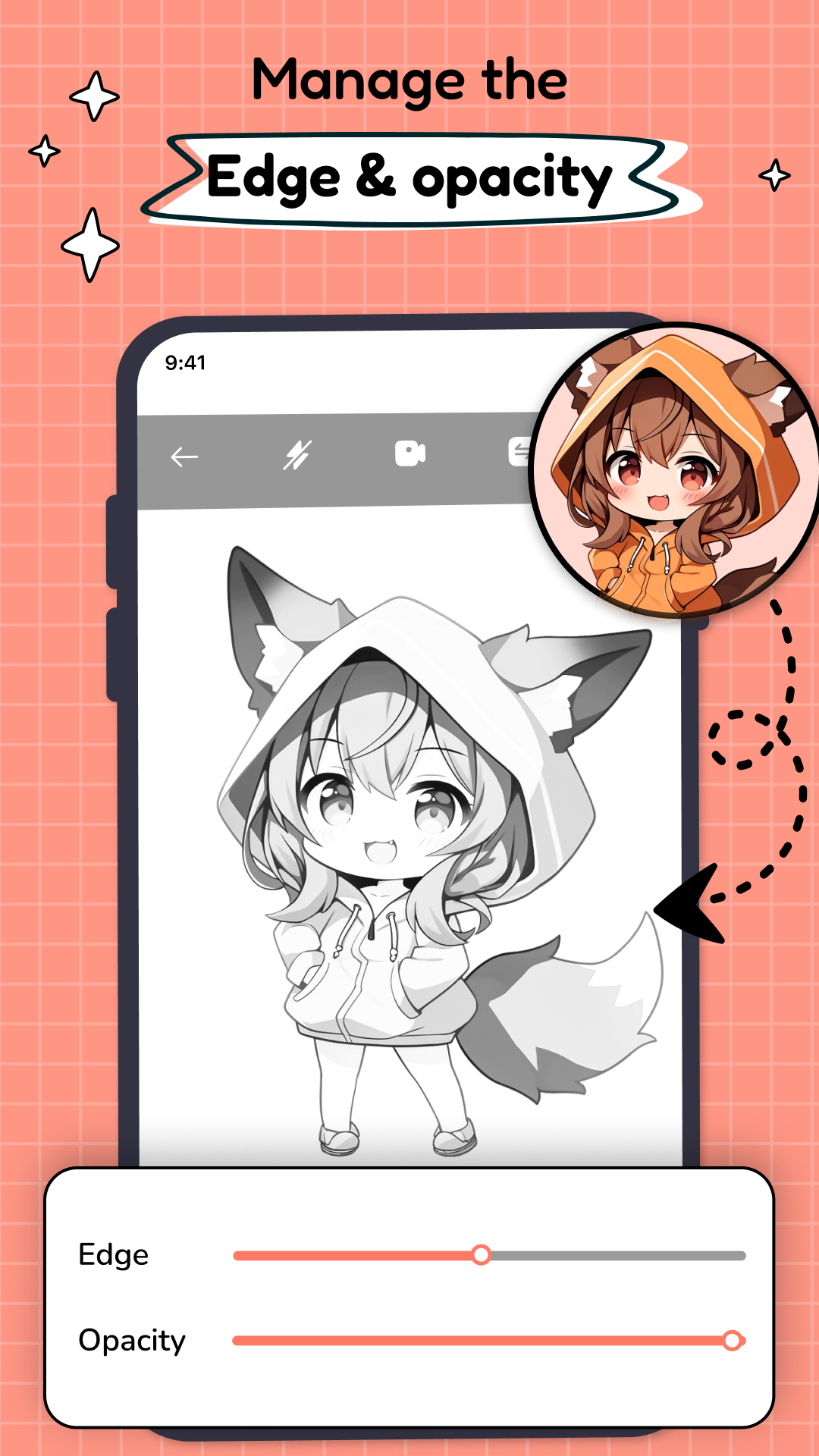
Before tracing, users can customize the reference image by adjusting its sketch color, line thickness, and sharpness. The app also includes different sketching modes, photo capture, and video recording for documenting drawing sessions. A built-in flashlight provides extra illumination when working in dim surroundings.
The app focuses on camera-assisted tracing rather than digital drawing. Its reference templates and adjustable outlines provide visual guidance for users who want to practice reproducing images by hand.
2. Key Features
Camera-Based AR Tracing: Displays reference images in the camera view for alignment with physical drawing surfaces.
Built-in Sketch Templates: Includes categorized illustrations of animals, cartoons, fruits, vegetables, vehicles, and chibi characters.
Custom Photo Import: Allows users to import personal images as tracing references.
Adjustable Sketch Settings: Provides controls for changing reference color, line thickness, and sharpness.
Multiple Sketching Modes: Offers different modes for viewing and working with reference images.
Photo and Video Capture: Supports photographing drawings and recording the drawing process.
Built-in Flashlight: Provides additional lighting for tracing in dim environments.
3. Main Functions
Select Drawing References: Choose an illustration from the template library or import a photo from the device.
Align Images with the Drawing Surface: Point the camera toward the paper and adjust the reference image's position to match the intended drawing area.
Trace Images by Hand: Follow the visible outlines to reproduce the selected image on a physical surface.
Customize Sketch Guides: Adjust the reference image's color, line thickness, and sharpness to suit different tracing preferences.
Capture Drawing Sessions: Take photos or record videos of the drawing process and finished work.
Activate the Flashlight: Turn on the flashlight when additional illumination is needed.
4. FAQs
Q1: What is AR Draw Sketch: Trace & Draw used for?
It is an augmented reality drawing app that uses a device's camera to display reference images as tracing guides for reproducing illustrations on physical surfaces such as paper.
Q2: Can I use my own photos as drawing references?
Yes. You can import personal photos from your device and use them alongside the app's built-in templates.
Q3: What drawing templates are available?
The library includes cartoons, animals, fruits, vegetables, vehicles, cute illustrations, and chibi characters.
Q4: Can I customize the tracing image?
Yes. You can adjust its sketch color, line thickness, and sharpness before using it as a drawing guide.
Q5: Can I record videos while drawing?
Yes. The app supports photo capture and video recording, allowing you to document drawing sessions.
- Version1.5.7
- UpdateNov 26, 2026
- DeveloperPlayStudioInc
- CategoryArt & Design
- Requires AndroidAndroid 6+
- Downloads259K+
- Package Namecom.ardraw.paint.trace.drawsketch
- Signature0b3d619f086fe793a30c8449660d2ba9
- Available on
- ReportFlag as inappropriate