
FaceCam Screen Recorder - Record & share screen
Create stunning videos with customizable facecam setups, crystal-clear audio, and effortless sharing for all content creators.
- 1.1.0 Version
- 1.4 Score
- 241K+ Downloads
- In-app purchases License
- 3+ Content Rating

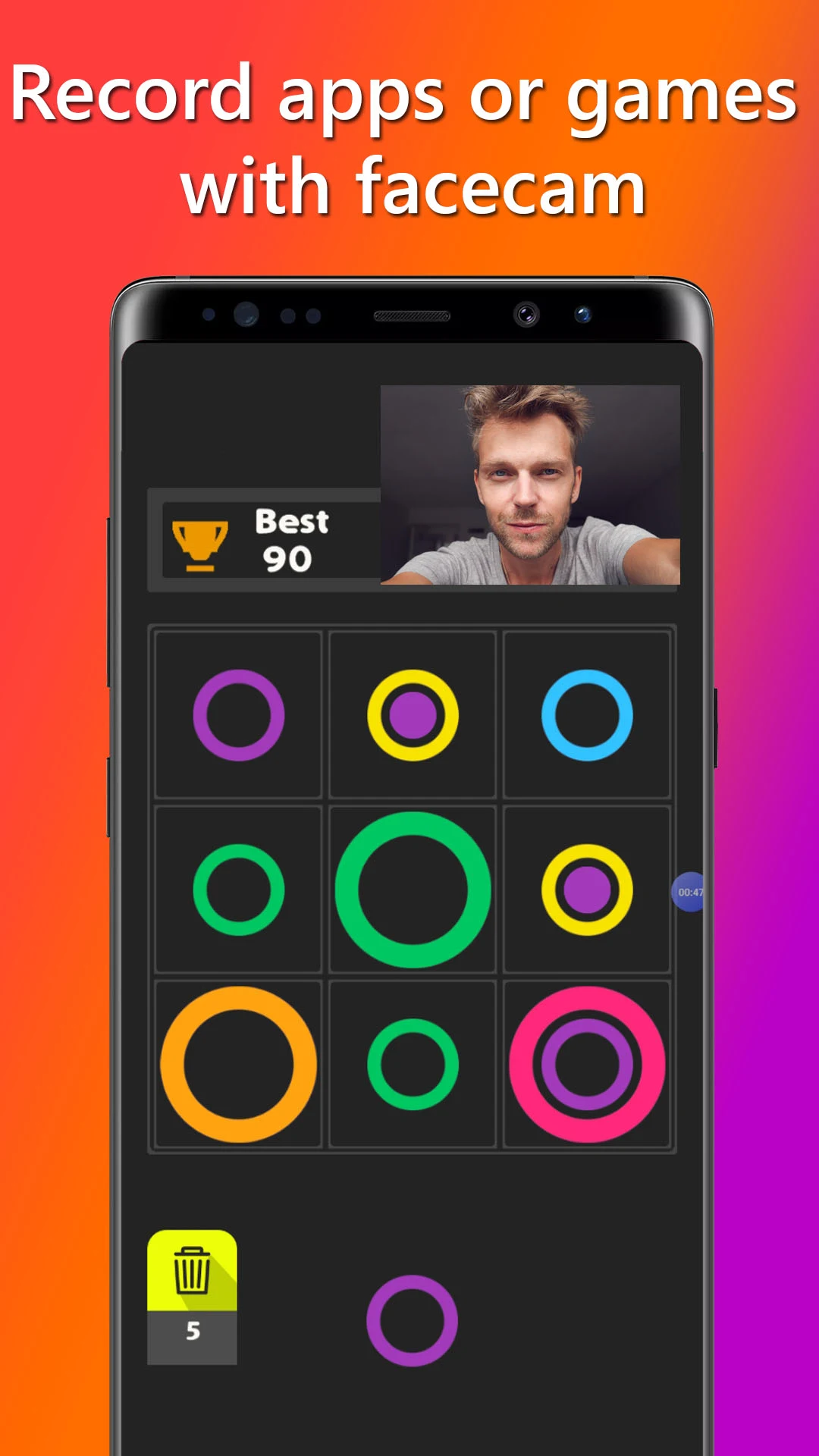
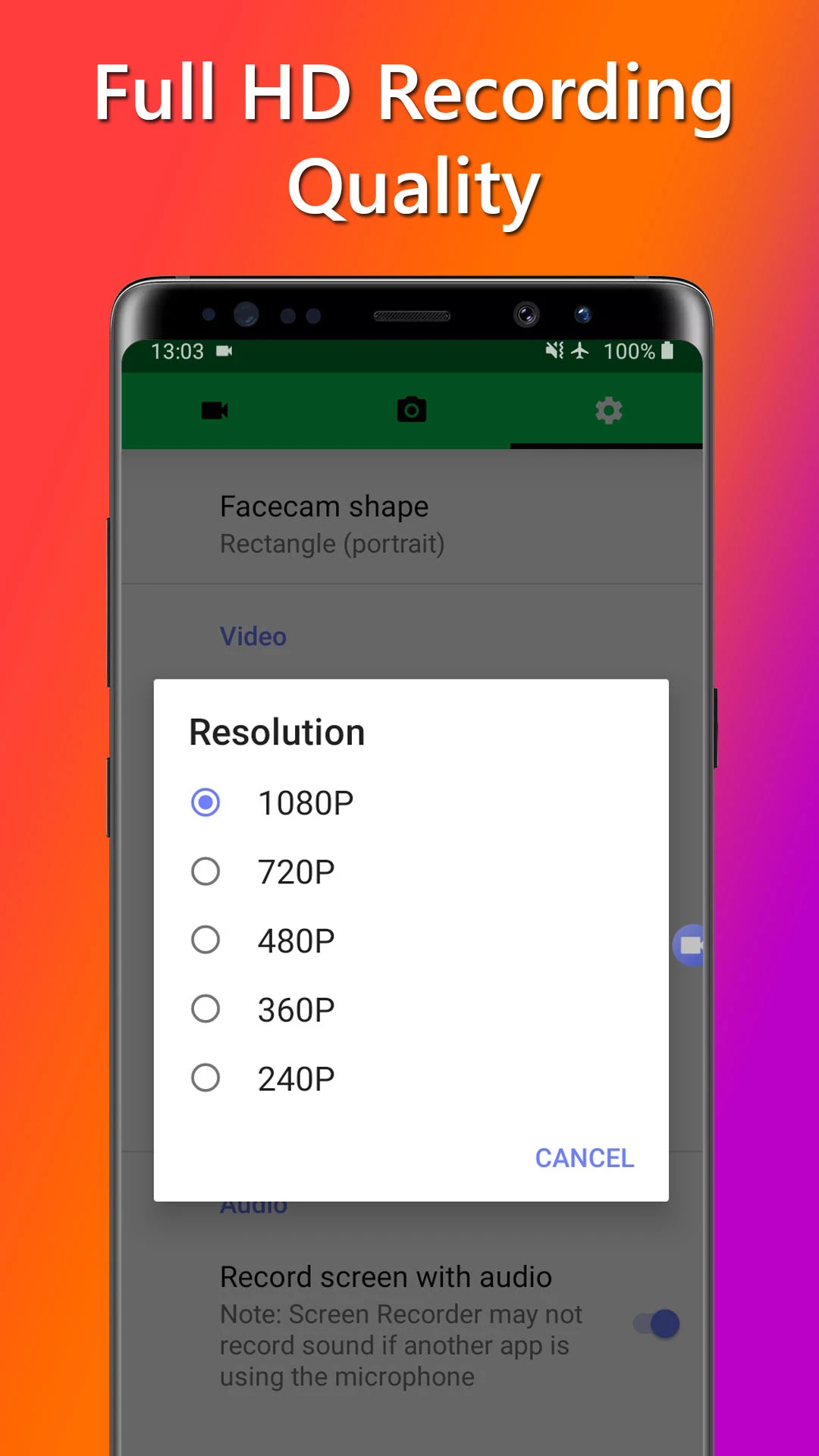
Get FaceCam Screen Recorder today and experience the ultimate capability to record, create, and share your screen along with your face like never before.
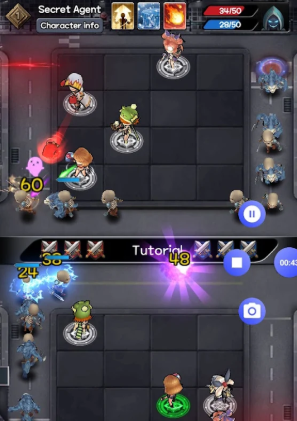
Presenting FaceCam Screen Recorder, the go-to application for gamers, streamers, and content creators eager to record their mobile screens while featuring their faces via the front camera. With robust functionalities and an intuitive design, you can produce captivating videos and showcase your gaming moments to a wider audience.
FaceCam Feature:
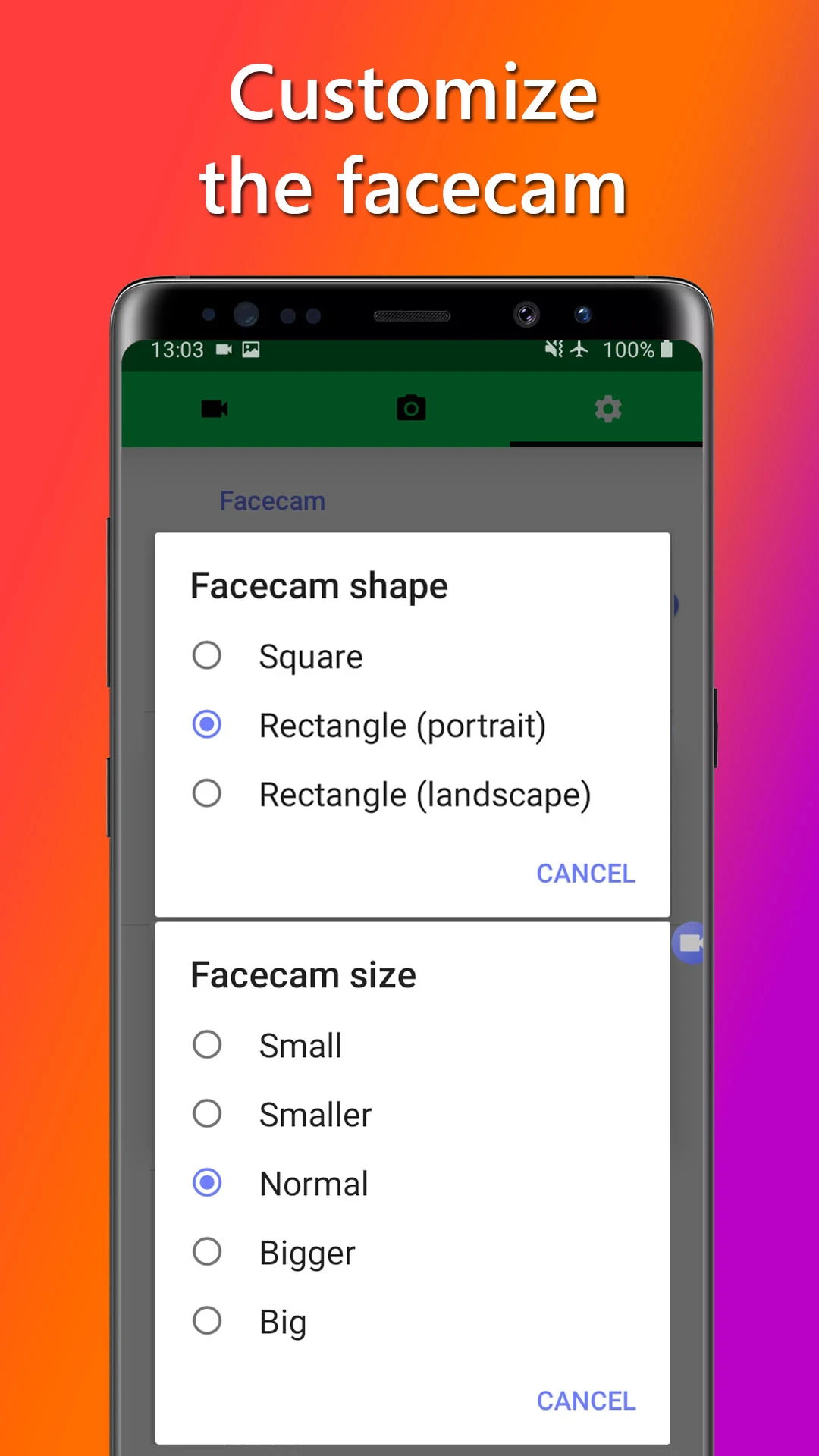
Modify the placement, size, and aspect ratio of the face camera to fit your recording or streaming environment. Regardless of whether you are a live streamer, gamer, or content creator, you maintain complete control over how your face is displayed on the screen. Position the face camera wherever you prefer, providing your viewers with a unique and engaging experience.
Adjust Video Quality
Customize your videos for optimal streaming or uploading on platforms such as YouTube or Twitch. Modify the video resolution and frame rate to capture your gameplay in impressive detail. Select from standard settings like 720p or 1080p, or personalize your preferences to achieve the sought-after quality and compatibility.
Audio Customization
Enhance your gaming videos with high-quality audio. Opt to capture in-game sounds and commentary or choose a silent mode for maximum flexibility. Pick the audio source from your Android device's microphone or internal audio* to immerse your audience in the thrill of your gameplay.
*(requires Android 10 or above)
Built-in Screenshot Editor
Mark the best moments of your gaming sessions using the integrated screenshot editor. Incorporate text, crop images, rotate, adjust brightness, and modify saturation levels to create striking thumbnails or showcase your achievements on social media.
Seamless Sharing
Easily share your recorded videos with your gaming community or online followers. Edit them in popular applications or share them directly on social media platforms. Simply long-press the video or screenshot to access sharing options and quickly connect with your audience.
It is important to remember that FaceCam Screen Recorder should not be utilized to record copyrighted audio, video, music, or films without appropriate permission. We advocate responsible use and disclaim any liability for misuse. By installing and utilizing this application, you acknowledge full responsibility for your actions.
Other features:
- Unlock Additional Features: Enhance your recording and streaming potential through in-app purchases or subscriptions. Access features such as ad removal, advanced video editing options, facecam capabilities, and internal audio recording for a smooth content creation process.
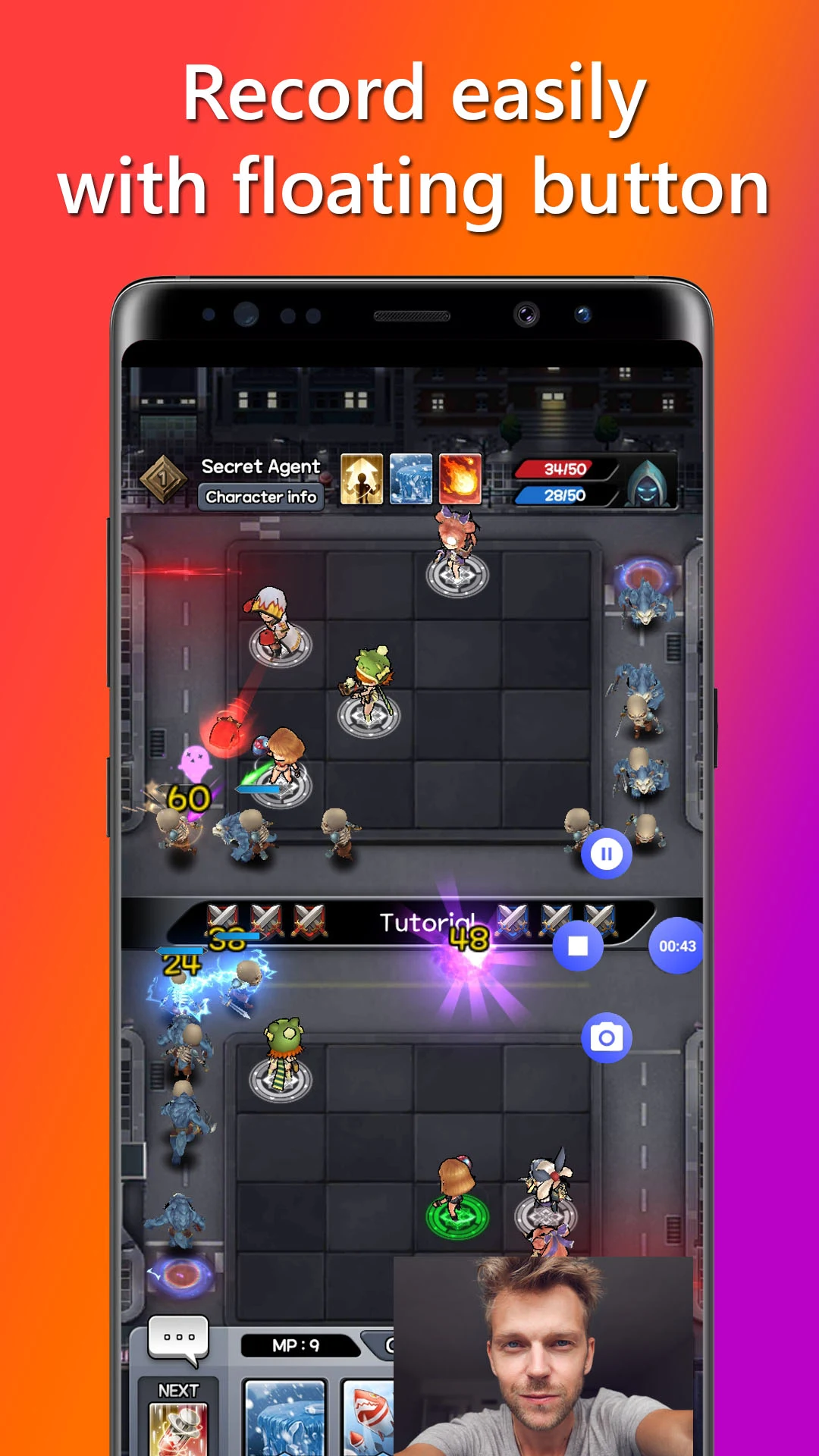
- Capture Moments Anywhere: Utilize the screen recording functionality even while engaged in games or other applications. The floating button stays visible on your screen, enabling you to initiate or pause recordings, take screenshots, or halt the recording seamlessly. Alternatively, you can manage your recording and screenshot tasks via the notification panel.
Start your journey with FaceCam Screen Recorder now and unlock the ability to record, create, and share your gaming experiences with your audience. Begin streaming, attract followers, and establish your presence in the gaming world with FaceCam Screen Recorder.
How to Use:
1. **Parameter Settings**
Adjust the position and size of the front camera image; select the video resolution (720p/1080p), frame rate, and audio source (microphone/internal audio, the latter requires Android 10+) in the settings. Unlock ad-free viewing, advanced editing, and other features via in-app purchase as needed.
2. **Start Recording**
Use the on-screen floating button or notification bar to start/pause recording with one click. You can also take screenshots at any time without affecting gameplay or other operations.
3. **Post-Processing**
Use the built-in editor to add text, crop, and adjust brightness on screenshots; long-press on a video or screenshot to share directly to social media platforms or import it into other editing software for further processing.
4. **Precautions**
Do not record copyrighted content; back up important videos promptly.
Related Questions and Answers:
1. **Q**: What is the core function of this app?
**A**: The core function is to simultaneously record the device screen and front-facing camera feed, making it ideal for content creators, gamers, and others. Users can customize the camera feed's position, size, and aspect ratio, as well as adjust the video resolution, frame rate, and audio source. Recordings can be easily shared or edited after completion.
2. **Q**: What parameters can be customized during recording? How do I do this?
**A**: Customizable parameters include the face camera (position, size, and aspect ratio), video parameters (resolution such as 720p/1080p and frame rate), and the audio source (device microphone or internal audio). Customizable parameters can be adjusted by accessing the app's settings and finding the corresponding parameter module. Some advanced features may require in-app purchases.
3. **Q**: What recording control methods does the app support?
**A**: Two convenient control methods are supported: a floating button to start, pause, or take screenshots at any time without interrupting ongoing operations; and a device notification panel to manage recordings for flexible and efficient operation.
4. **Q**: How do I share and edit recorded videos?
**A**: For sharing, you can share videos directly to social media platforms or import them into other editing apps. For editing, the app has a built-in screenshot editor that allows basic operations like adding text, cropping, and adjusting brightness and saturation, meeting simple content optimization needs.
5. **Q**: What should I do if recording fails while using the app?
**A**: You can try the following solutions: 1. Check and close other apps that are using your audio device, or restart your device; 2. Confirm that the app has access to the camera and microphone; 3. Update your device's sound card and graphics card drivers (for PC); 4. Avoid running in compatibility mode and launch the app as an administrator (for PC).
6. **Q**: Is the app free? What paid features are available?
**A**: Basic features are free and work properly, but the free version may contain ads. Some advanced features, such as removing ads, advanced video editing tools, and internal audio recording, require in-app purchases or subscriptions.
7. **Q**: What precautions should I take when using the app?
**Answer**: First, it is strictly prohibited to record copyrighted content without authorization, otherwise the user will bear the legal responsibility; second, the application only supports the Android system, and it is necessary to ensure that the device system version is compatible; in addition, some users have reported that the facial camera may fail or the recorded content may be lost after the update. It is recommended to back up important recorded files in time.
- Version1.1.0
- UpdateOct 29, 2026
- DeveloperJaya Zone Tech
- CategoryTools
- Requires AndroidAndroid 5.0+
- Downloads241K+
- Package Namecom.jayazone.facecam.screen.recorder
- Signature2497057b1b7eeb39adcf6288441c8d3d
- Available on
- ReportFlag as inappropriate
-
NameSizeDownload
-
6.60 MB
-
6.36 MB
-
6.32 MB




















Smooth operation for screen recording
High-quality recordings
Easy to use and navigate
Allows facecam integration
Saves videos directly to gallery
Adjustable resolution settings
Good for gaming content creation
No need for additional hardware
App crashes frequently
Inconsistent video saving
Difficulties with long recordings
Bugs affecting audio and playback
Ads interrupt user experience
Facecam may not function properly
Limited functionality in free version
Difficulty resizing facecam during recording