DaejeonBus - Bus info & arrival times
Stay updated with real-time bus schedules & service alerts to navigate Daejeon seamlessly.

- 3.2.1.1 Version
- 1.3 Score
- 857K+ Downloads
- Free License
- 3+ Content Rating

Daejeon Bus
App Overview
Daejeon Bus is a public transportation app for Daejeon, South Korea, providing information on local bus and subway services. Users can check bus routes, estimated arrival times, and the current locations of operating buses. Subway arrival information, station details, and facility listings are also available.
The app retrieves transportation data through DATA.go.kr, South Korea's public data portal. Apple Maps integration displays nearby bus stops and subway stations, helping users identify boarding locations. The interface supports Korean and English, although some instructions and descriptions are available only in Korean.
Key Features
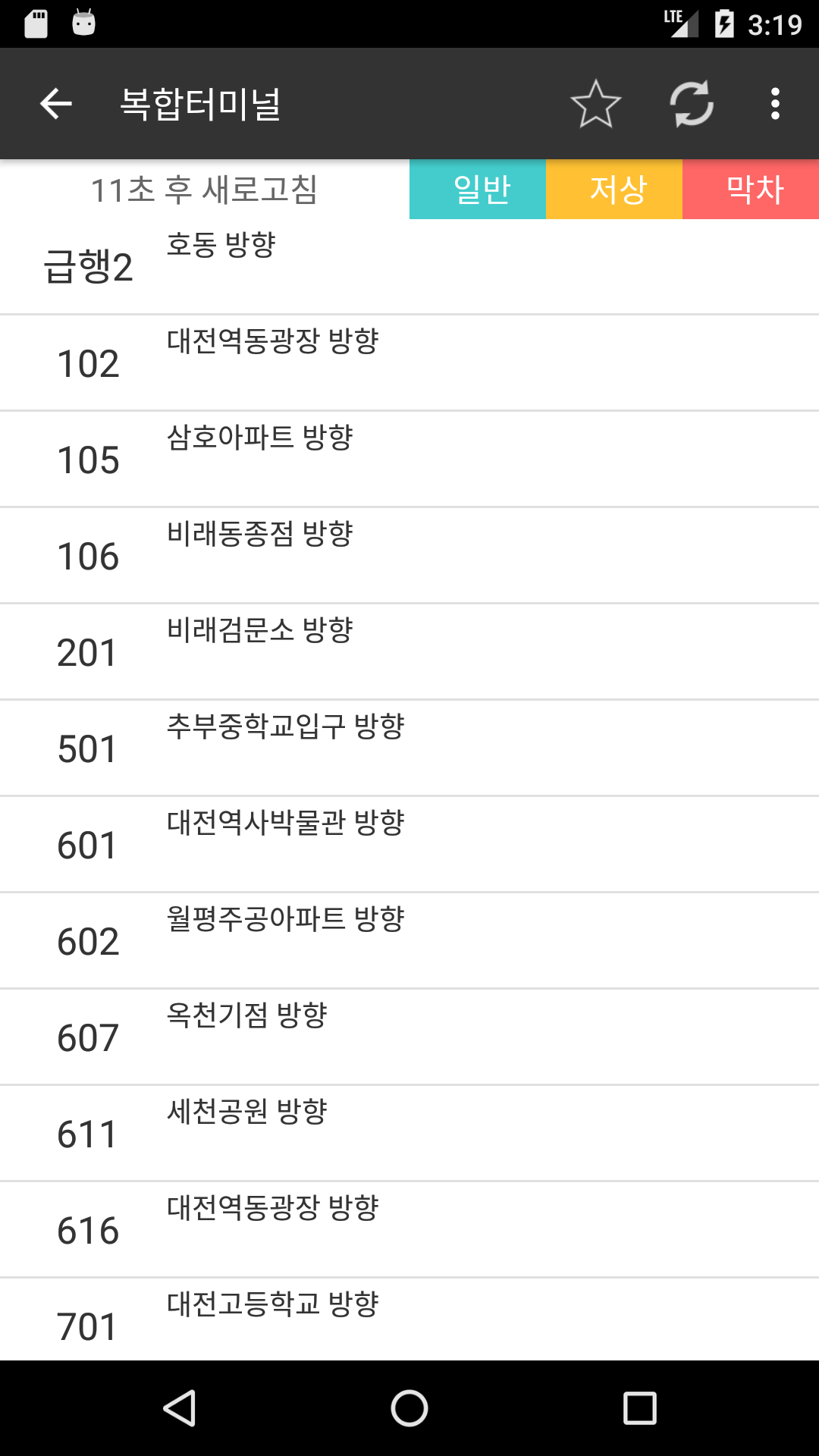
Real-Time Bus Arrivals: View estimated arrival times, departure information, operating status, and last bus details
Live Bus Tracking: See the current positions of operating buses along their routes
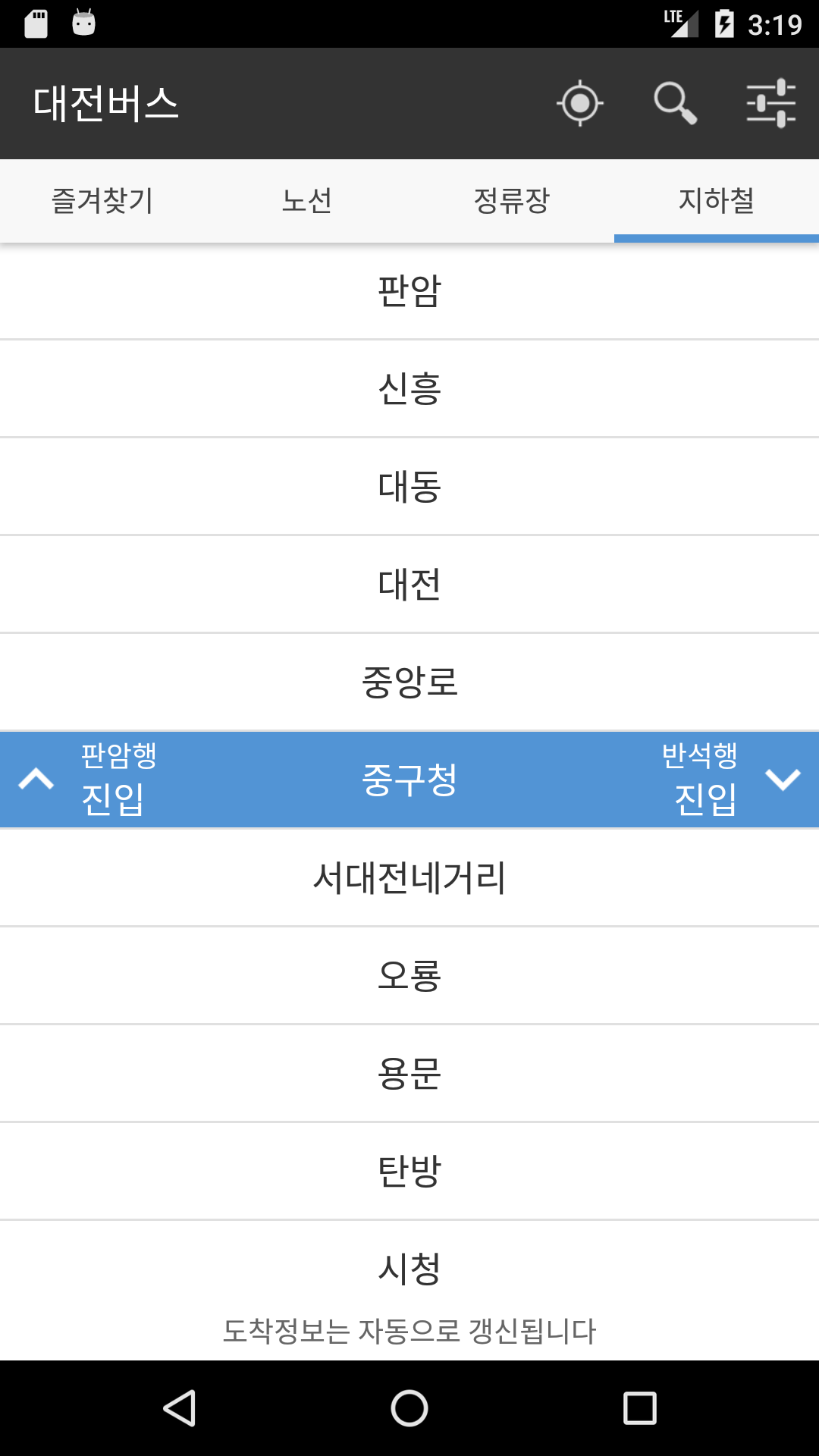
Subway Information: Check train arrivals in both directions, station addresses, contact numbers, and facilities
Route and Stop Search: Search for bus routes by number or find stops by name
Nearby Stops: Locate bus stops and subway stations using your current location
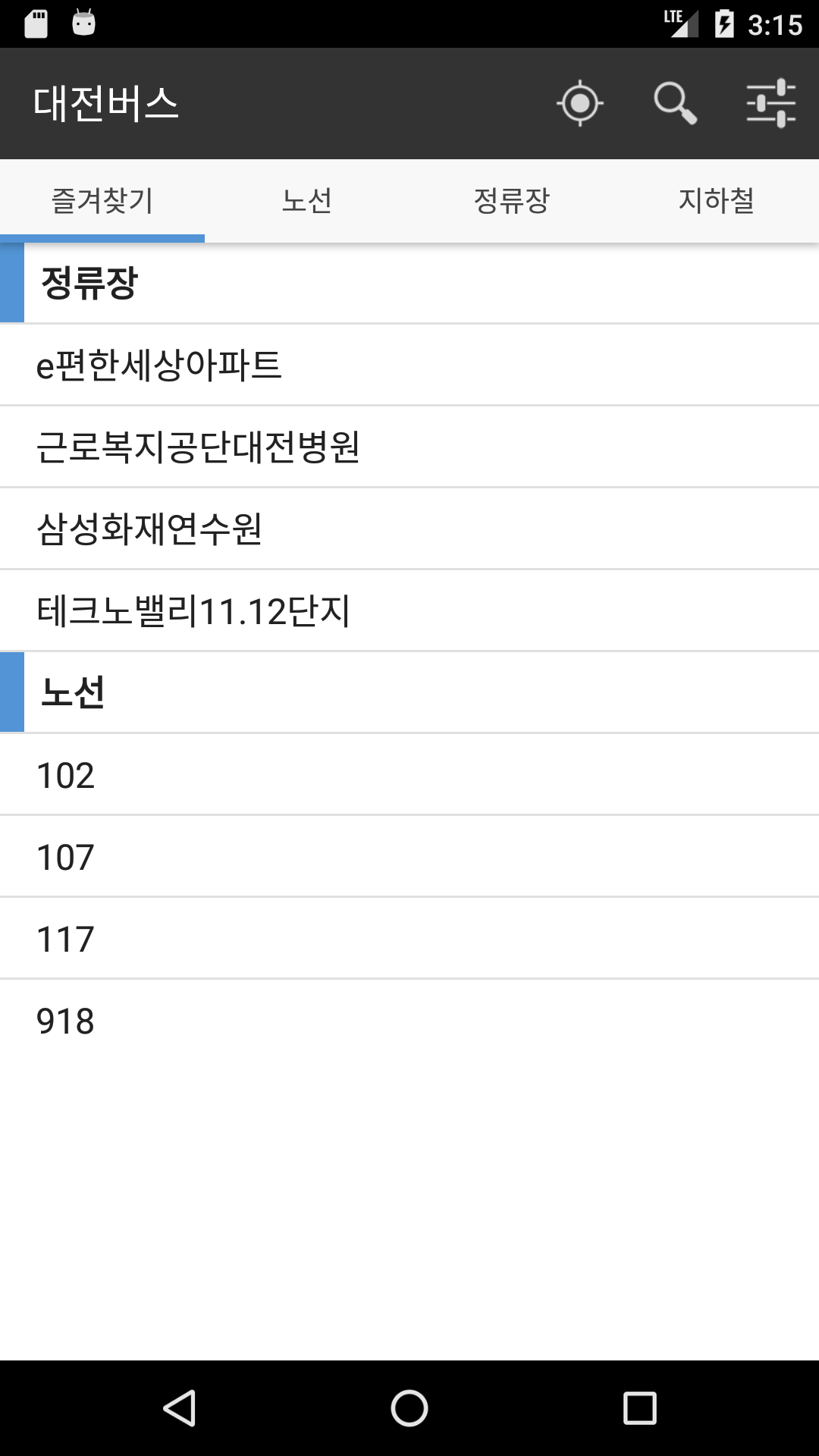
Favorites: Save frequently used routes and stops for quick access
Arrival Notifications: Receive alerts about approaching buses and nearby saved stops
Weather Information: View current temperatures, daily highs and lows, wind conditions, and rainfall
Automatic Data Refresh: Retrieve updated bus arrival information at regular intervals
Bilingual Interface: Choose between Korean and English, with some Korean-only content
How to Use
Open Daejeon Bus and enter a bus number in the search bar to find its route. You can also search for a bus stop by name or locate stops on the map.
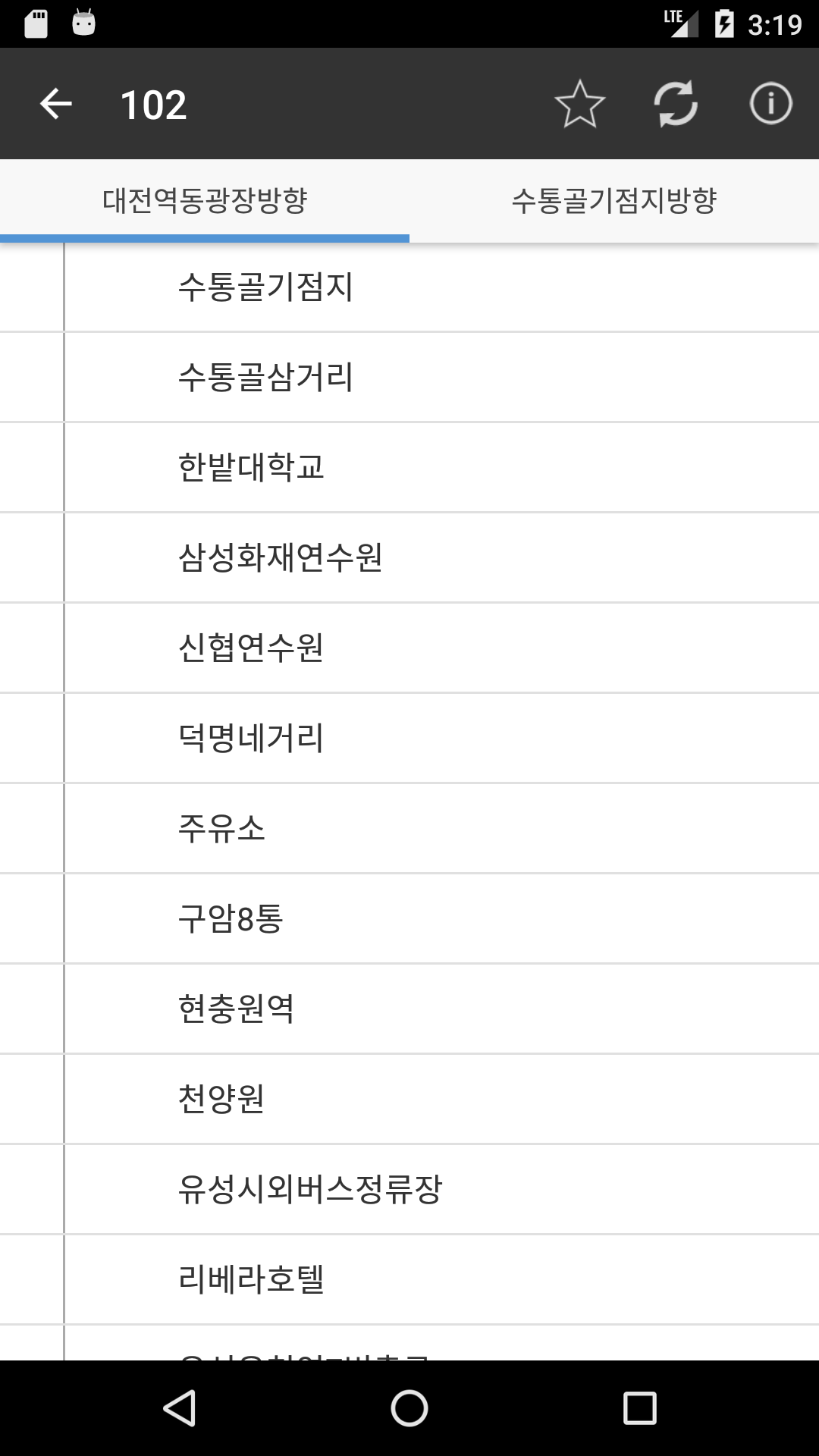
Select a route to see its stops, direction, estimated arrival times, and operating bus locations. The status information indicates whether a bus is approaching a stop, currently operating, or waiting to begin its journey.
For subway information, select a station to view incoming trains in both directions. The station page also provides its address, contact number, and available facilities.
Add regularly used routes and stops to your favorites for easier access. You can organize saved entries by location, distance to the nearest stop, or route number. Notifications can also be enabled for approaching buses and nearby favorite stops.
App Experience
Daejeon Bus brings bus tracking, subway information, and weather updates together in one app. Its map integration is useful for identifying unfamiliar stops, while the favorites feature keeps frequently used routes readily accessible.
Automatic data refresh and arrival notifications reduce the need to repeatedly search for updated transportation information. However, the accuracy and availability of arrival estimates depend on external data services. Network problems or temporary interruptions to DATA.go.kr may affect the information displayed.
Although the app offers an English interface, Korean-only instructions and descriptions may make some sections less accessible to English-speaking users.
FAQs
1. Which city does Daejeon Bus cover?
The app provides public transportation information for Daejeon, South Korea, including local bus routes, bus stops, and subway stations.
2. Can I track buses in real time?
Yes. The app displays the current positions of operating buses along their routes and provides estimated arrival times.
3. Does Daejeon Bus support subway information?
Yes. You can check incoming trains in both directions and view station addresses, contact numbers, and facility information.
4. Can I save frequently used bus routes?
Yes. Add bus routes and stops to your favorites list for quicker access. Saved entries can also be organized using different sorting options.
5. Why are some arrival times unavailable?
The app retrieves transportation information from an external public data service. Network problems or temporary service interruptions may prevent it from displaying the latest arrival estimates.
6. Does the app support English?
Yes. Korean and English are available as interface languages, but some instructions and descriptions remain in Korean.
- Version3.2.1.1
- UpdateNov 13, 2026
- DeveloperGloriousDay
- CategoryMaps & Navigation
- Requires AndroidAndroid 5.0+
- Downloads857K+
- Package Namecom.djbus
- Signatureeff3187aed96f241ed6a72fbb8796d58
- Available on
- ReportFlag as inappropriate
-
NameSizeDownload
-
4.18 MB
-
4.37 MB
-
4.42 MB