
College Proxy - Proxy & Unblock Sites
Seamlessly access blocked content & enhance your internet speed with a simple proxy setup for all apps.
- 10.0.10 Version
- 2.7 Score
- 222K+ Downloads
- In-app purchases License
- 3+ Content Rating

FEATURES:
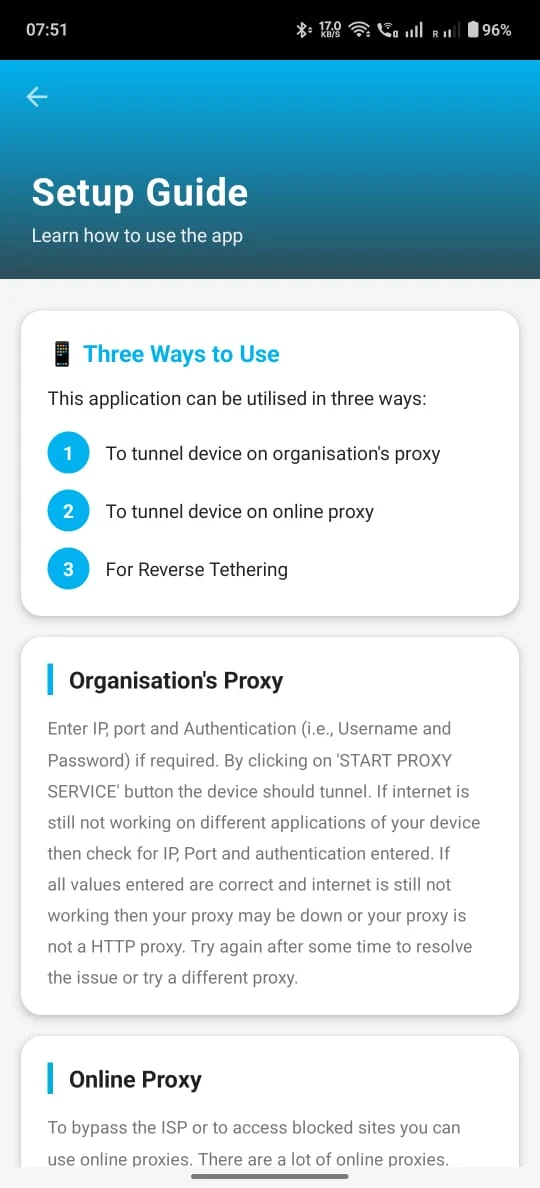
- College Proxy allows your device to be fully connected through an HTTP Proxy Server, typically one provided by your college or organization, operating at its optimal speed.
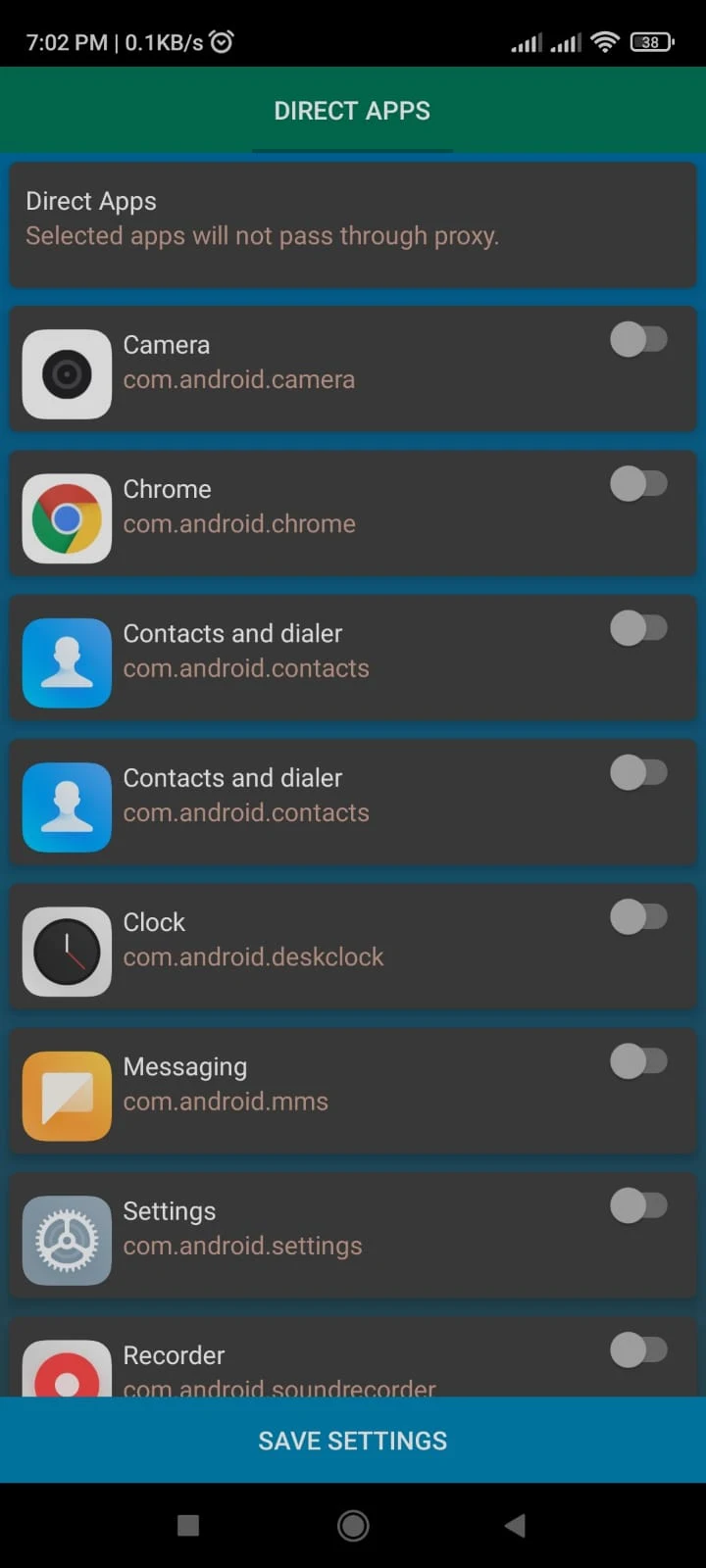
- This application also accommodates HTTP authentication methods. You can utilize various apps such as WhatsApp, Facebook, YouTube, Gmail, Chrome, Play Store, Drive, Amazon, Hotstar, and more while connected to your proxy.
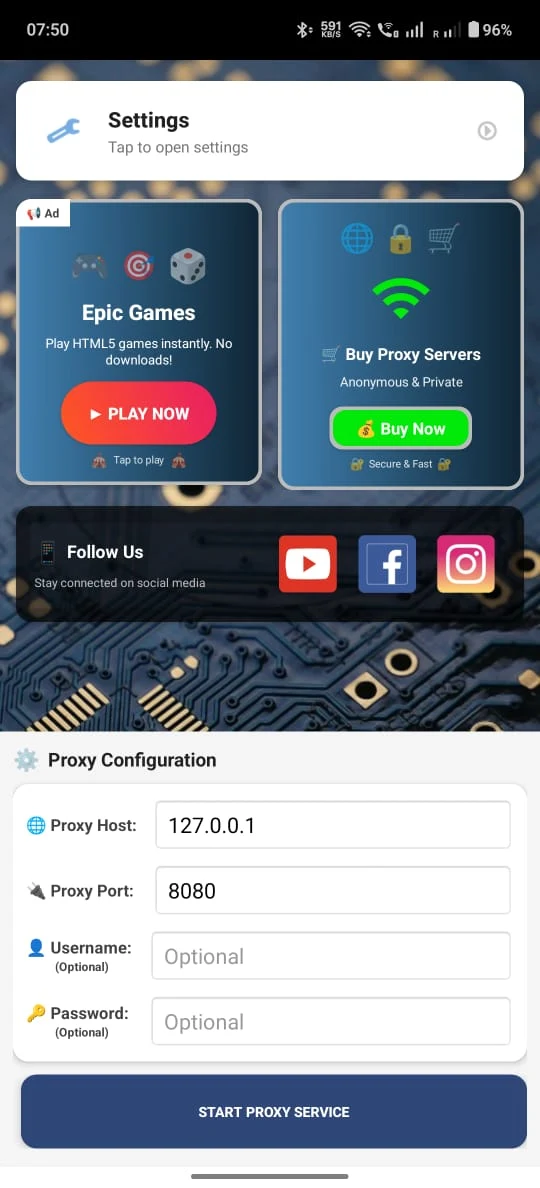
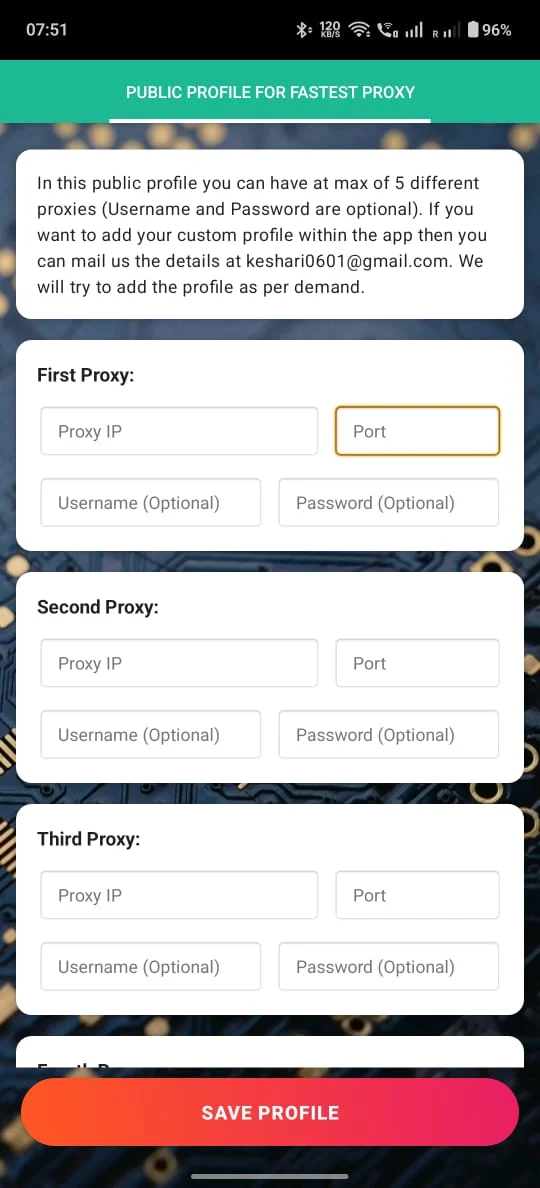
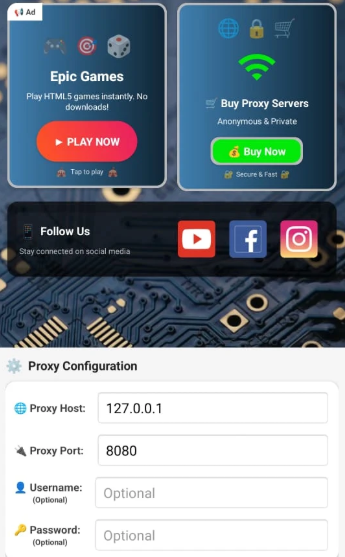
- The user interface of this application is straightforward and user-friendly. Simply input the IP address, port, and any necessary authentication details, without any complicated steps involved.
- Additionally, this app can be employed as an online proxy to help bypass restrictions imposed by your Internet Service Provider (ISP) for accessing blocked websites.
Application Highlights:
- Easy Operation: The interface is simple and intuitive. Simply enter the core proxy parameters (IP, port, and authentication information) to complete configuration, making it easy for even beginners to get started.
- Highly Compatible: Designed specifically for schools and institutions, it addresses the need for campus and enterprise networks to connect through a proxy, while also accommodating everyday multi-application scenarios.
- Highly Practical: It meets compliance requirements, bypasses network restrictions, and guarantees network speed, balancing functionality and user experience.
Target Audience:
- Students: Those who need to connect to the internet through a campus HTTP proxy server and use social, learning, and entertainment applications.
- Enterprise/Institutional Employees: Those whose organizations require them to connect through a designated HTTP proxy and need to use office and daily applications.
You won't experience any decrease in speed, ensuring you enjoy the maximum internet speed that your network is capable of providing.
FAQs:
1. **What are the main functions of College Proxy?**
- The core function is to allow devices to connect to the internet through an HTTP proxy server provided by the college/institution. It supports HTTP authentication, allowing normal use of various applications such as WhatsApp, YouTube, and Chrome. It can also act as an online proxy to bypass ISP restrictions and access blocked websites, ensuring full-speed network operation.
2. **Does this application require complex configuration steps?**
- No. The application interface is simple and user-friendly. Simply enter the proxy server's IP address, port, and necessary authentication information (such as username and password). No complicated operations are required; even beginners can quickly complete the configuration.
3. **Who is College Proxy suitable for?**
- Students who need to connect to the internet through a campus HTTP proxy and use social/learning/entertainment applications; employees whose companies/institutions require network access through a specified HTTP proxy and who need to use office and daily applications.
4. **Will network speed be affected when using College Proxy?**
- No. The application allows devices to connect to the internet at the optimal speed through the proxy server, without any speed reduction, allowing users to enjoy the maximum speed supported by the network.
- Version10.0.10
- UpdateOct 28, 2026
- DeveloperCell47 Products
- CategoryTools
- Requires AndroidAndroid 4.4+
- Downloads222K+
- Package Namecom.cell47.College_Proxy
- Signaturef26ce163e6848000f373c64ed6370ecb
- Available on
- ReportFlag as inappropriate
-
NameSizeDownload
-
6.49 MB
-
6.54 MB
-
6.49 MB

















Simple and great user interface
Boosts WiFi speed
Saves mobile data usage
Effective for bypassing college or LAN restrictions
No ads in the free version
Faster connection compared to competitors
Supports multiple apps on proxy
Overall good performance in speed tests
Issues with video calling on multiple platforms
Some applications, such as Telegram, unable to download content
Frequent connection drops
Compatibility issues with specific devices
Limited functionality on iPhone
Problems with downloading certain games
Poor handling of outgoing and incoming messages on chat apps
App slows down device performance