
Zillow - Find rentals & contact directly
Discover your dream home with instant notifications, detailed filters & easy connections to property managers and landlords.

- 2025.3.1.87918 Version
- 3.2 Score
- 4M+ Downloads
- Free License
- 3+ Content Rating

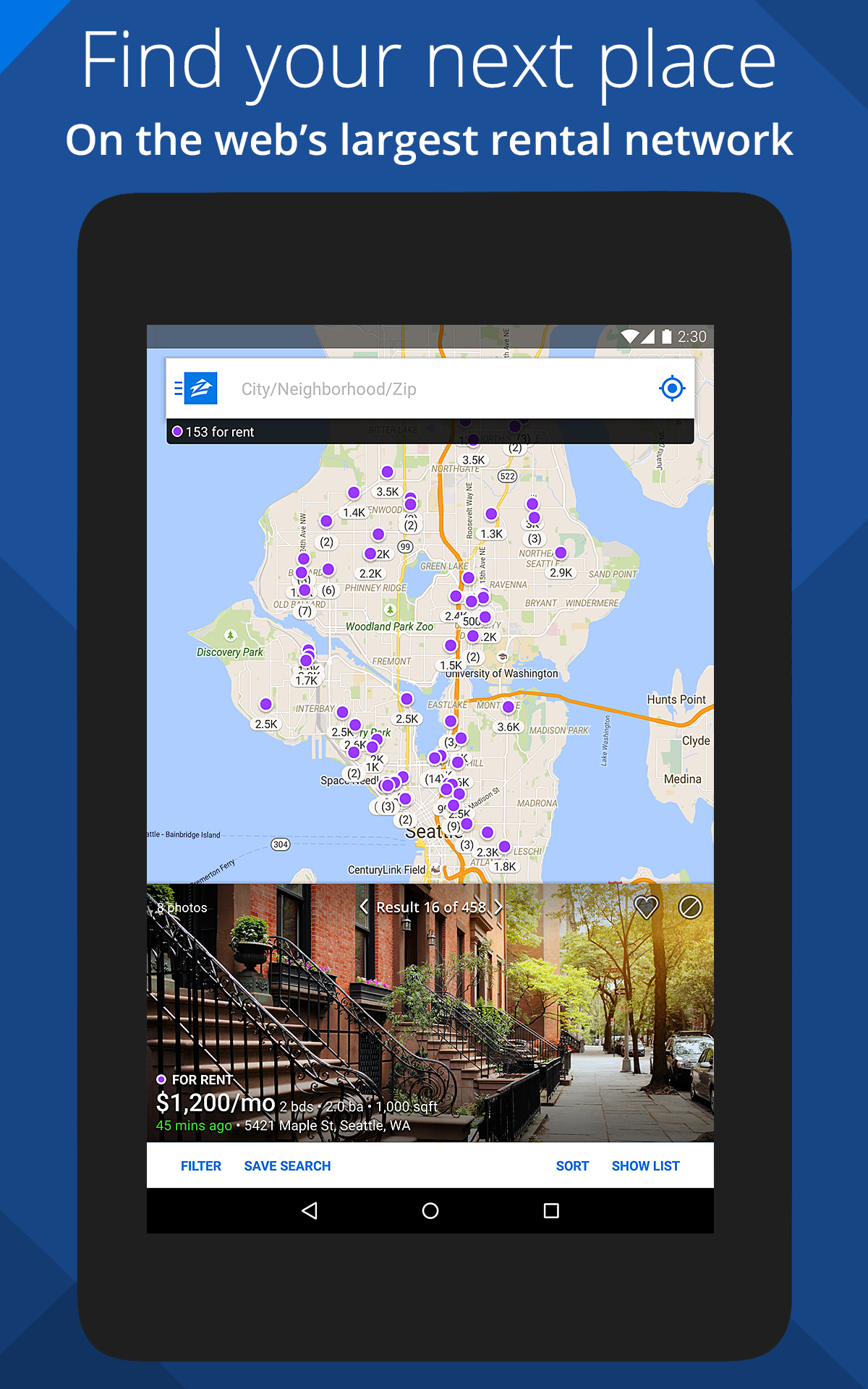

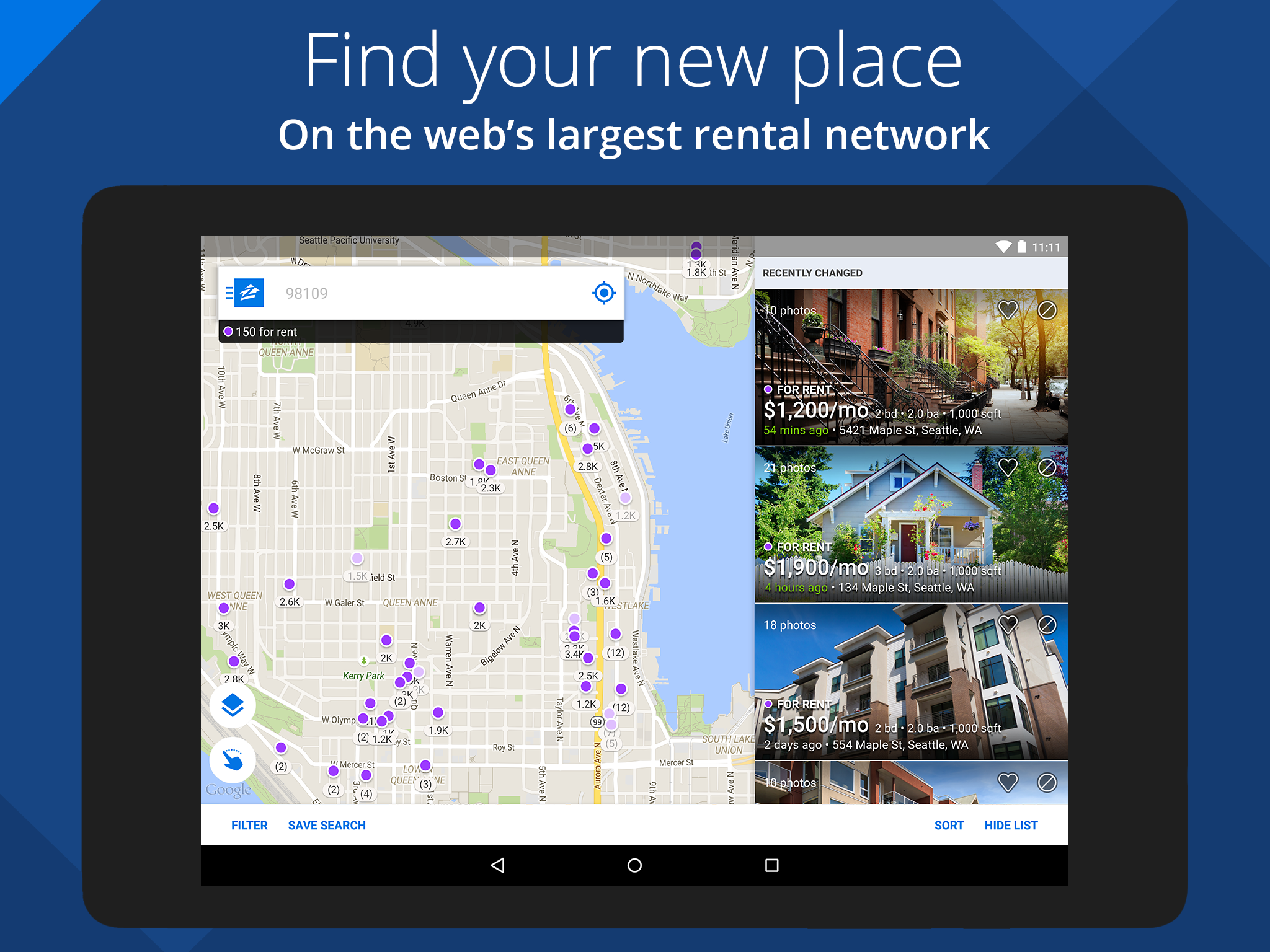
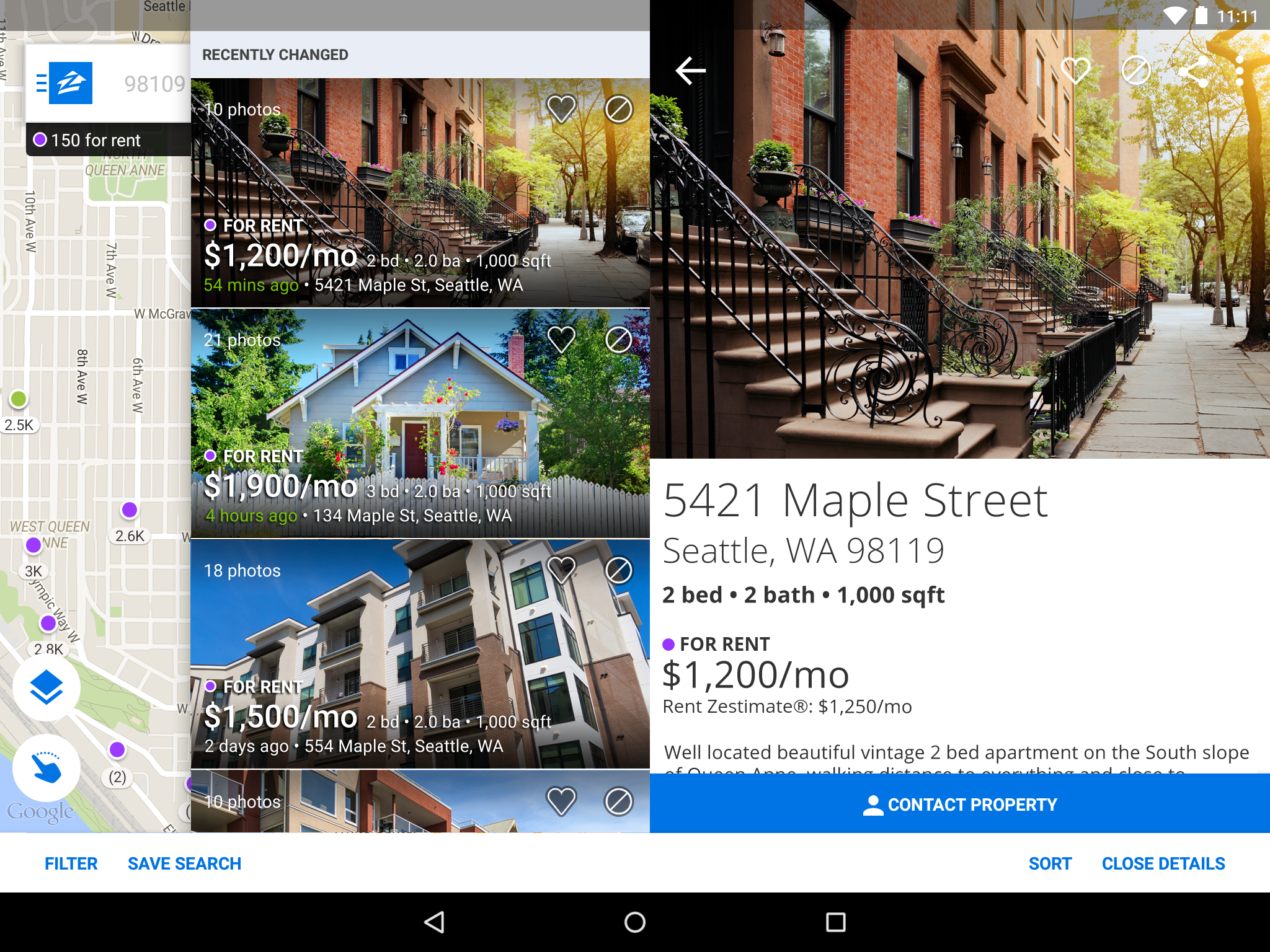
Zillow Real Estate & Rentals — Complete Guide for the App Store
1. App Introduction: Zillow — The Most-Visited Real Estate Marketplace in Your Pocket
Zillow Real Estate & Rentals (developed by Zillow.com, provider Zillow, Inc.) is the definitive mobile destination for buying, renting, selling, and financing a home in the United States. With a stellar 4.8-star rating on the Apple App Store and hundreds of thousands of reviews, the Zillow app puts the entire housing journey on a single map.
2. How to Get the Most Out of the Zillow App — Power-User Guide?
2.1 Natural-Language Search (iOS Only)
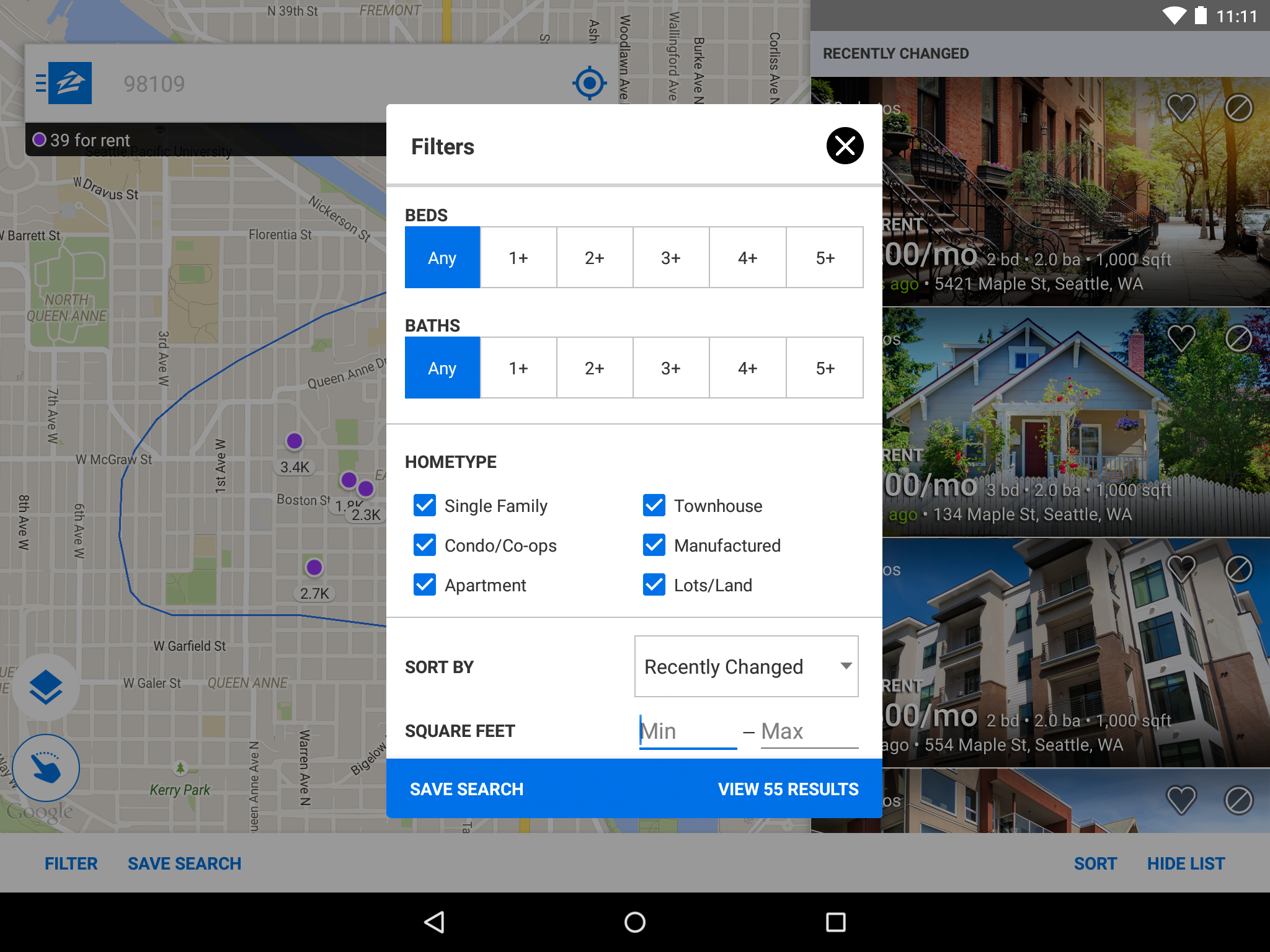
Open the app and type the way you speak: "three-bedroom house in Dallas with a pool and hardwood floors." Results populate instantly — no need to navigate filters. Save the search to receive instant notifications when matching listings appear.
2.2 Draw Your Own Search Boundary
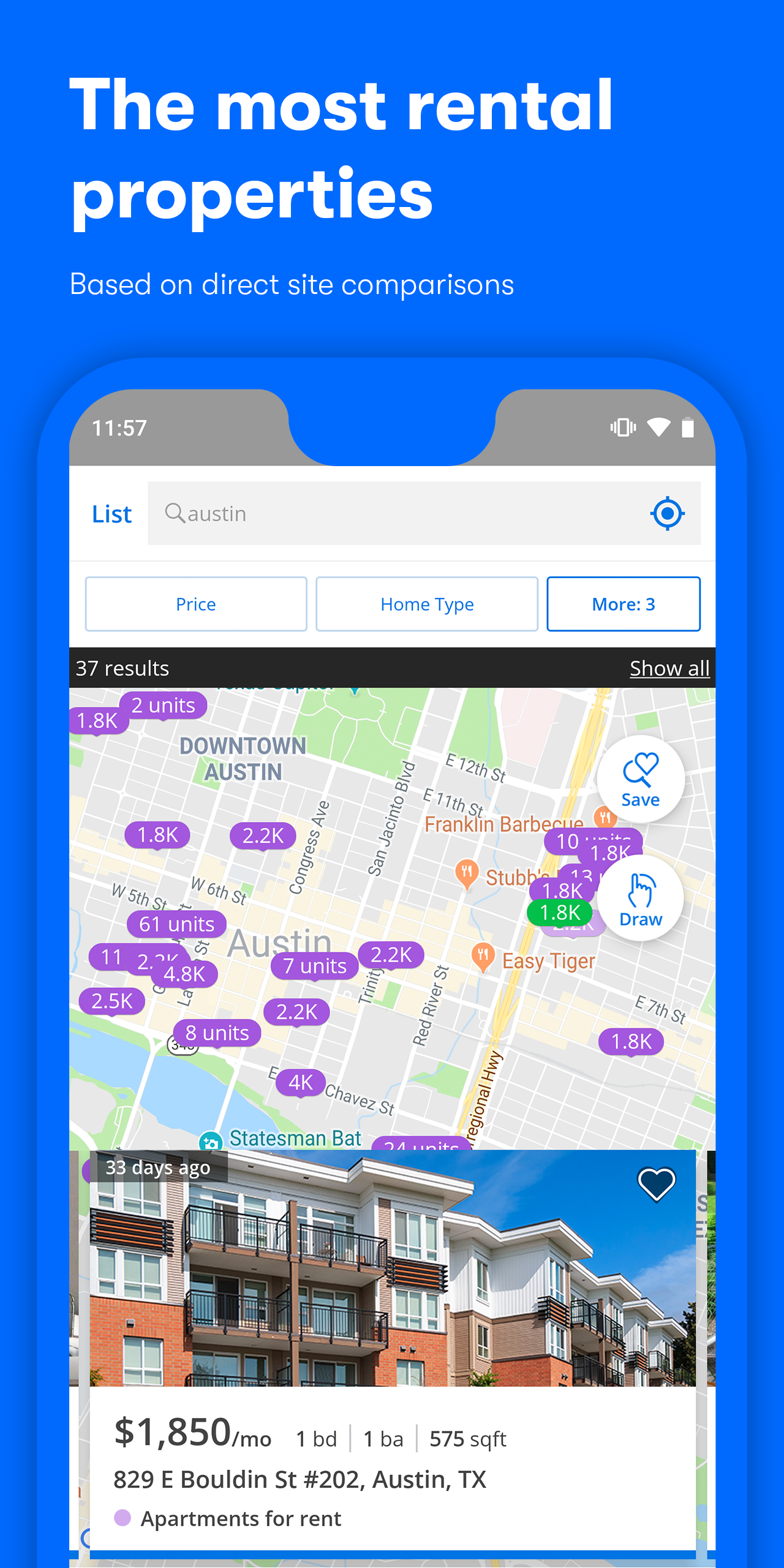
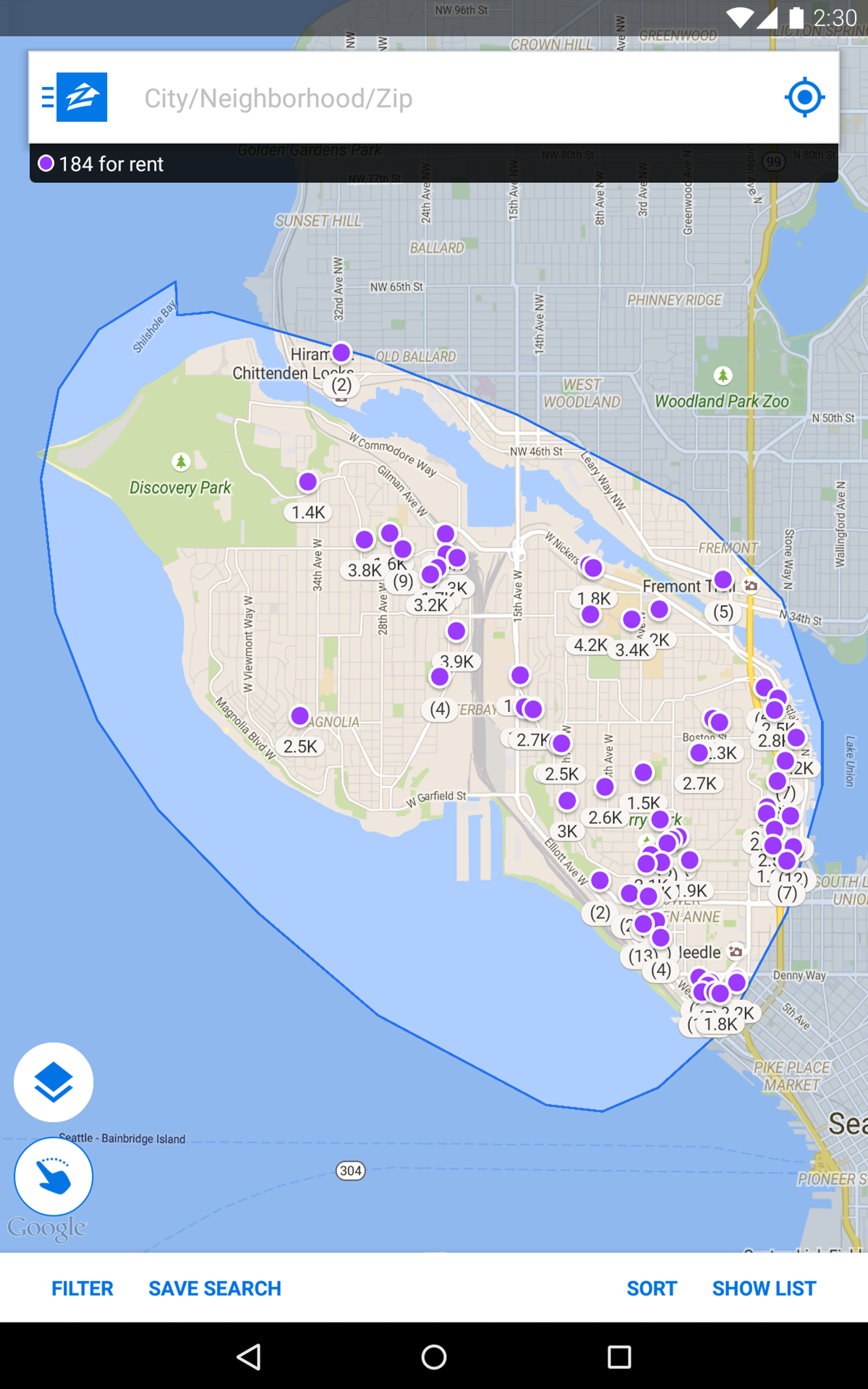
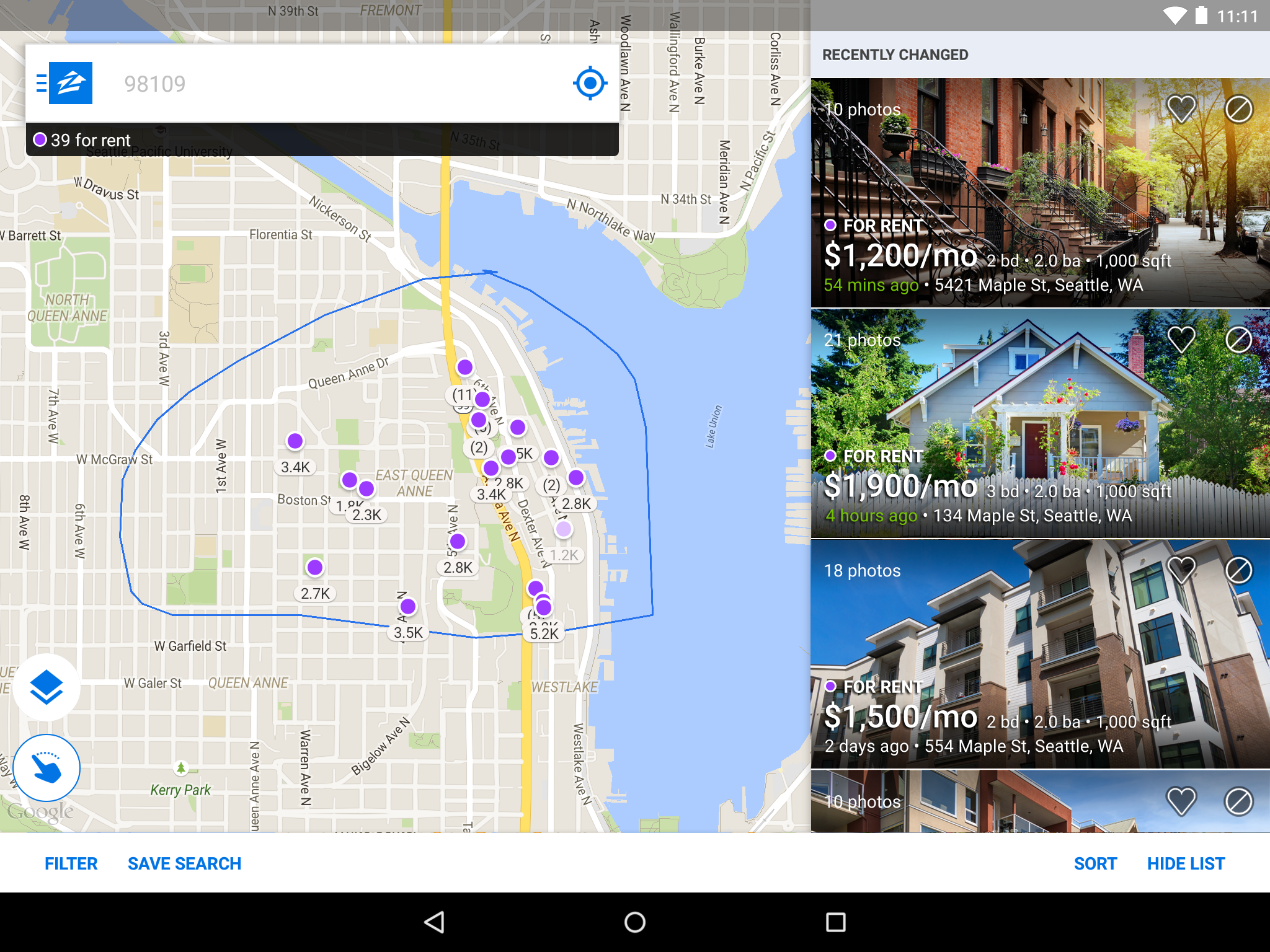
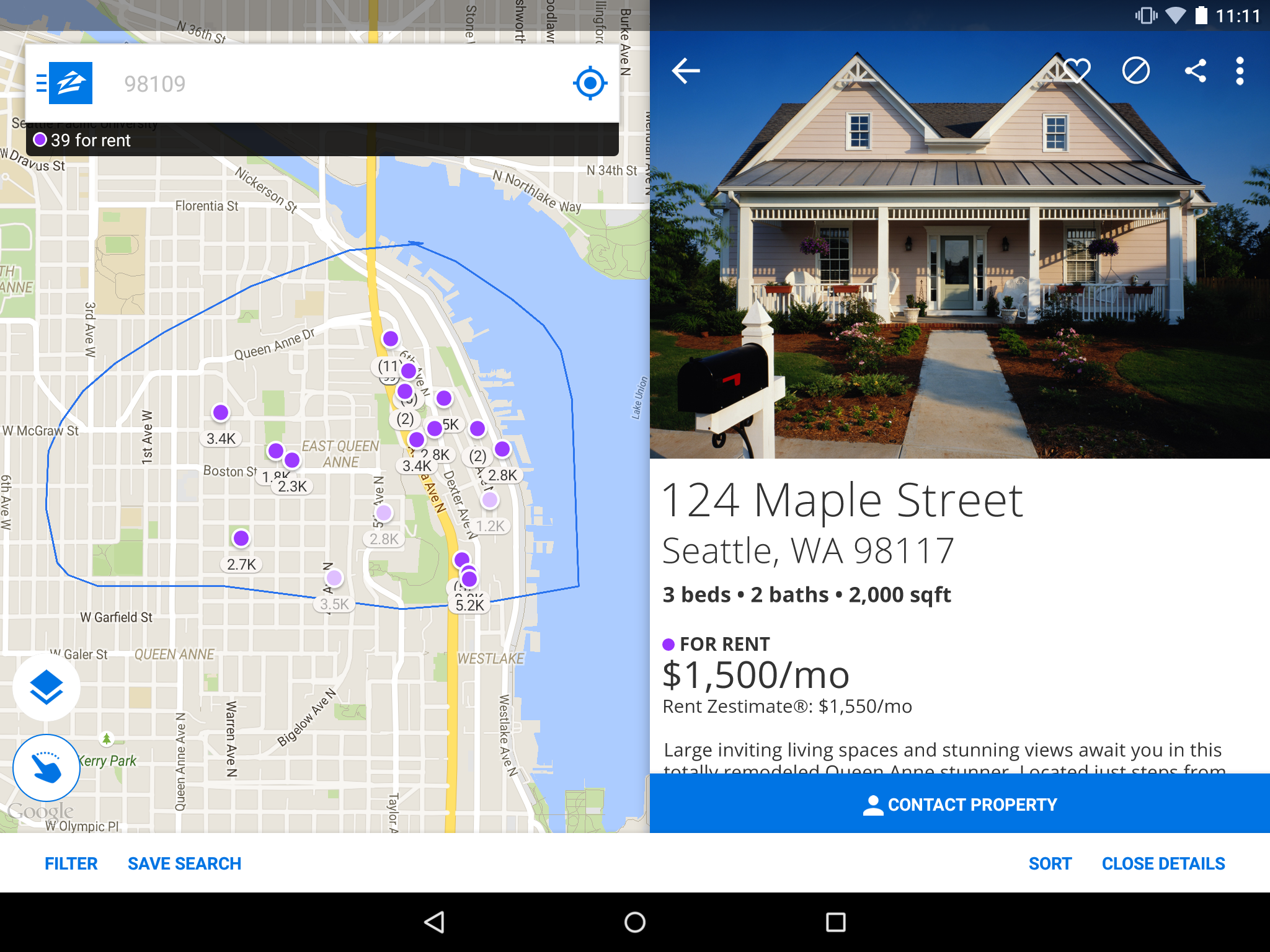
Driving through a neighborhood you love? Tap the location arrow in the search bar to see homes near you in real time. Even better, draw a custom polygon on the map to define exactly the streets you want — and opt in to notifications the moment a new listing appears inside that zone.
2.3 Filter by School Attendance Zone
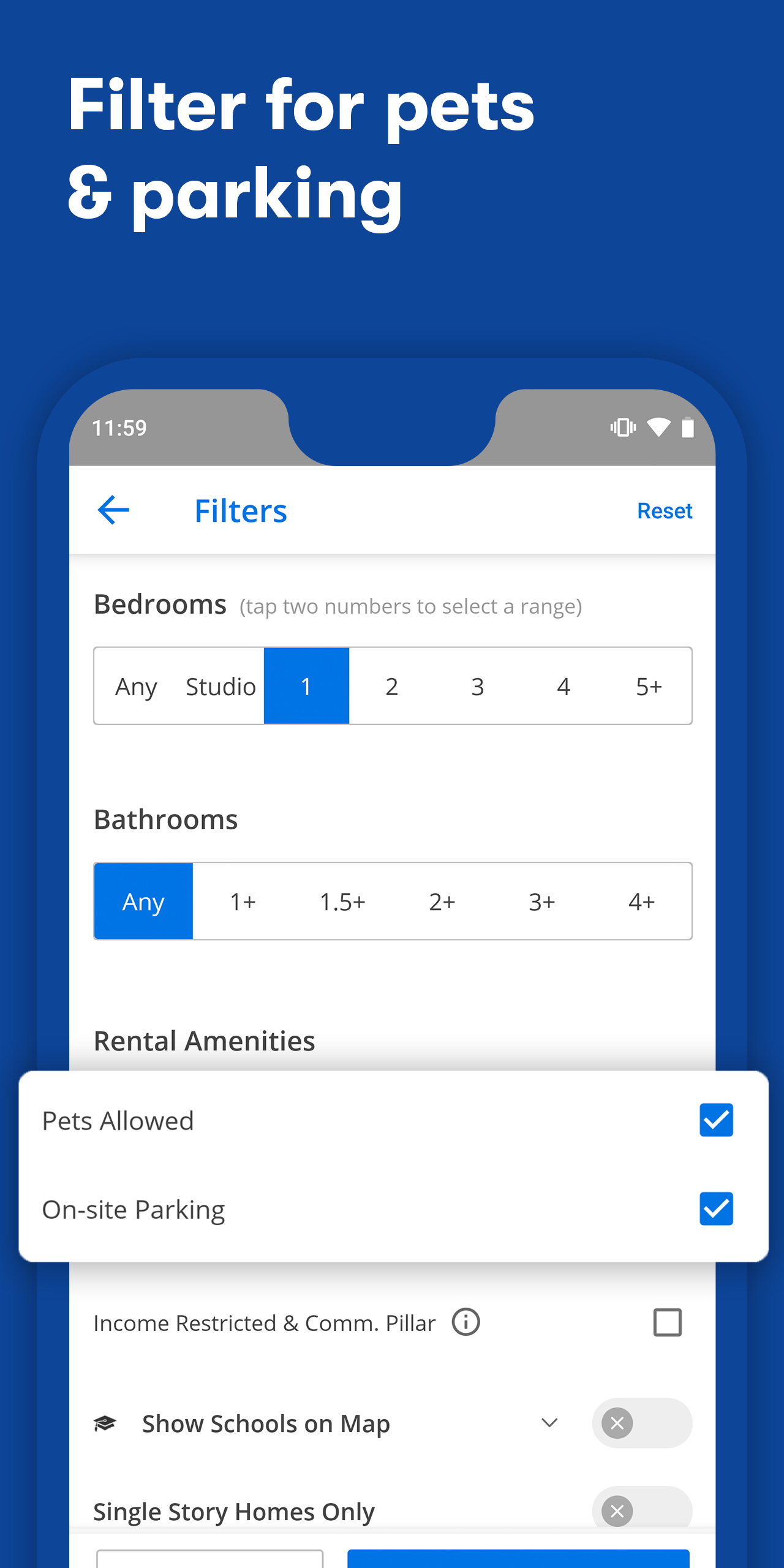
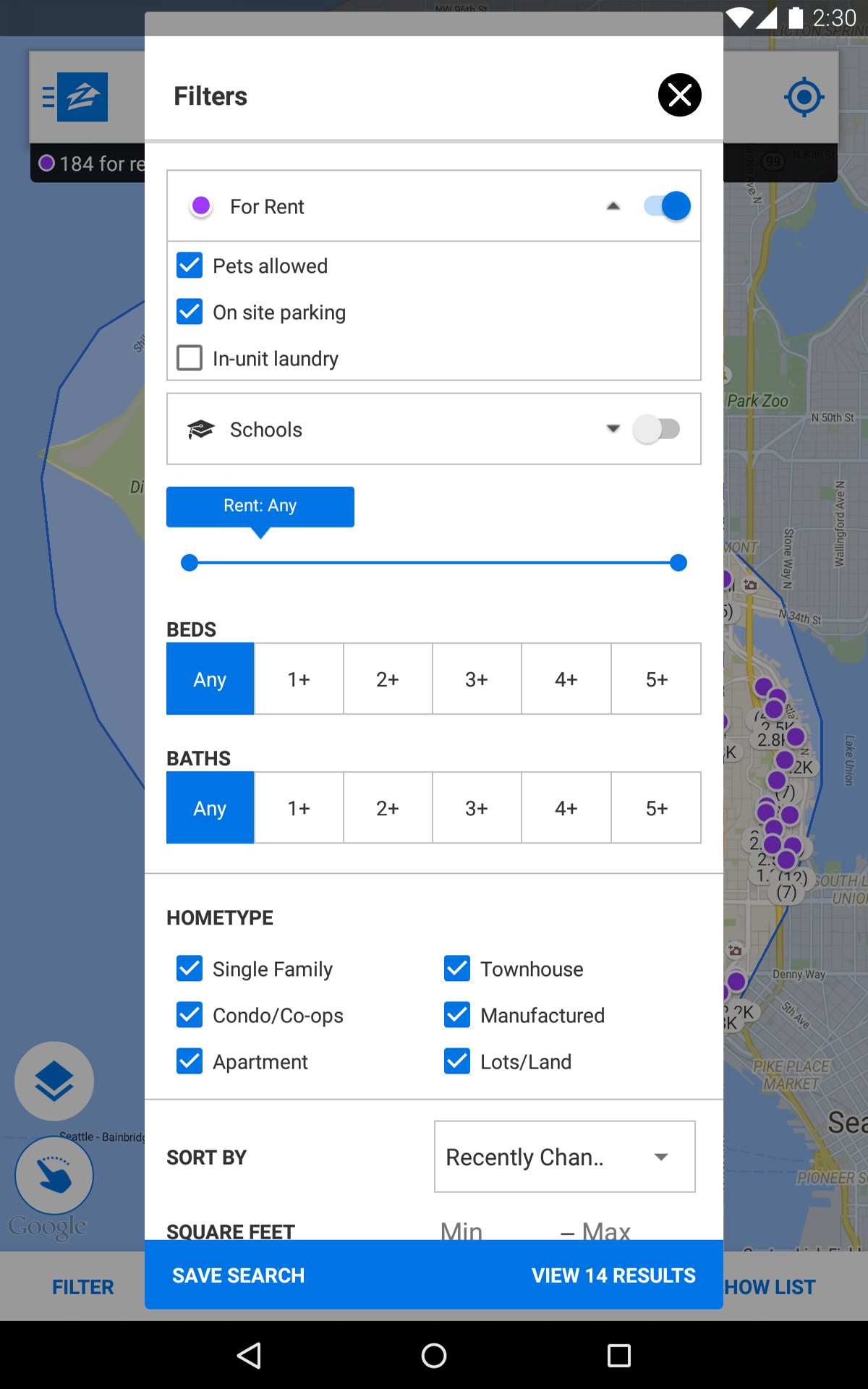
Type a school name or district into the search bar. The Zillow app displays attendance-zone boundaries on the map and shows every home available within that zone. For open-enrollment, charter, or private schools, the app shows homes within a 5-mile radius.
2.4 Co-Shop with In-App Messaging
More than 60% of buyers shop with at least one other person. Invite a partner, roommate, or friend to your in-app inbox. Share listings, tag what you love, and coordinate tours in a single channel — no more lost texts.
2.5 Compare Homes Side-by-Side
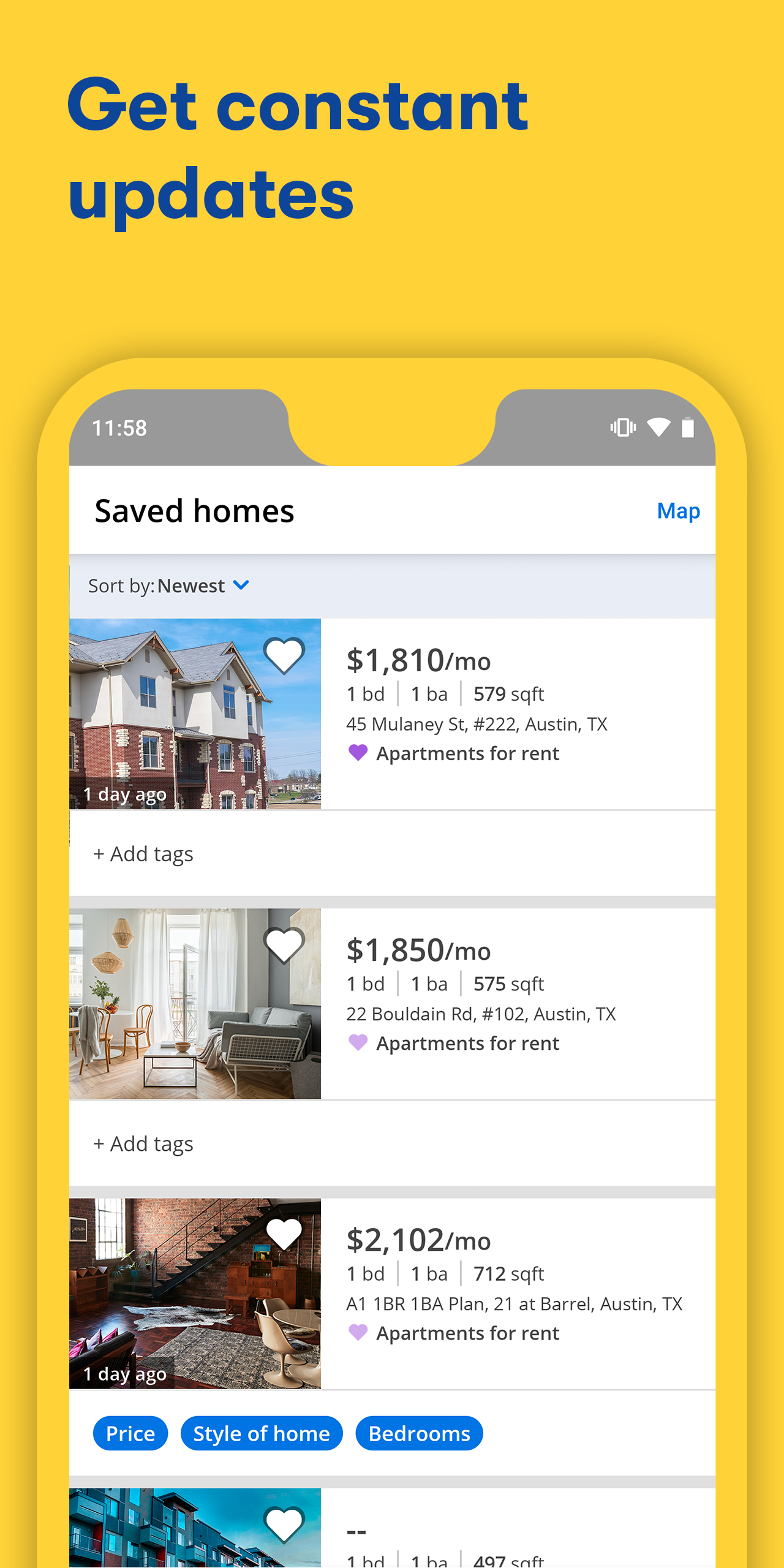
Save specific homes, tap Saved Homes, select the ones you want, and hit Compare. Every detail — price, beds/baths, square footage, days on Zillow, price cuts — appears in one unified view.
2.6 Set Alerts to "Instant"
A saved search can be configured for Instant, Daily, or Off email/app alerts. In competitive markets, choose Instant so you're the first to know when a home drops in price, goes off the market, or schedules an open house.
2.7 Use Zillow AI Mode to Stress-Test Your Offer
Ask the AI: "What would a fair offer be for this home?" or "How competitive is my $500K offer with waived contingencies?" The system analyzes comparable sales, market conditions, and property-specific factors to give you context before you sign.
2.8 Rent Smarter with Portable Applications
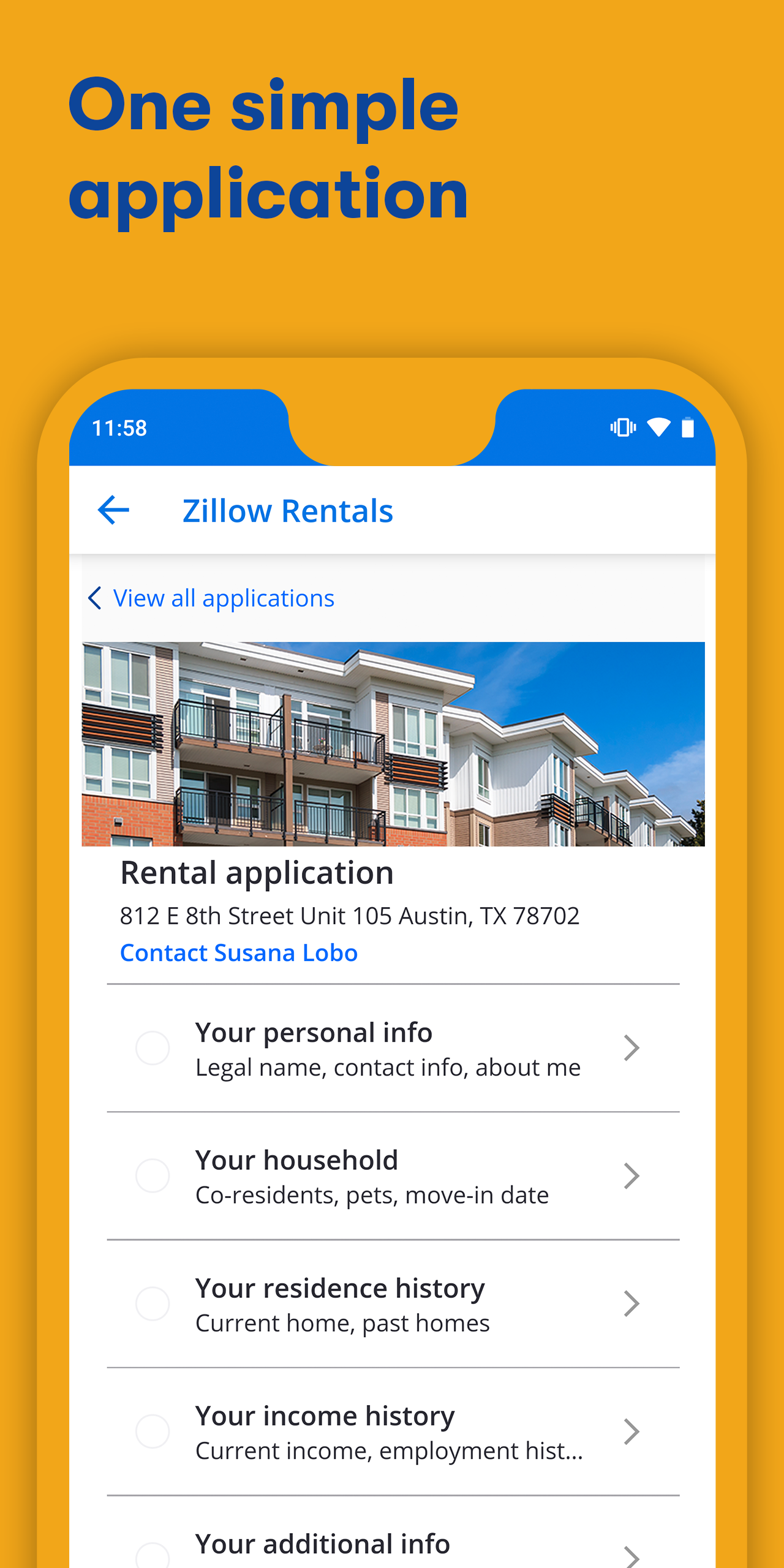
Purchase one Zillow application and reuse it for unlimited properties — on and off the Zillow platform — for 30 days. The application includes credit and background checks, saving renters from paying separate fees for every unit they apply to.
3. Frequently Asked Questions About the Zillow App
Q: Is the Zillow app free to download and use?
Yes. The Zillow app is free for browsing listings, saving searches, and receiving alerts. Some services — such as rental applications, credit reports, and optional advertising for professionals — may carry a fee.
Q: Do I need an account to use Zillow?
No, you can browse without signing in. But creating a free account unlocks saved searches, instant alerts, shared collections, and personalized recommendations.
Q: How accurate is the Zestimate®?
The Zestimate is a computer-generated estimate based on county records, tax assessor data, MLS feeds, and home-specific features. Zillow publishes a median error rate of roughly 2% for on-market homes and 7% for off-market homes. It is not an appraisal — treat it as a starting point and consult a licensed professional for a precise valuation.
Q: Can I search for homes with assumable mortgages in the app?
Yes. Reset your filters, search your target area, then scroll to the "keywords" section and type "ASSUM." Any homes with assumable mortgages will appear.
Q: Can I apply for rentals directly through the Zillow app?
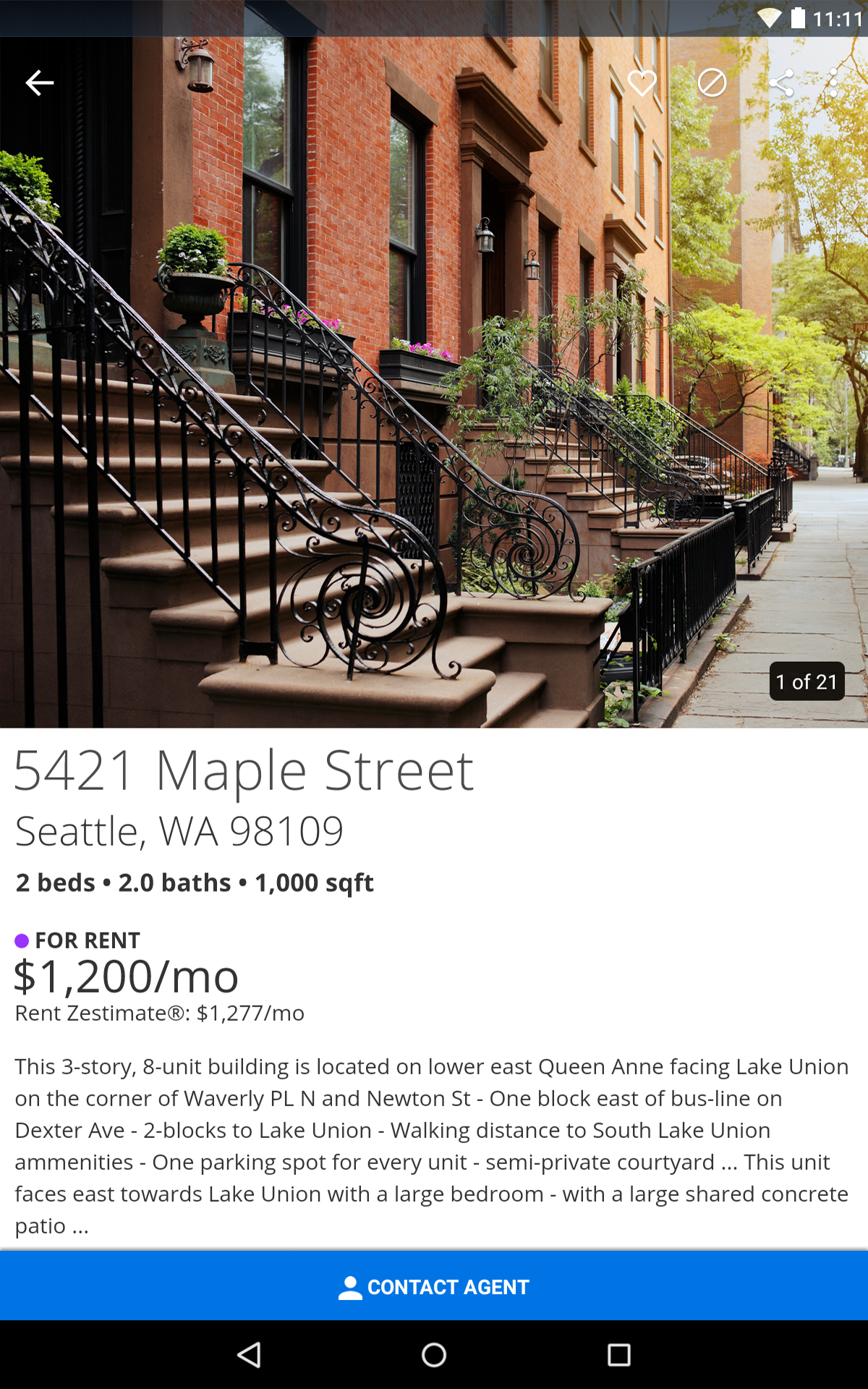
Yes. Many listings offer an Apply Now button right on the property page. The Zillow portable application includes credit and background checks and can be reused across multiple properties for 30 days.
Q: What is BuyAbility℠ and how does it work?
BuyAbility is a personalized, real-time affordability tool. It uses your financial profile and live mortgage rates to estimate the home-price range and monthly payment that fit your situation — factoring in taxes, insurance, HOA fees, and closing costs.
Q: Can I list my own home For Sale By Owner (FSBO) in the app?
Yes. Zillow supports FSBO listings directly from the mobile app on iPhone, iPad, and Android. You can add, edit, and manage photos and listing details on the go.
Q: What is the "Preview" label I see on some listings?
Zillow Preview℠ is a pre-marketing program that lets soon-to-be sellers showcase their home to the broadest online audience before it officially goes on the market. Buyers can filter specifically for Preview listings, pre-book tours, and get pre-approved — giving sellers real-time data on buyer interest.
Q: How do I contact a real estate agent through the app?
Every qualifying for-sale listing includes a contact card. Tap Request a tour or Contact agent to connect with a local professional. If you're unrepresented, the Personalized Hub's Agent Finder can match you with an agent in your area.
Q: Is my data safe with the Zillow app?
Zillow.com indicates that the app may collect and link data such as contact info, search/browsing history, identifiers, usage data, and diagnostics. Users are encouraged to review Zillow's full privacy policy on the developer's website.
- Version2025.3.1.87918
- UpdateSep 30, 2026
- DeveloperZillow
- CategoryHouse & Home
- Requires AndroidAndroid 10+
- Downloads4M+
- Package Namecom.zillow.android.rentals
- Signaturea2b1081957813f936c129bf54228ff53
- Available on
- ReportFlag as inappropriate
-
NameSizeDownload
-
206.12 MB
-
182.08 MB


















Complete information
Lots of listings
Information disclosure and transparency
House prices are updated in a timely manner
You need to manually enter the pricing range
App often closes automatically
The verification system is not user-friendly enough