
Lamudi Indonesia - Property Search & Communication
Discover homes, apartments & more with instant notifications & direct agent communication for your perfect property match.

- 2.12.3 Version
- 1.3 Score
- 215K+ Downloads
- Free License
- 3+ Content Rating

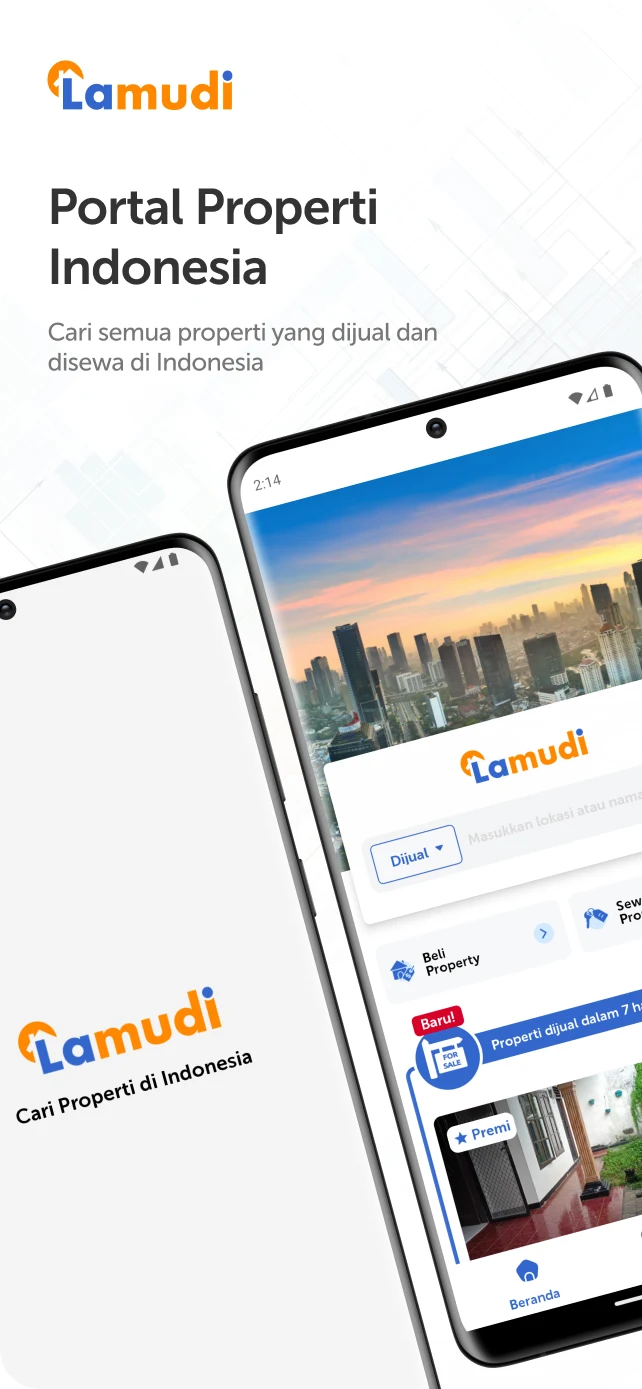
Reasons to choose Lamudi.co.id
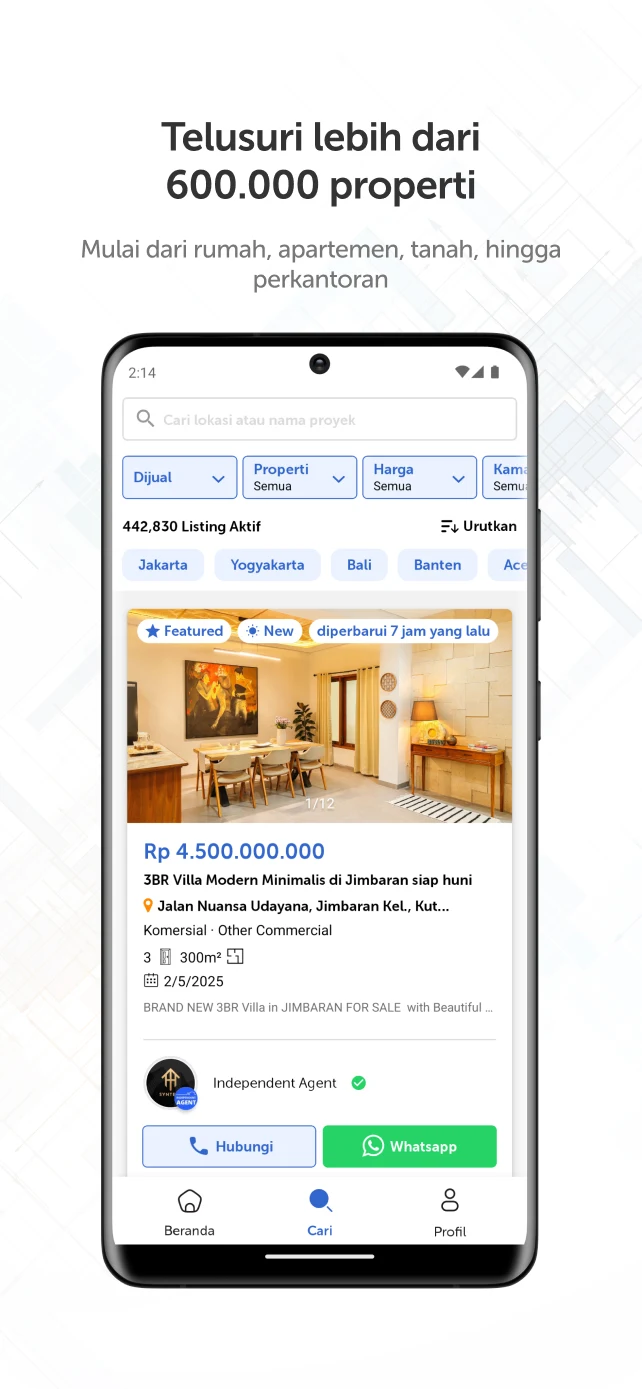
Lamudi.co.id stands out as the premier property platform in Indonesia, featuring over 600,000 listings. We partner with reliable agents and developers to ensure that you have access to an extensive range of property options.
Whether your goal is to purchase or lease a property, you can effortlessly discover a diverse selection—including houses, apartments, land, and commercial spaces—through a single application.
Highlighting Key Features
Access to a vast array of properties from all corners of Indonesia
- Browse through the most comprehensive property listings, which are consistently updated in real-time by developers, agents, and property owners.
Search functionality that is user-friendly, swift, and precise
- You can refine your search based on parameters such as location, price, property size, room count, and amenities like pools, gardens, or balconies tailored to your preferences.
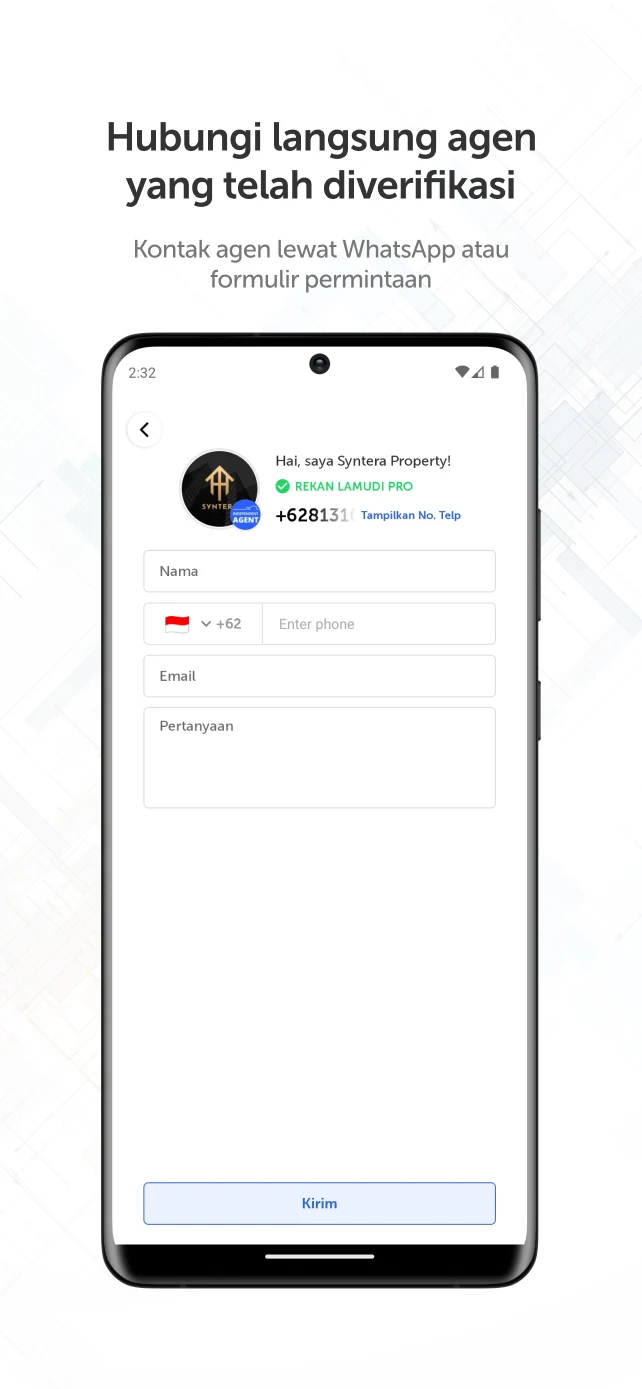
Direct interaction with agents or property developers
- Communicate via phone calls, emails, or chat features directly within the application for convenience.
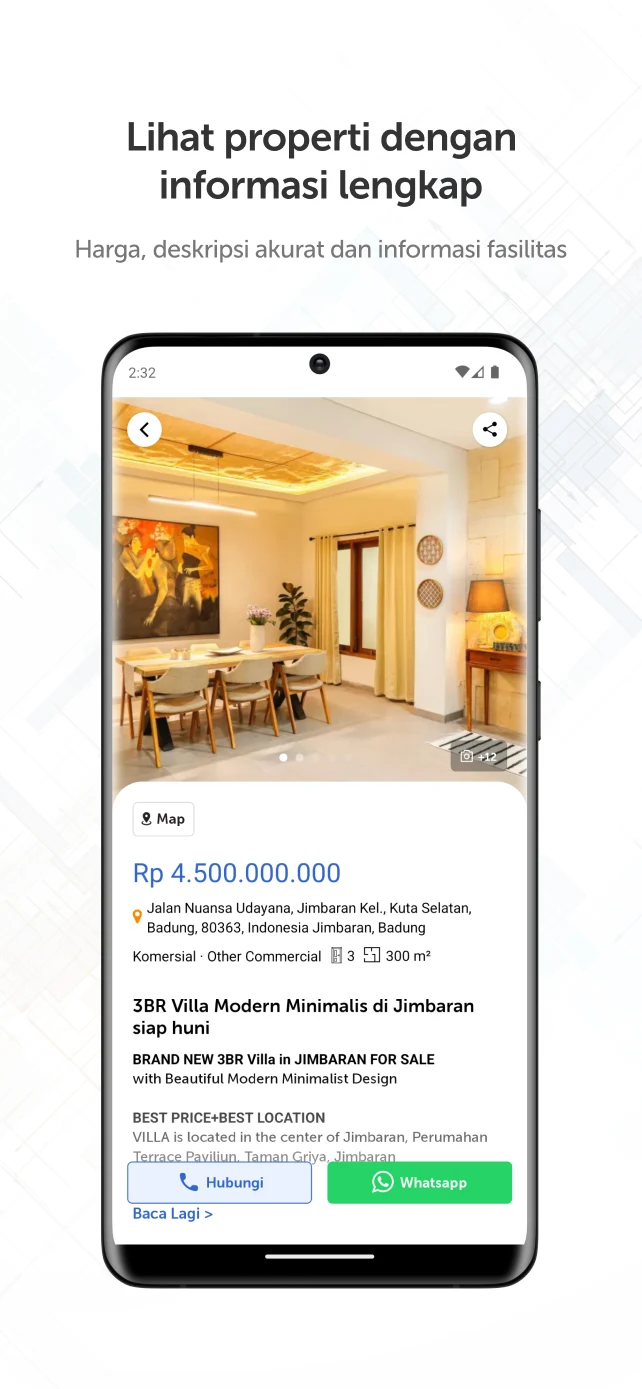
Detailed and thorough property information
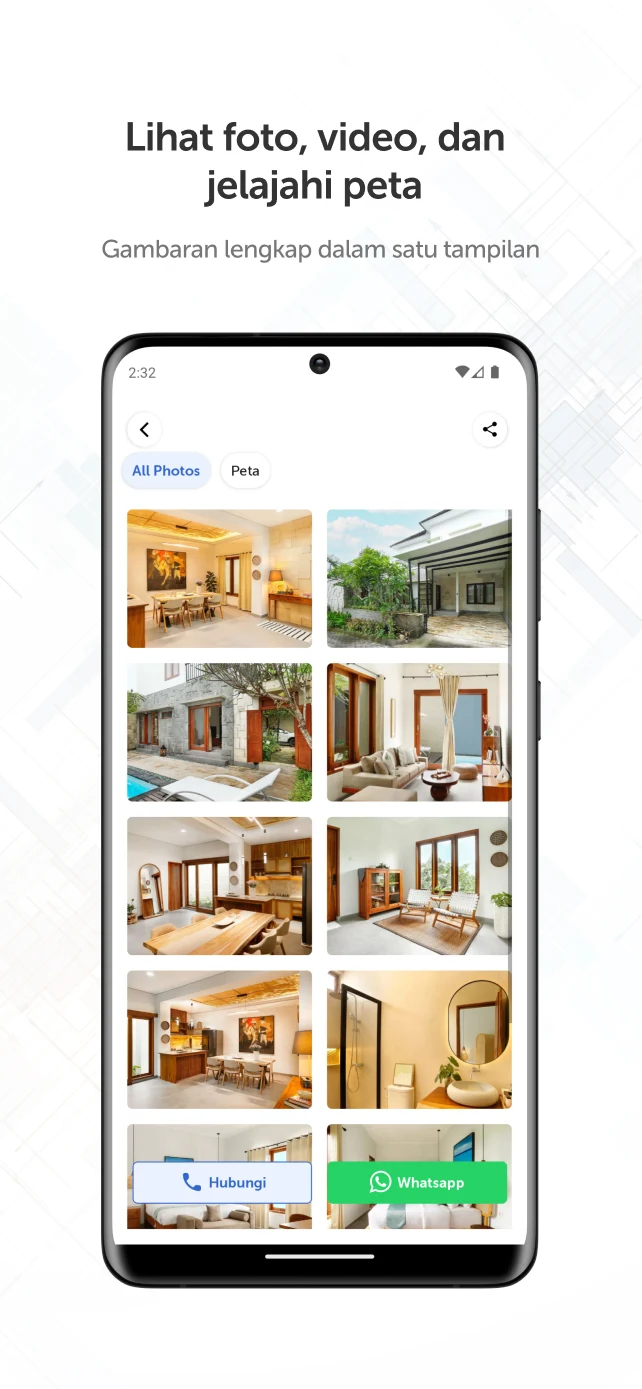
- Assess properties from various perspectives, including images, videos, 360° virtual tours, maps, and comprehensive descriptions to make informed decisions.
Real-time alerts
- Receive immediate notifications whenever new properties match your search criteria.
Achieve your ideal property with just one click
Download the Lamudi Application now and explore over 600,000 properties across Indonesia—available anytime, anywhere!
EMPG Combines Lamudi.co.id with OLX Indonesia for Property Listings

The global online marketplace operator EMPG has announced that it has combined the listings services of its two Indonesian businesses Lamudi.co.id and OLX Indonesia.
The move comes four months on from EMPG's acquisition of the generalist classifieds operator OLX Indonesia from Prosus. The group's real estate listings in Indonesia will now be syndicated between both OLX Indonesia and the vertical site Lamudi.co.id which EMPG bought out in 2020.
Speaking of the new platform combination, Mart Polman, CEO of Lamudi.co.id said:
“As the largest proptech in Indonesia, we want to be the centre of the development of the national digital property ecosystem, especially in facilitating the property sector in adopting technology. We see that this effort will be a catalyst for the long-term growth of the national property sector, which is connected to 174 other economic sectors and 350 small industries".
In the Indonesian market, EMPG primarily competes with 99 Group and PropertyGuru. The market is becoming increasingly attractive thanks to the rapid rate of internet penetration in the country and various other demographic factors.
Advertising Terms
1、How do I upload an ad to my Lamudi account?
Hello, Lamudi friends.
Here are the easy steps to upload your ad:
Via the Lamudi website:
Make sure you're logged in to your Lamudi account.
Click "Post an Ad" in the top right corner.
Select the ad type "Sell / Rent."
Select the property type (Apartment, House, Commercial (shop/office), Land, or Room).
Write an attractive and clear title and a detailed description so that potential buyers can easily see it.
Enter the appropriate price (not including down payment, takeover, or price per meter).
Upload photos of the unit (the more photos, the more attractive it will be to buyers and speed up the sale).
Enter the unit's location accurately (avoid incorrect locations, as this can reduce credibility in your ad).
Select indoor and outdoor features.
Check the information details to ensure you're posting from the correct account.
Check the "Replay" & "Highlight" boxes automatically, and "Bump" if necessary. Leave unchecked if not needed.
Click "Publish Your Property"
Via the L-Connect App:
Make sure you're logged in to your Lamudi account.
Activate seller mode on your phone.
Click the Listing button and then select "Post an Ad" on the right.
Select the ad type "Sell / Rent."
Select the property type (Apartment, House, Commercial (Shophouse/Office), Land, or Boarding House).
Write an attractive and simple title and a clear description so that potential buyers can easily see it.
Enter the appropriate price (not including down payment, takeover, or price per meter).
Upload unit photos (more photos will attract buyers and speed up the sale).
Enter the unit's location accurately (don't enter the wrong location as it will reduce credibility in your ad).
Select indoor and outdoor features.
Check the information details to ensure you're posting from the correct account.
Check the "Replay" & "Highlight" boxes automatically, and "Bump" if necessary. Leave unchecked if not needed.
Click "Publish Your Property"
2、How long will my ad be live?
Hello, Lamudi friends.
Your ad will be live for 45 days. After that, its status will change to Draft.
Draft ads can be re-lived in three ways:
- Click replay to re-live your listing
- Re-upload with the required description, photos, and information
- Use the "Automatic Replay" feature to automatically renew your ad before the ad expires.
* Please note that each re-run of your ad will deduct 1 POL credit.
- Version2.12.3
- UpdateSep 24, 2026
- DeveloperLamudi Connect
- CategoryHouse & Home
- Requires AndroidAndroid 5.0+
- Downloads215K+
- Package Namecom.lamudi.gamoraid
- Signature73f23f89a2fa9cc16ee4f0335e6f4060
- Available on
- ReportFlag as inappropriate
-
NameSizeDownload
-
48.21 MB
-
48.45 MB
-
48.18 MB




















User-friendly interface for property search
Comprehensive information on listings
Helpful customer service
Smooth user experience
Efficient filtering options (with improvements needed)
Modern design aesthetics
Integration with OLX for better access
Reliable platform for budget-minded users
Effective for finding inspiration in home design
Verification issues with phone numbers
Poor location accuracy in search results
Slow bug fixing and response times
Difficulty uploading property listings
Misleading filters producing irrelevant results
Technical glitches causing app crashes
Inefficient auction search capabilities
Incorrect information provided by sellers
Frustrating user experience with customer support