
Cálidda - Oficina Virtual - Virtual gas management & consultations
Experience seamless gas management with quick access to payments, readings, and personalized scheduling at your fingertips

- 7.1 Version
- 1.6 Score
- 199K+ Downloads
- Free License
- 3+ Content Rating

Welcome to Cálidda's Virtual Office.
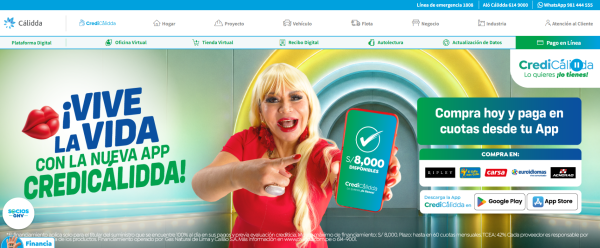
This is your primary destination for inquiries and transactions related to your natural gas supply. Here, you can:
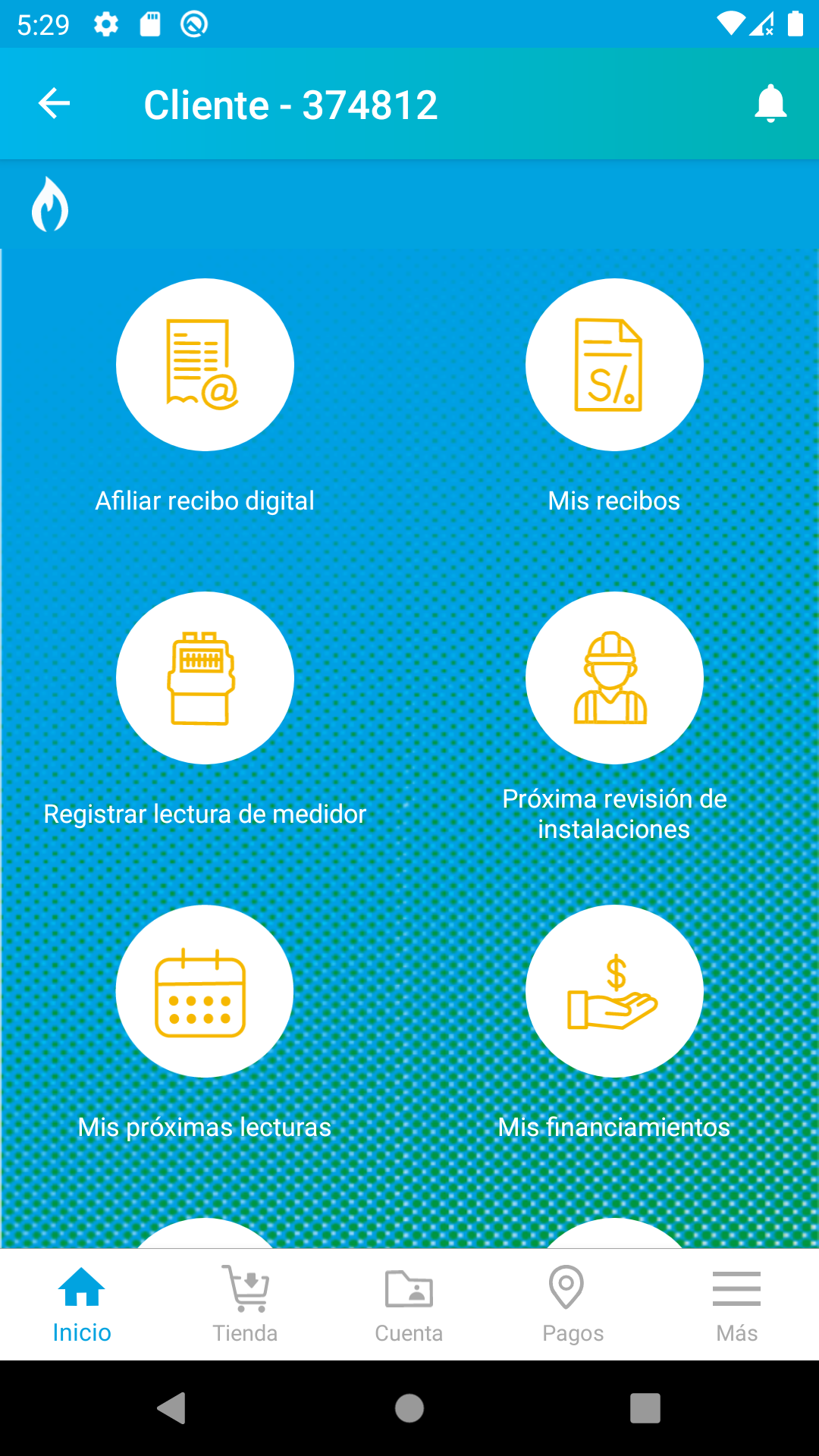
- Access your last six (6) invoices, with options to download them or send them to your email.
- Check the details of your outstanding balance and the due date of your invoice.
- View the status of your financing, including the number of remaining payments.
- Find out when your next meter readings are scheduled.
- Examine your payment history and usage records.
- Check the scheduling of your five-year assessment and adjust the date based on your convenience.
- Enter the reading from your meter if it is located inside your home and has been estimated.
Usage Process:
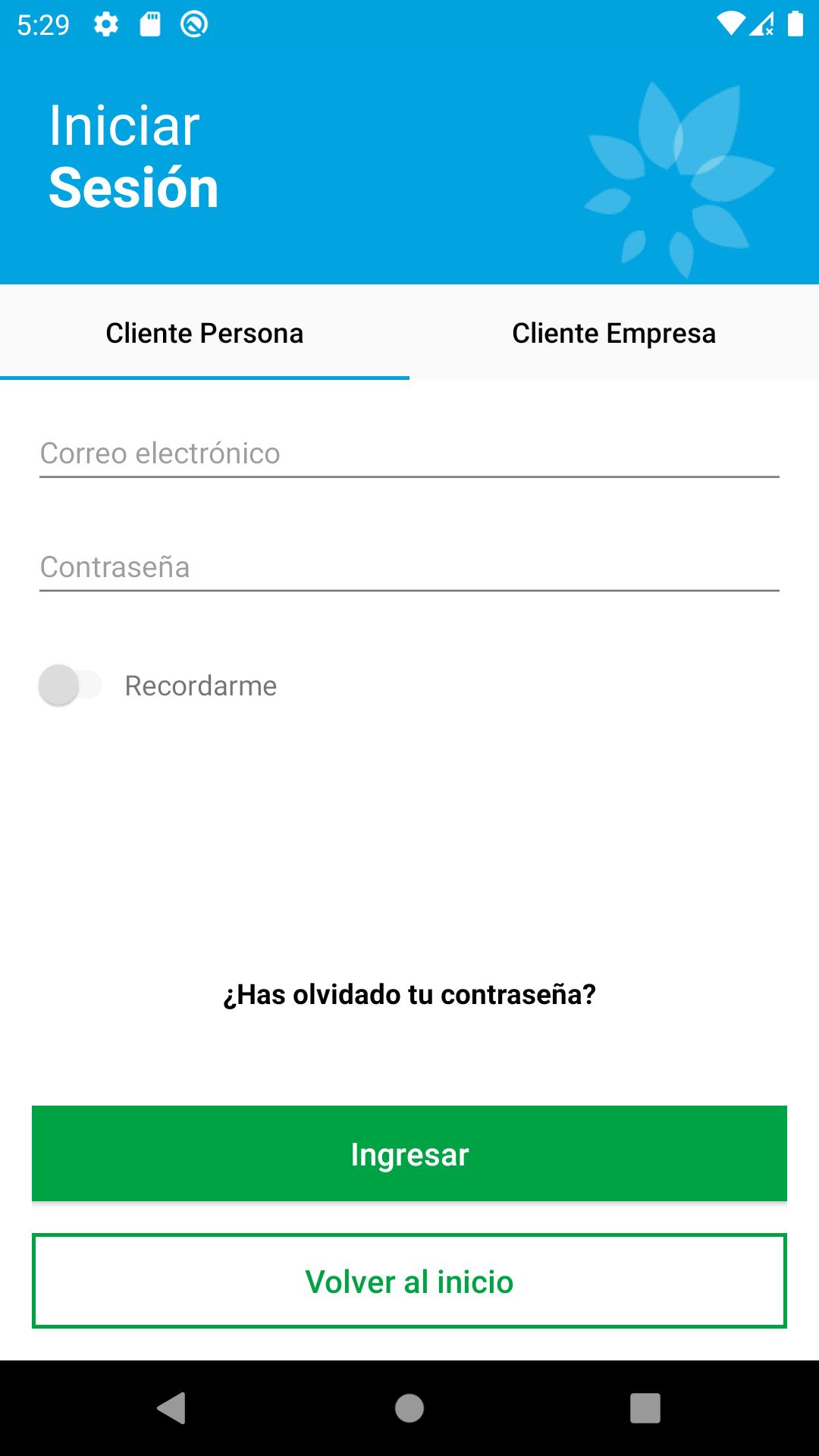
1. **Login**: Visit the Cálidda Virtual Office official website or related app and enter your username and password to log in. If this is your first time using the app, you may need to complete the registration or account activation process as prompted.
2. **View Bill Information**: After logging in, you can find the "Bills & Payments" option on the home screen or in the relevant menu. Clicking this option allows you to view your six most recent natural gas bills and choose to download or send them to your email. You can also view your outstanding balance and bill due date.
3. **View Finance & Payment Information**: Using the "Finance & Payments" section, you can view the remaining installments on your natural gas bill and your past payment history, including payment time, amount, and method.
4. **Gas Usage & Equipment Information**: In the "Gas Usage & Equipment" section, you can check the next natural gas meter reading time. If your meter is indoors and the previous reading was an estimate, you can enter the actual meter reading. Additionally, you can view the five-year safety assessment period for your natural gas equipment and adjust the assessment date accordingly.
Use Scenarios:
1. **Daily Home Gas Usage Management**: Home users can use the Cálidda Virtual Office to conveniently manage their monthly gas bills, review their bills promptly, and monitor their gas usage to avoid overdue payments. For example, after their monthly bill is generated, users can log in to the platform to view detailed charges and make payments after confirming they are correct. They can also use past usage records to plan their household gas usage and save energy.

2. **Rental Scenario**: Renters can use the platform to check their gas meter readings upon check-in and check-out, verifying their gas charges with their landlord to ensure accurate billing. Furthermore, they can keep track of their gas usage and expenses throughout their rental period, avoiding disputes with their landlord.
3. **Business or Commercial User Management**: Businesses and commercial users may have multiple gas accounts or large gas usage volumes. Using the Cálidda Virtual Office, administrators can centrally manage these accounts, review their bills and gas usage for each account, and facilitate cost accounting and energy management. For example, companies can conduct energy consumption analysis based on gas usage data from different departments, develop energy-saving measures, and reduce operating costs.
FAQs:
1. **What gas-related information can I check on this platform?**
You can check the last 6 gas bills (downloadable/sent to email), outstanding balance and bill due date, remaining installments, next meter reading date, historical payment records and gas consumption data. You can also view and adjust the gas equipment assessment date every five years.
2. **Can I manually report an estimated indoor gas meter reading?**
Yes. If the gas meter is installed indoors and the reading is an estimate, you can manually enter the actual meter reading after logging into the platform to ensure accurate billing.
3. **What are the benefits for tenants using this platform?**
Tenants can check gas meter readings upon move-in and move-out to verify fees with landlords and avoid disputes; they can also view gas consumption and payment records at any time during the lease term for a clear understanding of gas expenses.
4. **Can businesses use this platform to manage their gas accounts?**
Yes. Businesses can centrally manage multiple gas accounts through the platform, viewing bills and gas consumption data for each account, facilitating cost accounting and energy-saving management.
5. **How do I operate this platform for the first time?**
First, log in to the official website or corresponding APP and complete the registration/account activation as prompted; after logging in, you can check and handle various gas services in the corresponding sections such as "Bills and Payments" and "Finance and Repayment".
- Version7.1
- UpdateOct 22, 2026
- DeveloperGas Natural de Lima y Callao S.A.
- CategoryHouse & Home
- Requires AndroidAndroid 8.0+
- Downloads199K+
- Package Namecom.calidda.clientes
- Signature27719e1c8e0af8b5f1d08af4065485f8
- Available on
- ReportFlag as inappropriate
-
NameSizeDownload
-
54.08 MB
-
29.50 MB
-
29.50 MB














Highly convenient
Practical functions
Transparent information
Network and device dependent
Functional limitations
No real-time human assistance