
ТРИЦ - Utility payments & meter readings
Effortlessly manage utility payments, submit meter readings, & keep track of multiple accounts in one convenient app!

- 2.7.10 Version
- 2.0 Score
- 230K+ Downloads
- Free License
- 3+ Content Rating

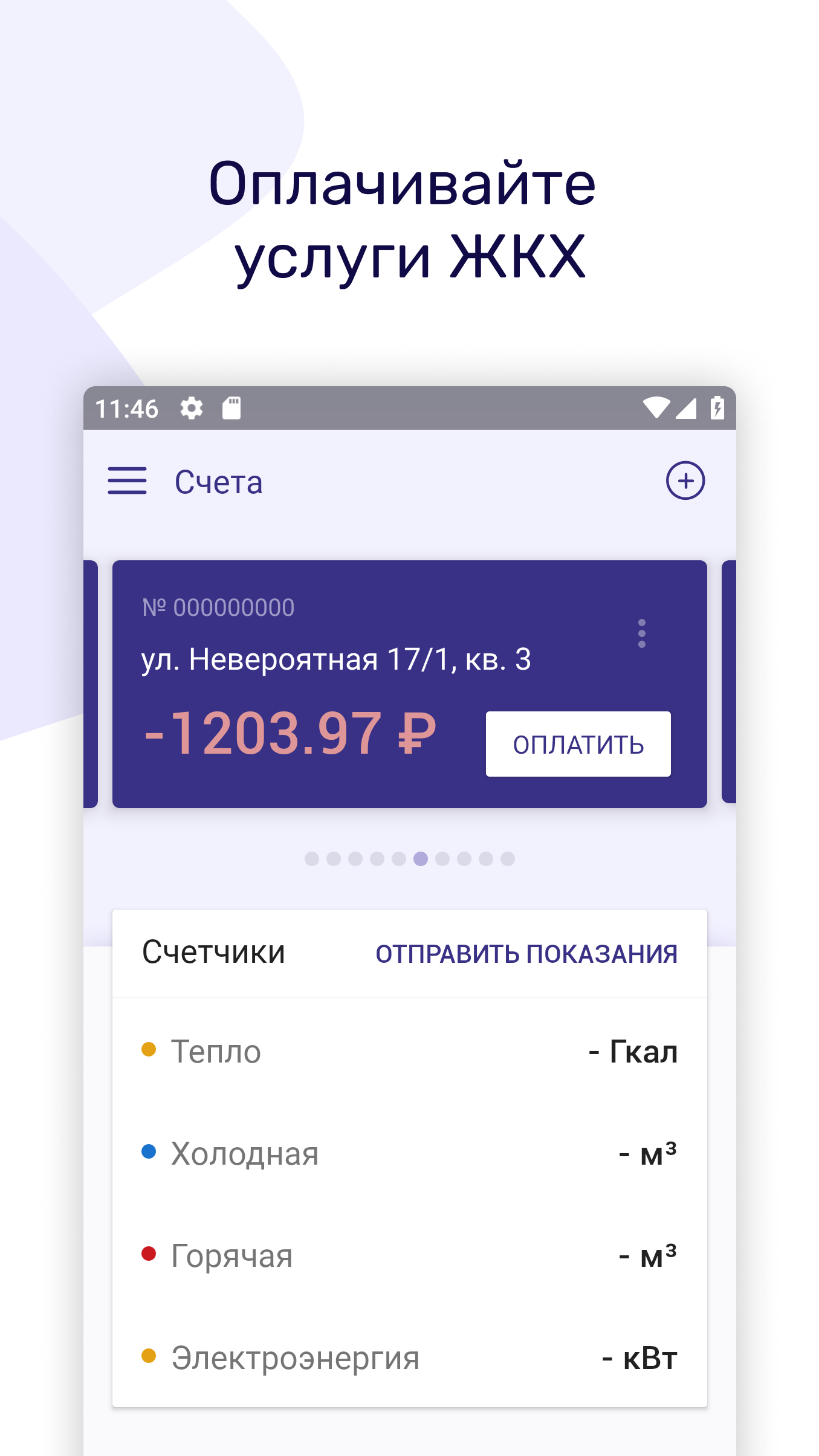
Introducing the official TRIZ mobile application, where you can efficiently handle utility payments and submit meter readings in just a few minutes.

This user-friendly app allows you to manage your financial transactions seamlessly.
Features:
You can make fee-free payments using your card.
- The app provides an overview of your account balance, enabling you to pay either the full amount, a portion, or even make advance payments.
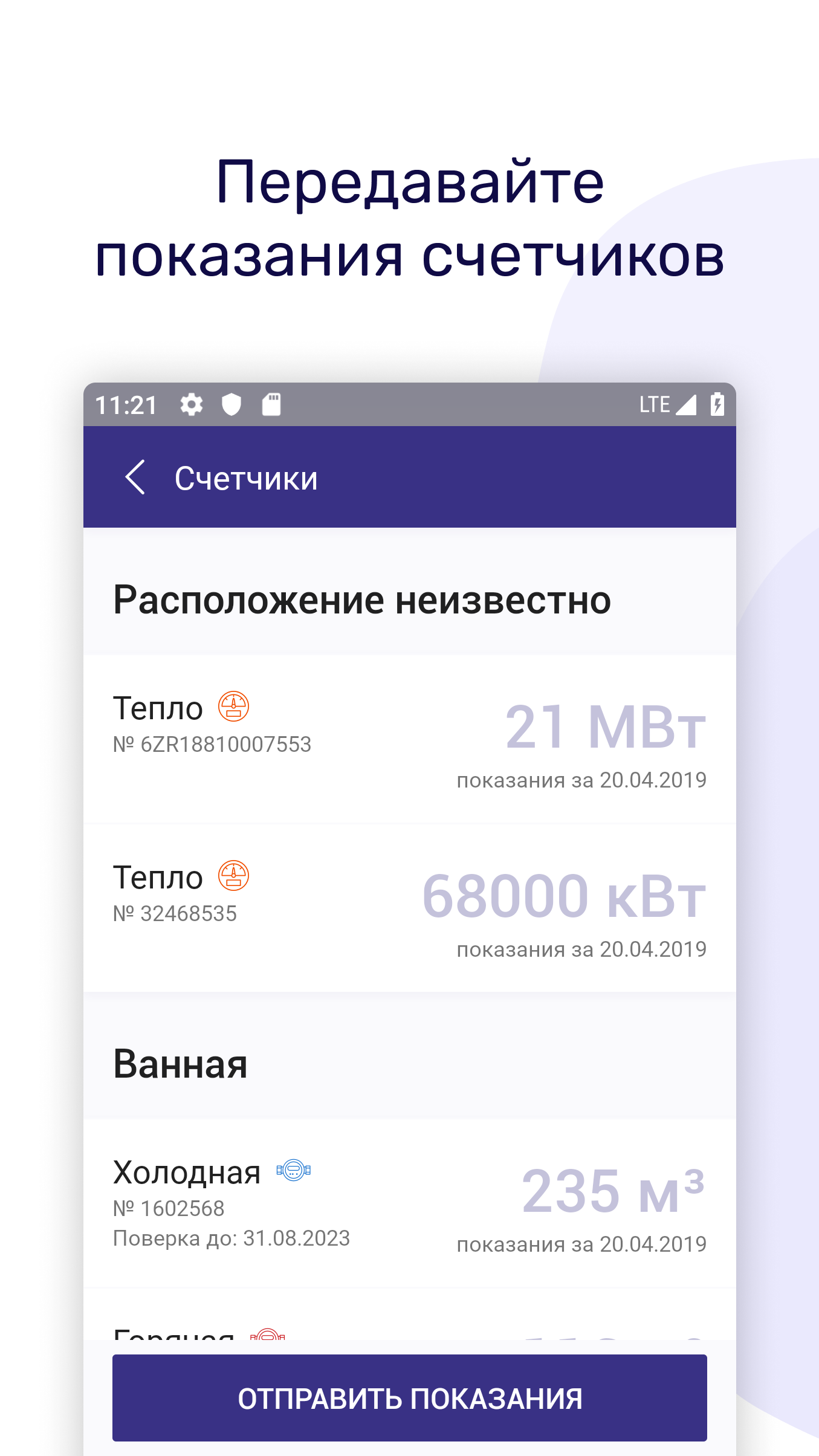
Submit your meter readings.
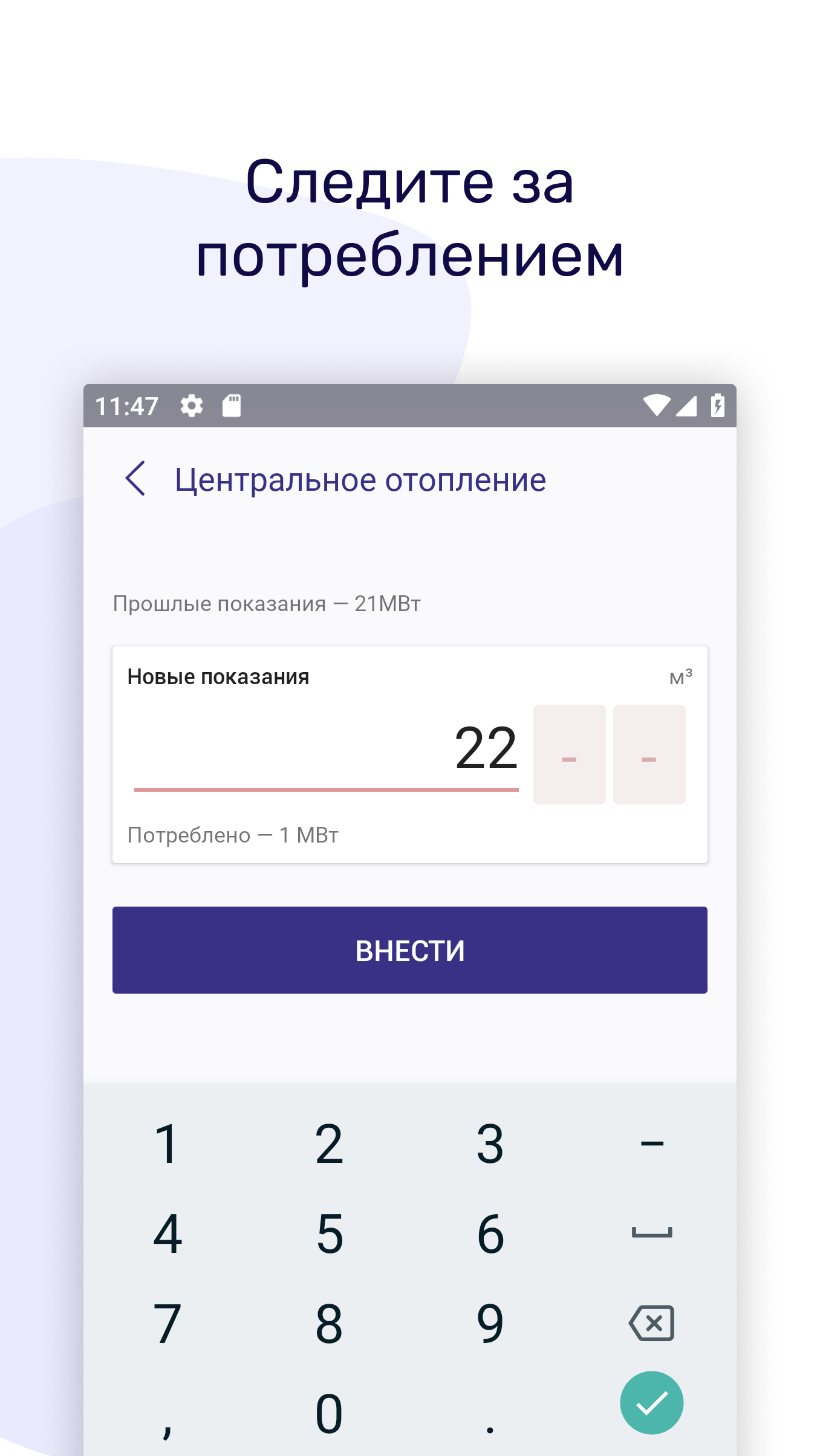
- It’s quick and easy to enter your meter readings and review past entries—this process takes under a minute. If your home has multiple meters, the app will display all of them and remind you when it's time to report the readings.
Add various addresses.
- You can link multiple accounts and switch between them with ease, eliminating the need to remember different logins and passwords. Pay your parents' bills from afar and send their meter readings quickly and conveniently, giving you more time for meaningful interactions.
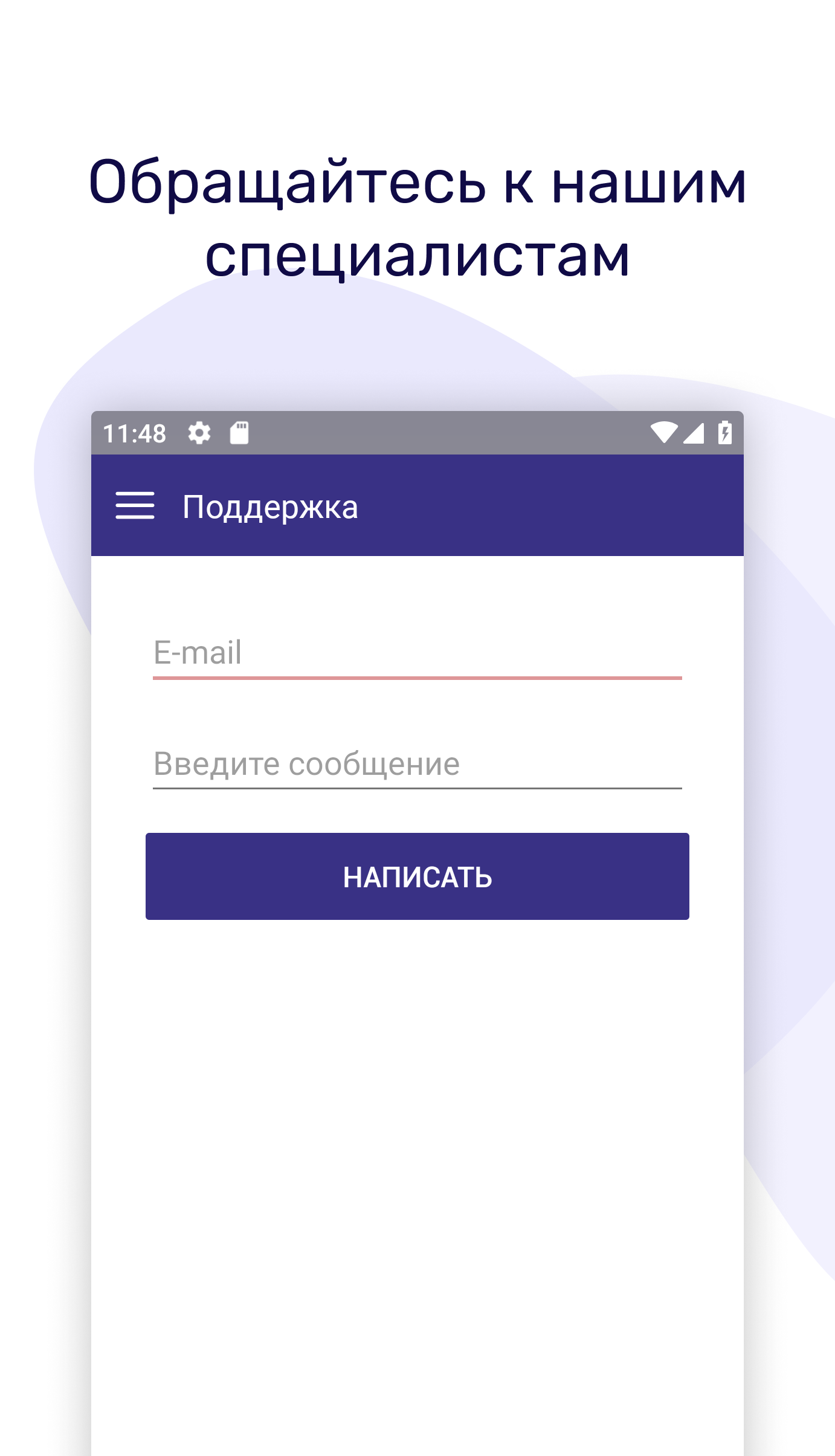
Engage with our support.
- You can ask questions, seek advice, and resolve any concerns through the app. Our responses are provided during business hours via email. While we strive for promptness, there are limits to our speed.
Stay tuned for updates—we have many exciting plans ahead.
TRIZ is dedicated to your needs.
Usage Process:
1. **Download and Install**: Search for "TRIZ" in the app store, find the official app, and download and install it. You can also visit the TRancy official website and follow the prompts to add the progressive web app to your phone's home screen.
2. **Register and Login**: Open the app and follow the prompts to register. Enter your name, contact information, email address, and other necessary information to complete the registration process. Then, log in with your registered username and password.
3. **Add Account**: Click the "Add Account" button and enter your account information, such as account number and name. Click "Save" when finished. If you have multiple accounts, repeat this step.
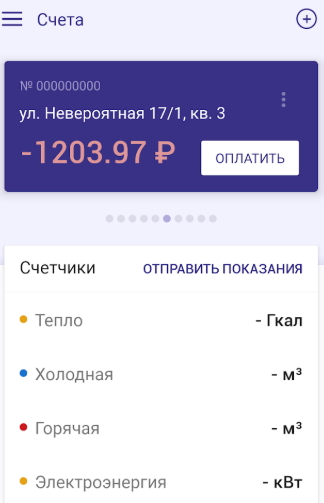
4. **Payment Process**: After logging in, find "Payment" or a similar function on the home screen. Select the type of bill you want to pay, such as electricity or water. Enter the payment amount, choosing full, partial, or prepayment. Then, select a payment method, such as bank card, and enter your payment information to complete the payment.
5. **Submit Meter Reading**: Find the "Submit Meter Reading" option on the home screen. The system will display all added meters. Click the meter for which you want to submit a reading. Enter the actual meter reading and confirm it is correct, then click "Submit."
6. **Accessing Other Functions**: To contact customer service, you can find "Contact Support" or "Customer Service" within the app to submit questions or inquiries. If you manage multiple accounts, you can switch, edit, or delete accounts on the account management screen.
FAQs:
1. **Q: Is there a service fee for paying water and electricity bills using this app? What payment methods are supported?**
A: There is no service fee. You can pay directly with your bank card for free. Payment methods are flexible; you can pay the full amount or a portion of the bill, and prepayment is also supported, allowing users to arrange according to their financial situation.
2. **Q: How do I submit water and electricity meter readings? Can I manage multiple electricity meters at home?**
A: Submitting readings is simple. Find the "Submit Meter Reading" option on the homepage. The system will display all added meters. Click on the corresponding meter, enter the actual reading, and confirm. The whole process takes less than a minute. If you have multiple meters at home, the app will display them all and remind you to submit them when the meter reading time arrives, so you don't need to manually record the time.
3. **Q: Can I pay water and electricity bills and submit meter readings for my parents? Is the process complicated?**
A: Yes. In the app, click "Add Account," enter your parents' account information, and save. You can then directly switch to their account to remotely complete bill payments and meter reading submissions without having to remember multiple account passwords—it's very convenient.
4. **Q: How do I contact customer service if I encounter any problems? How long will it take to receive a response?**
A: Simply find the "Contact Customer Service" or "Support" function within the app and submit your question and request. Customer service will reply via email during working hours. While they will try their best to expedite processing, there are time constraints, so please be patient.
- Version2.7.10
- UpdateOct 23, 2026
- DeveloperТРИЦ
- CategoryHouse & Home
- Requires AndroidAndroid 5.0+
- Downloads230K+
- Package Nameru.tmtka.itpc.android
- Signature6e2471820badd58879de2f1ecce63793
- Available on
- ReportFlag as inappropriate
-
NameSizeDownload
-
12.73 MB
-
12.59 MB
-
12.58 MB












Convenient and practical functions
Easy to use
Clear information
Limited customer service response
Relatively limited functionality