
XOS 15 Icon pack - Adaptive icons & wallpapers
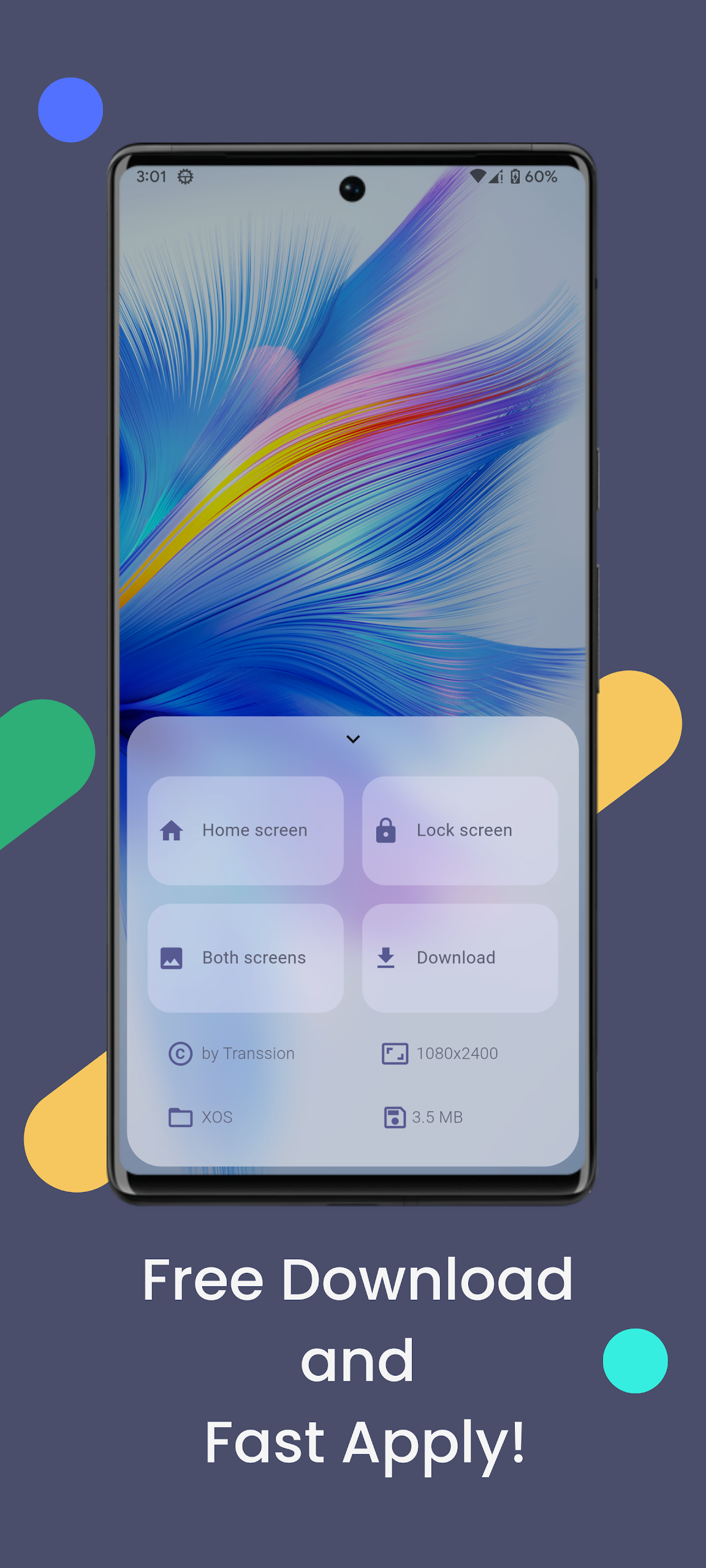
Transform your device with stunning adaptive icons & unique wallpapers that refresh your home screen daily and keep it exciting!
- 10.0.2 Version
- 4.8 Score
- 287K+ Downloads
- Free License
- 3+ Content Rating

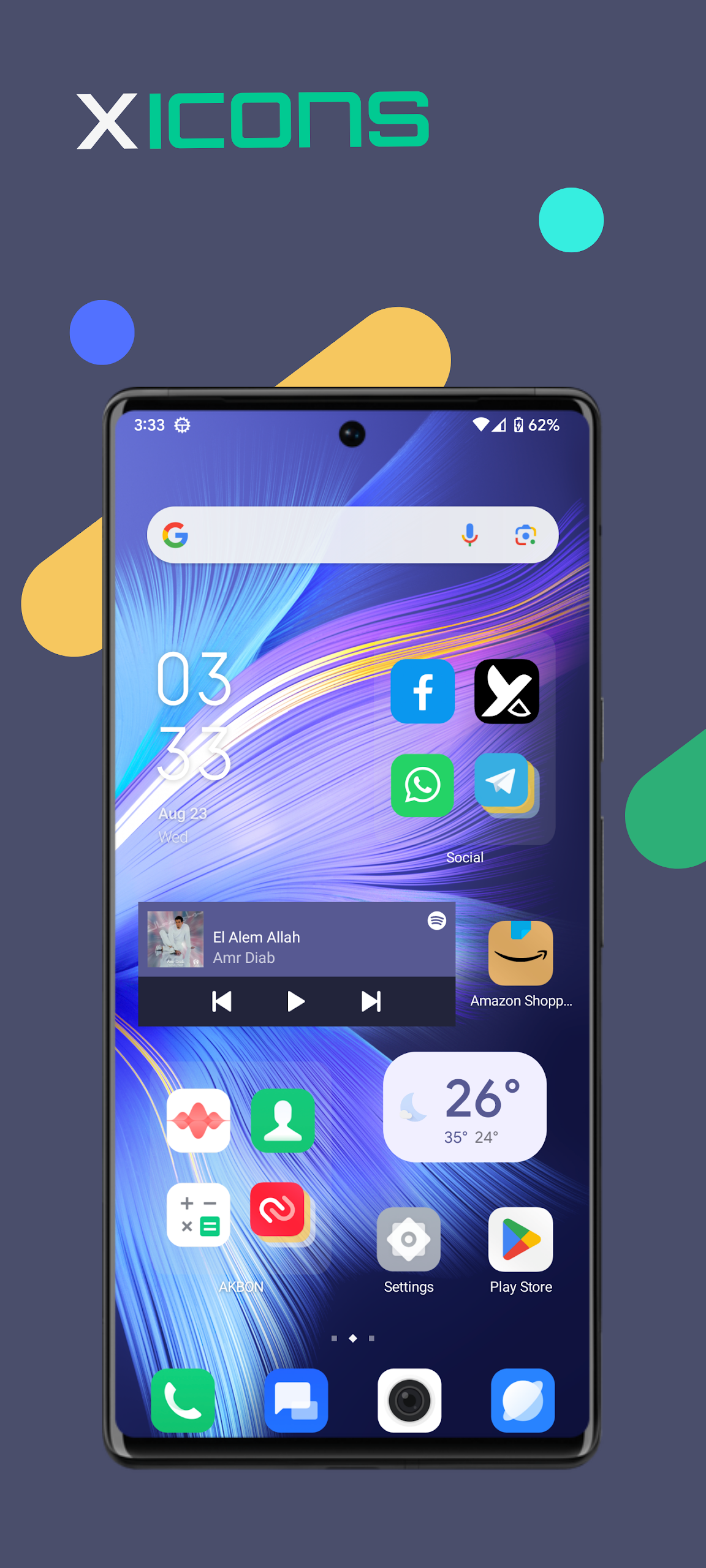
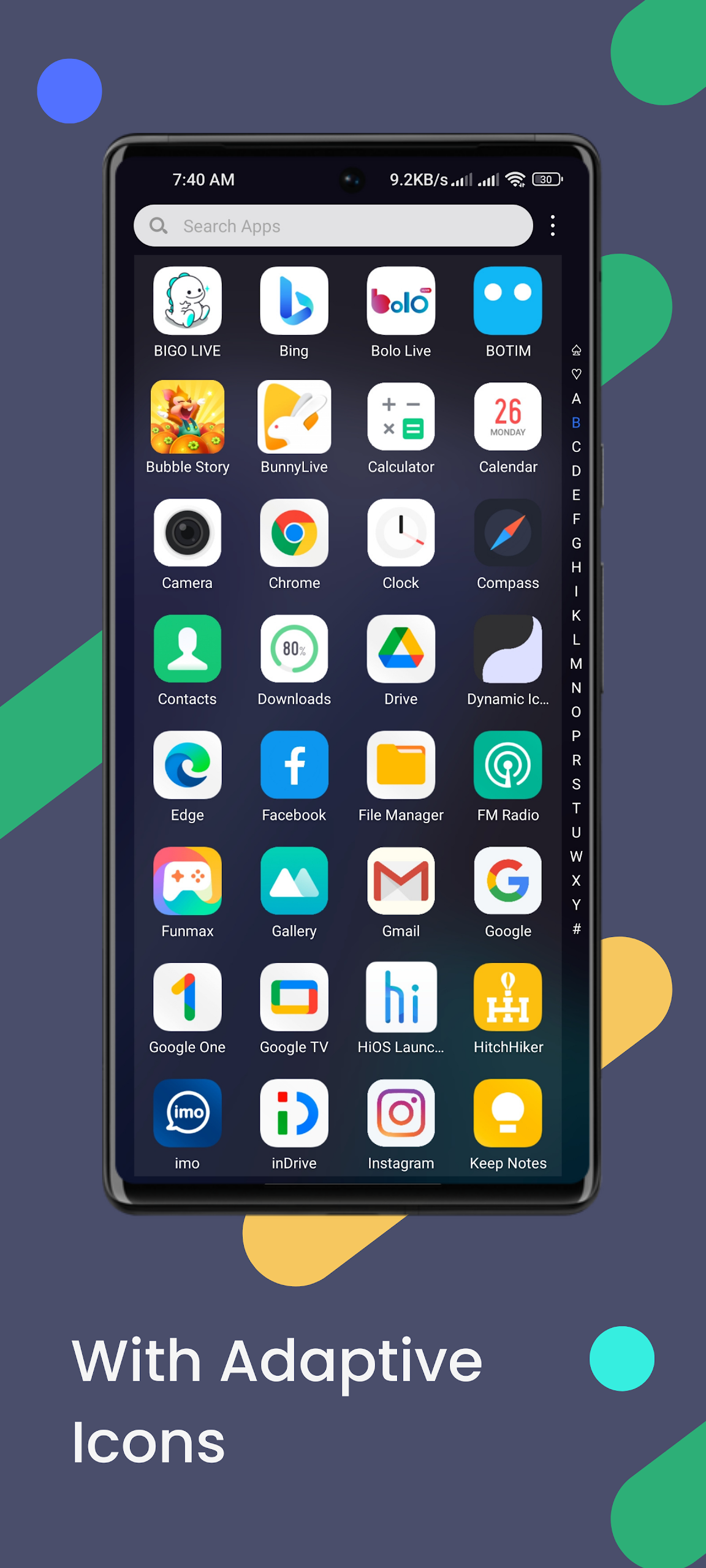
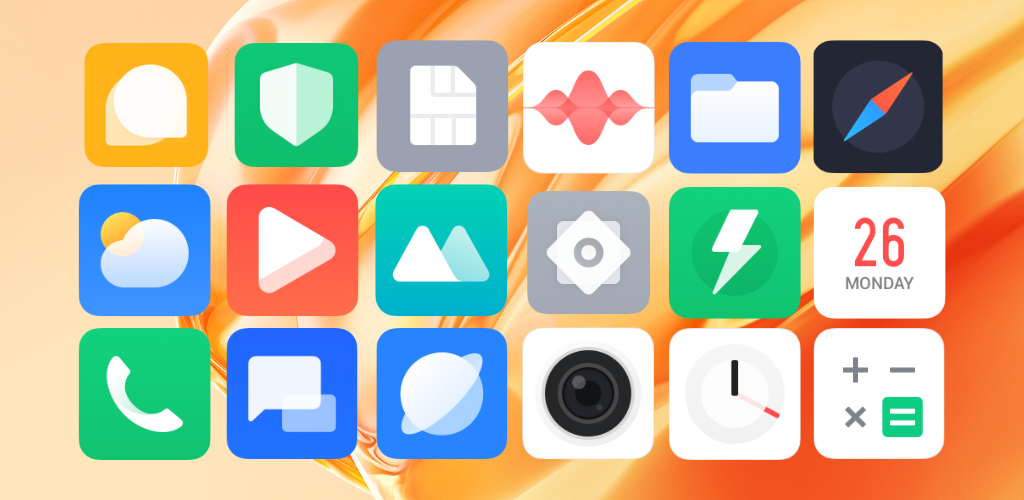
X ICONS are inspired by the XOS design and feature a blend of linear icons with varying colored backgrounds.
Interesting Fact:
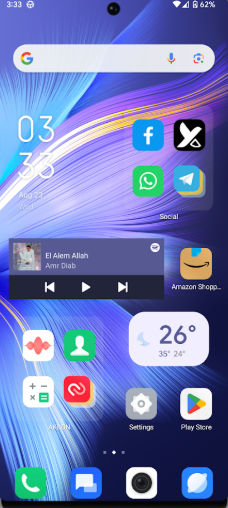
On average, individuals check their devices over 50 times a day. Enhance each experience with this delightful icon collection.
New features are consistently added:
What makes X ICONS stand out from other icon packages?
• Regular updates
• Excellent masking system
• A variety of alternative icons
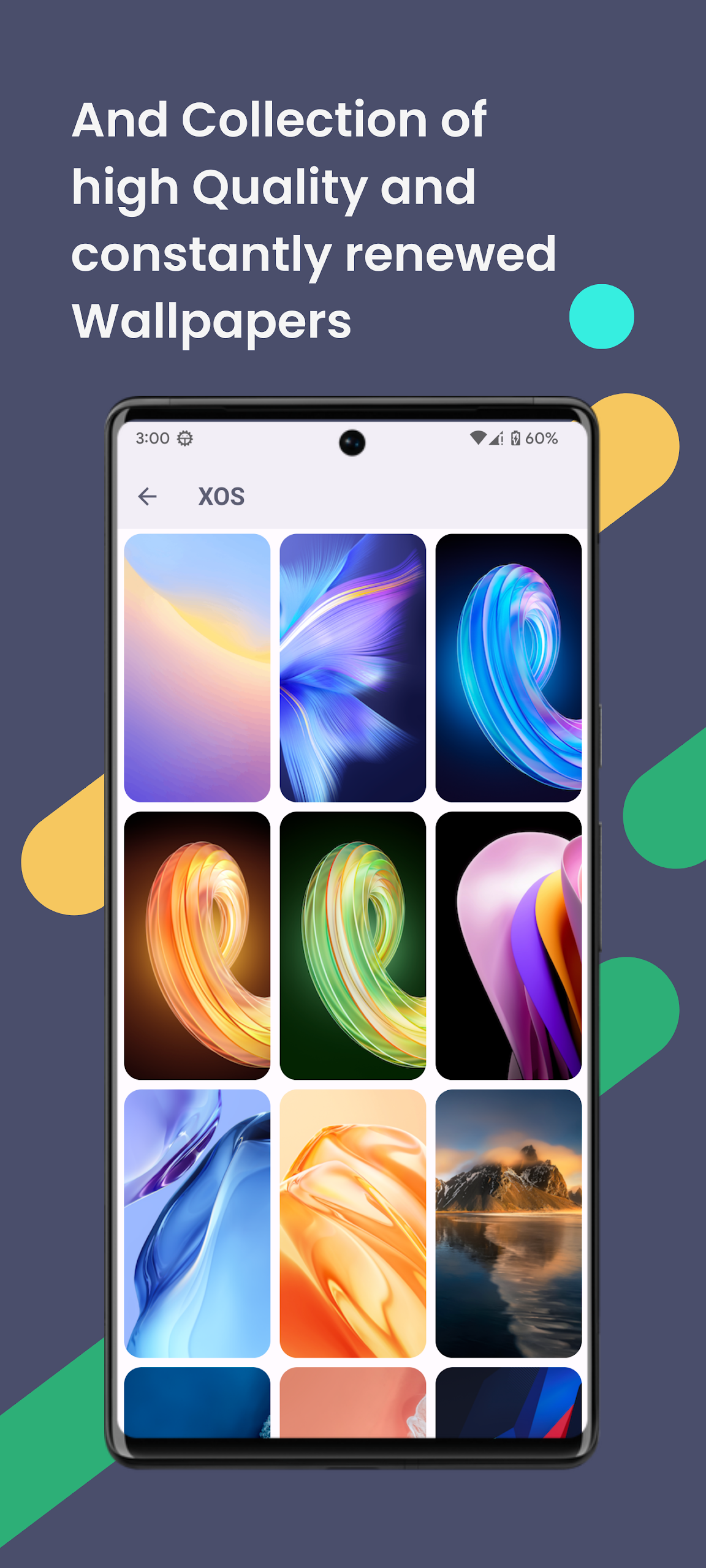
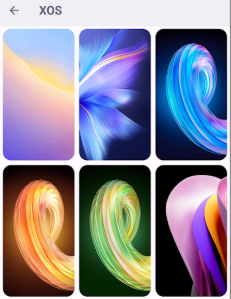
• A selection of high-quality wallpapers that are regularly updated
Suggested personal adjustments:
• Preferred Launcher: Nova Launcher
• Adjust icon normalization within Nova Launcher settings
• Icon sizing preferences
> For smaller icons, set the size to 85%
> For larger icons, adjust the size to between 100% and 120%
Additional Features:
• Preview of icons
• Dynamic calendar
• Material panel
• Customized folder icons
• Icons based on categories
• Personalized app drawer icons
How to utilize this icon pack:
Step 1: Install a supported launcher
Step 2: Open the icon pack, navigate to the apply section, and select your launcher
If your launcher isn’t listed, apply it directly through your launcher's settings.
Guidance:
• A supported launcher is necessary for this icon pack!
• The app includes an FAQ section that addresses common queries. Please refer to it before reaching out with questions.
Supported launchers for this icon pack include:
• XOS Launcher • Apus • Action Launcher • ADW Launcher • Apex • Atom • Aviate • LineageOS Theme Engine • GO • Holo Launcher • Holo HD • LG Home • Lucid • M Launcher • Mini • Next Launcher • Nougat Launcher • Nova Launcher (recommended) • Smart Launcher (recommended) • Solo Launcher • V Launcher • ZenUI • Zero • ABC Launcher • Evie • L Launcher • Lawnchair (recommended) • HiOS Launcher • Poco Launcher
Supported launchers come pre-packaged with the icon pack, no manual installation needed.
• Arrow Launcher • ASAP Launcher • Cobo Launcher • Line Launcher • Mesh Launcher • Peek Launcher • Z Launcher • Quixey Launcher • iTop Launcher • KK Launcher • MN Launcher • S Launcher • Open Launcher • Flick Launcher
This icon pack has been verified to function with these launchers, but it may also be compatible with others. If your launcher isn’t found in the application section, you can apply the icon pack from its settings menu.
Target Audience:
1. **Mobile Desktop Customization Enthusiasts:** Individuals who appreciate a personalized desktop style and enjoy enhancing the visual appeal of their phones with linear, colorful background icons.
2. **XOS System and Compatible Launcher Users:** Users of launchers like Nova, Smart Launcher, and Lawnchair that support icon packs, who want to unify their desktop icon style.
3. **Users Who Value Detail:** Individuals who appreciate features like icon previews, dynamic calendars, and custom folders, and are willing to adjust icon sizes to their liking.
FAQs
1. **Design Style? **
Derived from XOS design, it's centered around "linear icons + colorful backgrounds," creating a clean and recognizable visual experience.
2. **Why Does It Improve the User Experience? **
The average person checks their phone over 50 times a day. This exquisite icon set will enhance the visual experience every time they view the desktop, and the additional features will also enhance ease of use.
3. **What's Better Than Other Icon Packs? **
Regular updates, an excellent masking system, a variety of alternative icons, and accompanying high-quality wallpapers are its core advantages.
4. **How Do I Adjust Icon Size? **
I recommend using Nova Launcher. In its settings, adjust "Icon Normalization" to 85% for small icons and 100-120% for large icons.
5. **What Additional Features Are There? **
Icon Preview, Dynamic Calendar, Material Palette, Custom Folder Icons, Category Icons, and Personalized App Drawer Icons.
6. **How Do I Install and Use? **
First install a supported launcher (such as Nova or Smart Launcher), then open the icon pack and select the launcher app. If the launcher isn't listed, manually apply it from its settings.
- Version10.0.2
- UpdateOct 22, 2026
- DeveloperAKBON
- CategoryPersonalization
- Requires AndroidAndroid 4.1+
- Downloads287K+
- Package Namecom.akbon.xos
- Signaturea4bcdf7f9dea0e99eaffa280ec407a2b
- Available on
- ReportFlag as inappropriate















Recognizable design
Practical functionality
Highly adaptable
Continuously optimized
This app relies on a launcher and requires a supported launcher to be installed.
Although icon requests are supported, new icons will need to wait for an update. Missing icons in the short term will affect desktop consistency.