
Inspire - Icon Pack - Icon pack customization
Transform your device with stunning icons & wallpapers, featuring extensive customization options for a personalized experience.

- 4.2.1 Version
- 2.3 Score
- 6K+ Downloads
- In-app purchases License
- 3+ Content Rating


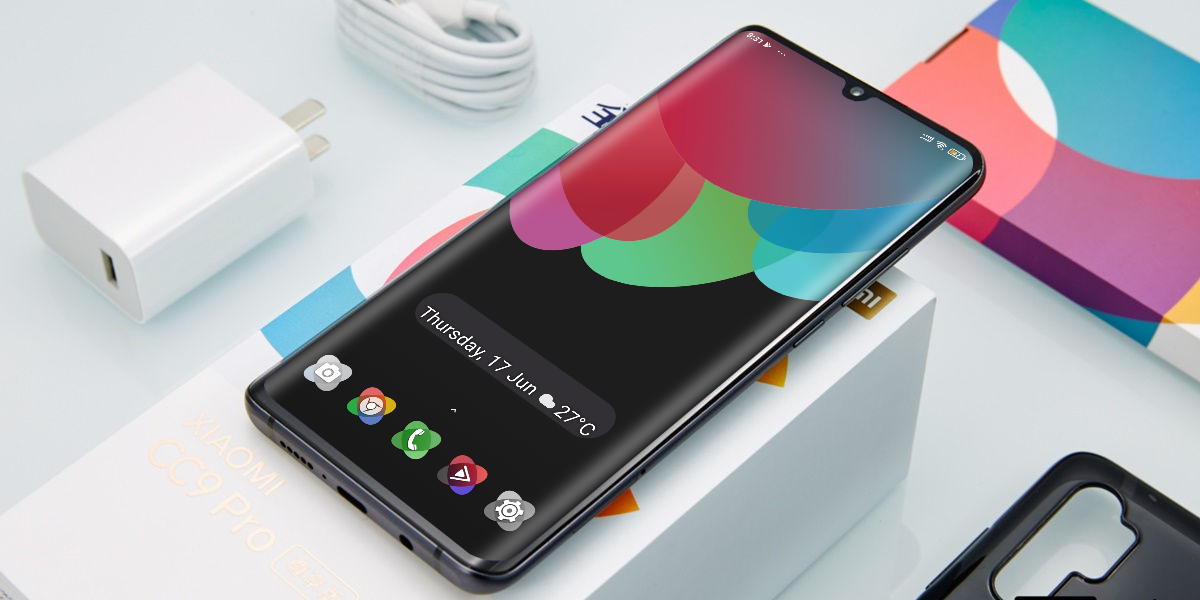
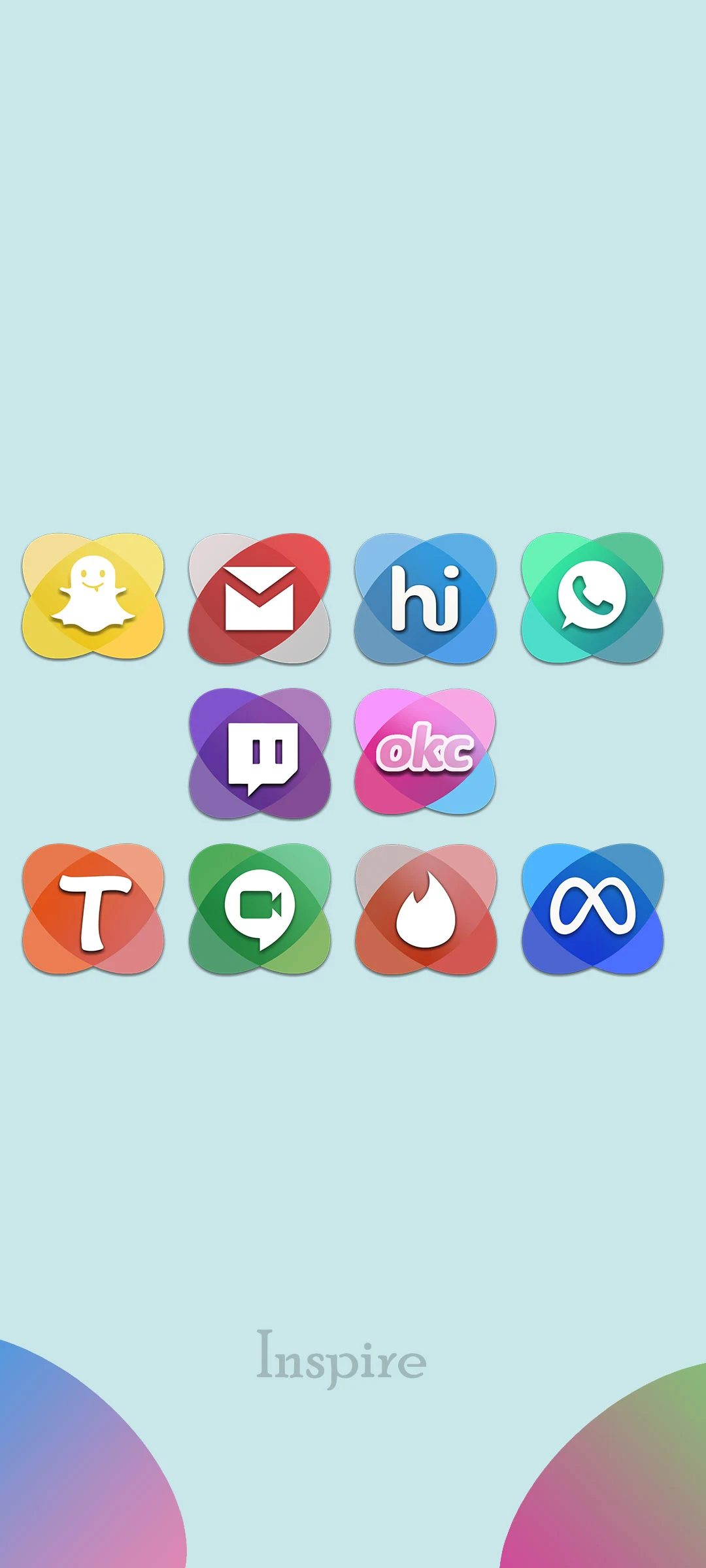
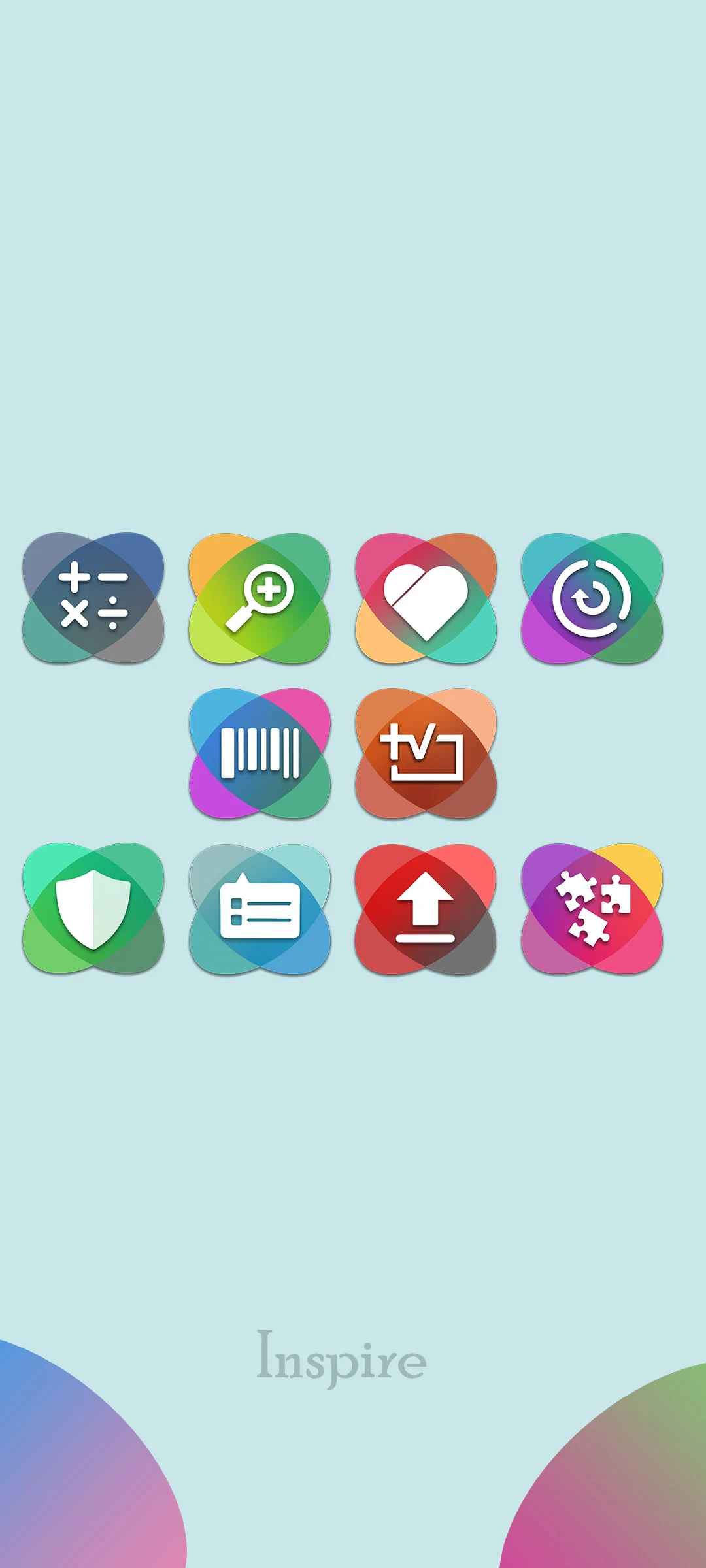
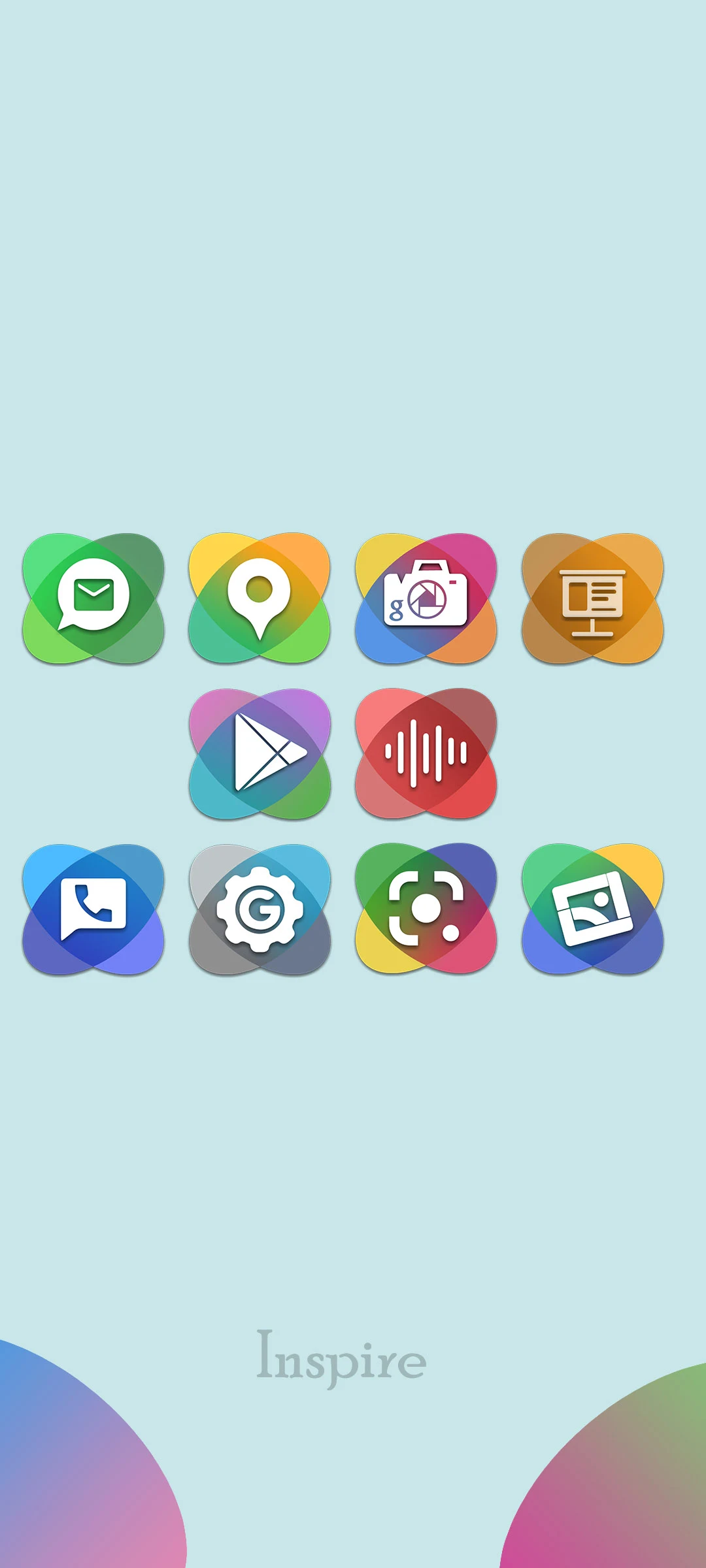
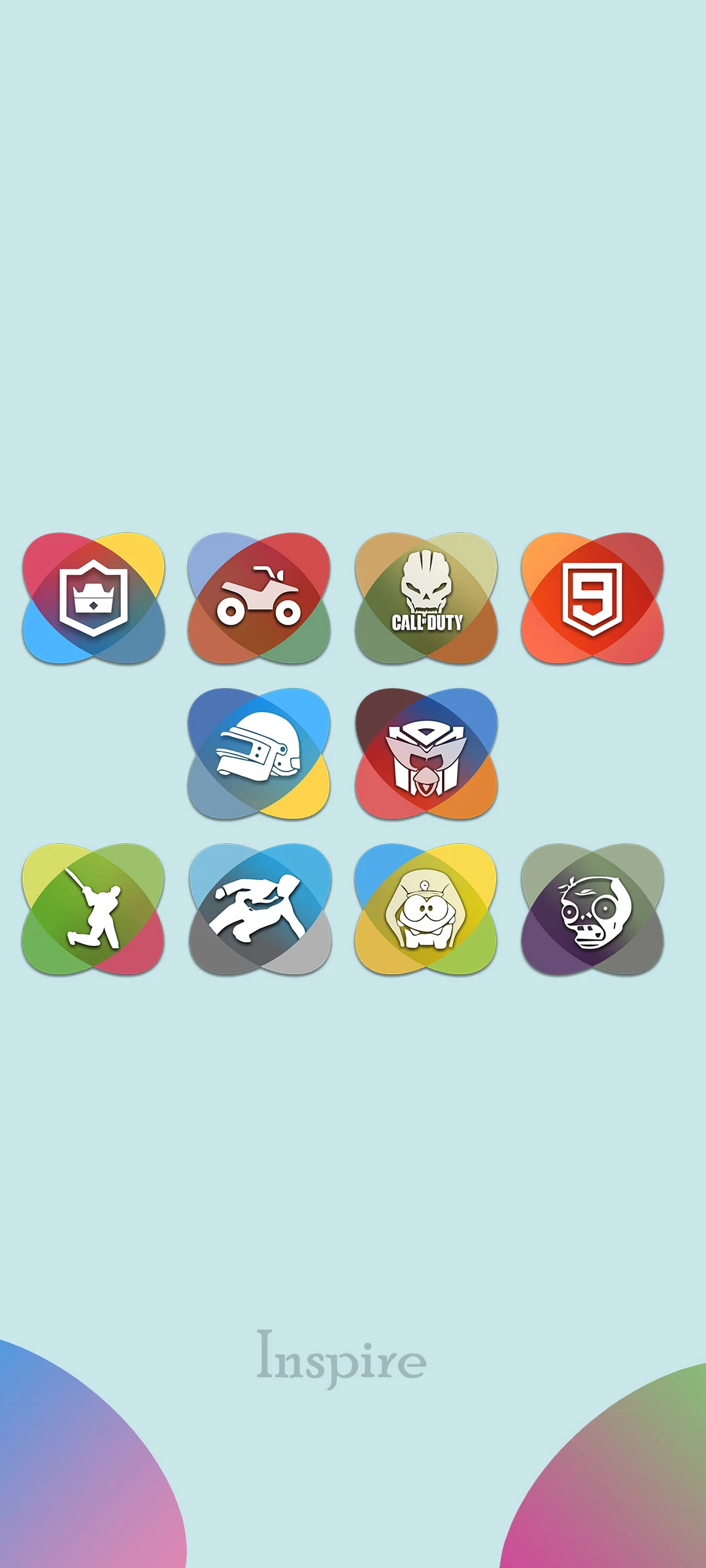
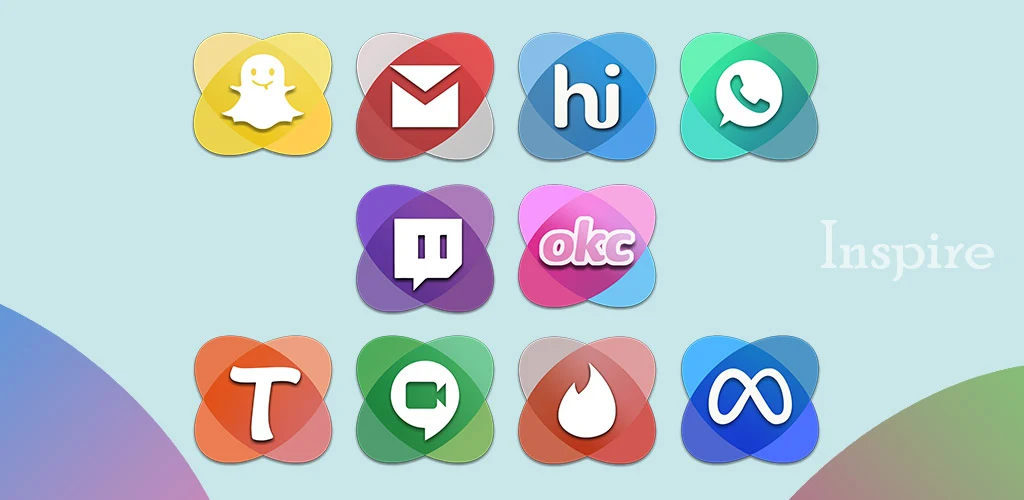
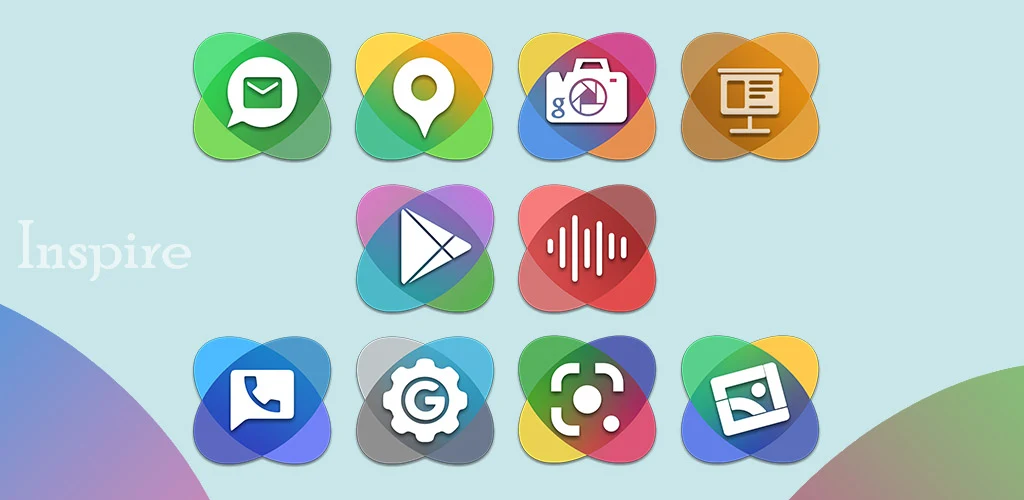
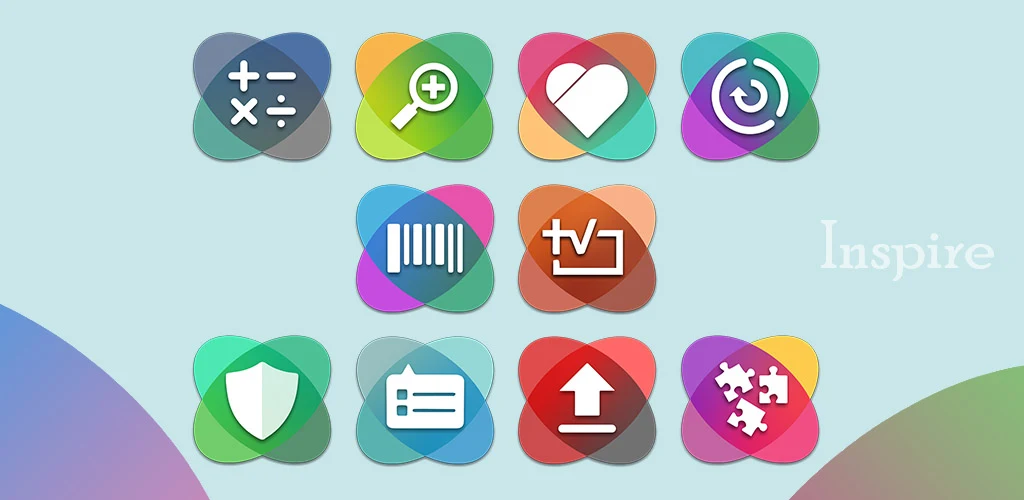
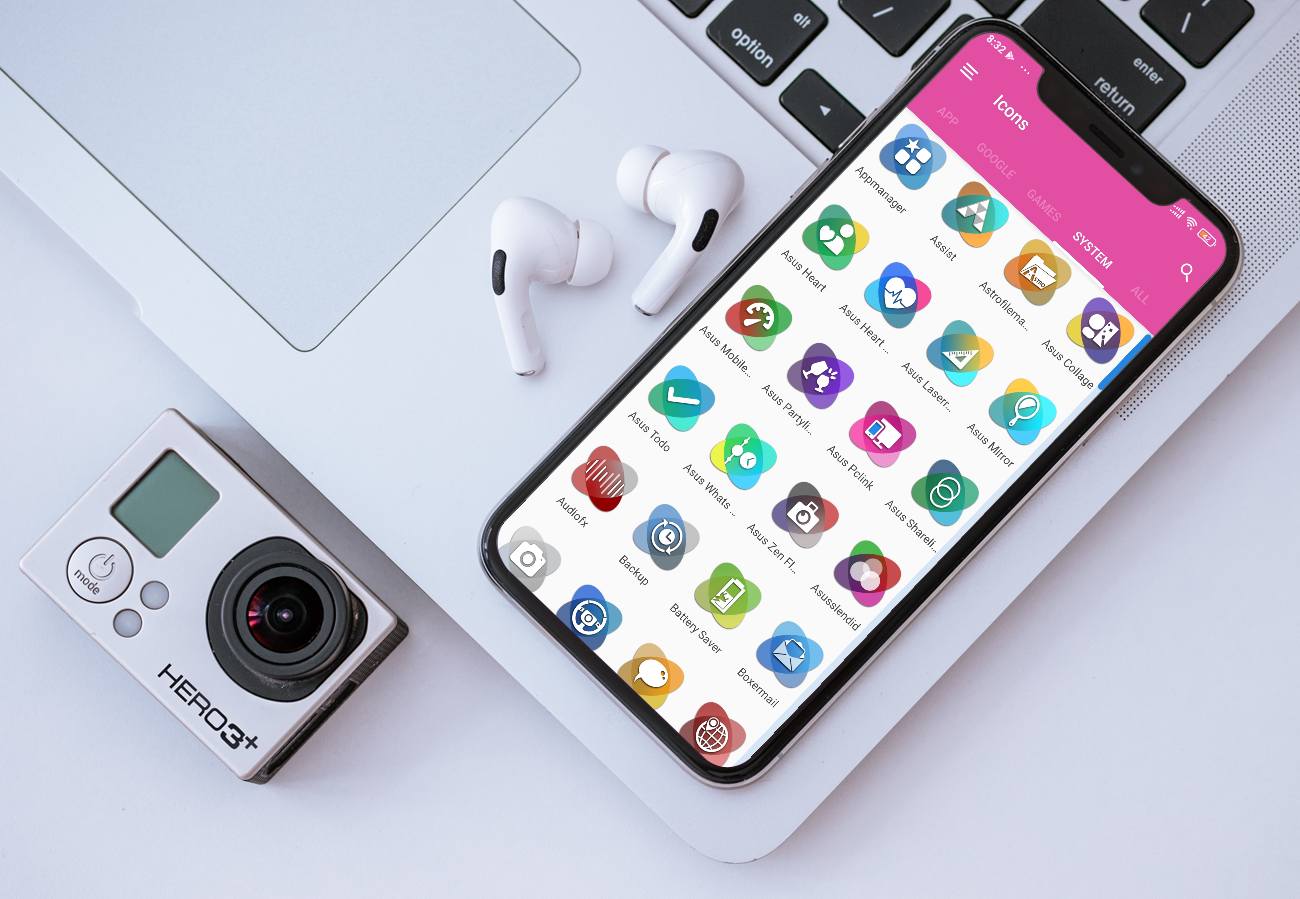
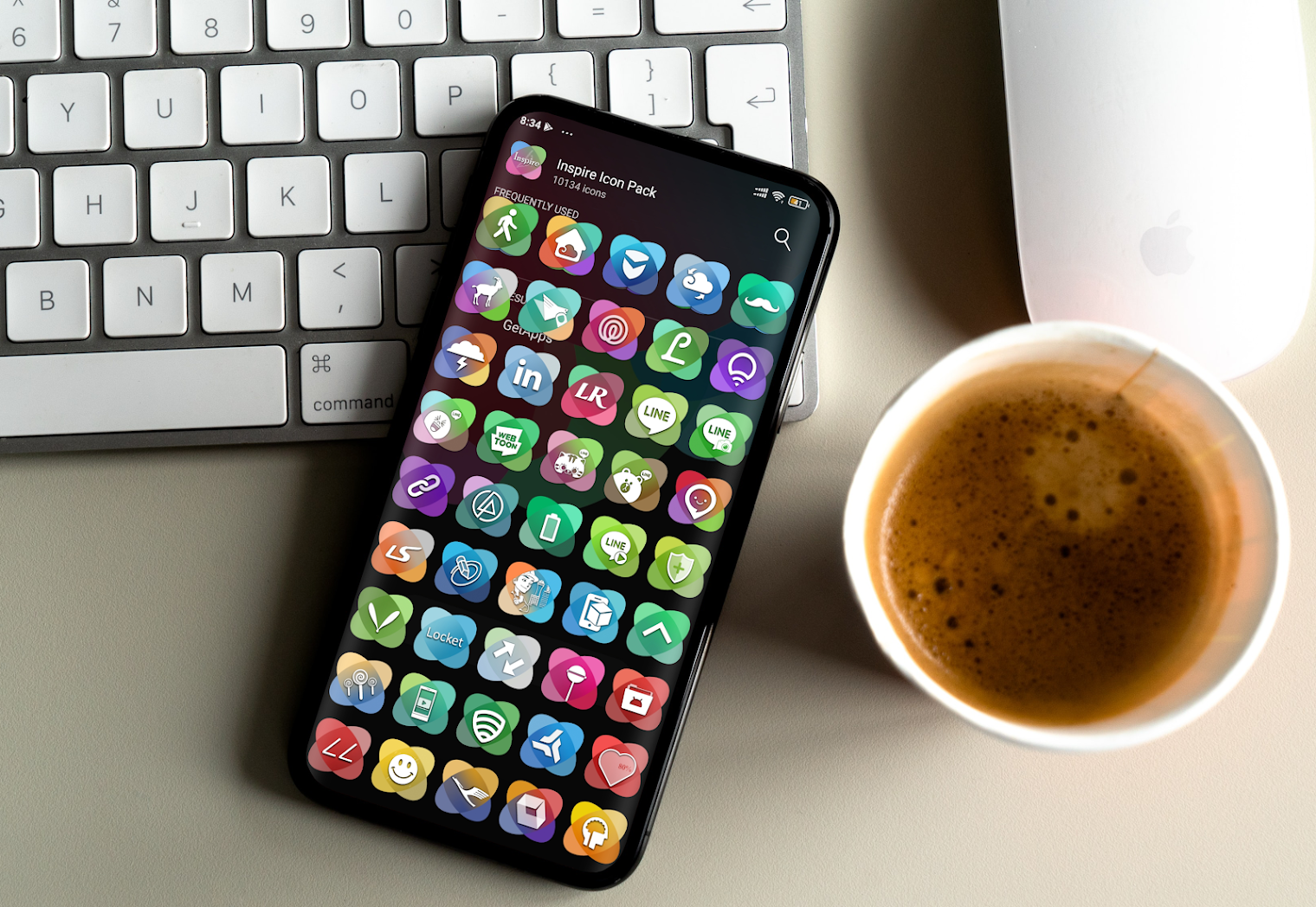
Features:
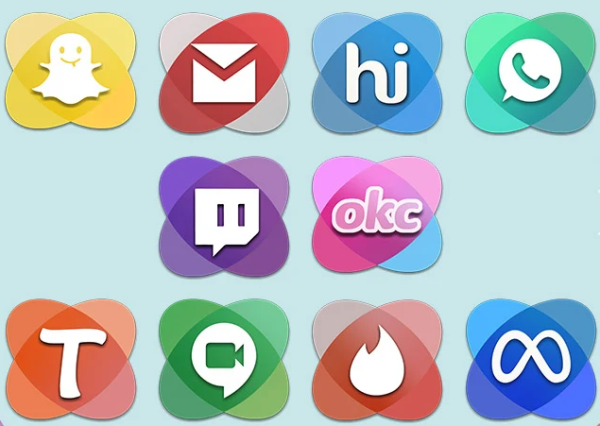
• Over 5300 icons available
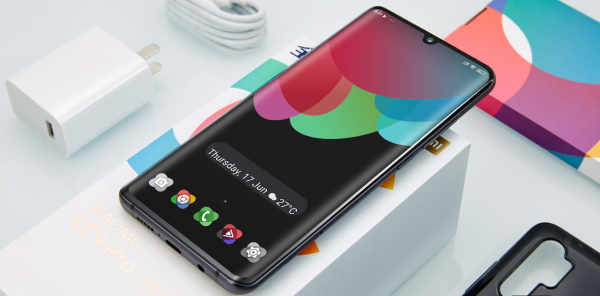
• 45 high-definition wallpapers included
• Icon preview and search functionality
• Material Design Dashboard
• Simple icon request process
Supported Launchers for the Icon Pack:
Action Launcher • ADW Launcher • Apex Launcher • Atom Launcher • Aviate Launcher • CM Theme Engine • GO Launcher • Holo Launcher • Holo Launcher HD • LG Home • Lucid Launcher • M Launcher • Mini Launcher • Next Launcher • Nougat Launcher • Nova Launcher (recommended) • Smart Launcher • Solo Launcher • V Launcher • ZenUI Launcher • Zero Launcher • ABC Launcher • Evie Launcher • L Launcher • Lawnchair
Microsoft Arrow Launcher • ASAP Launcher • Cobo Launcher • Line Launcher • Mesh Launcher • Peek Launcher • Z Launcher • Launch by Quixey Launcher • iTop Launcher • KK Launcher • MN Launcher • New Launcher • S Launcher • Open Launcher • Flick Launcher • Poco Launcher
This icon pack has been verified to function with these launchers. It may also be compatible with additional ones. If there is no application section in the dashboard, you can apply the icon pack through the theme settings.
User Guide:
1. **Download and Installation**
After purchasing and installing the icon pack, open a supported launcher (Nova Launcher recommended).
2. **App Icon Pack**
- If the launcher is on the supported list, select the corresponding launcher app directly from the icon pack's dashboard.
- If there is no option in the dashboard, go to your phone's theme settings, find the icon style option, and then select the icon pack.
3. **Find and Replace Icons**
Use the **preview + search function** to quickly locate the target app icon and replace it directly; you can also create quick replacement schemes for frequently used icons.
4. **Icon Request**
When encountering an app with no matching icon, follow the in-app instructions to submit an icon request and wait for subsequent updates.
5. **Wallpaper Matching**
Use the 45 high-definition matching wallpapers included with the icon pack to create a more unified desktop style.
FAQs:
1. **Q**: How many icons are available in Inspire - Icon Pack?
**A**: With over 5,300 icons, this rich resource can meet your needs for replacing icons for various apps. Whether it's common social media and office software or niche specialty apps, you'll most likely find a unique icon that matches your needs, making it easy to create a unified yet personalized mobile desktop.
2. **Q**: Does this icon pack come with matching wallpapers?
**A**: It includes 45 high-definition wallpapers. These wallpapers are designed to match the style of the icon pack, with meticulously considered color schemes and design elements. They can be used directly as your mobile desktop background. Together with the replaced icons, they bring a brand new visual experience to your phone, eliminating the need to search for matching wallpapers.
3. **Q**: Is it easy to find an icon for a specific app?
**A**: It's very easy. It includes icon preview and search functions. You can preview the actual icon appearance within the app to avoid unexpected changes. The search function also allows you to quickly locate the specific app icon you're looking for among numerous icons, saving significant time sifting through them and making icon replacements convenient and efficient.
4. **Q**: My phone uses [a specific, uncommon launcher]. Can this icon pack work with it?
**A**: Inspire - Icon Pack has been verified to work with nearly 40 major launchers, such as Action Launcher, ADW Launcher, and Nova Launcher. While compatibility isn't guaranteed for all launchers, it may be compatible with your less common launcher. If you don't have the option to apply the icon pack in the Control Panel, you can try applying it through your phone's theme settings to change the icon style.
5. **Q**: What if I find an app for which there's no compatible icon?
**A**: This icon pack has a simple icon request process. If you find an app without a suitable icon, you can submit an icon request following the in-app instructions. The development team will receive feedback on your request and, based on user requests, may gradually add compatible icons for more apps to meet your personalized needs.
6. **Q**: How much does this icon pack cost?
**A**: This icon pack costs $0.98. This relatively affordable price provides over 5,300 beautiful icons, 45 high-definition wallpapers, convenient icon preview and search features, and support for many major launchers, providing comprehensive services for personalized mobile desktop customization. It's a very good value.
7. **Q**: How often is this icon pack updated?
**A**: Based on past update history, it's updated sporadically. For example, version 11.5 added 30 icons, and version 11.0 added 50 icons. Through continuous updates and the addition of new icons, your desktop is always fresh and compatible with newly released apps, keeping the icon pack practical and fresh.
- Version4.2.1
- UpdateOct 19, 2026
- DeveloperAtanu Sanyal
- CategoryPersonalization
- Requires AndroidAndroid 4.0.3 – 4.0.4+
- Downloads6K+
- Package Namecom.atanusanyal.inspireupdate
- Signature6d6426836a488814d8145b323947fafd
- Available on
- ReportFlag as inappropriate












Rich icon and wallpaper resources
Practical and convenient functions
Excellent compatibility
Excellent visual experience
Some icons may be poorly designed.
Possible compatibility issues