
Matrix Live Wallpaper - Animated Matrix Wallpaper
Transform your screen with customizable animated Matrix code wallpaper for a unique and stunning visual experience.
- 1.8.5.2 Version
- 4.6 Score
- 797K+ Downloads
- In-app purchases License
- 3+ Content Rating


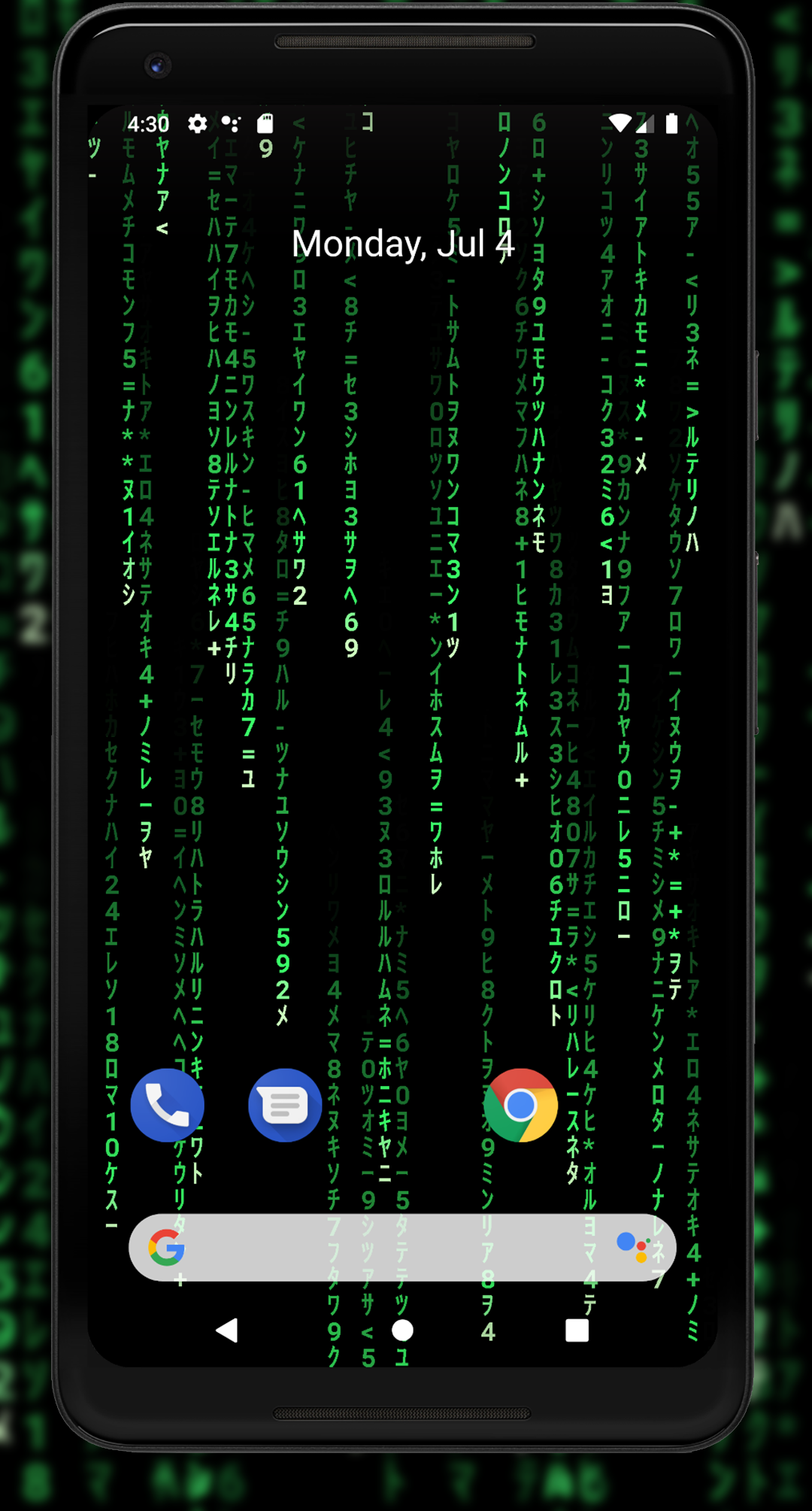
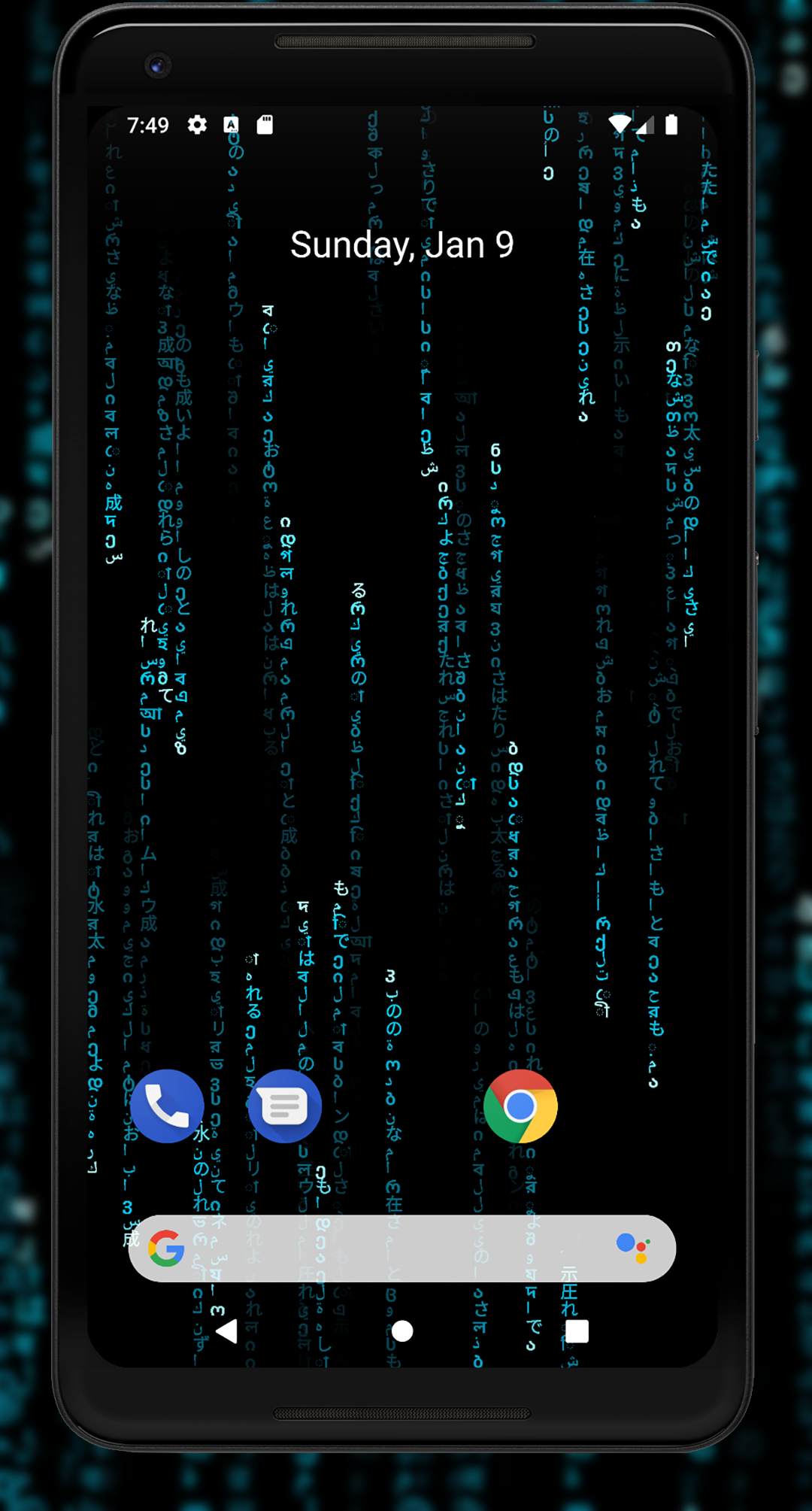
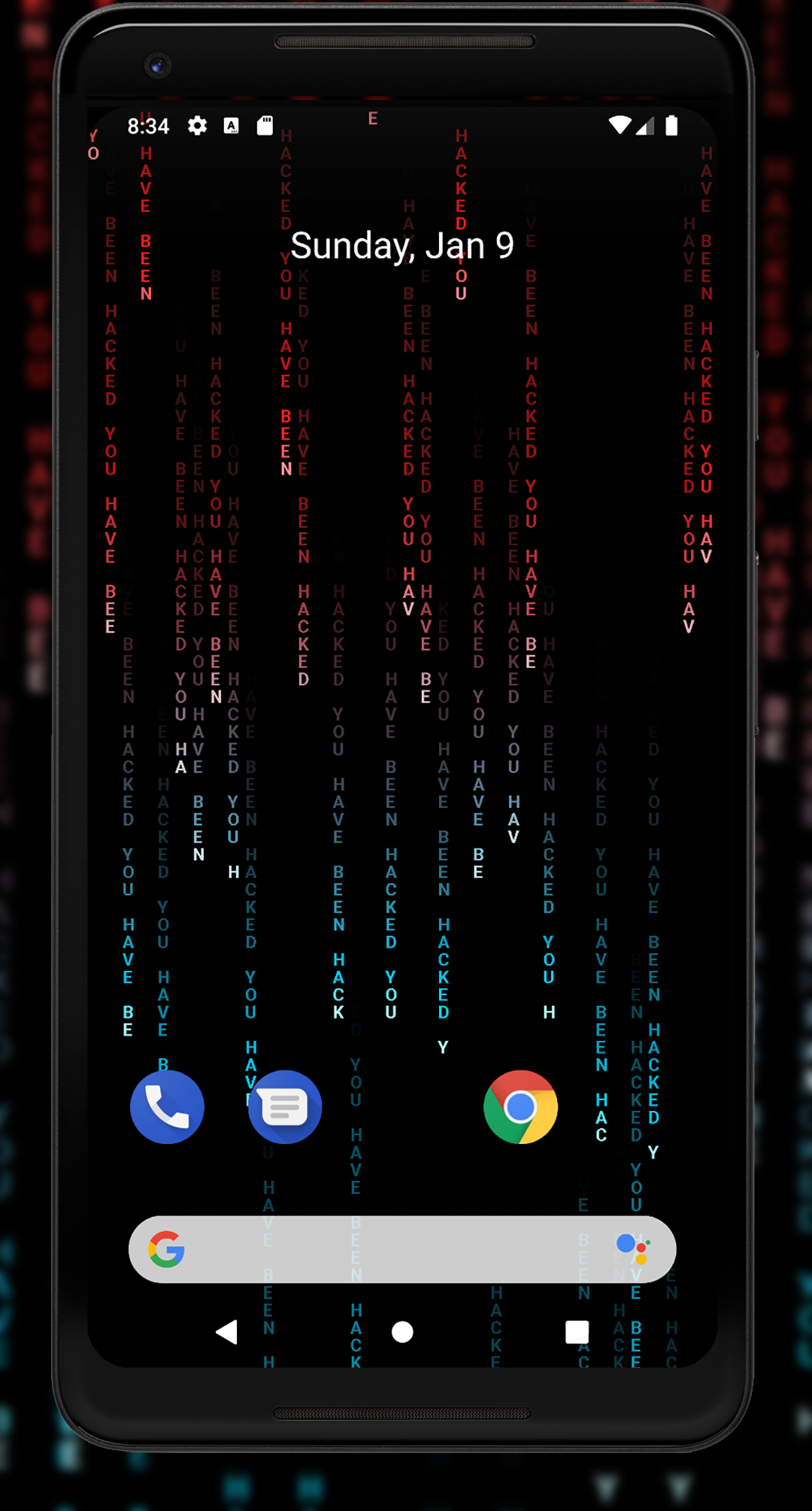
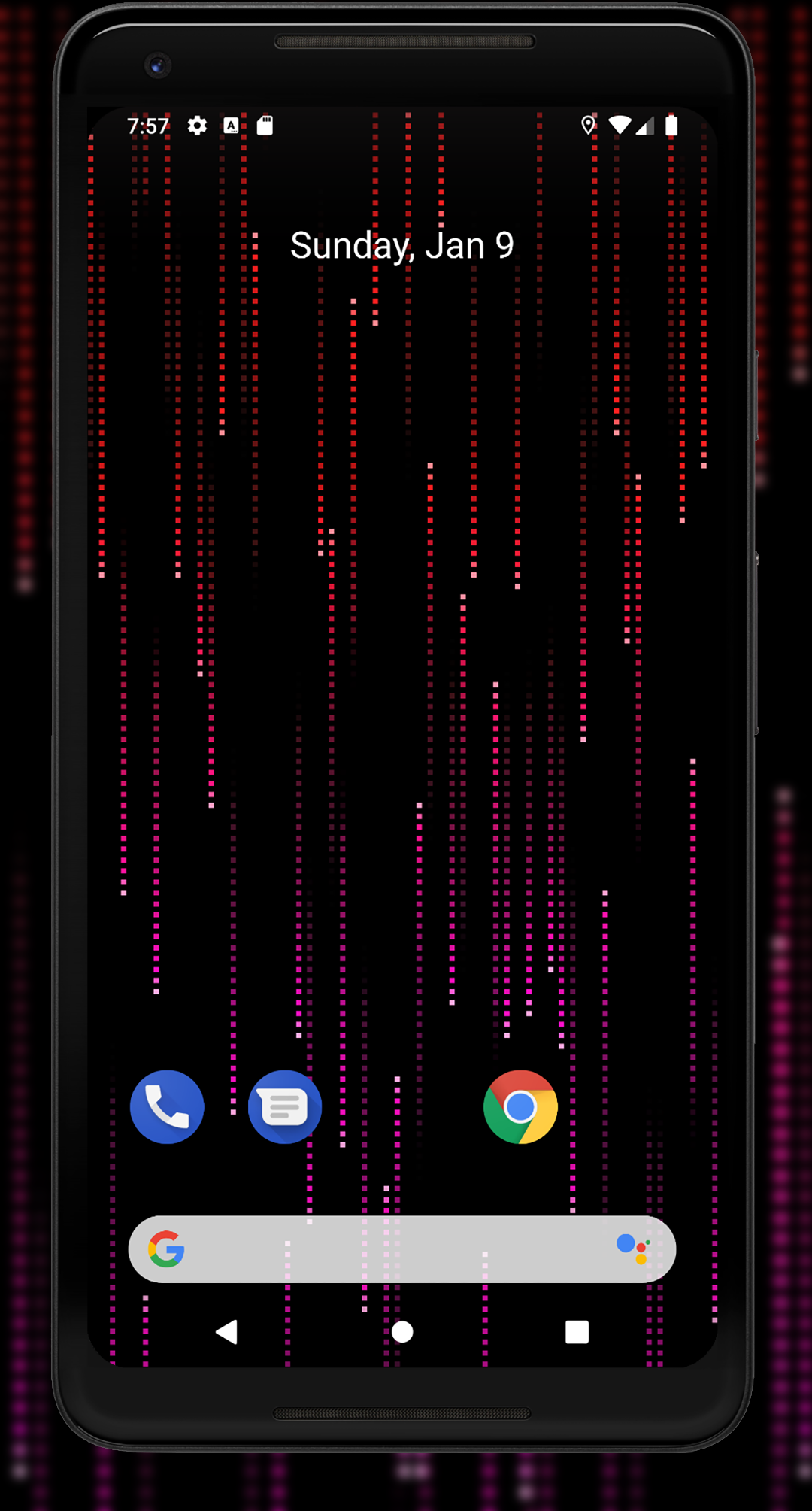
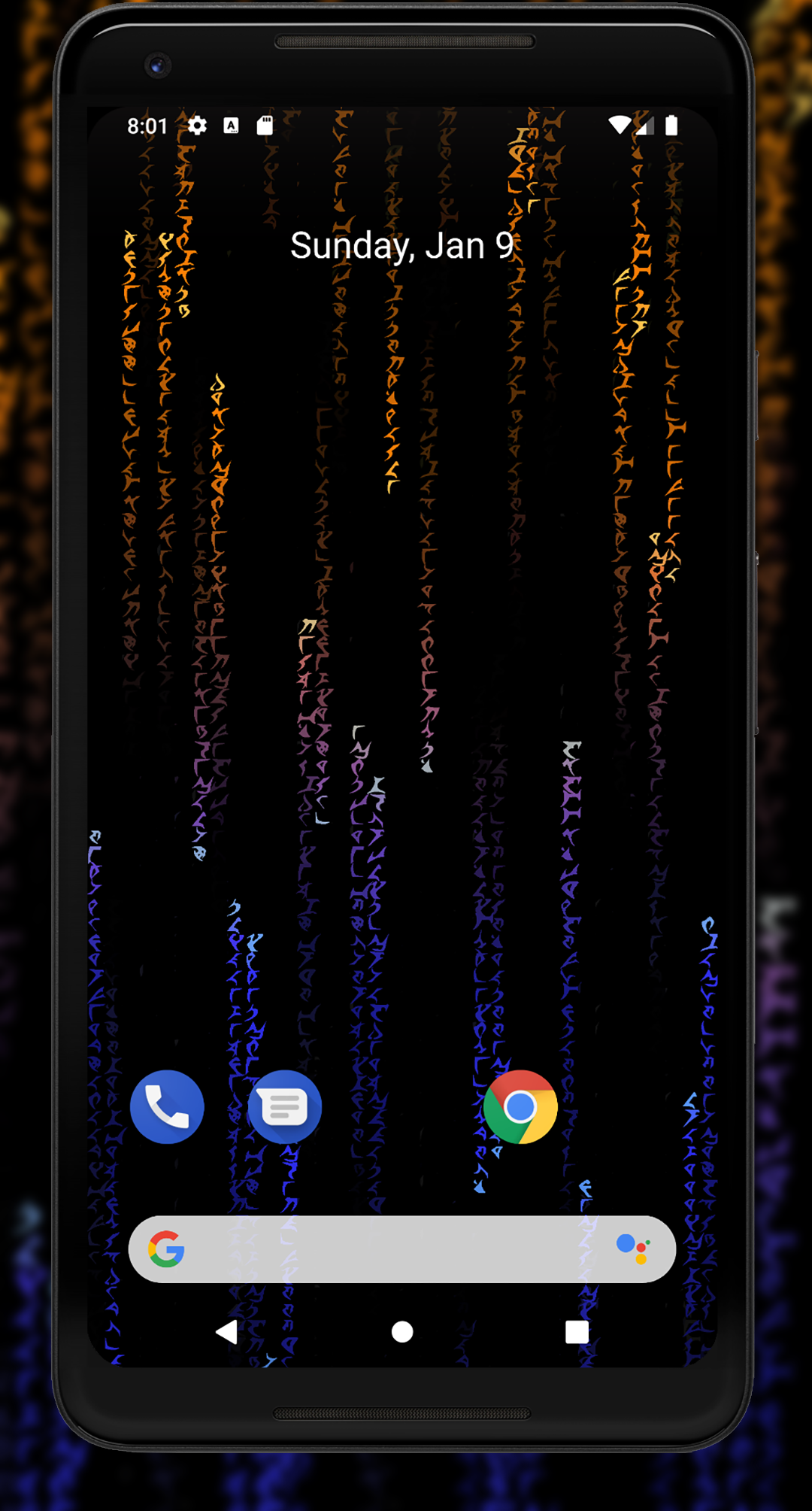
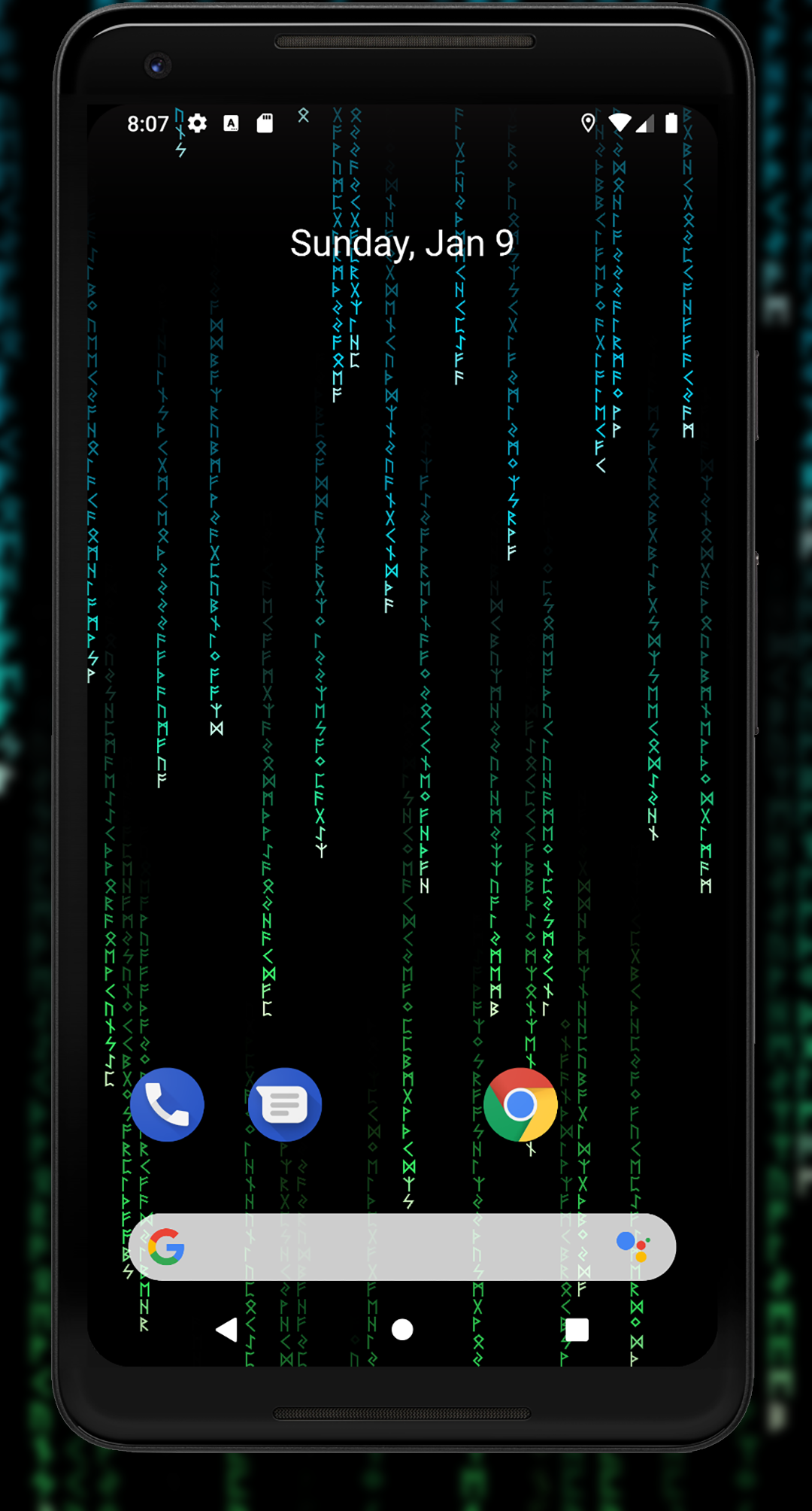
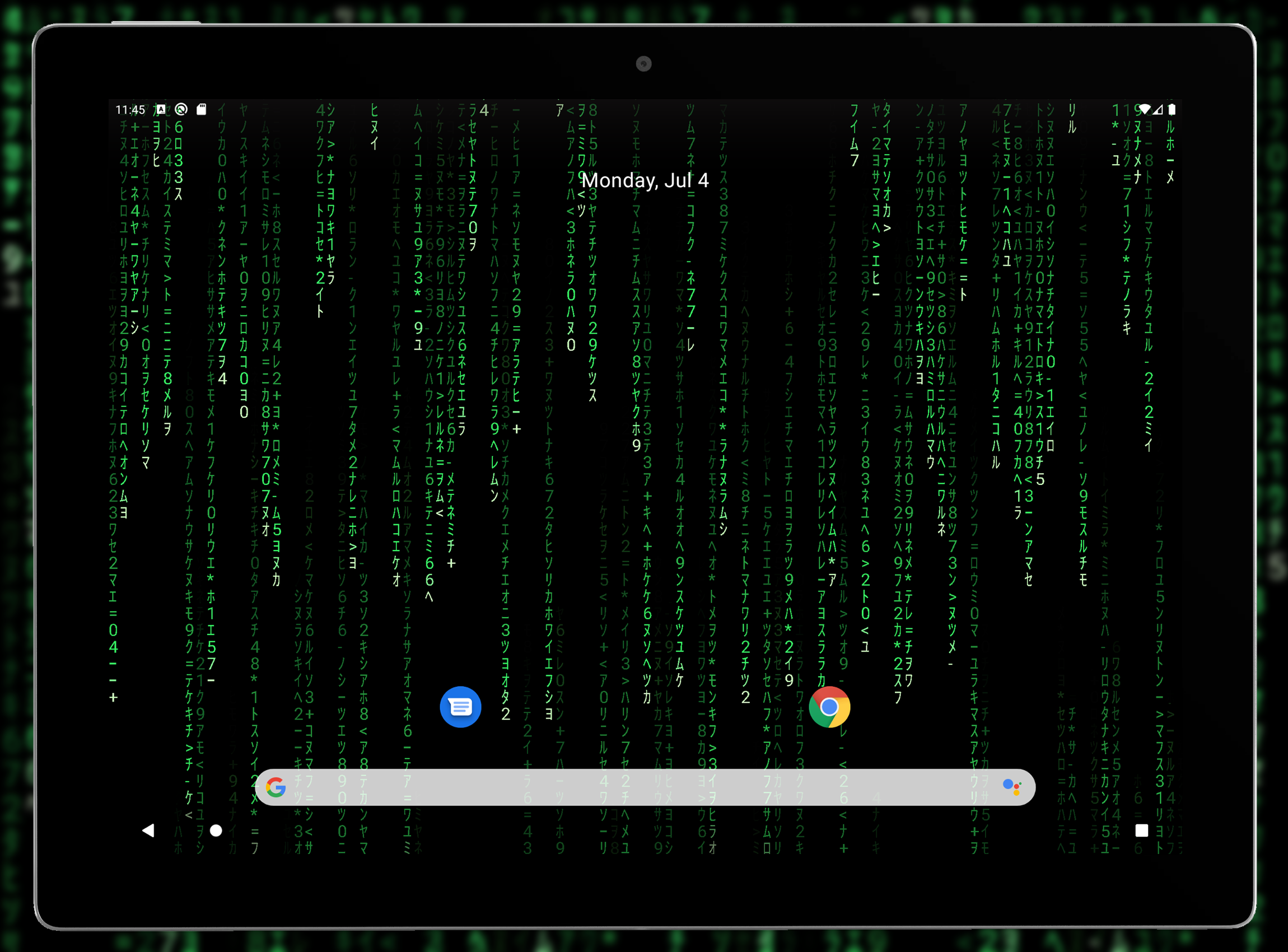
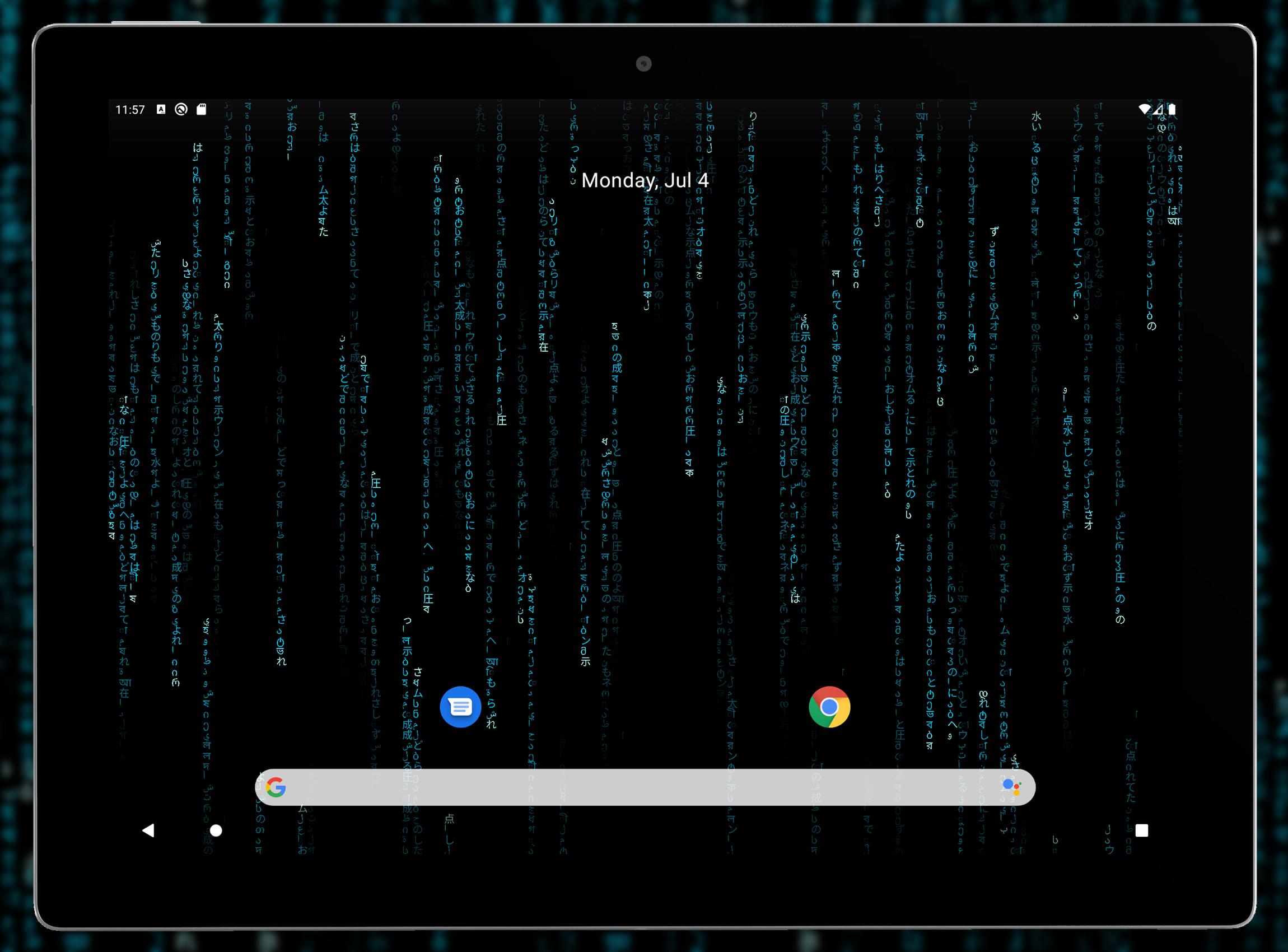
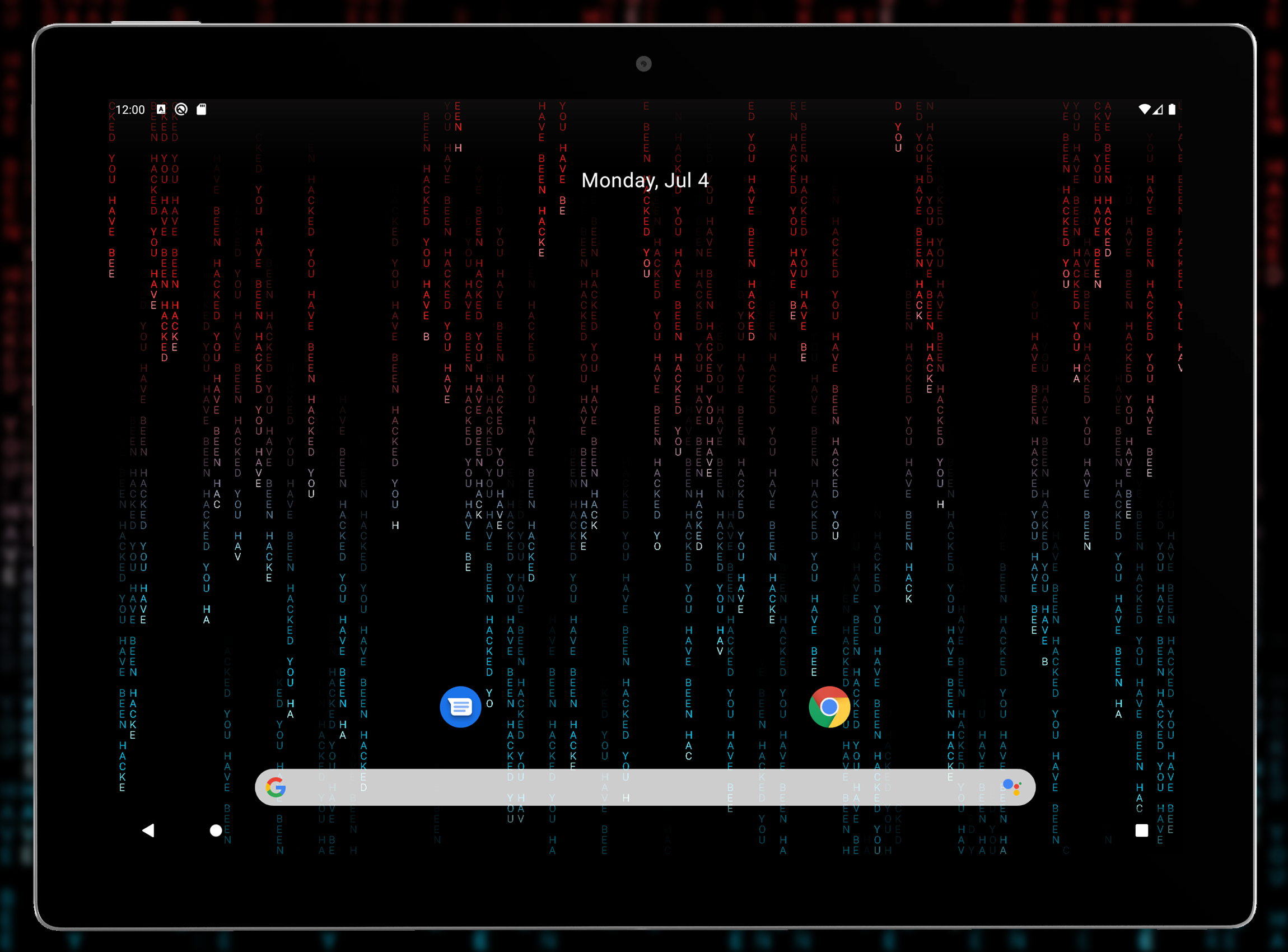
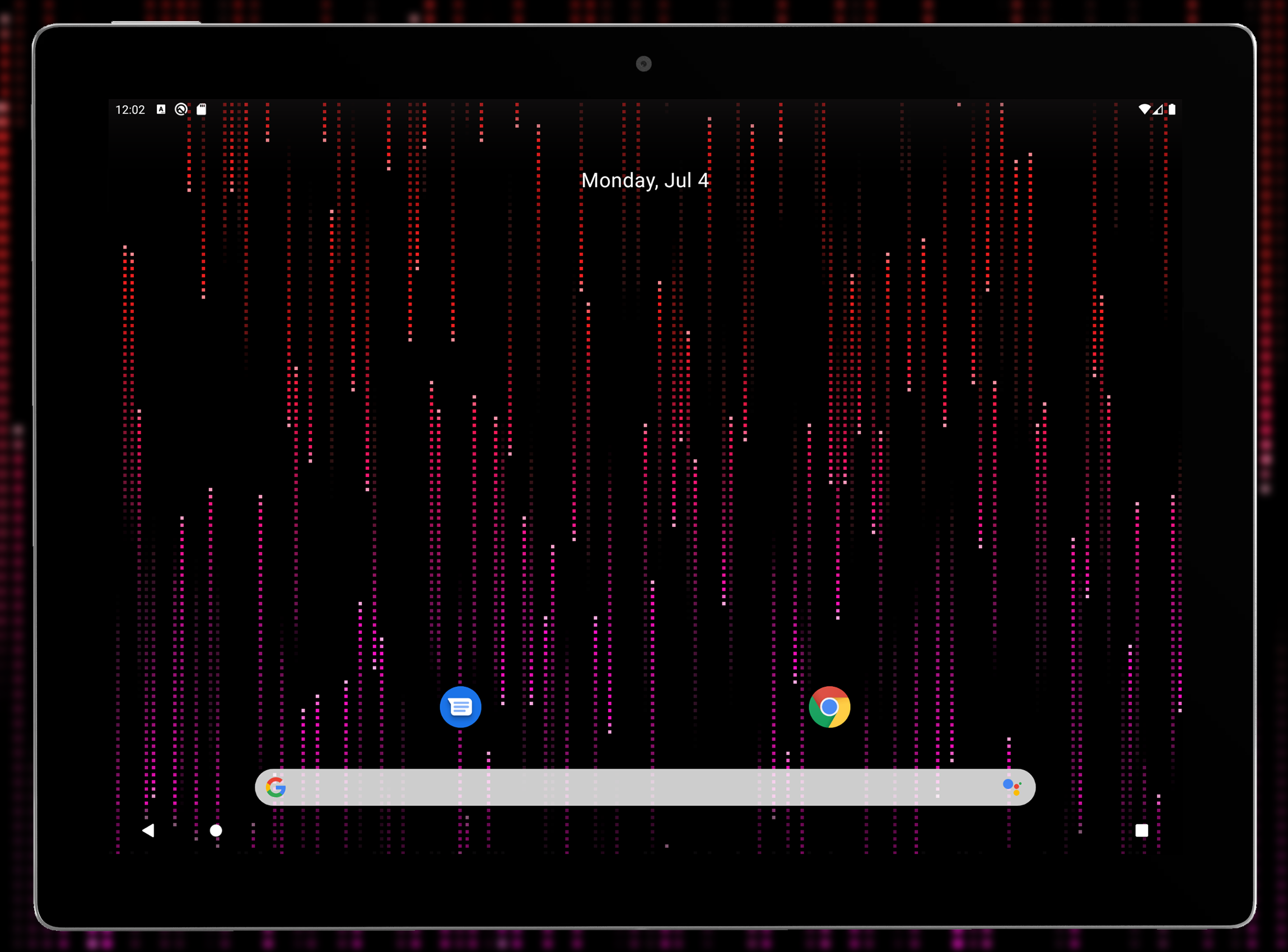
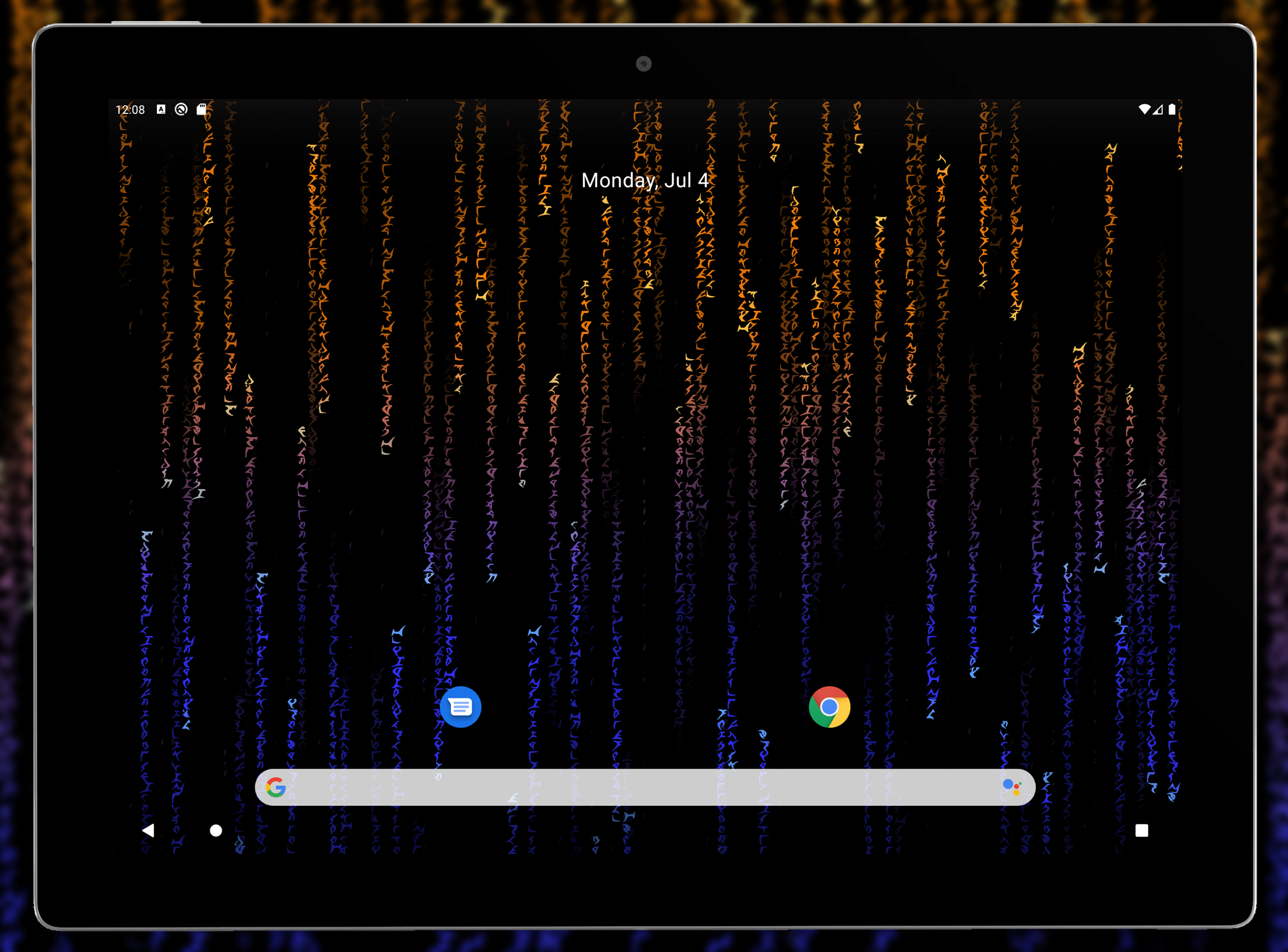
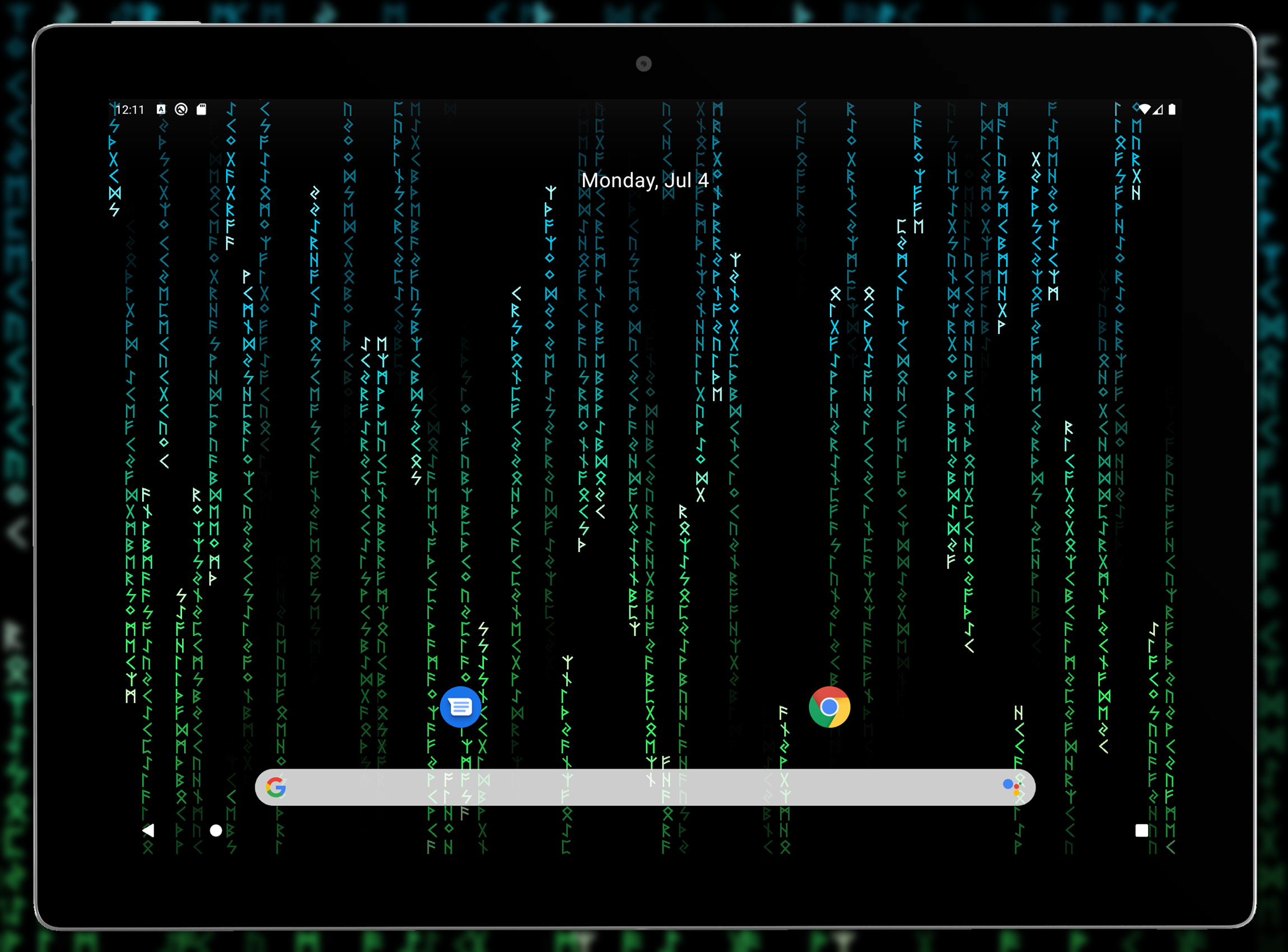
Experience a complimentary live wallpaper featuring an animated Matrix code effect designed for your HD display.
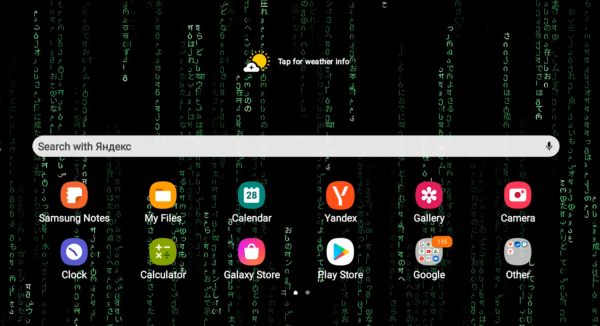
Enjoy the extensive customization options available with these animated live wallpapers centered around the Matrix digital rain motif, perfect for any HD or 4K screen. This dynamic wallpaper, which also includes screensaver functionality, will give your smartphone a unique and visually appealing look.
Key Features:
- Various character sets
- Options to modify character color
- Background color customization
- Resize characters according to your preference
- Adjust the speed of the falling characters
- Choose the direction in which they fall
- Compatible with Android screensaver mode (both phones and tablets)
Usage Process:
1. **Download and Install**: Search for "Matrix Live Wallpaper" in your Android device's app store. Once you find the app, download and install it.
2. **Open the App**: After installation, tap the app icon to access the Matrix Live Wallpaper app's main interface.
3. **Personalization**:
- **Change Character Set**: In the app's settings, find the character set settings. You can choose from a variety of character sets, such as the standard set or specialized character sets like astrological symbols and Elvish in the Pro version.
- **Change Character Color**: Use the color picker to adjust the color of the characters. Choose from single color, dynamic color, two-color, or dynamic two-color.
- **Customize Background Color**: In the background color settings, select your favorite color for the wallpaper.
- **Adjust Character Size**: Use the corresponding settings to increase or decrease the size of the characters according to your preference.
- **Set Character Drop Speed and Direction**: Find the speed and direction sliders or options to set the speed and direction of the characters dropping.
4. **Apply the wallpaper**: After setting the wallpaper, tap the "Set Wallpaper" button within the app, or apply the wallpaper through your Android device's settings: Go to "Settings" - "Wallpaper" - "Live Wallpapers," select the Matrix live wallpaper, and apply it.
5. **Use the screensaver**: To use the screensaver, ensure the Matrix live wallpaper is selected in your device's screensaver settings. When your device enters screensaver mode, the Matrix digital rain effect will appear.
The Pro version of this live wallpaper offers enhanced features such as the ability to include custom text, along with exclusive character sets like astrological signs, elvish, mandalorian, autobot, decepticon, and klingon. New color settings allow for dynamic coloring, bi-color, and dynamic bi-color choices. Additionally, you can assign the color of the first character in true Matrix fashion. The Pro version is a fantastic live wallpaper option for any user!
You can set the wallpaper through your Android settings or simply use the "Set Wallpaper" button within the application.
This Matrix live wallpaper has been tested on the latest Android devices including the Galaxy series, LG G6, and Pixel series smartphones. Feel free to reach out if your device is not supported.
Key Questions & Answers:
1. **What are the core functions of this app?**
It provides a live digital rain wallpaper in the style of *The Matrix*, supporting customizable character sets, character colors, background colors, character sizes, falling speed, and direction. It is also compatible with Android screen saver functions and adapted to HD/4K screens.
2. **How do I set this live wallpaper?**
- After downloading and installing, open the app and adjust parameters such as character, color, and speed in the settings interface.
- Click the "Set Wallpaper" button within the app, or select the wallpaper application through your phone's system settings - Wallpaper - Live Wallpaper.
3. **How do I enable the screen saver function?**
Select the Matrix live wallpaper in your phone's screen saver settings. The digital rain effect will be displayed when the device enters screen saver mode.
4. **What additional features does the Pro version offer?**
It supports custom text, adds exclusive character sets such as astrological symbols, Elvish, and Mandalorian, and unlocks advanced color settings such as dynamic dual-color and individual color schemes for the first character.
5. **Which devices is this app compatible with?** **
It is compatible with mainstream Android models, including Samsung Galaxy series, LG G6, Google Pixel series, etc. If your device is not supported, please contact us for feedback.
- Version1.8.5.2
- UpdateOct 20, 2026
- DeveloperScreensavers Store
- CategoryPersonalization
- Requires AndroidAndroid 7.0+
- Downloads797K+
- Package Namecom.screensavers_store.matrixlivewallpaper
- Signaturee731cf489035fb042724732dc4dd77cc
- Available on
- ReportFlag as inappropriate
-
NameSizeDownload
-
117.51 MB
-
109.47 MB
-
109.40 MB
















Customizable symbol size, color, and speed
Intuitive user interface
Nostalgic Matrix theme
Smooth animation and performance
Ability to set different wallpapers for home and lock screens
Frequent updates from developers
Visual appeal with unique design elements
Fans and friends appreciate the wallpaper
Wallpaper resets to default frequently
Premium version lacks additional features
Difficulties setting wallpaper only on lock screen
Crashes and performance issues reported
Limited customization options for certain users
Ads can be intrusive during settings changes
Battery drain associated with live wallpaper
Some users experience difficulty making purchases
Inconsistent support for newer devices and operating systems