
Gallery Phone 15 photo gallery - Organize & edit photos
Unleash creativity with unique editing tools, smart album management, & effortless photo recovery for your digital memories.

- 1.2.5 Version
- 3.1 Score
- 240K+ Downloads
- Free License
- 3+ Content Rating

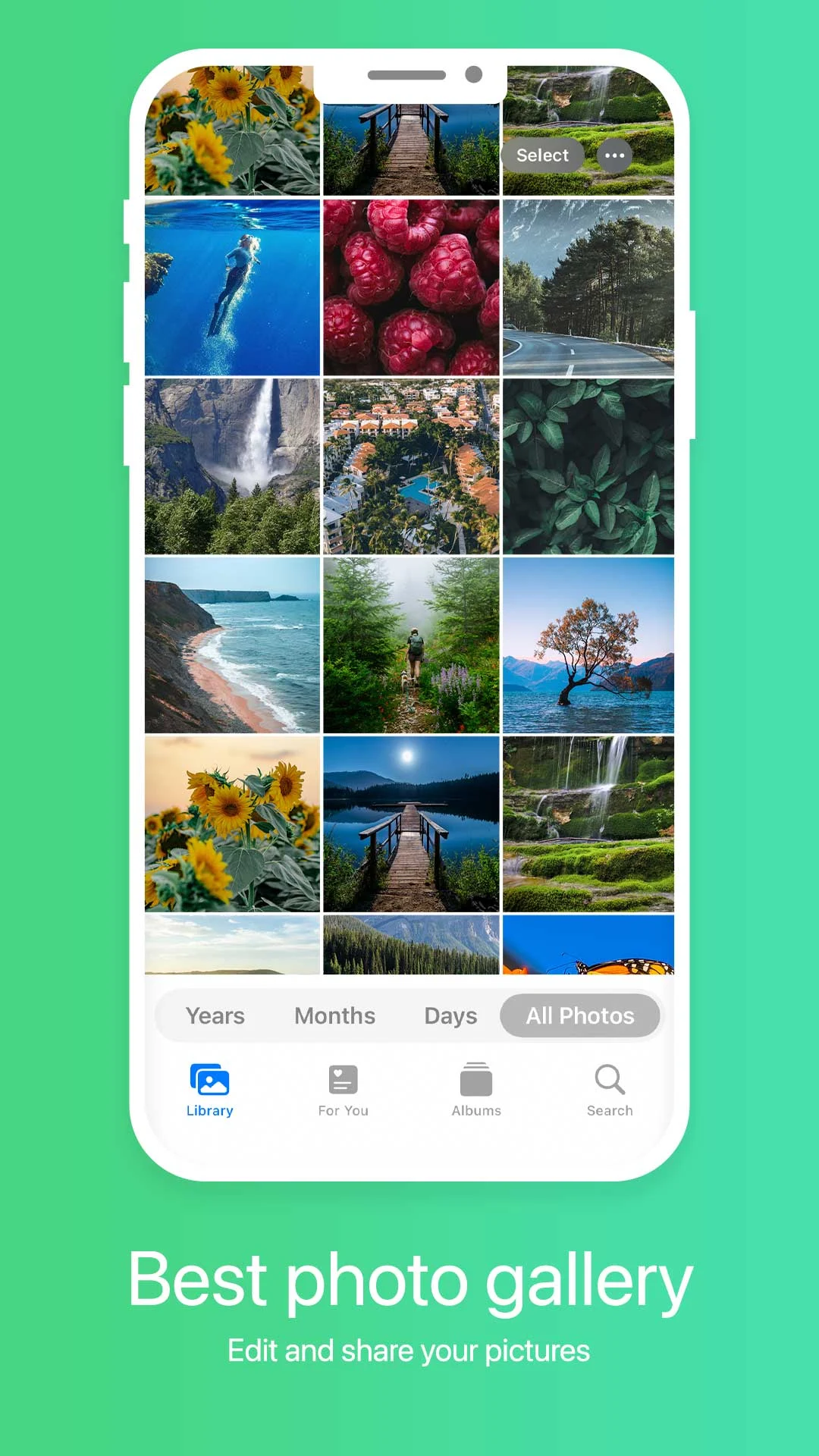
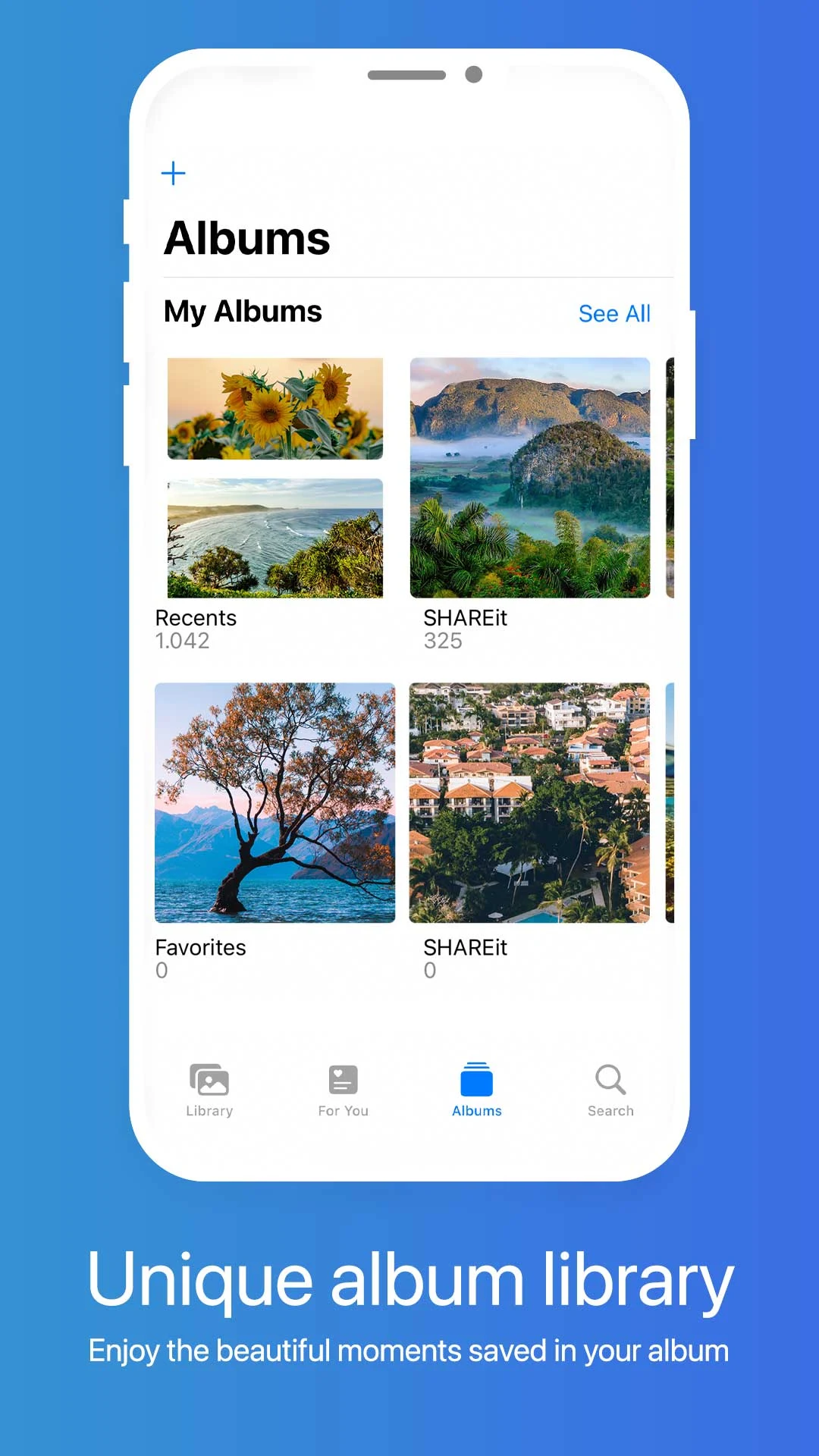
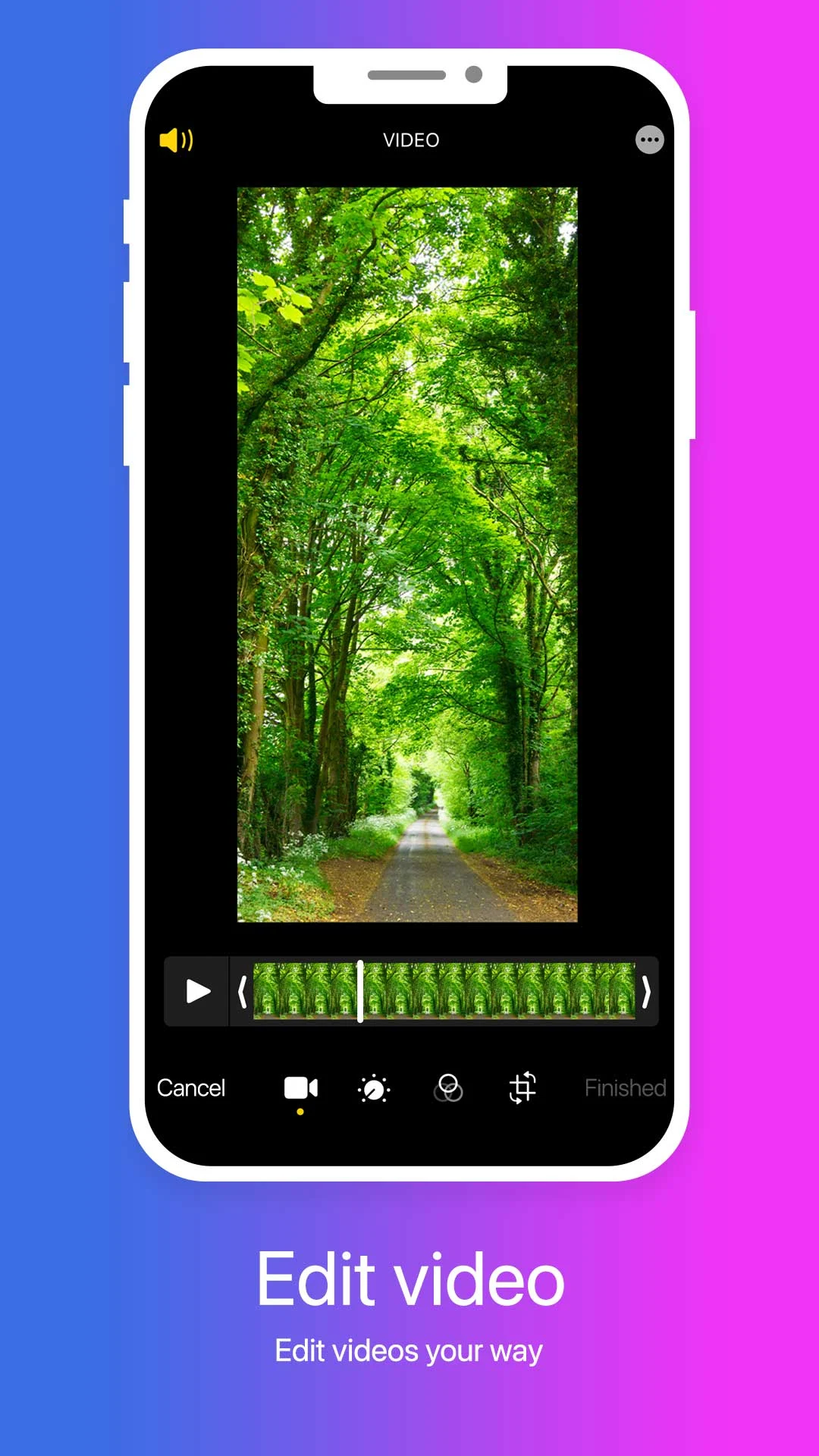
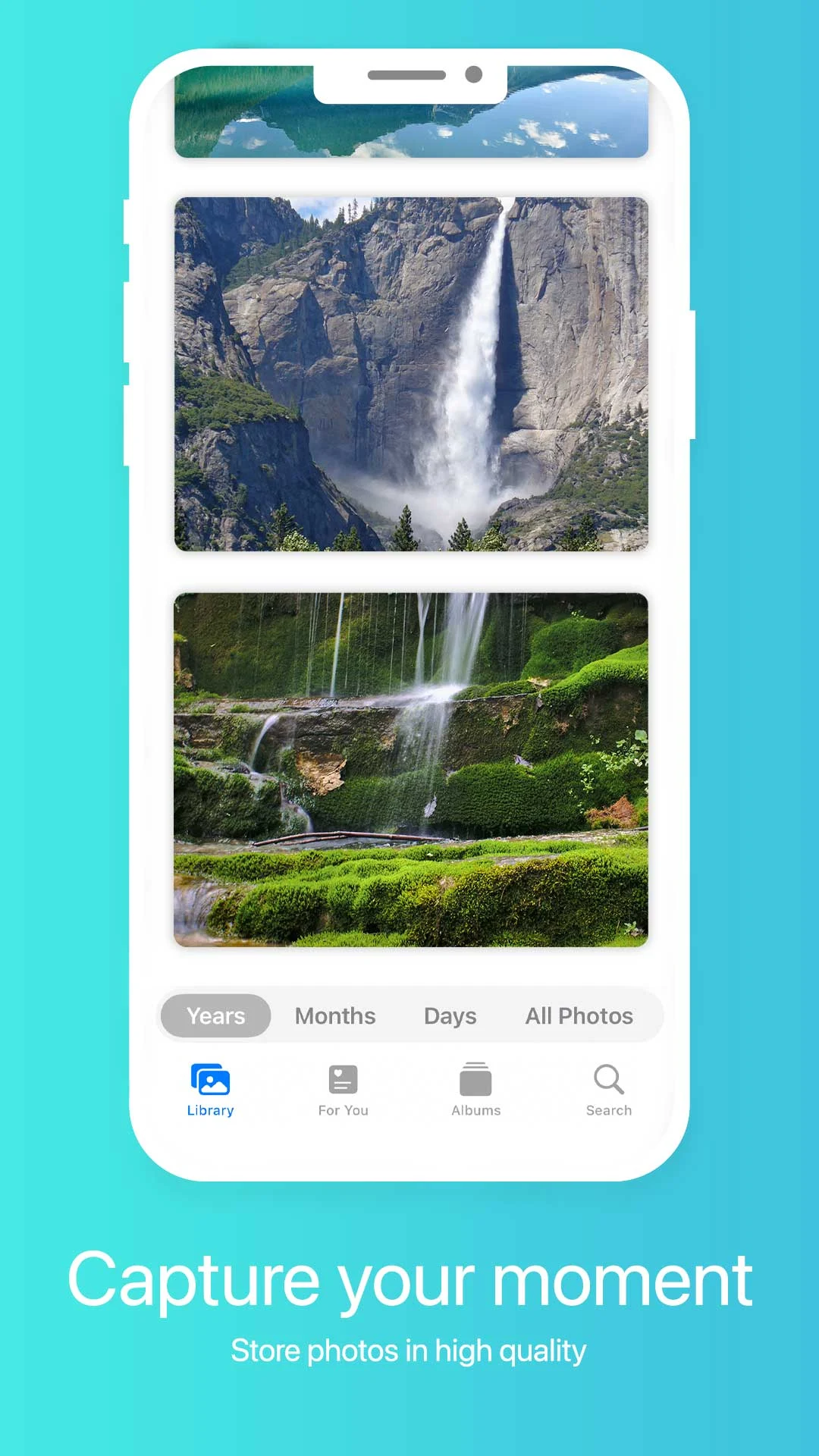
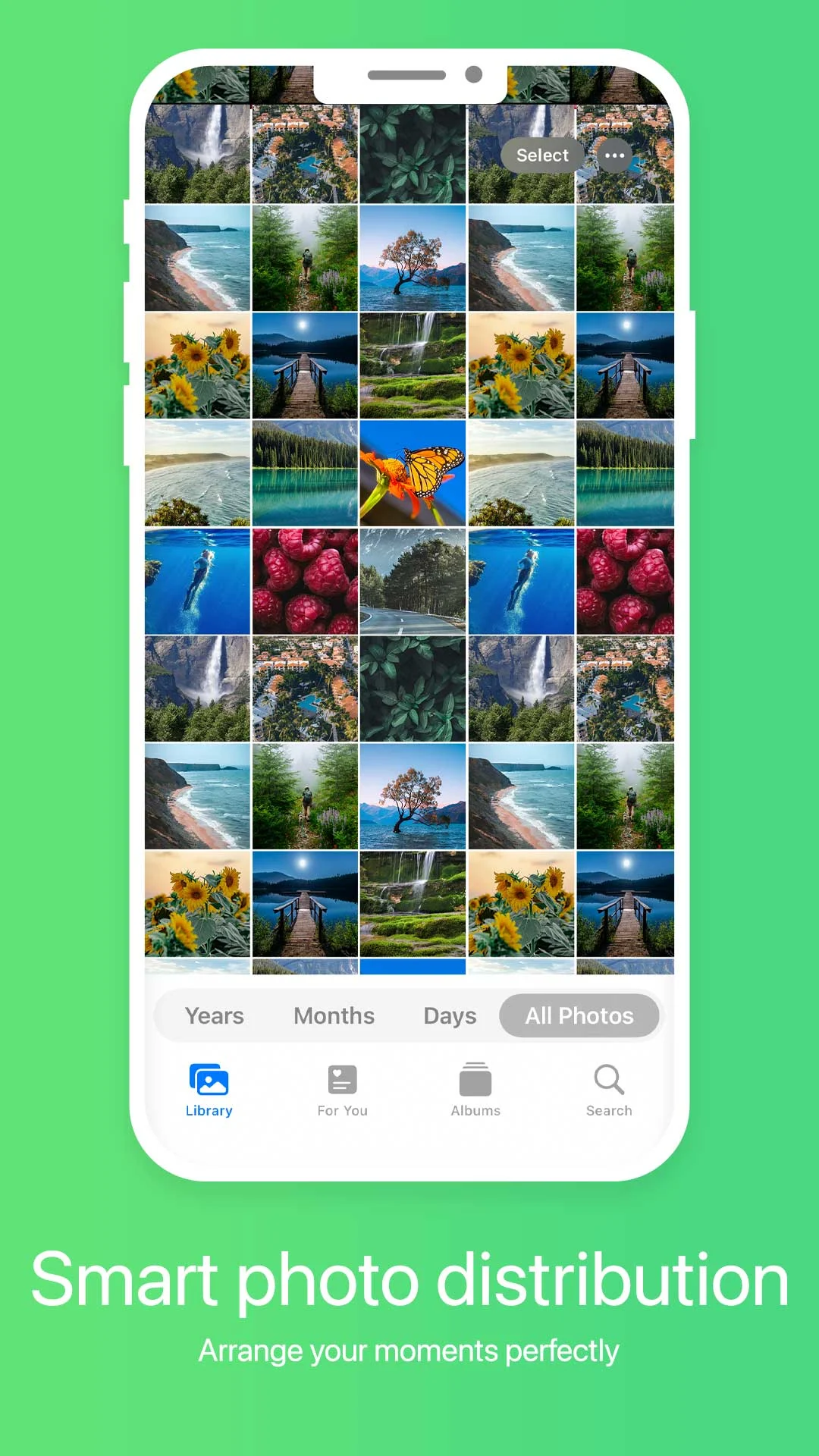
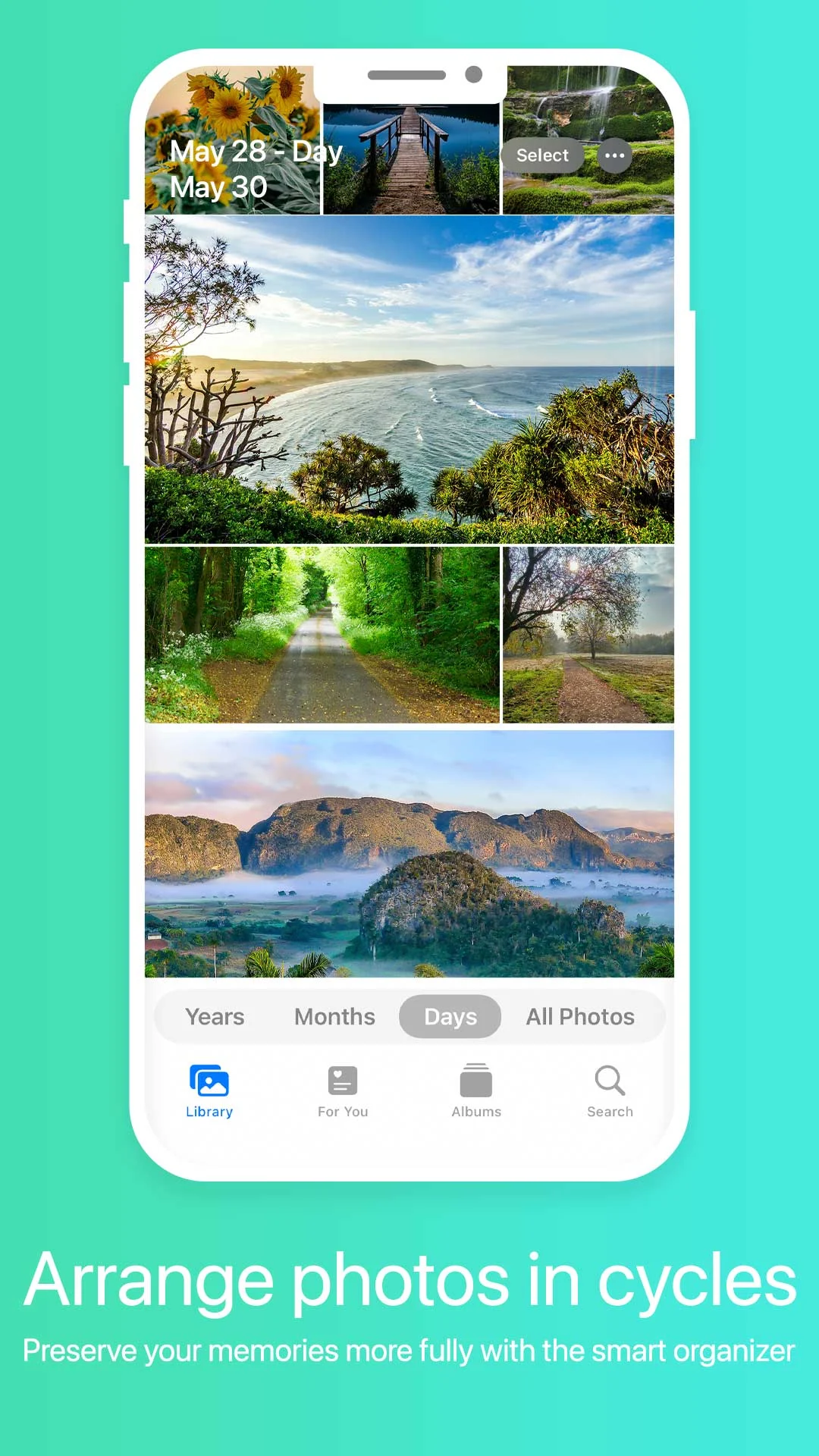
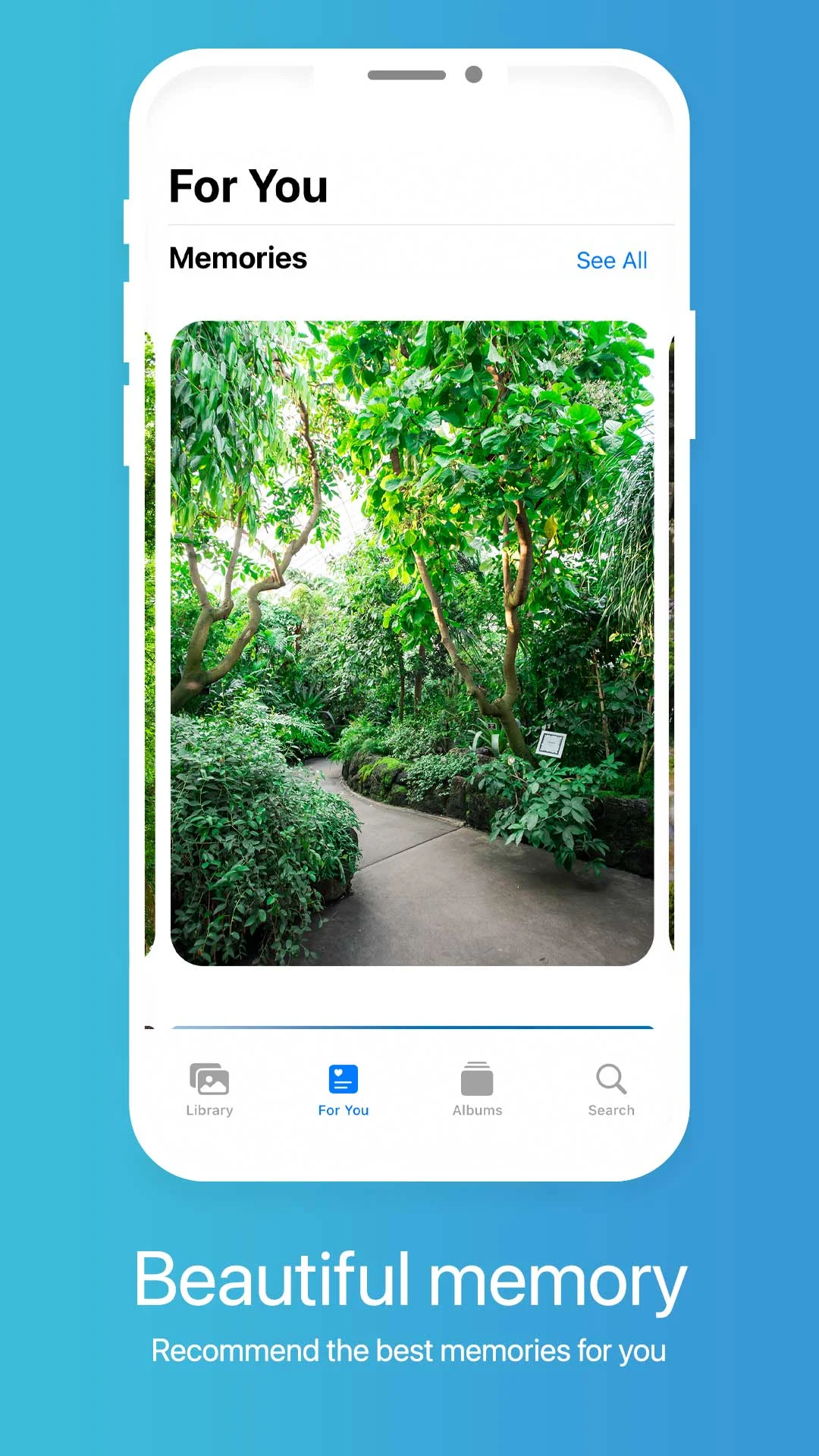
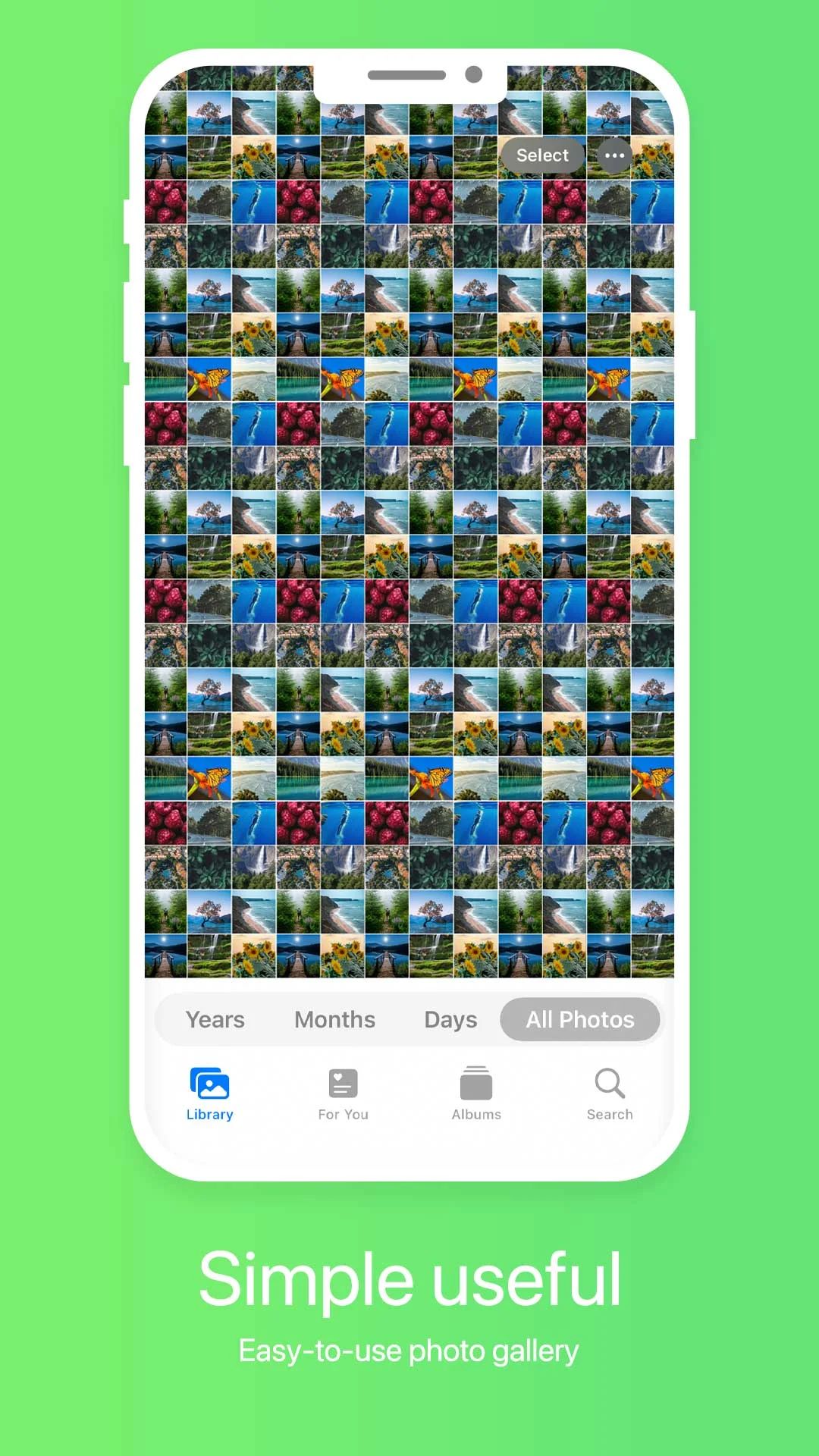
Your device is filled with countless photos and videos, and it's essential to keep them organized for easy access.
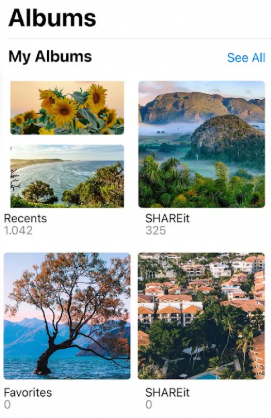
Our gallery application is here to assist you.
Features:
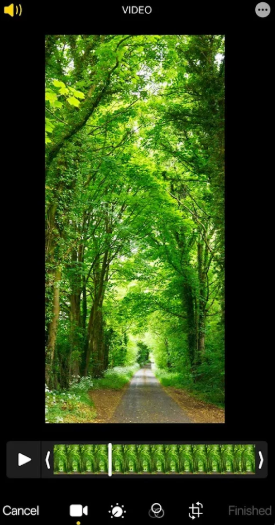
⭐️Gallery: Featuring a sleek and contemporary interface, this gallery allows for straightforward navigation. With just a few gestures, editing your images becomes effortless. Perform actions like cropping, flipping, rotating, and resizing images promptly. Unleash your creativity with filters and painting options available within the gallery.
⭐️Unique photo hiding feature activated with a single swipe: this innovative function enhances performance. The swiping motion facilitates returning the image to the main gallery seamlessly.
⭐️Album Management: Easily create and customize new albums according to your preferences. Arrange your photographs in dedicated albums for better organization, making it simpler to locate specific pictures.
⭐️Recover deleted content: If you're looking to retrieve recently erased photos or videos, our gallery includes a convenient recycle bin for simple recovery of lost items.
⭐️Effortless zooming capability for images and GIFs: Enjoy smooth zoom functionality using pinch gestures.
⭐️Share your photos and videos effortlessly across social networks, via email, or through other platforms.
We continually strive to make our library user-friendly, efficient, and enjoyable. If you encounter any issues, feel free to reach out; we're here to help. Thank you!
Tips:
1. **Hide Photos**: Hide/restore photos with a single swipe; other apps will have difficulty recognizing them.
2. **Album Management**: Create custom albums; when memory is full, photos can be migrated to the SD card without affecting viewing.
3. **Recover Accidentally Deleted Photos**: Deleted photos are stored in the recycle bin for 30 days, allowing for timely retrieval and preventing permanent deletion.
4. **Image Editing**: Editing automatically saves a new file without overwriting the original image; you can also manually save as a different image.
5. **Lossless Sharing**: Select "Original Image" when sharing, or set the default image for sharing in settings.
6. **Album Encryption**: Long press to set a password for the album; if this function is not available, batch hide photos to prevent peeping.
FAQS:
### 1. Will images hidden using the "One-click Hide Photo" feature be found by other apps on your phone (such as file managers)?
Usually not. The hiding feature in these gallery apps encrypts the images or changes their file paths, preventing them from appearing in the system's default image folder. Without "Show Hidden Files" enabled in standard file managers, they are difficult to find. Even if enabled, hidden images may be stored in a special format that makes them indistinguishable, effectively protecting privacy.
### 2. How long are photos stored in the Recycle Bin? If they are not restored after this time, are they permanently deleted?
The settings may vary between versions, but most follow a "fixed retention period + manual cleanup" approach: The default retention period is 30 days (some can be adjusted in settings). After the retention period expires, the system automatically and permanently deletes them. If they are within the retention period, you can manually empty the Recycle Bin, but deletions are irreversible. It's recommended to check the Recycle Bin regularly to avoid accidentally deleting important files.
### 3. Will adding filters or graffiti to an image overwrite the original file? Can I keep both the original and edited versions?
By default, the original image is kept, and the edited content is saved as a "new file." When editing an image, the app usually automatically creates an "edited copy." The original image remains in the original album and is not overwritten. Some apps also support a "Save As" option, allowing you to manually select a save path, making it easy to keep both versions simultaneously and restore the original image without any additional steps.
### 4. When sharing photos to social media platforms using this app, will the image quality be compressed? Can I set it to not compress when sharing?
Some apps may default to light compression to ensure faster sharing and save data, but most support "HD sharing." The sharing interface usually has "quality options" (such as "Original," "HD," or "SD"). Select "Original" to share without compression. If you don't see this option, you can enable "Default original sharing" in the app's "Settings > Sharing Settings" to avoid quality loss.
### 5. Can I set a password for custom albums I create? For example, if I don't want others to see a "family album,"
Some versions support album passwords. Find the desired custom album in "Album Management" and long-press or tap "More Options." You may see the "Set Password" or "Encrypt Album" option. After setting a password, you'll need to enter it to open the album. If the app doesn't currently support this feature, you can also hide the photos in the album and then indirectly protect them using the hiding feature.
### 6. My phone's memory is almost full. Can I transfer my gallery photos to an SD card? Will I still be able to view them normally in the app after the transfer?
Yes, you can, and the transfer will not affect your viewing experience. In the app's "Settings - Storage Location," you can select "Default to SD Card." Newly saved photos will be saved directly to the SD card. Existing photos can be transferred to the SD card using the "Batch Move" function. After the transfer, the app will automatically access the photos from the SD card and display them normally in the album, without affecting browsing or editing.
- Version1.2.5
- UpdateOct 21, 2026
- DeveloperDo It Myself
- CategoryPersonalization
- Requires AndroidAndroid 6+
- Downloads240K+
- Package Namecom.photos.gallery.photoeditor
- Signatureffc155dbb43adda696b9150f974e58d6
- Available on
- ReportFlag as inappropriate
-
NameSizeDownload
-
52.23 MB
-
52.22 MB
-
52.20 MB



















Comprehensive and practical functions
Easy to use
Limited hidden security
Basic editing functionality