
臺北榮總行動就醫服務 - Medical appointments & updates
Experience seamless medical management with real-time updates, easy appointments, and personalized health reminders at your fingertips!

- 165.0 Version
- 1.2 Score
- 185K+ Downloads
- Free License
- 3+ Content Rating

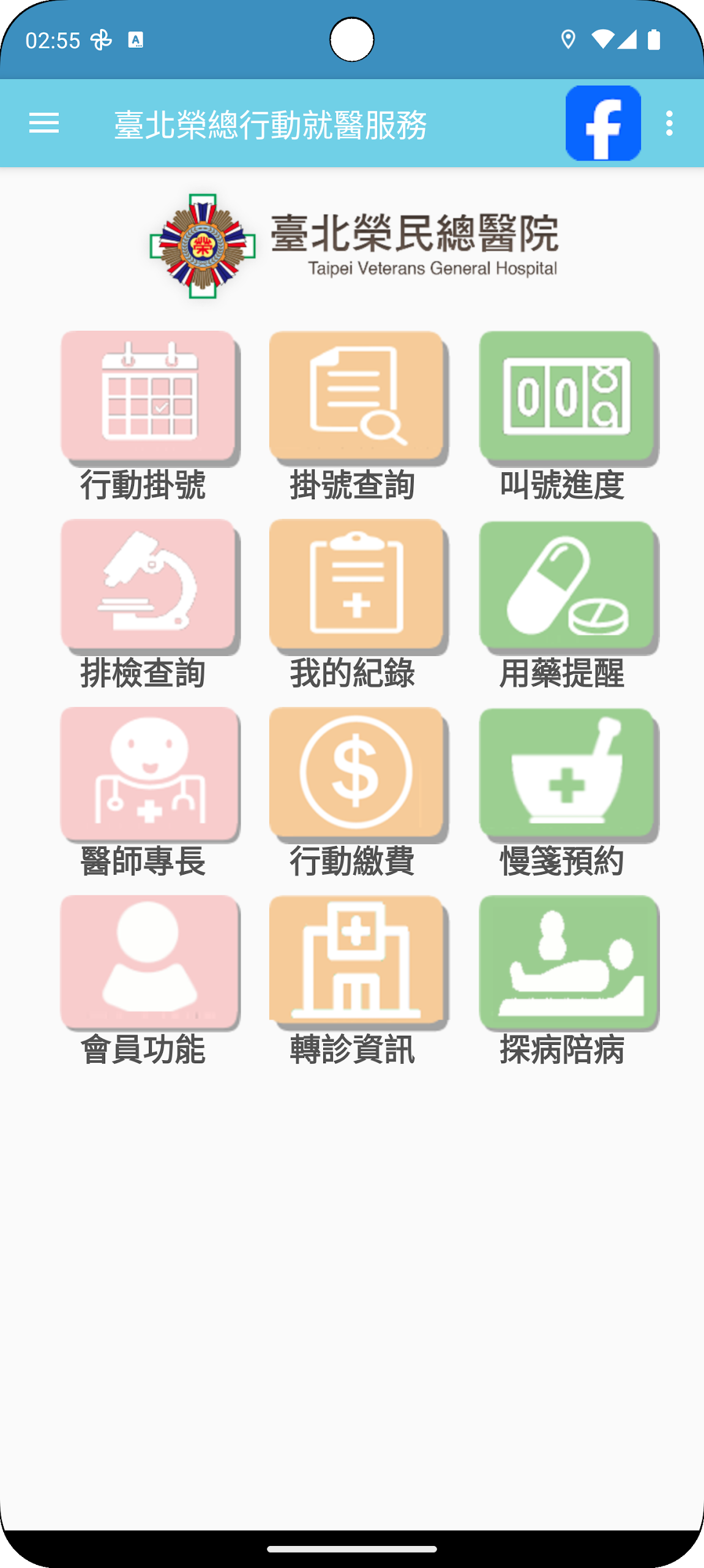
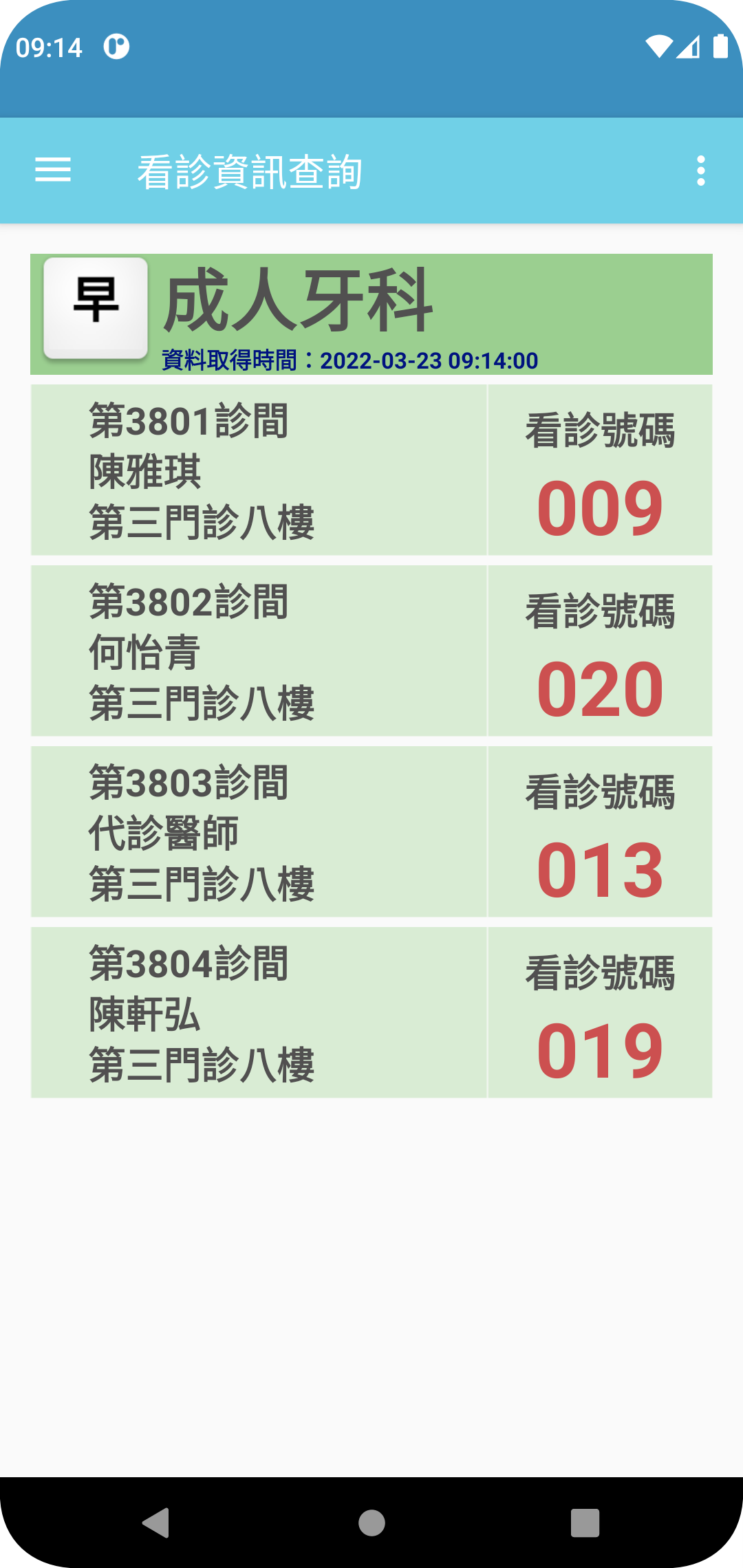
The Taipei Wing General Mobile Medical Service APP offers real-time updates on medical treatment status and allows for the registration of outpatient appointments, enabling users to effectively manage their time while prioritizing their health.
To enhance convenience for the public regarding medical-related tasks, an update has been made to the Taipei Wing General Mobile Medical Service APP.
The details of the updates are as follows:
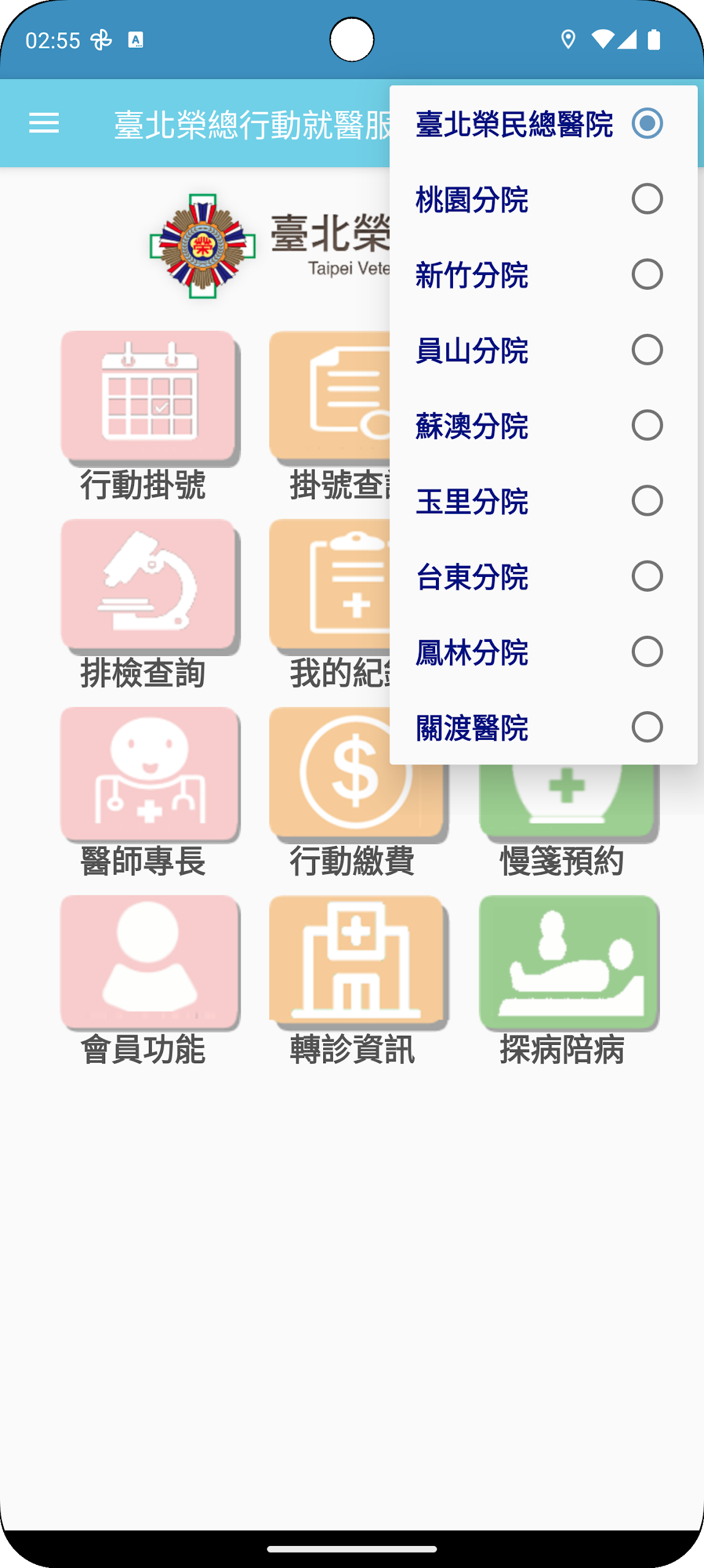
1.The app consolidates services from nine branches of our hospital, including Taoyuan, Hsinchu, Yuli, Yuanshan, Taitung, Suao, Fenglin, and Guandu Hospital, eliminating the need to download multiple apps for accessing various branches.
2.The user interface has been redesigned for a more intuitive experience, making navigation and operation simpler.
3.Users can operate the app in horizontal mode or with one hand for most functions.
4.The app automatically saves entered registration details, allowing for quick access without re-entering information.
5.Users will receive notifications as reminders for consultations.
6.The "Import Google Calendar" feature lets users sync their personal calendars with the app.
Functional descriptions include:
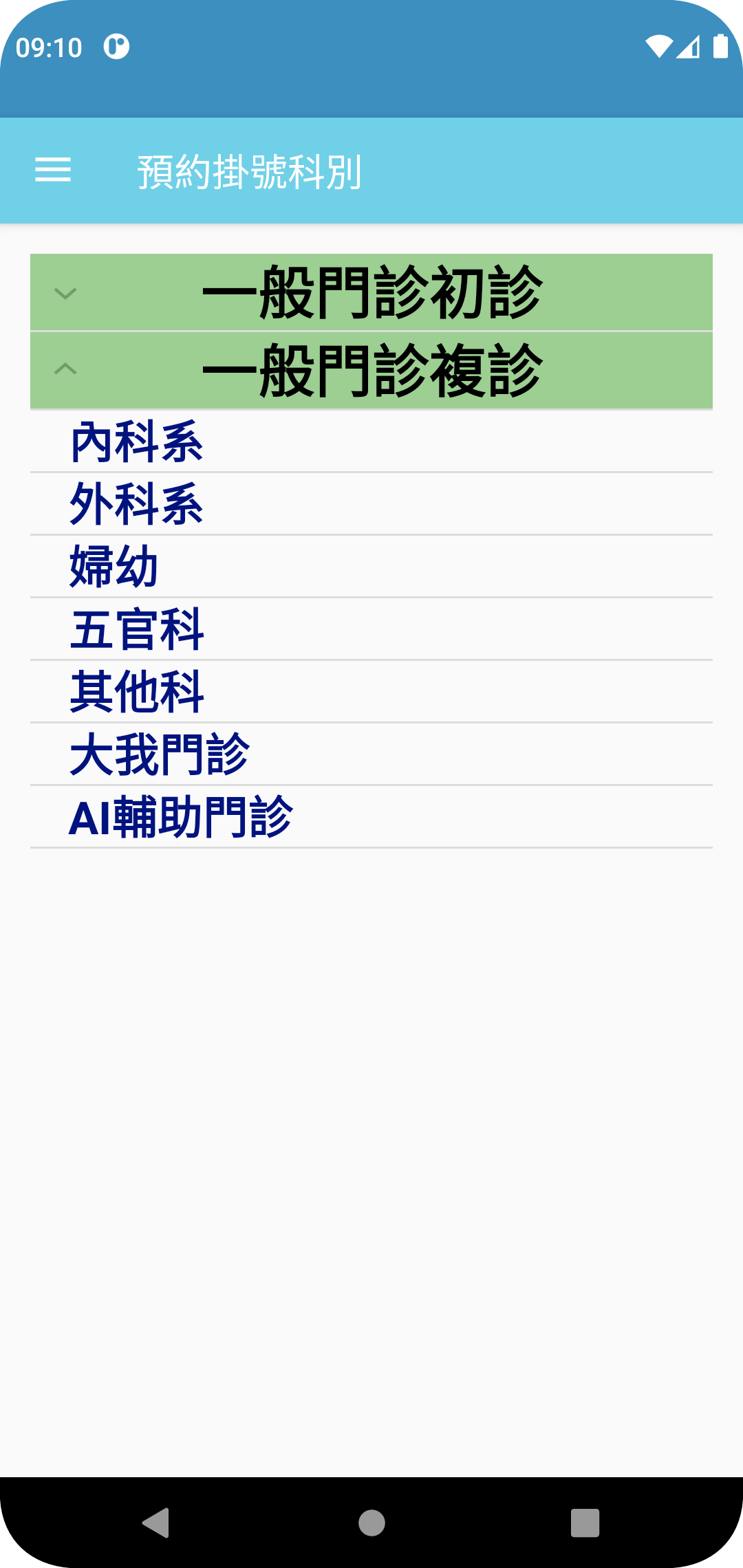
1.Mobile registration:Choose the desired date and department, then input your ID card number and date of birth to complete the registration process. This feature also enables users to check the status of outpatient registrations for the day, such as availability or clinic closures。
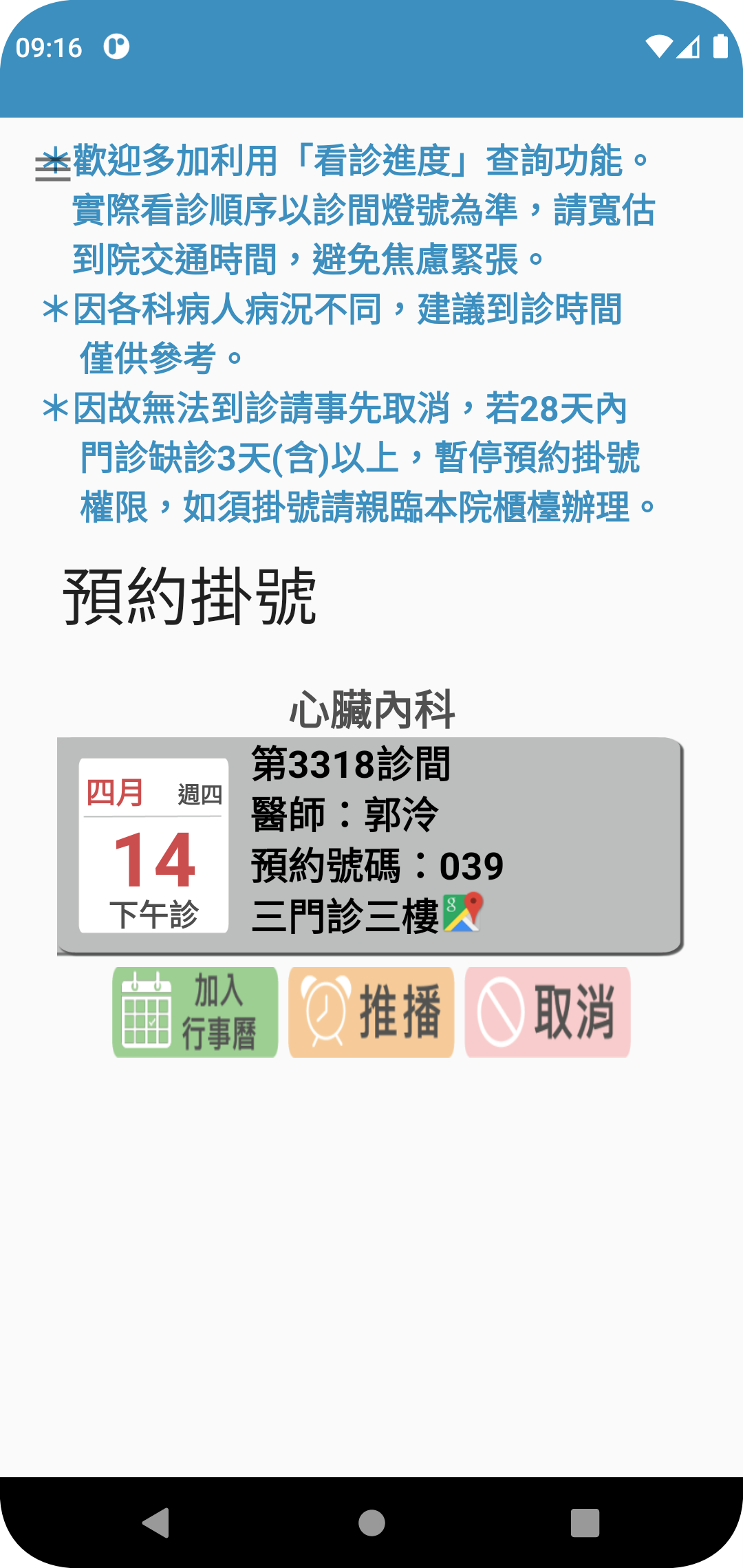
2.Appointment inquiry:By entering your ID card number and date of birth, you can access your registration information and set up reminders via notifications or Google Calendar integration。
3.Medical treatment progress:Access real-time information regarding outpatient medical treatments。
4.Scheduled inspections inquiry:Input your ID number and date of birth to retrieve information related to pre-scheduled inspections。
5.My records:Review your past medical history. Clicking on the medical records allows registration using the ID number and date of birth from the previous visit to facilitate re-registration with the same doctor。
6.Nutrition Garden:During hospitalization, patients can order meals and access dietary, nutritional, and healthcare information。
7.Physician expertise:Inquire about the specialties of our hospital's doctors to assist with registration。
8.Mobile payment:Patients can make payments through their mobile devices for charges incurred prior to discharge using debit or credit cards。
9.Medication reminder:Users can scan their medication packaging or manually enter information to set reminders for timely medication intake。
Due to enhanced security measures, this app will no longer support Android versions below 7.x (including 7.x) and will only function on versions starting from Android 8 onwards. For those using unsupported versions, please utilize the website instead. We appreciate your understanding regarding this matter!
How to Use:
1. **Registration and Login**
After opening the app, enter your ID number and date of birth to complete identity verification. The system will automatically save the information, eliminating the need for repeated entry later. Supports landscape mode and one-handed operation for easier daily use.
2. **Core Medical Services**
- Outpatient Registration: Select the hospital district, appointment date, and department. Confirm the registration status (e.g., whether full or closed) and submit to complete the appointment.
- Progress Inquiry: View your outpatient appointment progress, booked examinations, and past medical records in real time. Click on history to quickly book subsequent appointments with the same doctor.
- Auxiliary Functions: Search for doctors' specialties through "Physician Expertise" to accurately match your registration needs; inpatients can order meals and get dietary advice in "Nutrition Corner".
3. **Reminders and Payment**
After successful registration, the app will automatically send a reminder. You can also sync it to your personal schedule using the "Import Google Calendar" function to avoid missing your appointment. If you haven't paid before discharge, you can directly bind your bank card or credit card to the app to complete mobile payment.
4. **Medication Management**
Scan the medication packaging or manually enter the medication information to set medication reminders, ensuring timely medication administration without the need for additional records.
5. **Important Notes**
Only supports Android 8 and above. Versions below this require processing through the hospital's official website. All functions are integrated with resources from 9 branch hospitals, eliminating the need to download multiple apps.
Related Questions and Answers:
1. **Q**: What is the core function of this app?
**A**: The core function is to provide users with convenient medical service management, including outpatient appointment registration and real-time viewing of treatment progress. It also integrates various medical-related functions to help users efficiently plan their medical time and maintain their health.
2. **Q**: What practical improvements have been introduced after the app update?
**A**: First, it integrates the services of nine branch hospitals, eliminating the need to download multiple apps. Second, the interface has been restructured for easier operation. Third, it supports landscape and one-handed operation modes to adapt to different usage scenarios. Fourth, it automatically saves registration information to reduce repeated input. Fifth, it has added appointment reminders and can sync to Google Calendar to avoid missed appointments.
3. **Q**: Are there any device system restrictions for using this app?
**A**: Yes. To improve security, it only supports Android 8 and above. Android 7.x and below are no longer compatible. Users with these restrictions can handle related services through the hospital's official website.
4. **Q**: How can I complete outpatient registration and set up follow-up reminders through the app?
**A**: Select your appointment date and department, enter your ID number and date of birth, and you're ready to register. You can also check availability and availability for that day. You can set appointment reminders through the app and sync your schedule with Google Calendar.
5. **Q**: Besides registration, what other useful medical assistance features does the app have?
**A**: These include access to appointment history, examination schedules, and past medical records. Inpatients can order meals and access dietary information through the "Nutrition Corner." You can check a doctor's expertise for more accurate registration. Mobile bank card payment is supported before discharge. Medication reminders can be set by scanning medication packaging or manually entering information.
- Version165.0
- UpdateOct 29, 2026
- Developer臺北榮民總醫院
- CategoryMedical
- Requires AndroidAndroid 5.0+
- Downloads185K+
- Package Nametw.com.bicom.VGHTPE
- Signaturea3f64f6a9da35eb5e4166905e8f921ef
- Available on
- ReportFlag as inappropriate












Comprehensive Features
Easy to Use
Thoughtful Reminders
Security Upgrades
Poor system compatibility
Functionality dependent on the network
Inadequate adaptation for the elderly