
Colsanitas - Manage healthcare & payments
Access services & manage payments effortlessly, schedule appointments & track medical authorizations with ease!

- 6.3.6 Version
- 1.4 Score
- 262K+ Downloads
- Free License
- 3+ Content Rating

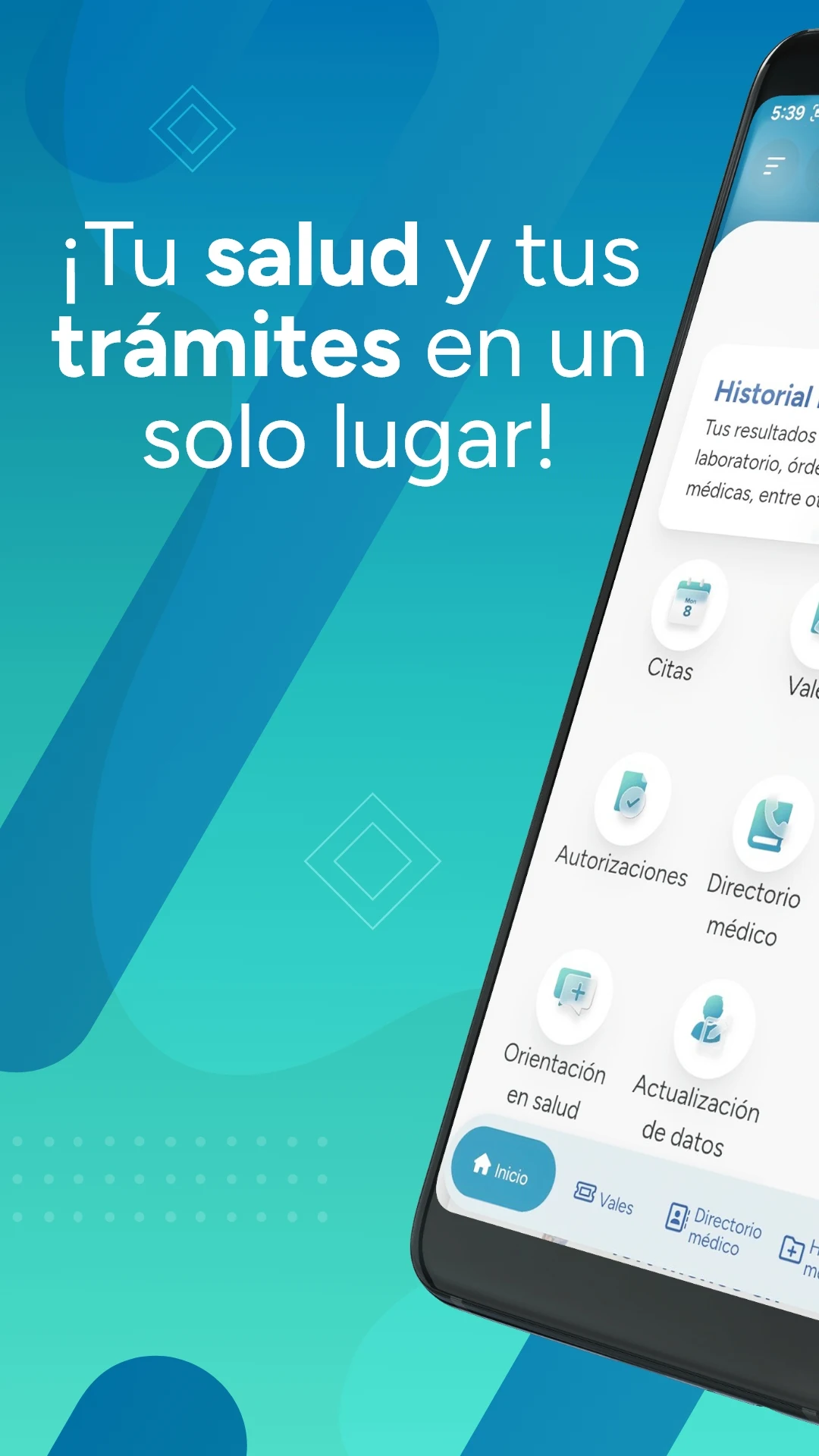
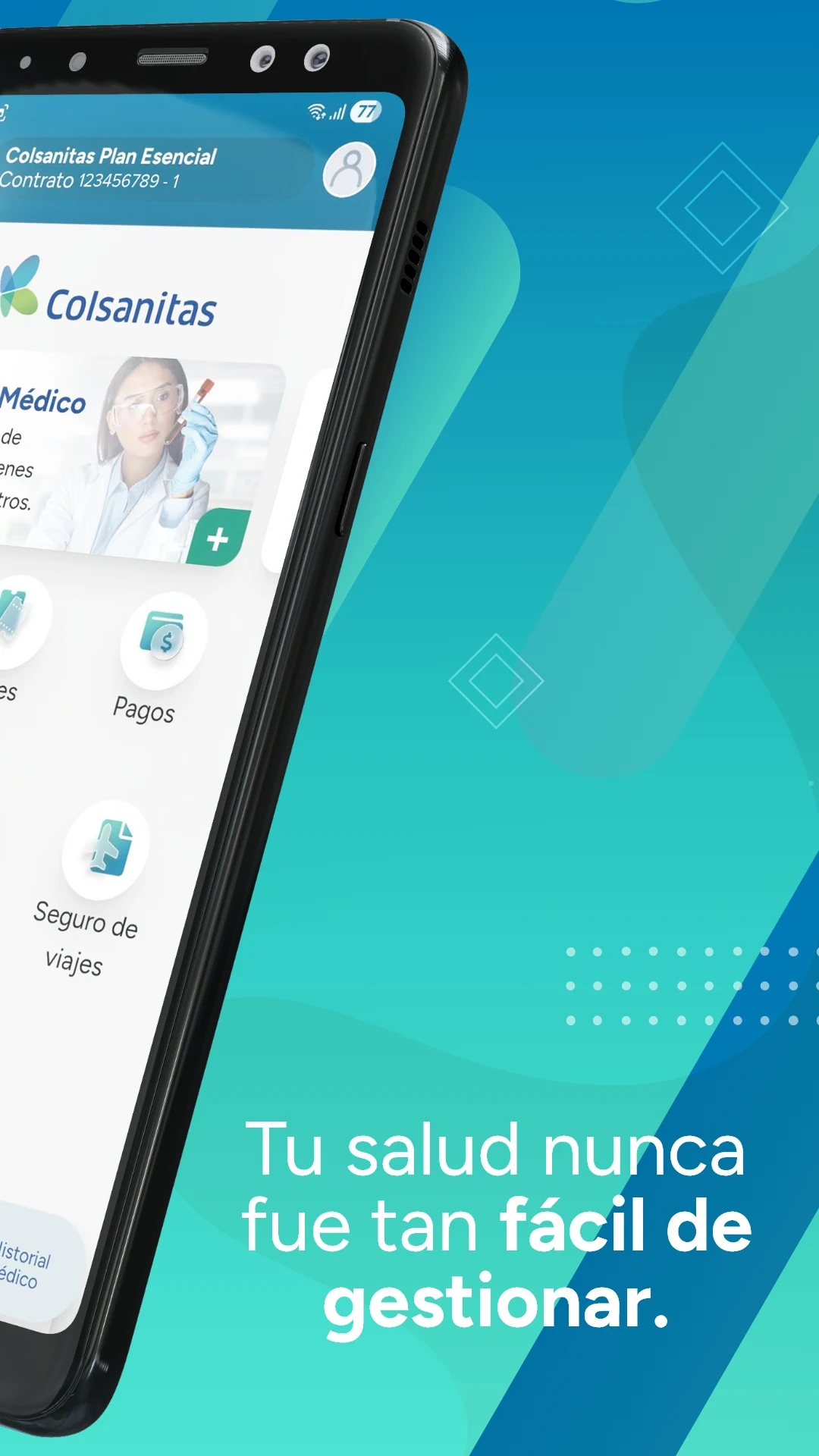
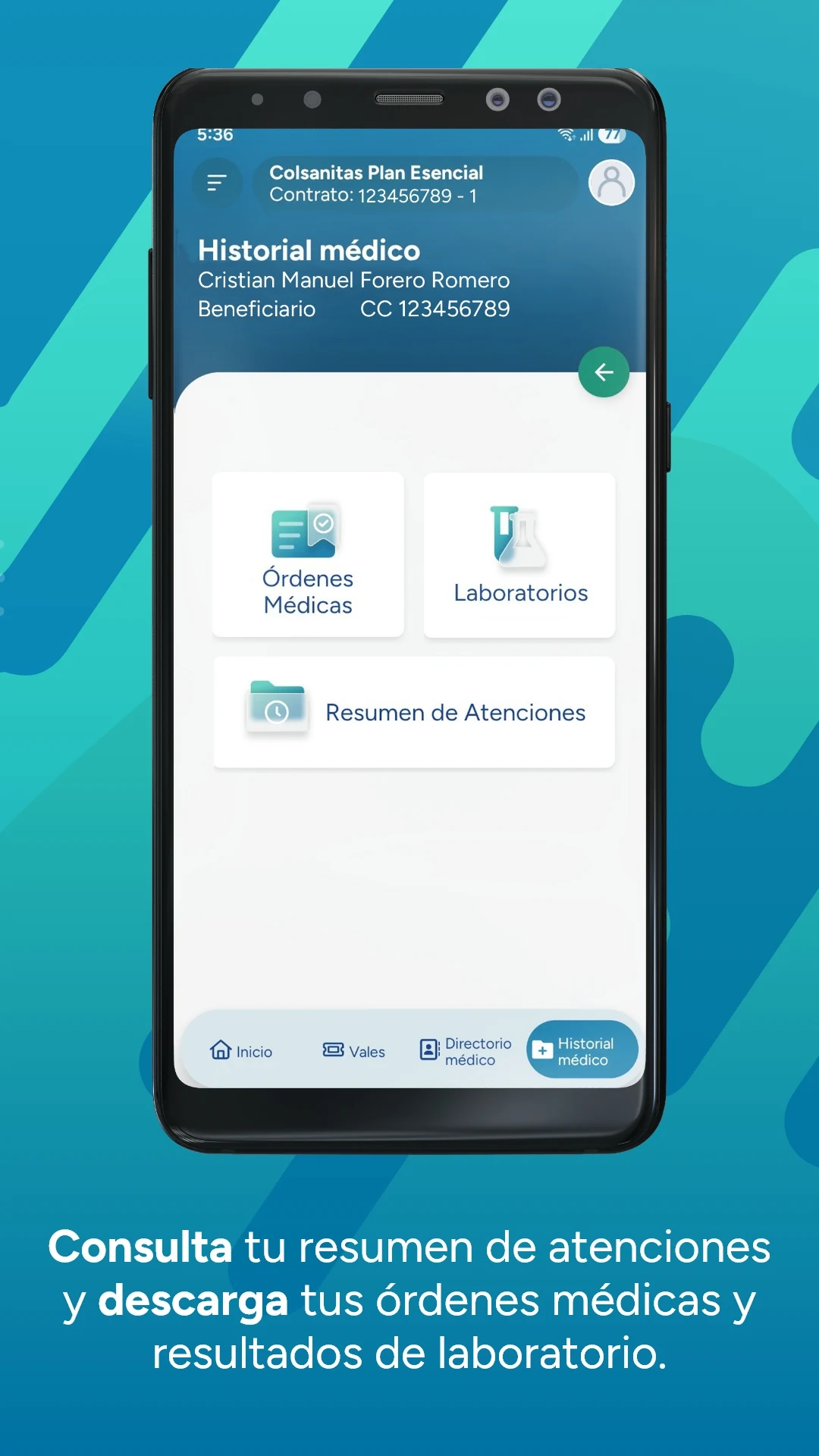
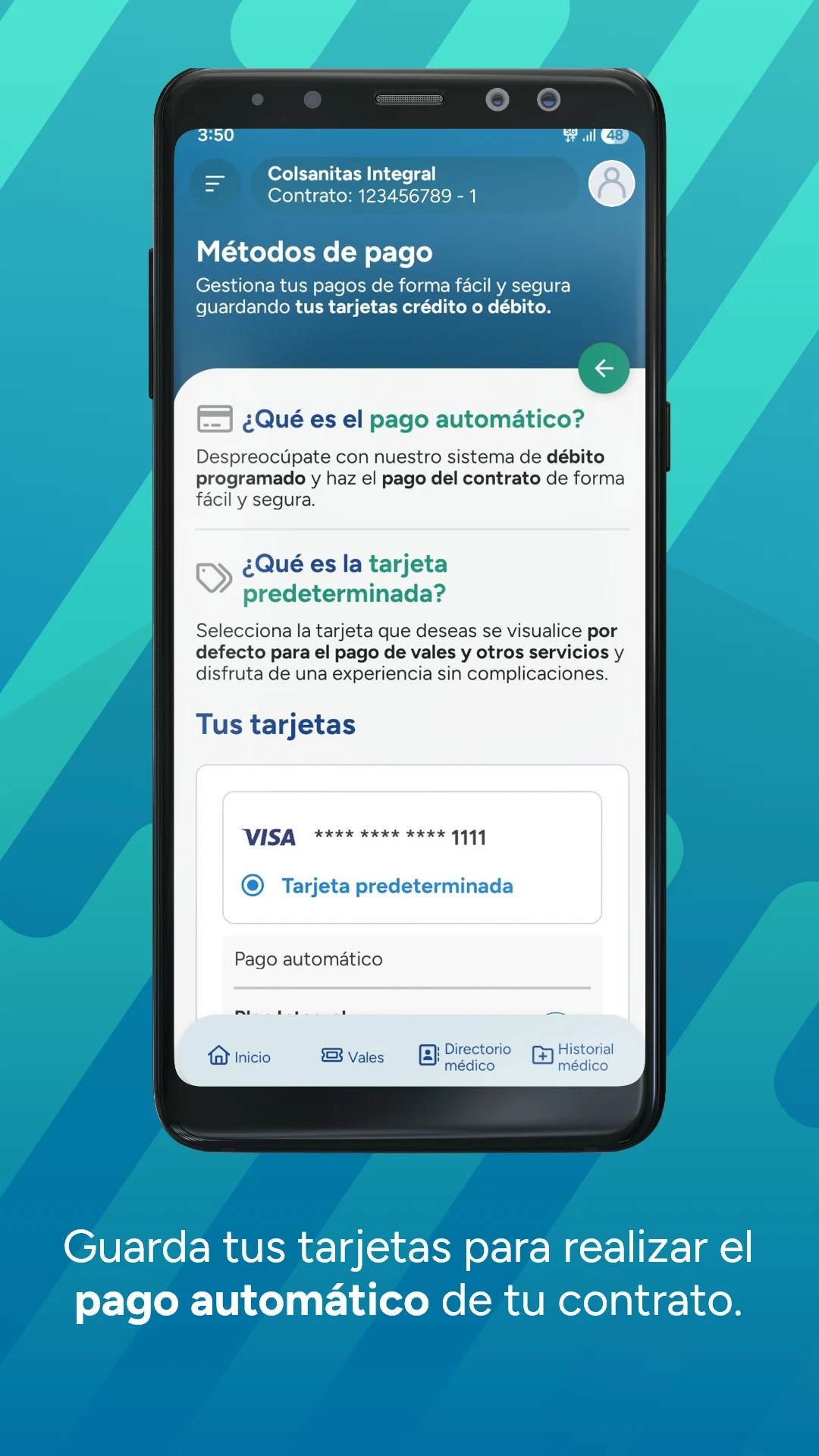
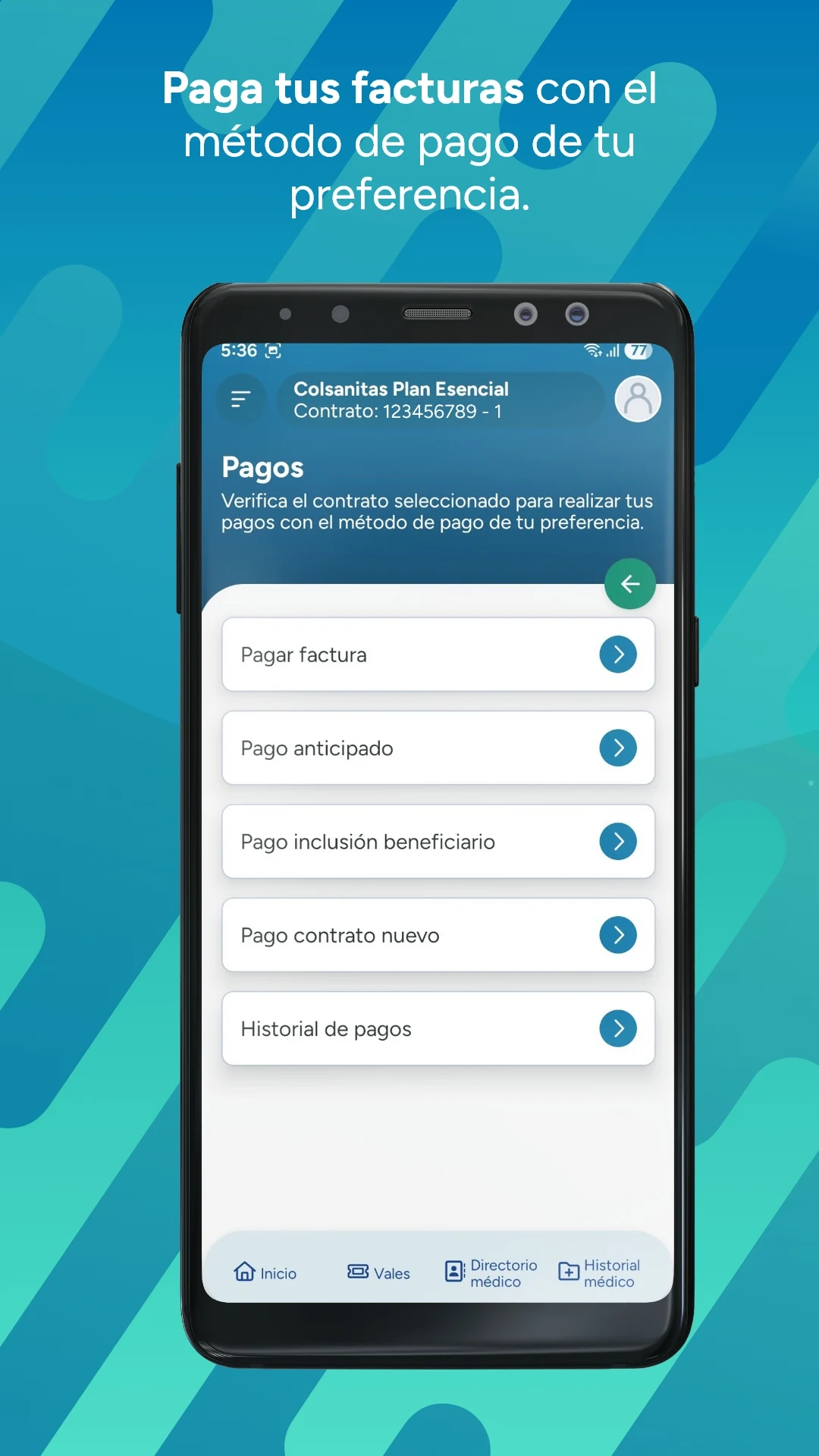
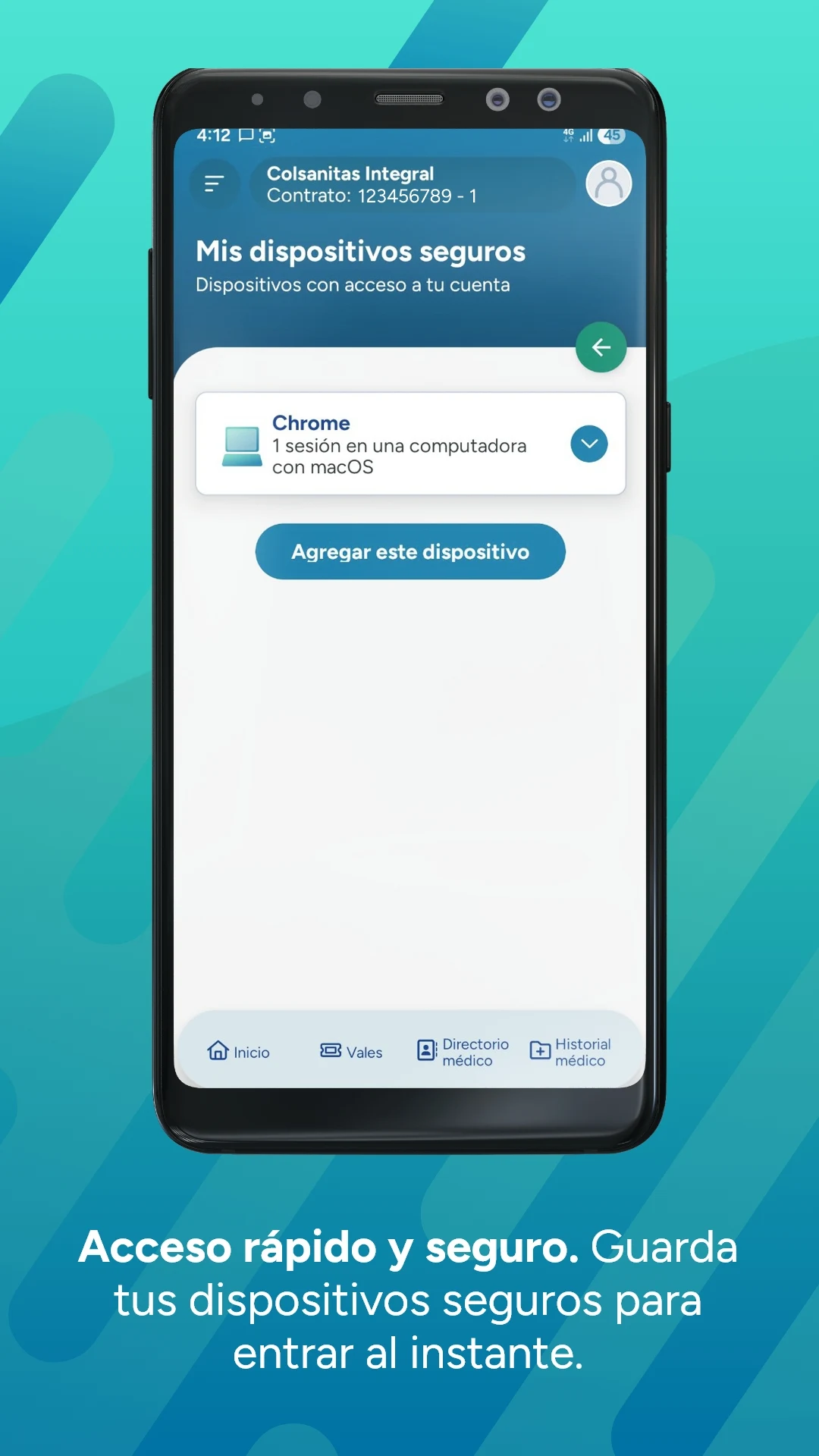
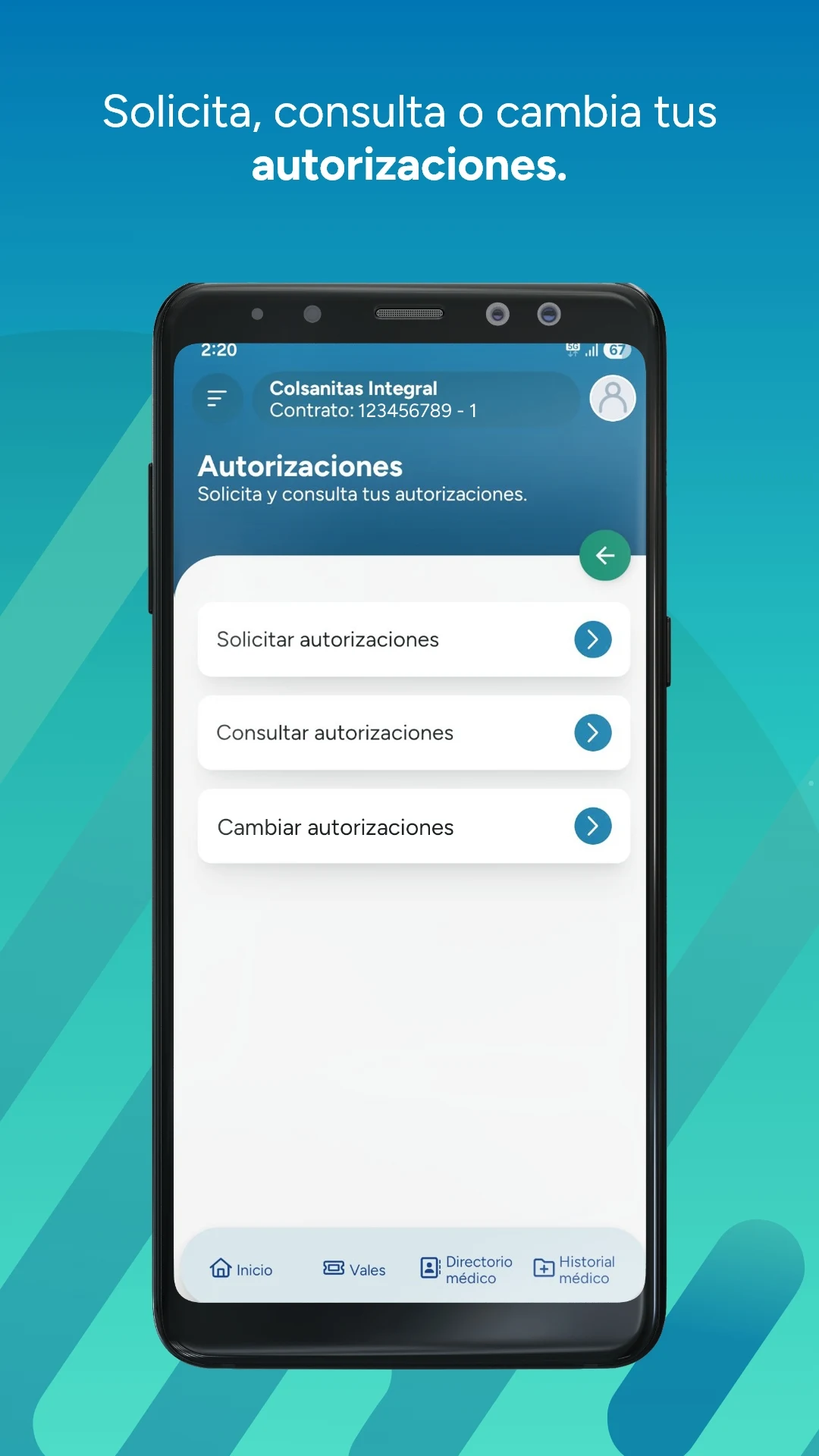
If you are a user of Colsanitas or Medisanitas, you can download our application to access services and manage your prepaid medical procedures from any location.
Features:
- Full-process medical expense management
- Flexible appointment and authorization services
- Convenient medical resource search
- Various additional features
- Accessible anytime, anywhere
Within the app, you have the ability to:
- Pay your invoices, make advance payments, or settle payments for new contracts and inclusions
- Review your payment history
- Manage different payment methods
- Request, cancel, or reschedule appointments with doctors available in our network
- Request authorizations for diagnostic or surgical services and monitor the status of each request
- Access the Medical Directory to find locations and the quickest routes. You will also have the opportunity to rate your experience
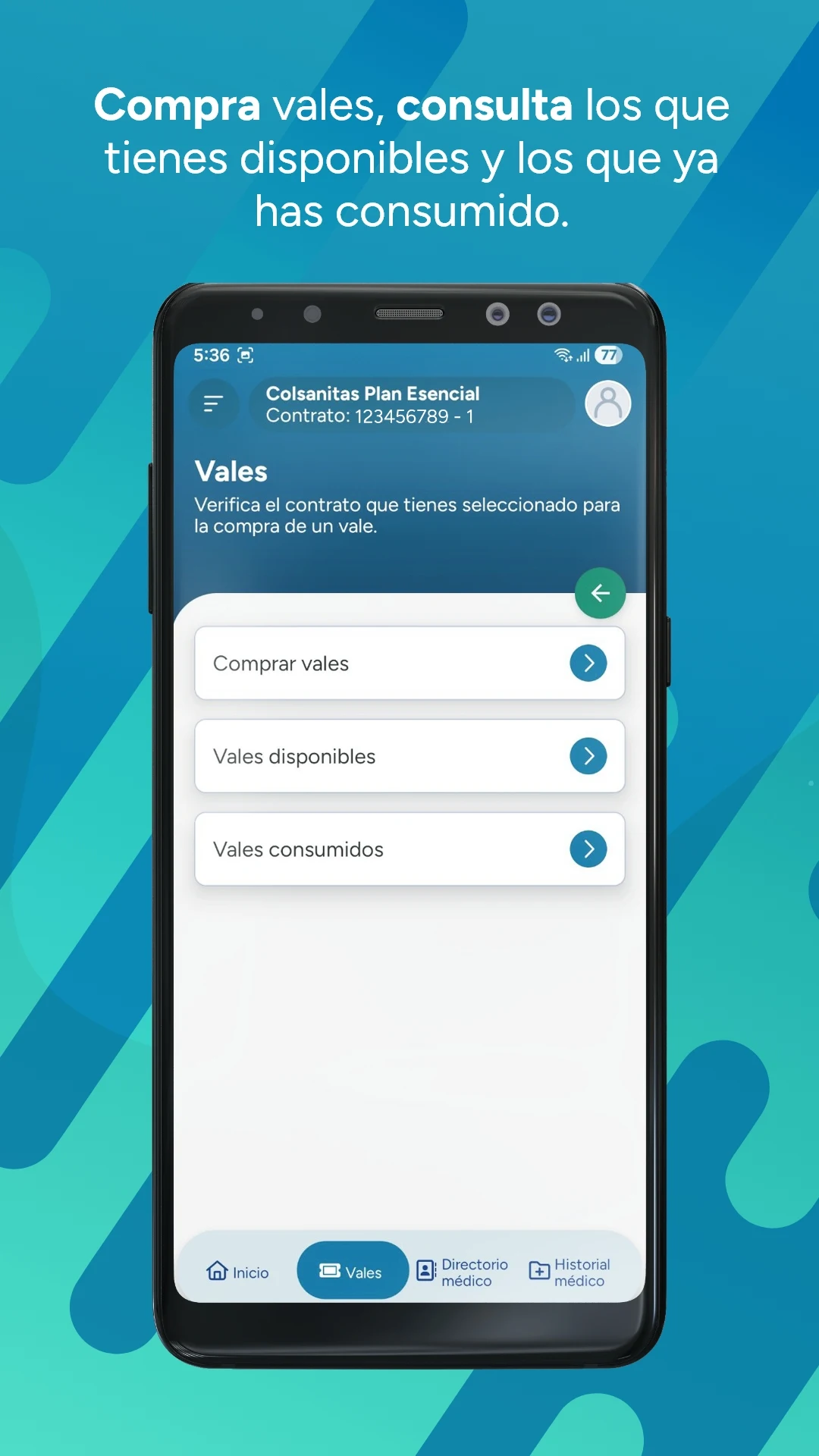
- Purchase vouchers, view available ones, and check which ones you have already used
- Activate travel insurance and obtain the activation certificate for overseas medical assistance
- Update your personal information, contact details, correspondence preferences, upload a profile picture, and change your password
- Consult the Office Directory
- Request a duplicate of your card and obtain retention certificates
Target Audience:
1. **Colsanitas and Medisanitas policyholders**
2. Individuals who need to manage medical bills, pay fees, and view payment records anytime, anywhere.
3. Patients who frequently schedule, cancel, or reschedule doctor's appointments, or apply for treatment/surgery authorizations.

4. Users who need to locate medical facilities and rate their medical experience.
5. Users who need to purchase medical vouchers, activate travel insurance, and obtain overseas medical treatment credentials.
6. Policyholders who need to easily update personal information, replace lost insurance cards, or obtain proof of insurance coverage.
FAQ:
Q: Is the Colsanitas app only available to Colsanitas users?
A: No. The app's description suggests it's primarily for users of either Colsanitas or Medisanitas, and both types can download and use it to manage healthcare services and related processes.
Q: After booking a doctor's appointment through the Colsanitas app, can I directly view the doctor's office hours?
A: The description doesn't explicitly mention "directly viewing doctor's office hours," but it does mention "requesting, canceling, and rescheduling appointments with participating doctors." It's speculated that available appointment times may be displayed during the booking process, but the app's actual functionality will determine the details.
Q: Using the Colsanitas app's travel insurance feature, how do I use the activation certificate when seeking medical treatment abroad?
A: The app supports "activating travel insurance and applying for an activation certificate." Typically, the activation certificate serves as proof of insurance validity when seeking medical treatment abroad. Users must present this certificate (either electronically or in paper format) to the medical institution upon receiving treatment. For specific instructions, please refer to the in-app instructions or contact the insurance company for confirmation.
Q: What payment methods does the Colsanitas app's payment feature support?
A: The description mentions "manage different payment methods," but doesn't list specific methods. Generally speaking, common payment methods for medical apps include credit cards, debit cards, and bank transfers. The specific supported methods are determined by the options displayed within the app.
Q: If I forget my Colsanitas app login password, can I recover it within the app?
A: Yes. The app supports a "Change Password" function. Typically, such apps also provide a password recovery interface (e.g., verification via registered email or phone number). Users can find this option on the login page or in their personal settings.
- Version6.3.6
- UpdateOct 27, 2026
- DeveloperKeralty
- CategoryMedical
- Requires AndroidAndroid 6+
- Downloads262K+
- Package Namecom.eelseth.sanitas
- Signaturef6b0dad16b65ac57d96b99063237d1fc
- Available on
- ReportFlag as inappropriate
-
NameSizeDownload
-
101.25 MB
-
68.74 MB
-
69.11 MB

















Fast payment processing for bills and vouchers
Easy appointment scheduling experience
Positive experiences reported by some users
App has potential with recent improvements
Appointment scheduling button hidden under the main menu
Frequent app crashes and failures to log in
Dropdown menus malfunctioning, making selection difficult
Inconsistent payment processing for vouchers
Session expiration occurs too quickly
Poor user experience and interface design
Lack of essential functionalities within the app
Overall instability and unreliability of the app
Limited access to appointment history and existing services