
Pediatric Scores - Pediatric score calculator & notifier
Effortlessly evaluate pediatric metrics with our app—70+ scores, instant notifications & multilingual support.

- 5 Version
- 1.7 Score
- 166K+ Downloads
- Free License
- 3+ Content Rating

An application that consolidates more than 70 assessments in pediatrics.
Features:
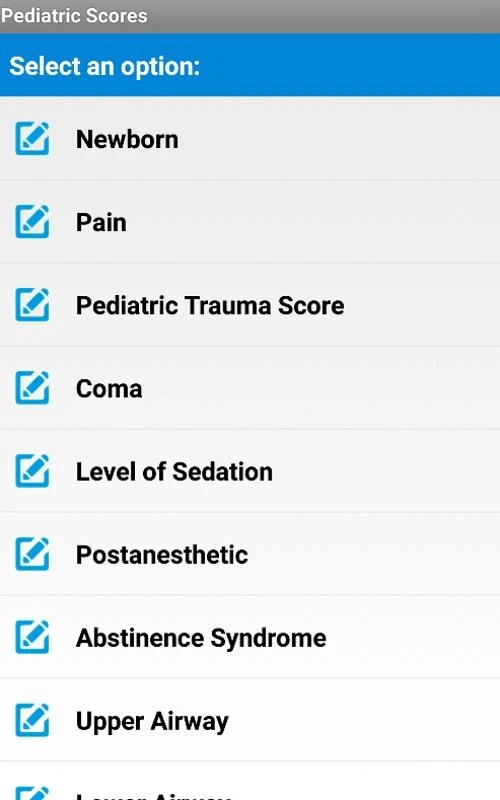
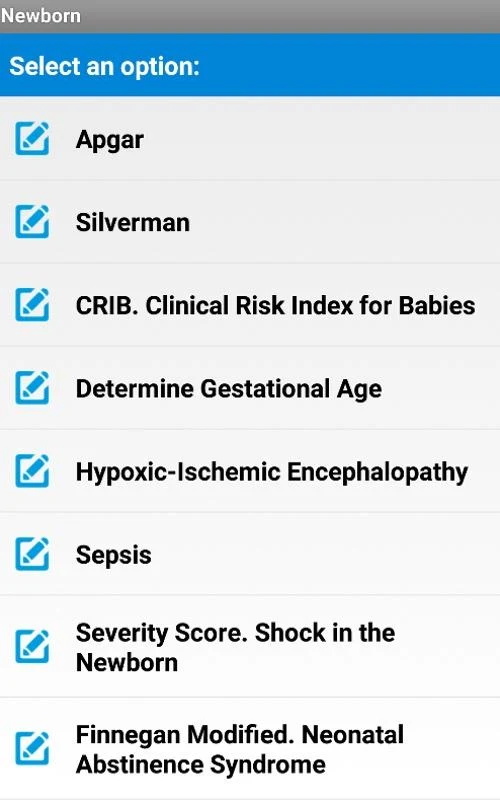
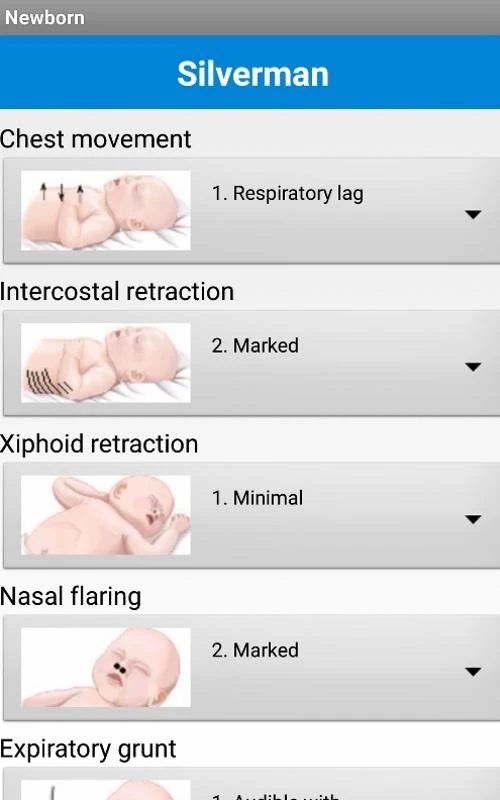
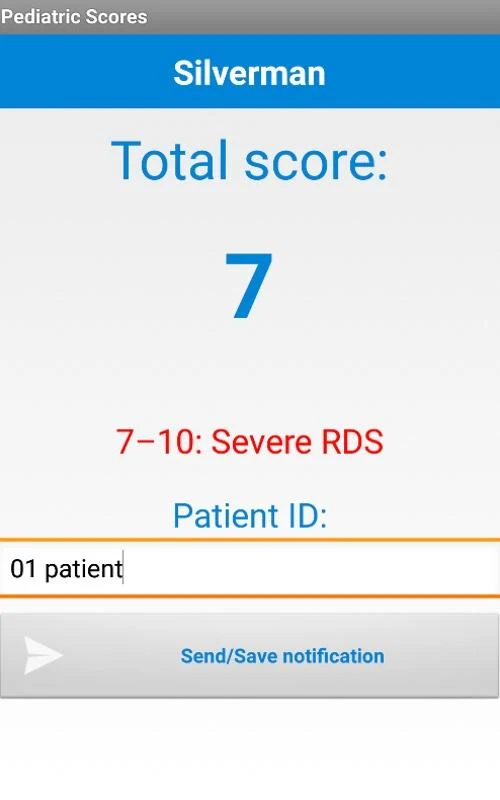
- Includes the Apgar Score (noted at 5 minutes), the Silverman Test, the Capurro Method, and the New Ballard Score for evaluating gestational age, as well as scales designed to measure factors such as pain, breathing patterns, coma, ulcer risk, and additional criteria.
- All assessments can provide results.
- A valuable resource in the Pediatric Intensive Care Unit!
- Available languages: English, French, Spanish, Portuguese
Usage Process:
1. **Select Assessment**: Open the app and select the desired assessment from over 70 pediatric assessment tools (such as Apgar scores and pain scales).
2. **Fill in Patient Data**: Enter the patient's information (such as heart rate and gestational age) based on the selected assessment.
3. **Automatic Score**: The app automatically generates an assessment score based on the input data and scoring rules.
4. **View Result Interpretation**: Directly view the score and corresponding interpretation (e.g., stable condition/urgent treatment required).
5. **Act on Results**: Develop a follow-up assessment or treatment plan based on the patient's specific circumstances.
App Experience:
This pediatric assessment app integrates over 70 professional assessment tools (including Apgar scores, Silverman tests, etc.), supports four languages: English, French, Spanish, and Portuguese, and is primarily designed for pediatric intensive care scenarios. The user experience is extremely simple: select an assessment tool → fill in patient data → automatically generate a score and interpret the results → develop a treatment plan as needed.
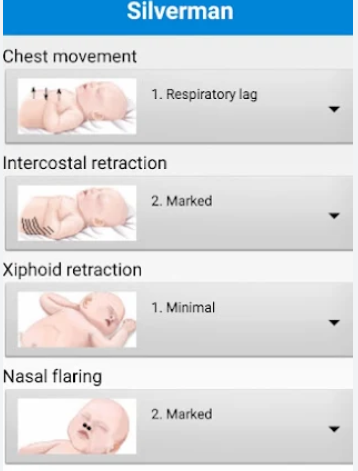
All functions are based on professional scoring rules; accurate input data ensures reliable results, but clinical judgment is still necessary. No registration is required for assessment purposes; it is a convenient and practical auxiliary tool for pediatric healthcare professionals.
Related Questions and Answers:
- **Q**: What languages does the app support?
**A**: English, French, Spanish, and Portuguese are supported.
- **Q**: What specific assessment tools are included in the app?
**A**: The Apgar score (5-minute assessment), Silverman test, Capurro method, New Ballard score, and scales for measuring factors such as pain, breathing patterns, coma, and ulcer risk are included.
- **Q**: How do I use the app for an assessment?
**A**: First, open the app and select the desired items from over 70 assessment tools. Then, enter the patient's information based on the selected assessment. The app automatically generates an assessment score based on the input data and scoring rules. Finally, you can directly view the score results and their corresponding interpretations, and formulate follow-up assessments or treatment plans based on the patient's specific situation.
- **Q**: Are the assessment results generated by the app accurate?
**A**: The app automatically scores based on the input data and pre-set scoring rules. As long as the input data is accurate, the scoring results are based on the corresponding professional scoring standards. However, in actual application, medical staff still need to make comprehensive judgments based on the actual clinical situation.
- **Q**: What are the main scenarios for this app?
**A**: It is a valuable resource in the Pediatric Intensive Care Unit (PICU), but it is also applicable to other medical settings that require a comprehensive assessment of pediatric patients, such as general pediatric wards and pediatric emergency rooms.
- Version5
- UpdateOct 28, 2026
- DeveloperJoselu
- CategoryMedical
- Requires AndroidAndroid 5.0+
- Downloads166K+
- Package Namegrk.scorespediatria
- Signature6e8ec72954cf5977d5b04ec5093da0f1
- Available on
- ReportFlag as inappropriate
-
NameSizeDownload
-
14.10 MB
-
14.10 MB
-
13.99 MB













Comprehensive functionality
Easy operation
Standardized results
Multiple language support
Some features are too specialized.
Data accuracy depends on input.
Cultural differences may exist.
Updates may be delayed.