
Screenshot - Screenshot Capture & Sharing
Easily capture & share screenshots from any Android device using multiple convenient methods without needing root access.
- 1.4 Version
- 2.5 Score
- 374K+ Downloads
- Free License
- 3+ Content Rating

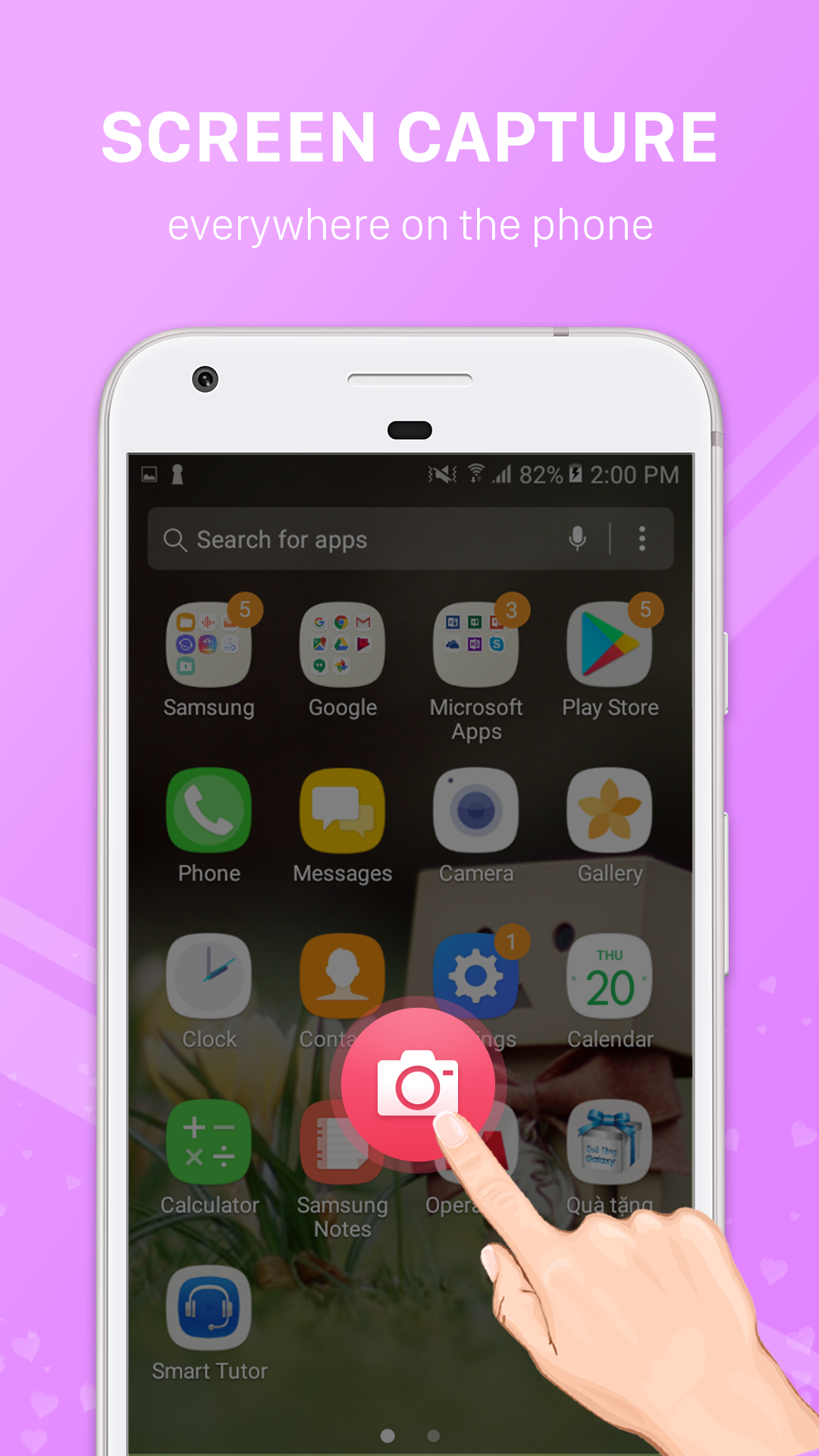
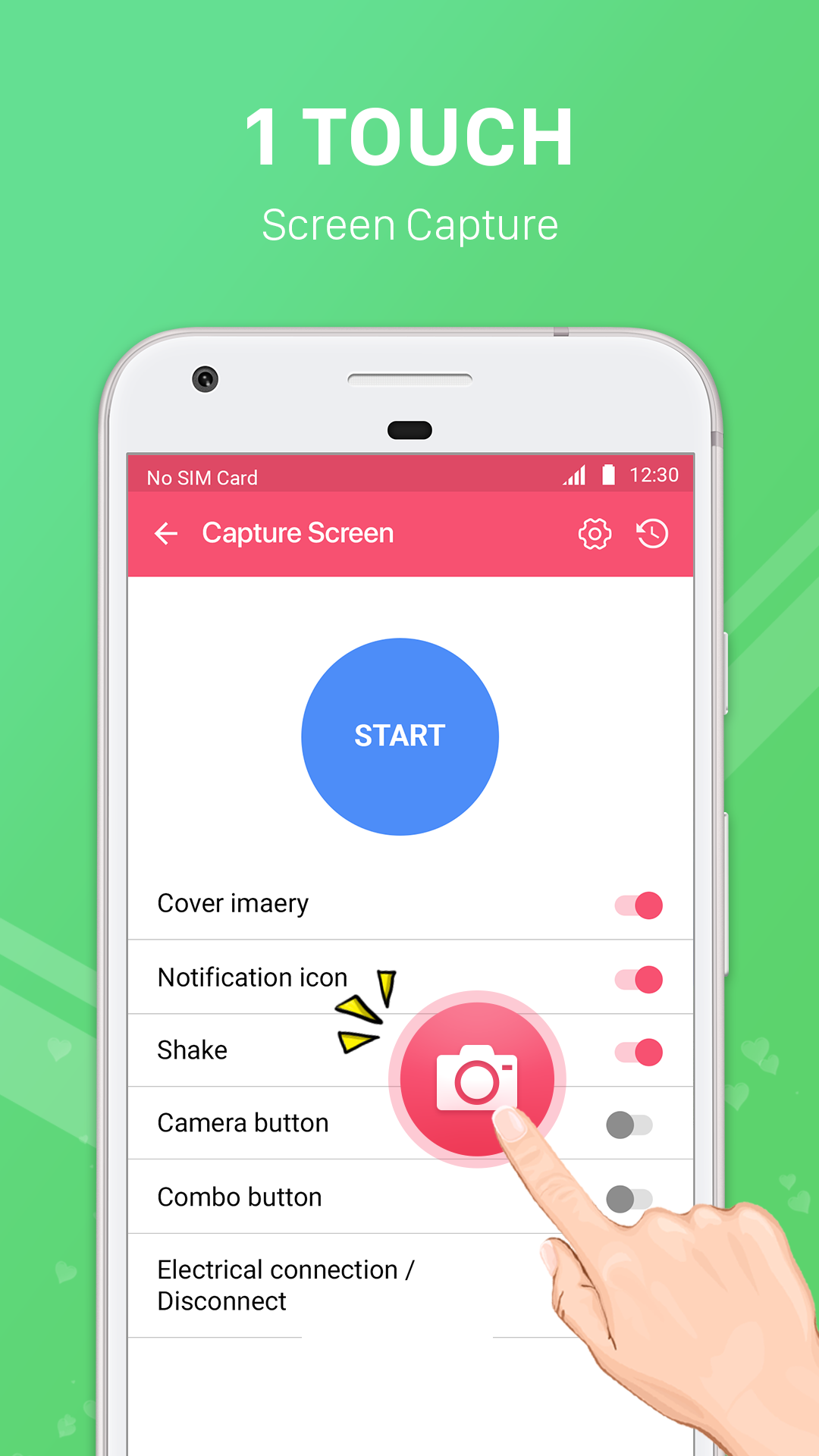
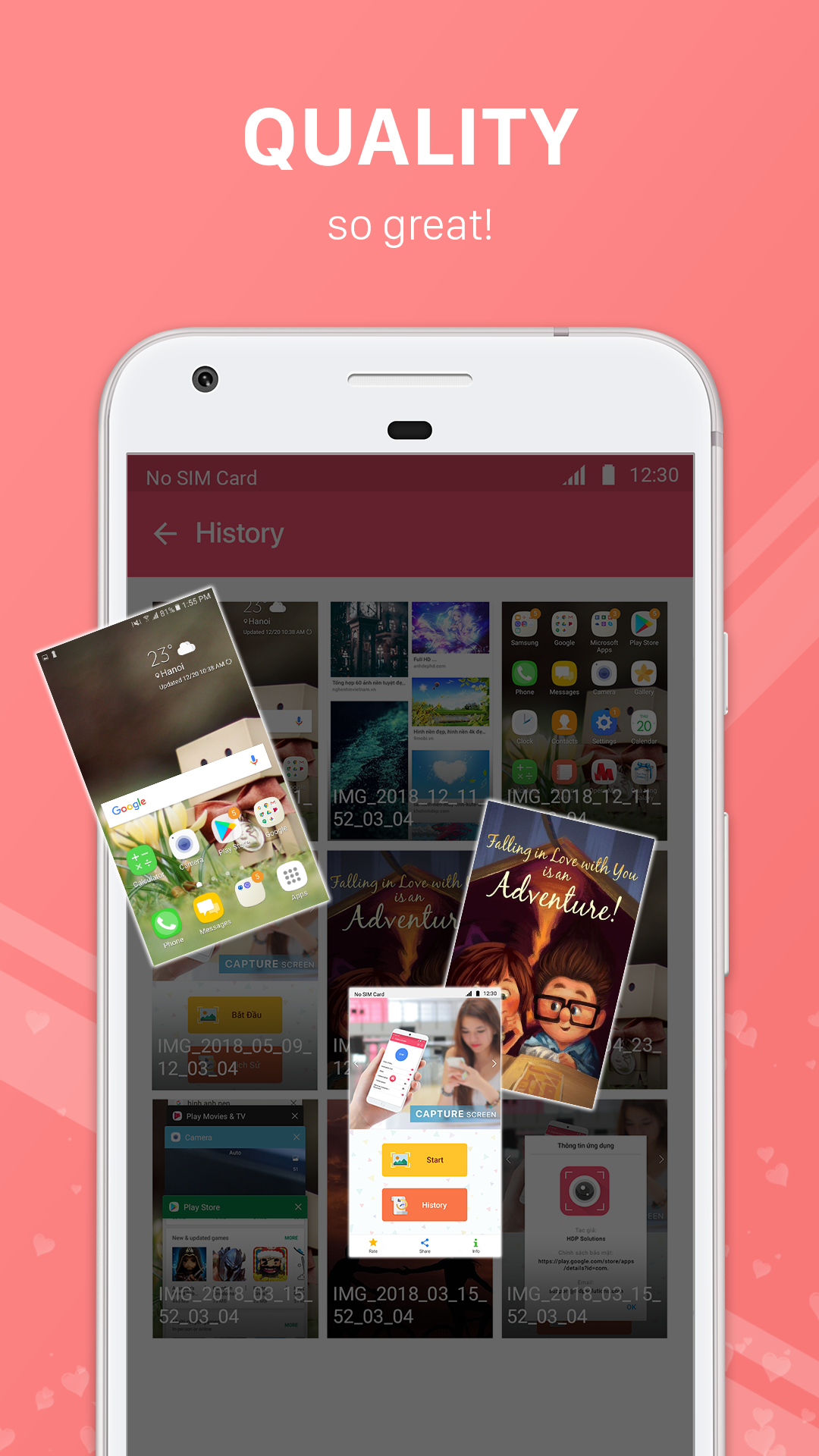
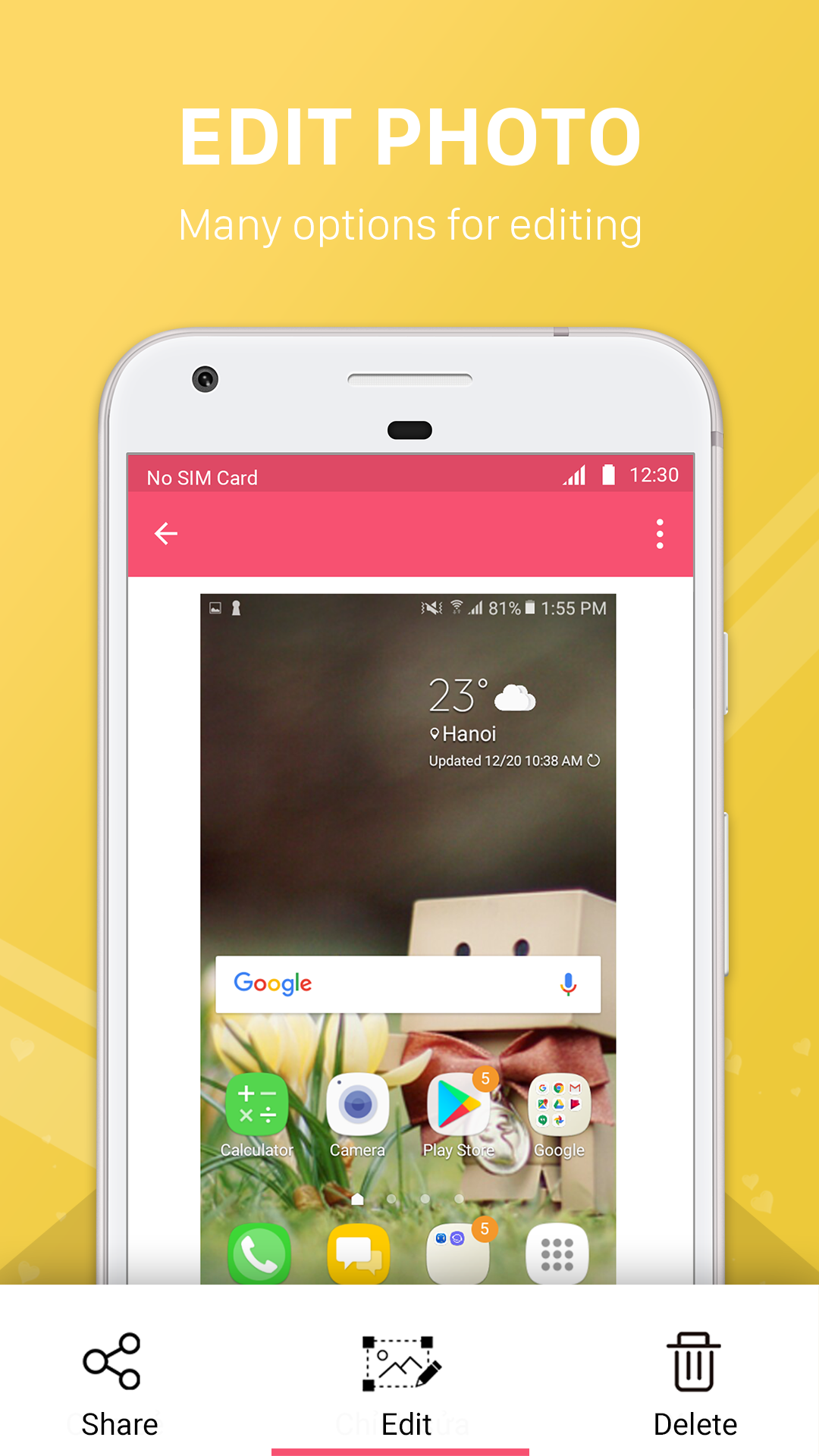
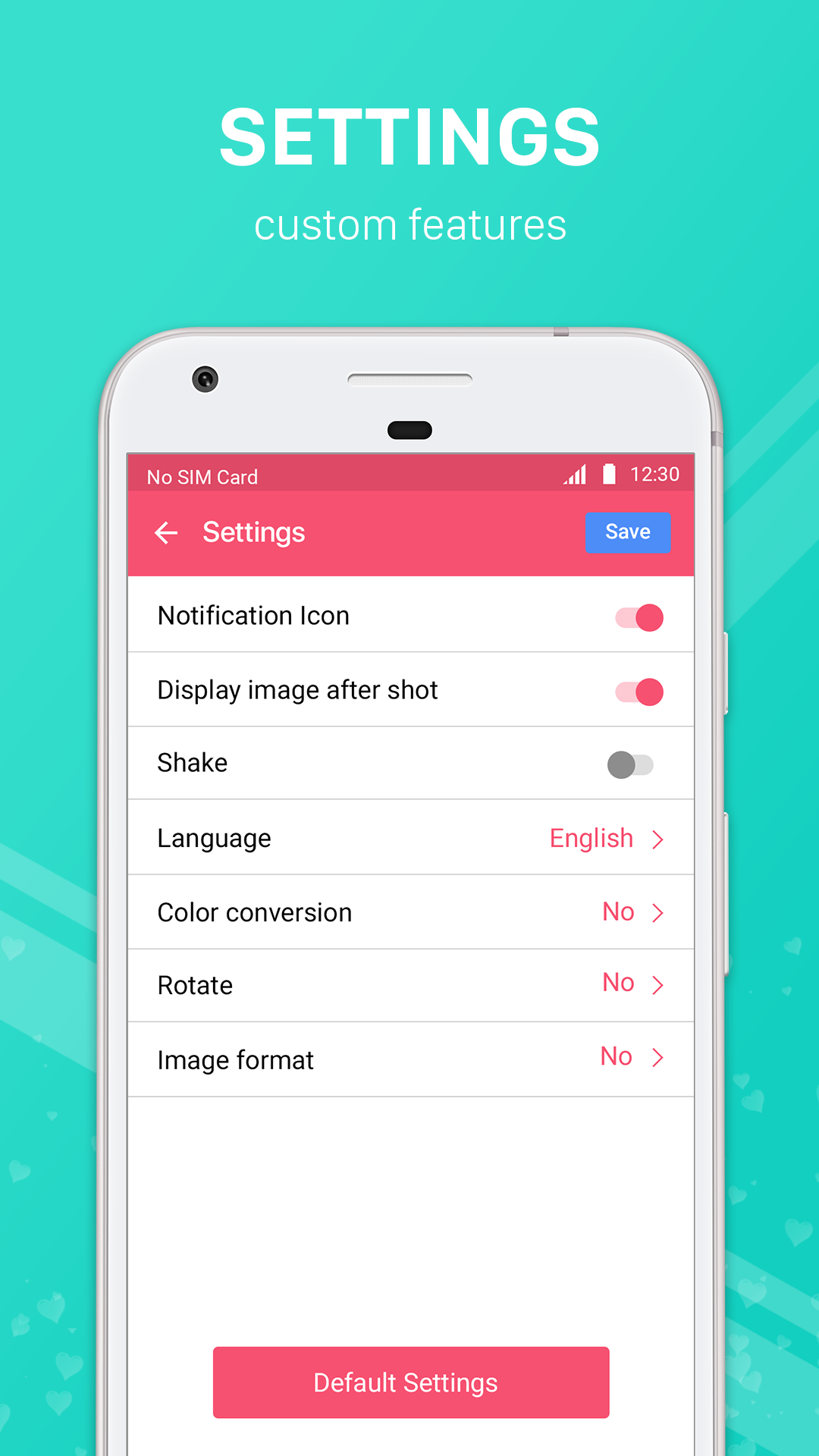
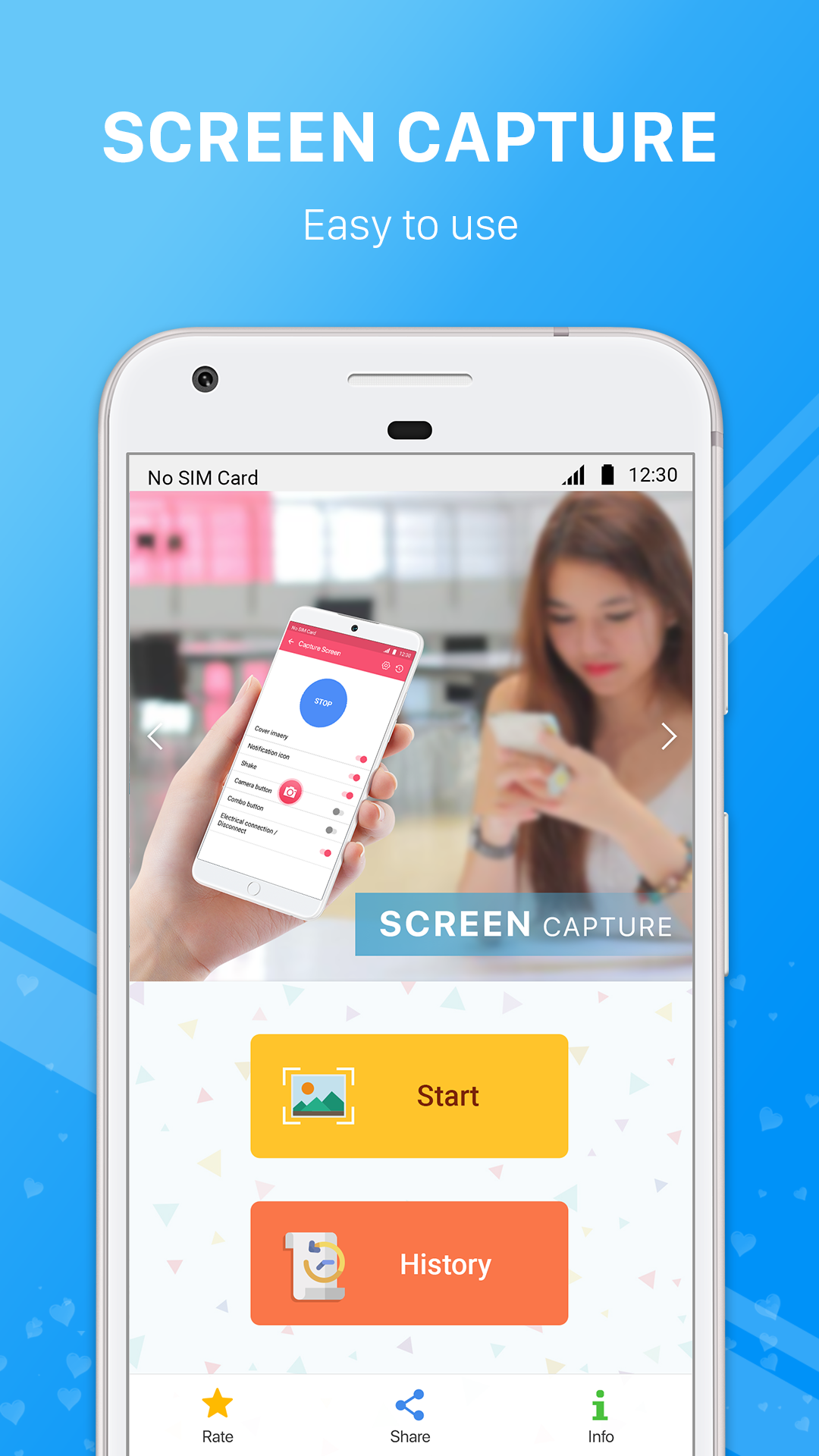
Screenshot App Store Listing: Easy Screenshot by LoveKara
Overview — Easy Screenshot App for Android
Screenshot — also listed as Easy Screenshot — is a lightweight Android screen capture tool by LoveKara. The app tagline on the developer site is simple: “Easiest way to take screenshots.” It is built for users who want a software-based capture button instead of struggling with hardware key combos.
Target keywords: Screenshot app, Easy Screenshot Android, take screenshots on Android, screen capture tool, crop and annotate screenshots.
Core features:
- Capture by tapping the floating shot icon, or use hardware keys: Power + Volume Down, or Power + Home on most Samsung phones.
- Preview the screenshot and choose Save or Discard before it stays on your phone.
- Choose a custom save folder for your screenshots.
- Crop any part of the captured image.
- Draw on the screenshot.
- Add mosaic/pixelation to hide sensitive info.
- Add custom text on top of the screenshot.
- Share the screenshot immediately after capture.
Who it is for?
- Users with stiff or unreliable power/volume buttons.
- Anyone who crops, blurs, or labels screenshots before sending them.
- People who want screenshots in a specific folder, not mixed into the default gallery.
How to Use — Screenshot App Tips and Guide?
Quick start
- Open Screenshot / Easy Screenshot on your Android phone.
- Grant the screen capture permission when prompted. The app uses a foreground service withMediaProjectionpermission to capture and save the screen.
- Turn on the capture button. A floating, semi-transparent camera icon appears over other apps.
- Tap the floating icon to capture the current screen.
- In the editor: crop, draw, blur with mosaic, add text, then save or discard.
- Share from the editor, or close it and keep capturing.
Better workflow tips
- Set one save folder. Use the custom folder setting so screenshots do not get lost among gallery photos.
- Blur first, share second. Use mosaic before sharing receipts, chats, IDs, or addresses.
- Preview and discard. If the capture is wrong, discard it immediately to avoid gallery clutter.
- Stop the service when done. The persistent notification shows the capture service is active. Close the app or tap the notification to stop it.
- Hardware backup. If the floating button is inconvenient, use Power + Volume Down, or Power + Home on most Samsung devices.
Privacy and foreground service note
The Screenshot app only captures content when you explicitly start the feature. There is no background recording and no unauthorized data collection. The foreground service keeps capture stable and shows a clear notification while active.
FAQ — Screenshot App
1、Is Screenshot / Easy Screenshot free?
Yes. Public listings show the app as free to use. Package name:com.enlightment.screenshot.
2、What Android version is required?
Android 8.0 or higher.
3、Can I take a screenshot without pressing hardware buttons?
Yes. Enable the floating capture icon and tap it to capture the screen.
4、Where are screenshots saved?
You can specify the save folder. If you cannot find a shot, check the app’s selected folder rather than only the system DCIM/Camera folder.
5、Why is there a persistent notification?
The app uses a foreground service for screen capture. The notification means capture is active. Stop it by closing the app or tapping the notification.
6、Does it edit screenshots after capture?
Yes. You can crop, draw, add mosaic, add text, then save or share.
7、Is my screen recorded in the background?
No. Capture happens only when you start the feature. The app states no background recording and no unauthorized data collection.
Latest App Notes — Screenshot by LoveKara
The latest publicly listed build is Screenshot 3.1.28, updated August 25, 2026. Developer: LoveKara. Category: Tools. Google Play ID:com.enlightment.screenshot. Public install range is 10,000,000+.
What stays consistent across recent listings:
- Easy tap-to-capture with a floating button.
- Custom save folder.
- Preview before saving.
- Crop, draw, mosaic, text, and share.
- Foreground service withMediaProjectionfor screen capture.
- Privacy promise: capture only on explicit start, no background recording.
- Version1.4
- UpdateSep 29, 2026
- DeveloperFAVAS Group
- CategoryTools
- Requires AndroidAndroid 6+
- Downloads374K+
- Package Namecom.app.capturescreen688
- Signaturebe87eee22e6ebd3581b458590f24dcb8
- Available on
- ReportFlag as inappropriate












Easy to use interface
High-quality and clear screenshots
Low battery consumption compared to other apps
No advertisements
Works well for basic screenshot needs
User-friendly design
Fast performance for capturing images
Versatile support for different smartphone models
Yellowish tint in screenshots
Inconsistent performance, sometimes not functioning
Issues with saving screenshots immediately
App can cause device slowdown
Multiple shots required for the same object
Bug causing app disappearance or malfunction
Difficulty locating saved screenshots
Unresponsive app causing phone to hang