
Background Apps & Process List - Close background apps
Easily manage & close background apps to optimize your device's performance with user-friendly controls & startup options
- 1.3G23i Version
- 3.5 Score
- 318K+ Downloads
- Free License
- 3+ Content Rating

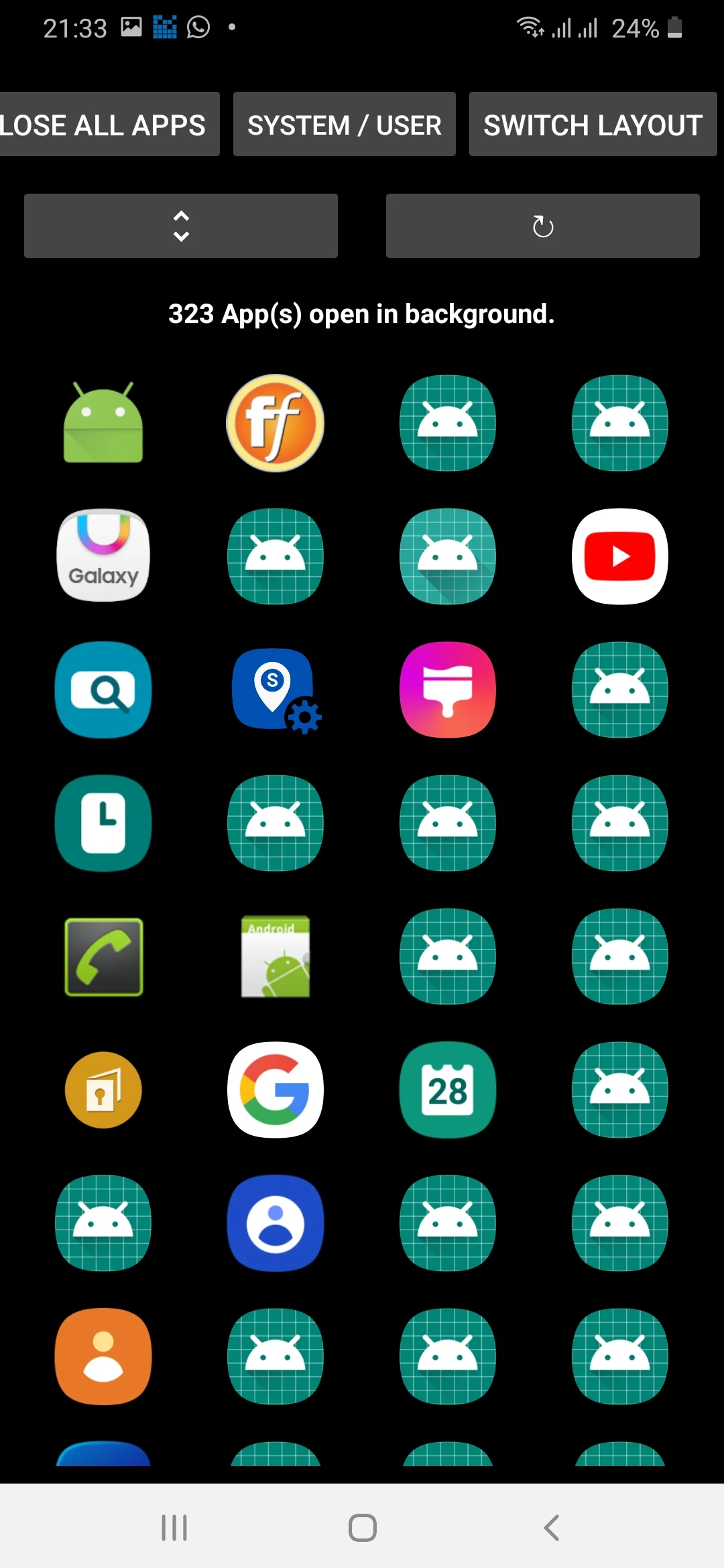
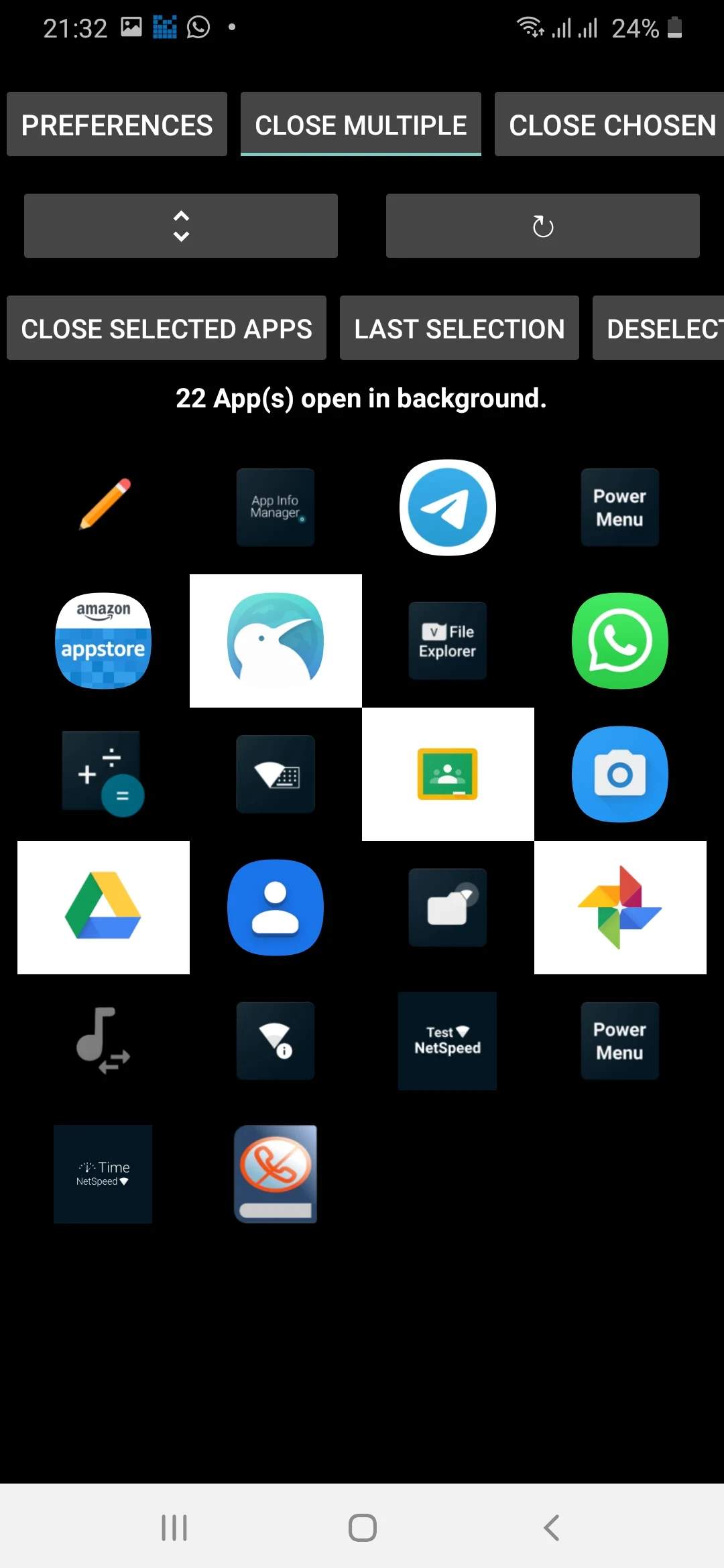
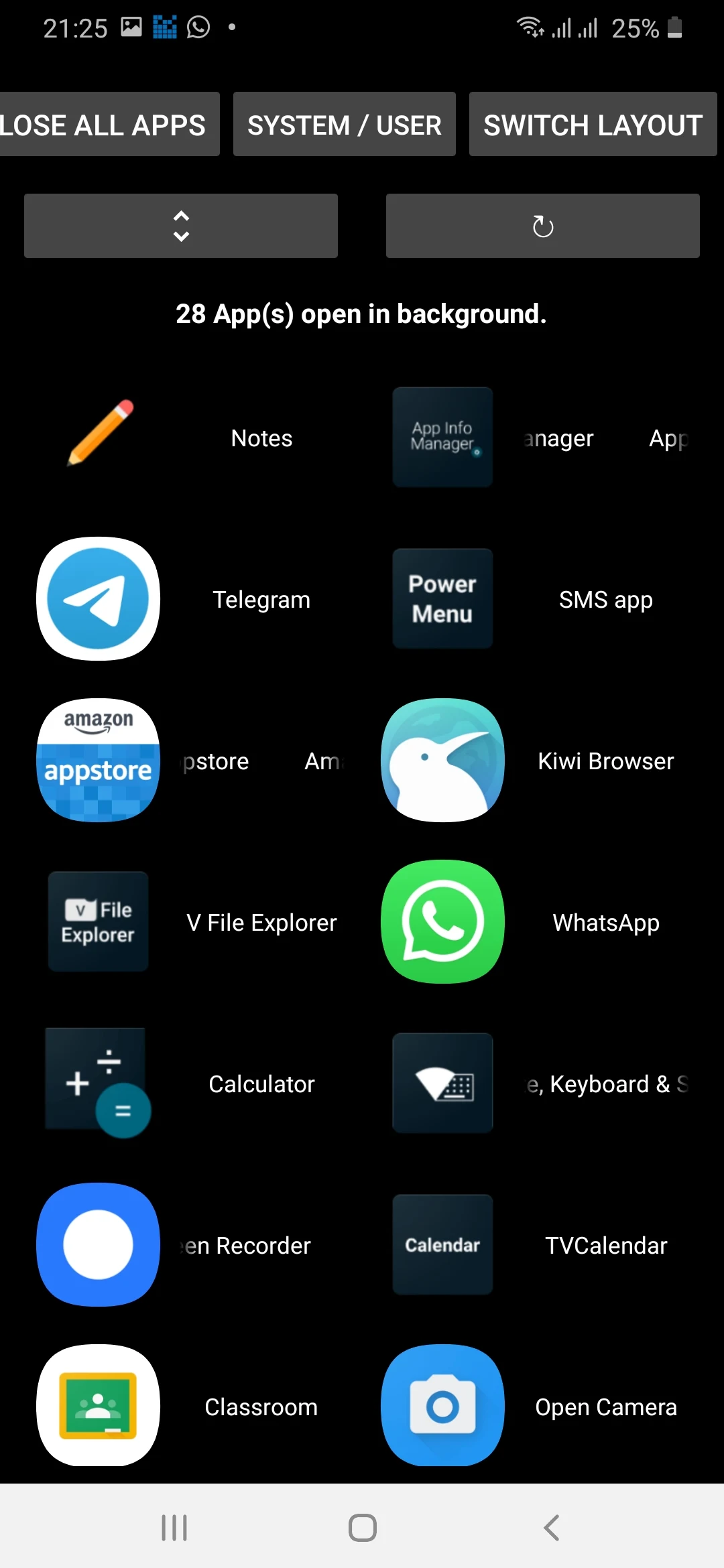
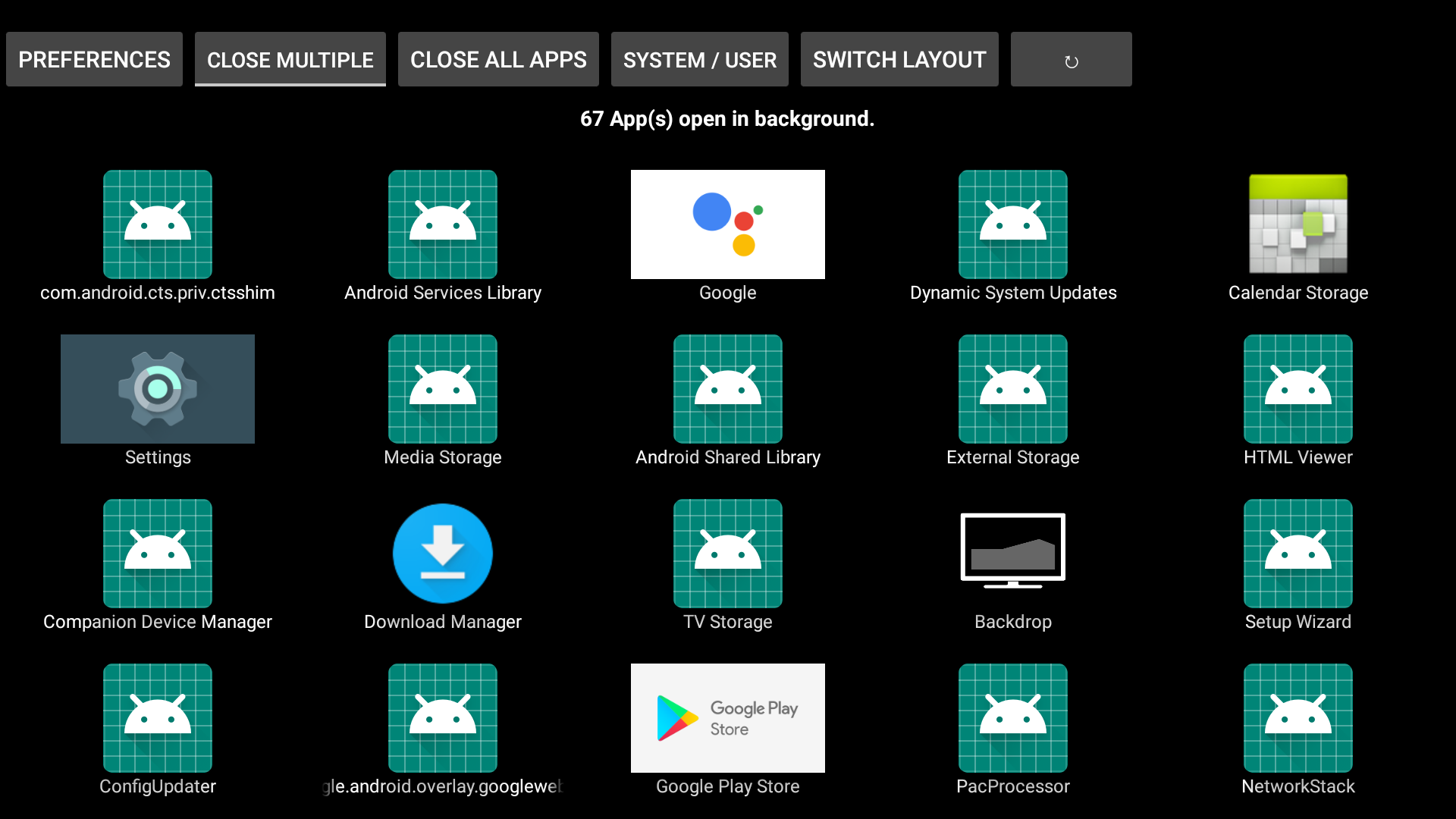
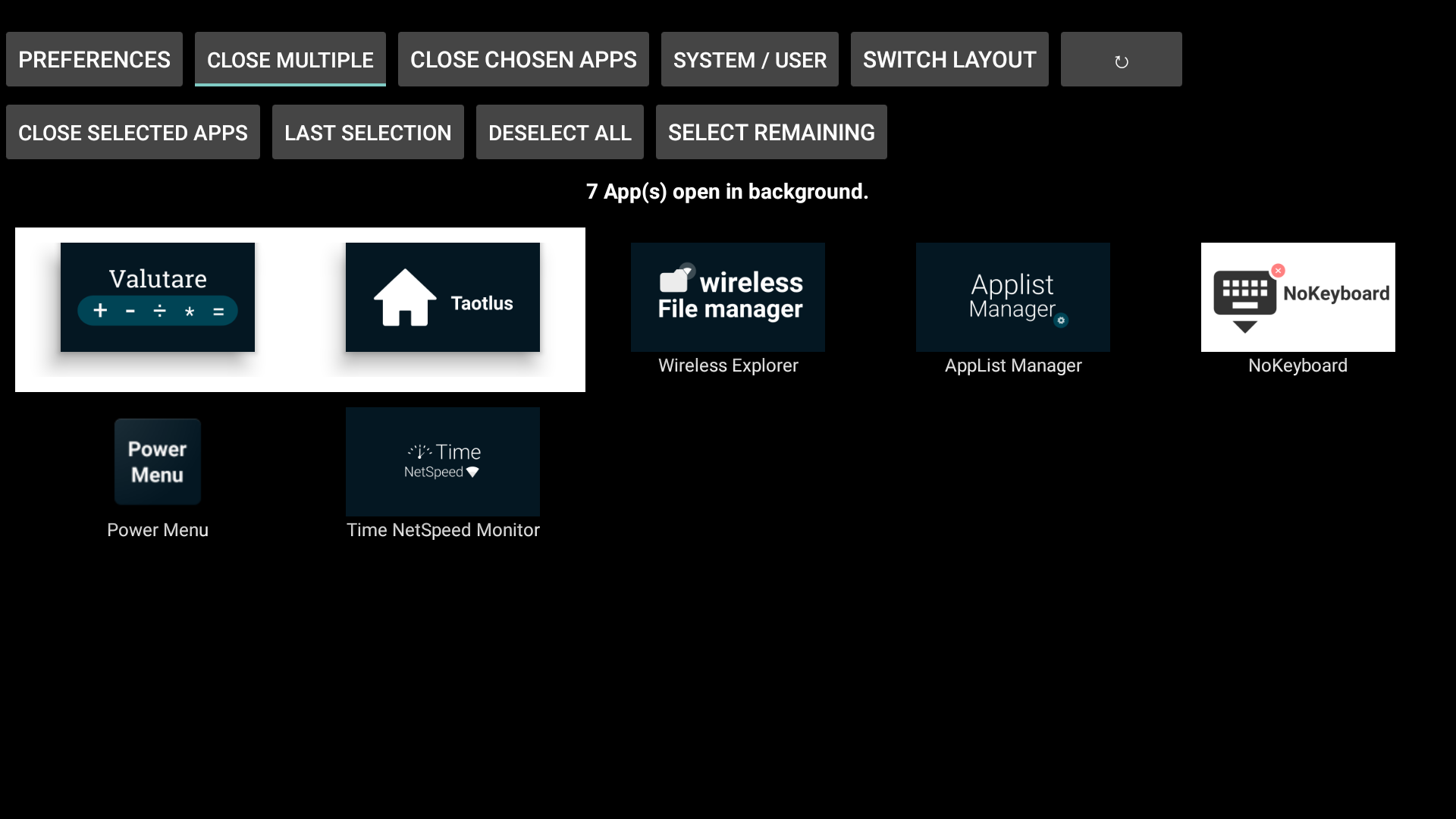
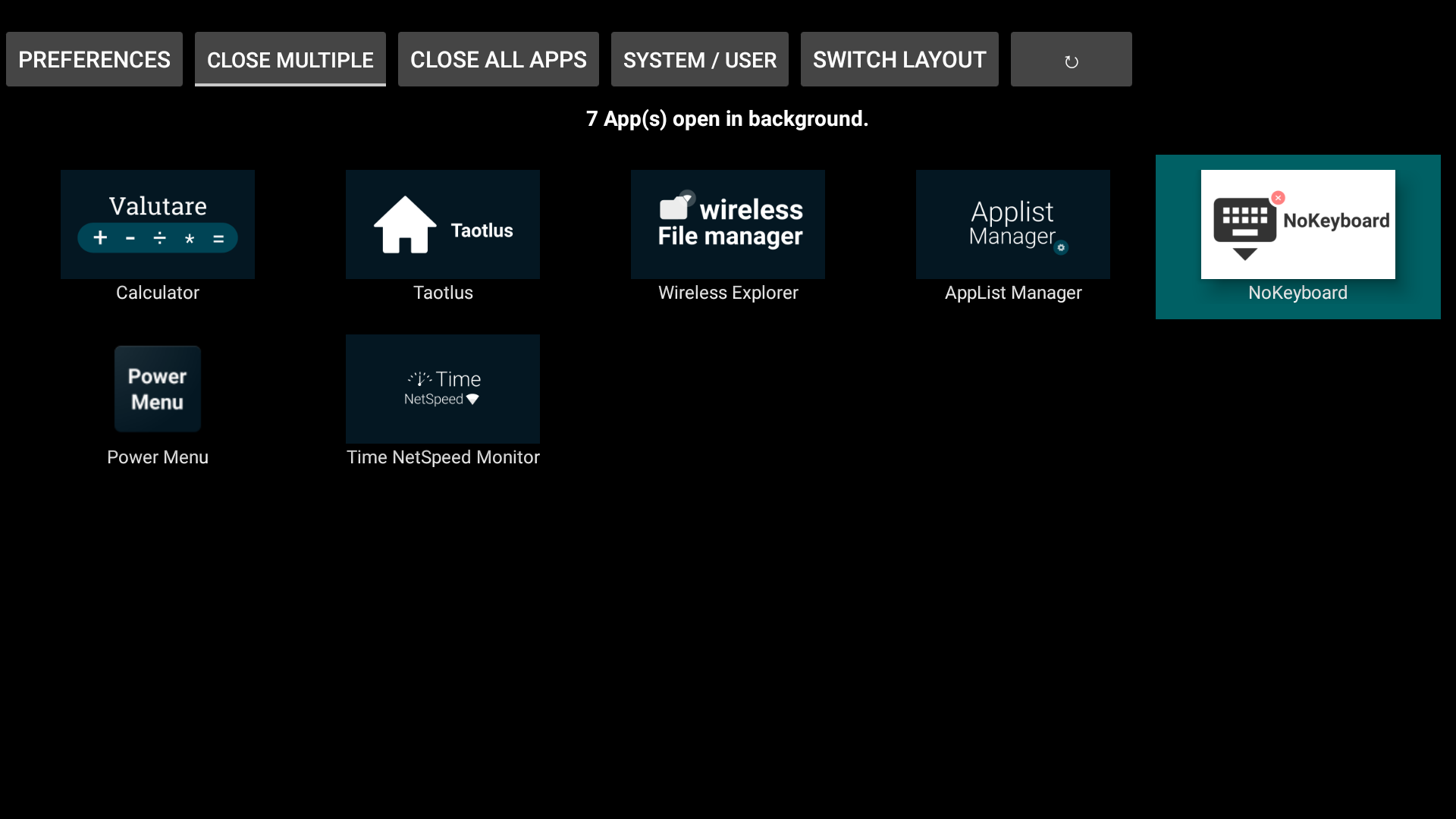
Terminate applications that may be operating in the background on your Android device.
Features:
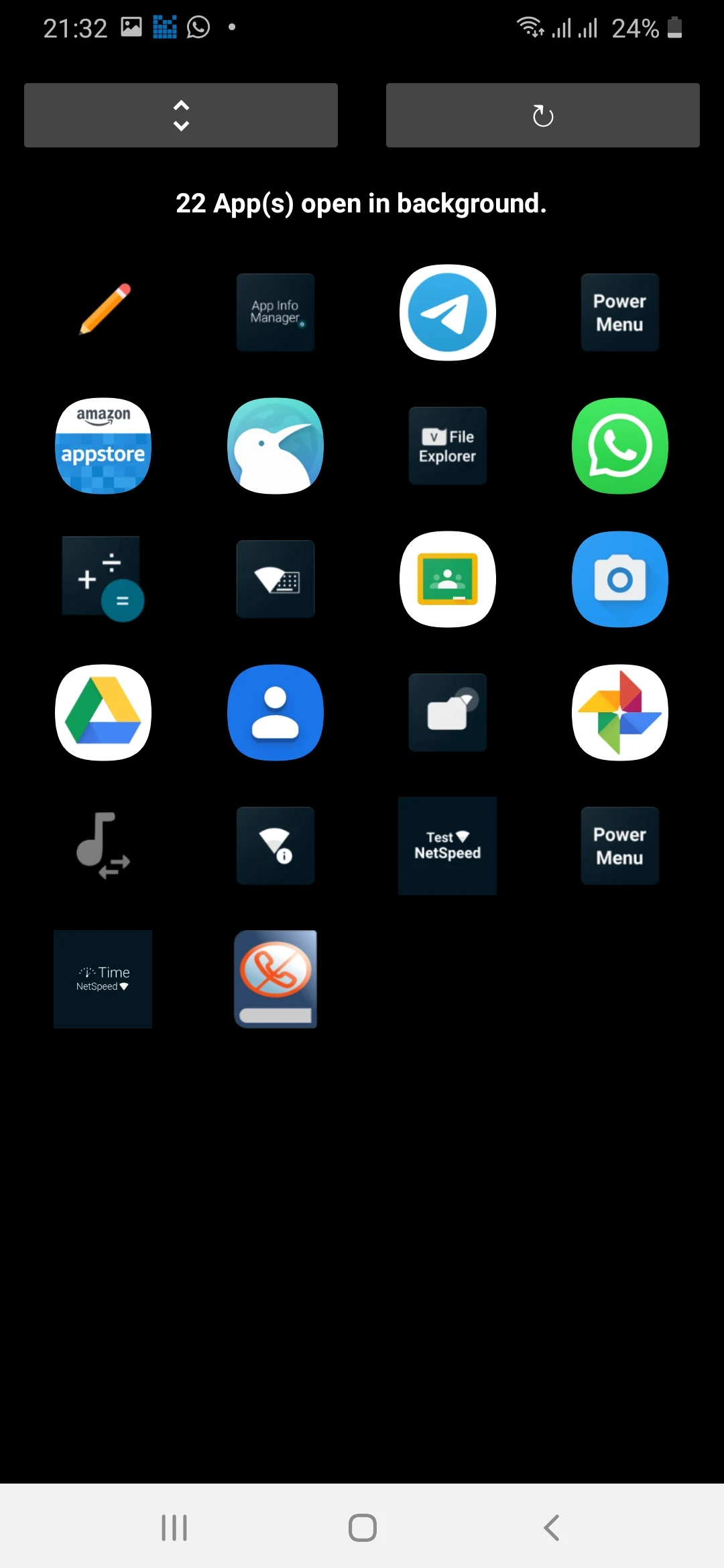
✓ Displays both User and System applications.
✓ Allows you to close all applications simultaneously or select multiple applications to close at once.
✓ Option available to launch at startup.
✓ Adjustable layout based on your preferences.
Supported devices:
✓ Android smartphones.
✓ Tablets.
✓ Android TVs. (Suitable for remote control)
Instructions
1. **Open Apps**: Find and open the "Background Apps & Process List" app on your device.
2. **View App List**: The app interface displays a list of user-installed apps and system apps.
3. **Refresh App List**: Click the "Refresh" button to update the list of running apps and processes to ensure the latest status.
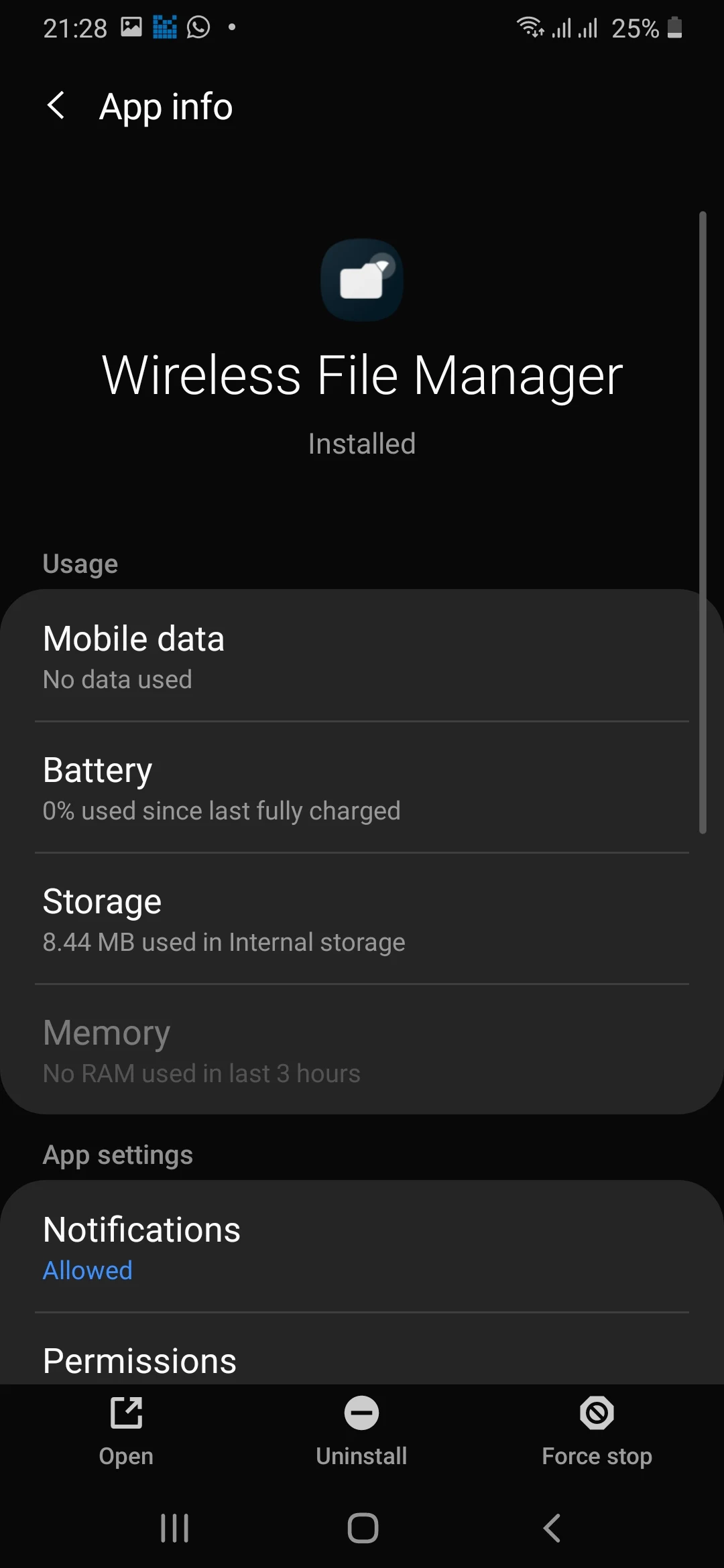
4. **Manage Apps**: Select an app from the list. A menu will pop up, providing options such as "Launch App," "Force Stop," "Uninstall," "Clear Data," and "Clear Cache." Select the appropriate action. For example, to close a background app, click "Force Stop."
5. **Switch Layout**: Click "Switch Layout" to adjust the display of the app list according to your preference.
Be cautious when force-stopping system applications; it could negatively impact your device if you are not fully informed about the consequences.
When you tap on an application, it will lead you to its information screen where you can choose "Force Stop" to terminate the app.
Killing an application means you understand that all its background functions (services, scheduled tasks, event receivers, alarms, widget updates, push notifications) will be inactive until you manually open the app again.
FAQs:
**Q: What does this app do?**
A: It's used to close background apps on Android devices, freeing up resources.
**Q: Which devices does it support?**
A: It supports phones, tablets, and Android TVs.
**Q: What happens when I close the app?**
A: The app's background services, notifications, and updates will be paused. Reopening it will resume these functions.
**Q: Can I close multiple apps at once?**
A: Yes, it supports selecting multiple apps to close or closing all background apps with a single click.
**Q: Can I close system apps?**
A: Yes, but it's not recommended to close them indiscriminately, as it may cause device instability.
- Version1.3G23i
- UpdateSep 29, 2026
- DeveloperVishnu N K
- CategoryTools
- Requires AndroidAndroid 5.0+
- Downloads318K+
- Package Nameio.github.visnkmr.bapl
- Signature7c055d0a7ccc0b07312e8ebfbf09f069
- Available on
- ReportFlag as inappropriate
-
NameSizeDownload
-
2.07 MB
-
2.07 MB
-
2.07 MB












Efficient app performance improvement.
Reduces background app memory usage.
Extends battery life significantly.
Easy to use interface for closing apps.
Useful for Android TV and streaming devices.
Offers essential functionality without root access.
Helps manage running apps effectively.
Provides a list of running applications.
Increases overall device stability.
Frequent mandatory updates can be annoying.
Full-screen ads disrupt user experience.
Can lead to unintentional app uninstallation.
Occasionally requires manual rebooting for functionality.
Some apps in the list may not actually be running.
May redirect users to system settings instead of closing apps directly.
Lacks one-touch close all feature for multiple apps.
Concerns over GPS data privacy and sharing with third parties.
Confusing error messages regarding app functioning when time is incorrect.