
Recruit.com.hk - Job search & applications
Explore thousands of job listings, customize searches & apply instantly with our user-friendly recruitment app!
- 3.17 Version
- 2.8 Score
- 146K+ Downloads
- Free License
- 3+ Content Rating

Recruit serves as a comprehensive recruitment platform in Hong Kong.
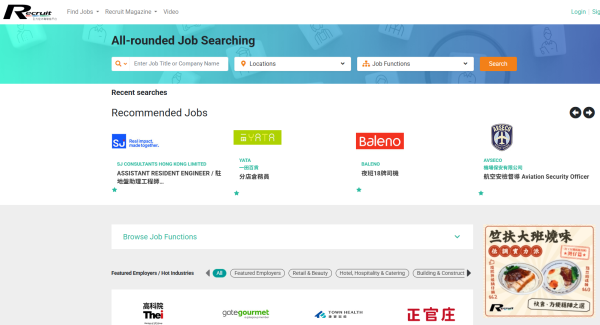
In addition to our recruitment magazine and website, we also engage users through social media pages and career fairs. We are excited to present the Recruit mobile application, designed to facilitate job searches for seekers in a more convenient manner.
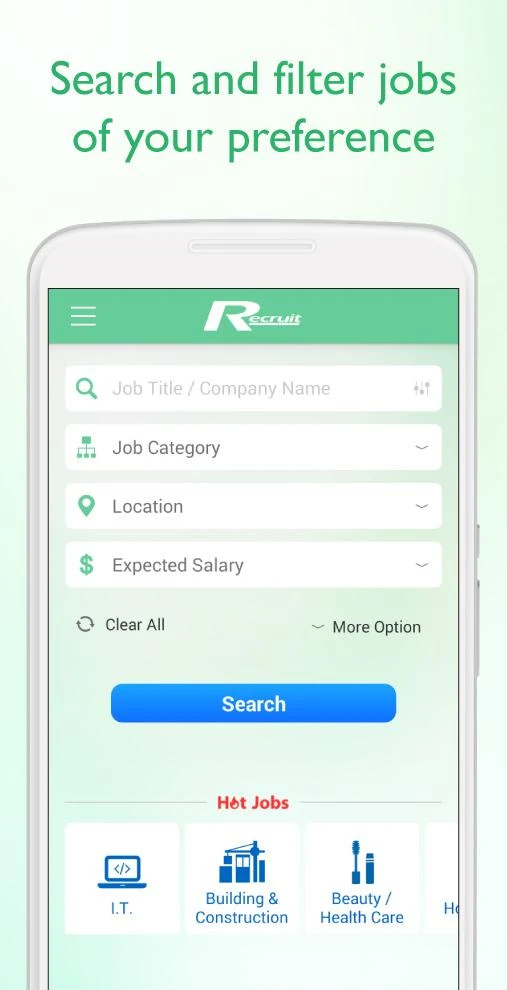
With just one click, you can access thousands of job openings across various sectors including Accounting, Administration, IT, Marketing, Banking & Finance, Airline, Retail, Catering, Logistics, and Government roles. Our extensive database enables users to find positions that are permanent, part-time, temporary, or short-term to meet diverse job search requirements.
The latest update of our mobile app includes several key features:
Job Search
• Browse jobs by Title, Company, Level of Education, Experience, Location, and Salary range
• Locate nearby jobs using GPS technology
• Find opportunities based on employment type such as full-time, part-time, contract, freelance, or internship
• Discover job listings according to the most recent recruitment dates from employers
Personalize Your Job Search
• Bookmark your favorite job postings
• Review your previous job searches
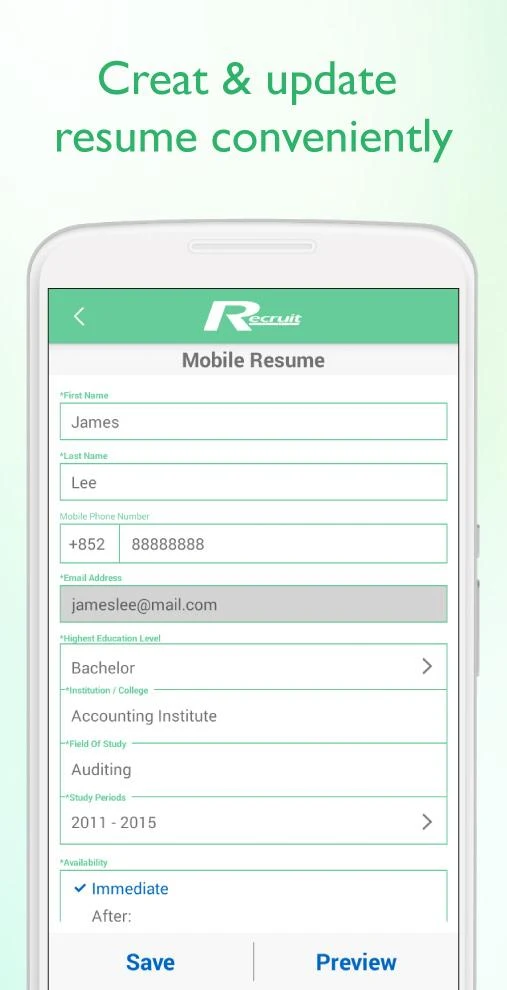
• Upload your resume for quick applications
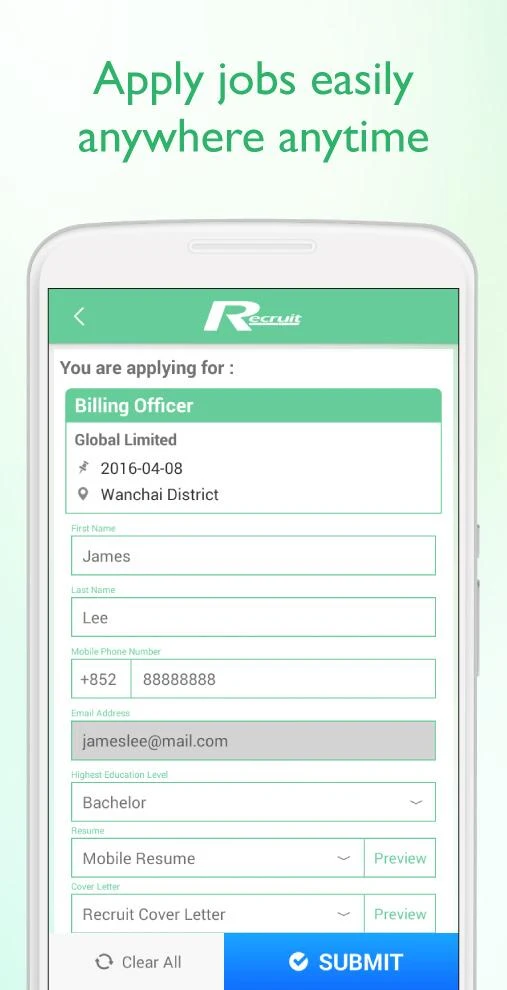
• Utilize your resume to apply easily for selected positions
• Apply for multiple jobs simultaneously with batch apply option
• Stay updated with the latest postings by setting up personalized job alerts
• Share job listings with others through various social media platforms
Additional Features:
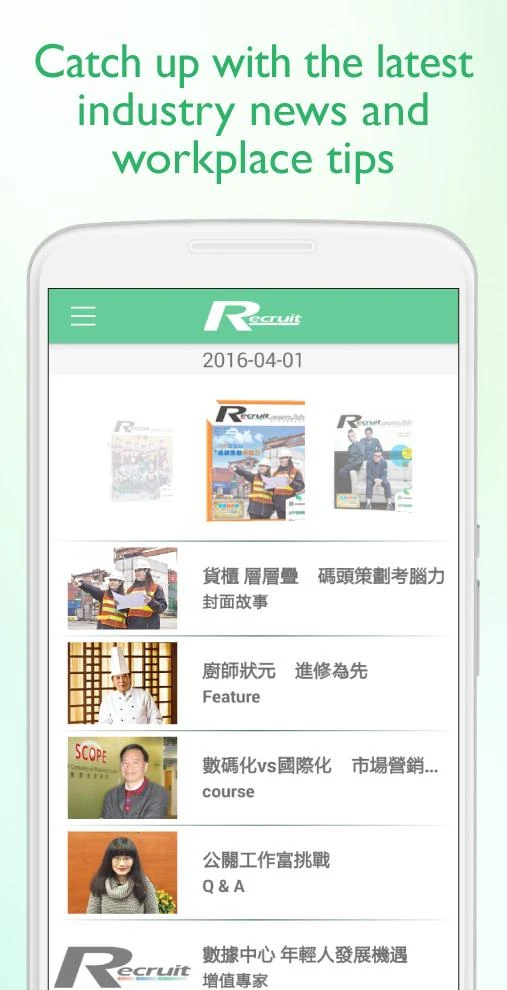
• Access the latest free articles related to careers and industries
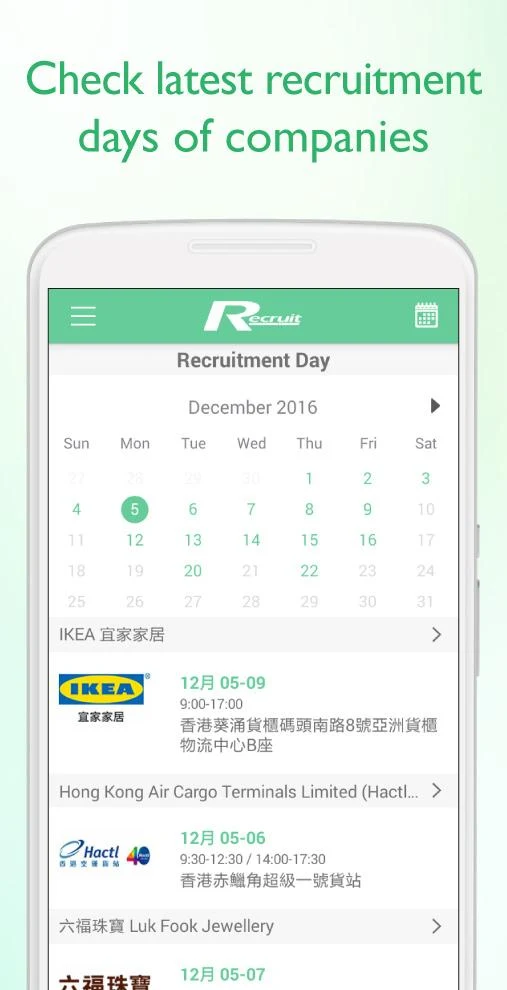
• Find information regarding recruitment days from companies
To enable the job application feature, simply upload your resume to your Recruit account. This allows you to apply for your preferred positions effortlessly at any time and from anywhere.
Exciting opportunities await you! Start your job hunting journey with the Recruit app today!
User Guide:

1. Install and log in, **upload your resume** to enable the application function.
2. Filter jobs by position, company, salary, location, etc., and enable location services to find nearby opportunities.
3. Save your favorite jobs, submit resumes in batches, and set up job notifications to receive new job offers.
4. Read career articles and search for company recruitment information.
FAQs:
1. **Q**: When searching for jobs on the Recruit app, how do I limit myself to positions with a specific salary range?
**A**: Open the app's "Job Search" function, find "Salary Range" in the search filter options, and select your desired salary range (e.g., 15k-20k per month). The system will automatically filter out positions that meet that salary requirement, eliminating the need to manually search one by one.
2. **Q**: Do I need to enable my phone's location when searching for nearby jobs using the Recruit app?
**A**: Yes. The app's "Nearby Jobs" feature relies on GPS technology to locate your current location, so you must first allow the Recruit app to access your location in your phone's settings. Only then will you see nearby job opportunities when searching.
3. **Q**: If I want to apply to multiple suitable positions at once, does the Recruit app offer a convenient way to do this?
**A**: Yes. The app supports a "batch application" feature. You can select multiple positions you're interested in and then submit your applications all at once through this feature, eliminating the need to apply individually for each position, saving time.
4. **Q**: I'm worried about missing out on the latest job openings at my favorite company. Can I set up reminders on the Recruit app?
**A**: Yes. Find the "Personalized Job Alerts" setting in the app and set criteria based on your needs (such as target industry, position type, and location). The app will automatically send you notifications when new positions that meet your criteria are posted.
5. **Q**: Can I apply directly to a job without uploading my resume on the Recruit app?
**A**: No. To use the app's job application feature, you must first upload your resume to your Recruit account. Only then can you apply to the positions you're interested in with one click. If you don't upload your resume, you'll receive a message stating that your application cannot be completed and you'll need to provide additional information.
6. **Q**: How can I find a job I saved on the Recruit app and later view it?
**A**: After opening the app, find the "Bookmarked Jobs" entry in your profile or within the relevant function section. Clicking on it will show all your previously saved jobs. You can also apply for or share jobs directly from your favorites list.
- Version3.17
- UpdateOct 19, 2026
- DeveloperRecruit.com.hk
- CategoryBusiness
- Requires AndroidAndroid 4.4+
- Downloads146K+
- Package Namecom.recruit.android
- Signaturecee3455cdd64daecd979ba546fa28151
- Available on
- ReportFlag as inappropriate
-
NameSizeDownload
-
14.08 MB
-
13.48 MB
-
13.48 MB













Comprehensive coverage
Easy search
User-friendly features
Practical added value
Job accuracy may be insufficient
Low competitive transparency
Limited social sharing utility