
United Utilities: Your Water - Water account management
Discover an effortless way to manage your water account with quick payments, bill access, and easy meter readings!

- 4.1 Version
- 2.8 Score
- 243K+ Downloads
- Free License
- 3+ Content Rating

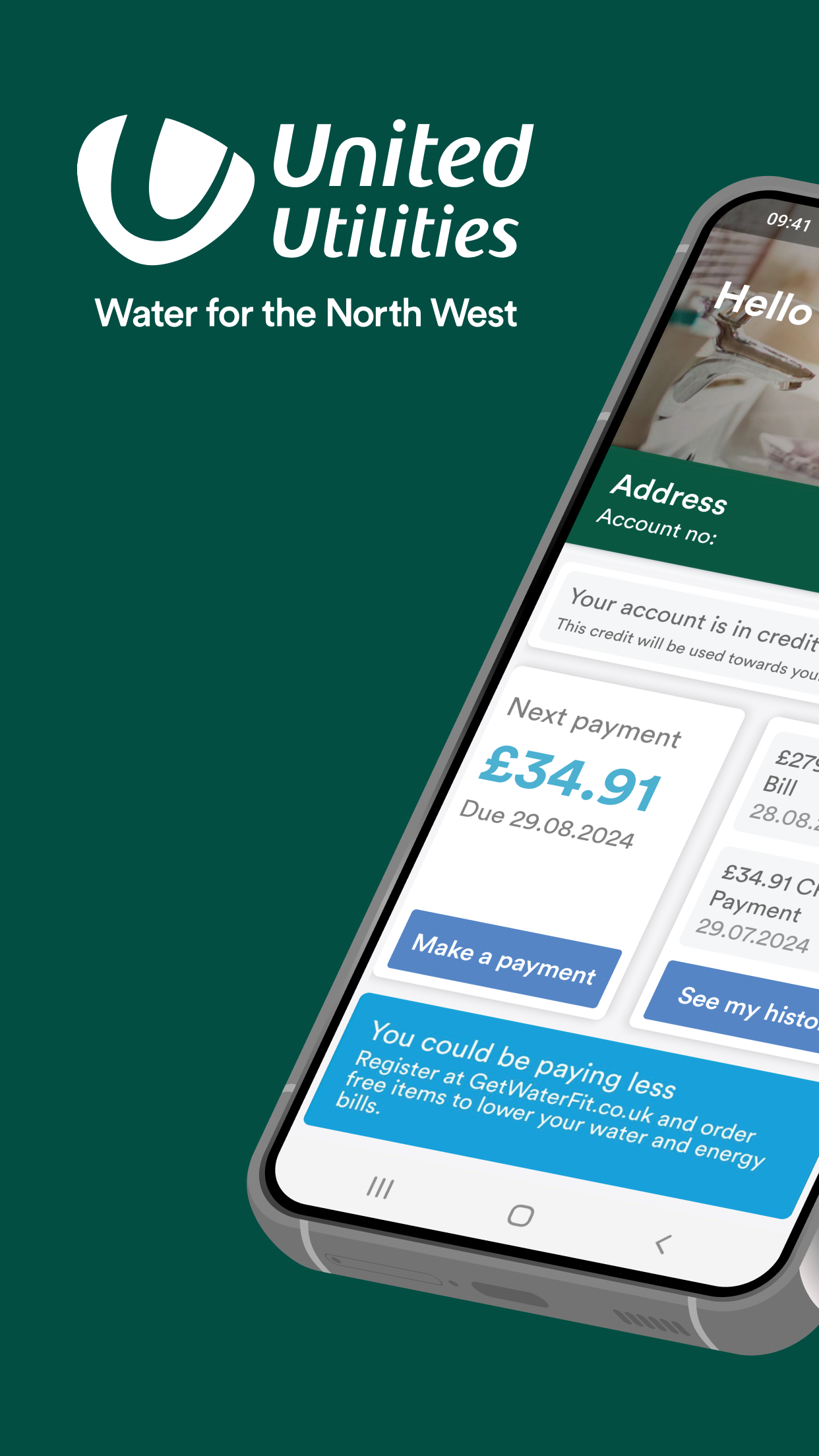
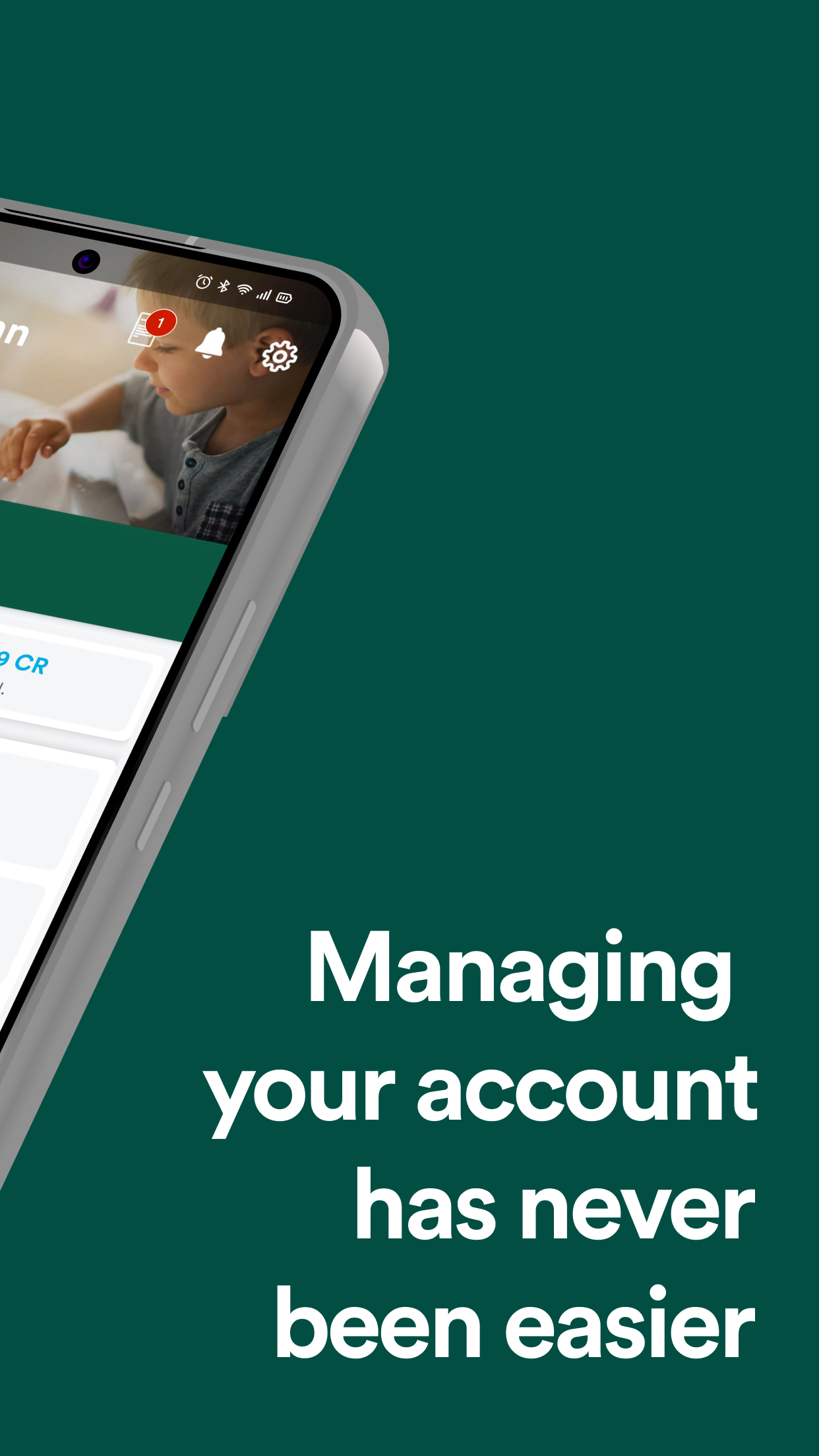
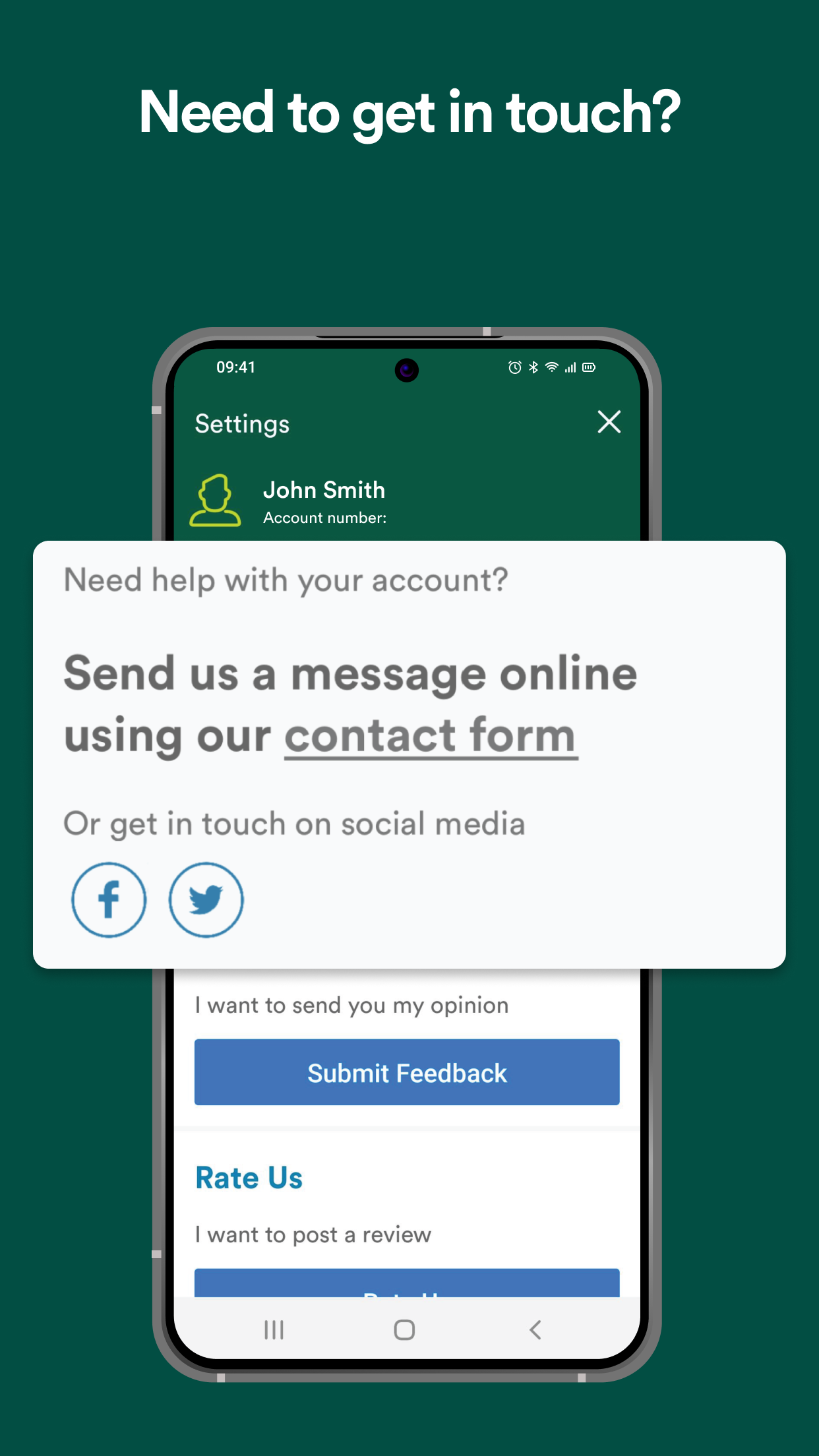
Managing your water account has become incredibly straightforward.
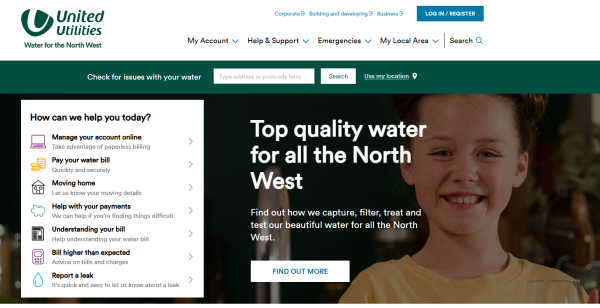
You can easily make payments, check and download your bills, provide meter readings, and get help with any water supply concerns, among other features.
Our application is loaded with handy tools designed to enhance the experience for United Utilities customers.
Features:
- Stay updated on your water bill
- Provide meter readings
- Access, download, or share bills
- Get help with water supply problems
Stay Updated On Your Payments
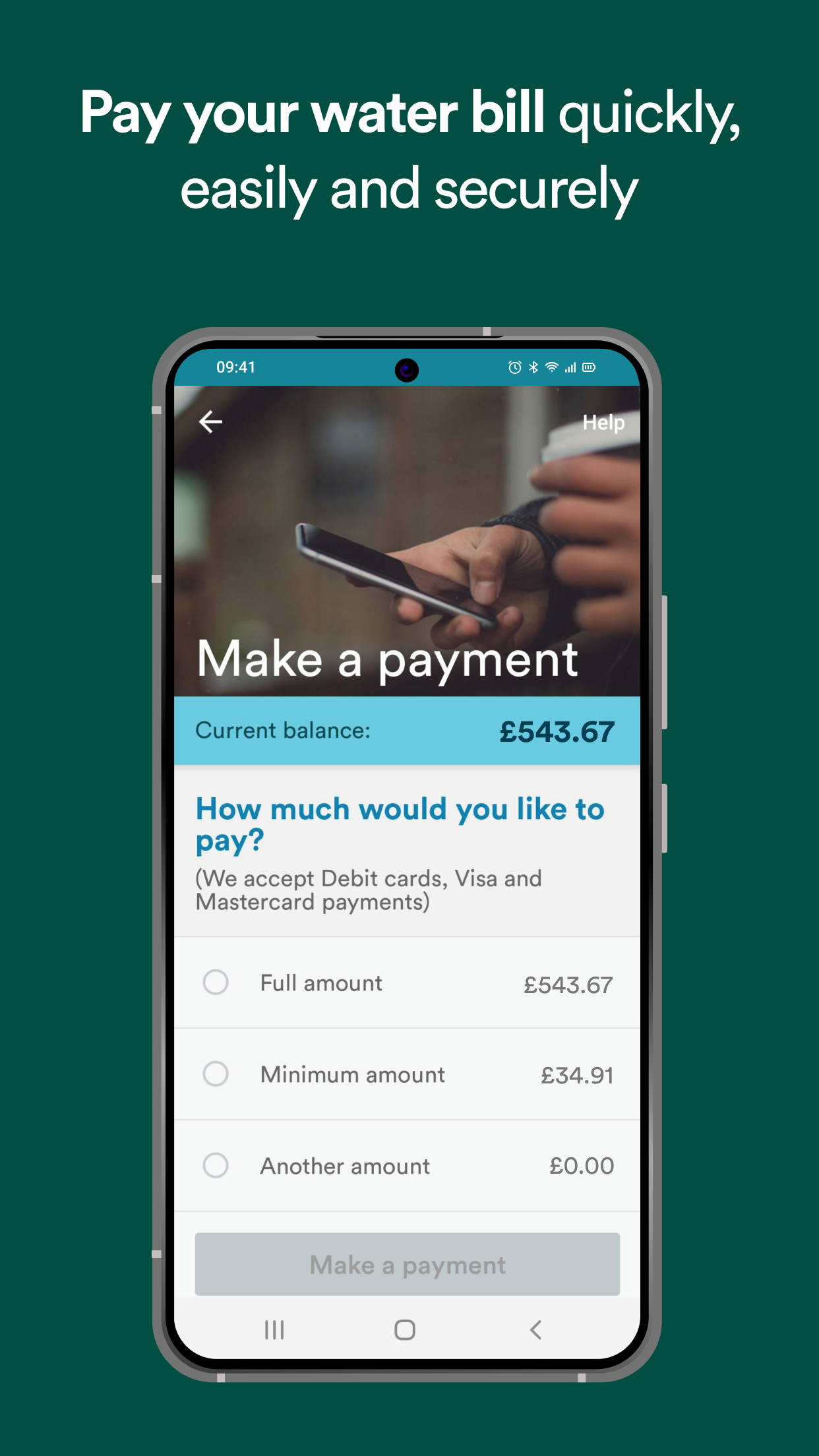
Make your payments quickly, simply, and securely. Pay your bill whenever and wherever you wish using our user-friendly mobile app.
Access Your Account History
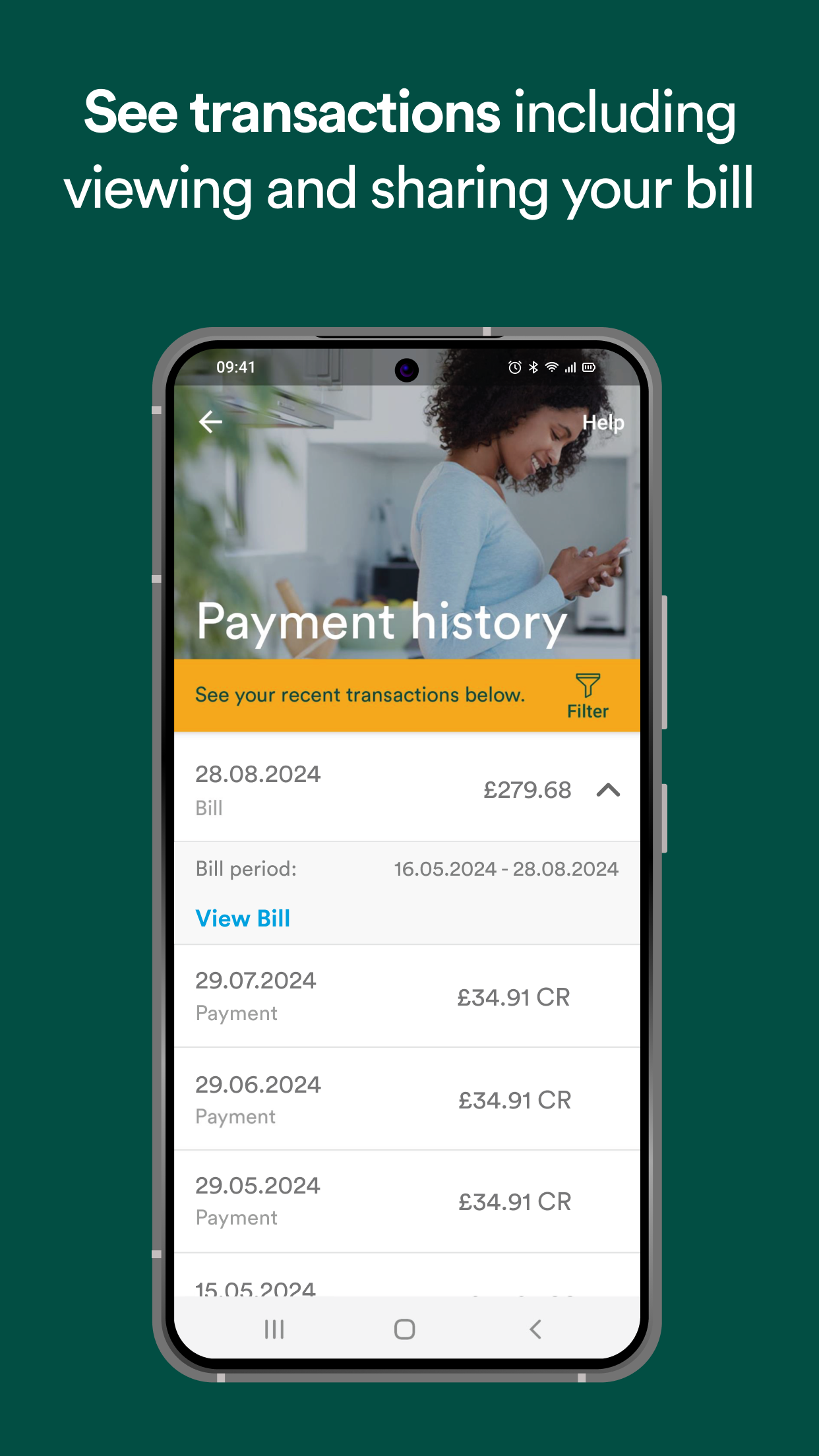
At a glance, you can see your bills and payments. Customers who prefer paperless communication will be notified when a new bill arrives, ensuring nothing gets overlooked. To further simplify your experience, filtering by bill or payment and date range is also possible!
Download and Share Bills
United Utilities is dedicated to providing customers with immediate access to essential information. The mobile app allows paperless customers to conveniently view, download, or share a PDF version of their bill.
Submit A Meter Reading
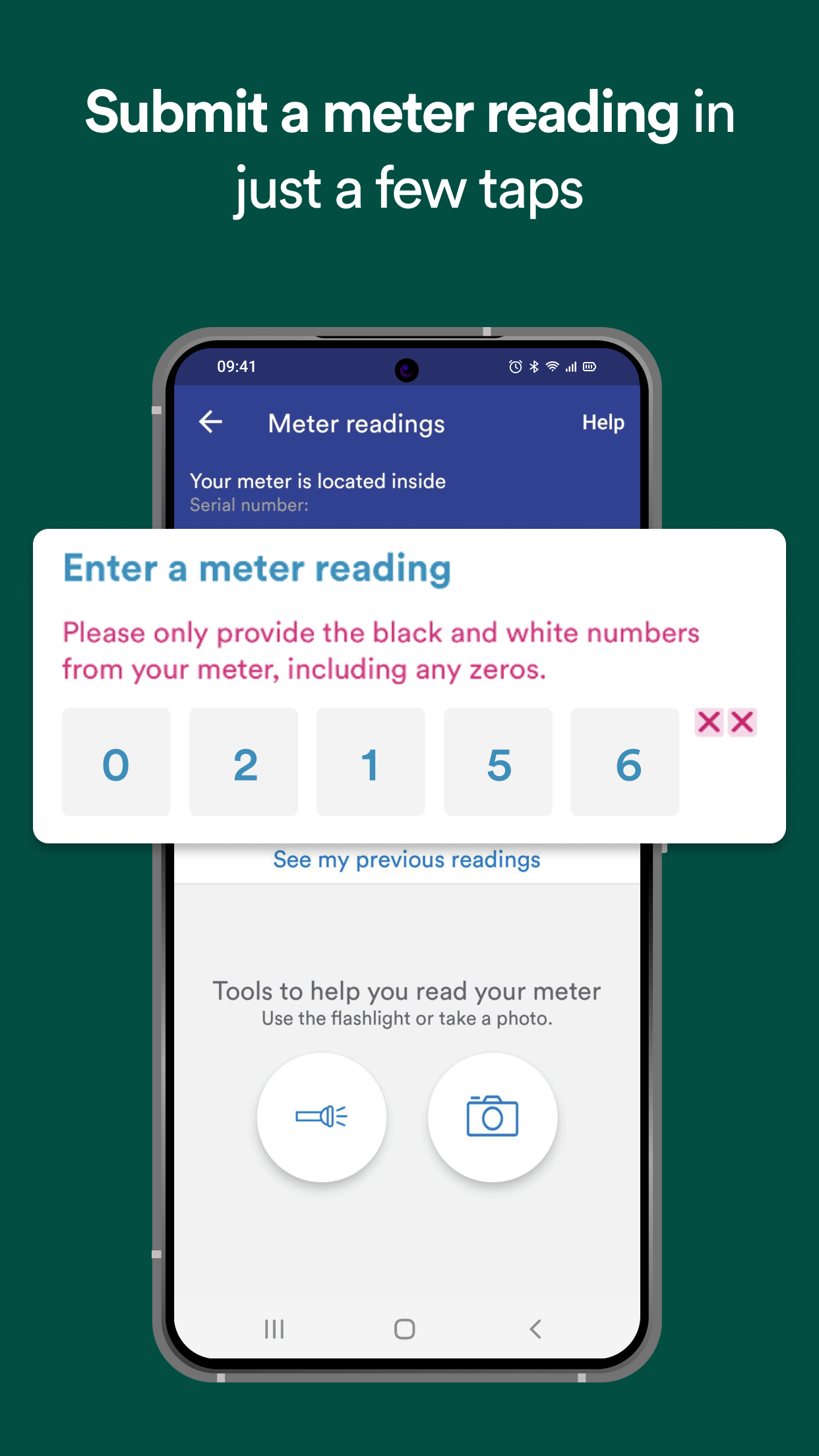
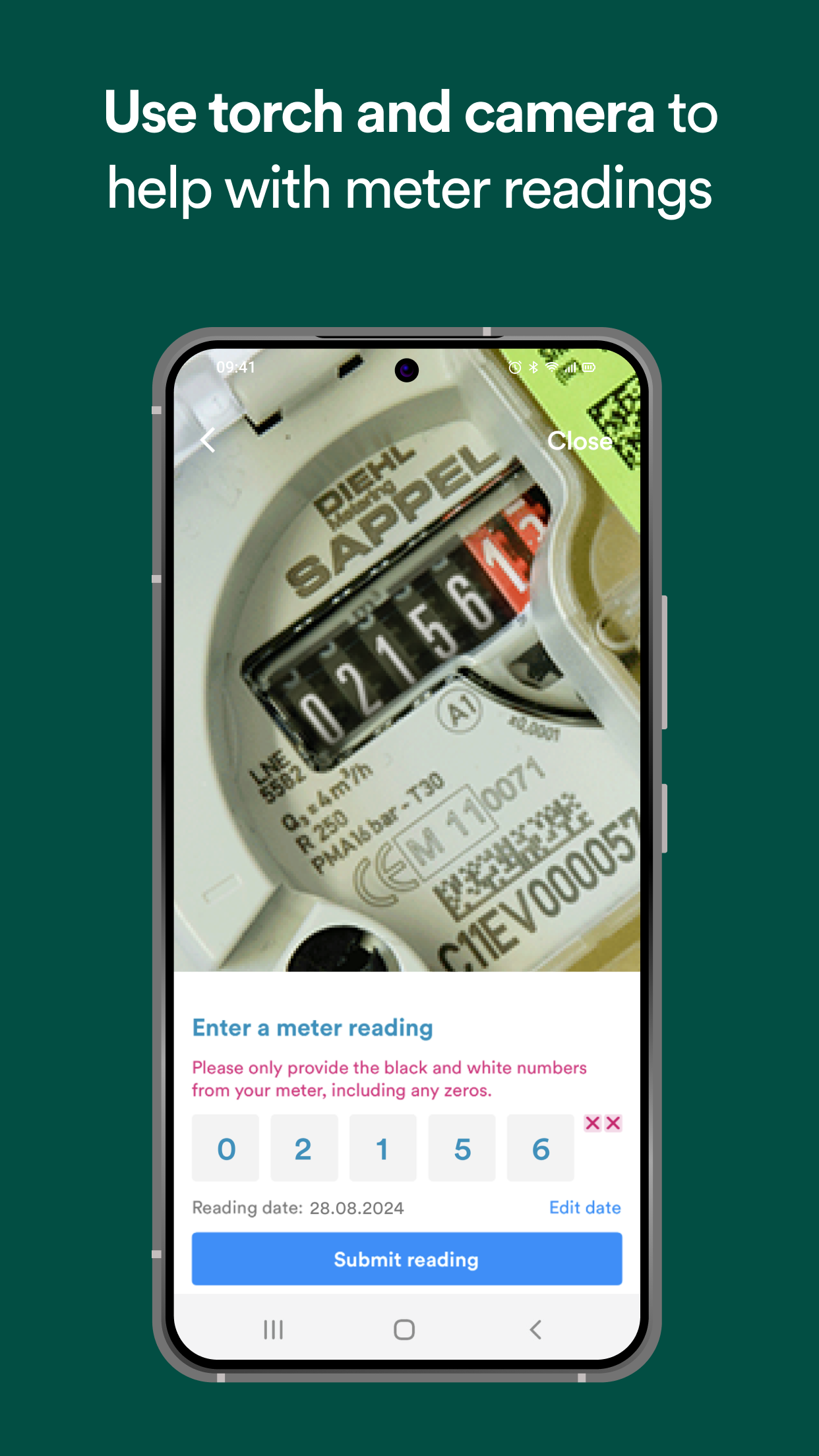
If accessing your water meter is challenging, no worries! Utilize the in-app camera to take a quick photo and input the reading directly into the app.
If your meter is located in a darker area, use the in-app flashlight feature to easily read it. These helpful tools are designed to aid in reading your water meter and keeping track of your readings and bills effectively.
Check And Report Water Supply Issues
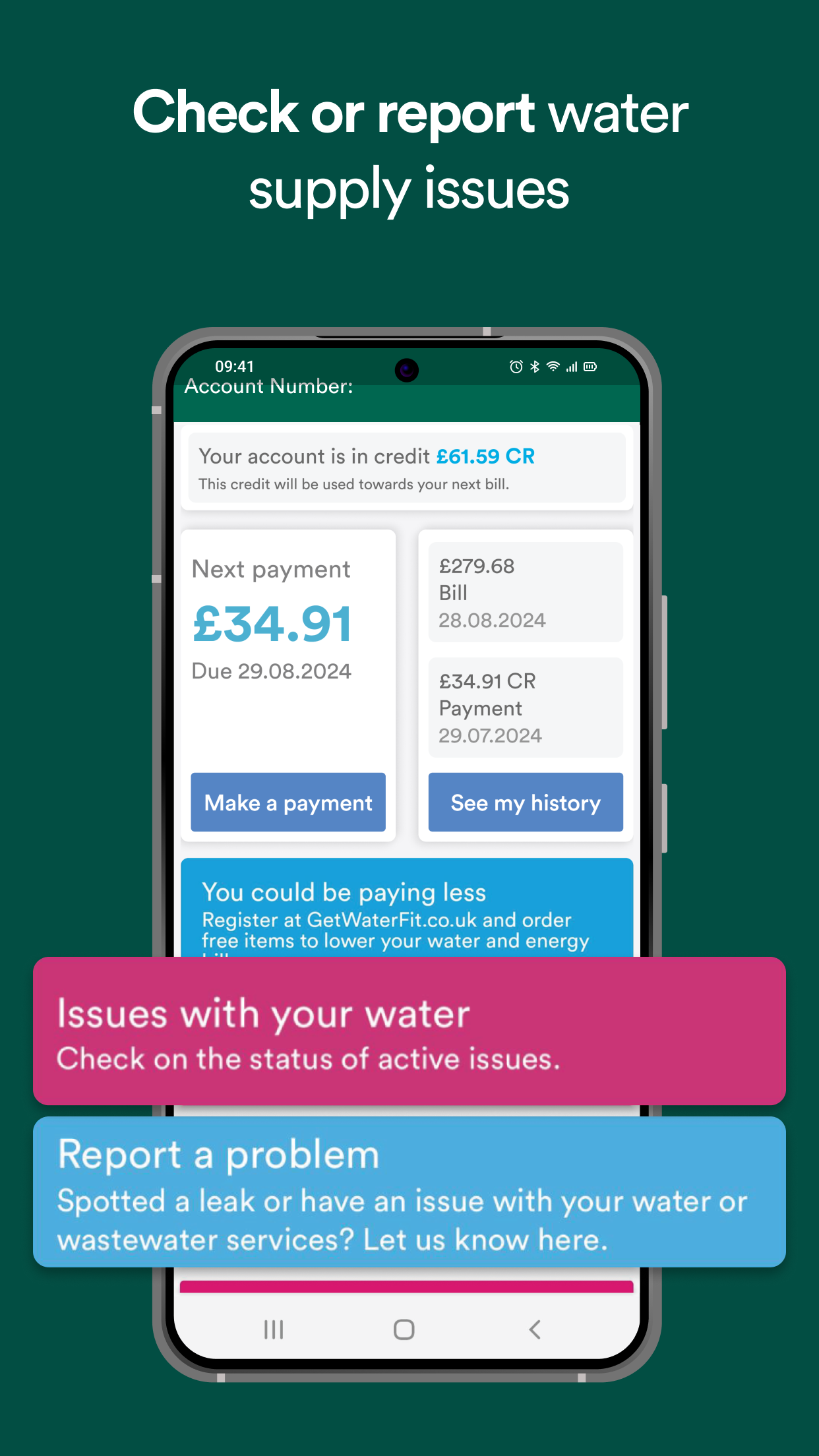
If you're facing any difficulties with your water supply, the app enables you to verify known issues or report an incident at your convenience.
Possible problems include:
- Water leaks
- Loss of water supply
- Changes in water pressure
- Clogged sinks, toilets, and drains
- Alterations in the color, flavor, or smell of water
- Sewer flooding
- Blocked road drains and grids
Requirements:

You will need a United Utilities account number to register for the app.*
If you're a new customer, please search for ‘United Utilities New Customer’ to create a new account.
*You can still report a problem and check for water issues without needing an account number.
The United Utilities mobile app simplifies managing your water account, from making payments to accessing bill history and convenient meter reading tools. Download the app today to effortlessly manage your water account.
How to Use:
1. Registration & Login
New users should first search for "United Utilities New Customer" to create an account. After obtaining an account, register and log in to the APP. Users without an account can also directly query and report water supply issues.
2. Bill Management
View, download, and share PDF bills. Filter by date or bill/payment type to view historical records. Convenient and secure payment is supported; paperless users will receive new bill notifications.
3. Submit Water Meter Reading
Enter the reading directly or take a photo with the APP's camera. In low-light environments, the built-in flashlight can be used to assist with reading.
4. Handling Water Supply Issues
Query known water supply faults within the APP, or report issues such as leaks, water outages, abnormal water pressure, water discoloration or odor, and sewer flooding.
FAQs
1. **Q: What can I do with my water account using this app? **
A: I can quickly pay bills, view/download bills, report water meter readings, check and report water supply issues (such as leaks and outages), and view my account spending history.
2. **Q: Is reporting water meter readings difficult? Are there any tools available? **
A: Not difficult. If the meter is hard to read, you can use the app's camera to take a photo and record the reading directly. If the meter is in a dark location, you can use the app's flashlight to illuminate the readings.
3. **Q: Can I use water meter-related features without a United Utilities account number? **
A: You need an account number to register for the app, but you can still report water supply issues and check known water supply issues without one.
4. **Q: I prefer paperless billing. What are the advantages of using this app? **
A: Paperless billing users receive notifications of new bills so they won't miss any. They can also view and download PDFs of their bills directly in the app and share their bills.
5. **Q: What water supply issues can be checked? How do I address them if I discover a problem? **
A: You can check for leaks, water outages, changes in water pressure, unusual water color/odor, sewer waterlogging, clogged road drains, and more. If you discover a problem, simply report it directly within the app.
- Version4.1
- UpdateOct 16, 2026
- DeveloperUnited Utilities PLC
- CategoryBusiness
- Requires AndroidAndroid 10+
- Downloads243K+
- Package Namecom.unitedutilities.consumer.app
- Signature4bbc6fc0c58667355080764863c81e9f
- Available on
- ReportFlag as inappropriate
-
NameSizeDownload
-
52.20 MB
-
52.19 MB
-
50.72 MB
















Easy to navigate and use
Allows for quick bill payments
Efficient meter reading submission
Secure biometric login
User-friendly interface
Provides live chat support
Keeps track of usage and payment history
Offers convenience for disabled users
Digital access reduces paper bills
New updates may cause compatibility issues with older devices
Frequent error messages during payments
Lack of card detail storage requires repeated entry
Limited payment options (full or custom amount)
Difficulties with email or account changes
Confusing billing statements with unnecessary details
App has bugs affecting functionality
Inadequate customer support response times
Restrictive features not accommodating user preferences