
Parboti Bangla Keyboard - Bangla Typing Keyboard & Converter
Experience seamless Bangla typing with customizable layouts, intelligent suggestions, and a fun emoji keyboard at your fingertips!

- 3.1.34 Version
- 3.0 Score
- 158K+ Downloads
- Free License
- 3+ Content Rating

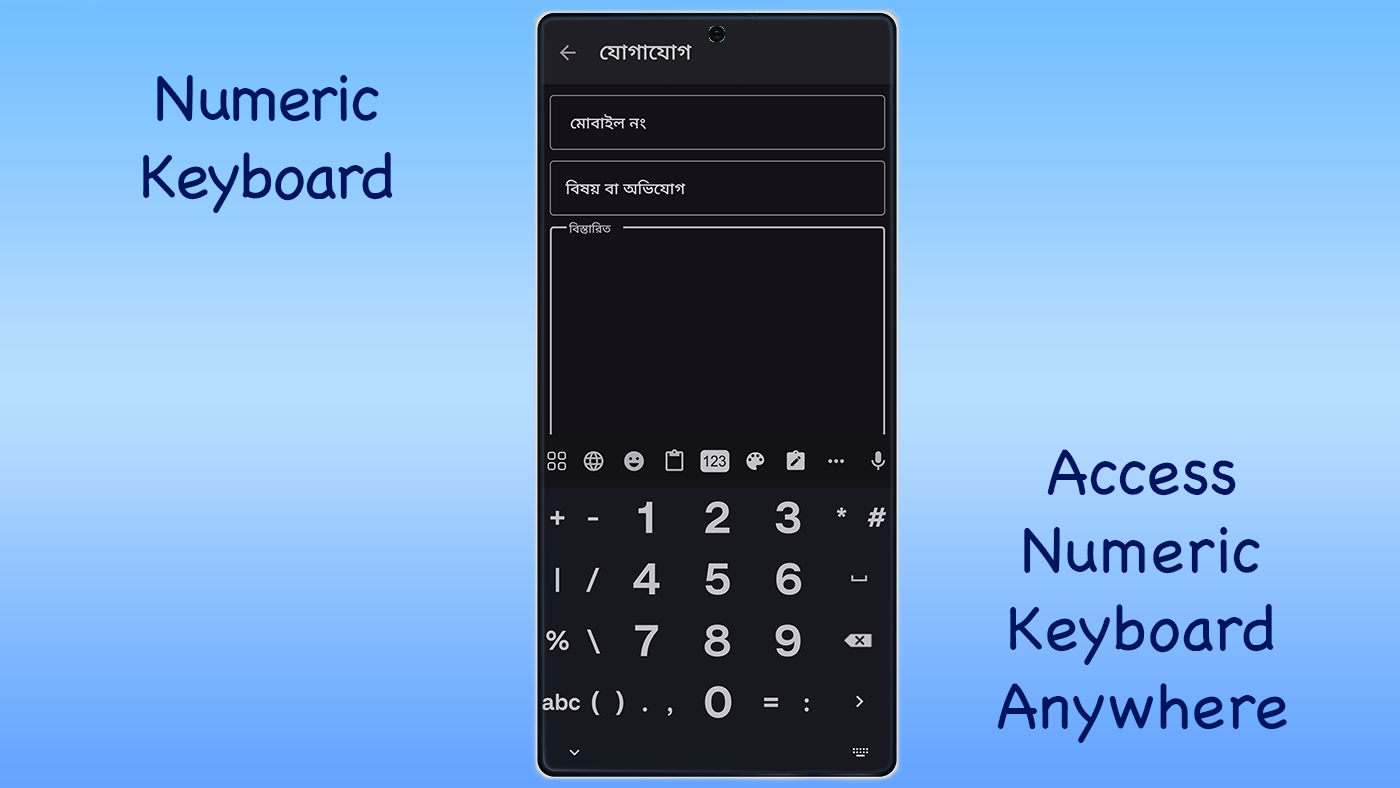
Features:
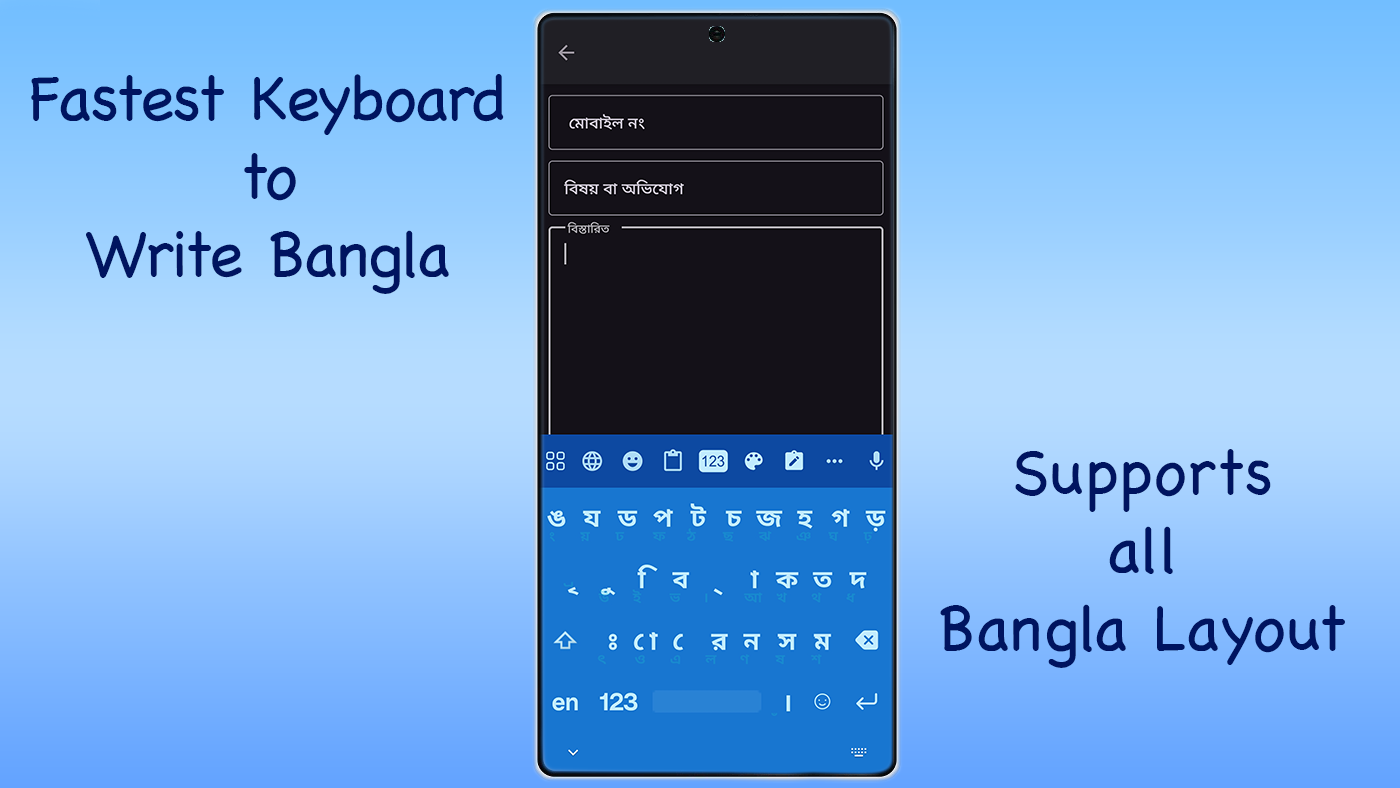
* Bangla Keyboard supporting Avro phonetic and fixed layouts
* Compatibility with Parboti, Provat, and national layouts for typing in Bangla
* Support for converting Unicode to Bijoy and vice versa
* Unibijoy Bangla Typing has transitioned to use the Parboti Bangla keyboard
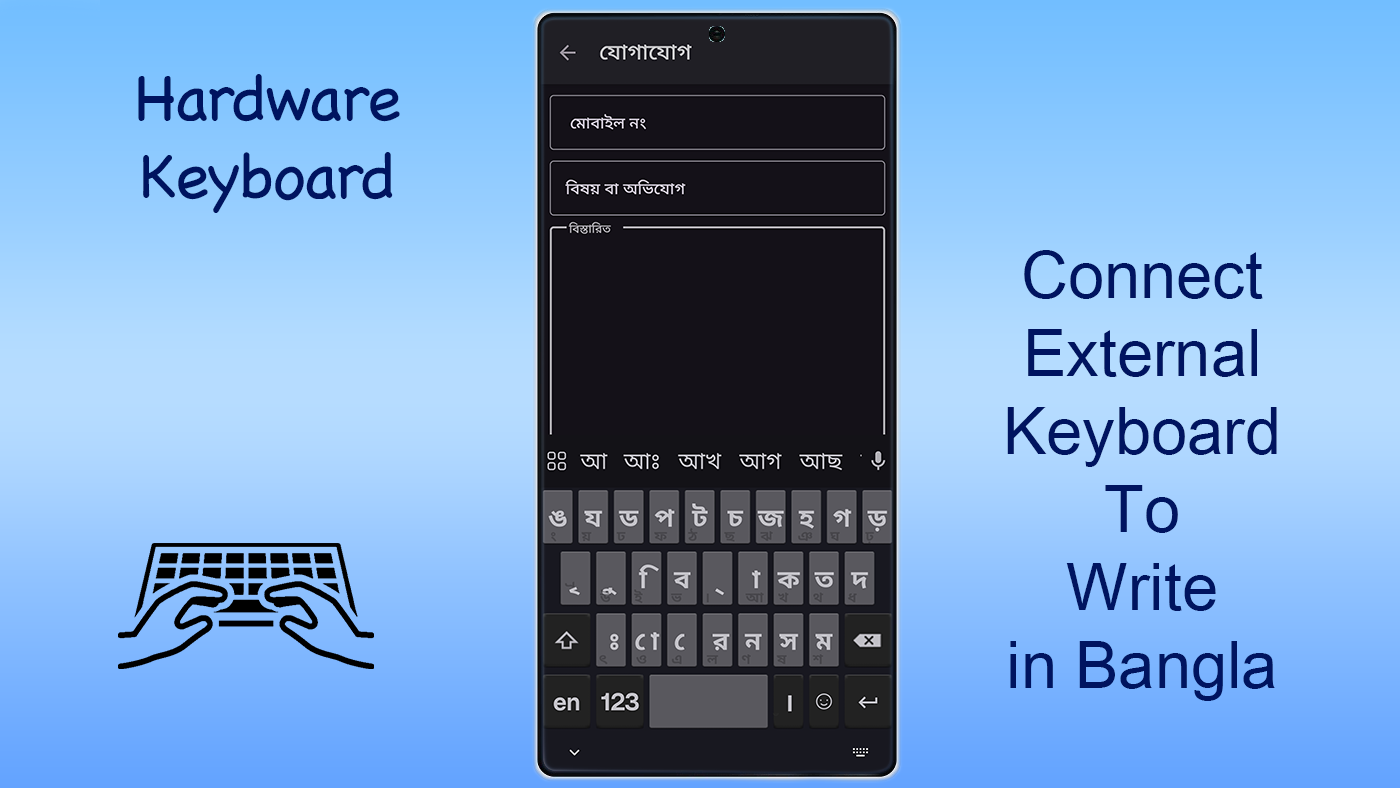
* Hardware support for Bangla typing with dedicated keyboards
* Multiple keyboard layouts available – you can easily switch between phonetic and fixed layouts for Bangla input and also create your custom layout. For further instructions, consult the help section.
* System-wide hardware keyboard support when configured as IME
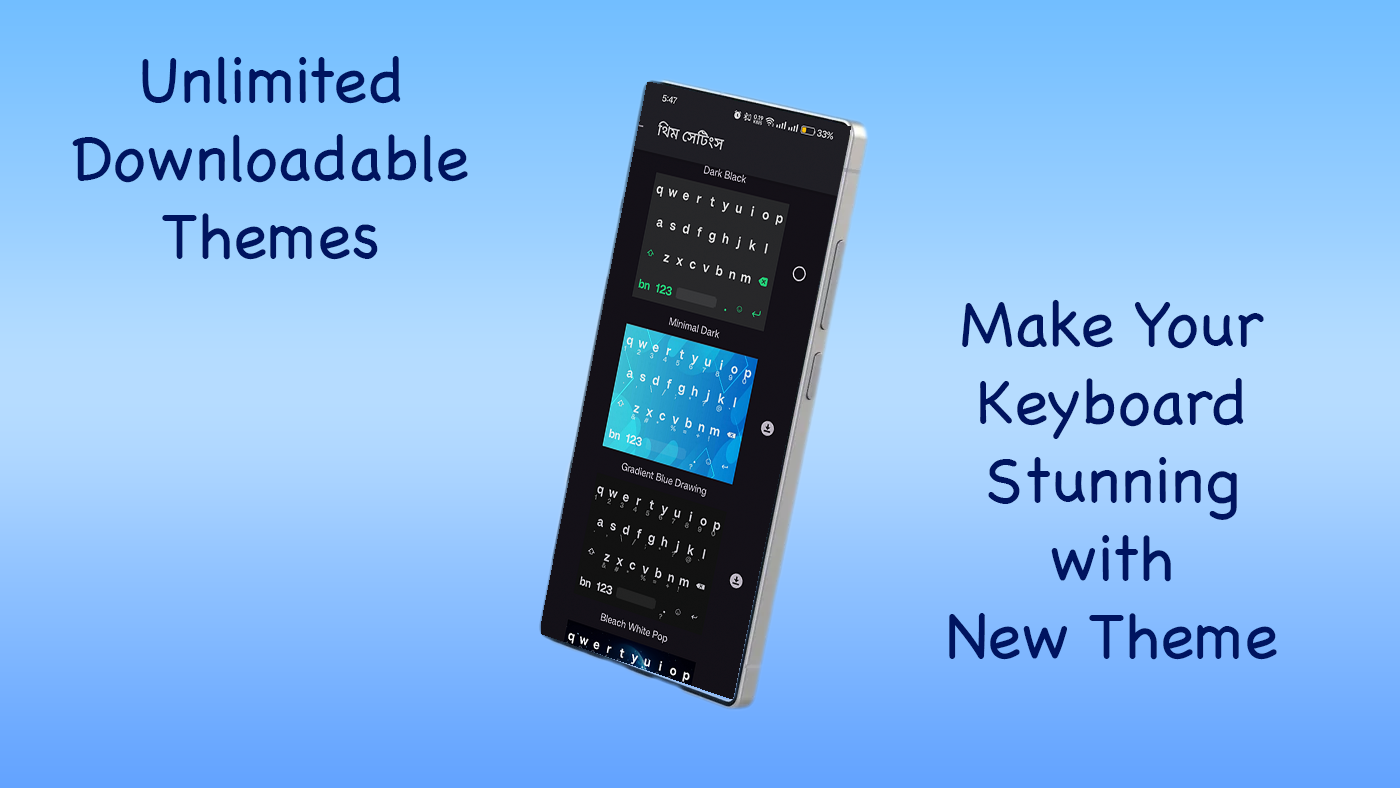
* Unlimited themes available for keyboard customization
* Smart word suggestions feature
* Flexible options for customizing the keyboard
* Computer-like experience when typing Bangla using Avro and Unibijoy
* Consistent letter formation rules are observed in Avro across computer and mobile platforms.
* Tutorial available for Bangla typing and writing
* Multi Tap functionality for quicker Bangla typing, enhancing typing speed
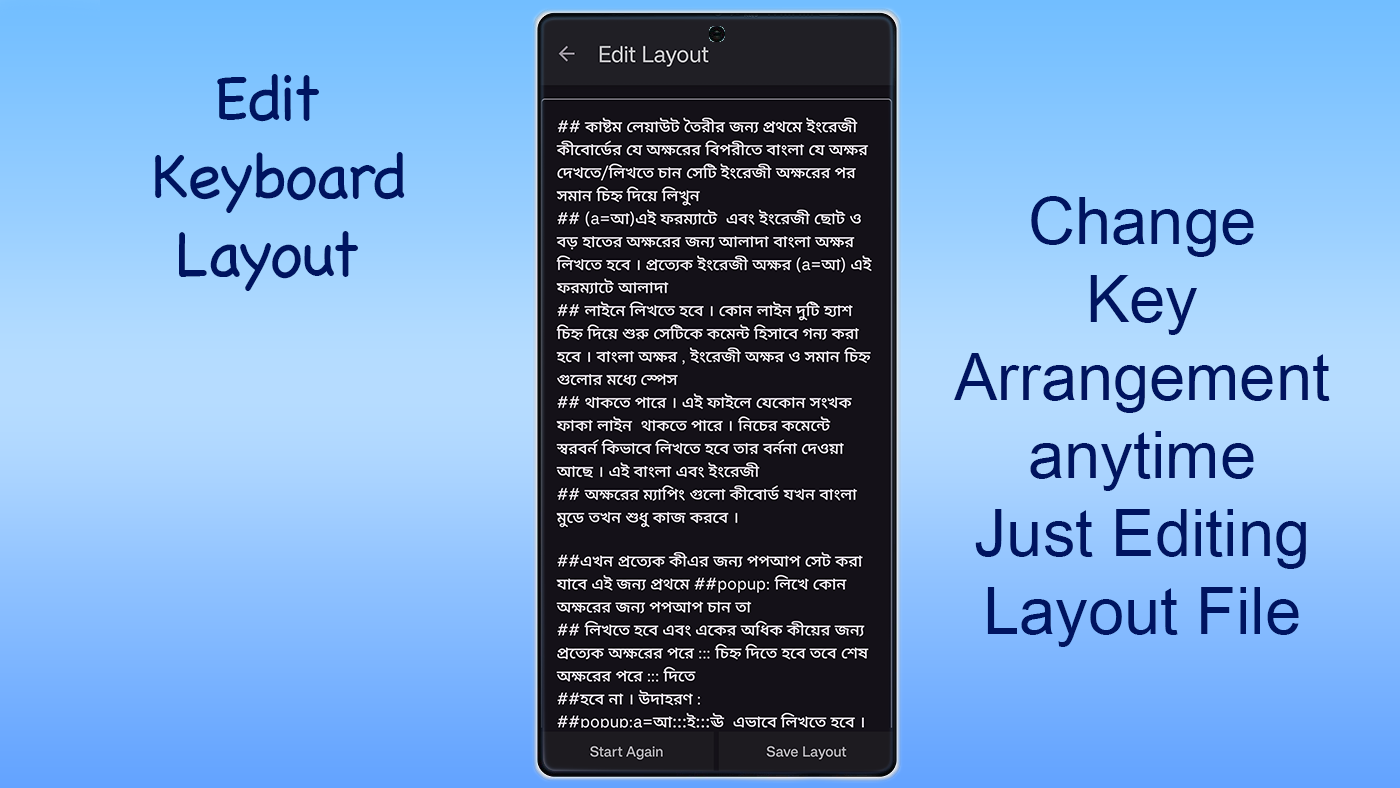
* Feature for creating new layouts, detailed information is available in the help section.
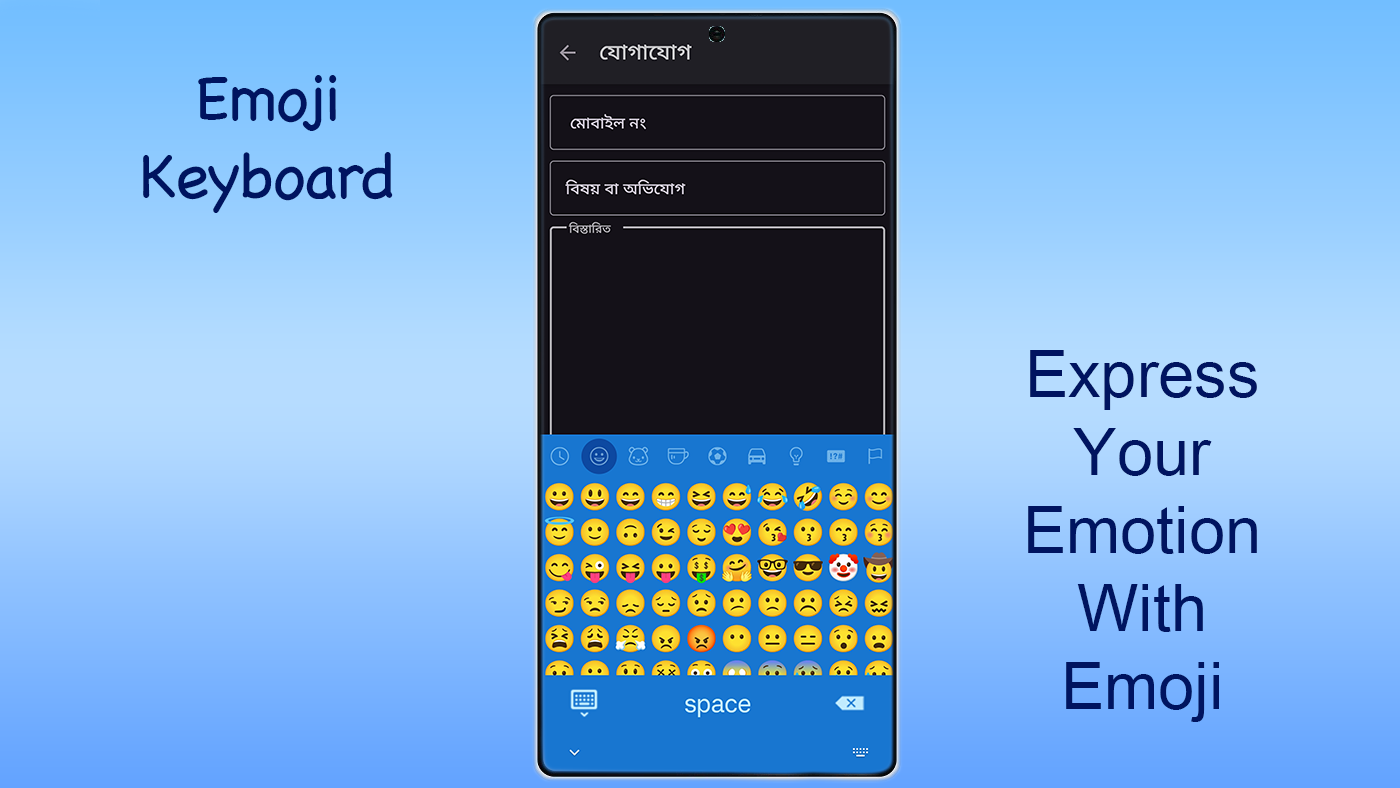
* Newly designed emoji keyboard featuring over 800 Unicode emojis
* A plethora of customization options
* Use F11 to toggle between Avro and custom layout on hardware keyboards
* Dedicated button for accessing the emoji keyboard
Instructions:
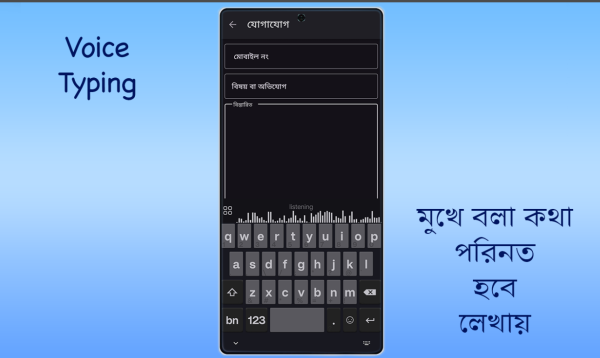
**Set Default Keyboard**: Set Unibijoy Bangla Typing as your phone's default keyboard. For detailed instructions, refer to the in-app documentation. Once set, you can type in Bengali anywhere.
**Type Text**: Based on your selected keyboard layout, simply press the corresponding keys on the keyboard to type in Bengali. The app also features smart word suggestions to help you type faster.
**Use Multi-Tap**: Parboti Keyboard's Multi-Tap feature allows users to quickly type in Bengali. Simply press a Bengali character twice in succession to type the next character. Previously, this required a long press. The maximum time between double-clicks can be adjusted in settings.
**Create a Custom Layout**: If you have specific typing needs, you can create your own custom keyboard layout. For detailed instructions, refer to the in-app help section.
**Convert Text Format**: The app supports conversion between Unicode and Bijoy formats. If you need to convert Bengali text from Unicode to Bijoy, or vice versa, you can use the conversion feature provided.
**Use the Emoji Keyboard**: The app features a newly designed emoji keyboard with over 800 Unicode emojis. Access the emoji keyboard by tapping a dedicated button, making it easy to add emojis while typing.
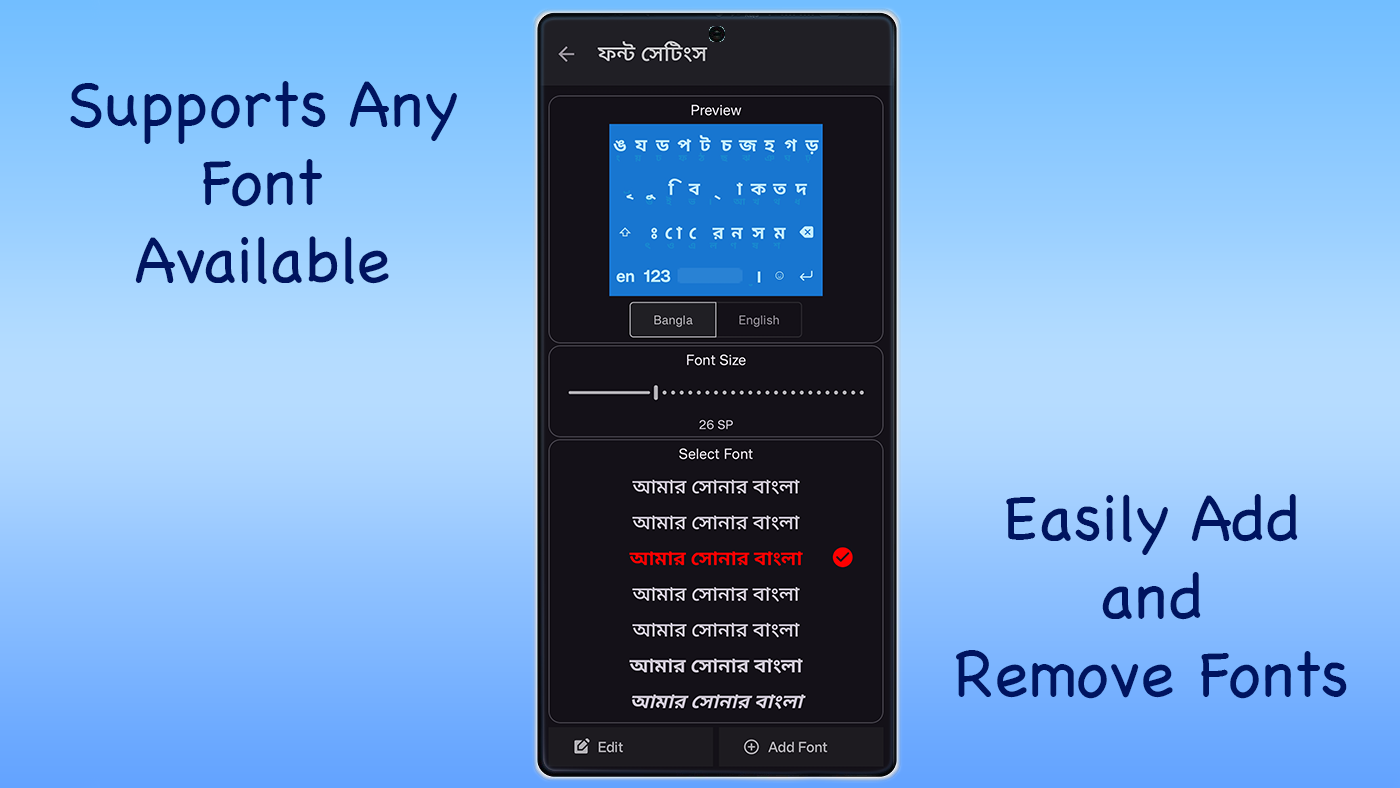
**Customize the Keyboard**: The app offers unlimited themes for keyboard customization, and you can also adjust various keyboard settings, such as font style and size, to your liking for a personalized typing experience.
New Features:
Among the new features of the Parboti keyboard are Multi Tap and the ability to create new layouts. The Multi Tap function allows users to type quickly in Bangla; pressing a Bangla character twice will input the subsequent character, which previously required a long press. Users can adjust the maximum time difference for double presses via settings. Additionally, many have requested multiple layout integrations, but this is not always feasible; therefore, a feature for creating new layouts has been included. This allows anyone to devise a new layout usable on both software and hardware keyboards. For more information about this feature, please refer to the app's help section.
This keyboard can be set as the default keyboard on your phone. By making this app the default keyboard, you'll be able to type Bangla everywhere. Instructions on how to set this app as the default keyboard can be found in the directions provided.
Hardware Keyboard:
This is the pioneering Bangla keyboard software that facilitates Bangla typing via a hardware keyboard. To use it as a system-wide keyboard, it must be selected as the default option. You can now switch between English and Bangla keyboards on hardware by pressing F12.
Furthermore, F11 enables you to alternate between Avro and the custom layout. The custom layout feature allows for the creation of various layouts, usable across both hardware and software keyboards.
Application Review:
This Bengali input method offers a professional and practical experience, perfectly suited to the input needs of Bengali users. It supports Avro phonics, fixed layouts, and multiple mainstream keyboard schemes such as Parboti and Provat, allowing users to freely switch and create custom layouts to accommodate different typing habits. The hardware keyboard adaptation function is particularly impressive; the F11 and F12 shortcuts allow for quick switching between languages and layouts, providing a computer-level input experience. Furthermore, the Unicode and Bijoy format conversion function solves text compatibility issues, while intelligent word suggestions and multi-key press functionality effectively improve input efficiency. Over 800 Unicode emojis and rich themes satisfy personalized needs. The built-in Bengali typing tutorial is beginner-friendly, and the overall operation is smooth and feature-rich, making it an efficient Bengali input tool for both everyday chat and professional text input.
FAQs
1. **Q: Which Bengali keyboard layouts does this software support? **
A: It supports Avro voice and fixed layouts, and is also compatible with Parboti, Provat, and national layouts, providing convenient options for users with different preferences. For example, users who prefer a specific voice input method can quickly type using the Avro voice layout, while those who prefer fixed key mapping also have adaptation options.
2. **Q: What if I want to use it on a hardware keyboard? **
A: First, set it as the default input method (IME) to gain system-wide hardware keyboard support. On a hardware keyboard, press F12 to switch between English and Bengali keyboards; press F11 to switch between Avro and a custom layout. For example, when typing on an external keyboard, these shortcuts allow you to quickly switch between languages and layouts, improving input efficiency.
3. **Q: Can I convert Bengali text in Unicode format to Bijoy format? And vice versa? **
A: Yes, the software supports conversion between Unicode and Bijoy formats, making it convenient for users with different format requirements. For example, Bengali text copied from a document in Unicode format can be converted to Bijoy format for use in specific software. Conversely, Bijoy-formatted text can also be converted to Unicode and shared on platforms that support the format.
4. **Q: I want to create my own Bengali keyboard layout. How do I do this?**
A: You can create custom layouts in the software. Detailed instructions can be found in the Help section. Once you enter the Help document, you'll find instructions on how to set key mappings and adjust the layout structure. Following these instructions, you can create a layout that suits your typing habits, such as placing frequently used characters in more convenient locations.
5. **Q: Does the software provide a tutorial for typing in Bengali?**
A: Yes, there is a tutorial. If you're new to Bengali typing, you can use this tutorial to learn basic typing rules and techniques, such as how to enter letters in different layouts and how to type compound characters, helping you quickly master Bengali typing.
- Version3.1.34
- UpdateOct 16, 2026
- DeveloperRough Coder
- CategoryProductivity
- Requires AndroidAndroid 5.0+
- Downloads158K+
- Package Namecom.roughcode.parboti
- Signature8fc3c7a05701dc8f3a3be8212482bb72
- Available on
- ReportFlag as inappropriate
-
NameSizeDownload
-
7.78 MB
-
7.58 MB
-
7.57 MB
















User-friendly interface
Good for typing Bangla and English
Customizable keyboard layouts
Long-term reliability from past performance
Responsive developer support
Highly useful for Android users
Frequent updates (users appreciate them)
Compatibility with multiple devices
Suggestions not functioning consistently
Recent update caused typing issues
Lack of maintenance and support
Missing dark mode and custom themes
Slower performance after last update
Limited features for iOS users
Clumsy handling of Bangla characters
Malware concerns impacting app stability
Complicated access to punctuation marks and symbols