
Argentina Calendario 2026 - Holiday Calendar & Reminders
Stay organized with personalized holiday calendar, events, reminders & custom icons for every important date in your life!
- 2.92 Version
- 3.1 Score
- 231K+ Downloads
- Free License
- 3+ Content Rating

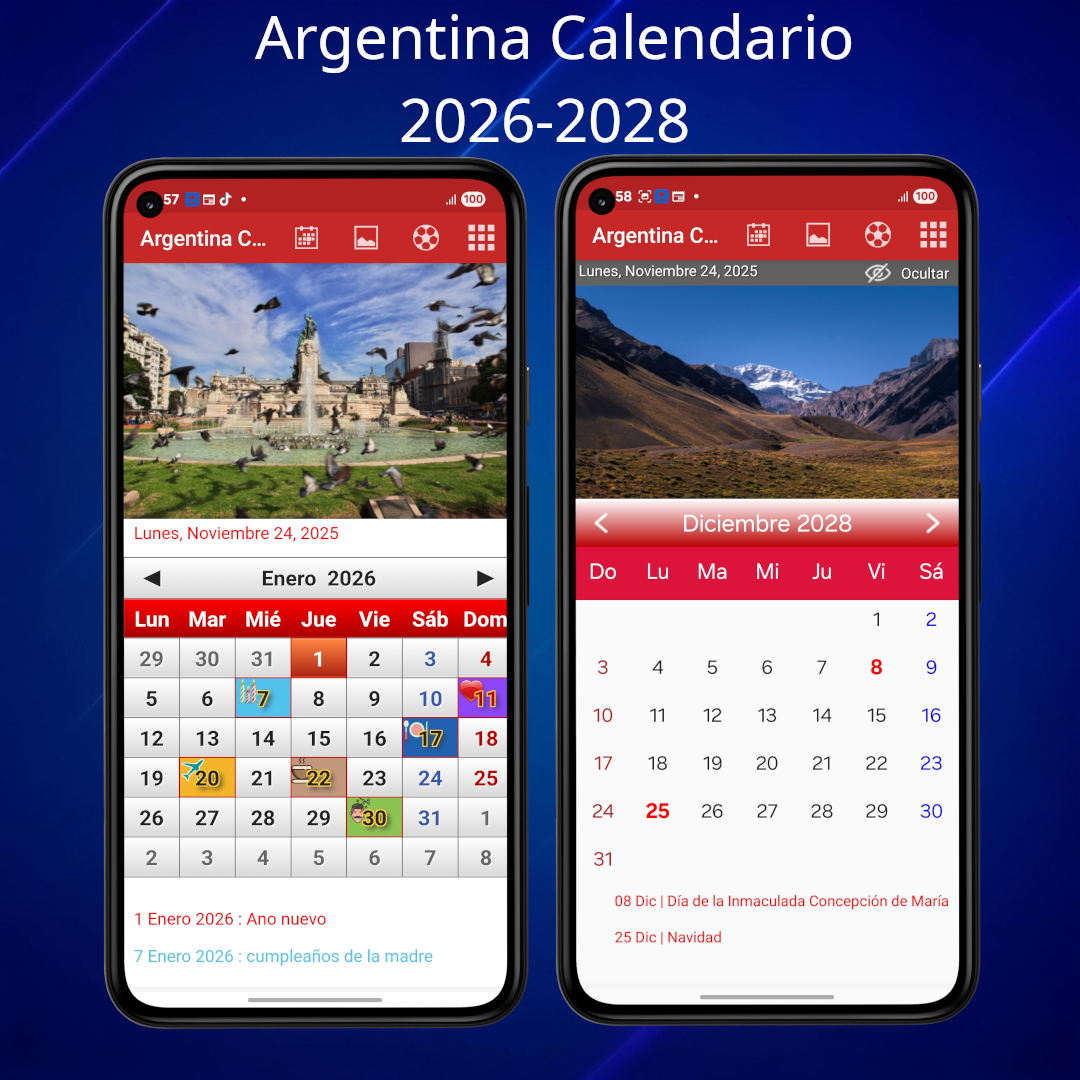
Argentina Holiday Calendar 2026 - 2028
Features
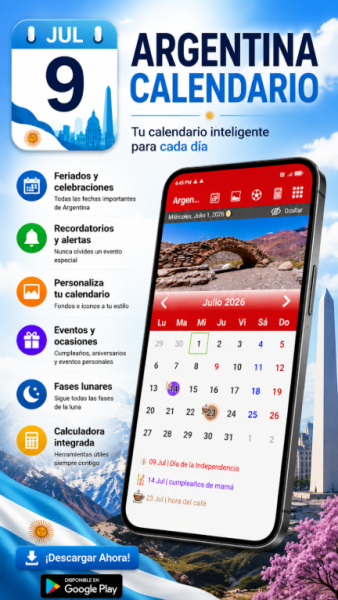
• Include events or notes with custom icons and colors.
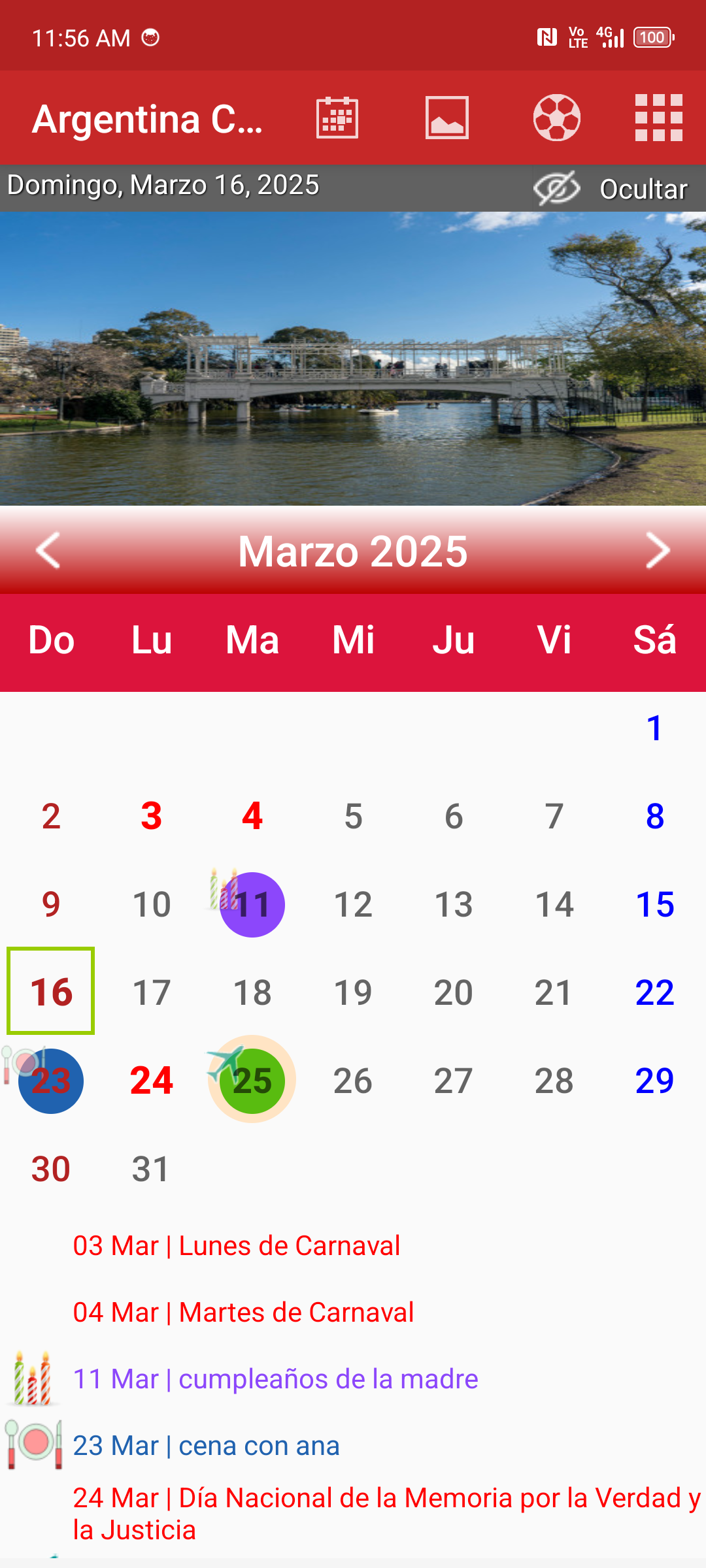
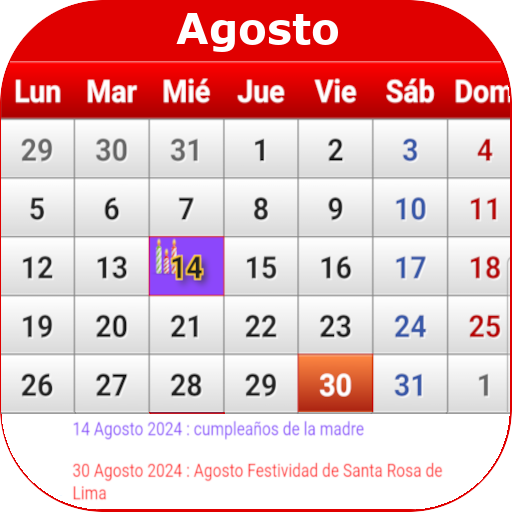
• Highlight significant dates such as holidays, wedding anniversaries, or birthdays.
• Set up recurring annual events to remember them each year.
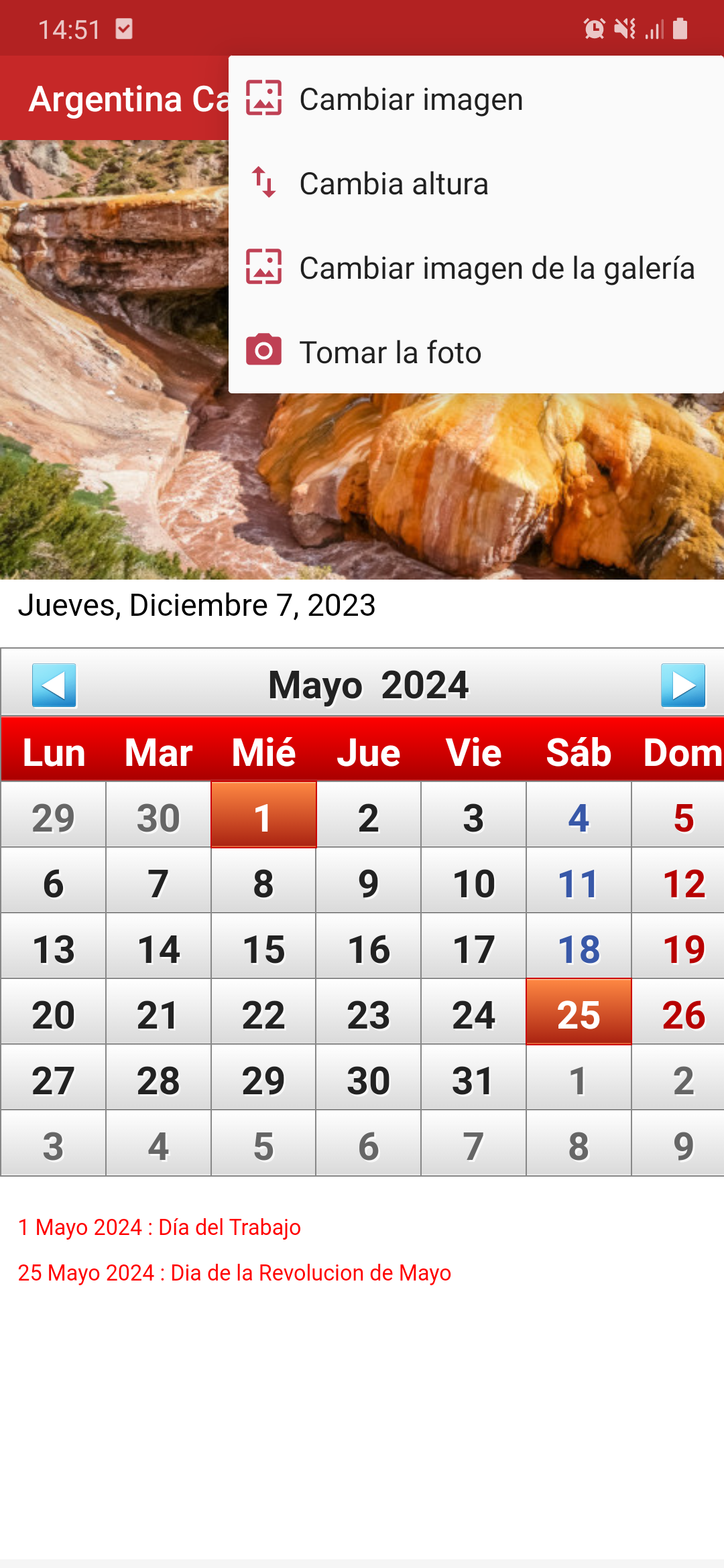
• Tailor your calendar with your own images.
• Get reminders for upcoming events.
• Choose to start the week on Sunday or Monday.
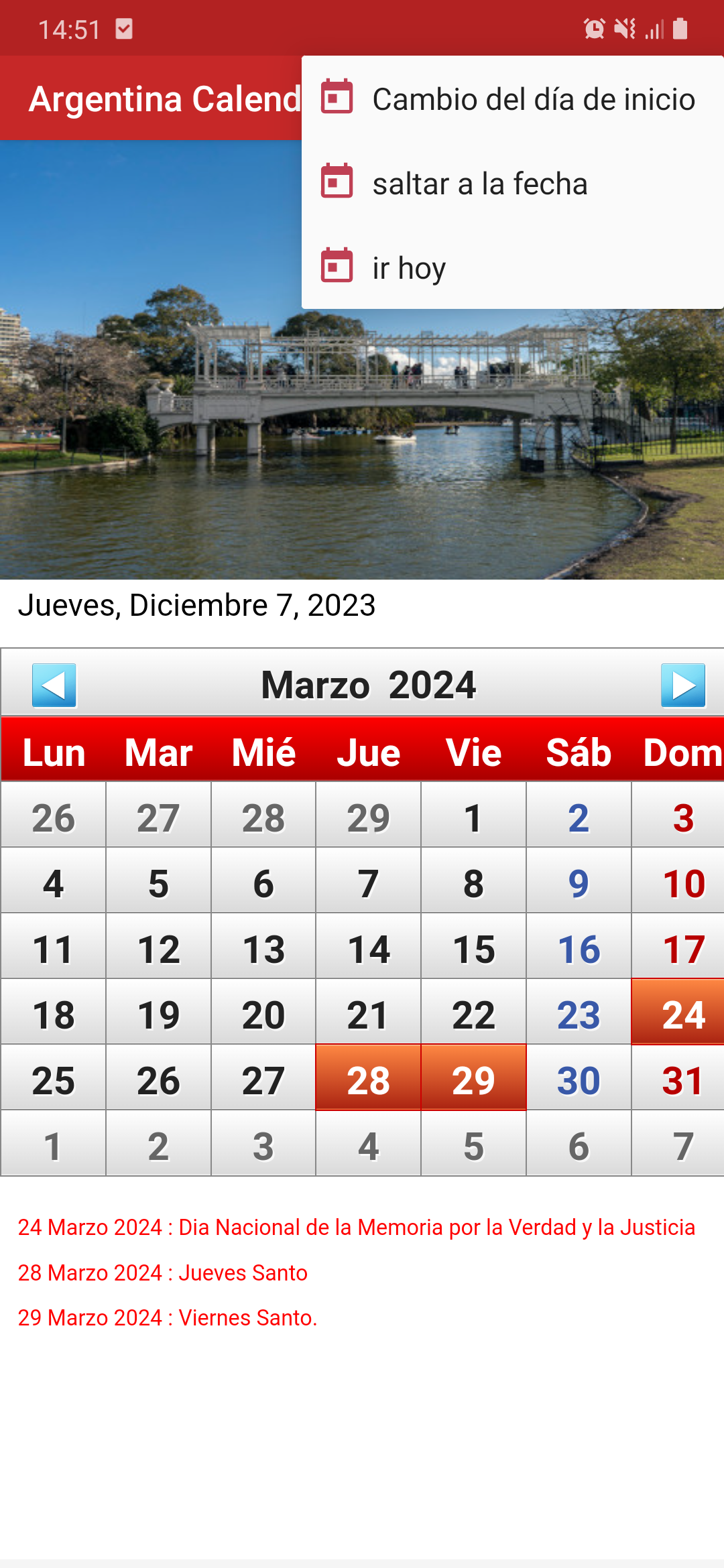
• Easily jump to today’s date or any specific date.
Common Operations
- **View Dates and Holidays**:
Upon opening the app, the default calendar for the current month is displayed. You can scroll through the screen or tap the month or year toggle buttons to view calendars for different months and years. Important dates, such as statutory holidays in Argentina, are marked on the calendar.
- **Add an Event or Note**:
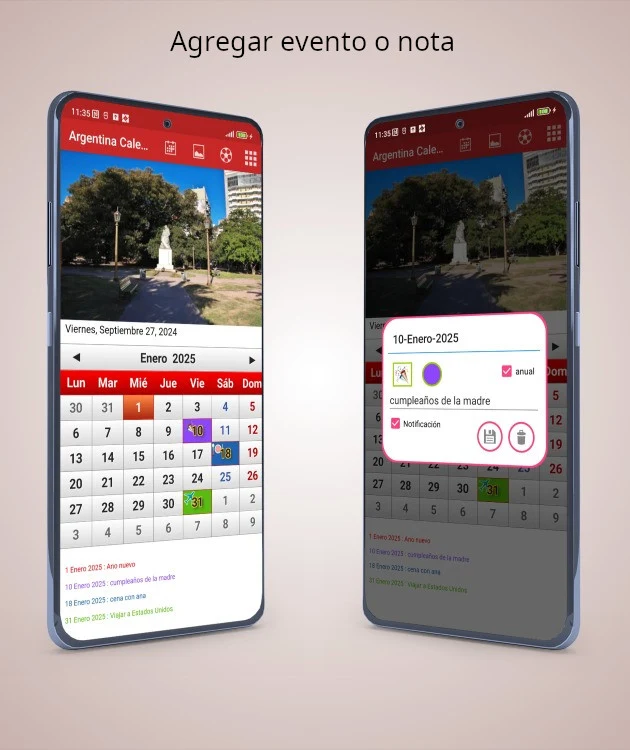
The app will typically have an "Add Event" or similar button. After tapping it, enter the event's name, date, and time. You can also add a custom icon and color to distinguish different types of events.
- **Set Reminder**:
When adding or editing an event, there's usually an option to set a reminder. You can set a reminder time based on your needs, such as one day or one hour in advance, so you'll be notified before the event.
- **Set a Recurring Event**:
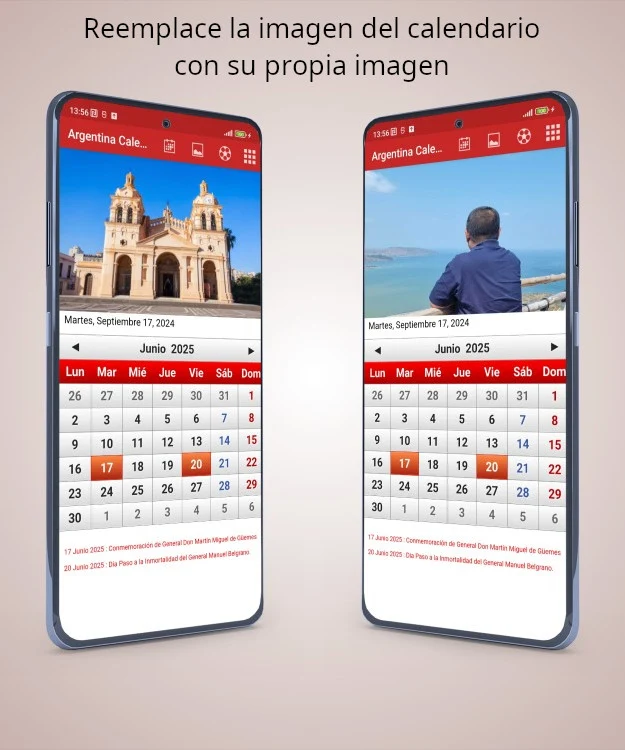
When adding an event that repeats every year, such as a birthday or wedding anniversary, find the "Repeat" or "Repeat Every Year" option in the event settings. Once enabled, the event will automatically display on the corresponding date each year. - **Customize your calendar background**: Go to the app's settings, find "Calendar Background" or "Personalization," select "Use Custom Image," and then choose the image you want to use as your background from your phone's camera roll.
- **Select the day the week starts**:
In the app's settings menu, there's usually a "Week Starts on" option. Tap it and select "Sunday" or "Monday" as the first day of the week.
- **Quickly jump to a specific date**:
There's usually a "Today" button on the calendar screen. Tap it to quickly jump to today's date. To jump to a specific date, tap on the calendar or enter a specific date in the search box.
User Review
Argentina Holiday Calendar 2026-2028 is a multi-functional calendar application designed specifically for Argentine users. It combines holiday information lookup with personalized schedule management, offering a convenient and locally tailored user experience. The application accurately covers Argentine public holidays from 2026 to 2028, with important holidays highlighted by default, eliminating the need for manual searching and making long-term schedule planning easier. It also supports adding custom events, setting annual recurring reminders, and assigning unique icons and colors to different items. Schedule categorization is clear and concise, ensuring that important dates such as birthdays and anniversaries are never missed. The interface is simple to use, allowing users to switch between years and months with a swipe and jump to today/a specific date with a single click. Even beginners can quickly get started, making it a practical tool for daily planning and holiday arrangements.
FAQs
1. **Which years of holidays can this calendar app view?
It supports viewing Argentinian holidays from 2026 to 2028, covering a multi-year timeframe, making it easy to plan your schedule long-term.
2. **How do I differentiate between different types of events?
You can add custom icons and colors to events, such as marking work items with a specific color and family anniversaries with a special icon, making it easy to distinguish different types of events at a glance.
3. **Do I need to set up repeating dates every year?
No, you can set up annual recurring events. For dates like birthdays and wedding anniversaries that recur every year, you can set them once and they will automatically appear and remind you each year, saving you the hassle of repeated steps.
4. **Can I set my own photo as the calendar background?
Yes, the app supports customizing the calendar background with personal images, such as family photos or travel photos, to give the calendar a more personalized touch.
5. **Can I set reminders to avoid missing important events?
You can set reminders for upcoming events, such as receiving notifications a day or hours in advance, to ensure you don't miss important dates.
- Version2.92
- UpdateOct 14, 2026
- DeveloperJatisari Inovasi Studio
- CategoryProductivity
- Requires AndroidAndroid 4.1+
- Downloads231K+
- Package Namecom.agus.argt.calendario
- Signature443d7c70cee5680926fcf6b67eb15ccb
- Available on
- ReportFlag as inappropriate
-
NameSizeDownload
-
2.78 MB
-
3.35 MB
-
2.32 MB





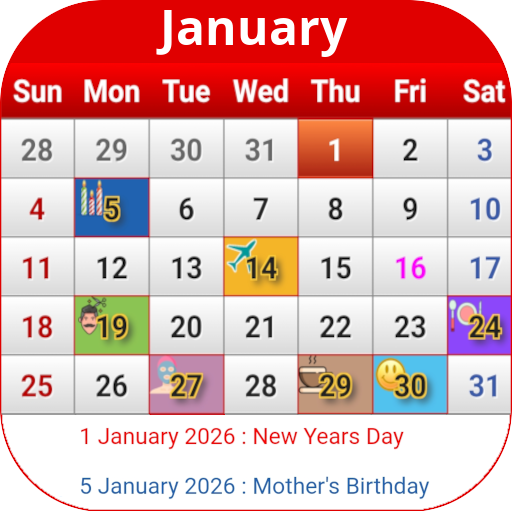
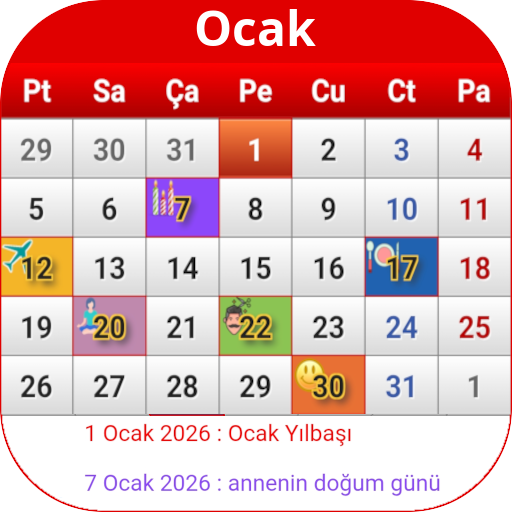
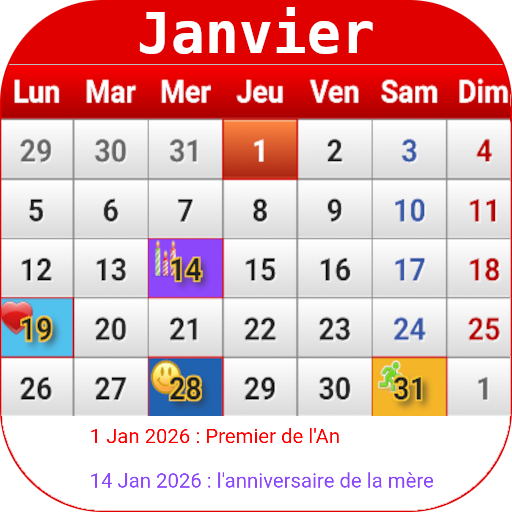
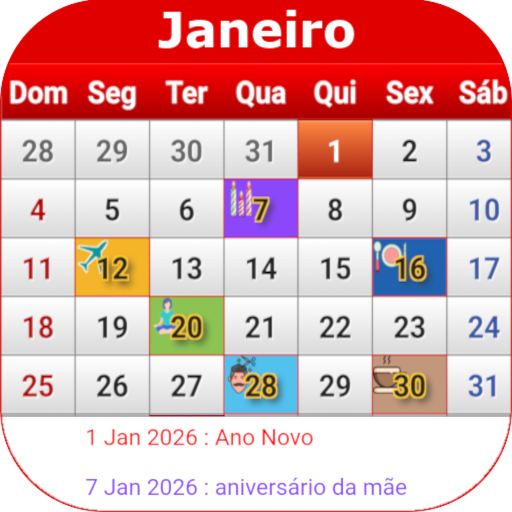





Simple and intuitive interface
Rich and practical features
Personalized customization
Multi-language support
Limited customization of reminder features
Stability issues