
Mural - Visual Collaboration - Collaborative whiteboard & brainstorming
Unleash creativity with real-time collaboration, innovative tools, & mobile access to elevate team ideation anywhere, anytime.
- 4.0.5 Version
- 2.9 Score
- 246K+ Downloads
- Free License
- 3+ Content Rating

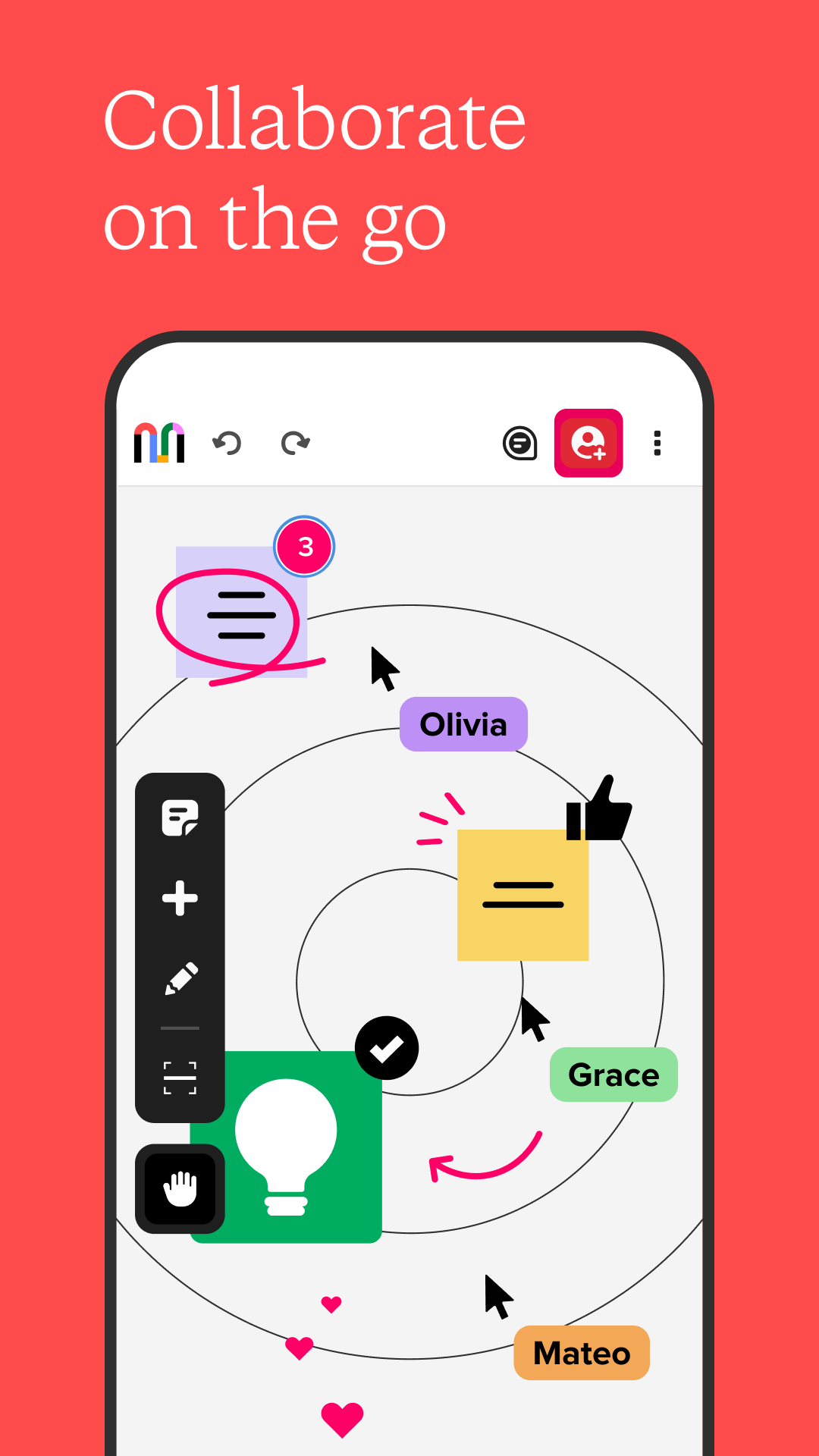
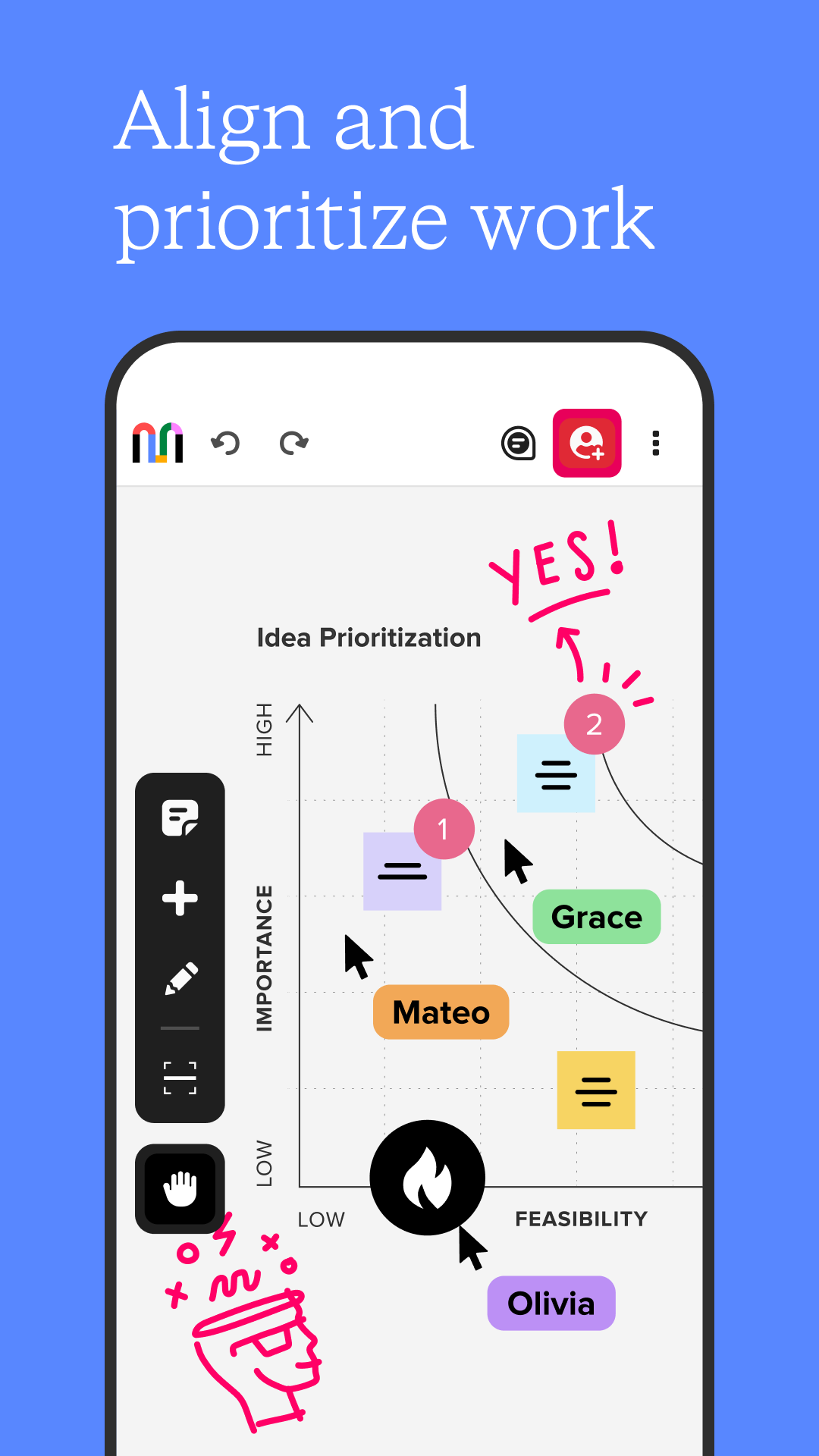
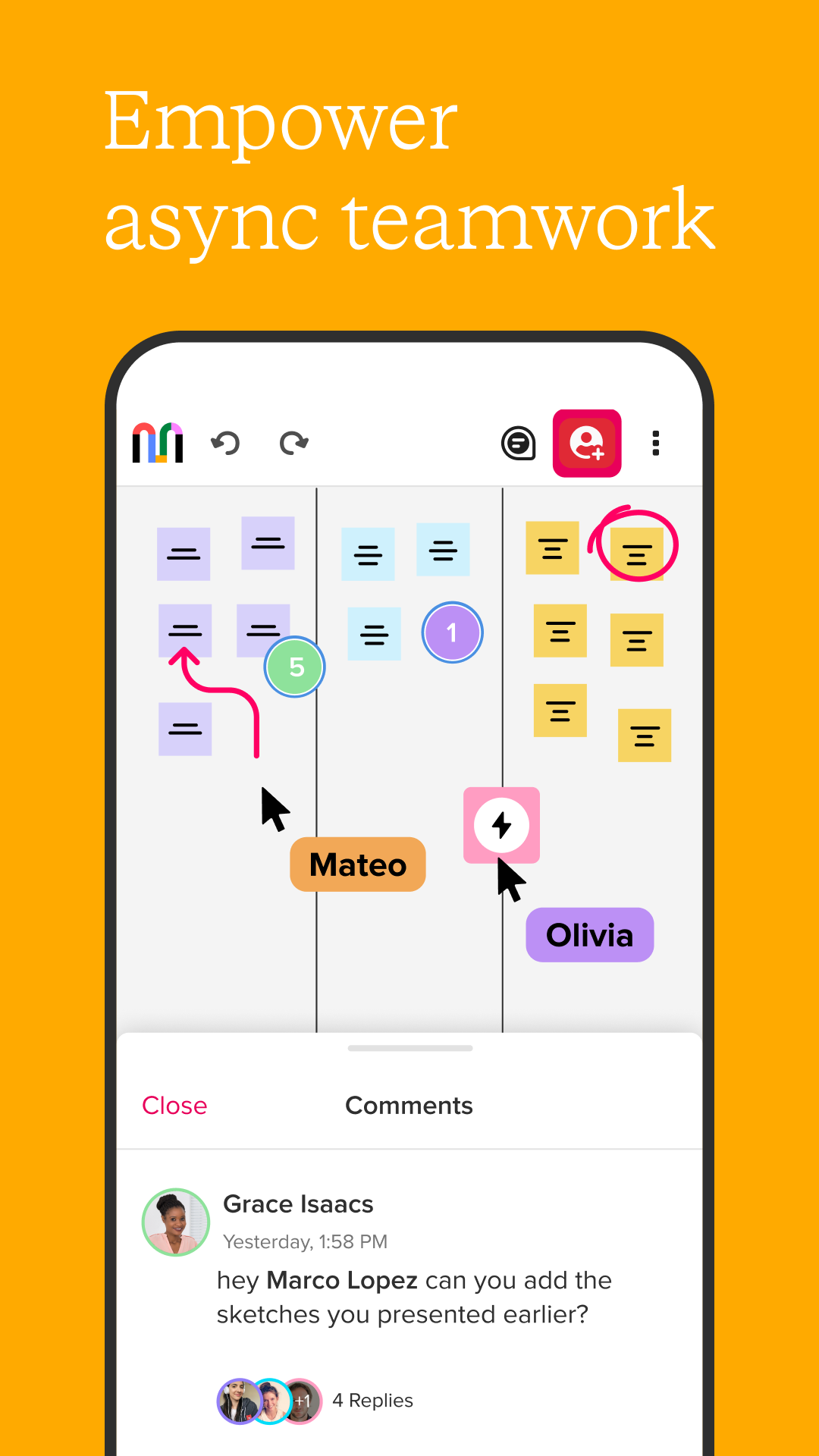
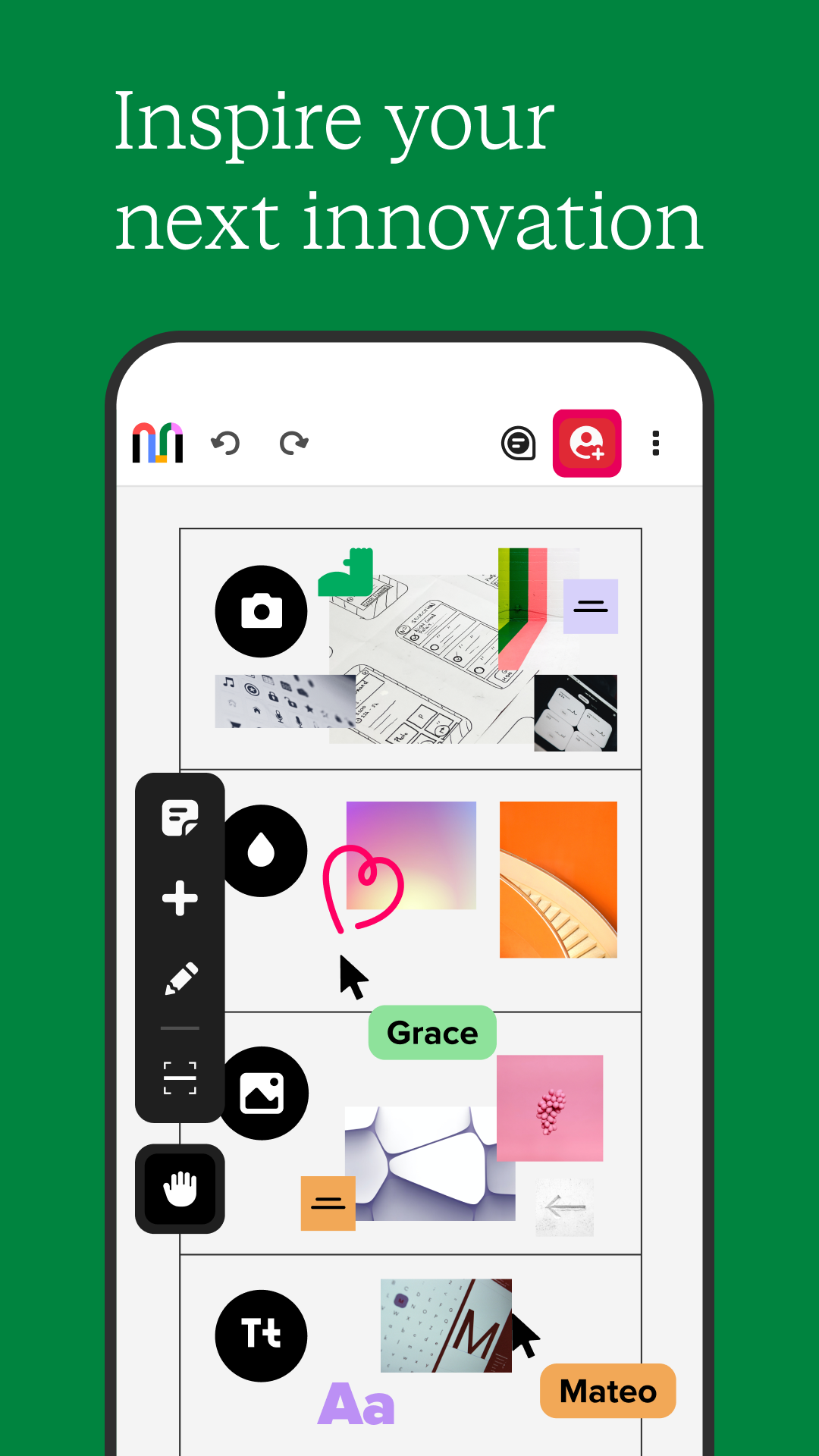
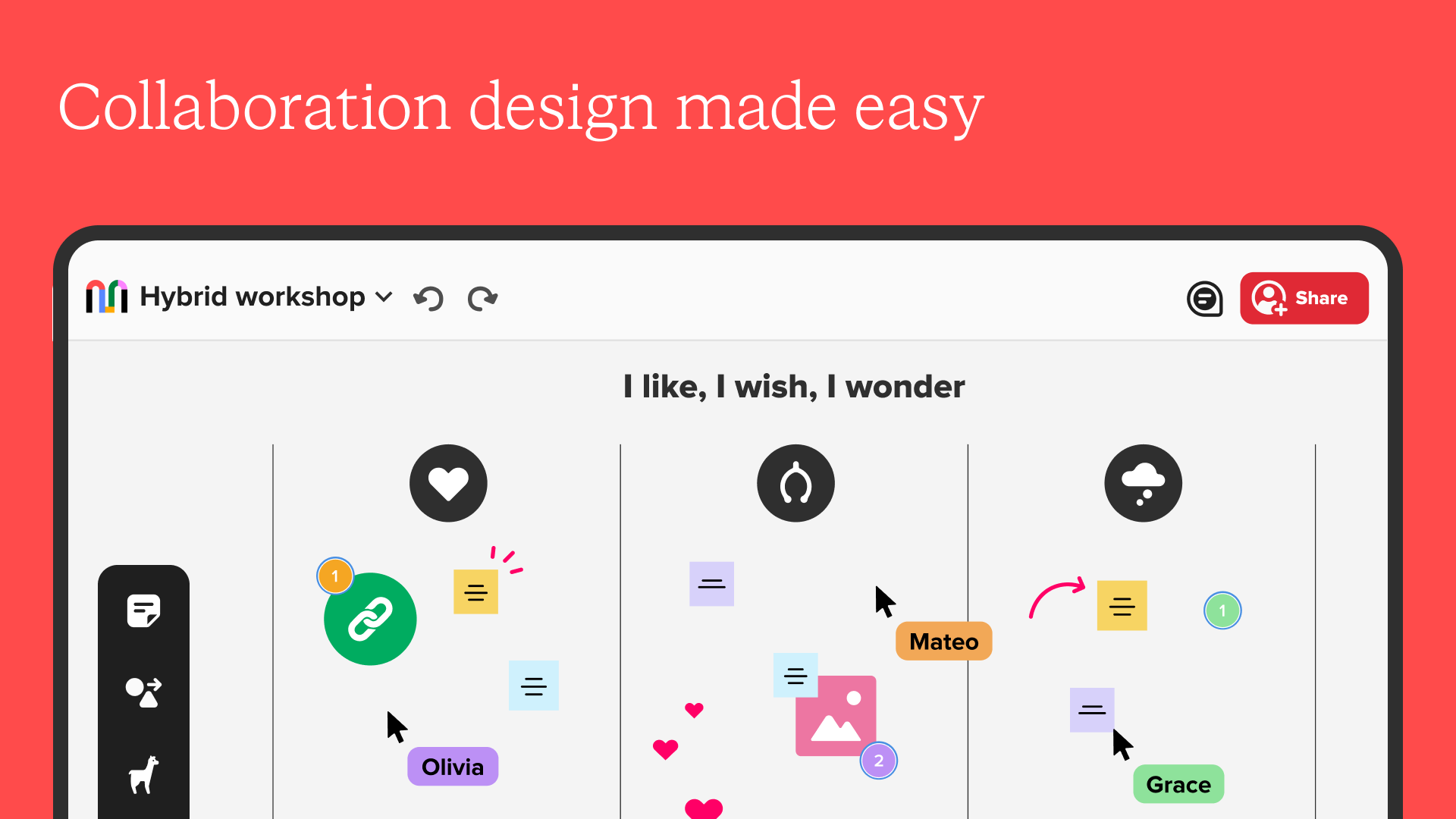
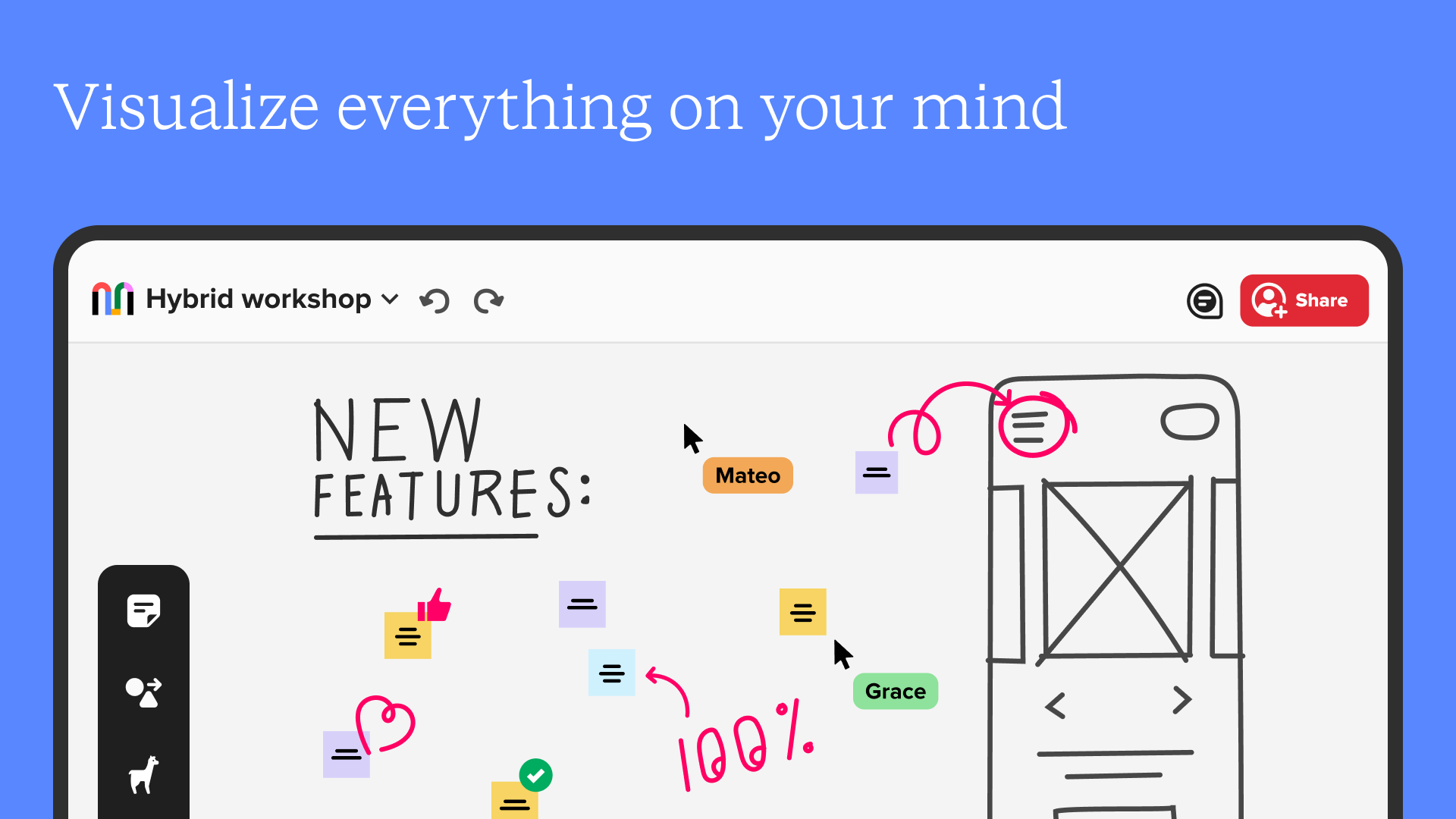
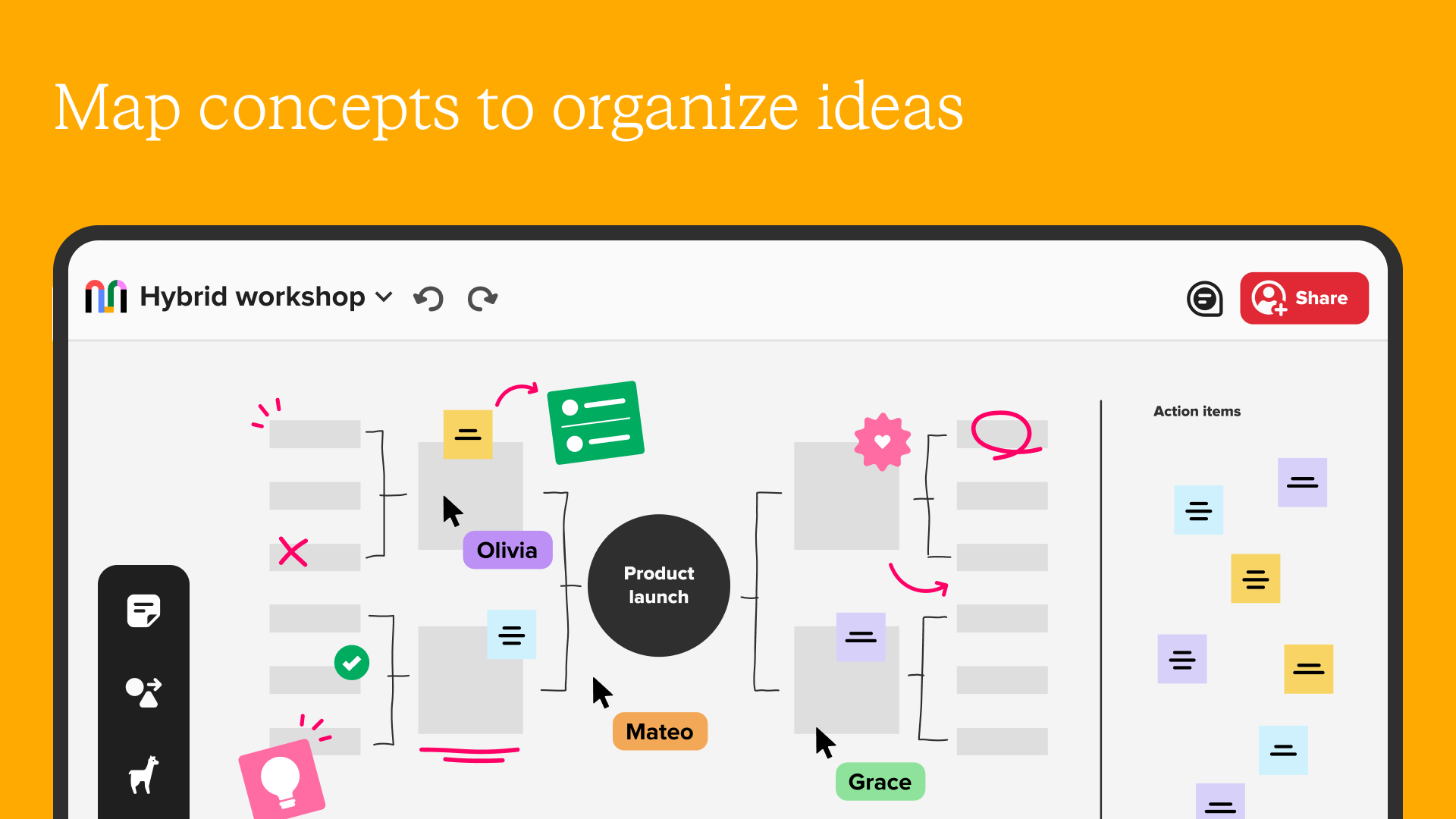
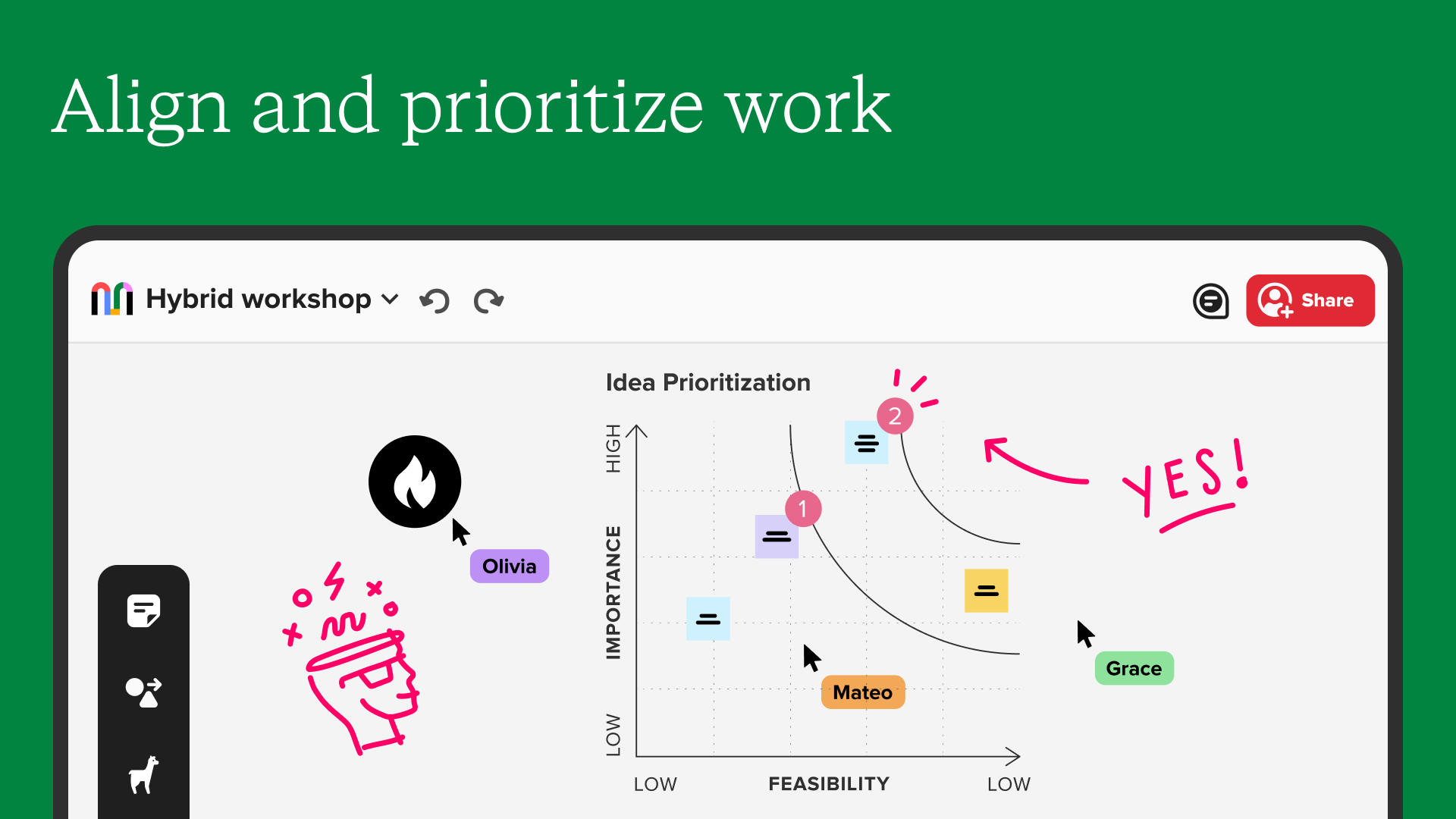
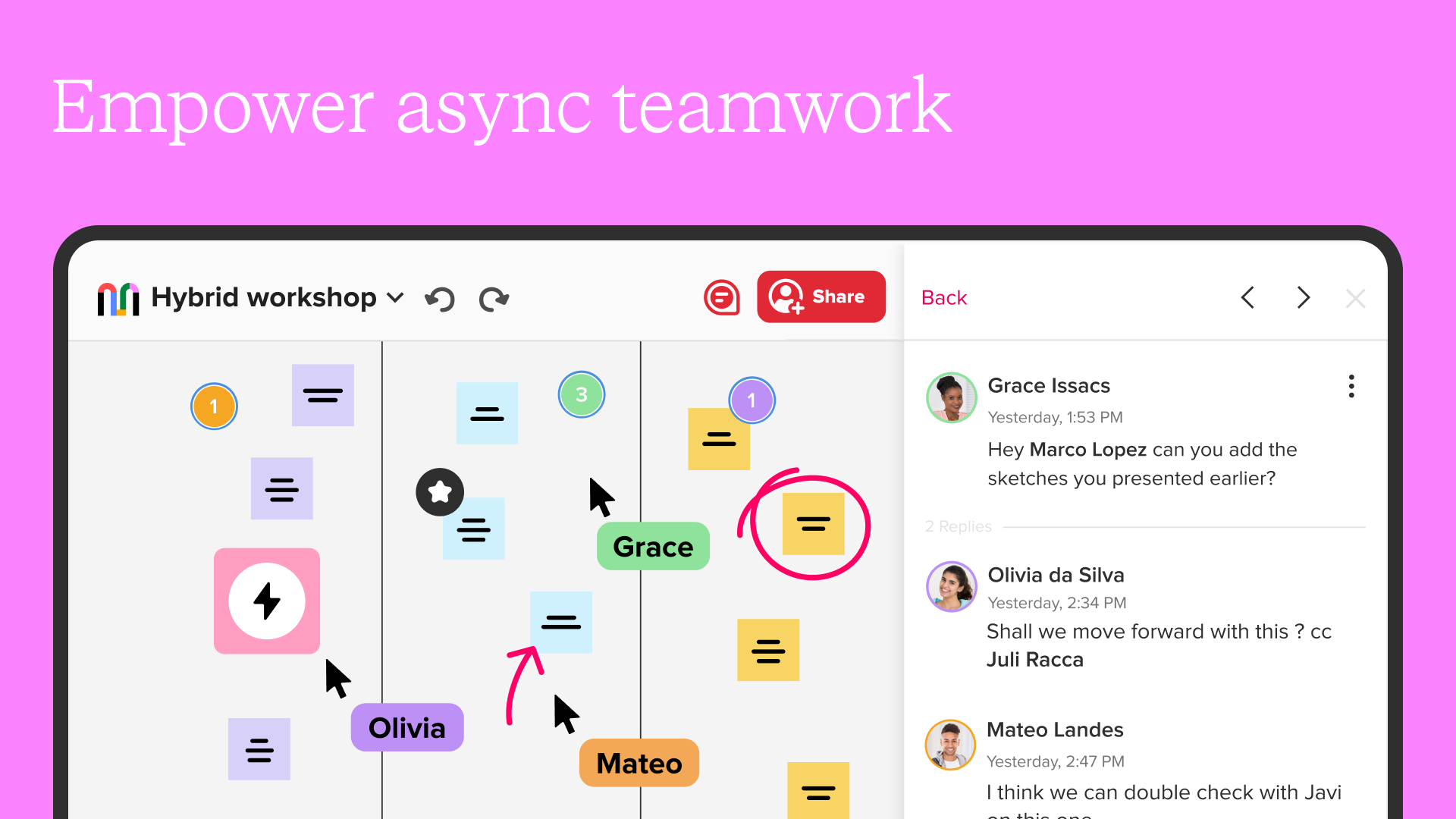
Mural is a company focused on collaborative intelligence, facilitating effective ideation, innovation, alignment, and team building for 95% of the Fortune 100. Teams can work together in real-time or at different times using a digital whiteboard along with collaboration features designed to enhance teamwork and drive business results.
The Mural application for smartphones and tablets keeps you linked with your team, allowing you to collect and share inspiration while on the move.
Leading teams, such as those at IBM, Intuit, Microsoft, GitLab, Steelcase, Thoughtworks, and Atlassian, utilize Mural for collaboration irrespective of their location.
Core Benefits
- **Improved Efficiency**: Accelerates daily tasks, optimizes workflows, and drives better business outcomes.
- **Boosted Productivity**: Enables team members to reach consensus and accomplish more in less time.
- **Breakdown of Silos**: Integrates all project components, eliminates information silos, and helps teams grasp the big picture.
- **Security and Compliance**: Complies with GDPR and CCPA regulations, ensuring data and employee information security.
Featured Features and Collaboration
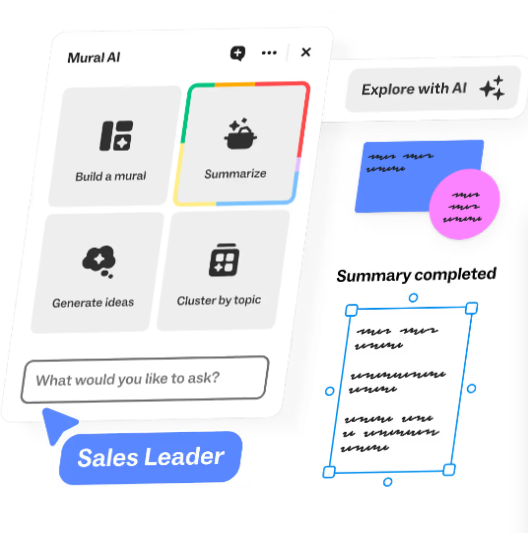
- **AI and Integration**: Powered by Mural AI and integrated with Microsoft 365 Copilot, it enhances collaboration, connectivity, and creativity; deeply integrated into the Microsoft ecosystem.
- **Template Tools**: Provides a variety of templates (such as brainstorming templates and idea prioritization templates) to facilitate efficient work meetings and solve complex problems.
- **Enterprise Case Studies**: Used by leading companies such as Autodesk, Microsoft, IBM, and Adobe, SAP has achieved a 400%+ ROI, and HPE has saved over 1,400 hours annually.
Applicable Teams and Scenarios
- Covers R&D, consulting, marketing, sales, and other teams.
- Application scenarios include brainstorming, planning, audience analysis, and meeting debriefing.
Resources and Support
- Provides product overviews, feature introductions, templates, integration solutions, security instructions, and other information.
- Includes learning materials such as case studies, webinars, blogs, and a resource center.
- Supports downloading apps (such as Microsoft Teams and Surface Hub-compatible versions).
With the Mural mobile apps, you can:
* Bring your best ideas to fruition, no matter where you're working
* Invite team members to collaborate, regardless of their location
* Review materials and give feedback to keep progress on track
* Encourage creative thinking through freehand drawing
* Organize concepts and ideas using your Stylus
Mural complies with security requirements for enterprise organizations, offering mobile device management and secure sign-in, supported by integration with Microsoft Intune Mobile Application Management.
With the Mural app for mobile devices, you are able to:
* Create new murals
* Add content using sticky notes, shapes, and text boxes with various formatting options available
* Illustrate ideas and notes using a selection of colors and line thicknesses
* Invite others to join your murals and adjust link permissions effortlessly
* Add, modify, remove, and mention other collaborators in comments
* Enhance your visual thinking by accessing a library of icons
* Engage in voting sessions
* Share enthusiasm and visual feedback through reactions
* Export a mural as a PDF, image, or zip file
* Incorporate images from your photo library, take photos on the spot, or upload files
* Display a mural on a touchscreen for hybrid collaboration
* Systematically organize content and ideas with frameworks
* Adjust mural settings
* Present easily using outline and presentation modes
An account and sign-in are necessary to use the Mural app.
FAQs
1. **What does Mural primarily help teams with? **
It's a tool focused on collaborative intelligence. Through digital whiteboarding and collaboration features, it helps teams efficiently brainstorm ideas, drive innovation, align goals, and build teams. It supports both real-time and asynchronous collaboration, making it particularly popular among large enterprises.
2. **Can I collaborate with my team anytime using the mobile version of Mural? **
Yes. The mobile and tablet apps allow you to stay connected to your team on the go, allowing you to invite members to collaborate, review content and provide feedback, express ideas with hand-drawn sketches, and manage comments and permissions for flexible work progress.
3. **Can enterprises use Mural without worrying about data security? **
No, not at all. It complies with regulations like GDPR and CCPA, supports mobile device management, secure login, and integrates with Microsoft Intune mobile app management, meeting enterprise-level security needs.
4. **Besides online collaboration, what other practical features does Mural have? **
There are many options, such as providing various templates to assist with brainstorming and planning, supporting the use of icons and frameworks to organize ideas, enabling voting and feedback with emojis, exporting files, taking photos and adding content on-site, and even switching to presentation mode to showcase your work.
5. **Which types of teams are suitable for Mural? **
It's suitable for R&D, consulting, marketing, sales, and other teams. Whether working remotely, hybrid, or in-person, it can be used for brainstorming, project planning, audience analysis, and meeting debriefing.
6. **Does Mural require a fee? **
While the information doesn't explicitly mention pricing, it does mention that you need to log in to use it. Typically, these tools have both free and paid versions (especially for enterprise features). Please check their pricing plans for details.
Application Experience Evaluation
Mural, a digital whiteboard tool emphasizing collaborative intelligence, is an excellent choice for efficient team collaboration, especially suitable for cross-regional and hybrid work environments, offering a professional and highly practical experience. Supporting real-time and asynchronous collaboration, coupled with AI empowerment, deep integration with the Microsoft ecosystem, and a rich selection of office templates, it efficiently meets the needs of various scenarios such as brainstorming, project planning, and meeting debriefing, helping teams break down information barriers, quickly reach consensus, and significantly improve work efficiency and creativity. It also complies with GDPR, CCPA, and other regulations, combining enterprise-level secure login and device management to ensure data security. It has been validated by leading companies such as IBM and Microsoft, demonstrating significant ROI and efficiency improvements. The mobile app allows for creation, collaboration, feedback, and file export anytime, anywhere. With comprehensive functions and seamless integration into office scenarios, it only requires an account login to use. While pricing is not explicitly stated, it caters to the needs of teams of different sizes, making it a powerful tool for improving collaboration efficiency for various enterprise teams, including R&D, marketing, and consulting.
- Version4.0.5
- UpdateOct 12, 2026
- DeveloperMURAL
- CategoryProductivity
- Requires AndroidAndroid 10+
- Downloads246K+
- Package Namecom.mural
- Signatureed44d40d32e74ceca323ba6c3639dc38
- Available on
- ReportFlag as inappropriate
-
NameSizeDownload
-
51.26 MB
-
57.19 MB
-
46.36 MB















User-friendly design (if improved)
Access to murals on the go
Potential for collaborative projects
Integration with existing Mural functionality on desktop
Good support responsiveness in some cases
Possibility for updates to enhance performance
App is slow and crashes frequently
Limited functionality; view-only mode only
Bugs prevent proper usage and login issues
Missing features compared to browser version
Poor user experience with interface design
Frequent timeouts and inability to load murals
Lack of proper Android support and updates
Difficulty managing account and permissions
Useless for editing; primarily just a viewer