
ParagraphAI - AI writing & keyboard
Unleash effortless communication with fluency across 30 languages—perfect grammar, instant replies, and powerful editing tools await!

- 2.4.5 Version
- 1.4 Score
- 178K+ Downloads
- In-app purchases License
- 12+ Content Rating

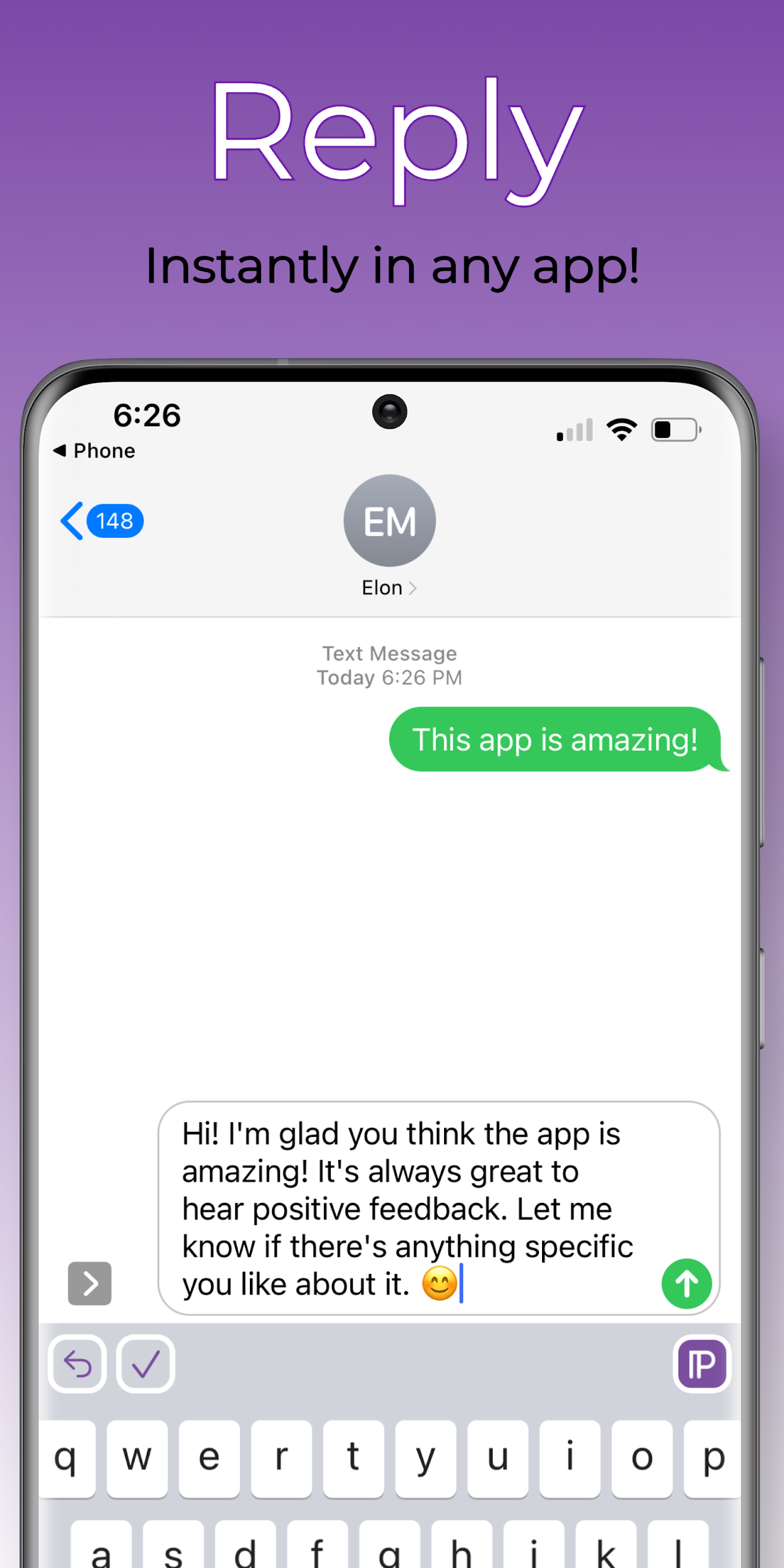
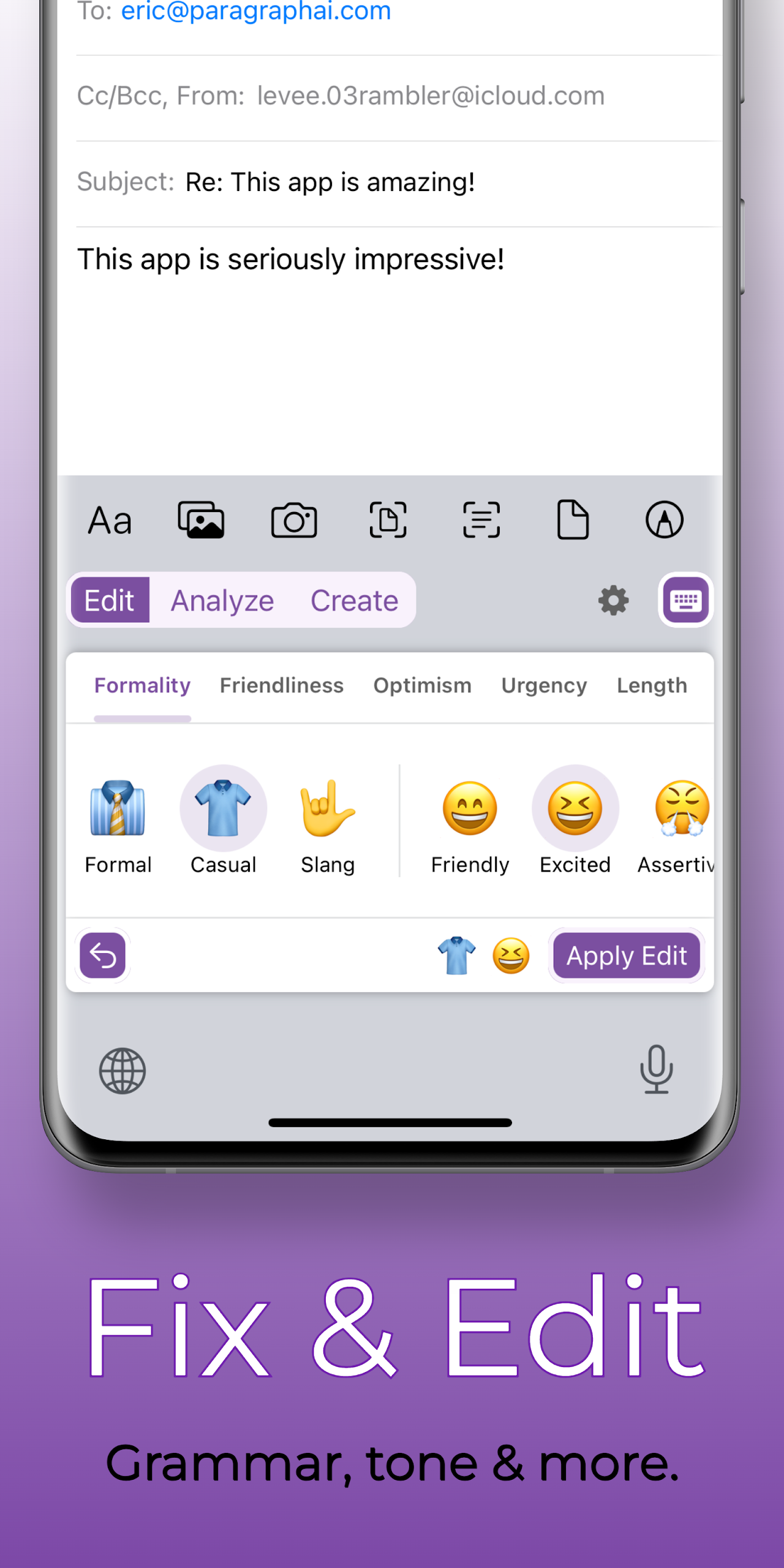
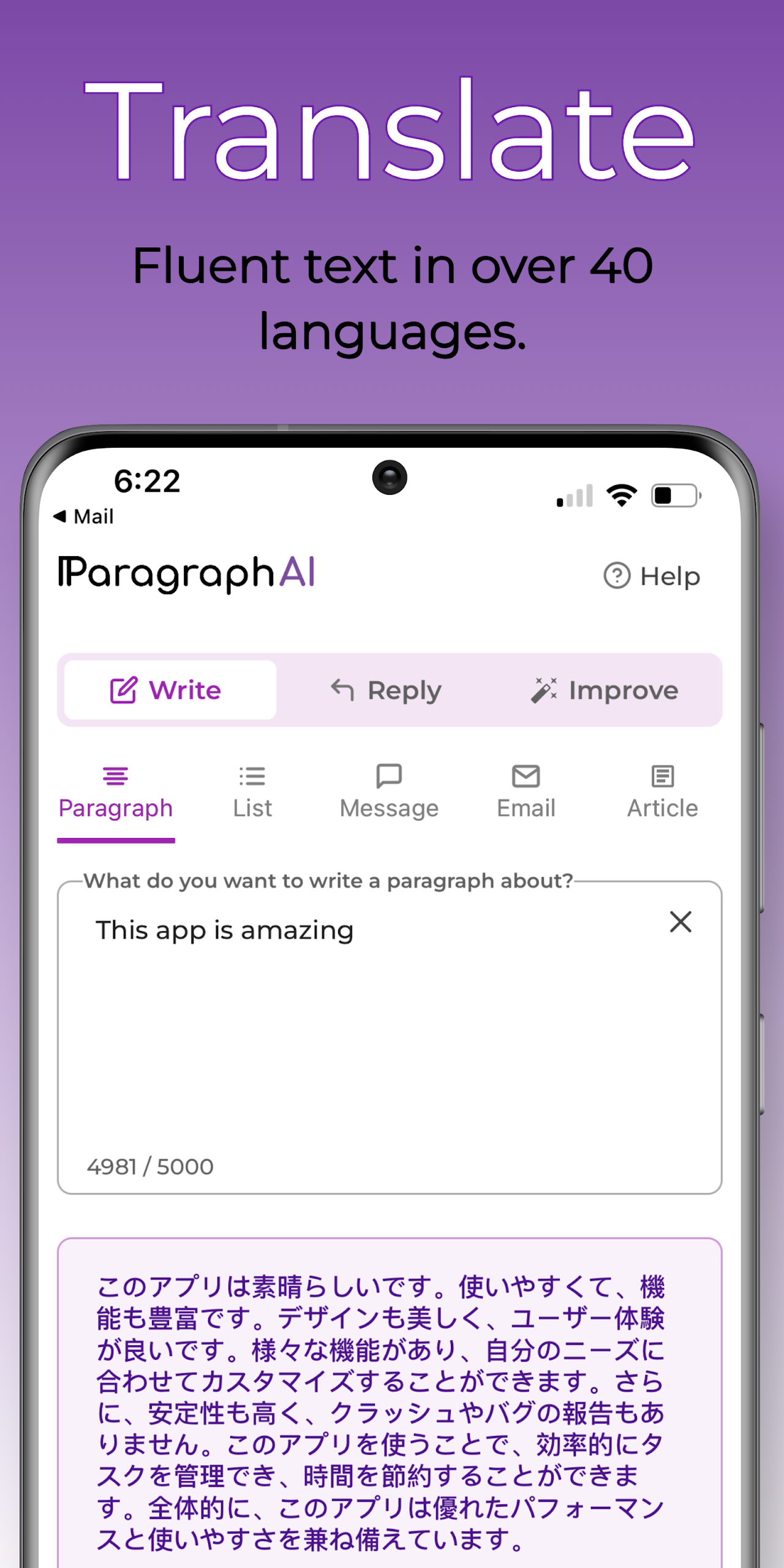
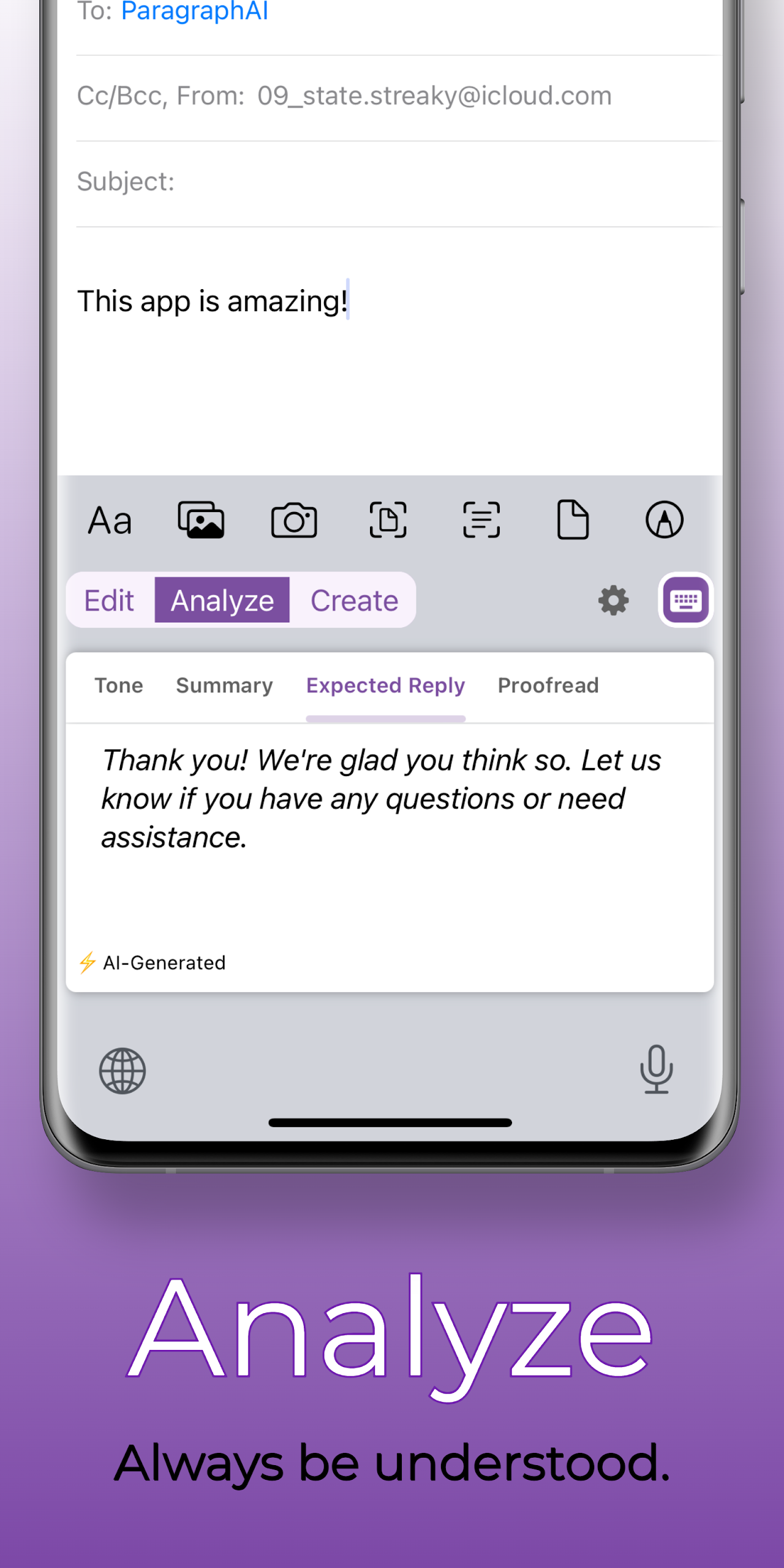
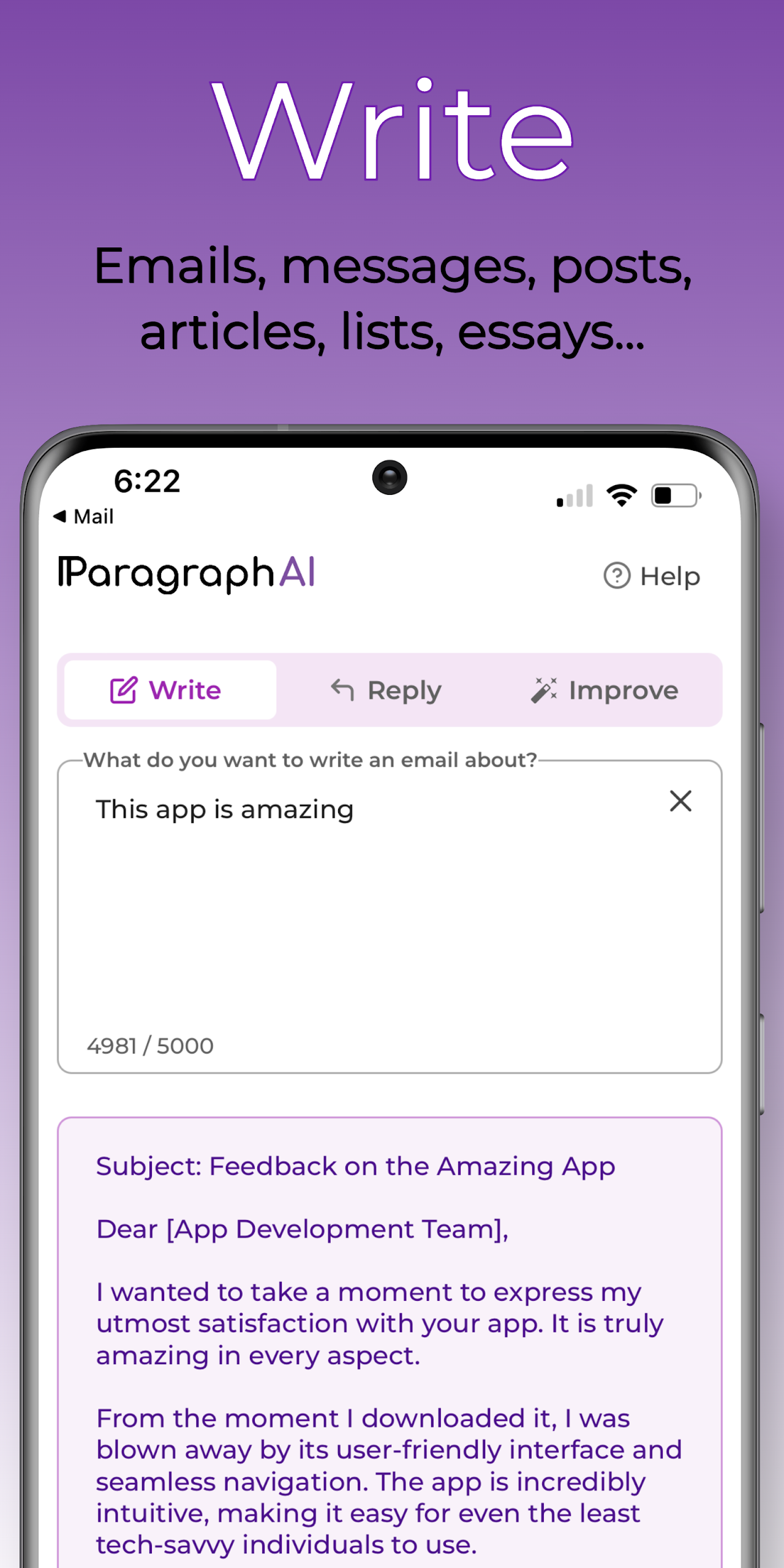
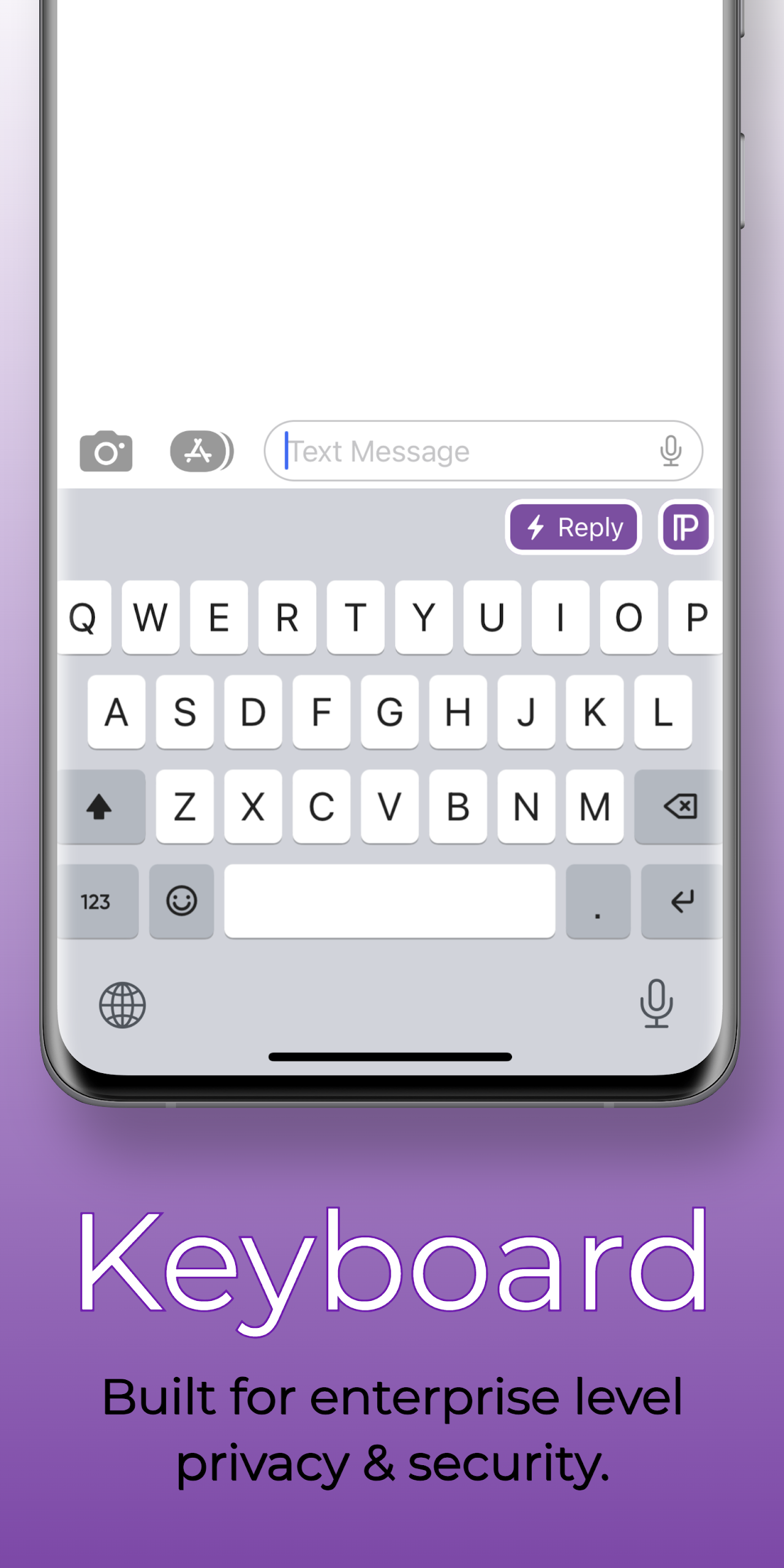
This AI writing tool and keyboard enables you to write fluently and accurately in various languages, including English, French, Spanish, Japanese, and over 30 others.
Boost your grammar, spelling, and overall writing abilities through scientifically-backed strategies for effective communication. Generate quick responses to messages, chats, or emails effortlessly with our AI keyboard, allowing you to compose and edit directly within any application.
We present ParagraphAI, the AI assistant tailored for students, professionals, and those learning English as a second language (ESL, TEFL). This innovative keyboard is driven by GPT technology, developed by experts from Meta, MIT, and OpenAI. No need to stress about word placement; transform into a skilled writer using our multilingual writing assistant.
*Disclaimer* We are not affiliated with OpenAI, ChatGPT, GPT-3, GPT-4, or any of its subsidiaries.
Your AI writer and keyboard go beyond basic functions, offering:
*Flawless grammar correction, accurate spelling, and writing capabilities in English and over 30 languages.
*A one-click AI email writer to respond to emails swiftly.
*Customizable editing options featuring a range of tone choices and advanced AI writing tools.
*Tone and sentiment analysis alongside summaries and a sophisticated proofreading feature.
*Smooth typing experience with excellent autocorrect functionality, ensuring top-level privacy and security.
If you’re involved in writing, editing, or content creation using platforms such as Quillbot, Grammarly, Wordtune, Jasper AI, Copy AI, Rytr, Ginger, AI Writer, Writesonic, Anyword, or Hyperwrite, give ParagraphAI a try!
In-app functionalities include:
*Creation of articles, essays, emails, messages, reports, text, and outlines on any subject. Just specify the content you'd like the AI writer to generate, such as "an essay outline on Macbeth" or "a sales outreach email," and ParagraphAI will produce material in your desired format, ranging from brief paragraphs to comprehensive essays.
*Instant replies to emails, messages, and chats. You can also enjoy engaging interactions with your personalized GPT AI chatbot. ParagraphAI quickly provides responses to messages or emails, allowing you to make edits before sending.
*Enhancement of grammar, spelling, and tone across any text. More than just generating paragraphs—edit, rectify, rewrite, and proofread rough drafts and outlines with professional-grade language skills. ESL users can communicate seamlessly in English while improving their language proficiency.
*Translation support for over 30 languages using our multilingual AI keyboard to create complex translations, covering live chat, website localization, ESL emails, and more. An essential resource for non-native English speakers. Our GPT-powered Natural Language Processing (NLP) can effectively translate a wide array of languages, including Mandarin, English, Spanish, Arabic, French, German, Portuguese, Italian, Urdu, Korean, Hindi, Japanese, Vietnamese, and Tagalog. (Utilize the command "output in *language*")
About Us:

ParagraphAI harnesses the capabilities of GPT technology to provide an innovative writing and keyboard solution. We value the potential of collaboration between humans and AI to enhance writing experiences.
Your privacy and security are our utmost concern at ParagraphAI. We will never disclose your personal information and implement rigorous measures to protect your data.
Accessibility permissions allow ParagraphAI to deliver writing support across all your preferred applications. We only process the data you choose to use when seeking writing assistance.
We invite you to compare us with:
Quillbot, Grammarly, Wordtune, Jasper AI, Copy AI, Rytr, Ginger, AI Writer, Writesonic, Anyword, Hyperwrite, and more.
*Disclaimer* We do not have any connections with OpenAI, Quillbot, Grammarly, Wordtune, Jasper AI, Copy.AI, Rytr, Ginger, AI Writer, Writesonic, Anyword, Hyperwrite, ChatGPT, or their respective affiliates.
FAQ
What’s the difference between ParagraphAI Free and ParagraphAI Pro?
ParagraphAI offers two plan options to suit your needs:
ParagraphAI Free
5 uses per day.
Access to basic editing and keyboard features.
Input up to 1,000 characters at a time.
ParagraphAI Pro
Unlimited uses.
Access to advanced editing and keyboard features.
Input up to 10,000 characters for more in-depth writing.
Long-form writing.
How do I clear storage and cache on Android?
If the app isn’t working properly, clearing the cache and storage can often fix the issue. Keep in mind, this will sign you out of the app, so you’ll need to log back in after. Here’s how to do it:
- Open the Settings app on your device.
- Go to Apps & notifications (or simply Apps, depending on your Android version).
- Find ParagraphAI. If you don’t see it, find See all apps or App info.
- Select Storage, then select Clear cache and Clear storage. If this option isn’t available, try Manage space instead.
- Rest assured–your subscription is linked to your email, so you’ll keep all your Pro features after the reset.
How do I attach a link?
Improve your writing by pulling text and information directly from websites. To attach a link:
- Open the ParagraphAI App on the web or desktop and navigate to Write.
- Select the add attachment icon (attach_file_add) at the bottom of the screen.
- Paste the URL and select Attach link.
Notes:
Link any publicly accessible page that doesn’t require a password.
Some websites restrict automated access. If you encounter this issue, contact us at hi@paragraphai.com and we will look into it.
Optimizing text length with ParagraphAI's Length slider | insights and benefits
A look into our dynamic and helpful Length edit slider, and how we ran tests to improve its overall quality.
ParagraphAI: The AI writing tool
At ParagraphAI, we are dedicated to empowering individuals to say what they mean. Our AI writing tool enables you to communicate instantly, anywhere, and in any language. Whether you're an ESL speaker, dyslexic, or a professional, our AI writing tool supports your communication journey, helping you say what you mean at the tap of a few buttons.
ParagraphAI's Length slider
Have you noticed any changes to our AI writing tool’s edit sliders recently? Today’s spotlight is on the ParagraphAI Length edit slider which helps users with text length adjustment. Need to trim down that novel you were about to text someone? What about a discussion post for school that could use some beefing up? ParagraphAI's Length slider helps you change the length of your text while maintaining the tone, meaning, or overall content with the help of our dynamic AI writing tool.
Why we chose it?
We chose to experiment with the ParagraphAI Length slider because of some curious trends we observed in its usage data. Even though Length is designed to both shorten and lengthen text, an overwhelming majority of ParagraphAI users seemed to exclusively make their text longer. Not only this, but many users were choosing the option that made their text as long as possible. This begged the question of what people were using the slider for, and whether or not modifying it would cause infrequently-used positions to see more adoption.
Theories for testing changes
After reviewing existing data, we came up with a few ideas for modifying Length. There was a lot of emphasis on improving the shortening side of the slider since it was seeing far less use than its longer counterpart. Since the shortest option, which condensed a text into a bullet point summary, was used the least often, we decided to reevaluate its purpose: how else might someone want to reduce their text to the smallest amount of information possible? On the other end of the scale, what if the longest option was even longer? Would ParagraphAI users still see value in this part of the slider? We crafted a set of new instructions to prompt the model to make more dramatic changes in length between positions. This approach leverages the capabilities of our AI writing tool to offer enhanced flexibility and customization for our users.
How we measured success and chose the winner
In setting up the experiment, we chose to split test (or A/B test) the two versions of the Length slider for two weeks. These two versions were only shown to our iOS users. Both versions of Length were also made available to Free users for the duration of the test, so that we could get more representative user data. We chose our winning candidate based on the common usage metrics, such as how often people were using the slider, copying the outputs, and subscribing after usage. These metrics help to paint a picture of how much users want to keep using each version of Length, and how much overall value it is providing to them.
What we saw from our test
The new ParagraphAI Length slider was the clear winner between the two versions: users were more likely to both use and copy outputs. New Length also saw overall better conversion and marginally better retention compared to its older counterpart. Curiously, 16-17% of users shortened the text in both the old and new Length sliders, aligning with the trend seen prior to the experiment. We are always working to improve our edit sliders, so that users can edit their text in new and exciting ways. This improvement in our AI writing tool ensures users can efficiently adjust their text length as required with a simple, user-friendly slider. Testing helps us optimize the effectiveness of our AI writing tool and continue to set ParagraphAI apart in the AI market. That being said, what do you think? Give our new Length slider a try, and let us know your thoughts!
- Version2.4.5
- UpdateOct 14, 2026
- DeveloperParagraphAI Inc.
- CategoryProductivity
- Requires AndroidAndroid 8.0+
- Downloads178K+
- Package Namecom.paragraphai.paragraphai
- Signature9c051c31bac9b507e997e6a7e673b980
- Available on
- ReportFlag as inappropriate
-
NameSizeDownload
-
49.87 MB
-
39.25 MB
-
37.76 MB
















Provides instant feedback on writing.
Helps improve grammar, spelling, and punctuation errors.
Easy to use with an intuitive interface.
Offers a wide selection of writing styles and tones.
Supports various content types like essays, emails, and articles.
Useful for brainstorming and overcoming writer's block.
Daily free usage allows access without upfront payments.
No ads interrupting user experience.
Limited free usage capped at 20 writes per day.
Issues with account login and verification processes.
Some users report glitches and app crashes.
Subscription costs may be considered high by some users.
Functionality problems in specific platforms or versions.
The AI does not consistently generate accurate content.
Limited customization for longer pieces unless upgraded.
Customer service response could be slow or ineffective.