
Autosync for Box - BoxSync - Auto file sync & backup
Seamlessly sync files & folders across devices & Box cloud. Enjoy automatic backups with enhanced security & efficiency.
- 6.5.1 Version
- 3.2 Score
- 57K+ Downloads
- In-app purchases License
- 3+ Content Rating

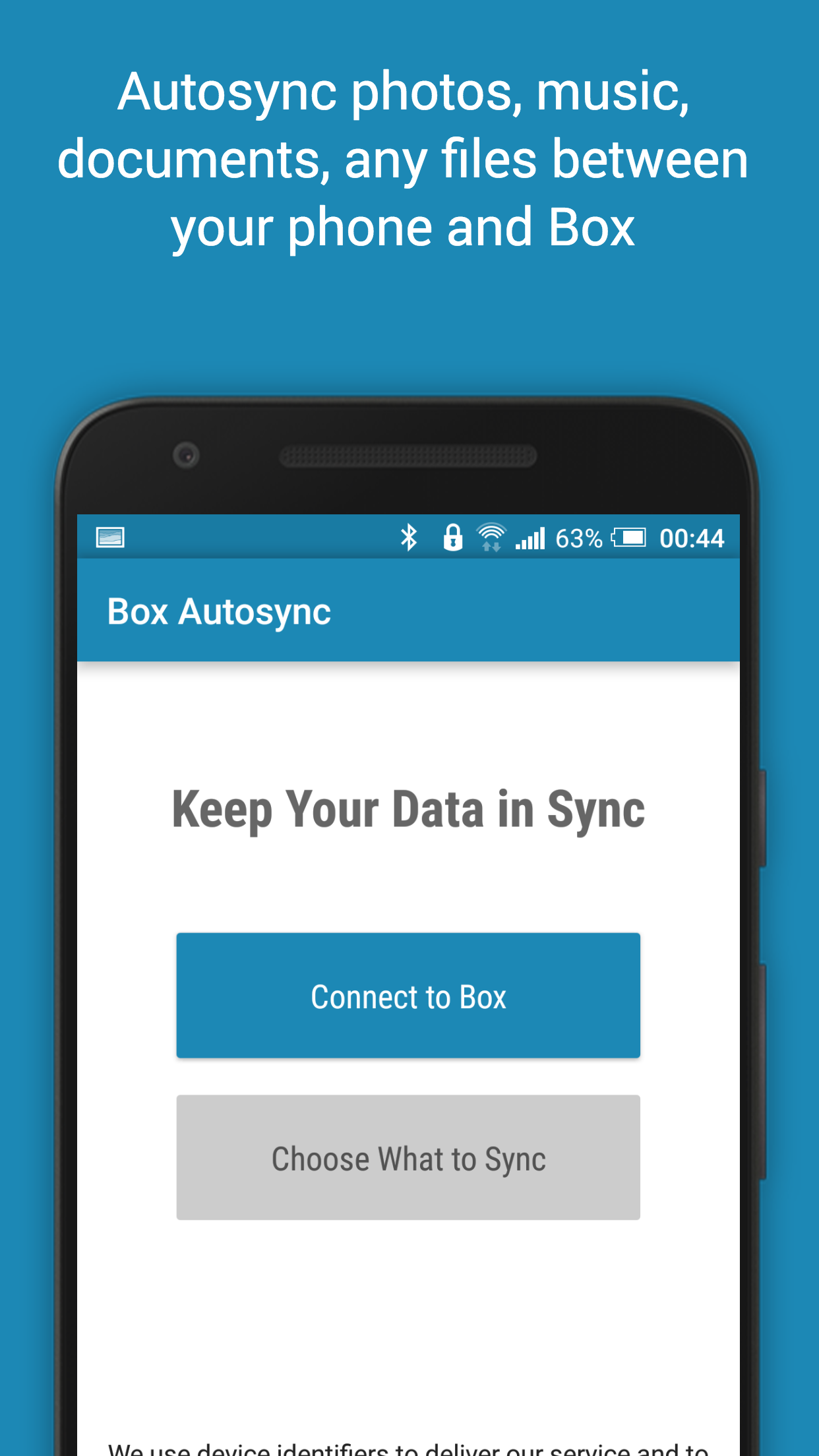
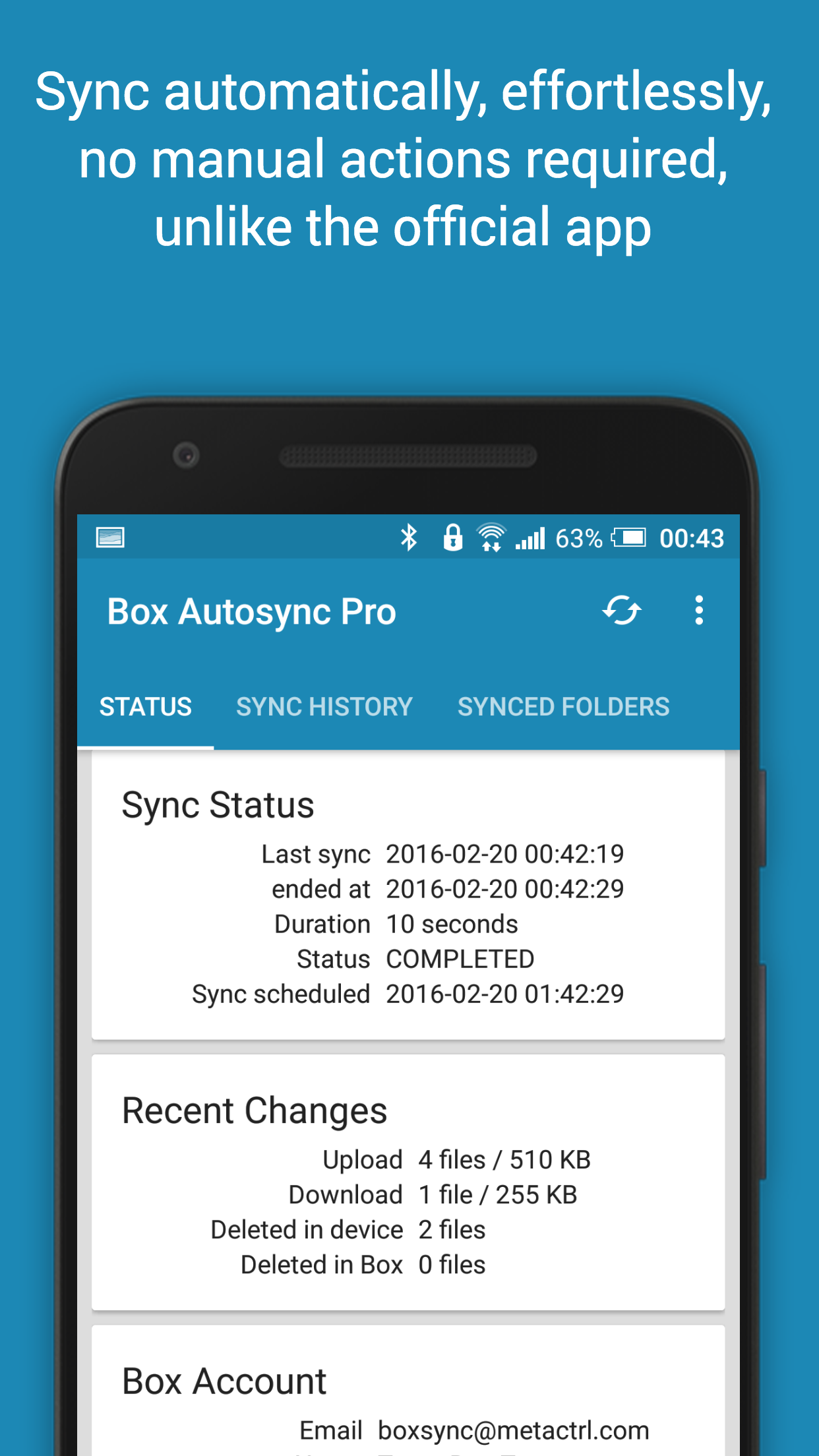
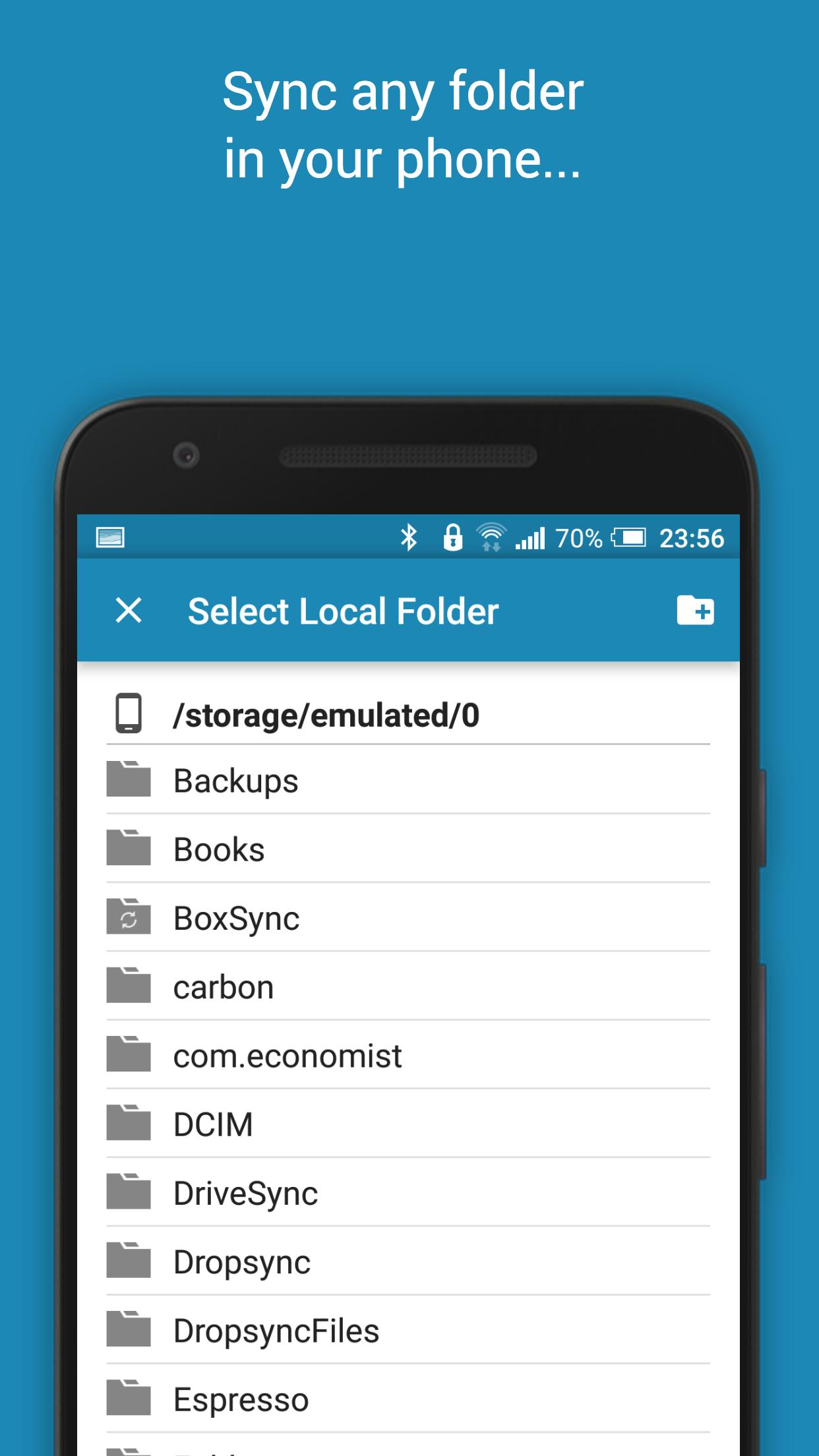
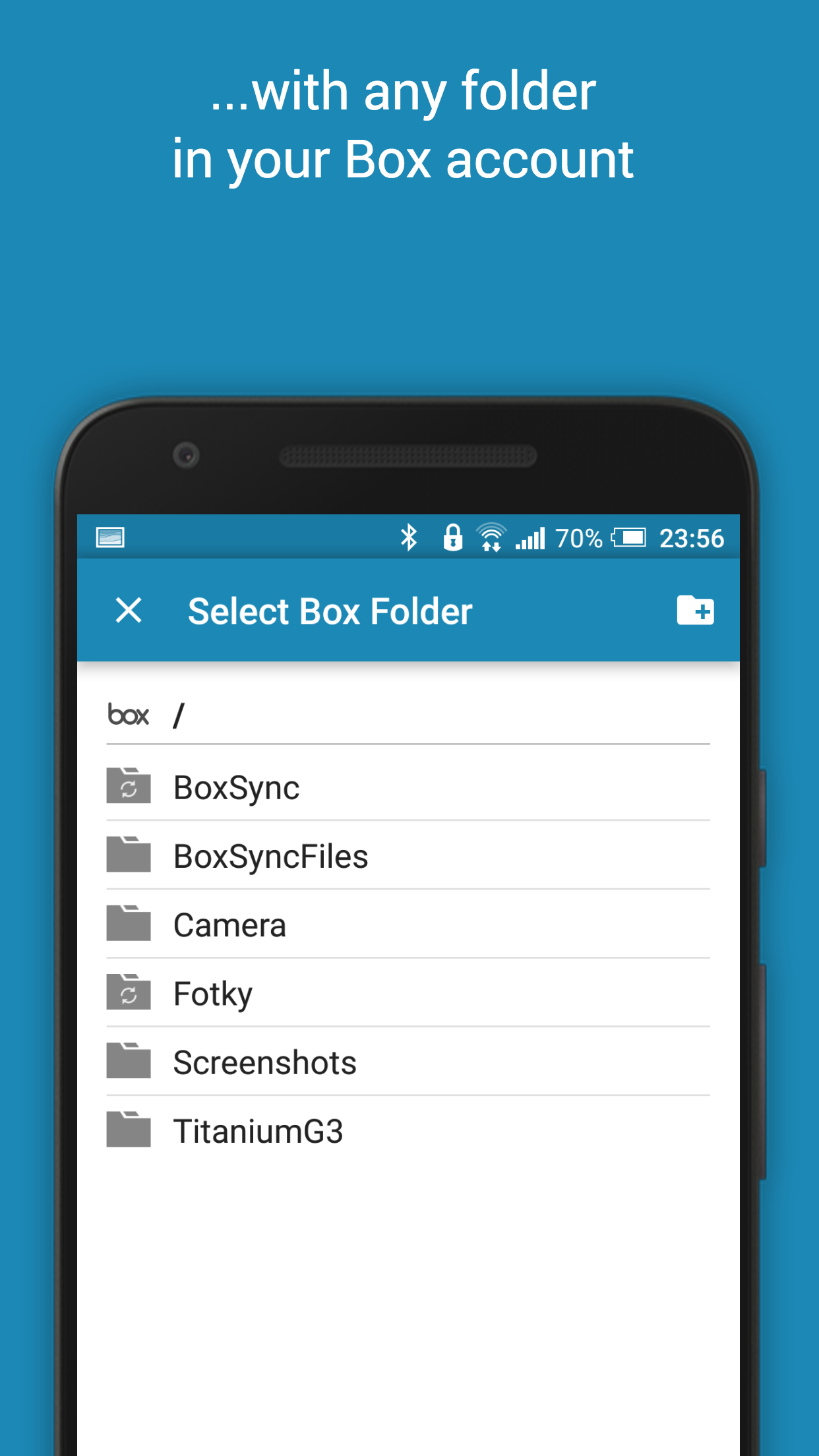
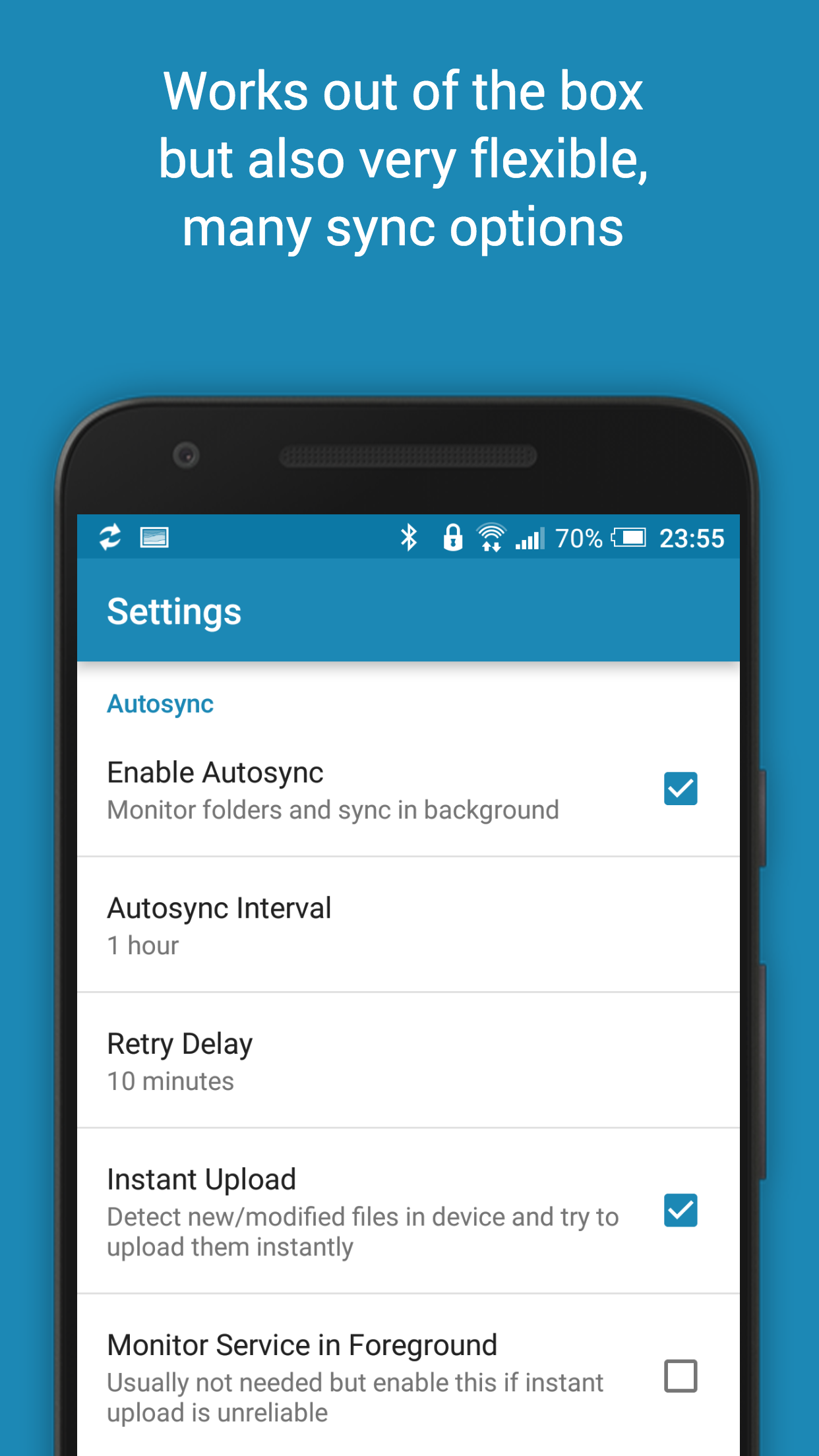
This application serves as an automated tool for file synchronization and backup. It enables users to seamlessly synchronize files and folders with Box cloud storage, in addition to managing connections with other devices. This makes it particularly useful for syncing photos, backing up documents and files, transferring files automatically, and sharing files between devices effortlessly.
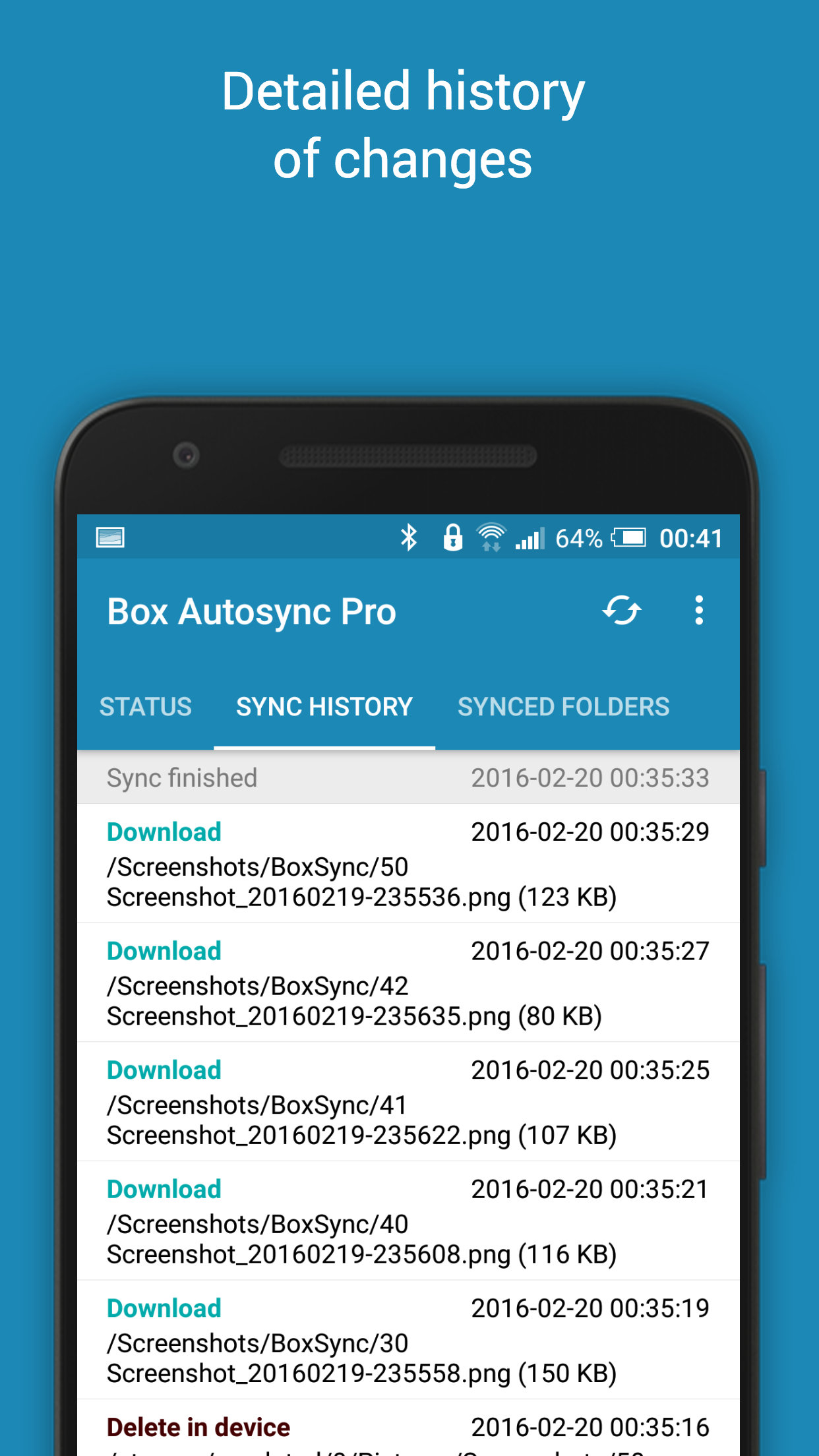
Files that are newly added to your cloud account will be instantly downloaded to your device, while new files on your device are uploaded correspondingly. If you remove a file from one location, it will also be deleted from the other. The app functions across various devices, such as smartphones and tablets, ensuring that if their folders are linked to the same cloud account, they remain synchronized.
This functionality mirrors how Box operates on computers; however, it is not yet available on Android devices. Two-way automatic synchronization should ideally be a fundamental feature of the official app, but this is unfortunately not currently the case. BoxSync aims to address this shortcoming.
All transfers and communications between users’ devices and cloud storage services are securely encrypted, ensuring no data passes through our servers. Therefore, unauthorized individuals cannot decrypt, view, or alter any file content.
CORE FEATURES
• Comprehensive two-way automatic synchronization of files and folders
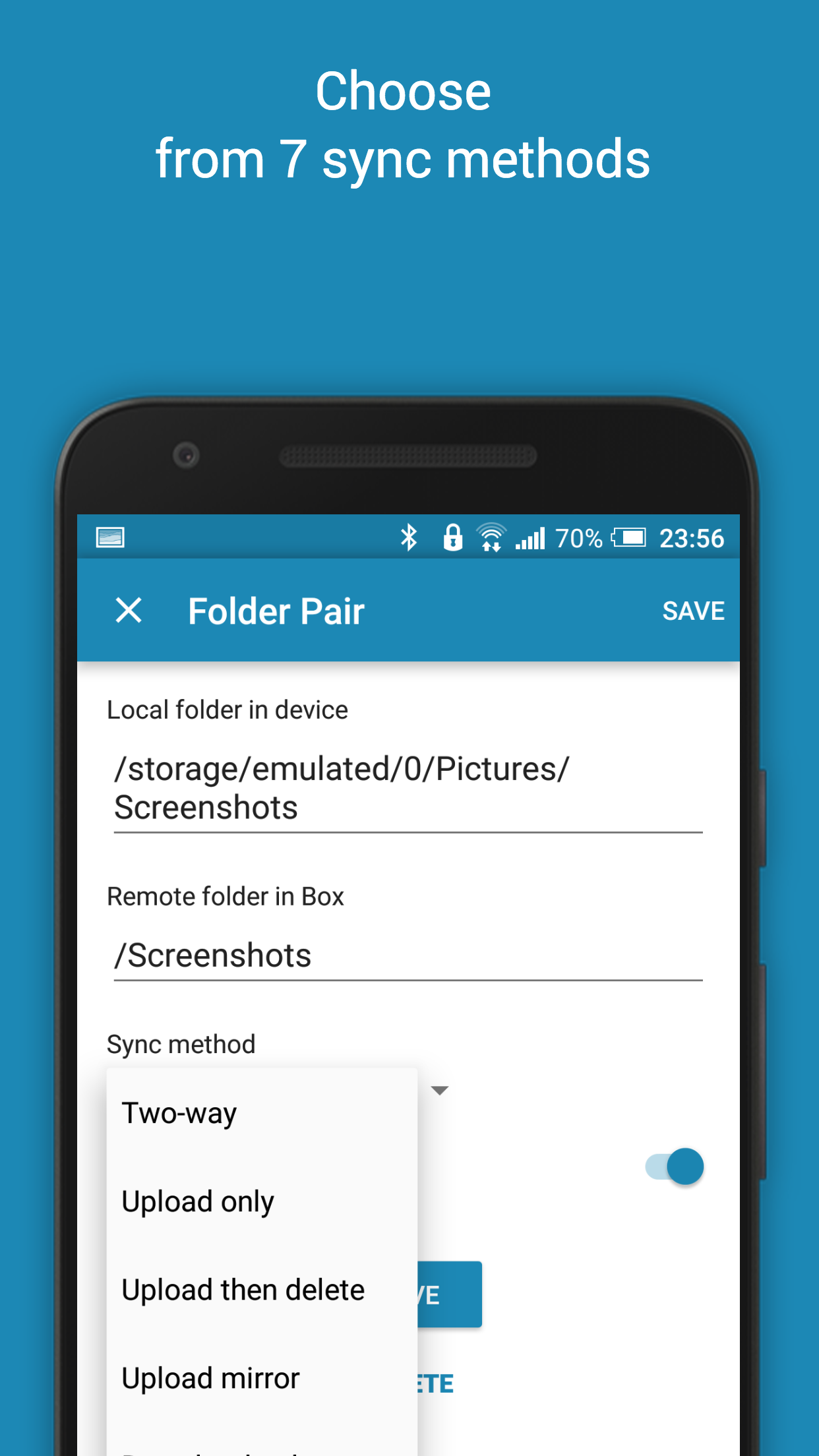
• Multiple sync modes available. Alongside two-way, options include Upload only, Upload then delete, Download only, and Download mirror, among others.
• Highly efficient with minimal battery usage
• Simple setup process; once configured, files will continuously stay in sync without user intervention
• Dependable performance under varying network conditions on mobile devices
• Monitors battery status, WiFi/3G/4G/LTE connectivity, adjusting its operation based on user preferences
• Customizable autosync intervals: 15 minutes, 30 minutes, hourly, etc.
If you appreciate the functionalities of this app, consider opting for the premium version. This decision supports ongoing development and grants access to exclusive features through in-app purchase.
PREMIUM BENEFITS
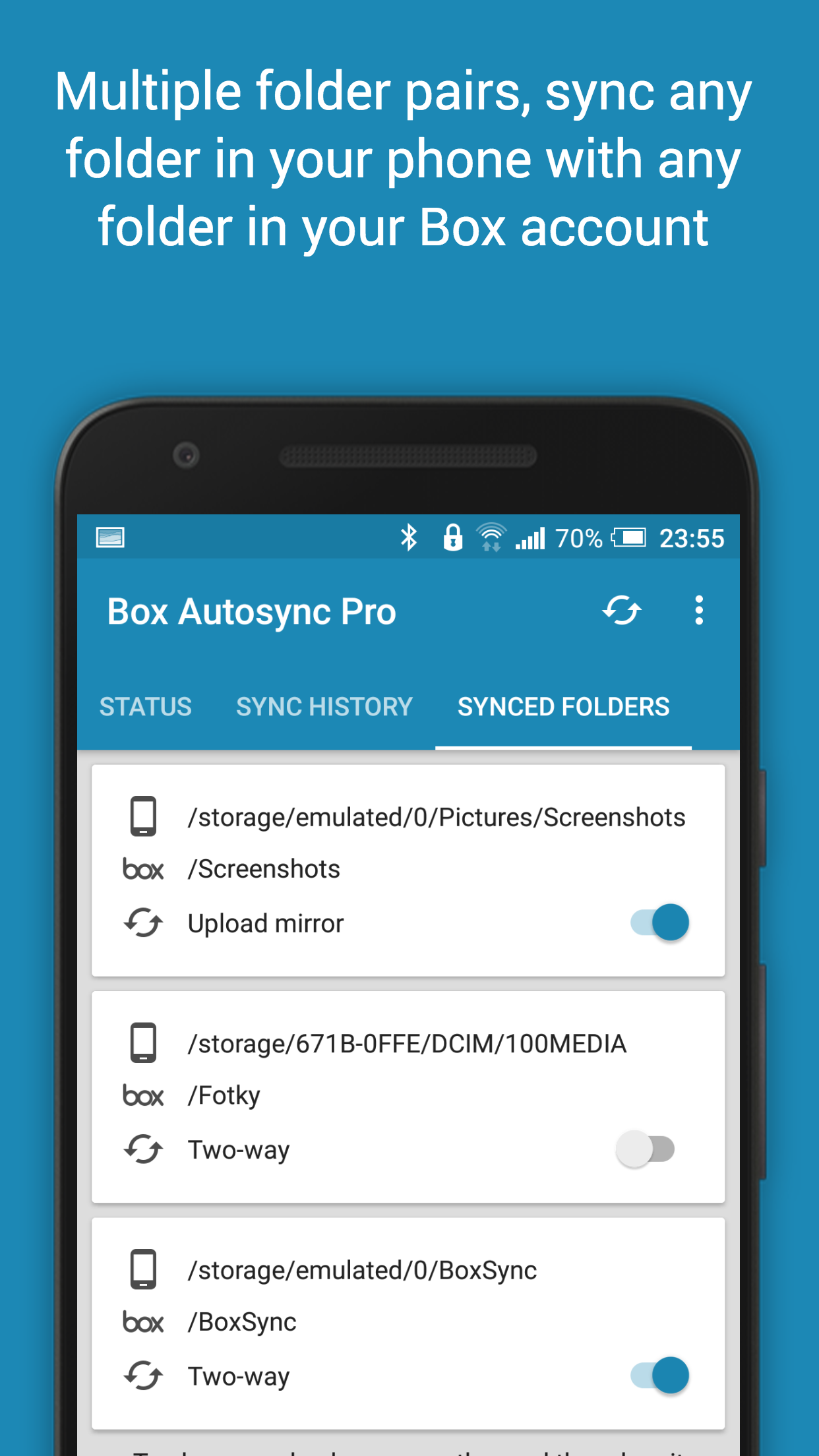
• Ability to synchronize multiple folder pairs
• Upload files exceeding 10 MB
• Synchronize an entire cloud account with a designated folder on your device
• Support for multiple accounts synchronization
• Option to secure app settings with a passcode
• No advertisements displayed within the application
• Direct support from the developer
ASSISTANCE
For further details about the application, including the User's Guide and FAQ, please reference our website. If you encounter any issues or have suggestions for improvement, please do not hesitate to reach out for assistance.
HOW IT WORKS
Our apps let you automatically sync and share unlimited files and folders with your cloud storage service and with your other trusted devices. Sync and share any files! Photos, videos, documents, PDFs, MP3s, ebooks, backups…
New files in your device are uploaded to cloud storage. New files in cloud storage are automatically downloaded into your device. If you delete a file on one side, it will be deleted on the other side. It works across multiple devices (your phone and your tablet). If their folders are synced with the same cloud storage account, they will be kept in sync with each other.
This is how cloud storage clients work on desktop but it's not the same with their official Android apps. They are all manual. Our apps are all about automation. For example, they can be configured to instantly upload new photos. Those photos can be automatically downloaded to your other devices. If you later delete the bad photos on one device or in your cloud storage account, our apps will delete them everywhere. You take photos with your phone, get home, and all those photos automatically show up in your folder on your computer. No manual is work required.
You configure the app once, then can forget about it. Everything just works.
Our apps are ideal tools for photo sync, photo upload, music download, document and file backup, automatic file transfer, automatic file sharing between devices…
FAQs
1. **Will syncing be paused if the internet connection is disconnected? **
It will adjust based on network conditions. The app monitors the Wi-Fi/mobile network status and will pause syncing if disconnected, resuming it when the connection is restored. This prevents syncing errors caused by network fluctuations.
2. **Is there a difference in file size between the free and paid versions? **
Yes. The free version may limit upload file sizes (for example, files over 10MB cannot be uploaded), while the premium version supports large file uploads, making it suitable for backing up videos, large documents, etc.
3. **Can I only upload files to the cloud on my phone without automatically downloading them? **
Yes. There are multiple sync modes, such as "Upload Only." Selecting this will automatically upload new files to the cloud storage, but new files added to the cloud won't be downloaded to your device, saving space on your phone.
4. **Will syncing consume a lot of battery? **
No. The app is designed to be efficient to minimize battery consumption, and it will adjust its operation based on battery status to avoid excessive power consumption when the battery is low.
5. **If multiple devices use the same cloud account, will files affect each other?**
They will sync, but you can control them. As long as the folders are linked to the same account, they will remain synchronized between devices (for example, if device A deletes a file, device B will also delete it). However, you can limit the scope of operations by selecting different sync modes (such as "Download Only").
6. **Concerned about file security? Is the transfer process encrypted?**
Yes. All transmissions and communications between devices and cloud storage are encrypted, and data does not pass through third-party servers. File contents cannot be viewed or modified by others, ensuring security.
- Version6.5.1
- UpdateOct 15, 2026
- DeveloperMetaCtrl
- CategoryProductivity
- Requires AndroidAndroid 5.0+
- Downloads57K+
- Package Namecom.ttxapps.boxsync
- Signature708d8aa9c060094224ffad6b1faa4ecd
- Available on
- ReportFlag as inappropriate
-
NameSizeDownload
-
9.44 MB
-
9.44 MB
-
9.44 MB













Easy remote data access
Quick syncing to new devices
Multiple sync options available
Reliable for various file types
Automatic backup for photos and videos
Intuitive user interface
Good developer support
Real-time folder synchronization
Difficult account creation process
Limited character count for file names after update
Slow upload speed for small files
Network errors disrupting syncing
Lack of features in the free version
Confusing sync direction options
Issues with maintaining internet connection
Update bugs causing loss of files