
Nextcloud Talk - Secure calls & chat
Connect with friends or colleagues through encrypted video, audio, & chat while maintaining total control over your data.
- 22.0.2 Version
- 3.0 Score
- 315K+ Downloads
- Free License
- 3+ Content Rating

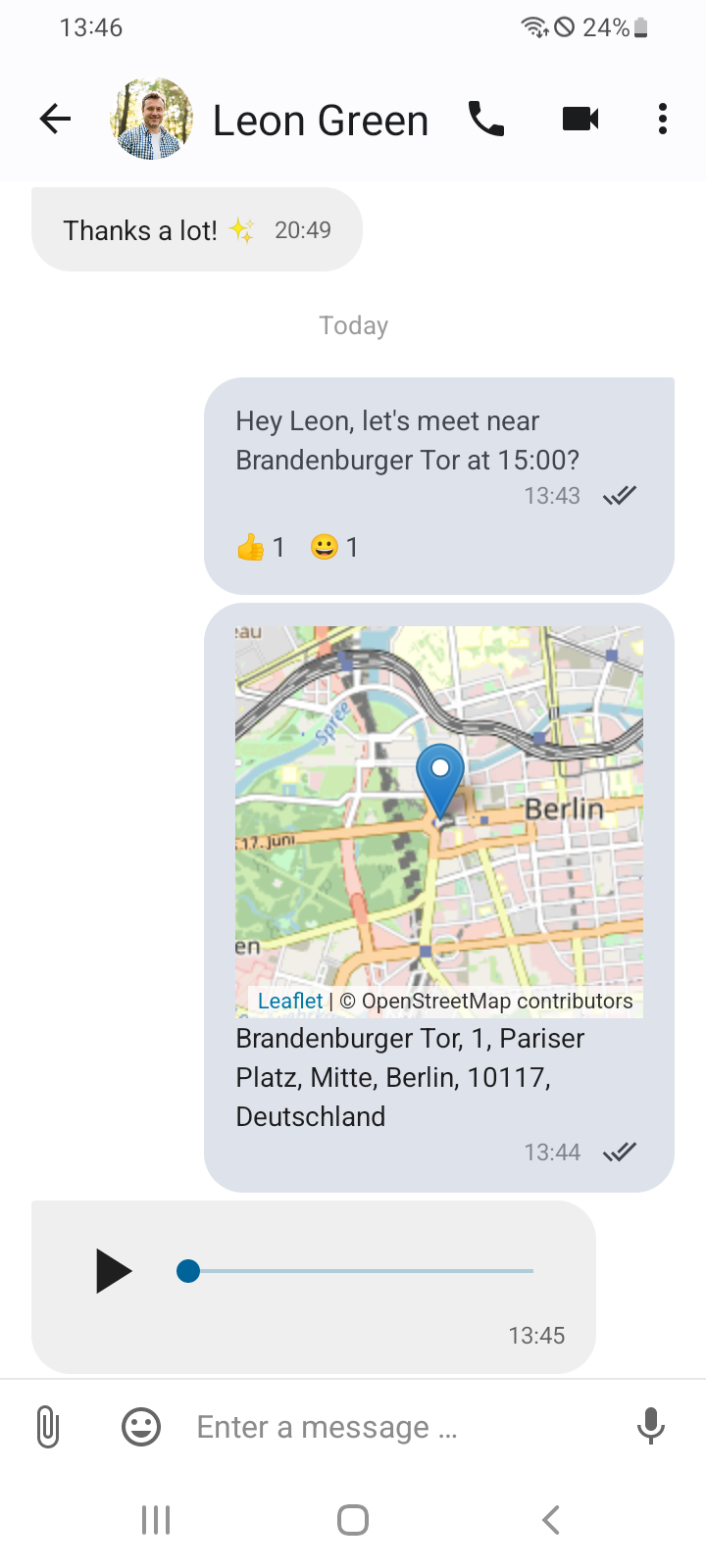
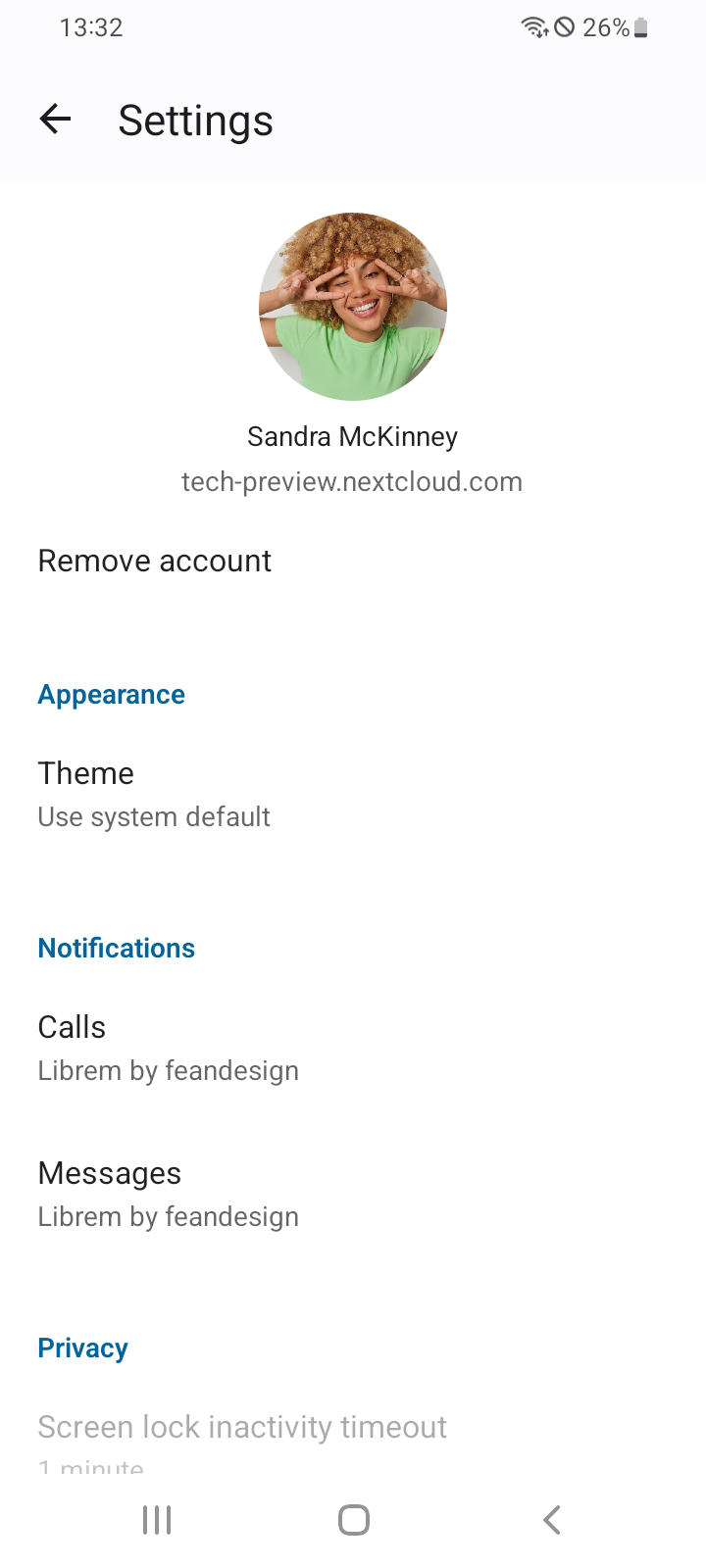
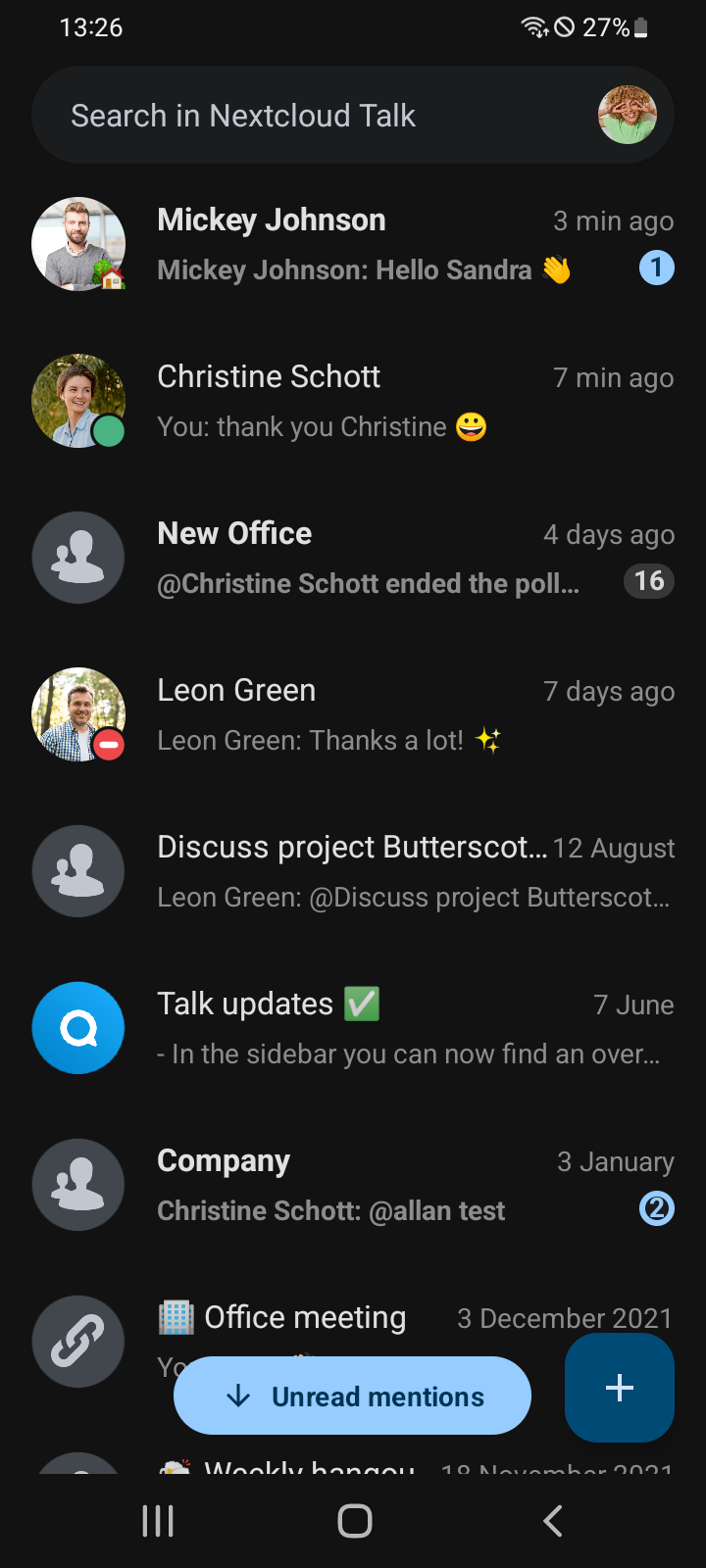
About Nextcloud Talk
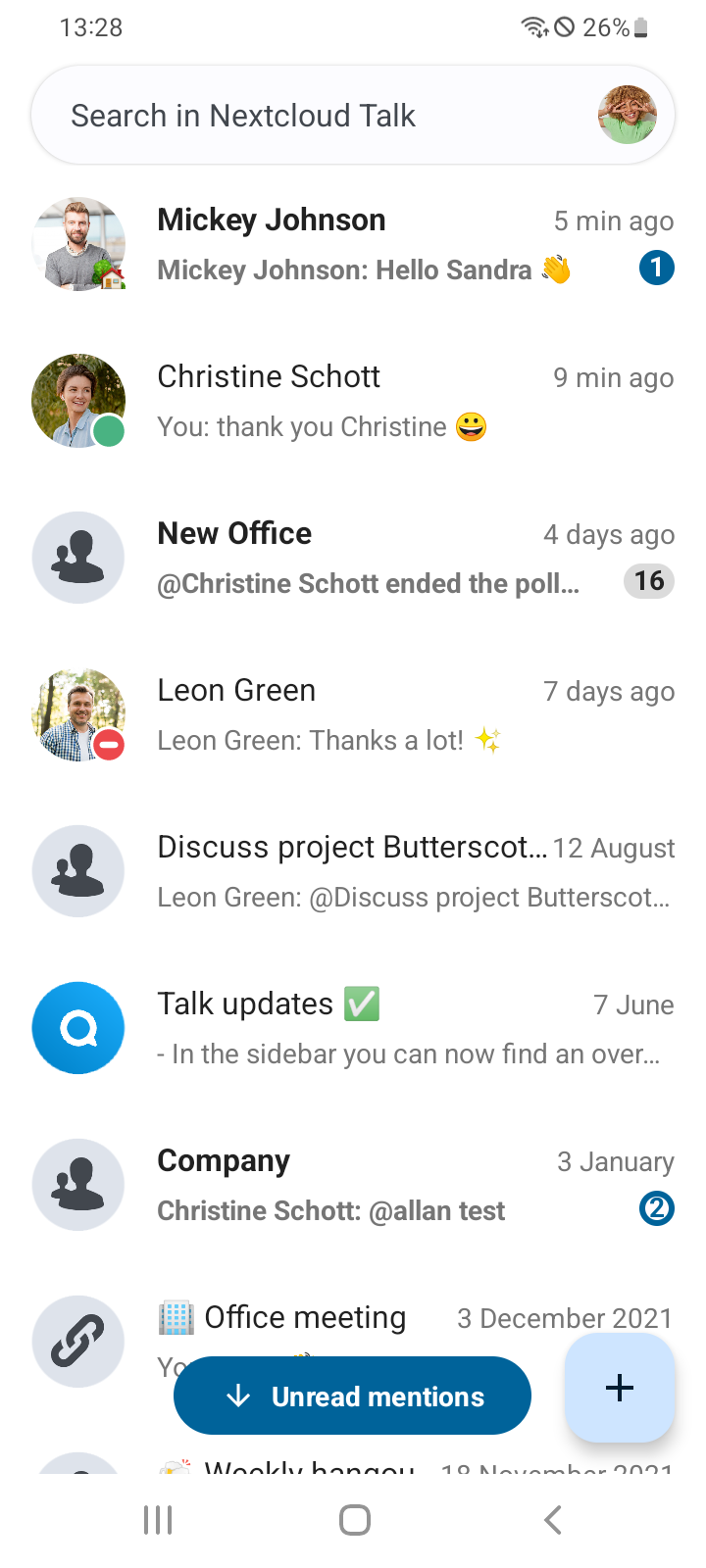
Nextcloud Talk is an open-source communication app for individuals, teams, and organizations. It supports private and group messaging, voice and video calls, screen sharing, online meetings, and webinars. Unlike conventional cloud-based messaging services, it connects to a Nextcloud server hosted privately, managed by an organization, or provided by a hosting provider.
The app supports both everyday conversations and larger online events. Users can start individual or group calls, exchange messages, and share screens during discussions. Public conferences and webinars provide additional options for online communication. Integration with Nextcloud Files and Groupware extends its functionality to shared files, calendars, and contacts.
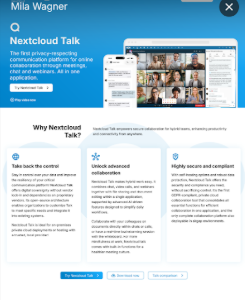
Nextcloud Talk supports flexible deployment, including self-hosted installations and environments with restricted internet access. End-to-end encryption is available for supported calls, and the open-source code can be inspected or modified. SIP gateway support also allows telephone participants to join through compatible connections.
Nextcloud Talk is available for Android and iOS, but requires an existing Nextcloud Talk server. The software is free and open source, with optional enterprise support and professional services from Nextcloud GmbH.
Key Features
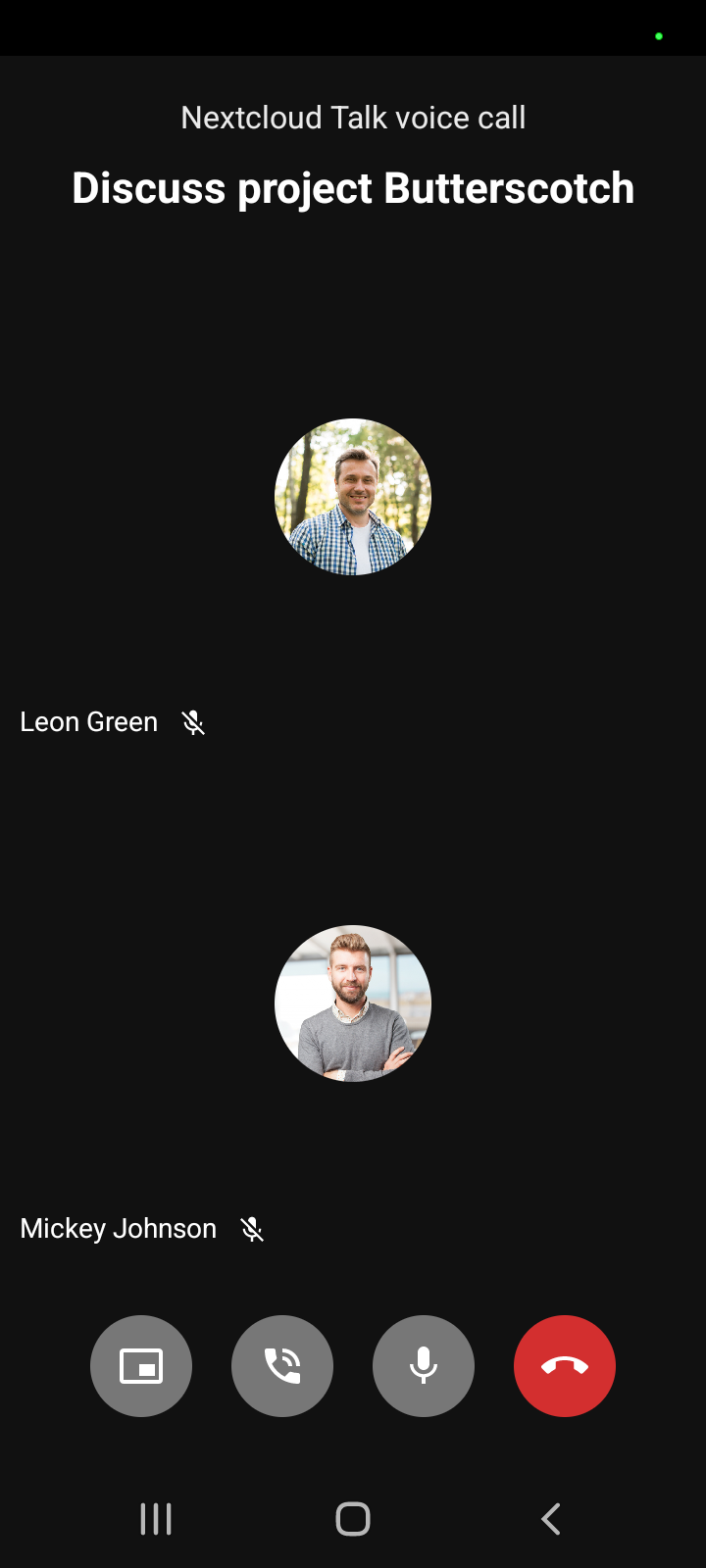
Audio and Video Calls: Make one-to-one and group calls with HD audio and H.264 video.
Private and Group Messaging: Exchange messages through individual conversations and group chats.
Meetings and Webinars: Organize or join public conferences and larger online events.
Screen Sharing: Share documents, presentations, and other on-screen content during calls.
End-to-End Encryption: Use end-to-end encryption for supported calls.
Nextcloud Integration: Access shared files, calendars, and contacts through compatible Nextcloud services.
Push Notifications: Receive alerts for incoming messages and calls on mobile devices.
SIP Gateway Support: Allow participants to join calls through compatible telephone connections.
Open-Source Software: Inspect and modify the source code to meet specific requirements.
Flexible Deployment: Run Talk on personal or organizational servers, including restricted-network environments.
How to Use Nextcloud Talk
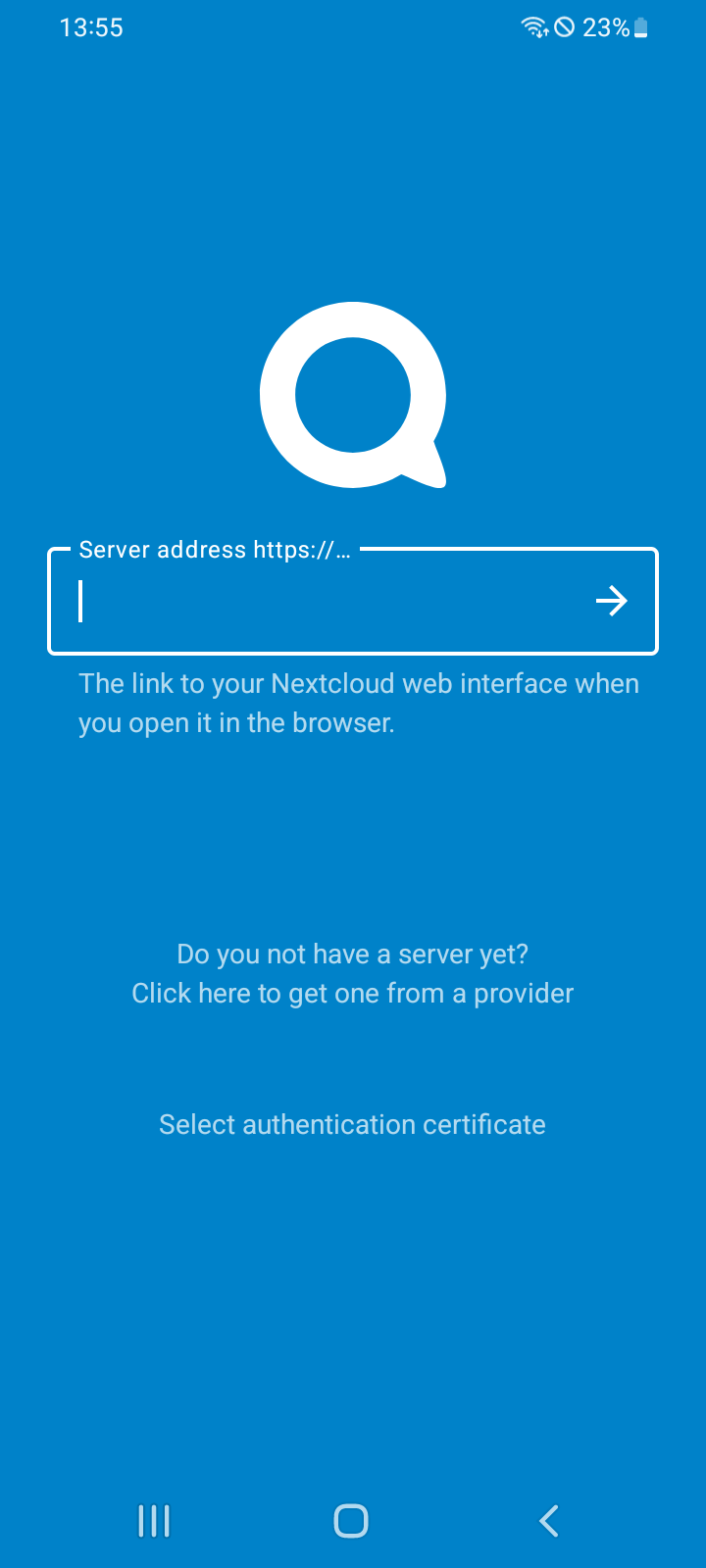
Install the Android or iOS app and enter the address of an existing Nextcloud Talk server. Sign in using your account credentials. You can connect to a personal installation, an organization-managed server, or a hosting provider's service.
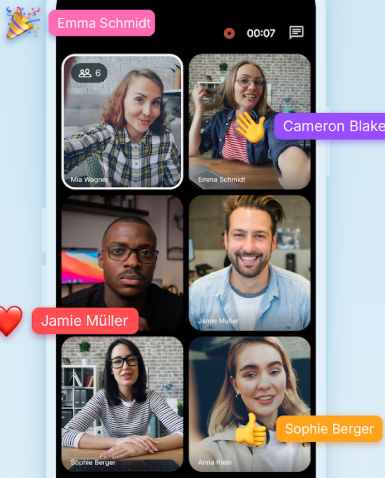
After signing in, open an existing conversation or start a private or group discussion. Messages, voice calls, and video calls are accessible through the conversation interface. During supported calls, you can also share your screen.
Additional tools depend on the server's configuration and installed Nextcloud applications. File sharing, calendar integration, larger meetings, and SIP connections may require corresponding services or server-side setup.
FAQs
1. Is Nextcloud Talk free?
Yes. Nextcloud Talk is free and open-source software. Enterprise support and professional services are available separately from Nextcloud GmbH.
2. Can I use Nextcloud Talk without a server?
No. The mobile app requires an existing Nextcloud Talk server. You can connect to your own installation, a hosting provider's server, or one managed by your organization.
3. Does Nextcloud Talk support group video calls?
Yes. It supports individual and group audio and video calls, as well as larger meetings and webinars. The maximum number of participants depends on server resources and configuration.
4. Does Nextcloud Talk support end-to-end encryption?
Yes. End-to-end encryption is available for supported calls. Availability depends on the communication type and server configuration.
5. Is Nextcloud Talk available for Android and iOS?
Yes. Dedicated apps are available for both platforms, supporting messaging, voice and video calls, and mobile push notifications.
6. Can Nextcloud Talk integrate with other Nextcloud apps?
Yes. It integrates with Nextcloud Files and Groupware, supporting file sharing, calendar access, and contact management.
- Version22.0.2
- UpdateNov 20, 2026
- DeveloperNextcloud
- CategoryCommunication
- Requires AndroidAndroid 8.0+
- Downloads315K+
- Package Namecom.nextcloud.talk2
- Signature39ed06b277bb094464c53693b0861bfe
- Available on
- ReportFlag as inappropriate
-
NameSizeDownload
-
106.91 MB
-
106.91 MB
-
106.90 MB










High level of privacy and data control
Self-hosting capability for personal or family servers
Continuous improvements in app functionality
Integration with Nextcloud ecosystem for seamless use
Flexible communication options: text, voice, and video
Compatible across multiple platforms (Android, iOS, Windows, Linux)
Strong community support and developer responsiveness
Free and open-source software (FOSS)
Frequent notification failures leading to missed messages
Bugs causing crashes and connection issues during calls
Confusing and inconsistent user interface
High resource usage on devices
Lack of basic functionalities like direct file sharing from local storage
Connectivity issues specific to certain devices or operating systems
Complicated setup process for users not familiar with self-hosting
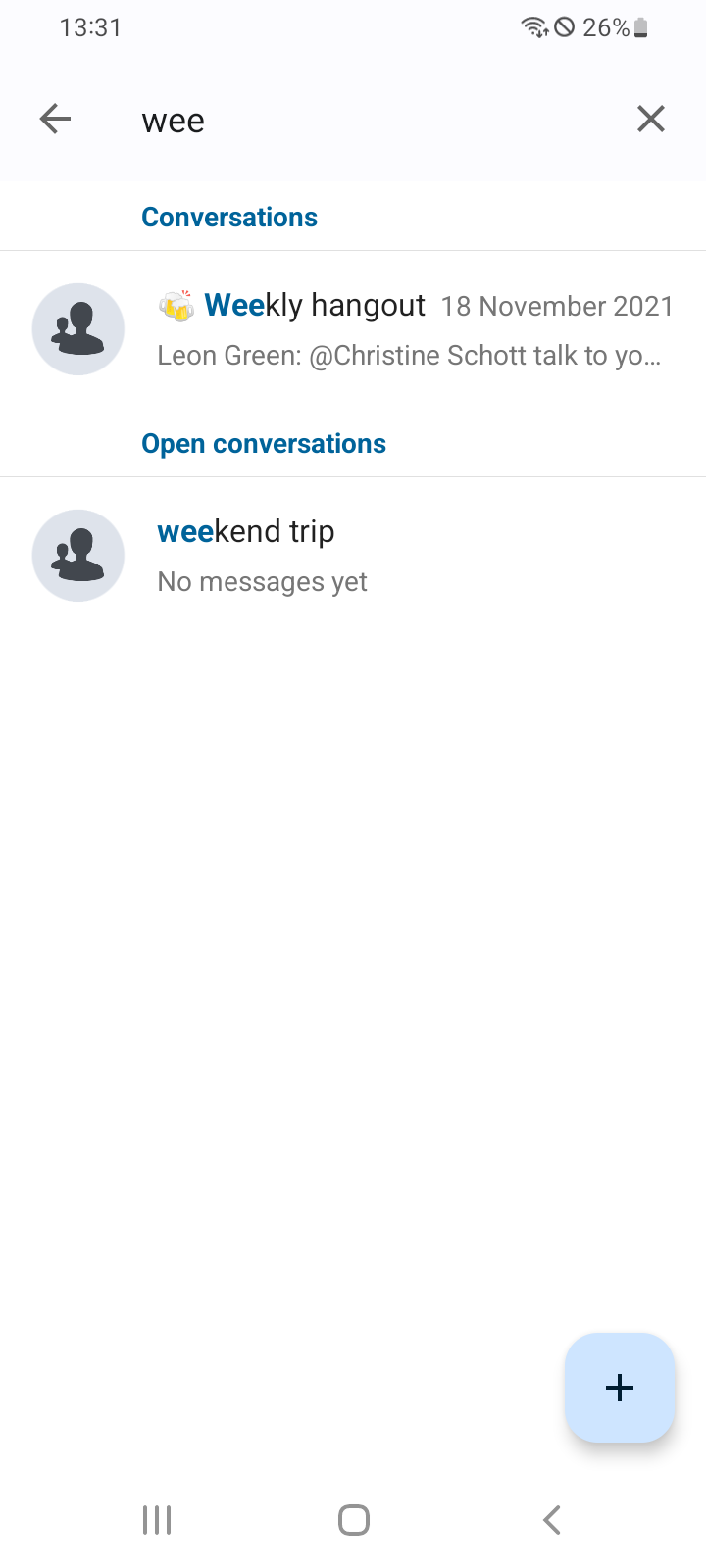
Missing features such as proper chat search function and multimedia support