
Metricool for Social Media - Social media management & analytics
Unlock your social potential with easy analytics, unified inbox & content scheduling for effortless audience engagement.

- 3.13.1 Version
- 2.9 Score
- 283K+ Downloads
- In-app purchases License
- 3+ Content Rating

App Overview: Metricool for Social Media
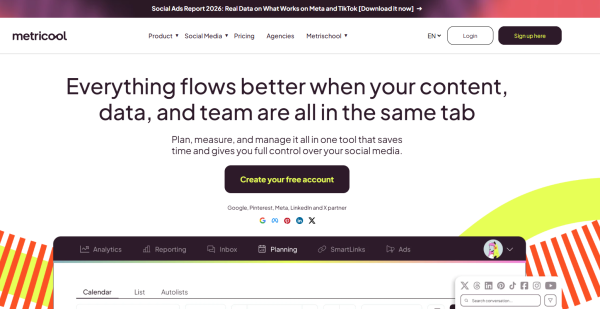
Metricool for Social Media, developed by Metricool Software SL, is the mobile companion to the Metricool social media management platform. It lets creators, agencies, and small teams plan posts, check analytics, reply to messages, and review reports from iPhone, iPad, or Android — without opening a desktop browser.
The app is positioned as an on-the-go control center: "Schedule, Manage & Grow Your Social Media." You connect your channels once, and Metricool for Social Media becomes the place to publish urgent content, glance at performance, clear an inbox thread, or pull a client report while away from the office.
Core platforms supported
Instagram, Facebook, Threads, YouTube, TikTok, LinkedIn, Pinterest, X/Twitter, Bluesky, Twitch, Google Business Profile, plus Meta Ads, Google Ads, and TikTok Ads.
What the app is best at:
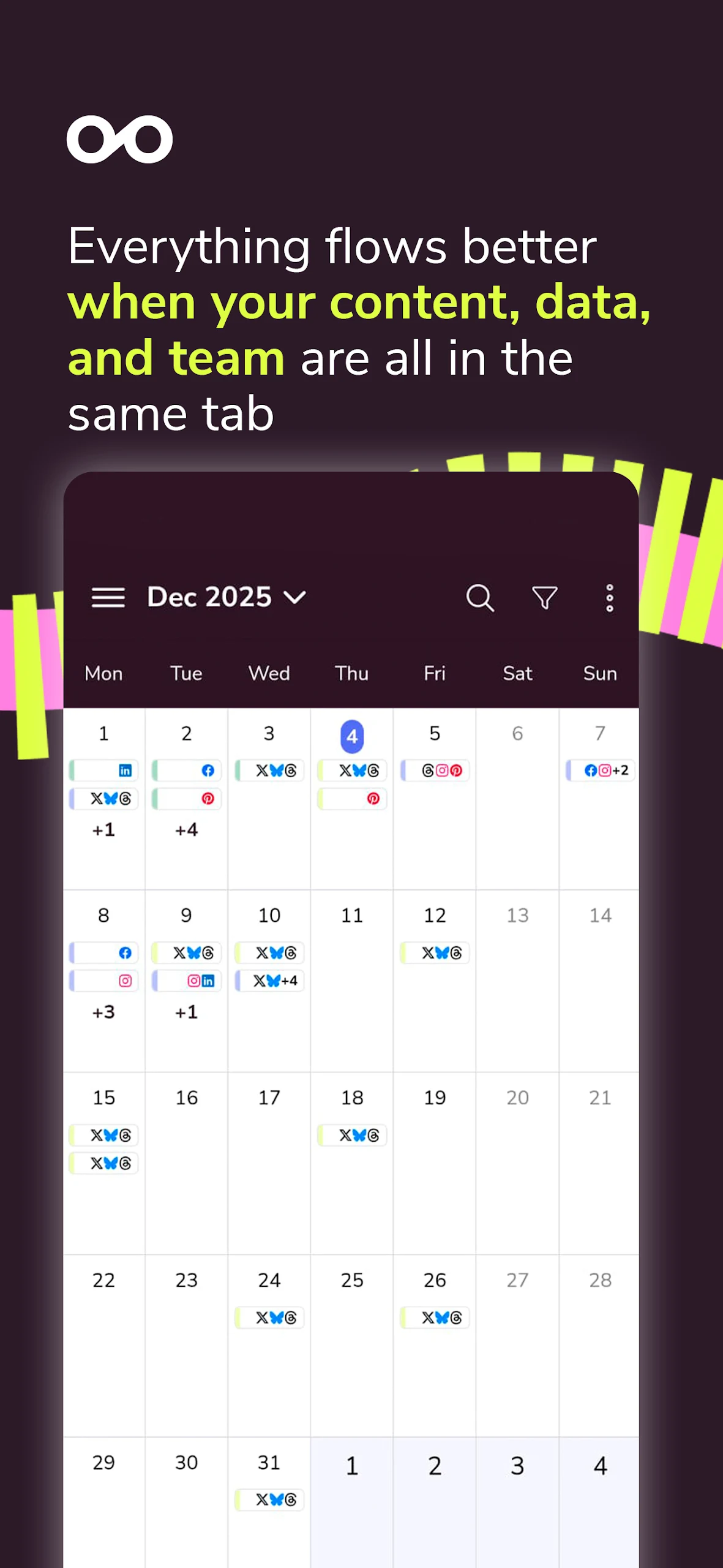
Visual calendar + quick scheduling from the "+" button
Best-time-to-post suggestions per brand
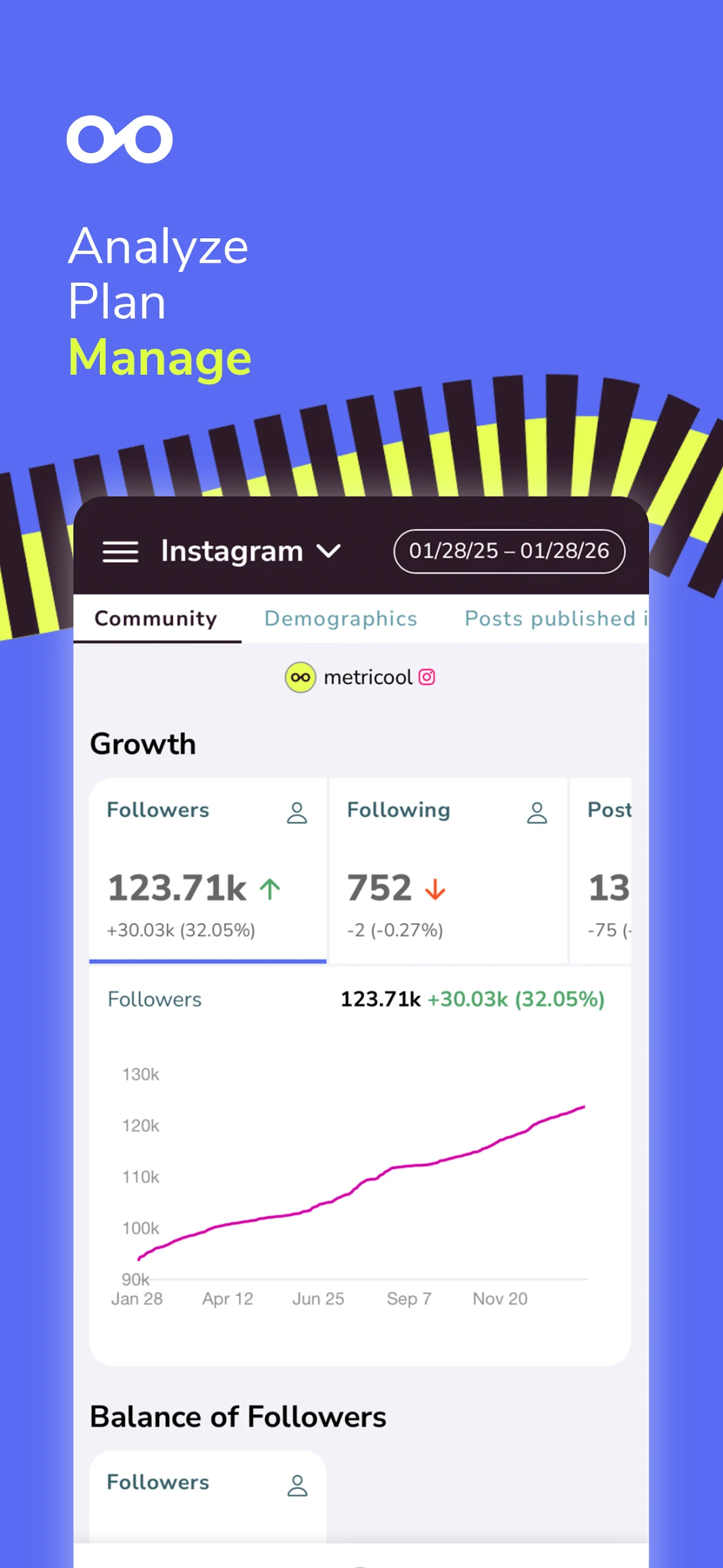
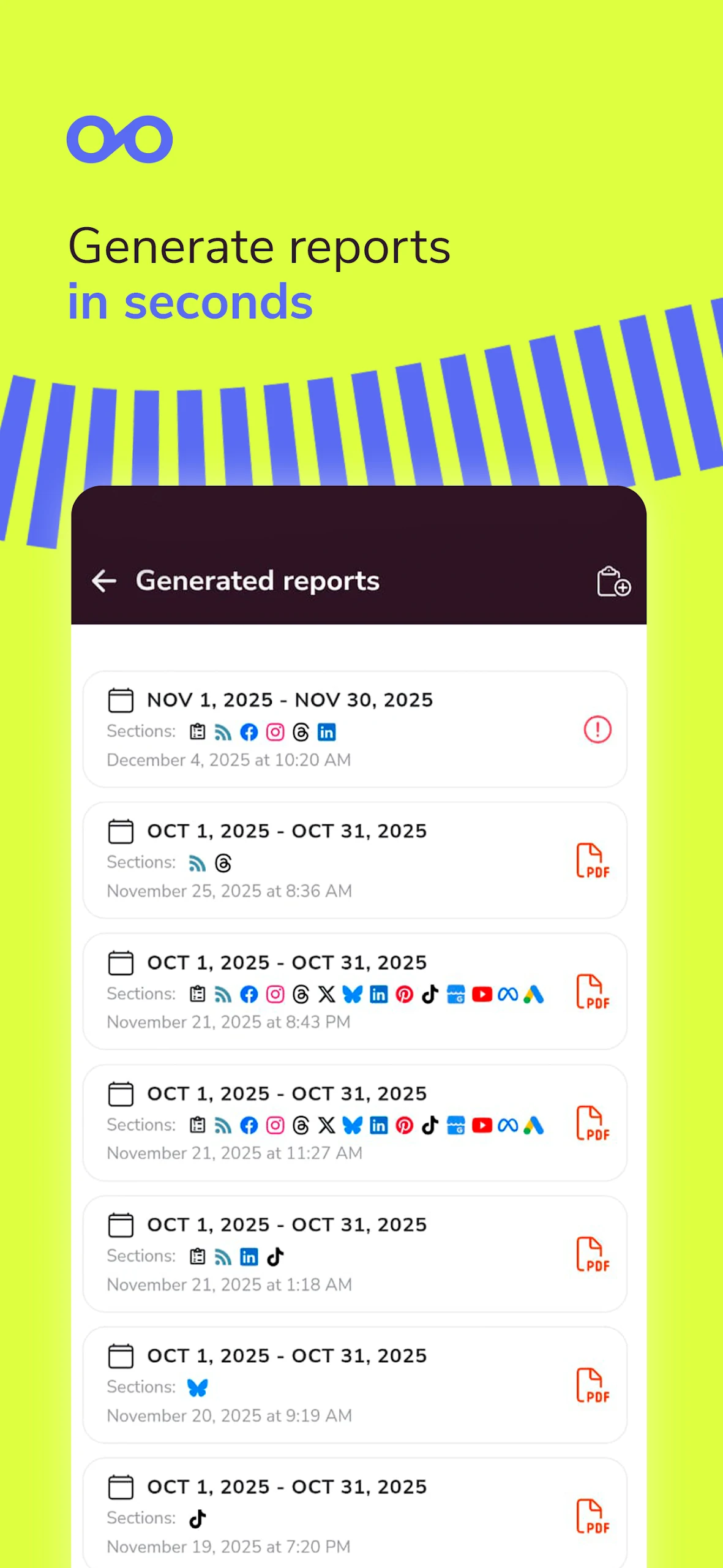
Basic analytics and one-click reports
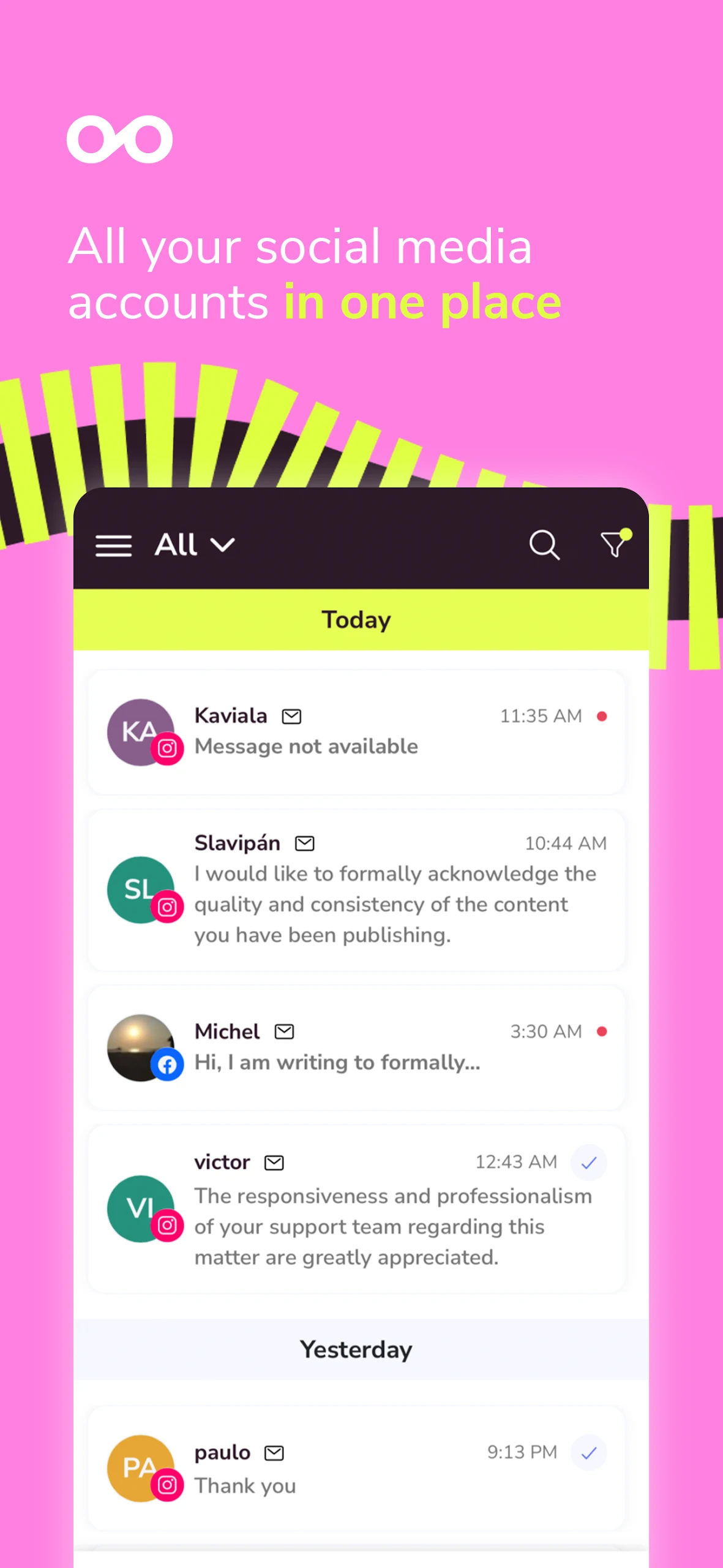
Unified inbox for comments, DMs, and GBP reviews
Push notifications for manual-publish platforms (Instagram/TikTok)
Brand switching for agencies managing multiple clients
How to Use Metricool for Social Media (Quick Guide):
1. Install and log in
Download Metricool for Social Media from the Apple App Store or Google Play. Free and paid accounts both work; you can also register inside the app. On Android you can log in with email, Facebook, or Google; on iOS, email + password (plus 2FA code if enabled).
2. Connect networks inside the brand
Tap your brand switcher and connect profiles before scheduling. You need admin/owner permissions on Facebook Pages, Instagram Business/Creator accounts, etc. Each brand holds one profile per platform.
3. Schedule a post from the bottom bar
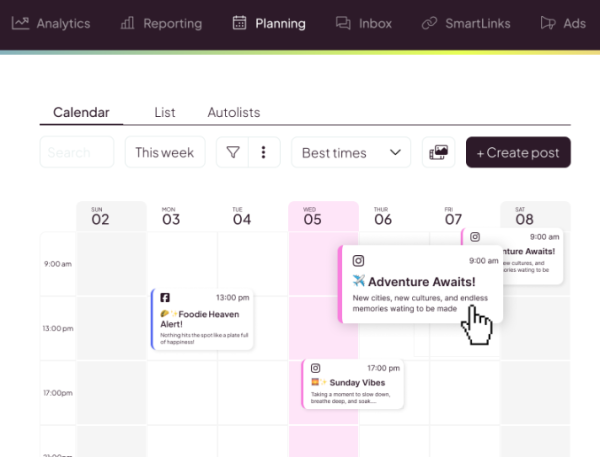
Tap the blue + button
Select networks (Instagram, TikTok, LinkedIn, X, Pinterest, etc.)
Upload media or pull from Metricool's image/video bank
Add caption, hashtags, mentions, location, alt text
Tap Continue → choose auto-publish, send to reviewer, or save as draft
4. Use the Calendar / Day / Agenda views
Review what's scheduled, drag nothing (mobile is tap-based), and check open time slots. Best-time slots are highlighted from your audience data.
5. Replies go through Inbox
Open the Inbox tab to answer Instagram, Facebook, TikTok, YouTube, X, LinkedIn comments/DMs and Google Business reviews in one thread list. Mark resolved when done.
6. Check analytics on the move
The Analytics tab shows follower growth, reach, engagement, Reels/Stories performance, competitor benchmarks, and ad metrics for connected campaigns.
FAQ — Metricool for Social Media
1、Is Metricool for Social Media free?
Yes to download and use. The free plan includes 1 brand and 20 scheduled posts per month; analytics history is limited to 30 days. Paid plans raise brand count, posting limits, competitor tracking, and report history.
2、Which features are available in the app vs. desktop?
Mobile supports plan/edit/duplicate posts, best times, AI caption generation, post library, Google Drive access, analytics, inbox, reports viewing, brand switching, task approvals, and push notifications. It does not support Ads dashboards, SmartLinks, user management, or subscription settings.
3、Why do some posts send a notification instead of auto-publishing?
Instagram Stories with links/stickers and some TikTok uploads need manual confirmation. Metricool for Social Media sends a push notification so you finish publishing from your phone.
4、Can I manage client accounts from the app?
You can switch between brands and reply/approve content, but adding users, roles, and connections is done on desktop. The app is built for execution, not account administration.
5、Does the app replace the web version?
No — it's a companion. Desktop remains the full workspace; Metricool for Social Media is for scheduling on the go, quick replies, and checking metrics.
- Version3.13.1
- UpdateOct 15, 2026
- DeveloperMetricool
- CategorySocial
- Requires AndroidAndroid 5.1+
- Downloads283K+
- Package Namecom.ionicframework.metricool185346
- Signature70457167a36e5f6d55aea53843ed37cf
- Available on
- ReportFlag as inappropriate
-
NameSizeDownload
-
39.54 MB
-
30.33 MB
-
24.72 MB












Easy management of multiple social media accounts
Comprehensive analytics for performance tracking
User-friendly interface with modern design
Efficient scheduling of posts across platforms
Ability to connect various accounts in one place
Responsive customer support available
Continuous improvement with regular updates
Convenient features like Autolist for post recycling
Simple navigation through the app's layout
Complicated and overly lengthy login process
Frequent bugs causing app crashes and freezing
Requirement to connect Facebook for Instagram access
Limited functionalities compared to the browser version
Inability to easily delete accounts or edit settings
Problems with posting media, especially on Instagram
Poor integration options leading to connection errors
Misleading data analytics that may impact user decisions
Unreliable notifications about scheduled posts